
Adobe has just released the latest version of Lightroom Classic. The newest update, version 15.0 brings a set of new tools and workflow improvements aimed at image selection, organisation, and fine-tuning. The release also includes the usual additions to camera and lens support. Here’s a quick overview of what’s new:
(Just FYI, I haven’t had a chance to try this version out yet, as I had been pretty busy, so I’m taking most of this from the website and press release. If I discover anything interesting when using it I’ll let you know)
Just one other quick note. Where upgrading for the first time it will ask to upgrade your catalogue and this can take a bit of time. So if it looks like its doing nothing after you click upgrade - don’t force quit - it just takes a bit of time.
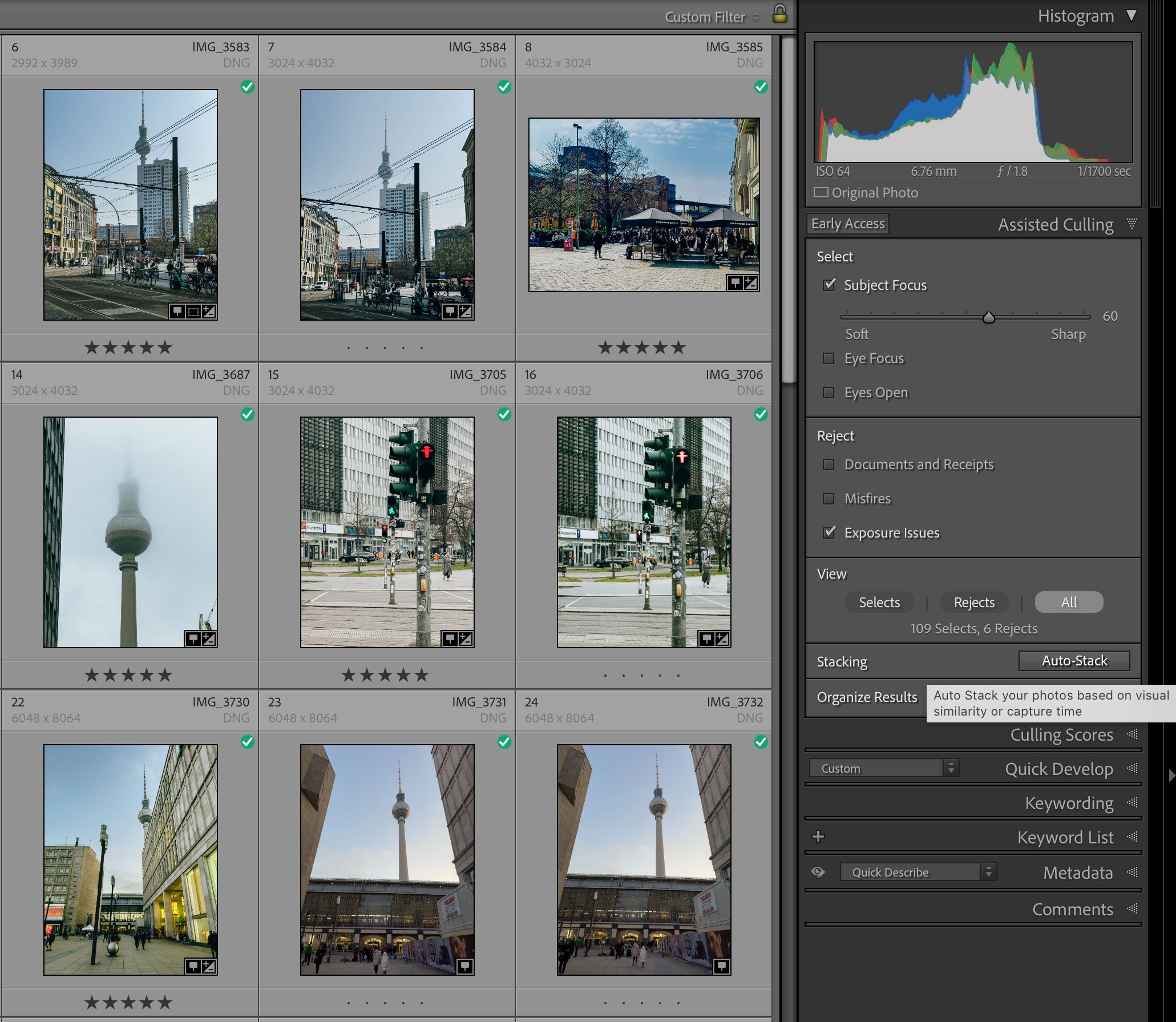
AI Powered Assisted Culling
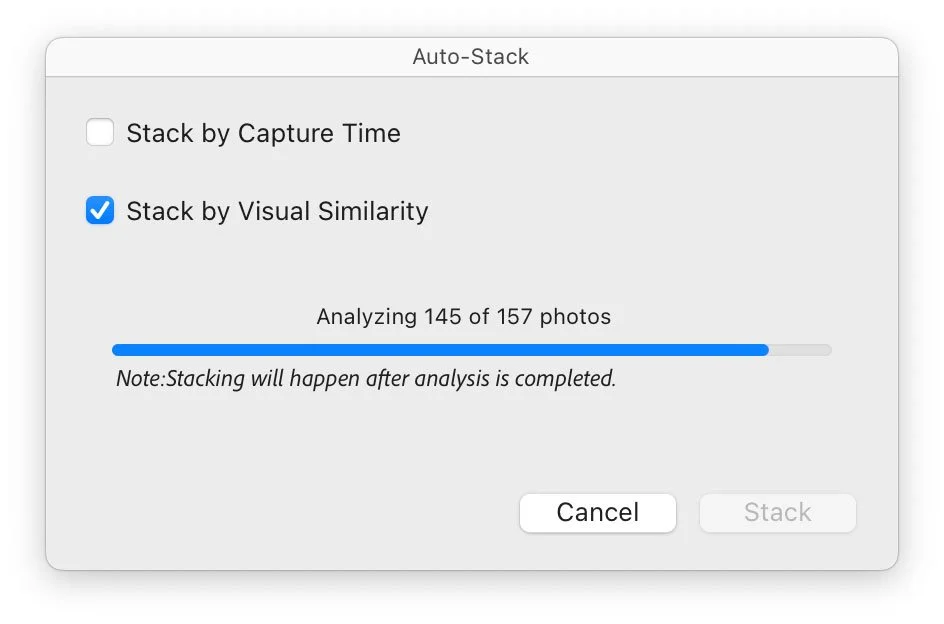
A new Assisted Culling feature is now available as an Early Access tool. It helps identify and select the best images from a shoot by analysing visual similarity, faces, sharpness, and composition. The idea is to make the initial selection process faster, especially after events or bursts with many near-identical frames. This is found in the Library module and integrates with existing flagging and rating tools. You can also use it to automatically stack images based on visual similarity
Dust Removal
A new AI powered dust removal function is designed to automatically detect and clean up dust spots caused by sensor debris or lens marks.
Zoom while Cropping
You can now zoom in while using the Crop tool, making it easier to fine-tune composition and ensure alignment around key edges or horizons. Previously, zooming was disabled during cropping, so this change should improve precision when adjusting framing.
Tether Support for Leica
The update adds tethered capture support for Leica cameras, allowing live-capture sessions directly into Lightroom Classic.
Colour Variance in Point Color
The Point Color tool now includes a Variance slider that provides an additional way to control hue and tonal spread. (I’ll be honest, I don’t completely understand how this works)
Performance Improvements
According to the release notes:
- Experience faster image previews while hovering over Presets, History, and Snapshots. You can now pause the live preview by holding down the Shift key.
- Experience smoother performance while cropping, especially with Soft proofing enabled. Image rendering is now quicker when editing in the Crop view.
Larger metadata changes are now stored as .acr files
Answering one of the questions from the previous release, large data for things like Denoise and Super Resolution will now be stored in a separate .acr file making it easier to manage this.
Additional Changes and Updates
Here are some additional changes and updates according to the release notes:
- Access 8 new Adaptive Landscape presets, including Spring, Summer, and more.
- The Detect objects tool now detects an object with its shadows or reflections to better remove it.
- With the new Snow element in the Landscape mask, you can now detect and edit snow in your winter shots.
- Experience a more organized and intuitive workflow in External Editing preferences. You can now:
- You can now export images to Photoshop in 16-bit or 32-bit HDR formats, which support three widely used color profiles: HDR sRGB, HDR Rec. 2020, and HDR Display P3.
- For SDR images, you now have the flexibility to select from an expanded range of color profiles, including Rec. 2020 and other custom ICC profiles that are pre-installed on your system.
- You can now see an Alert icon in a parent folder when any of its subfolders are missing and need to be relinked.
- Lightroom Classic now splits large metadata into XMP and ACR sidecar.
- The Color Labels applied to an image can now be saved or exported as part of its metadata.
- You can now export videos and slideshows in 4K quality.
- Lightroom Classic preserves capture time details with millisecond precision, displayed consistently across time-related fields in the Metadata panel. You can modify capture time details in the Edit Capture Time dialog box.
- Quickly adjust the HDR headroom with the HDR Limit slider.
- You can filter images by Likes and Comments in the Attributes panel and Smart Collection. You can also sync Likes and Comments in albums shared as an 'Invite only'.
- Quickly filter photos by stacked and non-stacked status directly from the Attribute panel.
- You can choose between the native tethered capture or the installed Fuji and Leica tethering plugins. If these plugins are installed, you can select your preferred mode when starting tethered capture with a Leica or Fujifilm camera.
- The Import options are now easily accessible in the top bar via a drop-down menu.
- The Reflection Removal tool is now better and faster.
As you can see there are quite a lot of smaller improvements in this release in addition to the headline feature of AI culling. As I mentioned earlier, If I find anything of interest when I’m trying it out I’ll report back. I’m eager to see if the AI culling can be part of my workflow, although it’s probably better suited to people doing event based photography where they need to sort a lot of photos quickly. Adobe has also released updates to most of the rest of their creative applications too, corresponding with tomorrow’s Adobe MAX event.