DxO has announced the release of FilmPack 8, the latest version of its film emulation software for macOS and Windows. The update brings a range of new tools designed to expand creative options and improve workflow, including a new Time Warp mode, direct integration with Adobe Photoshop, and additional film renderings. It also adds features for working with scanned negatives, updates to FilmPack’s historical Time Machine archive, and higher resolution versions of its creative effects.
If you haven’t used it before, DxO FilmPack is an application that allows you to simulate the look and feel of film. It provides a library of film-emulation renderings, grain algorithms, textures, frames and light effects that mirror traditional chemical and print processes. You can apply these effects to RAW or processed images, and adjust parameters such as colour response, vignette or contrast to match a chosen film style. FilmPack also works with other editing software, including deep integration with DxO PhotoLab, and as a plug-in to Adobe Lightroom and Photoshop.

New Features
Here are some of the new features in the new version 8 of DXO Film pack:
Time Warp Mode
FilmPack 8 introduces a new Time Warp Mode, which includes two tools. The first, called Time Travel, is a slider that allows users to apply looks from across 200 years of photographic history, simulating how an image would appear if captured with different film stocks and processes. The second, the Ageify slider, progressively ages and distresses an image, using effects based on historically accurate film characteristics.
Photoshop Integration
For the first time, the full FilmPack rendering library is available directly inside Adobe Photoshop. This gives users access to FilmPack’s looks within layers or flattened images, without needing to switch applications. FilmPack 8 remains compatible with DxO PhotoLab and Adobe Lightroom Classic.
New Film Renderings
The update includes 15 new film emulations, bringing the total library to 153. Additions include CineStill 800T, Harman Phoenix 200, Lady Grey B&W 120 ISO 400, and Kodak TMAX Pro 3200.
Scanned Film Optimisation
A new Scanned Film Optimisation tool is aimed at users working with home-scanned negatives. It provides one-click inversion for colour or black-and-white film, along with more than 10 tone curve presets designed to address common colour and density issues.
Expanded Time Machine
FilmPack’s existing Time Machine feature has been updated with 17 additional historical images and renderings. A new “webview” browsing mode makes it easier to browse DXO’s archive through a curated “Portrait” theme for easier exploration of film looks.
Digital Camera Renderings
In addition to film looks, FilmPack 8 adds four new renderings inspired by Fujifilm and Sony digital cameras, bringing their colour profiles into the software.
High-Resolution Effects
All creative effects in the software, including textures, frames, and light leaks, have been re-rendered at higher resolution for use with high-megapixel sensors.
Pricing and Availability
DxO FilmPack 8 is available now for macOS and Windows from DxO’s website. Pricing is as follows:
- New licence: $149.99 / €139.99 / £129.99
- Upgrade from FilmPack 7: $89.99 / €79.99 / £69.99
A 30-day trial is also available. If you’re a new customer you can use the code: ThomasFitzgerald15 to get 15% off (new customers only I’m afraid)
Note that this post contains paid affiliate links. We get a small commission for purchases made through these links, which helps run this site.
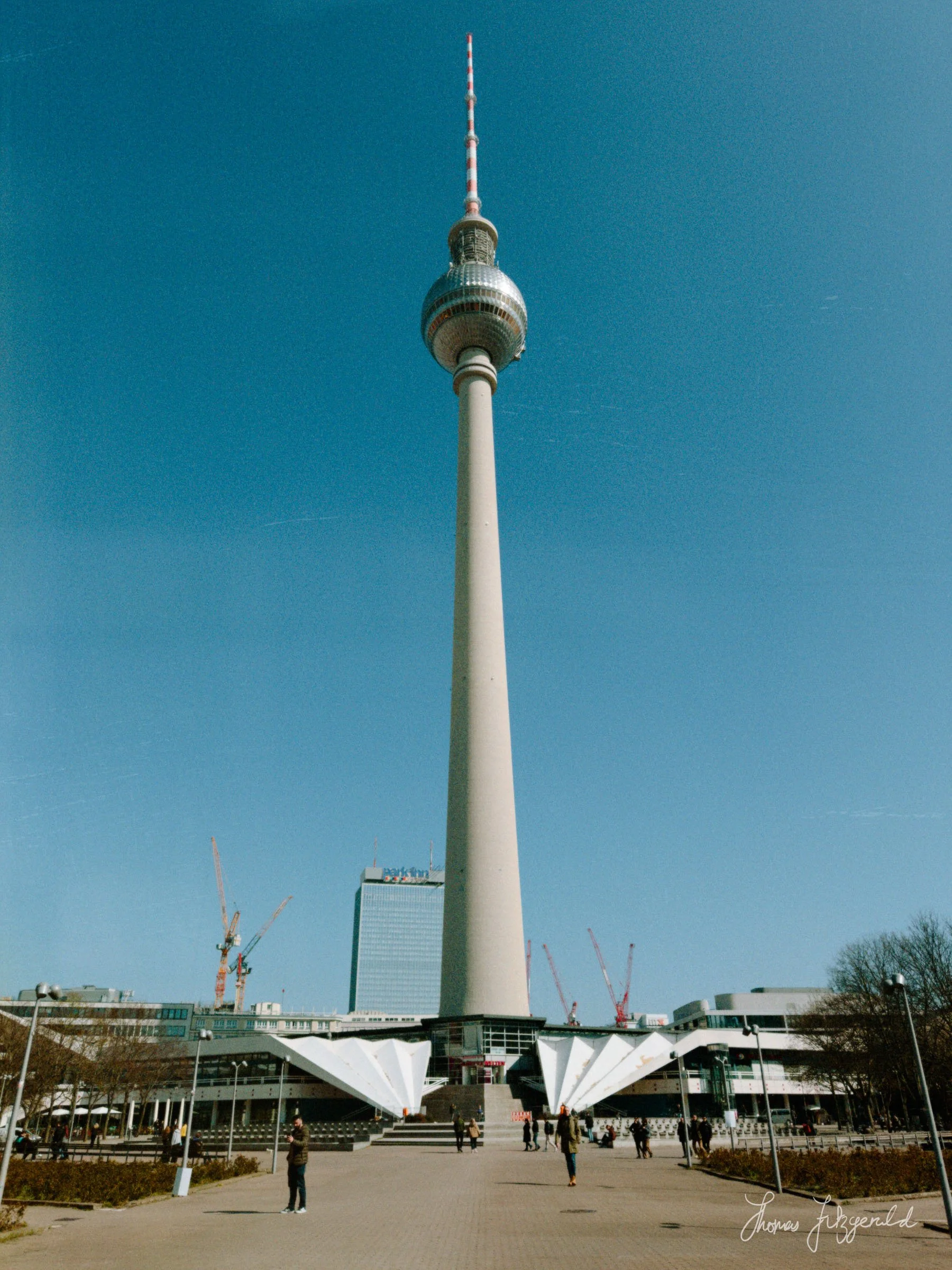
I’m going to try and do a proper walk through of Film Pack 8 shortly when I get a chance, as it actually does some pretty cool things. For now, here are some images I’ve processed with the beta version to look like film!