

Capture One has released a new update with a focus on portrait and colour tools, while Luminar’s autumn release combines revised automatic adjustments with a new printing workflow. Apple has also announced changes to Pixelmator Pro, and ON1 has launched its 2027 edition of its signature software.
Capture One 16.9 brings more retouching into the RAW workflow
Capture One 16.9 was released on 29 October, alongside version 4.2.0 of its mobile application. The headline additions are Stray Hair Retouching, Skin Tone Retouching and Body Skin Retouching, aimed at reducing repetitive portrait clean-up. Capture One says the new retouching tools process photographs locally, without uploading them to the cloud. Its official feature overview explains the additions.
Stray Hair Retouching provides separate controls for hair inside and outside the main hair area, with protection brushes for details you want to retain. The skin tools address differences such as red hands, colour casts and uneven texture across the body. For portrait and wedding photographers, these could reduce the number of images that need a separate Photoshop pass.
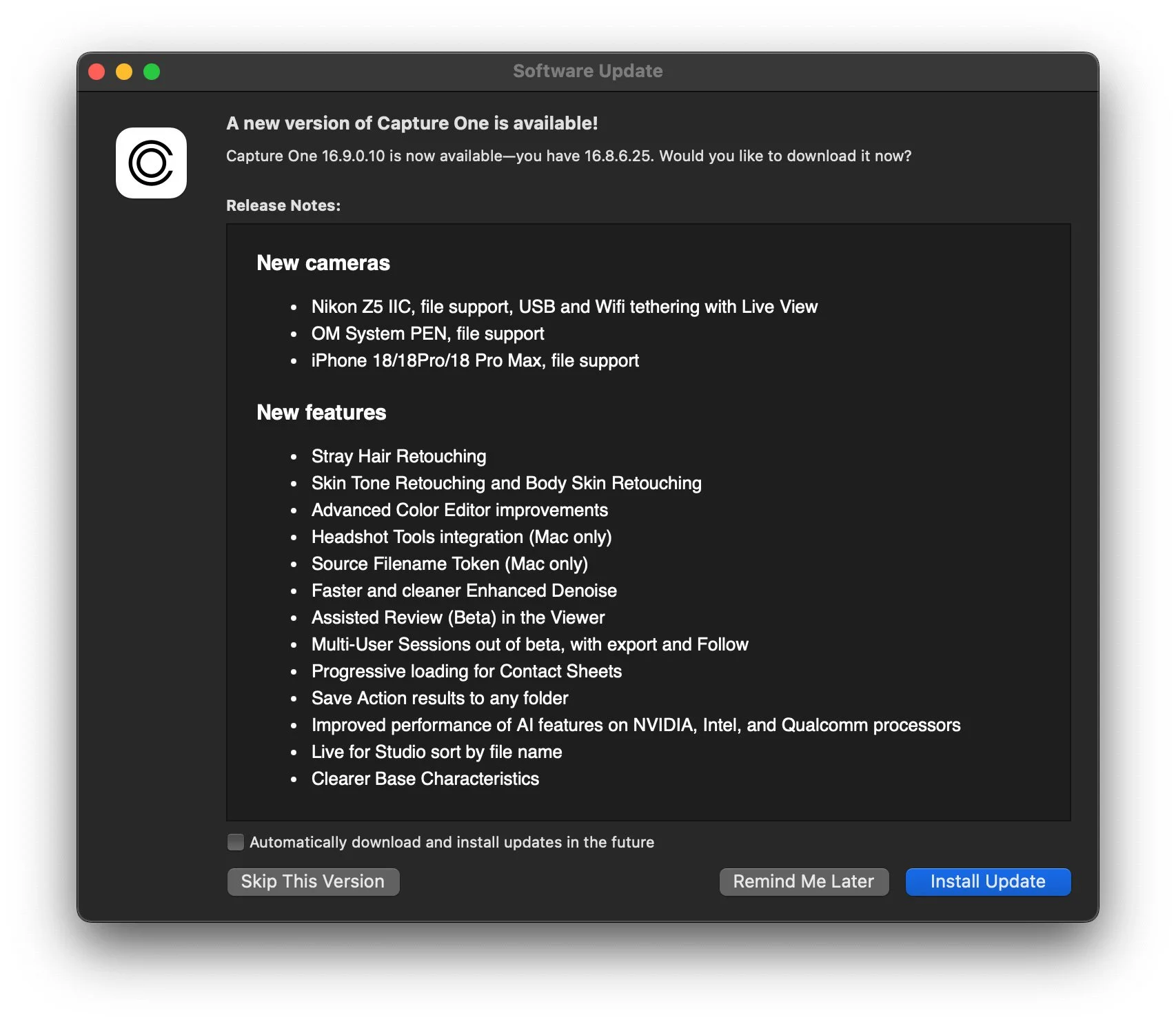
The Advanced Colour Editor also gains editable RGB and HSL targets, reference-colour matching and expanded uniformity controls. Capture One also reports approximately 30 per cent faster Enhanced Denoise processing for Bayer files.
One quick note before you upgrade: Sessions and Catalogues must be upgraded to version 16.9, after which older versions cannot reopen them without restoring a backup. Multi-User Sessions has left beta, while Assisted Review remains in beta. Full details are available in the release notes.
Luminar updates its editing tools and adds printing
Skylum’s Luminar Fall Update became available on 28 October. The new release revises Enhance, Atmosphere, crop suggestions and the AI Assistant, while adding signature and print ordering tools.
According to Skylum, Enhance now adapts its adjustments more closely to the photograph’s lighting, colour and subject. Atmosphere uses depth information to place volumetric fog within a scene, while Smart Compositions proposes crops based on the subject and compositional principles. The assistant can suggest adjustments in response to a description of the desired result.
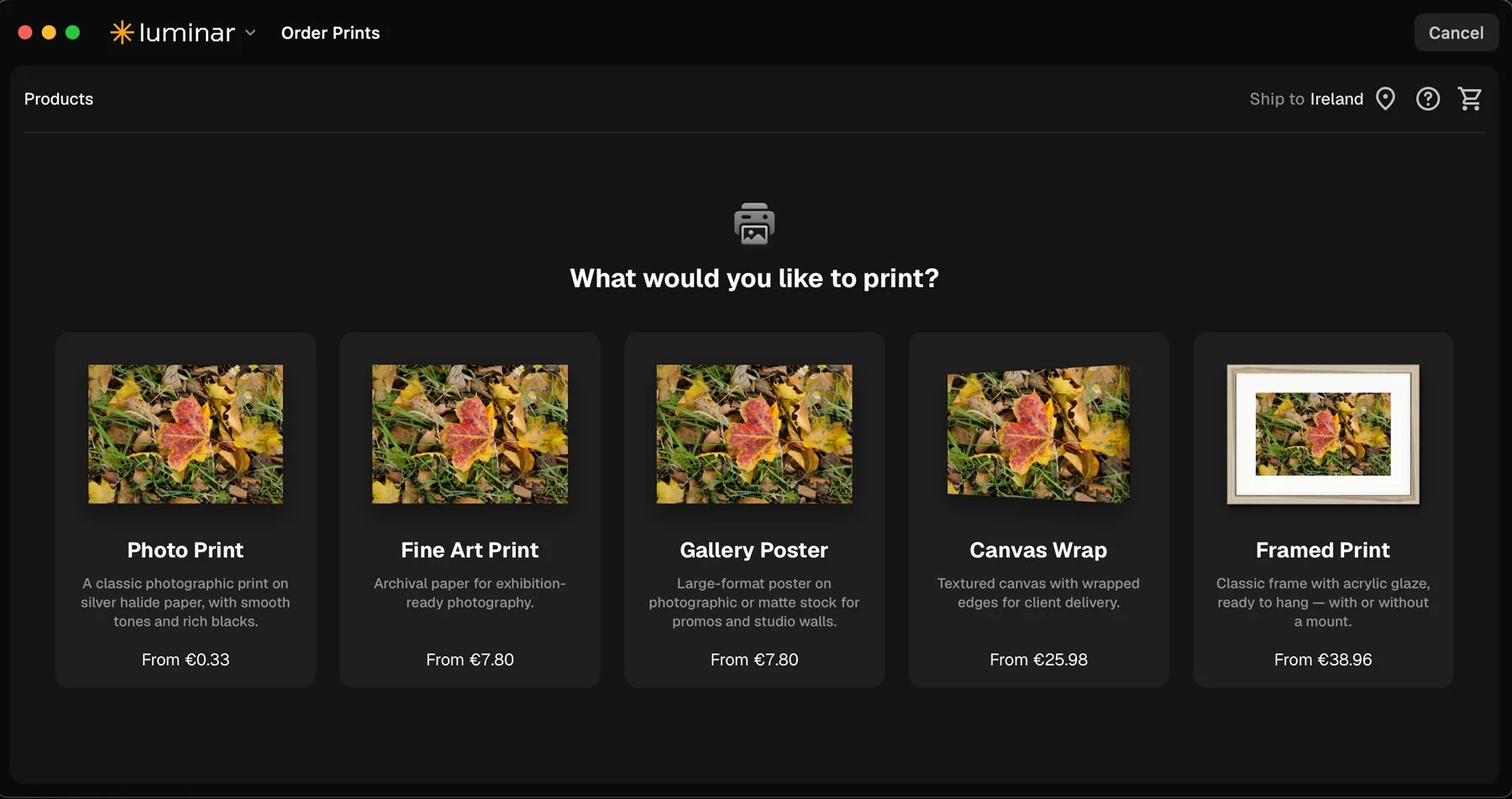
You can now order prints directly from within Luminar too, with the software letting you order prints directly to your doorstep without having to use a separate app or website, although it’s not clear what lab or service they are using.
Pixelmator Pro will gain Generate Fill and closer Final Cut integration
Apple announced its next Creator Studio update on 27 October, with availability planned for November. For photographers, the main addition is Generate Fill in Pixelmator Pro. Users will be able to select an area and describe a change, with generated content placed into existing layers or added as new layers with masks.
Apple also announced a direct editing workflow between Final Cut Pro and Pixelmator Pro. An image in a video timeline can be opened in Pixelmator, edited and saved back to the project automatically. These remain forthcoming features, rather than a confirmed release today. Apple’s announcement provides the details.
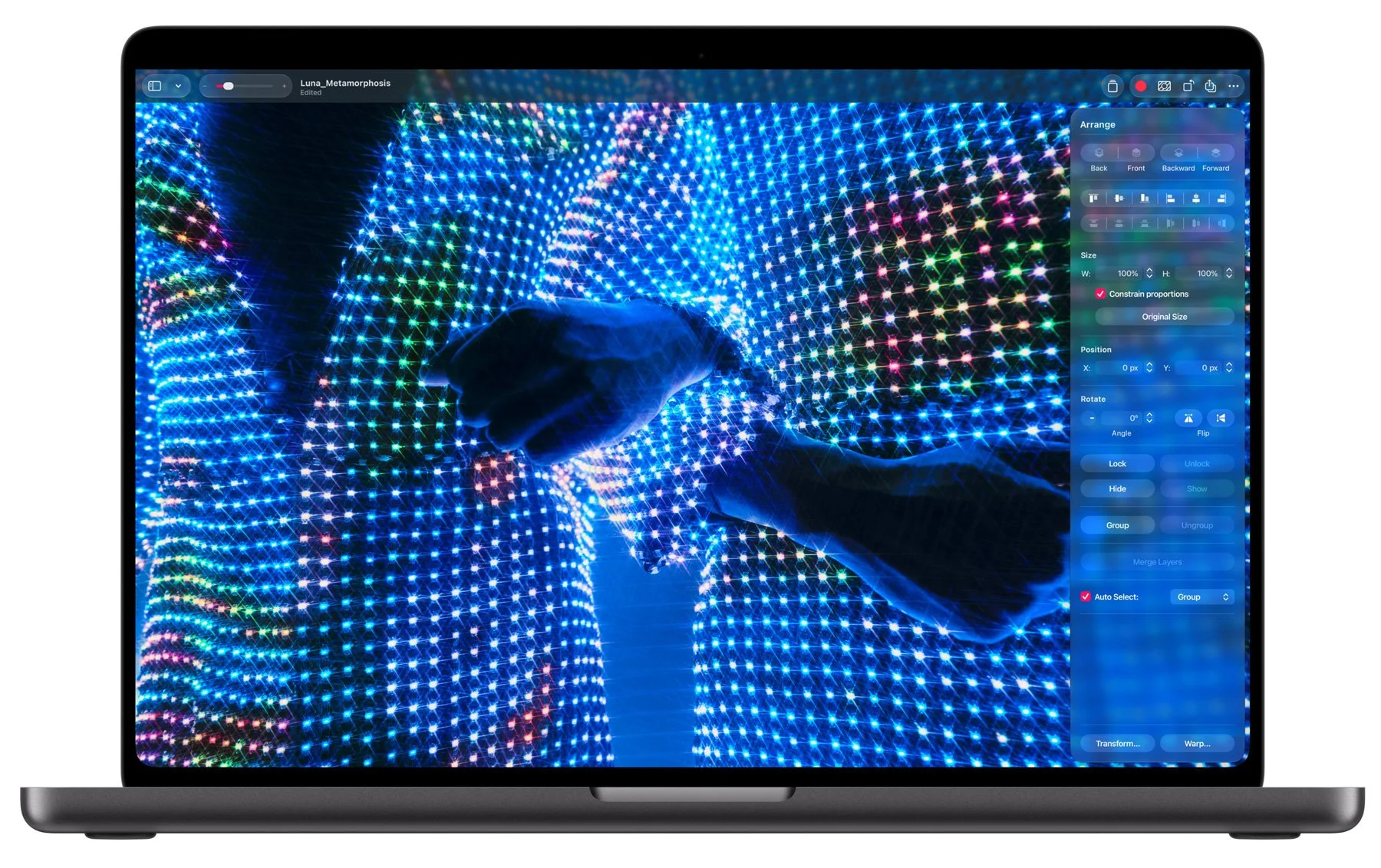
The Liquid Glass interface of Pixelmator Pro makes it hard to see the controls.
These changes appear to be only for the Creator Studio version of the software, so owners of the standalone Pixelmator Pro should check feature eligibility rather than assume every subscription feature is included in their purchase. Unfortunately, Apple still insists on the god-awful Liquid glass redesign of Pixelmator Pro, which, in my opinion, makes the application borderline unusable, as the interface now blends into your content and makes it very difficult to see controls, not to mention being very distracting, but you may be ok with it.
ON1 launches Photo RAW 2027
ON1’s Photo RAW 2027 is now available. The new update includes a new RAW processing engine, revised masking, updated NoNoise AI and an AI Culling Assistant in the MAX edition. Most were announced previously; the concrete launch date is the new development.
Once the release is available, the RAW engine deserves particular attention. Comparing the same files in the previous version, Photo RAW 2027, Lightroom and PhotoLab should reveal more than promotional examples about changes to detail, colour and highlight handling. I will try and do a review in the next few weeks, or at least an overview
Help Support the Blog
Check out my eBooks and Presets
Check out my photography eBooks , Capture One Styles, and Lightroom Presets available on GumRoad.
Subscribe to my YouTube Channel
Check out my YouTube channel for tutorials, Vlogs, and more!
Buy me a coffee!
If you want to say thanks or help, then you can feed my caffeine habit and buy me a coffee via PayPal with a one off donation to my PayPal tip jar. (Please note that PayPal doesn’t make it easy to respond to these so just know you are thanked in advance) Note that this post contains paid affiliate links. We get a small commission for purchases made through these links, which helps run this site.