

Photo Editing, Tutorials, Photography News, and More
This blog covers a range of topics from Lightroom, Photoshop, Capture One, Fujifilm, Canon, Nikon, iPhone Photography, and more. If you want to see more of my actual photography work, visit my Portfolio and Photo Journal blog.
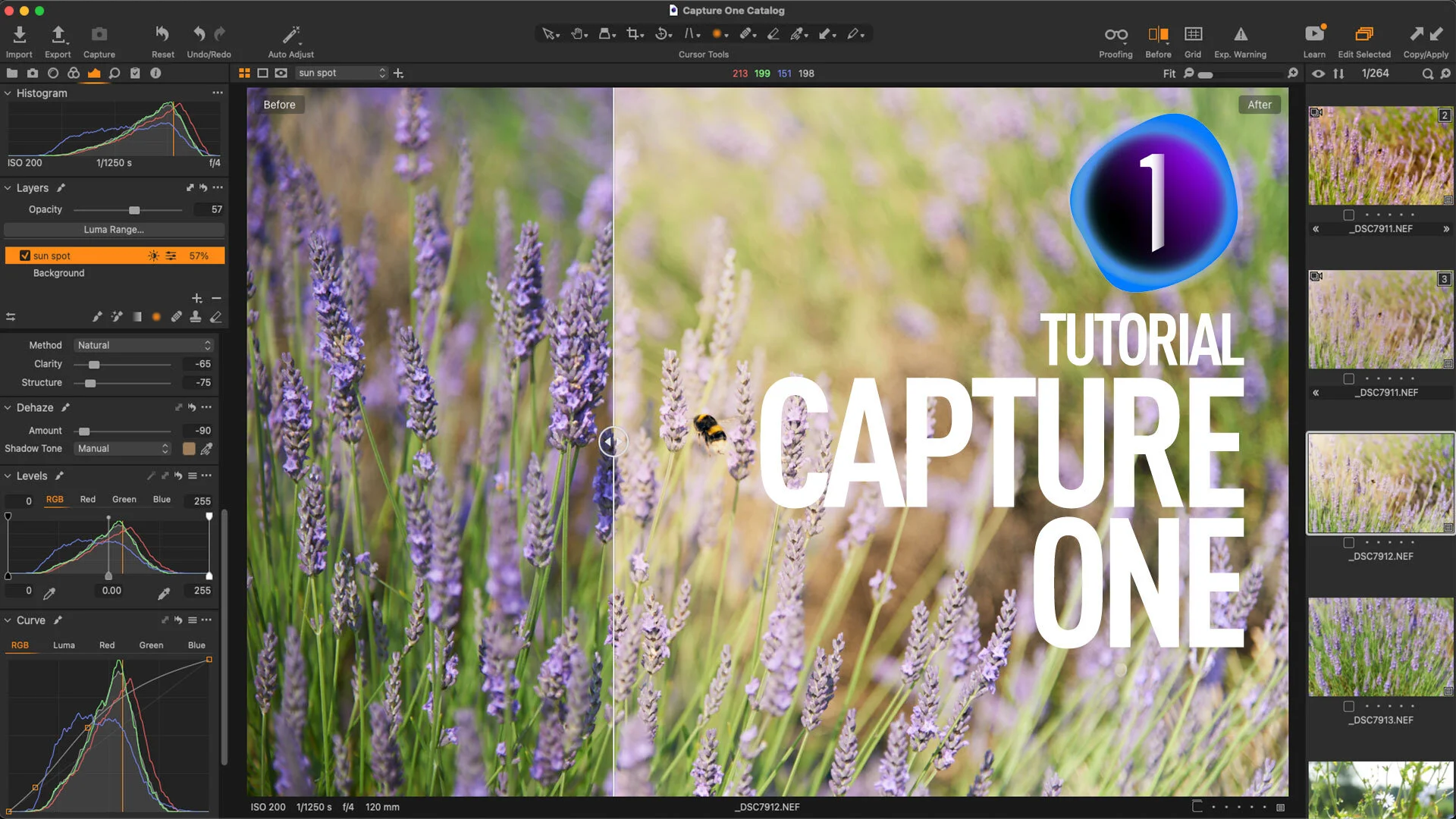
Video: Use Negative Dehaze Creatively in Capture One to create a soft light effect
In this video, I show you some tips on how to use the Dehaze tool creatively in Capture One. By using a negative amount on Capture One’s dehaze slider and by tweaking the colour, I created a soft light effect.
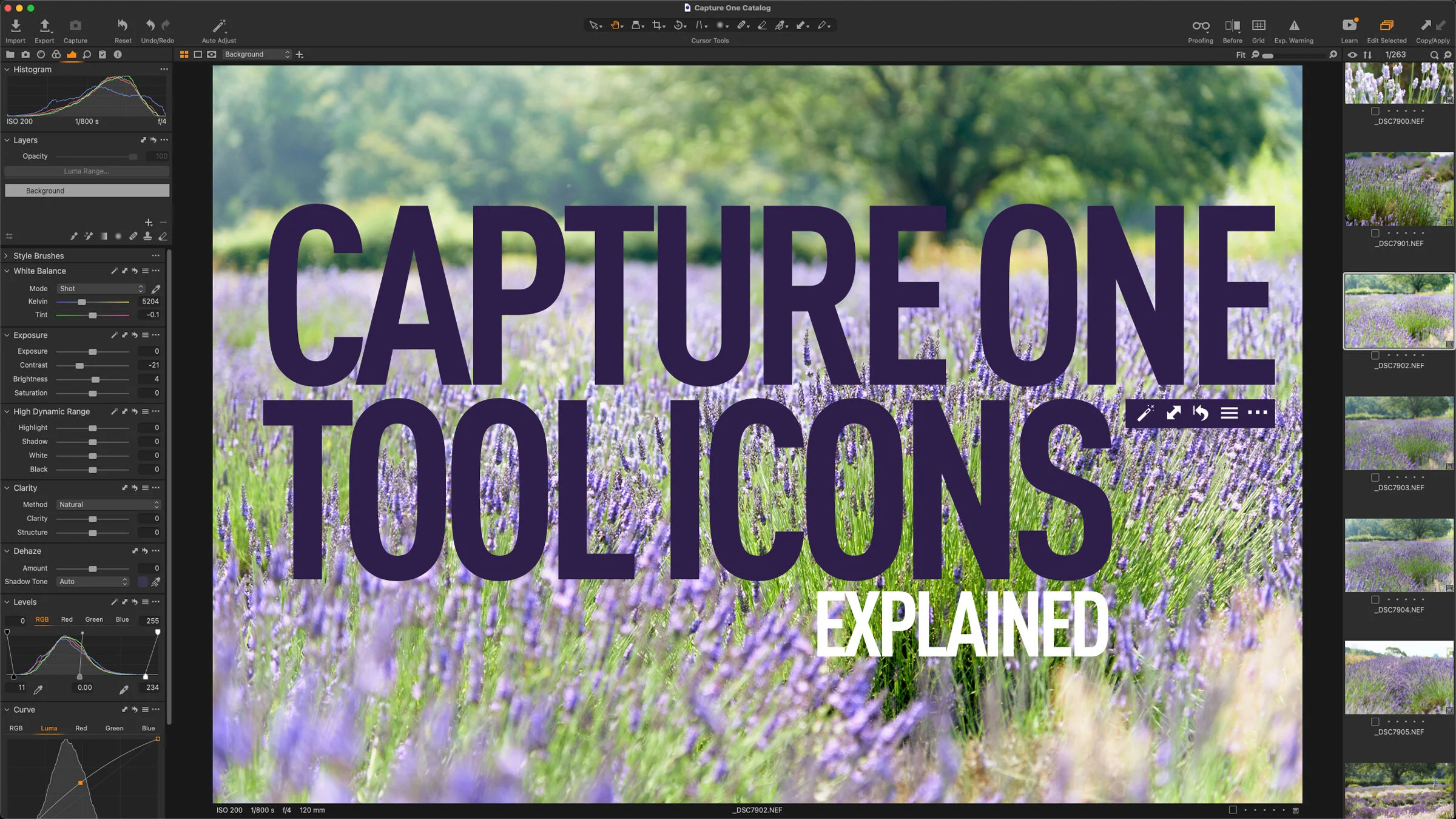
Capture One Beginners: Understanding Capture One Tool Panel Icons
On almost every tool panel in Capture One, there is a row of icons across the top of the panel. These are pretty much the same across most Tools, and in this post I go through each one and show you what they do.

How to do Recipe Proofing in Capture One 21 14.3
With the latest release of Capture One that was announced last week, the company changed the way you export images from the software, adding a new interface. They also removed the old output tab which had the processing options in it. This has led to some confusion among long time users about how to do certain things now. The one I’ve seen requested the most is how do you do recipe proofing now? Well, it’s actually not that different.

Capture One Update: Capture One 21 14.3 released with Magic Brush, New Export Interface and More
Capture One today announced the latest point release for Capture One 21 and it contains a couple of new features. The company has been on a roll of late, with each point release adding new functionality to the software. This release sees a new export interface added, a new “magic brush” for making quick selections, and a much requested change to the way catalogues handle sub-folders.

Save 10% on Capture One
As a quick follow on from my recent updated post on Capture One vs Lightroom, just a quick note to say that if you’re considering getting yourself a copy of Capture One, you can now gat a 10% discount on any version of the software by using the code in this post.

Capture One vs Lightroom from someone who uses both (Updated for 2021)
I first wrote this article last year, and since then it has become my most popular post on this blog. However, since last year, both applications have continued to develop, and both have had several new features added and both have changed the way they perform, so I felt that it was important to update this article. While the bulk of this will still be the same, there are a few things that have changed that are worth pointing out.
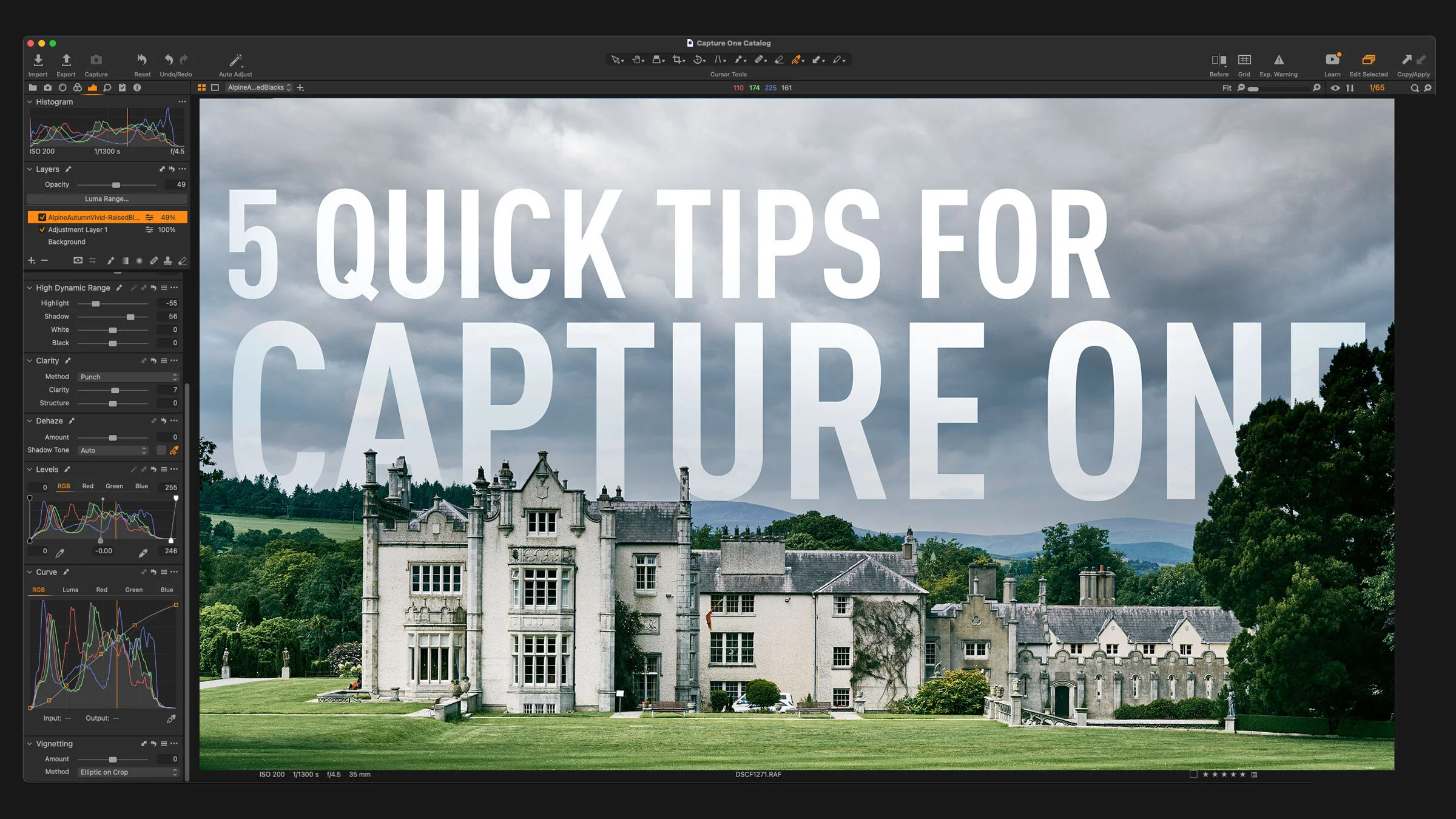
5 Capture One Quick Tips
If you’re a Capture One user there are lots of little things that you may or may not be aware of that can actually help your workflow, but are too small to put in an article all by themselves! So, I’ve collected a few of these quick tips into a single post. Depending on your experience level, you may have come across some or all of these before, but for beginners or Lightroom switchers, I hope you find some of these useful.
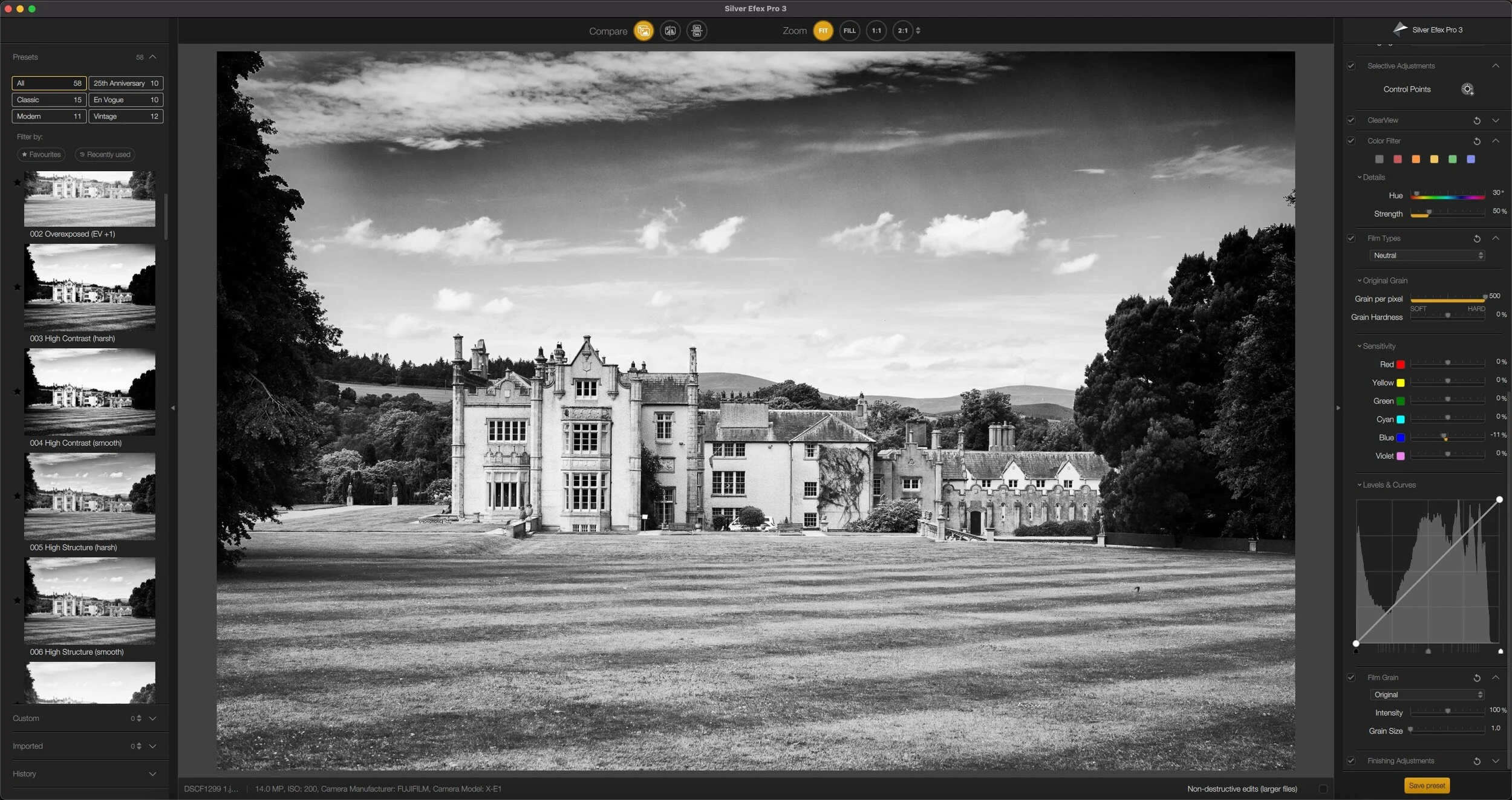
A Follow up on Nik Collection 4 - A Problem with Capture One
Just a quick follow up on the recently released Nik Collection 4, which I posted about recently. Since its release I’ve been trying out the various applications, with the intent of writing a review, specifically of Silver Efex Pro, which is the main application I use in the suite. Since the release, and my initial post, I’ve noticed a couple of things.

My Go-To Sharpening and Noise Reduction Starting Point Settings in Capture One for any Camera’s Raw Files
One of the things some people often like about Capture One when they first try it is that they find it gives them sharper images or more detail than other software. However, I also often see complaints that details can look pixelated and over-processed. Depending on your camera and the type of images you take, you may notice this too, especially with older images. In my opinion, Capture One’s defaults are set too high. Whenever I get a new camera, it often takes me a little time to get the settings just right, but in the following post, I’ll share the parameters I often use when in a hurry, or where I start with when dealing in a new camera.
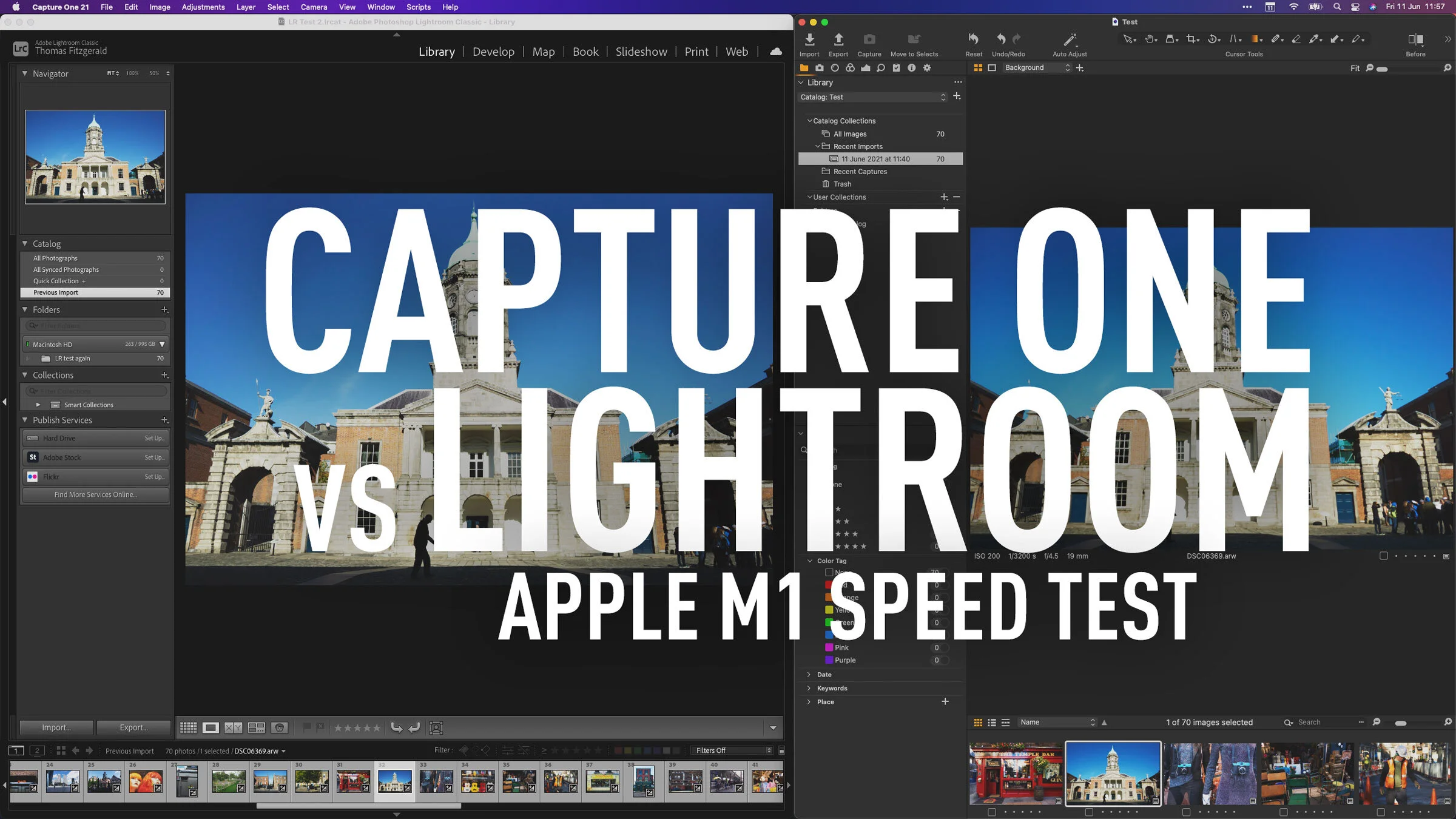
Capture One vs Lightroom Apple M1 - Import and Export Speed Test
Recently both Capture One and Lightroom have been released as Apple Silicon native versions. I have covered both of these in videos on my YouTube channel recently. For Capture One I showed you how the interface responds with the new version, and for Lightroom, I did a test comparing import and export speeds for the M1 native version compared to the older version running under rosetta. Since I had the benchmarks for this, I figured why not run the same test for Capture One.

Capture One coming to iPad
Hot on the heels of the recently released version of Capture One for Apple Silicon Macs, the company announced last week that an iPad version is in the works.

Capture One M1 Native Version Released - What it’s like on an M1 Mac (video)
Capture One today released the latest version of the software, and it now runs natively on Apple Silicon. The new version has also re-written the acceleration code to use Metal instead of Open CL. The result should be greater stability and less acceleration issues on all Macs, both intel and Apple Silicon. In order to give you an idea of what the software runs like on an M1 Mac, I recorded a little video.

Video: Fix Tricky Colour Fringing (Chromatic Aberration) in Capture One
In this video I show you how to deal with chromatic aberration in Capture One when the default method won’t work.

Nordic Styles for Capture One - First Impressions Review
A few weeks ago Capture One launched a new style pack for the software of the same name, called “Nordic Styles”. Available in two packs, each with two styles in two variations, the stated aim of the styles is to “channel nordic light and beauty” and to “achieve elegant colour grading inspired by Scandinavian editorials.” I had a chance to try out both style packs, and in this post, is my first impressions.

Capture One for M1 Macs Coming in May
Capture one announced on their facebook page that native support for M1 Macs will be coming in May. I wrote a little while ago about my experience with the software running under rosetta on the new Macs, and while it ran fine, there was some lagginess when editing. So the update will be welcome to those running a Mac with Apple silicon