
Photo Editing, Tutorials, Photography News, and More
This blog covers a range of topics from Lightroom, Photoshop, Capture One, Fujifilm, Canon, Nikon, iPhone Photography, and more. If you want to see more of my actual photography work, visit my Portfolio and Photo Journal blog.
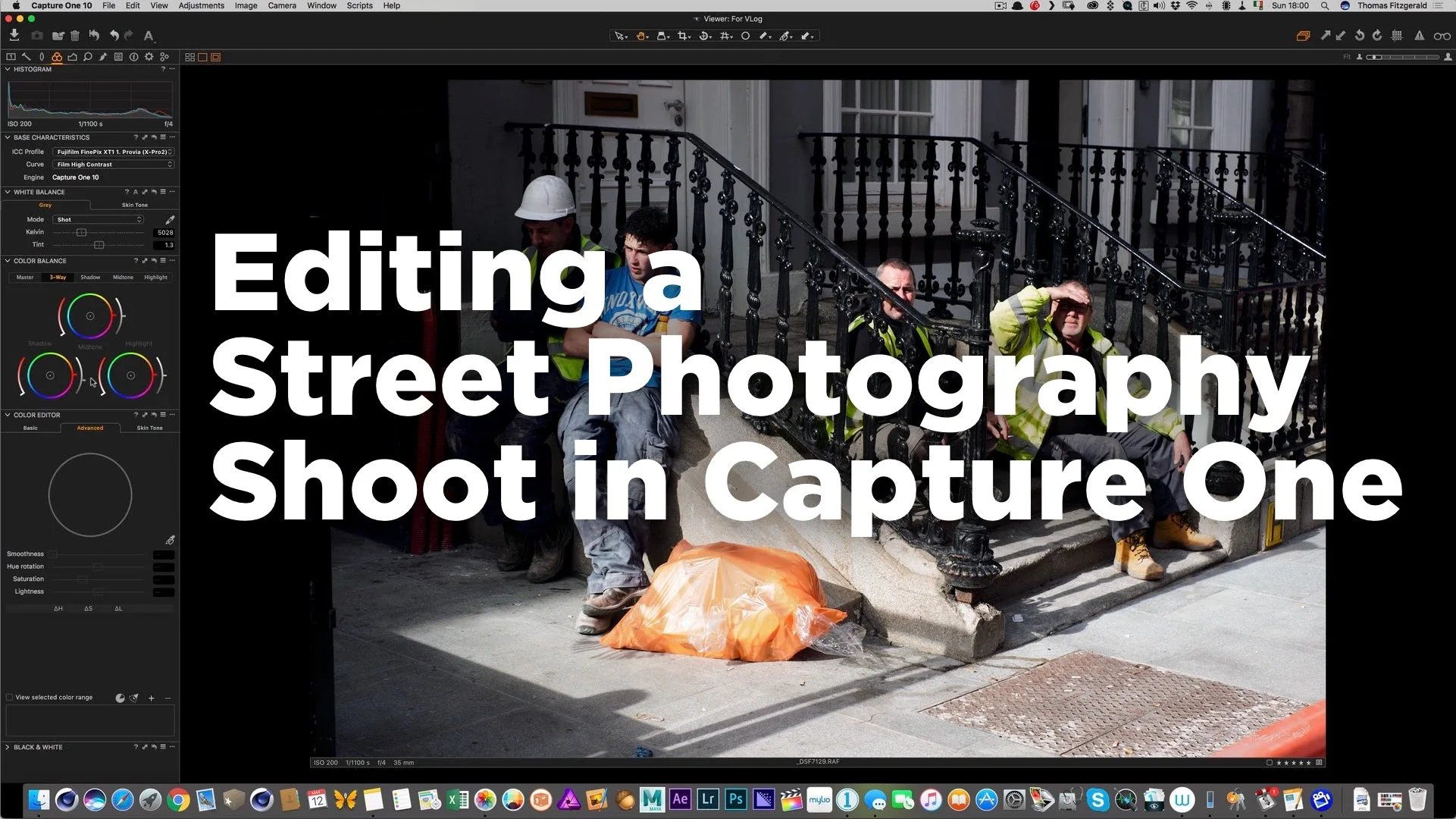
Watch me edit a Street Photography Shoot in Capture One Pro
In this video, which is a follow on from my street photography vlog video, I discuss editing the shoot. I take you through the whole process from import, through rating and then processing the images to final output. I try to discuss why I like certain images, and why some things work and others don’t.

I attempt a Street Photography Vlog
I really want to start doing more video and in particular I want to do a series of vlog style videos. I’ve been putting it off out of fear, and general procrastination, but yesterday I finally got around to making my first attempt. I won’t call it a resounding success because a lot of things didn’t exactly go according to plan, but it turned out reasonably well all things considered. I consider this as a learning exercise. A beta version if you will.

Mac Fuji Shooters: Iridient X-Transformer available now!
A while ago I wrote about Iridient’s new product, X-Transformer. It was only available for Windows at the time. I don’t have access to a Windows computer, but I did try it under parallels at the time, and I was impressed with the results. However, because it was just too clunky to work with under emulation, I didn’t do too much with it, as a mac version was promised.

Introducing SilverLUX - Black and White Styles for Capture One
Capping off what seems to have become Capture One week here on the blog, I’m pleased to announce that my first set of Styles for Capture One is now available. Called “SilverLUX”, it’s a set of 25 Black and White Styles. The set also comes with 20 film grain presets. People have been asking me for a while to create some Capture One styles, and so I’m delighted to be finally able to release them.
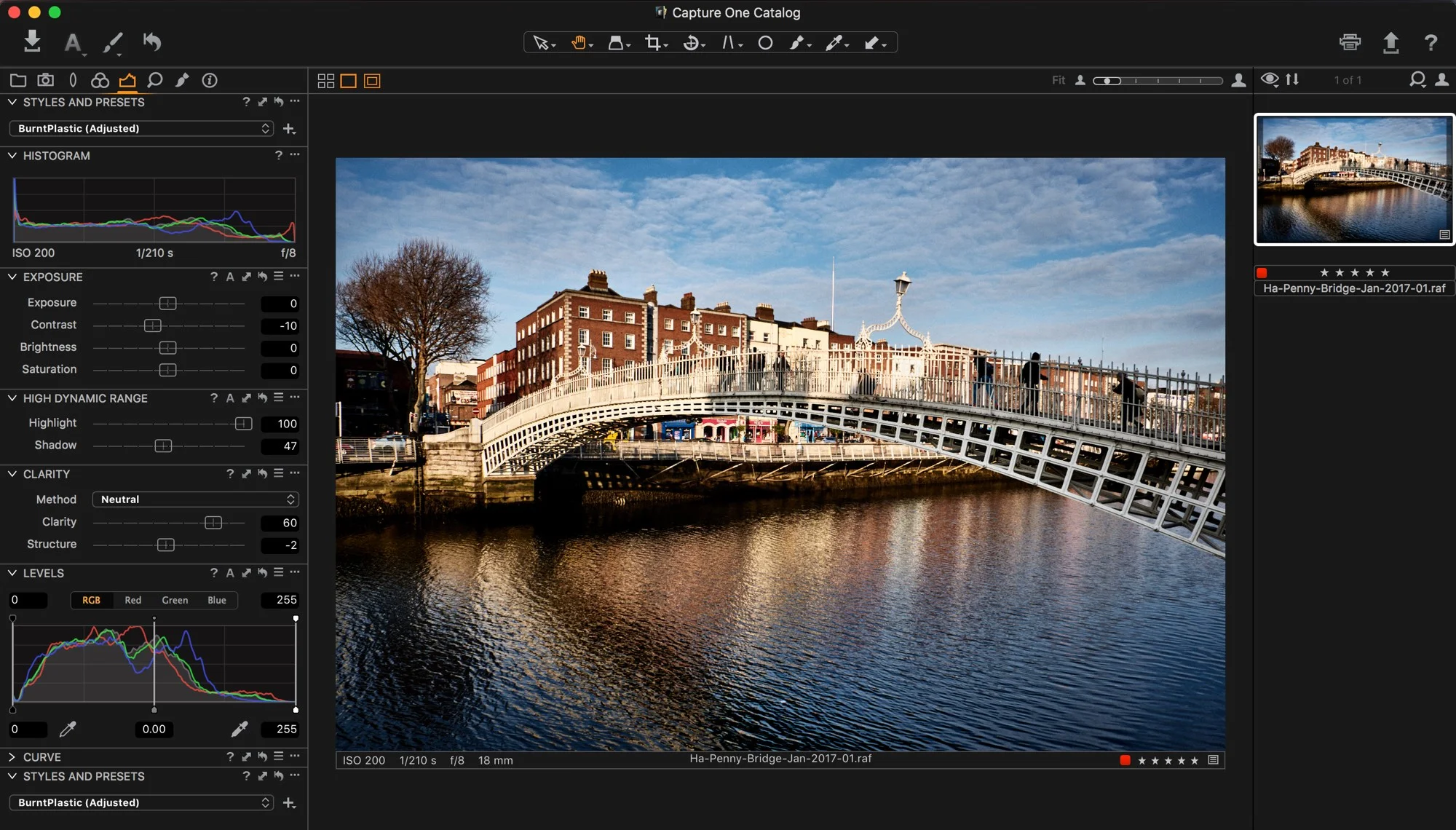
Guest Post: Capture One Slow Closing Bug and Possible Solutions
A guest post from one of my regular readers Mike Arst. Mike discovered a bug in Capture One and he has a work around should you come across it.

A Sneak Peek at my upcoming Capture One Styles
For a while now people have been asking me if I was planning to make presets for Capture One. I have been putting it off because I wasn’t really confident in my abilities with the software. However, I’ve been using it a lot more lately, and I’ve reached the point where I’m happy with the looks that I’m creating. So I’m nearly ready to release my first set of “styles” to use the Capture One terminology. They’ll be a black and white set and I’m calling them SilverLux.

How To Download and Install Fuji Colour Profiles for Capture One
For a while now there’s been something that I’ve been meaning to try in Capture One that I’ve never gotten around to, and that is to find some colour profiles for Fuji cameras. Unlike Lightroom, Capture One doesn’t include colour profiles for the Fuji film simulation modes. However, it does have a comprehensive colour matching engine, and many people have posted their own matching profiles.

My Capture One Settings for Sony Files
I’ve talked a lot about using Capture One Pro for processing Fuji Files here on this blog, but I also use it when working with other cameras too. In particular, I find that it does a really nice job when working with files from Sony cameras. In the past I’ve used it with both a Sony A7II (Which I had borrowed), and my own Sony A6000.

Processing Lots of HDR exposures at once in Lightroom
Recently I was out taking some photos in the city centre of Dublin, and I ended up shooting a lot of bracketed exposures. It was a moody, cloudy day, and while the low clouds would probably come out by pushing the Raw files with just one exposure, it as quite dramatic, and I wanted to maintain as much detail as possible. I wasn’t so much intending to create lots of HDR files, but I was more just trying to give myself options afterwards.

Free Sample Pack of My Lightroom Presets
I have lots of Lightroom Presets available now on this store and I wanted to be able to give you a way to try some of them out, so I’ve put together a collection of presets taken from the various sets, to make a free sample pack.

New Black and White Lightroom Preset Bundle Available
I currently have three sets of black and white presets available for Lightroom and based on popular request, I’m now making them available as a single bundle. The three sets of presets are: Monolith, MonoLux and T-Pan. Each has a different style and different approach to creating the black and white look, and together I think they make a good range of styles for creating black and white images in Lightroom.

OnOne Raw Improves X-Trans Support - Sort Of
Since OnOne released their Raw software late last year, the company has been putting out major updates at a fairly regular schedule. A significant release was announced yesterday, and as part of it, the list of features included improved X-Trans support. In previous versions, the raw conversion of Fuji X-Trans files was extremely poor. I covered it in a recent post, and I pointed out the severe artifacts. So has it improved?

A Photo Essay on Dublin’s New Central Bank
I recently published a new photo essay over on my Streets of Dublin website, and I thought that I would share the story behind it here, as well as some behind the scenes information. The Idea came about by accident really. I was in the area taking pictures for something else, and I realised that this amazing looking building was nearing completion, and my wife and co-editor on the Streets of Dublin thought it would make an interesting story.
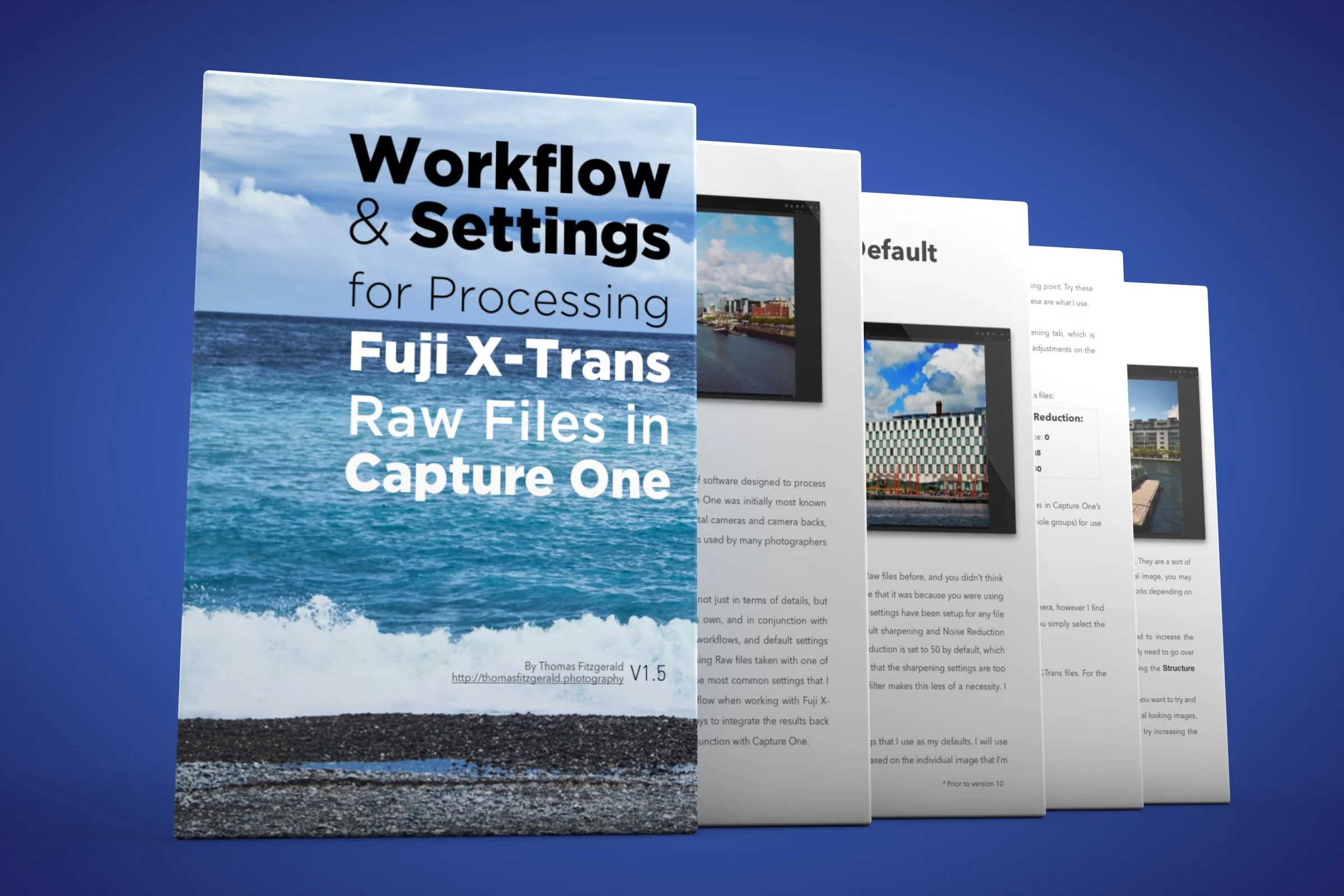
My Capture One X-Trans Guide Updated
My guide for processing X-trans files in Capture One was actually the first of these series of guides that I produced. Since I’ve written it, the software has been updated several times, and Fuji has come out with newer cameras. I had previously added a supplement to the ebook to cover the X-Pro 2 because at the time support was still preliminary (it still is in a way). I’ve now updated the Capture One guide to include the previous supplement and I’ve also incorporated some tips for working with Capture One 10.

Video: Removing People from a Photo in Photoshop
I wanted to share a quick video tip with you about removing people from a shot in Photoshop. This isn’t a video about how to use the clone tool or anything like that. In fact I only use the clone tool for a short part of it. I actually use two images to remove the people, and combine them using one of Photoshop’s lesser known but really useful tools. First, let me back up a bit and explain the circumstances surrounding the shot.