
Photo Editing, Tutorials, Photography News, and More
This blog covers a range of topics from Lightroom, Photoshop, Capture One, Fujifilm, Canon, Nikon, iPhone Photography, and more. If you want to see more of my actual photography work, visit my Portfolio and Photo Journal blog.

Aurora HDR 2018 Coming Soon. Windows Version to Be Released
Macphun has announced that the next version of Aurora HDR is soon to be released (in September) and it will feature some significant changes, including a new interface design, and more importantly, for the first time, a Windows version.

Capture One Tips for Creating a better Default Image
If you’ve been following my blog for some time, you’ll know that I’m a regular Capture One user. I don’t generally use it as my main image processing software, but I probably use it for maybe 30- 40% of the work that I do. While I’ve talked about it a lot on this blog before, much of that has been in the context of using Capture One for Fuji X-Trans images, but I actually use it with many other cameras too. With that in mind, today I wanted to give you some tips that aren’t camera specific, and cover ways to improve the default way Capture One interprets RAW images.

Video: How to create the Agfa Vista Look with VSCO Film
I have recently been admiring some photographers on Instagram who are shooting on film and using Agfa Vista. I couldn’t get any of this film locally, so instead, I wanted to see how close I could re-create the look digitally using my X-Pro 2 as the source. In this video, I look at how I used Lightroom and VSCO Film to create the “Agfa Vista” film look.

Rethinking How I Shoot and Process Fuji Jpegs
I know this might seem light a little bit of a strange thing to be covering, as it’s pretty much been something that people have been talking about since the X-Pro 1 first came out, but recently I’ve been taking another look at using Jpegs from my Fuji X-Pro2. This started as a bit of an experiment, but it’s blossomed into a full project for me. Let me explain.

Fuji X-Pro 2 + Nikon Macro Lens
I’ve recently been using some non Fuji lenses with my X-Pro 2 and the other day, I was trying out my old Nikon Macro lens with the camera. Despite being a macro, I had mostly been using it as a short telephoto, with its 105mm focal length being useful, especially as the 1.5X crop adds to the throw. However, over the weekend I got to use it as it was intended, for some macro work, and the results were pretty great.
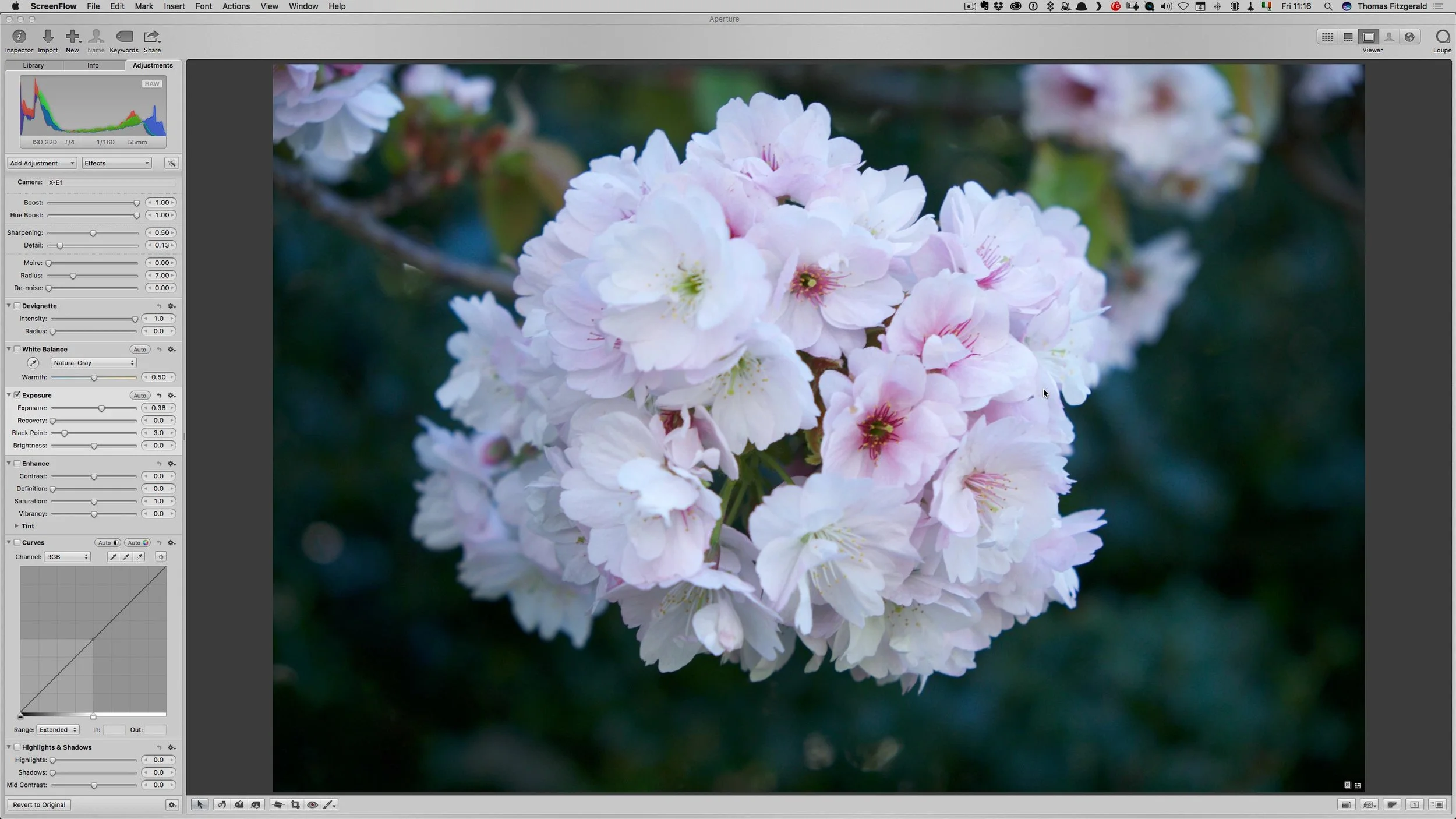
Video: 5 Things I miss about Aperture
Following on from my post the other day about using Aperture again, I created a little video showing the 5 features that I miss the most about using Apple’s discontinued software.

Revisiting Aperture and using Fuji X-Pro 2 Files in Aperture via X-Transformer
As an experiment, and part of an ongoing project, I decided to launch Aperture the other day. It was the first time I have used the application in a long time, and It was an interesting experience. Because it has been so long, and I wasn’t quite sure what to expect. The reasons that I wanted to try it out, was that I wanted to see how files from X-Transformer were working in various different applications other than Lightroom. The result was both eye opening and depressing at the same time.

Presets in Action: Enhancing the mood; Creating Filmic Black & White with T-Pan for Lightroom
A little while ago I got up early in the morning and headed to a little fishing town just north of Dublin to get some morning shots of the sleepy port coming to life. I had originally hoped that it would be a nice bright morning, and that I would capture the early rays of the sun over the sea and the harbour, but instead a thick cloud was down, and it was beginning to rain.
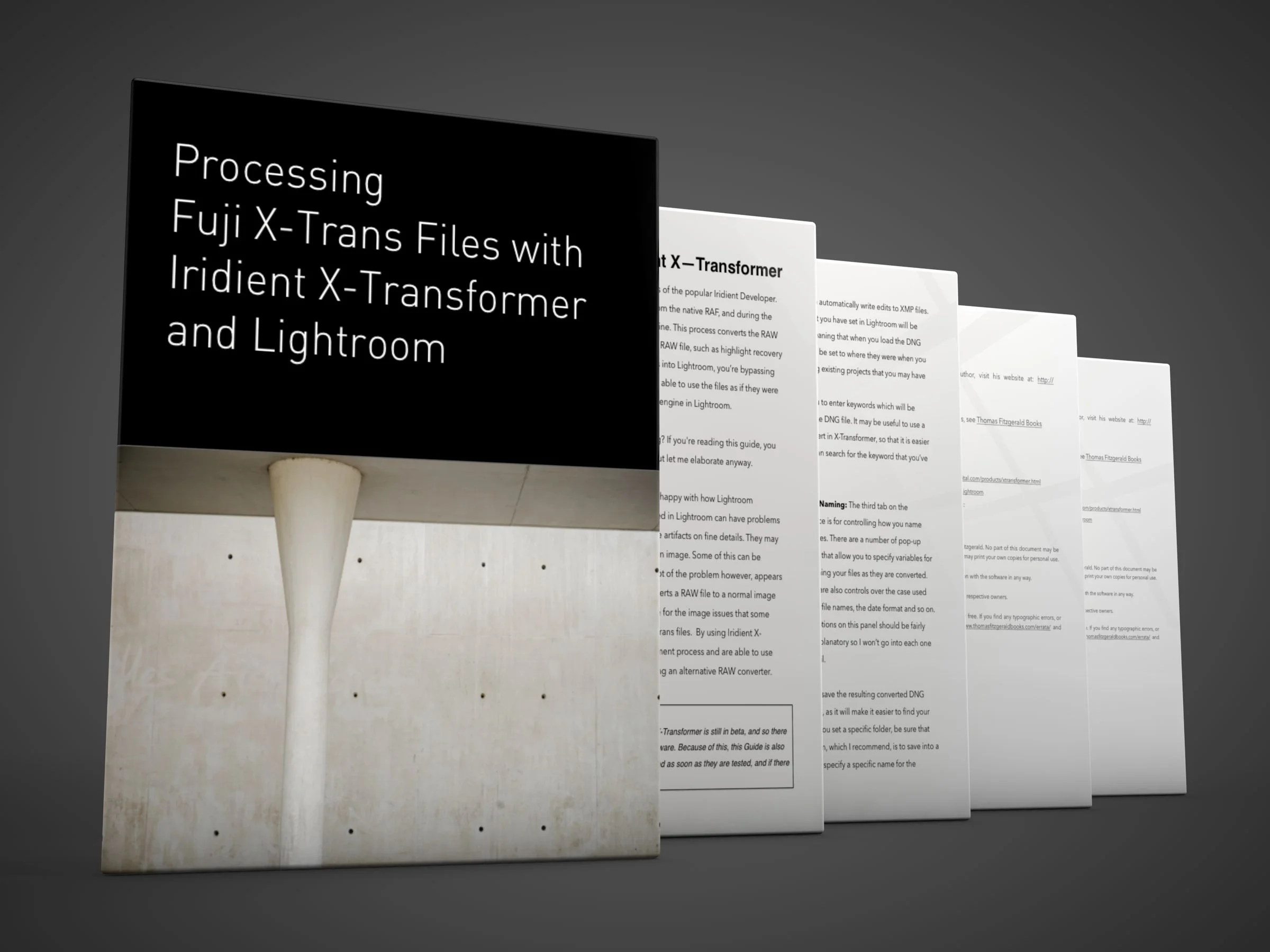
My X-Transformer Guide Updated
I have updated my Iridient X-Transformer Guide with new information to cover the latest release. The new update of the guide (v1.2) covers beta 4 of X-Transformer, and includes details on using the new plug-in as well as the new options for preserving the film simulation modes as colour profiles.

Video: How I process Scanned Film in Lightroom
In this video, a follow up to my previous one on shooting street photography on film, I look at how I process the film after scanning in Lightroom.

Video: Shooting Street Photography on Film
I recently headed out to shoot some street photography on film, for my Street Photo Diary project, and I decided that it might make an interesting video. So, before I got started, I mounted my trusty GoPro on my cameras hot shoe, set it recording, and headed out onto the streets of Dublin to get some shots.

Street Photo Diary: Issue 28 - Film Edition
It’s been little while since I’ve posted a Street Photo Diary, and for this issue, I’m doing things a little differently. I’ve been shooting some film recently, and I also found some undeveloped film that I shot back at the start of the year, which also turned out to be some street shots.

Two Free Presets for Luminar
I’ve been playing around with Luminar a lot lately, and in particular I’ve been using it as an extension to Apple’s photos to quickly process Jpeg Images from my Fuji X-Pro 2. I’ll have more details on this in a future post, but for now, I wanted to share some of the looks I was getting.

Iridient X-Transformer Beta 4 Released
Iridient Digital has released a new version of X-Transformer. The update, which was released last night has a number of improvements and new features, the most significant of which is a new plug-in for Lightroom which will make it easier to send files to the application. It also now has the ability to automatically embed which film simulation you used into the DNG as a corresponding colour profile.

Macphun Luminar Windows Open Beta now available
Luminar, which I’ve reported on and talked about a good bit on this site, is now available as a beta for Windows. The public beta is open to everyone and all you have to do is sign up to try it out.