
I recently came across an iOS camera app called 65×24, and I have to say—I'm loving it. It is designed for capturing images in the 65:24 aspect ratio, reminiscent of the legendary Hasselblad XPan and Fujifilm TX-1 film cameras. It also has a nice minimalist interface, that I really like.
While it’s really just cropping the camera output, and it’s something you could easily do in post, actually composing in that format makes you think about your images quite differently.
You can use all three lenses on the iPhone Pro and there is also some in-app processing of images which can give you some nice results straight out of the app without any additional editing. However, you can also save RAW files and process them further in Lightroom or Capture One or other software.
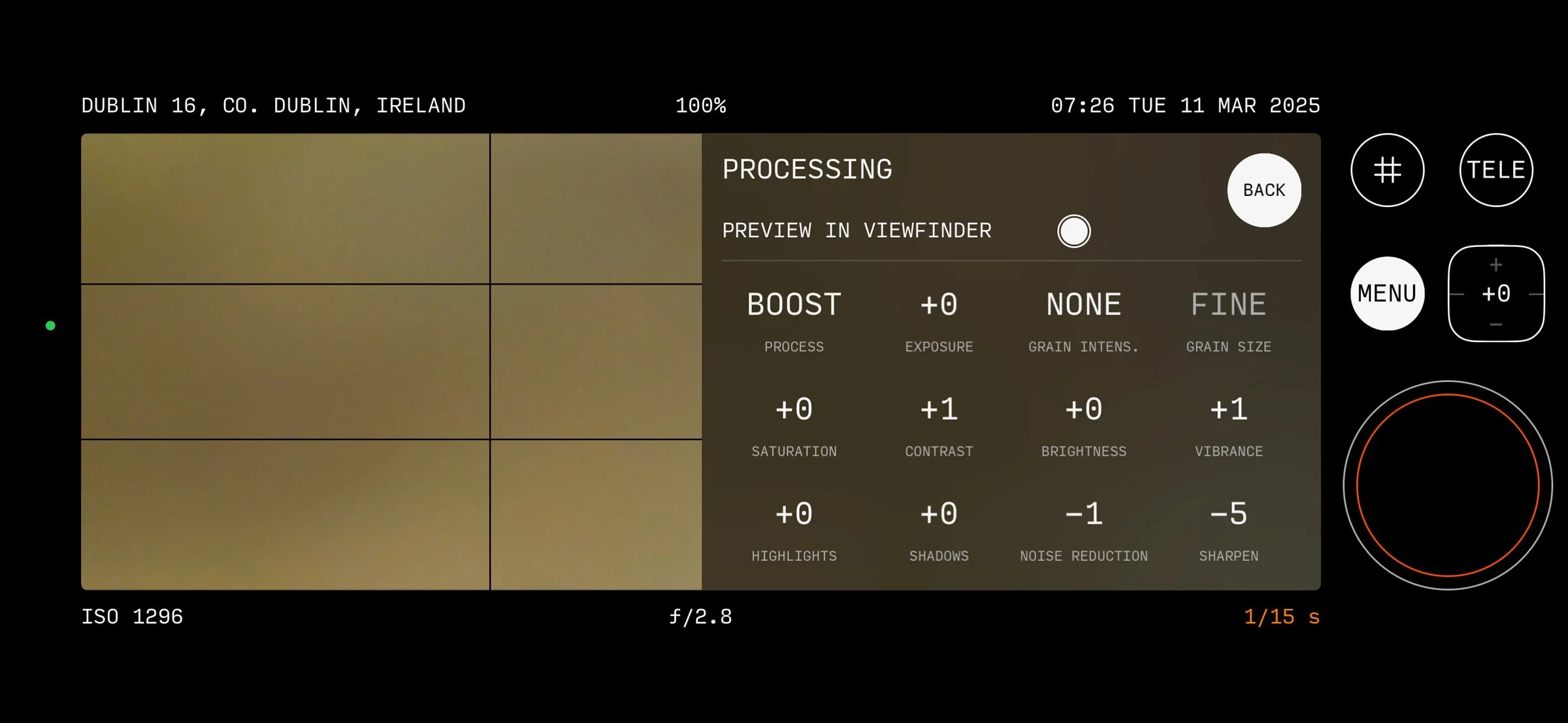
Here’s a quick summary of the features:
Some of the key features :
- Customizable Viewfinder – The app offers a clean, distraction-free shooting experience, with options for left-handed mode, haptic feedback, and precise exposure control.
- High-Resolution Capture – On 48MP iPhones, the app supports full-resolution capture, ensuring that images retain as much detail as possible.
- RAW & TIFF Support – Unlike many mobile camera apps that stick to JPEG or HEIC, 65×24 gives you full RAW (Bayer/DNG) and TIFF output options for serious post-processing flexibility.
- Full-Screen Shooting – You can trigger the shutter using Camera Control or volume buttons, making the experience feel more natural and immersive.
Here are a few of my recent photos taken with the app:


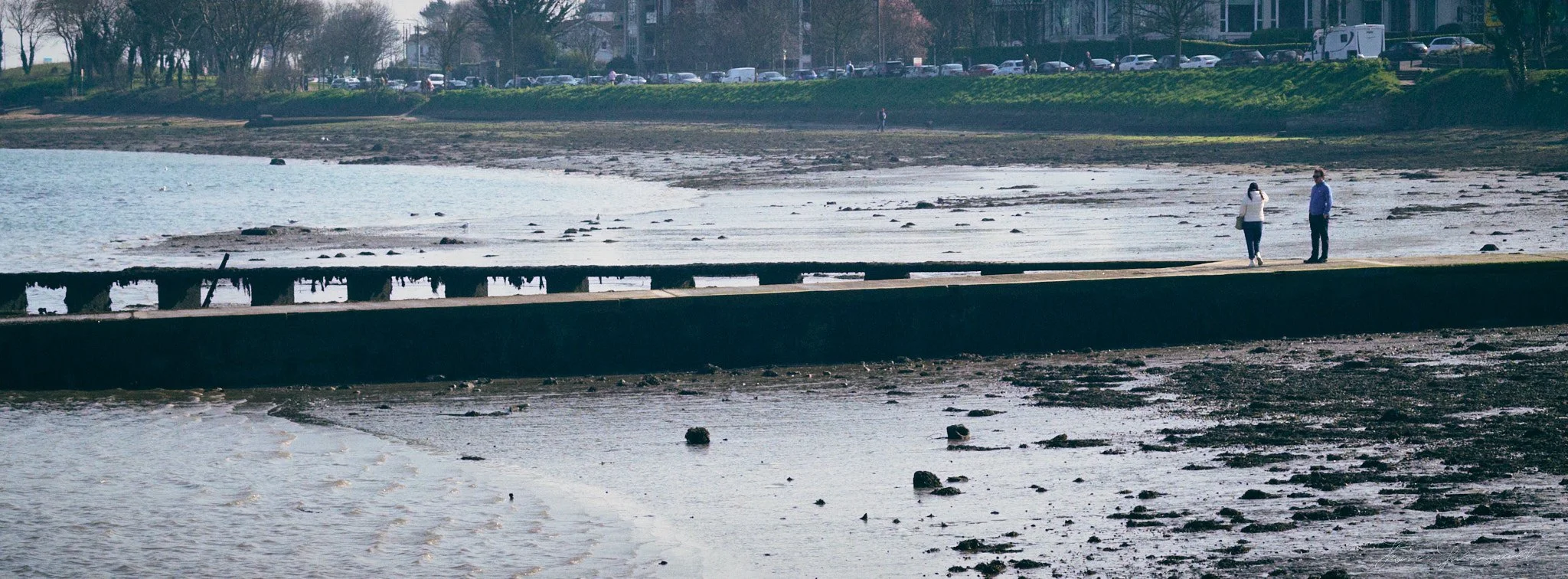


These are using the RAW files and processed in Capture One with a little bit of a film effect using my T-Neg styles.
I also tried to do some black and white film looks to mimic something like a widelux with black and white film. These were processed in DXO Photo Lab and DXO Film Pack using the Tiff files (as Photo Lab doesn’t seem to support iPhone DNGs). I also added a border for the fun of it and to add to the faux film look. Normally these kinds of things are a bit tacky but I kind of like it on this.


The app is made by a Japanese design studio, called HÉLIOGRAPHE and they describe themselves as “ a small studio making tools for photographers and visual artists.” They have a few other apps available too so check them out. I actually came across them after their official account popped up on my threads stream.
Help Support the Blog
Check out my eBooks and Presets
Check out my photography eBooks , and Lightroom Presets available on GumRoad.
Subscribe to my YouTube Channel
Check out my YouTube channel for tutorials, Vlogs, and more!
Buy me a coffee!
If you want to say thanks or help, then you can feed my caffeine habit and buy me a coffee via PayPal with a one off donation to my PayPal tip jar. (Please note that PayPal doesn’t make it easy to respond to these so just know you are thanked in advance)
Note that this post contains paid affiliate links. We get a small commission for purchases made through these links, which helps run this site.