
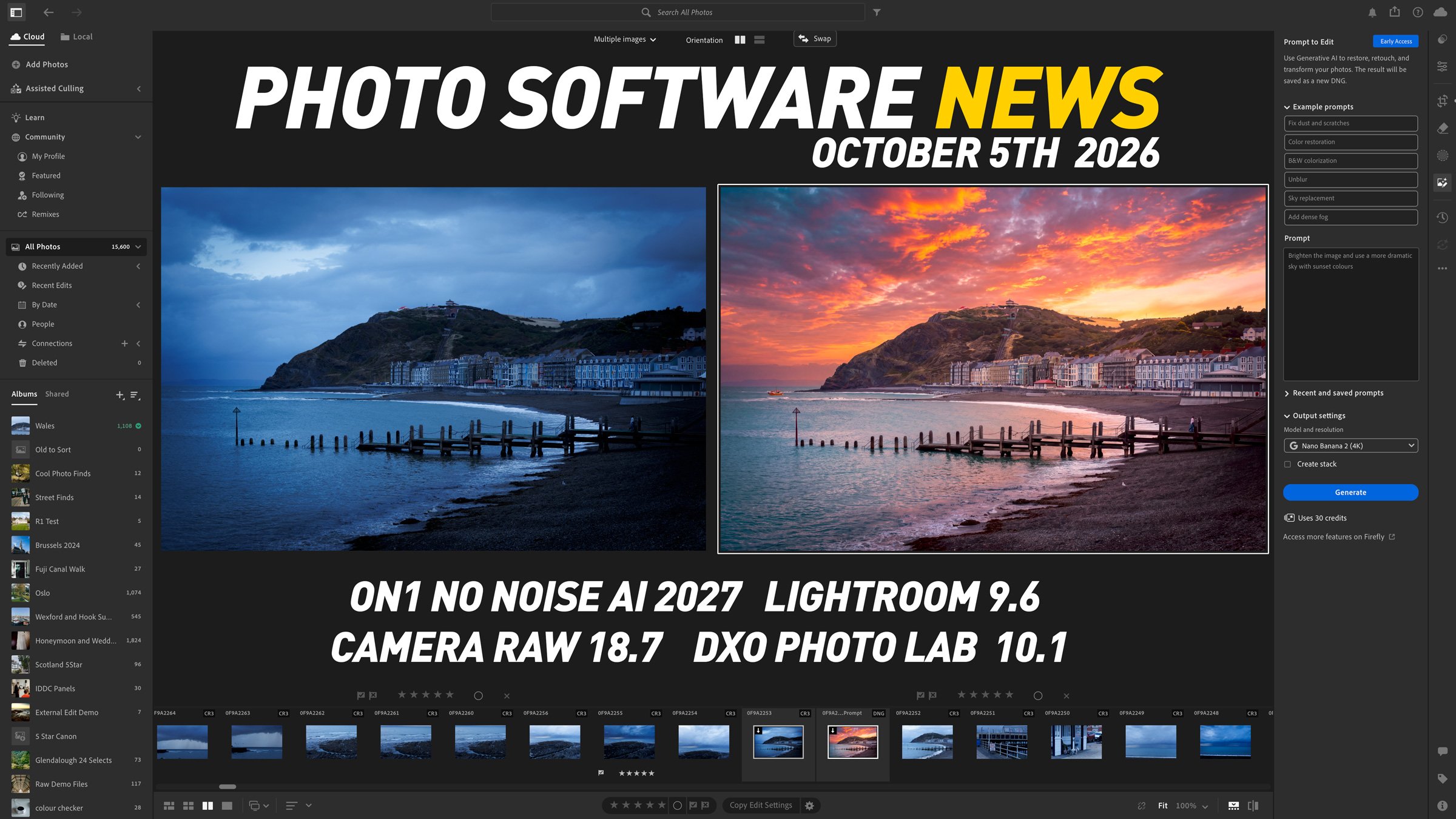
There have been a few interesting developments in photography software over the past week, with Adobe introducing another way to edit photographs using generative AI, ON1 releasing a new version of its noise reduction software, and some practical improvements arriving for Lightroom and Photoshop users.
Some of these features are available now, while others are still in early access or beta. Here is a closer look at what has changed and what is new in the world of photo software.
Lightroom introduces Prompt to Edit
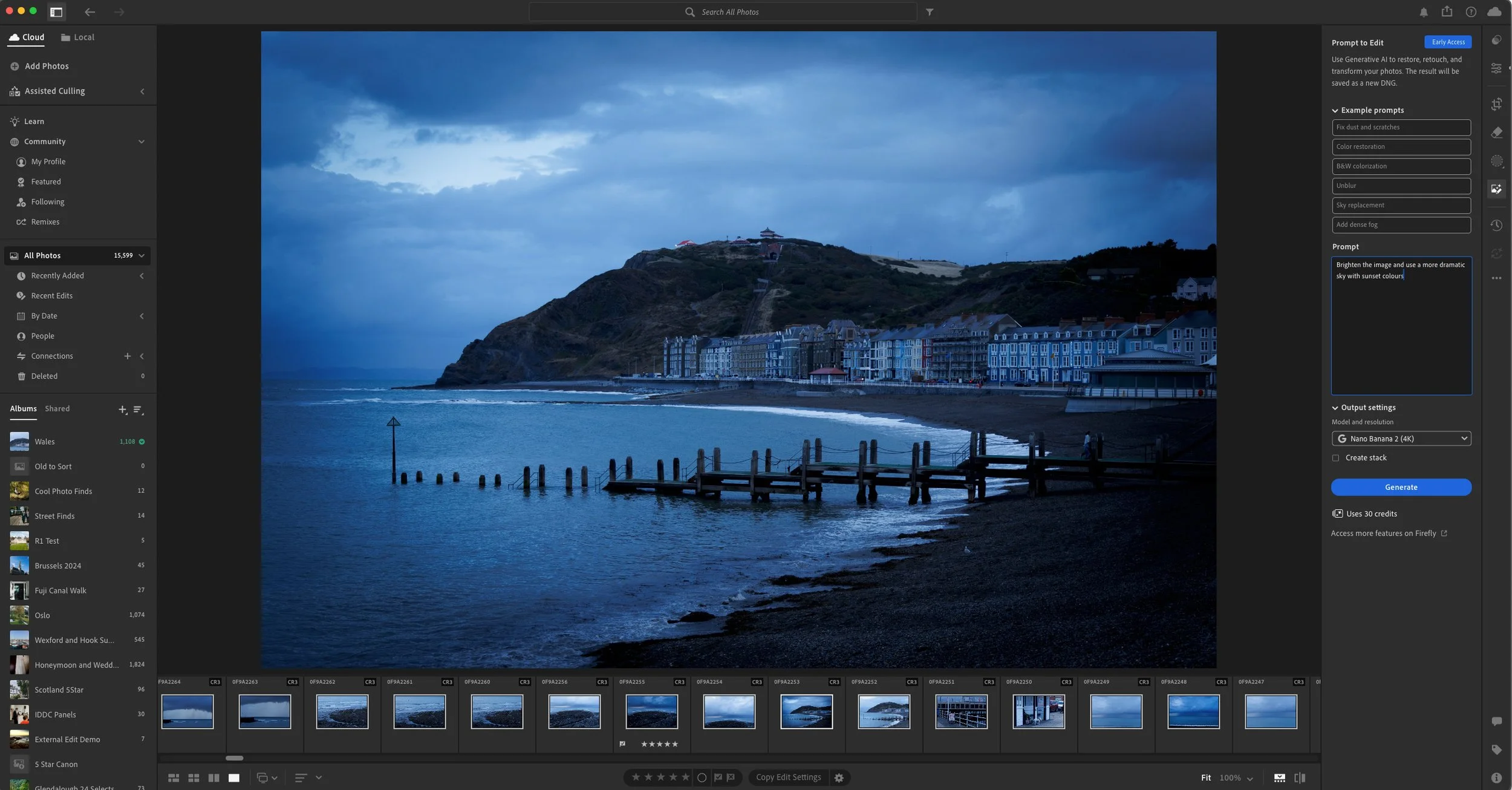
The September update to Lightroom desktop, version 9.6, introduces an early-access feature called Prompt to Edit. This lets you describe changes you want to make to a photograph, or choose from example prompts for tasks such as restoring colours, fixing dust and scratches, and reducing blur.
This brings generative editing directly into Lightroom, without having to send it to Firefly. It should also be noted that this doesn’t work like an AI agent controlling Lightroom. This uses generative AI to edit your image, and so it can change things you may not want changed.
However, there are some details worth understanding before treating it as another everyday adjustment tool. Adobe currently lists Nano Banana 2 output options at 2K and 4K, and the generated result is saved as a DNG alongside the original photograph. The interface also lets you know how many AI credits this will use.
While this saves as a DNG, it’s not a raw-type DNG, but rather flat pixel information, so any raw data from your camera will be lost using this.
To be honest, this isn’t something I would ever use, especially for client or public work. Because it uses generative AI models, it completely regenerates your image, and while some people may be ok with that, others definitely won’t. I would use this with extreme caution, especially if you’re using this on client work. In the example below, I asked it to brighten the image and add sunset colours to the sky, and while it did this, it also changed things liek the railings, added people where there were none and so on. It’s now a different image totally, and not the one I shot. This is the major issue with this and all generative AI editing. I get that some people won’t care, but I have major issues with this kind of thing, and I wish they would leave it out of Lightroom.

The original is on the left. Prompt to edit has totally changed the details in the image on the right. This is not acceptible in my opinion.
It should be noted that these tools were recently added to Photoshop too, and the same caveats apply. This shouldn’t be confused with the “chat to edit” feature in the Photoshop Beta, which works by letting AI control the Photoshop interface, but more on that in a future post (I tried it and it’s not very good)
Anyway, “Prompt to Edit” is currently an early-access feature in Lightroom desktop.
ON1 releases NoNoise AI 2027
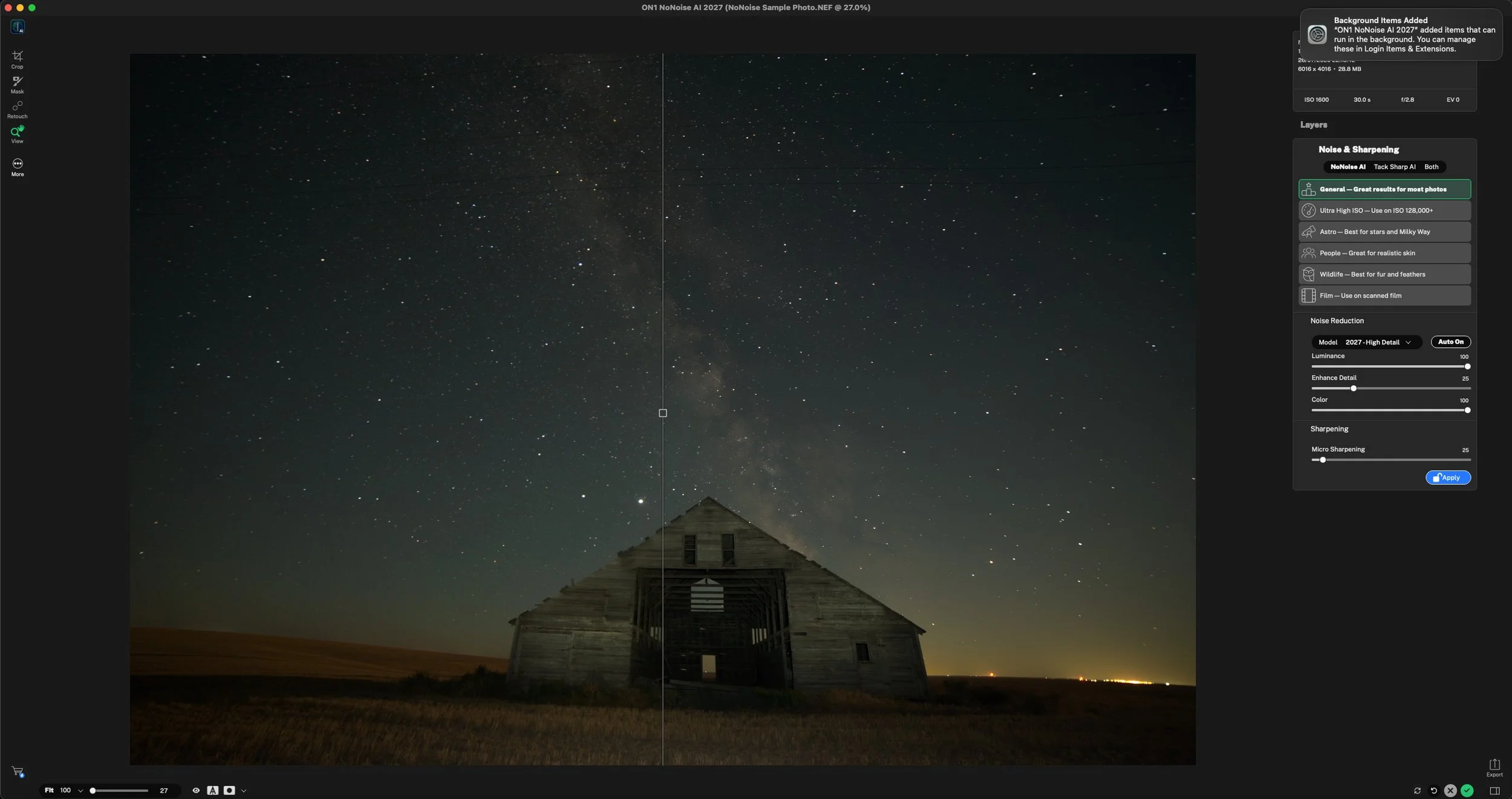
ON1 released NoNoise AI 2027 on 1 October, bringing updated noise reduction and sharpening tools to its standalone application and plugins for Lightroom Classic and Photoshop.
According to ON1, the release includes rebuilt noise reduction and TackSharp AI models, along with a selector offering six models matched to different types of subjects. The idea is that different photographs need different treatment when removing noise and preserving detail. Fine feathers, skin texture and stars can all suffer when noise reduction is applied too aggressively.
I haven’t actually tried it yet, but it would be interesting to compare it with Lightroom’s denoising and DxO’s RAW processing tools, such as PureRAW (my current favourite denoising tool)
NoNoise AI 2027 is available for Mac and Windows, and ON1 continues to offer an outright purchase option and a trial version. It should not be confused with Photo RAW 2027, which remains forthcoming, with a release targeted for late October or early November.
DxO PhotoLab 10.1 adds native Affinity integration
Another recent update worth mentioning is DxO PhotoLab 10.1, released on 22 September as a free update for PhotoLab 10 owners. This introduces direct export to Affinity’s native .af format, making it easier to move from RAW development into more detailed editing. Once you have finished your adjustments in PhotoLab, including optical corrections and DeepPRIME noise reduction, choosing Export to Affinity creates a document with those corrections applied and opens it directly in Affinity. There is also an option to include the uncorrected image as a second layer, allowing you to compare the two versions or selectively blend them using a mask.
By the way - if you’re buying anything from DXO, you can use my affiliate code: ThomasFitzgerald15 to get 15% off (new customers only, I’m afraid. This is a paid affiliate code and I get a small commission if you use this.)
Better Reflection Removal in Lightroom
Lightroom Classic 15.6 and Lightroom desktop 9.6 also bring improvements to Reflection Removal. Adobe says the updated processing produces fewer smudges and ghosting artefacts when dealing with reflections on windows, glass and water.
This is particularly relevant to travel and city photography, and I recently used this extensively (the old version, not the new version) when I was shooting from the observation deck of the Shard in London. It will be interesting to see if the changes actually make any difference.
These improvements are included in the September updates. (Yes, I know, I’m late getting to it!)
Camera Raw improvements for Photoshop users
There are also some interesting developments in Camera Raw.
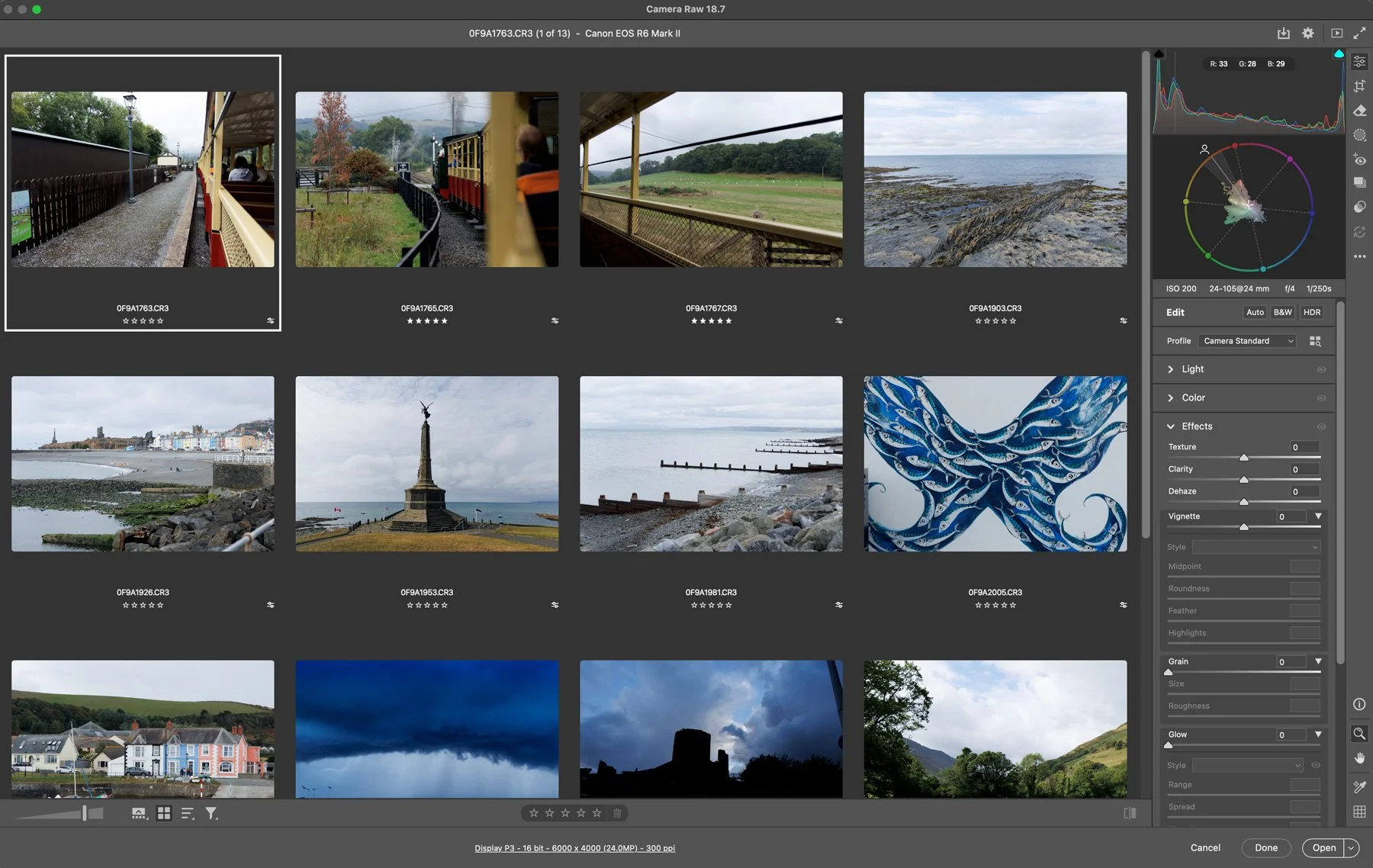
Camera Raw 18.7, announced on 29 September, adds a thumbnail-based Grid view for browsing, comparing and rating groups of photographs. This is interesting, as traditionally, Camera RAW was paired with Bridge for this kind of thing, so make of that what you will. It also introduces automatic Match Exposure, including an advanced option designed to compensate for changing light conditions across a sequence.
Separately, the Photoshop beta build released on 1 October introduces multithreaded saving for PSD and PSB files. This allows qualifying documents to be written using parallel processing, potentially reducing the time spent waiting for large layered files to save.
The benefit depends on the document size and your hardware, so there is no single speed improvement that will apply to everyone. Nevertheless, for anyone working with complex retouching files or large composites, saving performance can make a noticeable difference over the course of a working day.
This feature remains in beta. Adobe recommends using Save As or Save a Copy when testing it, so any experiments should be carried out on duplicate files.
Help Support the Blog
Check out my eBooks and Presets
Check out my photography eBooks , Capture One Styles, and Lightroom Presets available on GumRoad.
Subscribe to my YouTube Channel
Check out my YouTube channel for tutorials, Vlogs, and more!
Buy me a coffee!
If you want to say thanks or help, then you can feed my caffeine habit and buy me a coffee via PayPal with a one off donation to my PayPal tip jar. (Please note that PayPal doesn’t make it easy to respond to these so just know you are thanked in advance)
Note that this post contains paid affiliate links. We get a small commission for purchases made through these links, which helps run this site.