
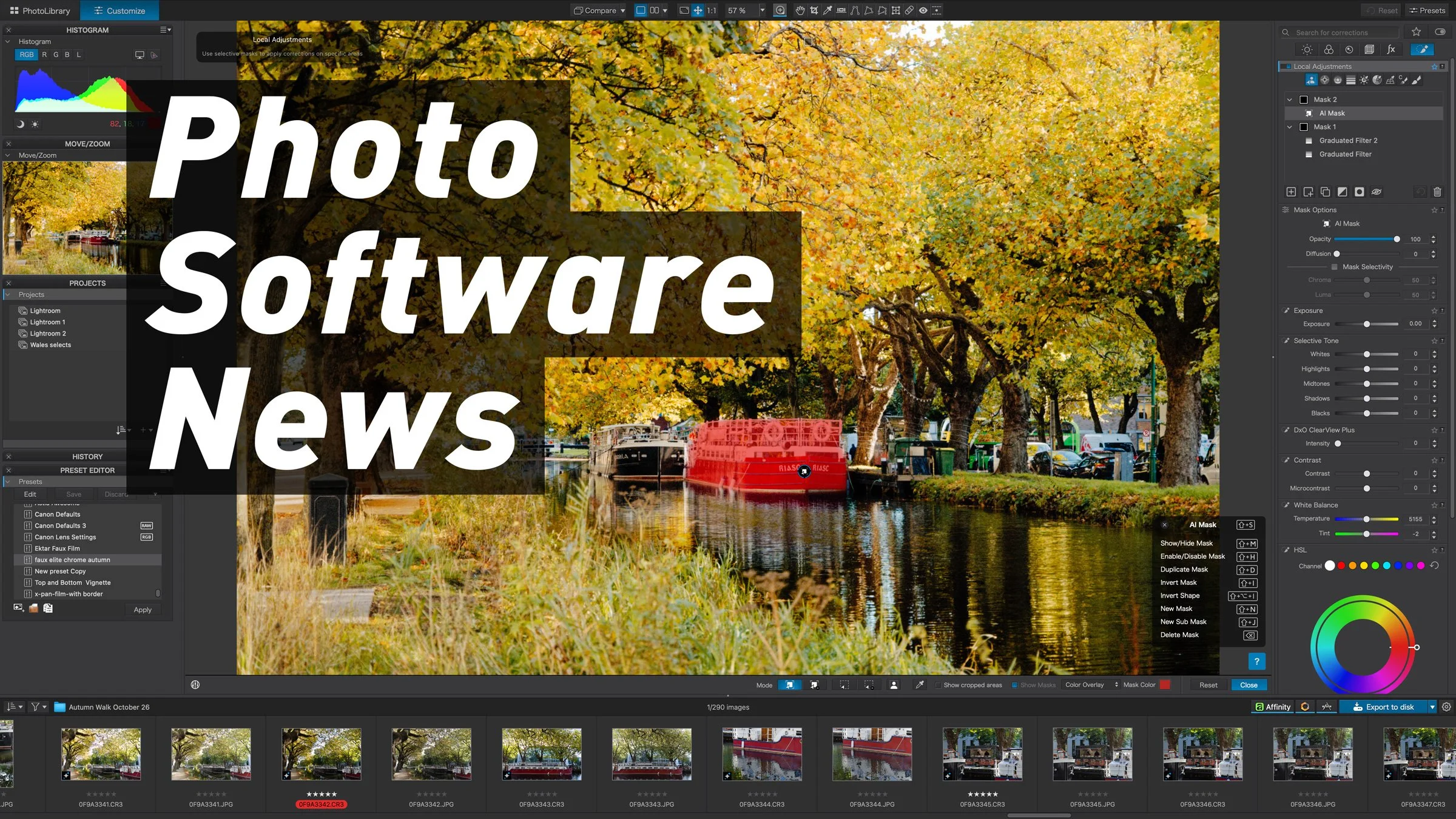
It’s been a slightly quieter week after all the excitement of Adobe MAX, but there’s still plenty going on. DxO’s latest update makes it easier to move a photo back and forth between PhotoLab and Affinity (although there’s a catch if you want to keep your layers), the self-hosted photo library Immich can now act on text it finds in your images, and Adobe has given Bridge and Photoshop users a couple of good reasons to spend more time in Camera Raw. Black Friday is also getting going, so I’ve included details of a couple of software deals from ON1 and Skylum.
PhotoLab can now open the Affinity files it sends out
DxO PhotoLab 10.3 was released on November 10th, and it completes the round trip with Affinity. When PhotoLab 10.1 added native Affinity export back in September, it made it easy to send a processed RAW file over to Affinity for pixel editing. Now PhotoLab can open the .af file again and show you the edits you made in Affinity.
There is a catch, though. PhotoLab shows you a flattened view of the document, while the layers stay intact in the Affinity file. DxO warns that if you then choose .af when exporting from PhotoLab again, you’ll get a new, flattened file. So if you want to carry on working with your layers, reopen the original document in Affinity instead.
The same release also lets you use a different DeepPRIME denoising method for a masked area, so you could use XD3 on a bird’s feathers and DeepPRIME 3 on the background, which is a nice bit of extra flexibility.
DxO has updated a couple of its other apps too. Nik Collection 9.2 can now send its masks to Affinity as layers, and ViewPoint 6.1 adds DNG export. All three updates are free if you own the current major version. DxO has also added 842 new camera and lens profiles, which are available in PureRAW 6.9 and 5.16, as well as in PhotoLab and its other apps.
Immich gives film archives another way to sort themselves
Immich 3.4.0, the latest version of the popular self-hosted photo library, came out on November 10th. It adds a new workflow trigger that runs as soon as Immich finishes recognising text in an image, and workflows can now also check whether a particular EXIF field is present or missing.
Immich’s own example is automatically adding receipts to an album, but I think the more interesting use is for anyone digitising a film archive, because it lets you make use of information that never made it into the metadata. For example, a photo of a negative sleeve could be sorted into an album based on a roll number written on the sleeve. It gives you a way to organise that material as it comes in, without having to transcribe every label first.
Camera Raw 19 makes repeat edits easier
Alongside Lightroom 10 and Lightroom Classic 16 (which I covered in a separate post), Adobe released Camera Raw 19.0 on November 10th. The Photoshop and Bridge plug-in can now keep virtual copies between sessions, so you can try out a different treatment without having to duplicate the RAW file.
There’s also a new Mark to Remove feature, which lets you flag distractions as you review a set of photos, copy those selections to other shots with similar framing, and then run Generative Remove on them all in one batch. These features are available now, so unlike some of what Adobe showed at MAX, they’re not just research previews. If you’re a product photographer working on a fixed set, the thing to watch is whether the batch tool gives you consistent results across the whole shoot, not just whether it saves you time. You can see everything that’s new in Adobe’s release notes.
A quick word from me!
Before I get to this week’s deals, a quick plug for my own work. If you’re editing in Lightroom, Camera Raw or Capture One, I have a range of presets, styles, and Fujifilm guides available in my store. Buying something from there directly supports this blog and helps keep posts like this coming. Okay, plug over…
Black Friday: ON1 Photo RAW 2027 from $59.99

ON1’s Black Friday sale is on now, and it’s a good opportunity to pick up Photo RAW 2027, which was only released at the start of the month. The headline feature is a rebuilt RAW processing engine, which ON1 says gives you sharper detail, richer colour and more natural shadow and highlight rendering. There’s also improved NoNoise AI and, in the MAX edition, a new AI Culling Assistant to help you get through your selects faster.
In the sale, Photo RAW 2027 is $59.99 instead of $99.99. It’s a one-time purchase that you own outright, with free updates within version 2027, and you can install it on two computers. Photo RAW MAX 2027 is $129.99 instead of $169.99, and it adds Restore AI, the ability to use it as a plug-in inside Photoshop and Lightroom, the AI Culling Assistant and cloud AI rendering for Generative Erase and Crop. It can be installed on three computers.
If you prefer a subscription, Photo RAW MAX is $79.99 a year (normally $89.99), which includes annual upgrades and 200GB of cloud sync, while ON1 Photo Studio, ON1’s all-access plan, is $139.99 a year (normally $179.99), with 1TB of cloud sync and installs on up to five computers. If you already own an earlier version of Photo RAW, sign in to your ON1 account first, as existing customers get personalised upgrade pricing. The sale ends on November 27th, and there’s a 30-day money-back guarantee.
You can find all the ON1 Black Friday deals here.
Black Friday: Up to 77% off Luminar
Skylum’s Black Friday sale has up to 77% off Luminar (which dropped the “Neo” from its name back in August), and all the plans are one-time purchases. The Desktop plan is $99 and gives you the Mac and Windows app on two computers, plus the plug-in for Lightroom Classic and Photoshop. All Platforms is $139 and adds Luminar Mobile and Luminar on the web, so you can edit across your devices, while Max is $159 and adds a year of Luminar Prime and a large creative library of presets, LUTs, overlays, skies and courses.

All plans include a year of the AI tools, such as GenErase, GenSwap, GenExpand and the AI Assistant. After that, you’ll need a Luminar Prime renewal to keep using them, although the app itself will keep working. One thing to watch out for: at checkout, an auto-upgrade plan is ticked by default. It’s free for the first year, but then renews at between $33 and $59 a year depending on your plan, so untick it if you don’t want it.
The sale also comes with the new Fall 2026 update (Luminar 1.29), which added home printing with ICC profiles and soft proofing, a new 3D Atmosphere tool, Smart Compositions, which suggests crops and can straighten horizons in one click, a rebuilt Enhance tool and an updated AI Assistant. If you already own Luminar, sign in to your Skylum account to check your upgrade pricing before buying a new licence. Skylum hasn’t given a fixed end date, but the sale is expected to run until the end of November.
You can find all the Luminar Black Friday deals here.
Stay in the loop
If you’d like to keep up with everything that’s happening on the blog, from software news and gear to tutorials and new photos, sign up for my free newsletter and you’ll get it all delivered straight to your inbox.
Note: The ON1 and Luminar links in this post are affiliate links, so if you buy through them, I may earn a small commission at no extra cost to you.