
Adobe has released the latest version of Lightroom Classic, and this release adds a much requested feature. AI functions like Denoise and Super Resolution now process in the background and no longer take over Lightroom. This works on a single image or when you’re batch processing.
Back when Adobe released Lightroom 14.4, they changed the way the AI tools, such as Denoise and Super Resolution, work. You no longer use the “Enhance” function to create a separate DNG. Instead, you just tick a checkbox in the detail panel. When you do this, it calculates the AI function, which takes a few seconds. Until this new release, this was done through a status bar in a dialog box that took over Lightroom, meaning you couldn’t do anything else while this was happening. This wasn’t a huge deal for single images, but if you wanted to batch process this, it could lock Lightroom up for a long time, and people were understandably frustrated about it. Fortunately, they have now moved this processing to the background, and it no longer takes over Lightroom.
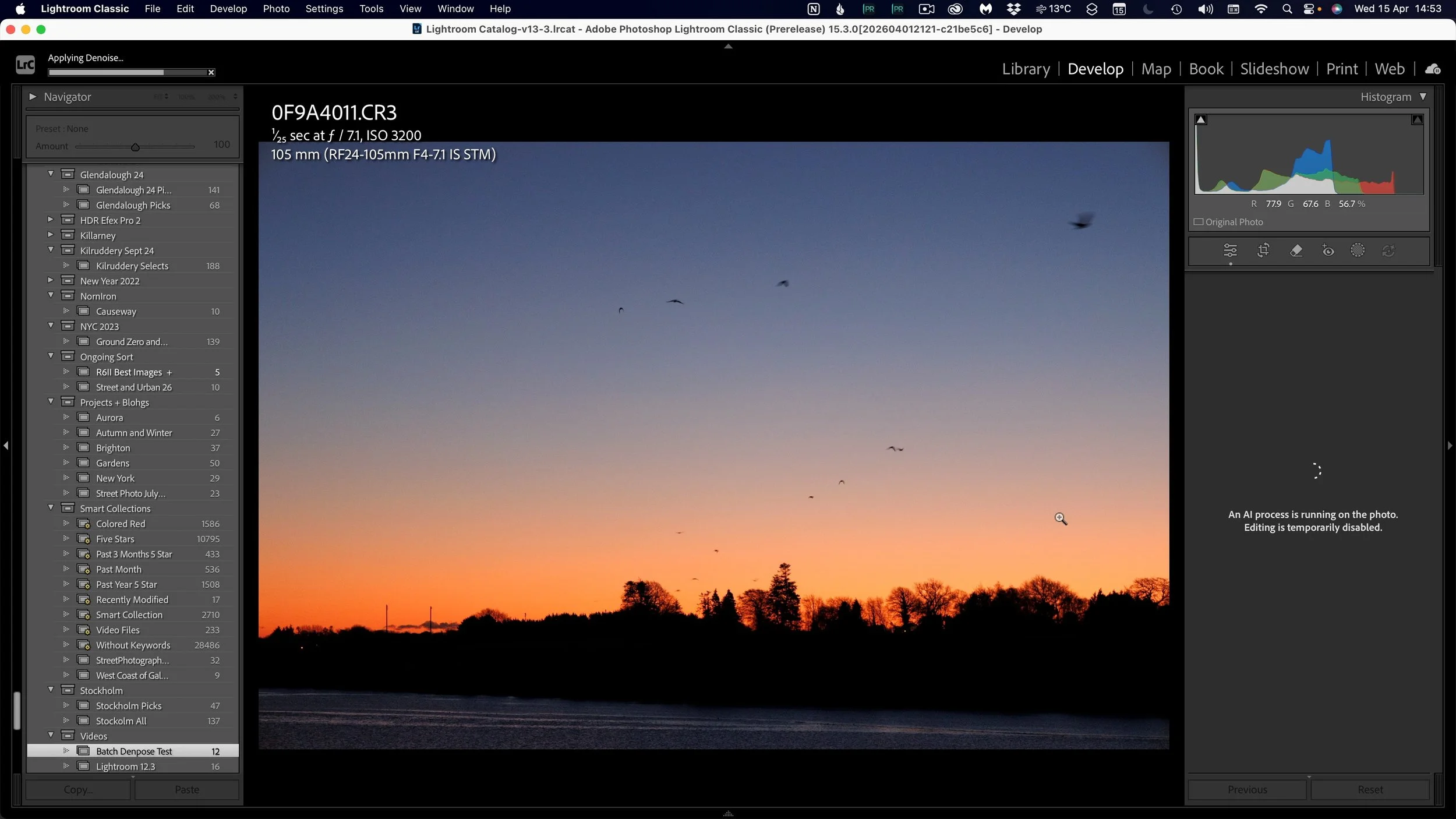
There are a few limitations still. When you enable something like Denoise, editing the current image is temporarily disabled while you apply it. This makes sense, as it’s basically creating a denoised version in the background. You can still continue to edit other images.
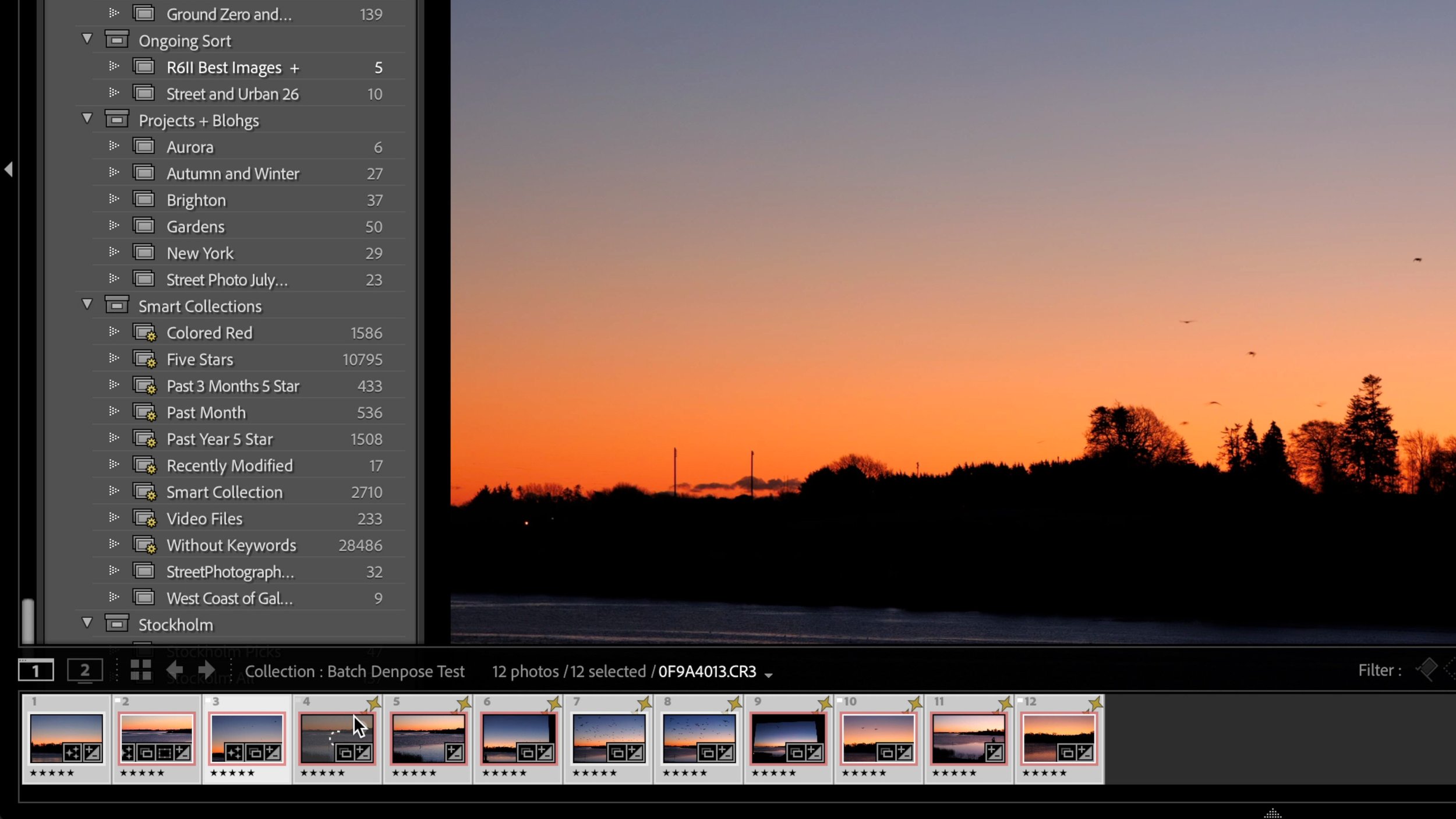
If you apply Denoise to a batch of images, the same happens. You can’t edit any images currently being processed or ones in the queue. However, once the process on any given image is complete, you can then edit it. You can still edit other images that aren’t part of the batch being processed.
Another change is that previously, if you were batch processing images, you would apply Denoise and then you would have to choose the menu option to “update AI settings”. You don’t need to do this anymore, as this all happens automatically now.
There are a couple of other updates in this release also. Most are under the hood type things and performance improvements. This are as follows:
Performance Updates:
Interactive slider performance for global and local edits
Better memory utilisation for Full Screen Window
Cloud sync download
Assisted Culling Improvements: Assisted Culling updates improve detection of shallow depth-of-field images and reduce false rejects for photos with intentional background blur.
Sync: Sync support for Photoshop Big (PSB) files
Film-Inspired Presets
Send to Firefly Boards
There’s also the usual round of new camera and lens support updates with this release too. The rest of the photography family also received updates too, including Lightroom Desktop and Mobile and Photoshop and Camera Raw.
Double-click to edit...