
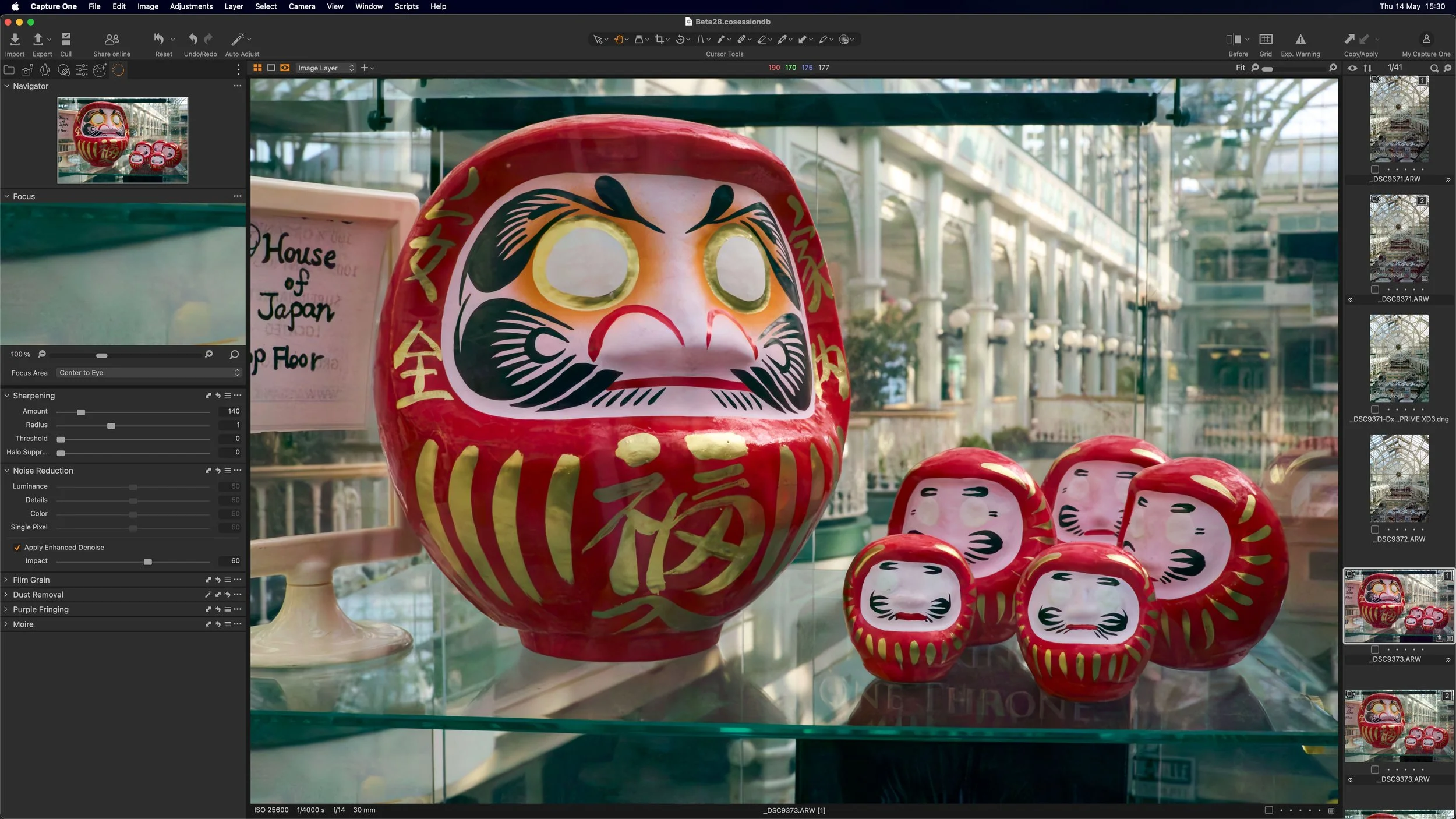
Capture One has released a new beta version of the software that adds a much-requested feature. The new version adds AI noise reduction to the photo editing application, and while currently only in Beta, it looks promising.
Anyone can sign up for the Capture One beta, and they have been actively promoting it recently. It used to be the case that the beta was under NDA, but for the past few years, you can talk about it freely. You can find the beta on the website. As with all beta software, be aware that this probably shouldn’t be used on work projects, and it does require you to upgrade, ore use a separate catalogue or session.
Anyway, back to the noise reduction! You will find it under the “Refine” tool tab, and it is simply named “Apply Enhanced Denoise”. Interesting that they chose to not use the term AI in the tool. When you click the checkbox to turn it on, it takes a few seconds to calculate, and then it displays the denoised version. You get a slider which you can control the amount of Denoise used. When you use the Enhanced Denoise, it disables the standard noise reduction.
So how is it?
Based on my limited testing, it seems pretty good. I tried it on an ISO 25600 image from my old Sony A6000, hardly a low-light beast. This image is basically unusable without treatment, but after applying the AI Denoise, it is usable.
Here’s my test image:
The full image, unedited (scaled to 2400) - Click to view larger
A crop of the original un-edited image (click to view larger)
Above is the original (a crop) Here is a before and after showing the full sized image, and then and a 100% crop of the image.
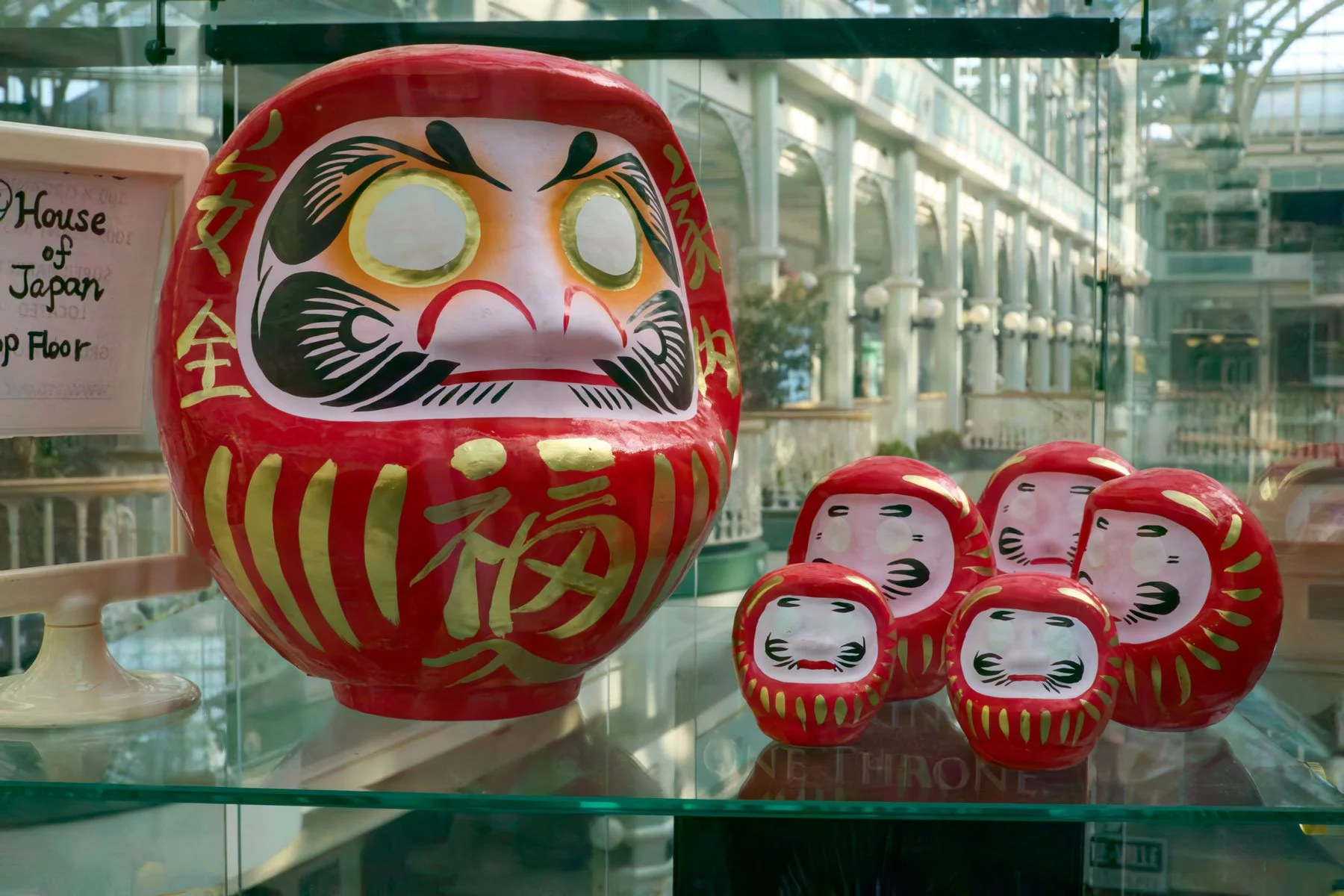
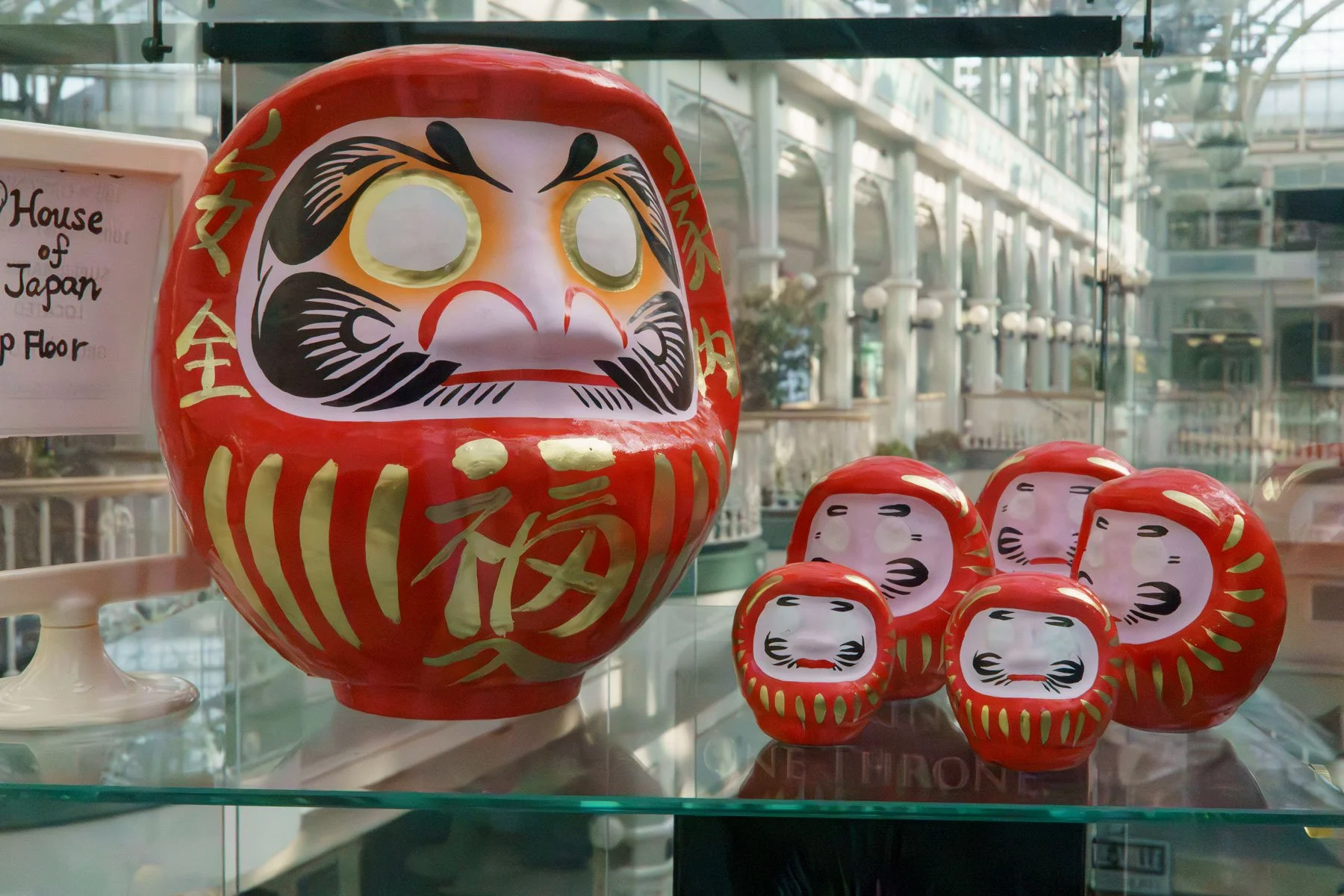
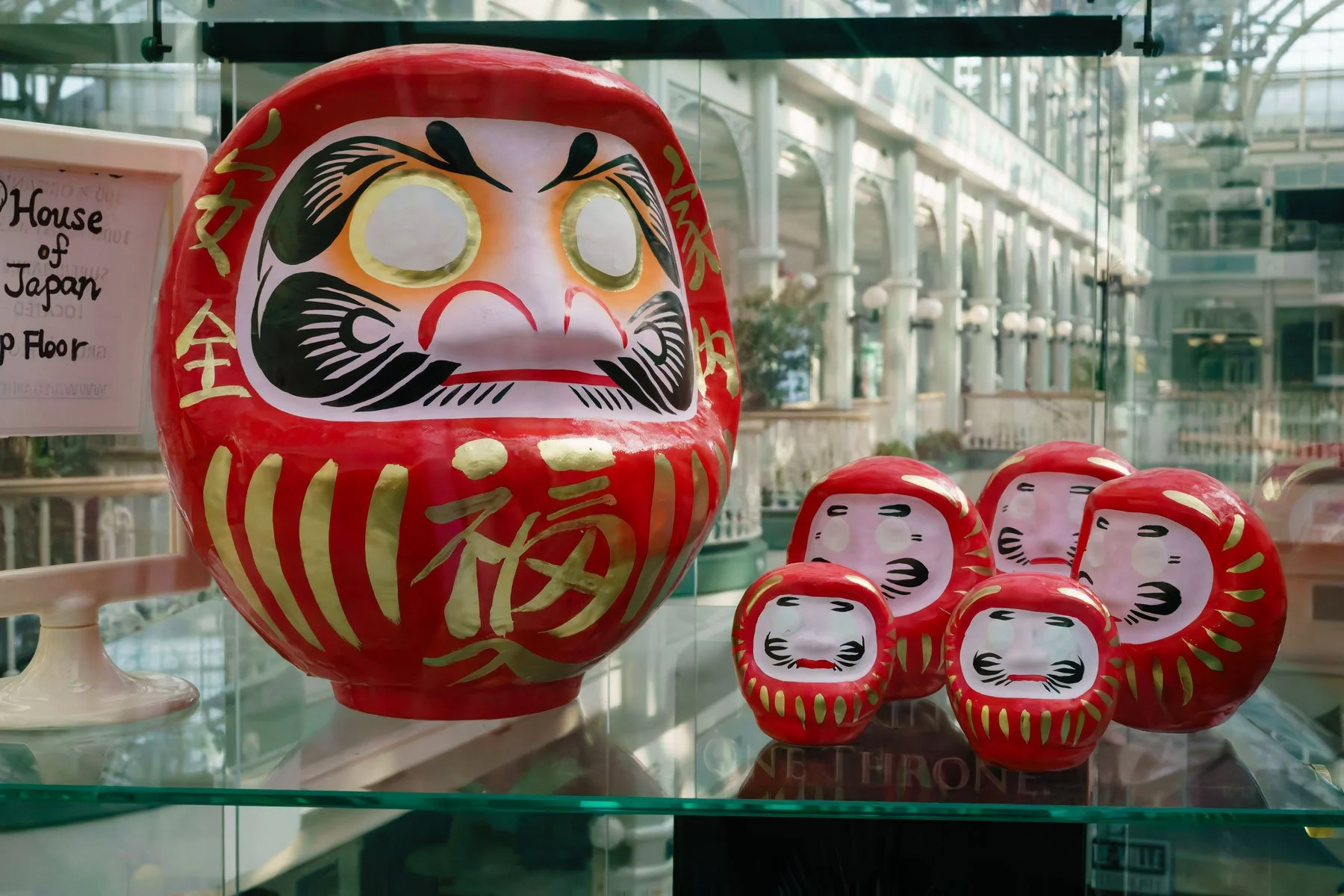
And 1:1 Crops…
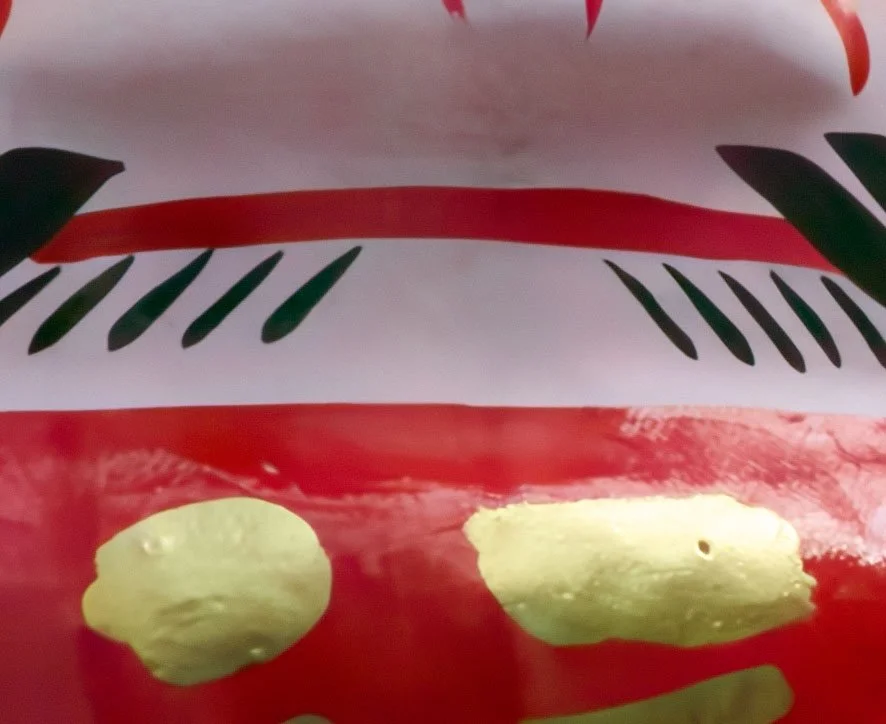
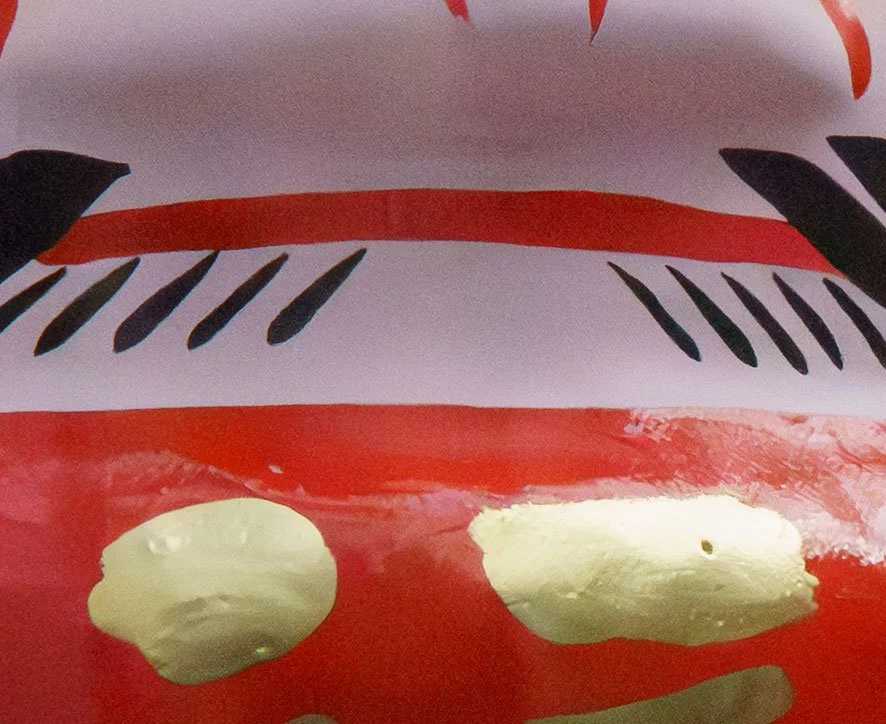
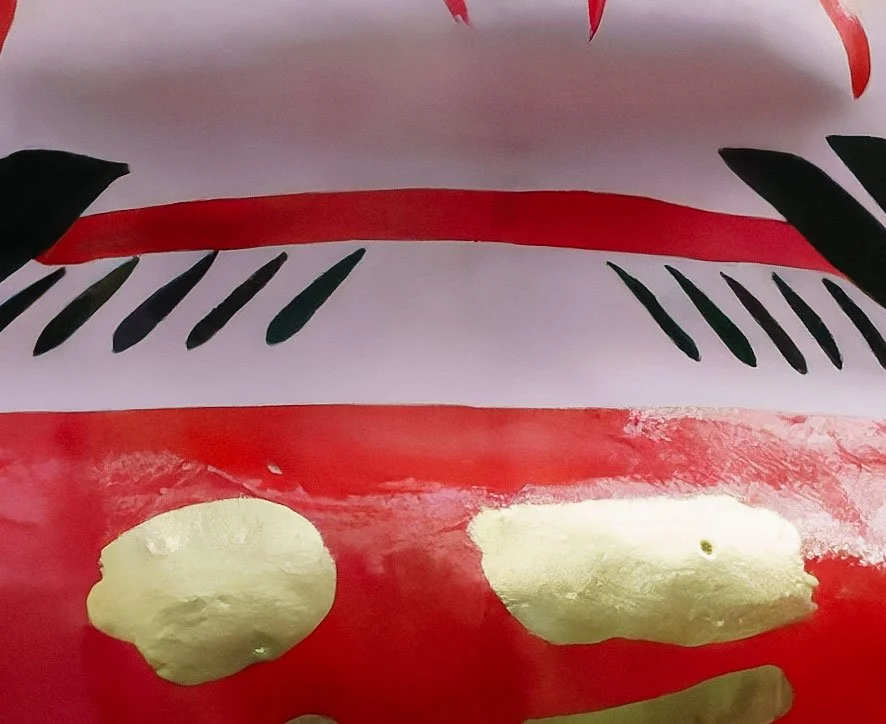
Note that in the tests above, I set the slider to 50% across all versions.
The results are, in my opinion, not quite as good as Adobe’s Denoise. It gets rid of the noise with no problem, but leaves the image looking quite soft by comparison. The Lightroom version has a more natural-looking texture. I also tried the DXO PureRaw version, and the Capture One version isn't as sharp or as detailed as the results you’ll get with DXO PureRaw. Pure Raw probably is the sharpest of the three, but it is also a little more processed-looking than the Adobe version. Some of this will be subjective, so I encourage you to try it yourself. I also don’t want to do too much testing as its still in beta.
Anyway, this is just a quick update to let you know about this and isn’t meant to be a full review or anything. As I said, it’s still in beta. I know many Capture One users have been clamouring for something like this, so now you have it. Or at least you will have it when the final version comes out!
Double-click to edit...