
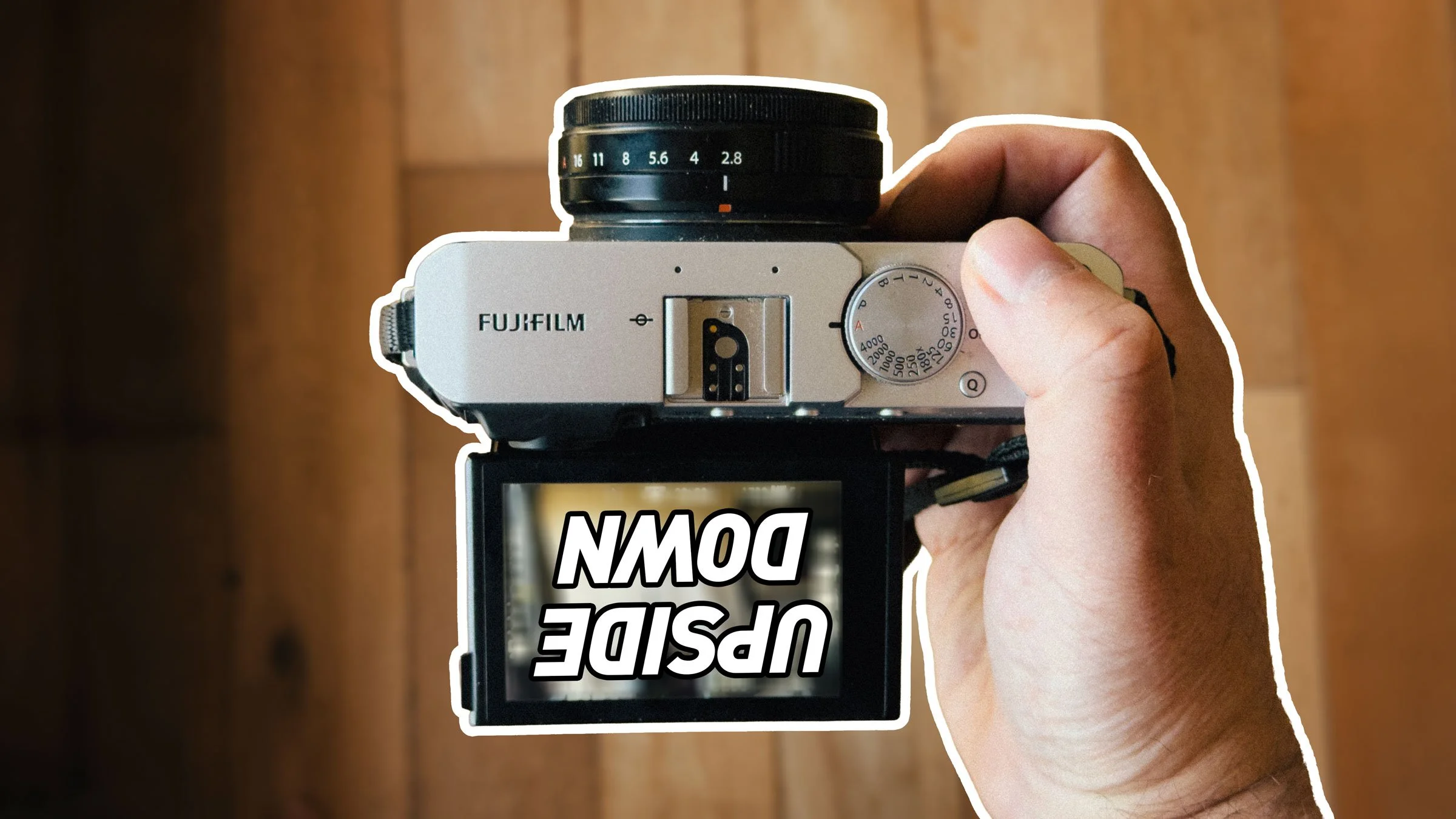
I’ve had my Fujifilm X-E4 for a long time now, and for the most part it’s a great little camera. I’ve used it as my main “lightweight” travel and walk-around camera for years now. Any time I want to bring a camera with me and I don’t want to lug my Canon R6II, I throw the Fujifilm in the bag. I had originally bought it to replace my ageing Sony a6000 for street photography, but that never really panned out. Mainly because I didn’t do street photography as much any more, but also, an annoying bug in the camera made it difficult to use with my style of street photography.
I’m pretty sure I covered this before on the blog, but I can’t find the original post. I like to shoot from the hip with the screen flipped up. The problem with the X-E4 is that when you do this, if you bring the camera too close to your body, the image on the screen flips. This is because you can flip the screen right around 180 degrees to use as a selfie screen. But when placed vertical, the eye sensor seems to trigger the camera’s software to flip the screen.
You would think that turning the viewfinder off altogether would solve the problem, but alas it does not. I had searched for solutions online for ages but to no avail. Someone recommended using a half transparent piece of plastic over the eye sensor to make it less sensitive, but that doesn’t work at all. Covering the sensor doesn’t work either, it just triggers it. When I did finally find a solution I ignored it initially, as it just sounded too ridiculous to work. But it does.
The solution? Magnets!
Yes, you read that right. For some bizarre reason, placing a magnet on the underside of the camera in the correct spot stops the screen image flipping. The only thing I can think of is that it is related to the mechanism used when the screen is in its normal place, although the location is kind of away from there, so that doesn’t really make sense either. You need to put it on the right side of the bottom of the camera (when the lens is facing up) just where the holes are. The pull of whatever magnet is inside will pull it into place.
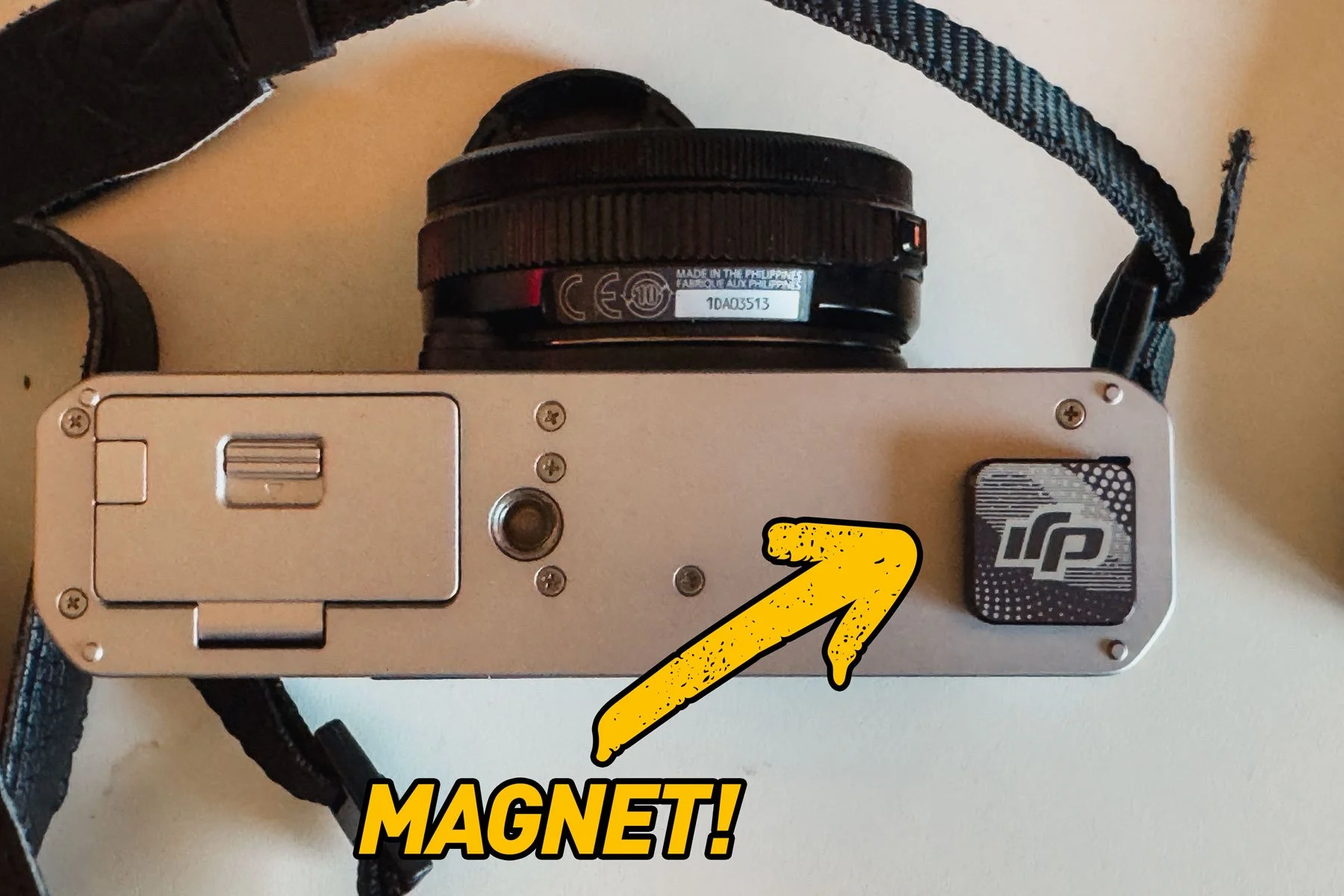
To test it I used the magnetic clip that came with my DJI microphone, which is a handy size. You’ll need to tape it into place, though, to stop it falling off. I genuinely wasn’t expecting this to work, but it seems to. If anyone has any explanation as to why this works, please let me know in the comments.
The only downside to this is now the screen turns off instead of flipping, but this is just the eye sensor doing its normal thing, and you need to be much closer to the camera than when it was flipping the image. You can solve this entirely by disabling the viewfinder in the menu. It’s still not an entirely ideal solution, but at least it’s a solution.
I am curious to know if this happens on the Fujifilm X-E5 also or did they fix this problem when that camera came out. If you have an X-E5, please let me know in the comments if this happens on the X-E5 too.