
Photo Editing, Tutorials, Photography News, and More
This blog covers a range of topics from Lightroom, Photoshop, Capture One, Fujifilm, Canon, Nikon, iPhone Photography, and more. If you want to see more of my actual photography work, visit my Portfolio and Photo Journal blog.

Capture One 20 HDR Tool | Understanding the new options and how they’re different from other tools
When Capture One 20 Was Released at the start of December 2019, one of the key new features was the revised HDR tool. Since the release, there has been a lot of commentary around this that indicates that there is a degree of confusion about the changes, and in particular how they relate to other software, or other tools within Capture One. In order to try and explain the differences, I wanted to take a deeper look at the revised HDR tool in Capture One 20.
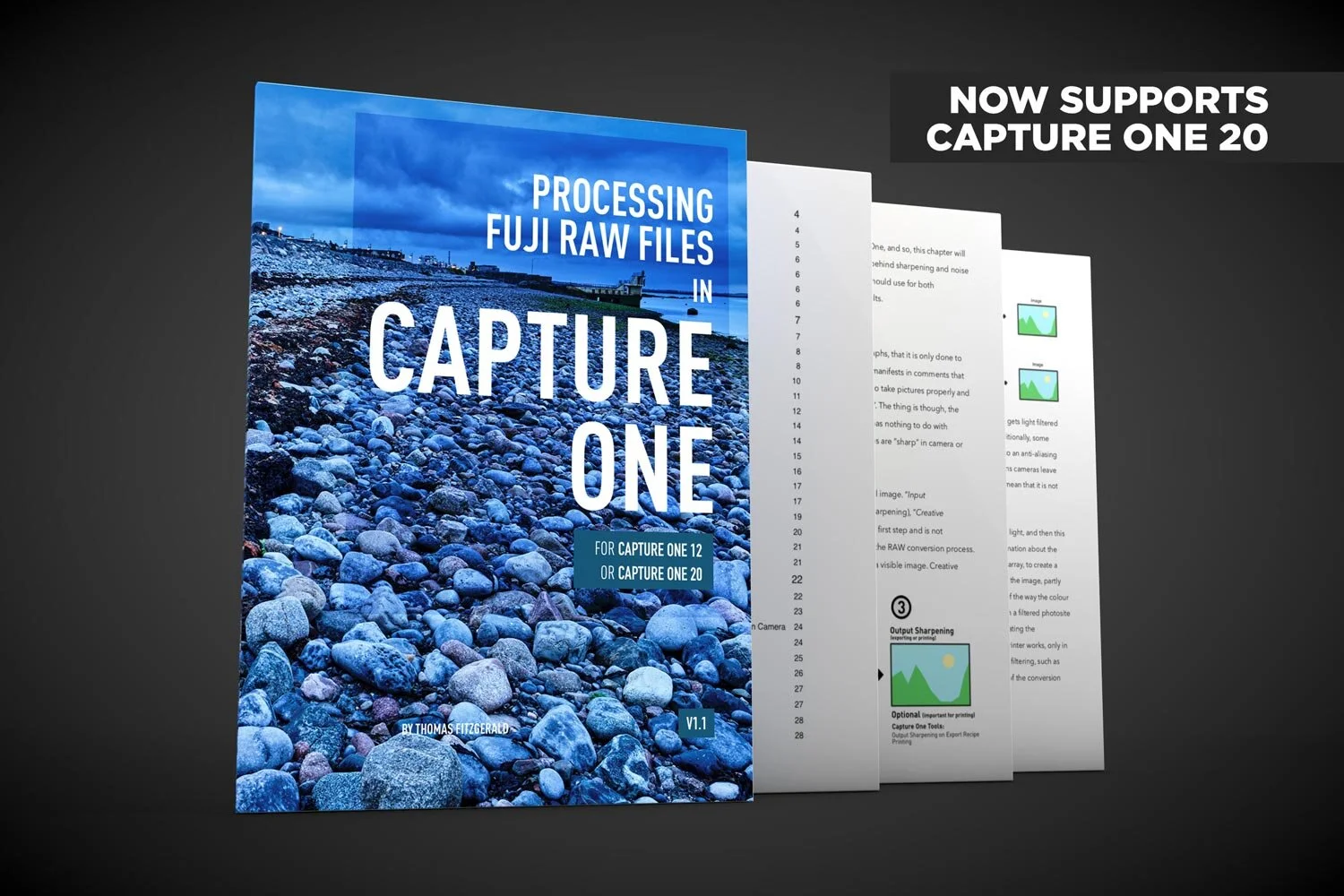
Capture One 20 Support Added to my Fuji Capture One Guide
I’ve updated my Fuji Capture One guide to include preliminary support for Capture One 20. If you are a Fuji shooter using Capture One, the new version of my eBook now contains support for both Capture One 12 and Capture One 20.

Capture One 20 Review: New Features, Improved Tools and More
Capture One 20 has just been released, and the newest version of Phase One’s Photo Editing Software comes with changes to the interface, improved and re-engineered tools, as well as some other improvements and features.

My settings for Processing iPhone RAW Photos in Capture One
If you want to shoot RAW on your iPhone then it is important to properly process those RAW files. Because the camera app on an iPhone normally does a significant amount of processing, you will need to do this in software if you shoot RAW. While there are lots of applications that will process RAW files from an iPhone, I normally use Lightroom, but I wanted to see what kind of results you could get from Capture One too, and how best to process the images. After a lot of experimentation and trial and error, here are my results and recommendations.
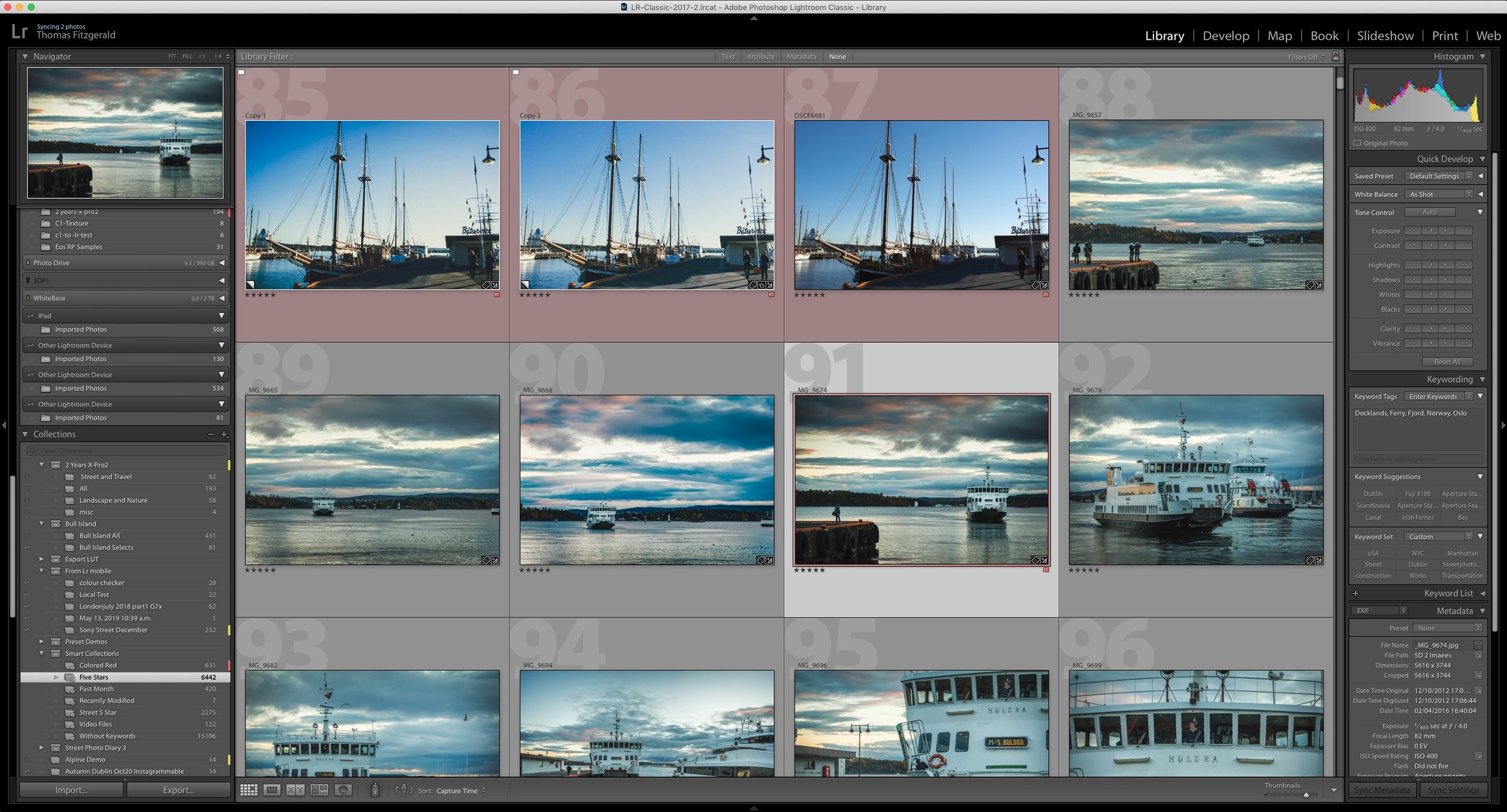
How do I “Save” in Lightroom or Capture One? How Photo Workflow Applications Work - A Guide for Beginners.
While photo workflow applications like Lightroom or Capture One have been around for a while now, there are still some new users who are confused by how these applications work. One of the most common questions I see from beginners or people not familiar with this way of working is “how do I save in Lightroom?”, as there is no save function in the menu. To answer that and other questions, let’s take a look at how this class of “photo workflow” applications actually work.

Canon Eos RP Raw files Are Impressive In Capture One (Compared to Lightroom)
Every now and then I like to download camera samples from DP Review to see how various cameras look, and how they perform in different software. (Because I’m a bit of a nerd for such things). I was recently having a look at raw files from the Canon Eos RP and I was looking at them in Lightroom and I though, these are kind of “meh”. Then I opened them in Capture One, and the difference was night and day. It was so significant that I though to myself, “what’s going on here?”
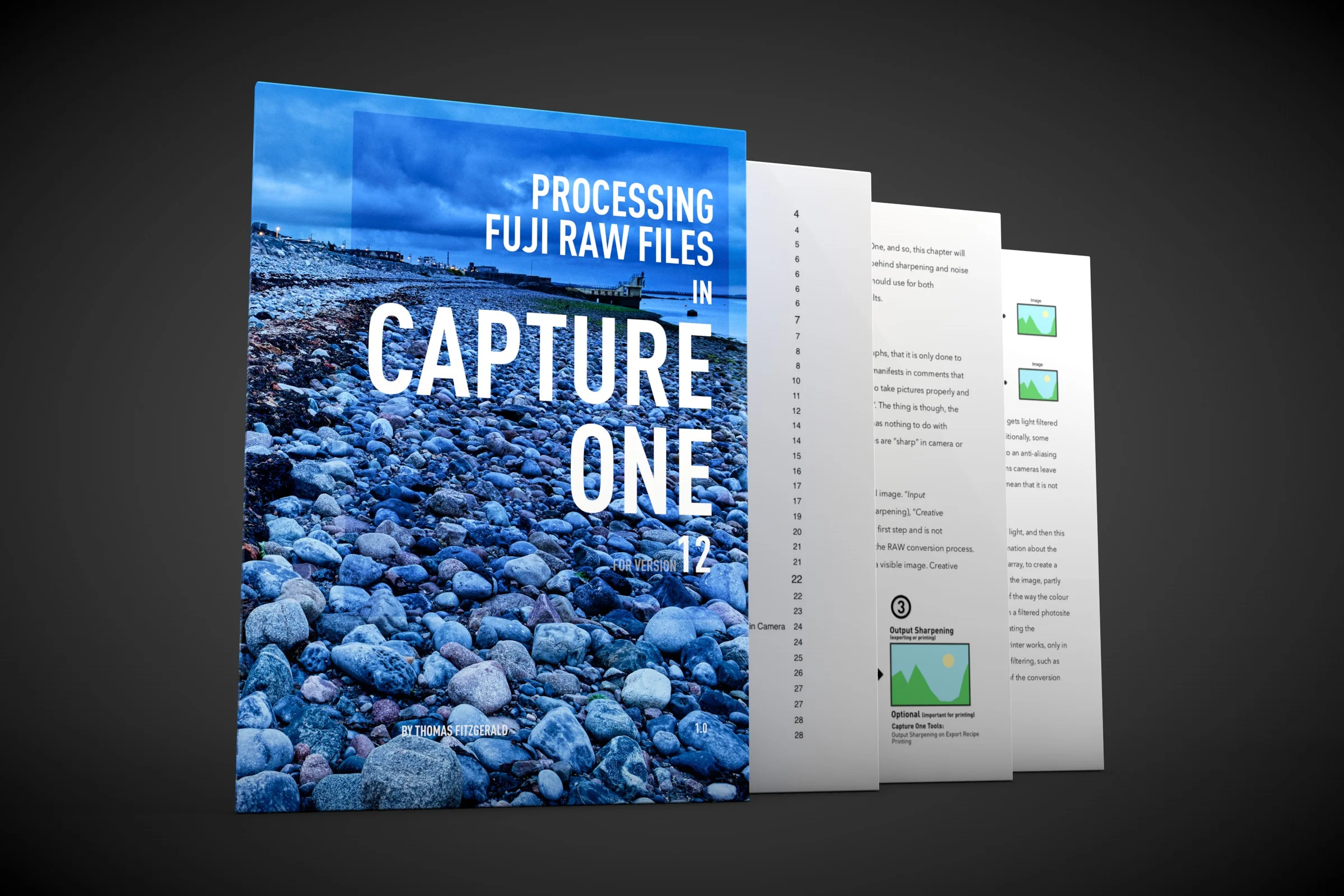
About my Capture One Fuji Guide and Capture One 20
With Phase One having already announced Capture One 20, I wanted to just update you on what is happening with my current Capture One Fuji Guide. The guide, which was launched relatively recently, is currently written for Capture One 12.

Last Few Hours to Save 10% on Capture One, Including Pre-Orders for Capture One 20
There’s still time to use my discount code if you’re planning on getting Capture One. The code allows you to get 10% off any CaptureOne purchase, and if you buy any of the current versions of Capture One you will get a free upgrade to Capture One 20. This code also works on style packs.

Script to Automate Creating a Dehaze layer in Capture One
A little while ago I made a video where I showed you how to create a dehaze effect in Capture One using layers and a few effects. The video was well-received, and lots of people wrote to me that they found it really useful. It was a little cumbersome however, and applying it still required a few steps. Well, now you can create it in one step thanks to a very useful script a reader sent me.
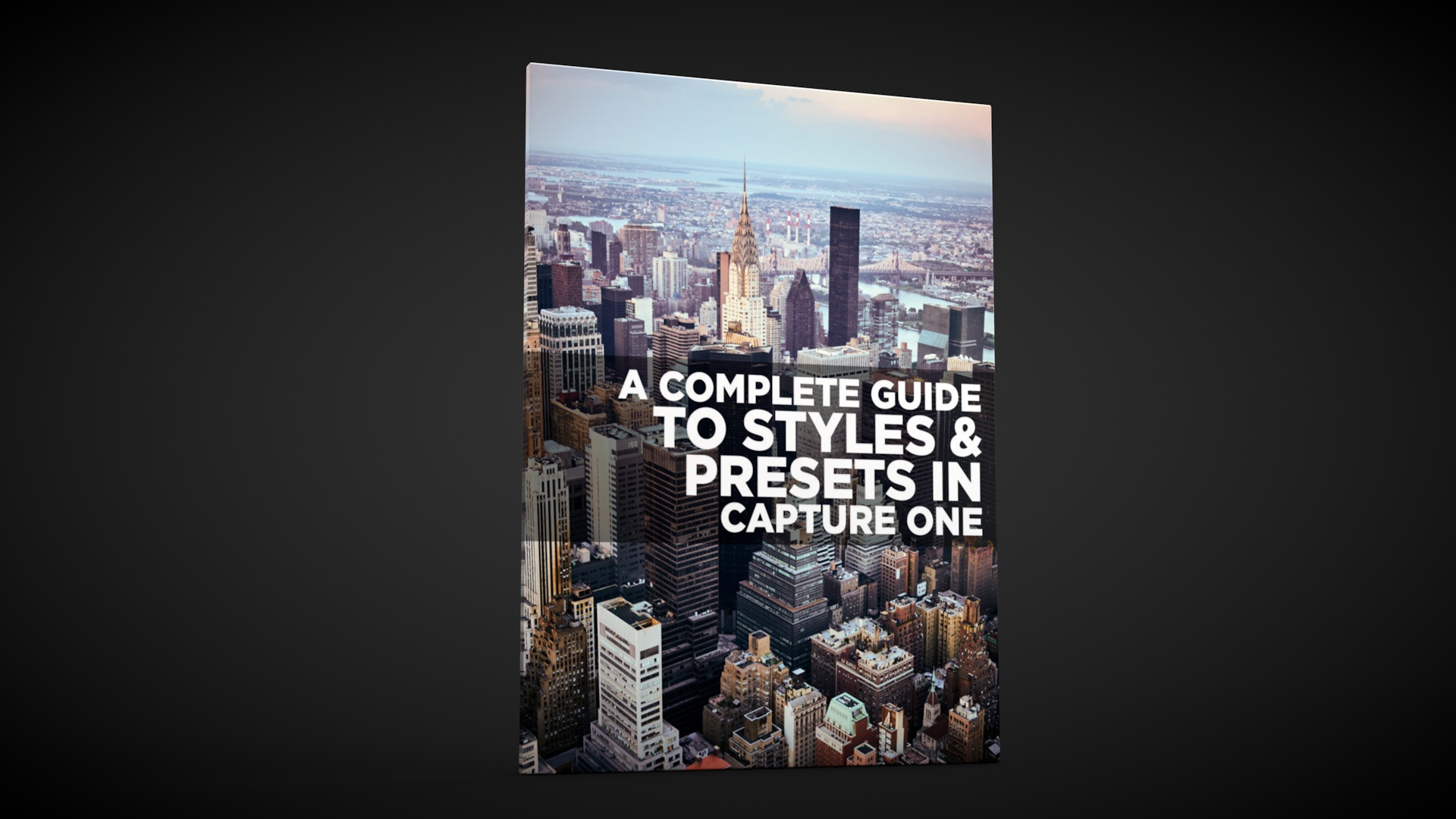
Free Capture One Styles and Presets eBook
Last week I posted a lengthy blog post about styles and presets in Capture One. To make it a bit easier for you to follow, and so that you can have it as a handy reference guide, I’ve turned it into a free eBook, and it’s available now for free on my digital download store.

Capture One 20 Pre-Order: Buy Capture One 12 now and Get a Free Upgrade to Capture One 20
Phase One just sent me a notification to say that the company is now starting their pre-orders for the next version of Capture One. Specifically, if you buy the current version of Capture One you will get a free upgrade to the next version, curiously named “Capture One 20”.

A Complete Guide to Styles and Presets in Capture One
At its simplest, Styles and Presets in Capture One may just seem like a variation of what would be Develop Module presets in Lightroom, but they offer a number of distinct advantages. Getting to know how to create, manage and work with styles and presets can be a significant workflow enhancement in Capture One, and so what follows is an extensive guide to one of the software’s key features.

Video: How to use the Colour Balance tool in Capture One
The colour balance tool is one of my favourite features of Capture One, and one I get asked about regularly. In this video I show you how to use the colour balance tool (also known as the three way colour corrector) to colour correct a photo.

My Capture One Style Packs Updated to Simplify Installation
I’ve released a minor update to two of my Capture One style packs in order to simplify the installation process. Previously they needed to be manually installed which was a bit of a chore, but now they can be installed simply by double clicking on a file.

The Difference between SilverLux and T-Pan - My two black and white Style Packs for Capture One
With the launch of T-Pan for Capture One this week, I now have two style packs available for the software. The other being SilverLUX. I had a couple of questions from customers and readers over the past few days as to the difference between T-Pan and SilverLUX, and so, here is a quick breakdown of the differences between the two Style Packs.