

Photo Editing, Tutorials, Photography News, and More
This blog covers a range of topics from Lightroom, Photoshop, Capture One, Fujifilm, Canon, Nikon, iPhone Photography, and more. If you want to see more of my actual photography work, visit my Portfolio and Photo Journal blog.

New Video: A Hidden(ish) Feature of Lightroom that will Seriously speed up Your Editing
When you’ve been using software for a long time you often pick up tricks and techniques and they become habits and you forget how you heard about them in the first place. I was recently editing an image for a friend in Lightroom as they watched, and when I did the technique in this video, they were surprised as they had no idea you could do that. I then realised that perhaps there is quite a few people out there who don’t know that you can do this either. That technique is editing by dragging the histogram.
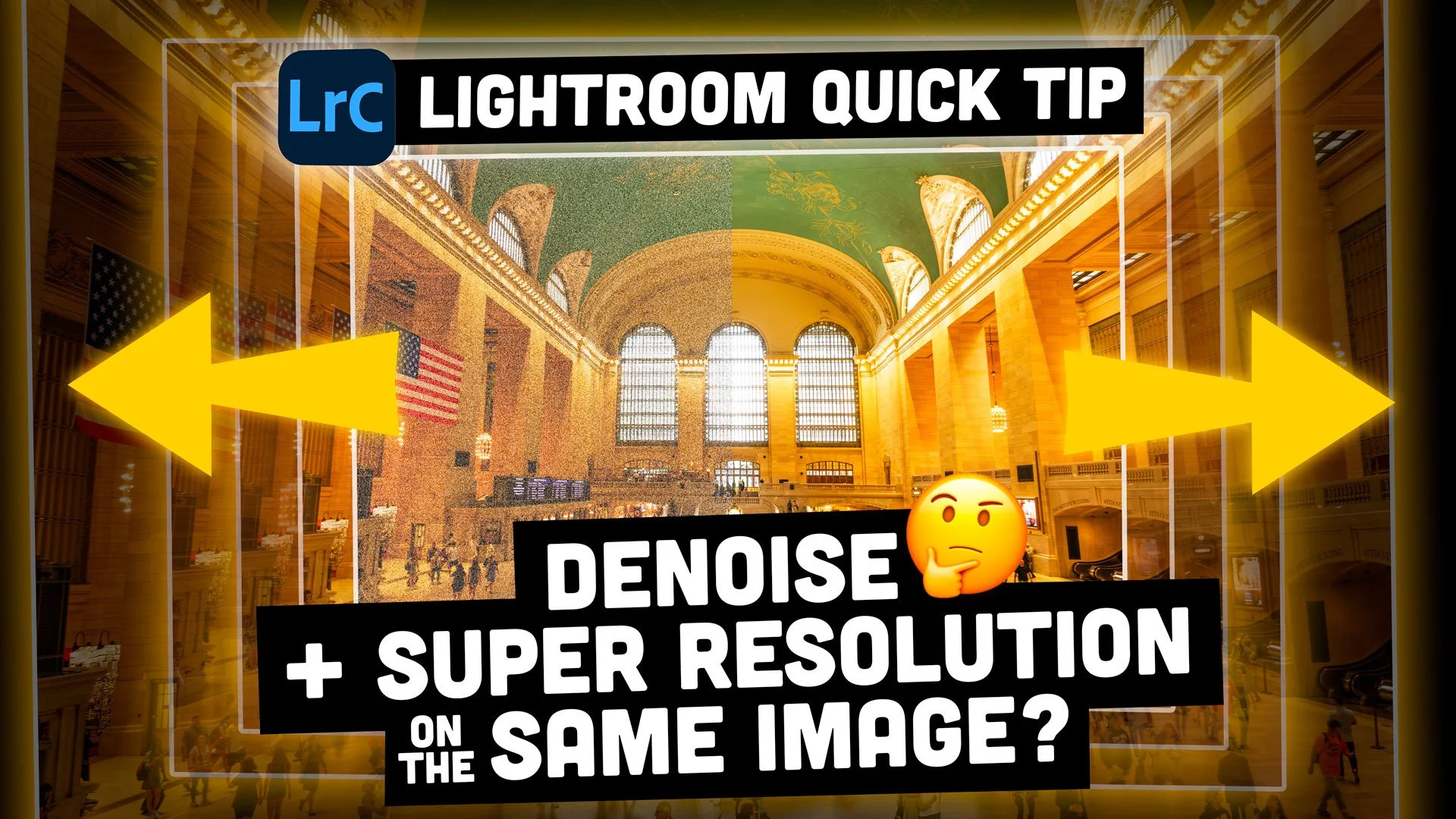
Lightroom Quick Tip - How to use Denoise and Super Resolution on the Same Image!
Two of the most impressive features added to Lightroom in recent years are the AI-based “Denoise” and “Super Resolution” features that live in the “Enhance” tool. Denoise has been something of a game-changer in particular. Unfortunately, though, you can’t use both of these functions on the same image. Or can you?
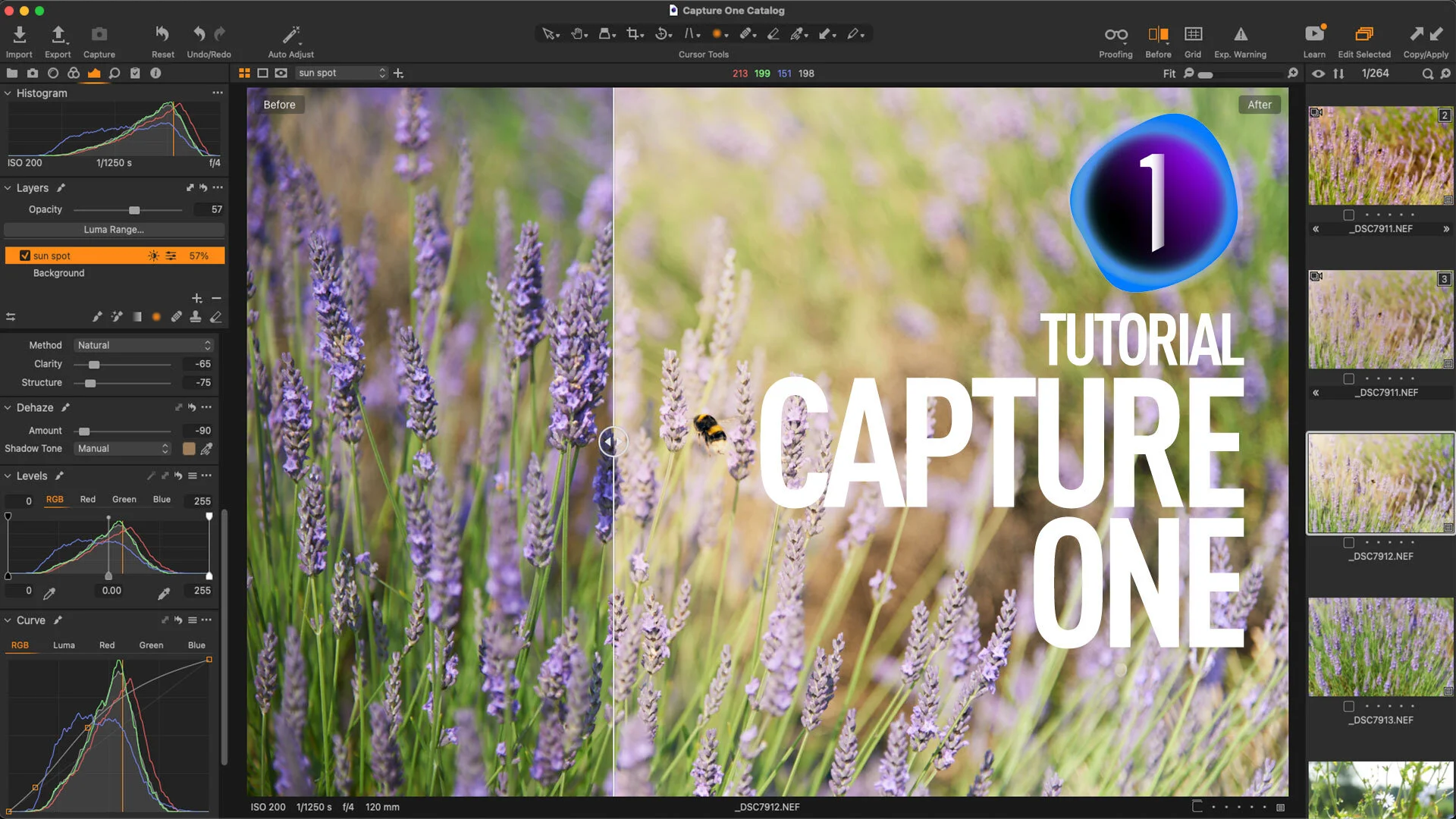
Video: Use Negative Dehaze Creatively in Capture One to create a soft light effect
In this video, I show you some tips on how to use the Dehaze tool creatively in Capture One. By using a negative amount on Capture One’s dehaze slider and by tweaking the colour, I created a soft light effect.
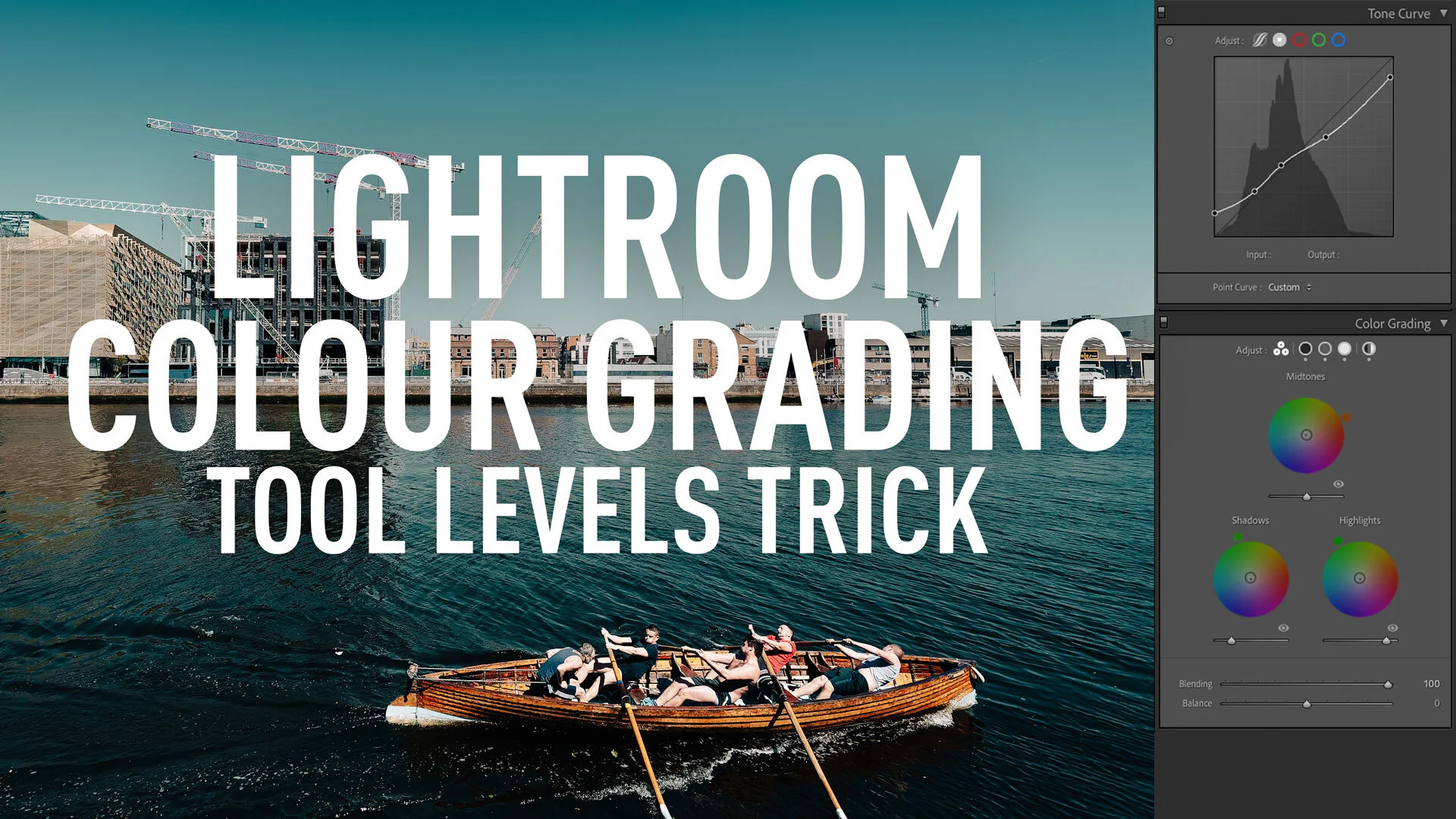
A Super Nerdy Lightroom Colour Grading Tool Trick to Solve a limitation of the Curve Tool !
This is one of those tips, that I actually exclaimed out loud when I realised it, but I’ve struggled ever since to figure out how to write about it. The reason is that it’s kind of a very specific nerdy thing, and while I was very excited when I discovered it, trying to figure out a way to explain why you should be excited too, has eluded me. The thing is, for years I’ve had a very specific problem in Lightroom, and there’s been no way around it, until recently. So what is this problem? Read on for more.

Capture One Quick Tip - How to see before and after on individual Adjustments
Here’s a quick Capture One tip for you to start your week! With the latest version of Capture One, the company added a new before and after method, which can be accessed by pressing the Y key. This will give you a complete before and after on all adjustments, but what if you only want to see the effect of temporarily resetting one adjustment? In other words, what if you want to see a before and after view for a single panel? Well, this is pretty easy in Capture One.
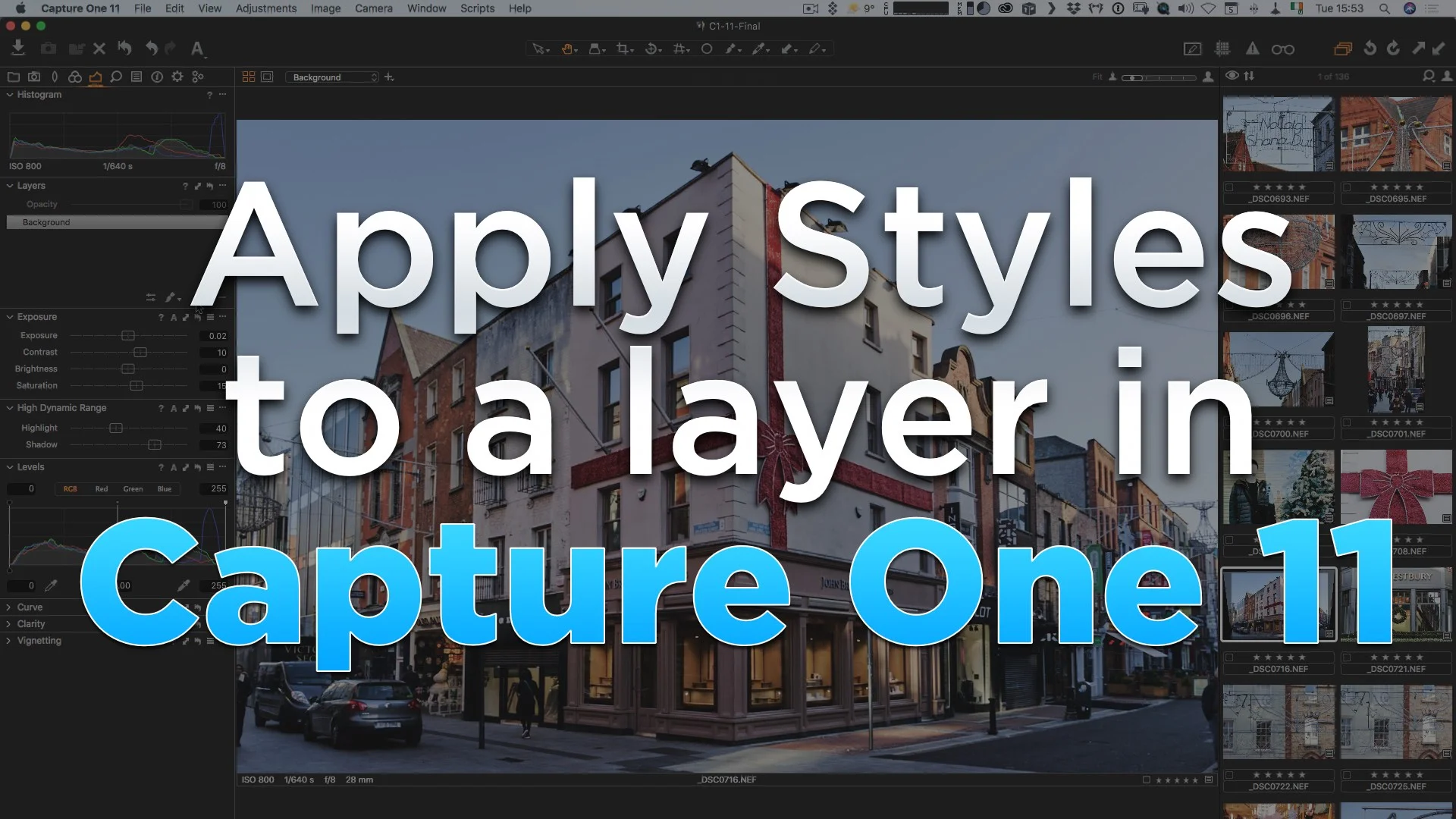
Applying Styles to a Layer in Capture One 11
One of the key new features of Capture One 11 is the new layers system. As I mentioned in my first look at the software, it’s a really useful features, especially when it comes to applying creative looks to your image. You can do your creative editing on a new layer, and then use the opacity slider to fade the results, controlling the overall look. I really wanted to be able to apply a style to a new layer, but at first it wasn’t obvious how to do so. I figured it out though, and so here’s what to do.