

Photo Editing, Tutorials, Photography News, and More
This blog covers a range of topics from Lightroom, Photoshop, Capture One, Fujifilm, Canon, Nikon, iPhone Photography, and more. If you want to see more of my actual photography work, visit my Portfolio and Photo Journal blog.

Holiday Specials from Luminar, Capture One and Me!
With Christmas and the holiday season only day away, both Skylum and Phase One have some special deals on in time for the holidays. Skylum is offering 10% off the price of Luminar, and Phase One are offering a special bundle price on their style packs. All this month, I’ve been having a sale on my Style Packs too.
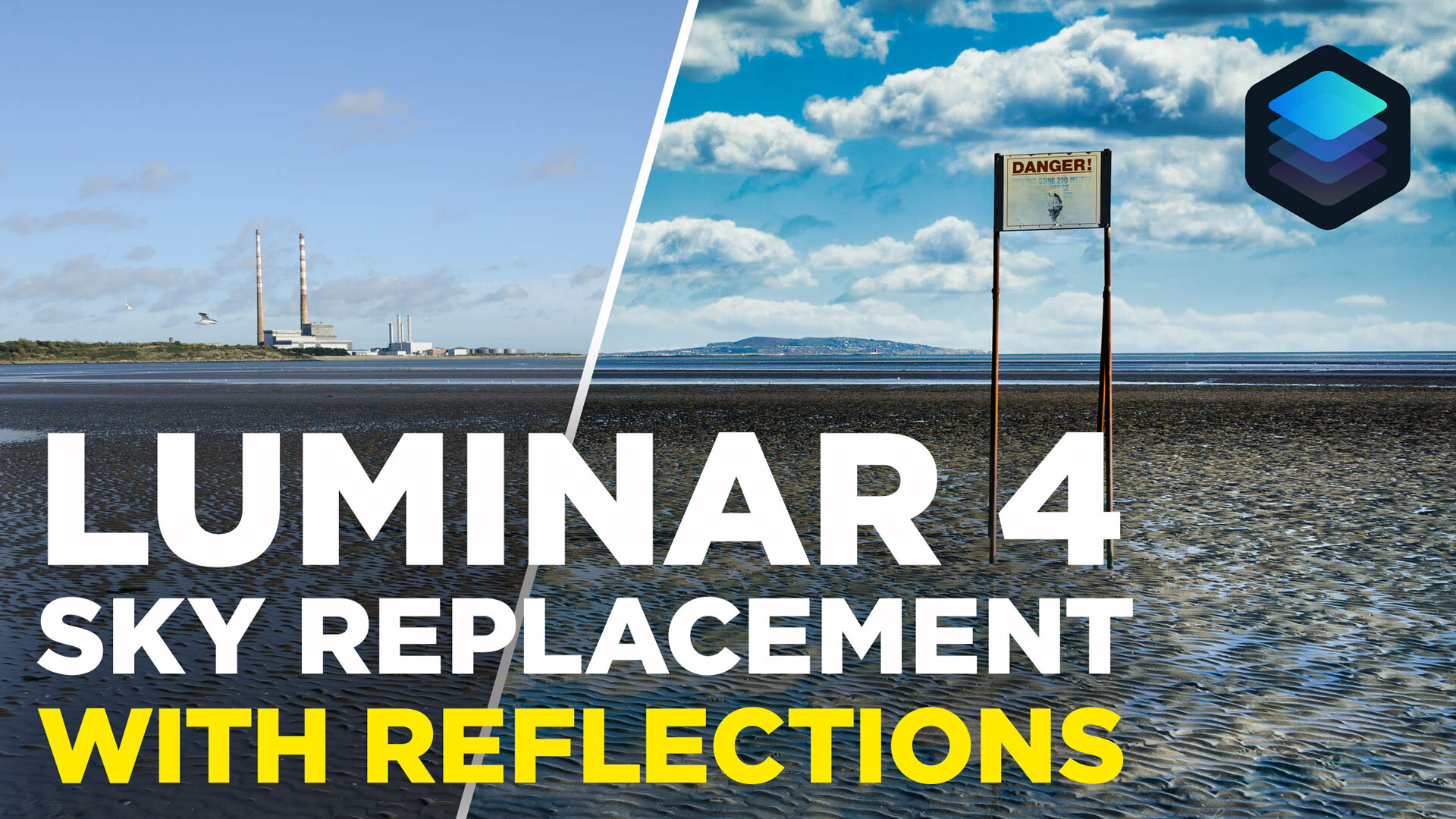
Luminar 4 Tutorial: Sky Replacement with Reflections
Sky Replacement in Luminar 4 is one of the headline features of the new version of the software, but it has a limitation in that it doesn’t do reflections. In this video I show you how to reflect the replaced sky in reflections with just the tools included in Luminar.

Skylum Black Friday Deals on Luminar
Skylum software has announced a number special bundle offers for Black Friday. These include Luminar 4 and a bundle of Bonuses. You can choose from one of three bundles
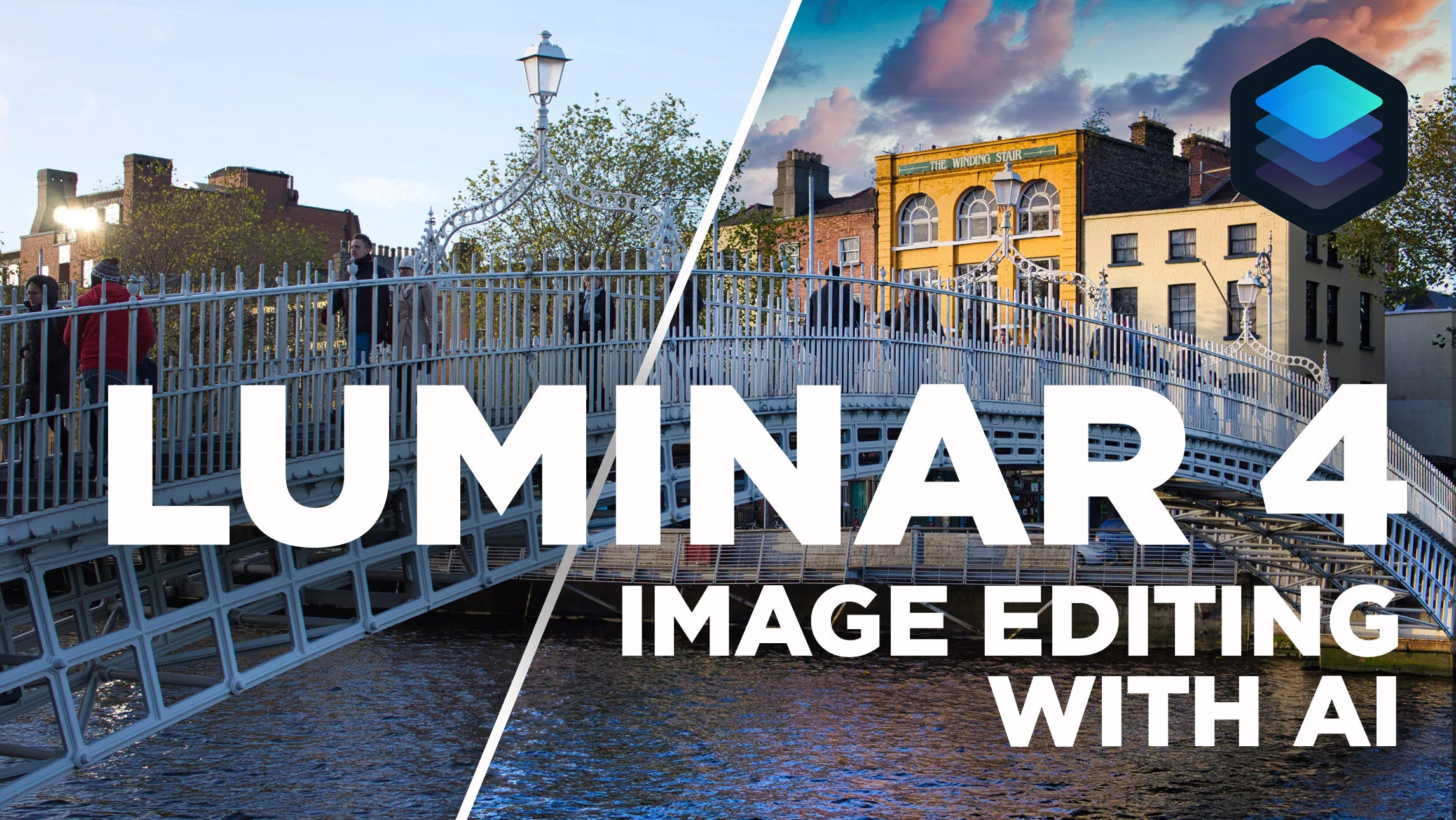
Image Editing using AI in Luminar 4
In this video, I take a look at editing an image in the newly released Luminar 4 and show you how to edit your image with just a couple of sliders using the AI tools in the software. I also look at some of the other new features and the changed interface in Luminar 4.

Luminar 4 Review
It’s weird writing a review of something that a lot of people have been talking about for quite some time now. Luminar 4 was pre-announced a while ago now, and the company has been drip feeding information about it to the public. Lots of people including myself have already shared details on some of the new features, the new interface and so on, so what’s left to review? Well, I wanted to wait until the software was actually released to put all the disparate threads together and talk about the application as a whole. So with that in mind, here are my impressions of Luminar 4, its new feature and what it is like to use.

Luminar 4 Now Available
It seems like it was ages ago when Luminar 4 was first announced, but the software is now finally available. The new version of Luminar includes a new interface, and new AI-driven tools and is now available to order, and download from the Skylum Website. I will have a full review of the software later today but for now here are the details of the release.

Video: Enhancing a Cityscape in Luminar 4 Beta
In this video I give you a sneak peak at what it’s like to use Luminar 4 to enhance a cityscape image. Using a photo of the New York City skyline, I show you what it’s like using the new AI Sky replacement filter, and a quick look at the new interface.

Skylum announces another new feature of Luminar 4: AI Structure
Yesterday, Skylum announced the next new feature of Luminar 4 in their somewhat odd slow roll out of software features. The tool, called AI structure, uses artificial intelligence to add structure to an image in an intelligent way.

Luminar News
There’s been a few bits of Luminar news coming out recently, and I wanted to try and get it into one single post. There is an update to Luminar 3 and there’s also been some confusion regarding what’s happening with Luminar 4, Luminar Flex and so on. I’ll do my best to answer some of these as best I can with the information that I have.

Video: The best way to use Luminar Flex with Lightroom
I wrote a post a while ago about what I felt was the best way to use Luminar Flex with Lightroom. In that post I explained that I use a bit of a roundabout method, by sending the image to Photoshop first. By doing this and using smart objects, you can keep your edits non destructive, so that you can go back and change your image without having to start over. Here is a video version of this tutorial.

Skylum Previews Luminar 4’s AI Sky Replacement Filter
Skylum software announced the first preview of the upcoming version 4 of Luminar. Specifically they announced the inclusion of a brand new “AI Sky Replacement” filter which will automatically replace skies, including automatically masking out foreground elements and matching colours.

Luminar Flex 1.1 Released
Skylum has just released an update to Luminar Flex, the plug-in version of Luminar. The update brings the second generation of Accent AI filter to Luminar flex as well as a couple of other updates. Here’s what’s new:

The best way to use Luminar Flex with Lightroom
If you are using Luminar flex as a plug-in for Lightroom, then there are lots of different ways to activate it. However, personally I use a bit of a roundabout method, by sending the image to Photoshop first. In this post I’ll explain why, and what the steps are that you should use if you want to work this way too.

How to replicate Lightroom’s “Texture” in Luminar
The most recent recent release of Lightroom added a new slider called “Texture”. This function works like a version of clarity, only on a smaller radius and on more “medium” details. A lot of people have liked this new functionality, but for those with older versions of Lightroom, or who have ditched it all together, you can actually do the same thing in Luminar.

Luminar 3.1 vs Luminar Flex
With the recent launch of Luminar Flex and the update of Luminar to 3.1, I’ve been seeing a lot of comments and I've been getting feedback from readers who are confused about the different versions. I have to admit, I was a bit confused myself at first, but I’ve since managed to get a better handle as to the main differences between the two. With that In mind, I will attempt to clear up some of the (yours and mine!) confusion.