
Photo Editing, Tutorials, Photography News, and More
This blog covers a range of topics from Lightroom, Photoshop, Capture One, Fujifilm, Canon, Nikon, iPhone Photography, and more. If you want to see more of my actual photography work, visit my Portfolio and Photo Journal blog.

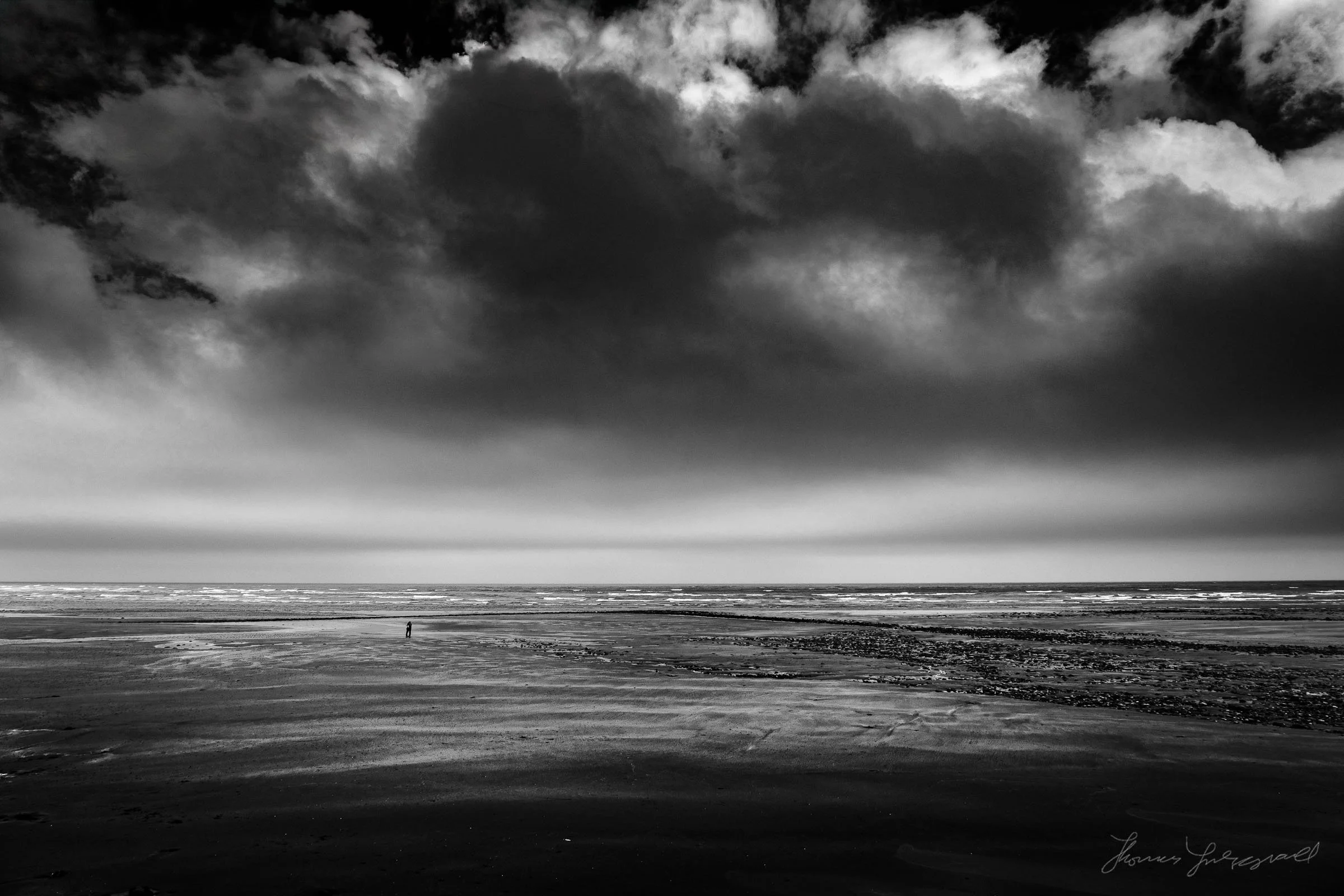
Bleached Bronze for Lightroom Coming Soon
One of the very first presets that I made when I first started selling presets for Aperture was called "Bleached Bronze". To be honest, I can't really remember how it came about, but I think it was an accidental discovery. I had originally been going for a "bleached bypass" look and instead came up with something that had rich browns and metallic looks, so I called it bleached bronze. It's the one set of presets that I haven't ported to Lightroom since I stopped selling them for Aperture, and it's the one set that I keep getting requests for. Well, I'm happy to announce that it's almost here!
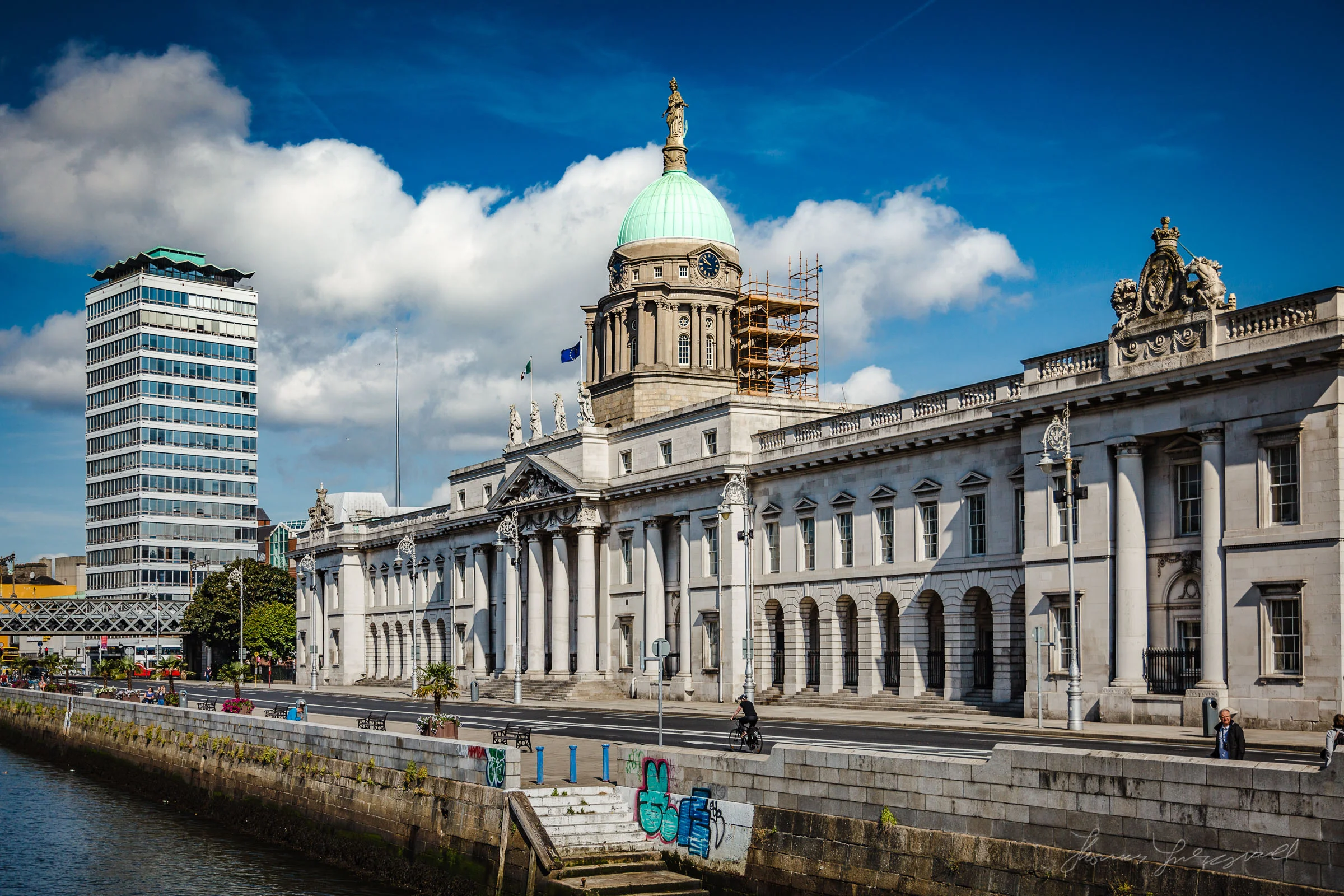
A Morning Walk By The River Liffey in the Dublin Sunshine
I got up early last week and headed into the city to get some morning shots. I spent most of my time walking up along the river Liffey through the docklands. It was a beautiful morning and the sun was shining down. It was nice to get some shots of the buildings and bridges by the river, many of which have become Dublin icons.
Some Free Faux Film Lightroom Presets for Fuji X Users
I’ve been working on some new premium Lightroom presets, which should be available soon, but while I was experimenting I got sidetracked and ended up creating some Faux Film presets for Fuji X users. I was trying some different techniques and I have saved various “ingredients” which I use to then create whole looks. While playing around with some of these I decided to try combining some of what I was working on, with the fuji picture profiles that come with lightroom. I liked he results so I decided to keep going. The result was a set of film like presets that I think you might like.
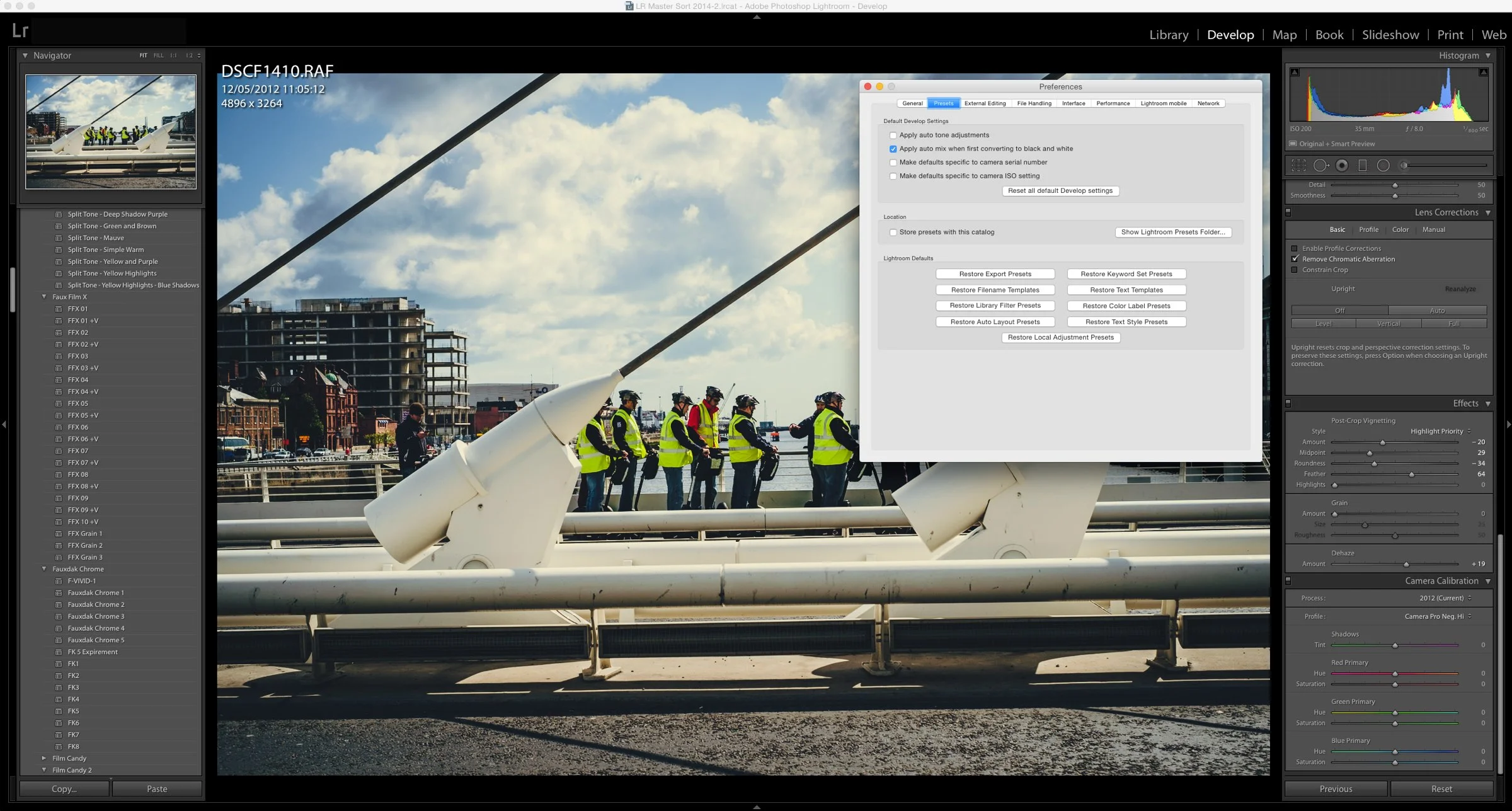
How to Manually Install Develop Module Presets for Lightroom.
If you have downloaded presets from somewhere and you want to manually install them, it's actually quite simple. You just need to copy them into the correct folder

The Dublin Famine Memorial
As you walk along the quays in Dublin City, there's a haunting but strangely beautiful memorial to the Irish Famine. The set of statues which makes up the memorial represent the starving and dying people of Ireland that were forced to emigrate during the horrific famine of the 19th century. They were erected in 1997 and are sculpted by artist Rowan Gillespie. On a bright morning last week I was walking by and I noticed that someone had put flowers in the hands of the statues, which were beginning to wilt, which I thought was kind of metaphorical, so I got some shots of the scene while I was there.

Using Film Candy to make Boring Shots Arty
Just a quick post for today, as I’ve lots on, and this is kind of a shameless plug post, but anyway. I often take simple shots that I use for embellishing blog posts, either here or on other sites. They’re usually nothing fancy and usually something that I just do quickly because I’m writing in a hurry. One of the things I’ll often do is give them a treatment of some kind to give them a stylised look which makes them more interesting. This is how my Film Candypresets sort of came about, and I’ve been using them in this context recently, so I thought I’d give you a quick example.
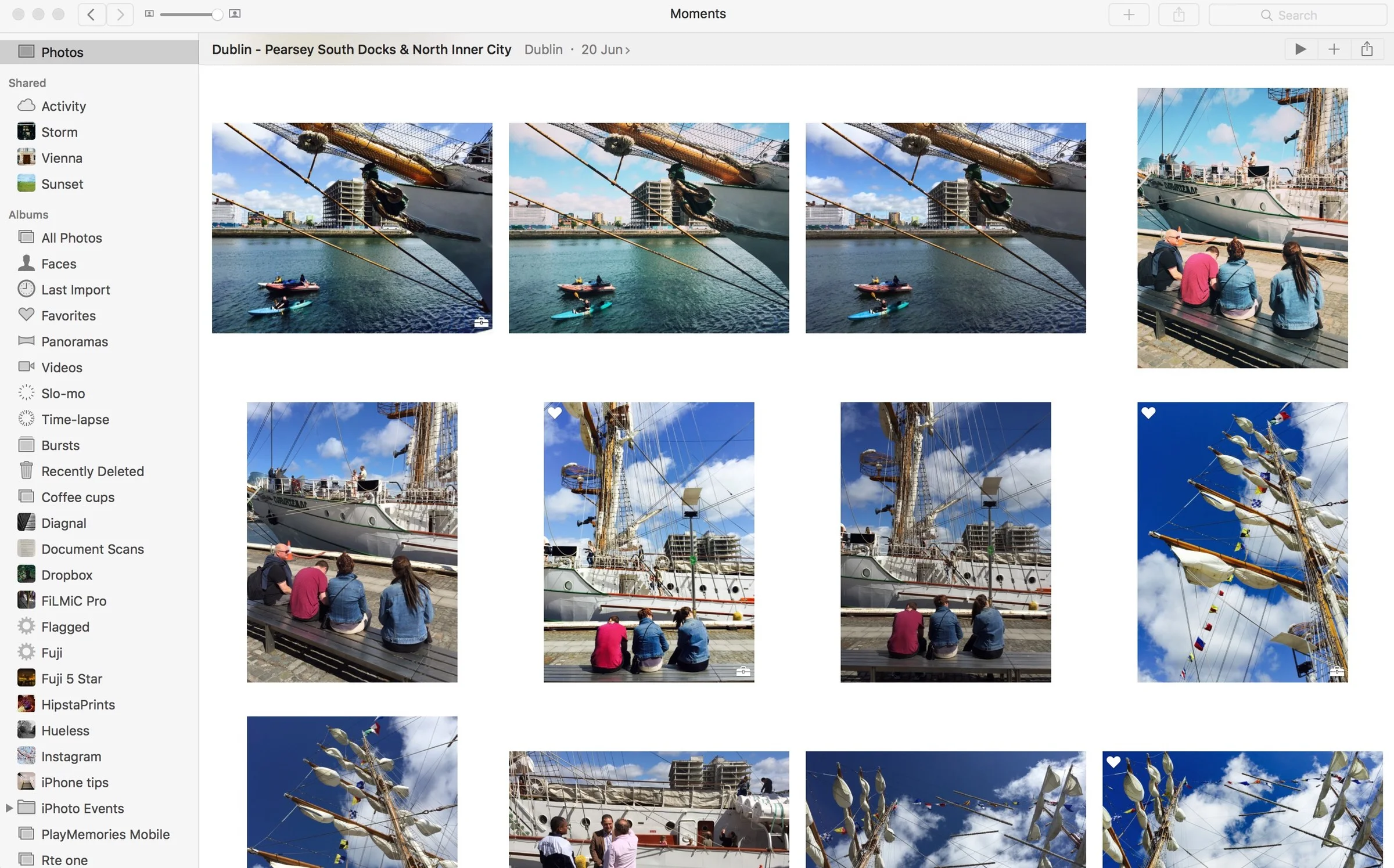
Quick News Update: Photos for Mac Updated in 10.10.4
Apple rolled out an update for Yosemite yesterday, and part of that update featured a minor update to Photos for Mac. This was primarily a bug fix release, but one of the improvements listed is more reliable syncing. I’ve talked about in the past briefly about the issues that I’ve been having with syncing on Photos, namely that it stops intermittently and you have to re-start the application or the iOS photos app.
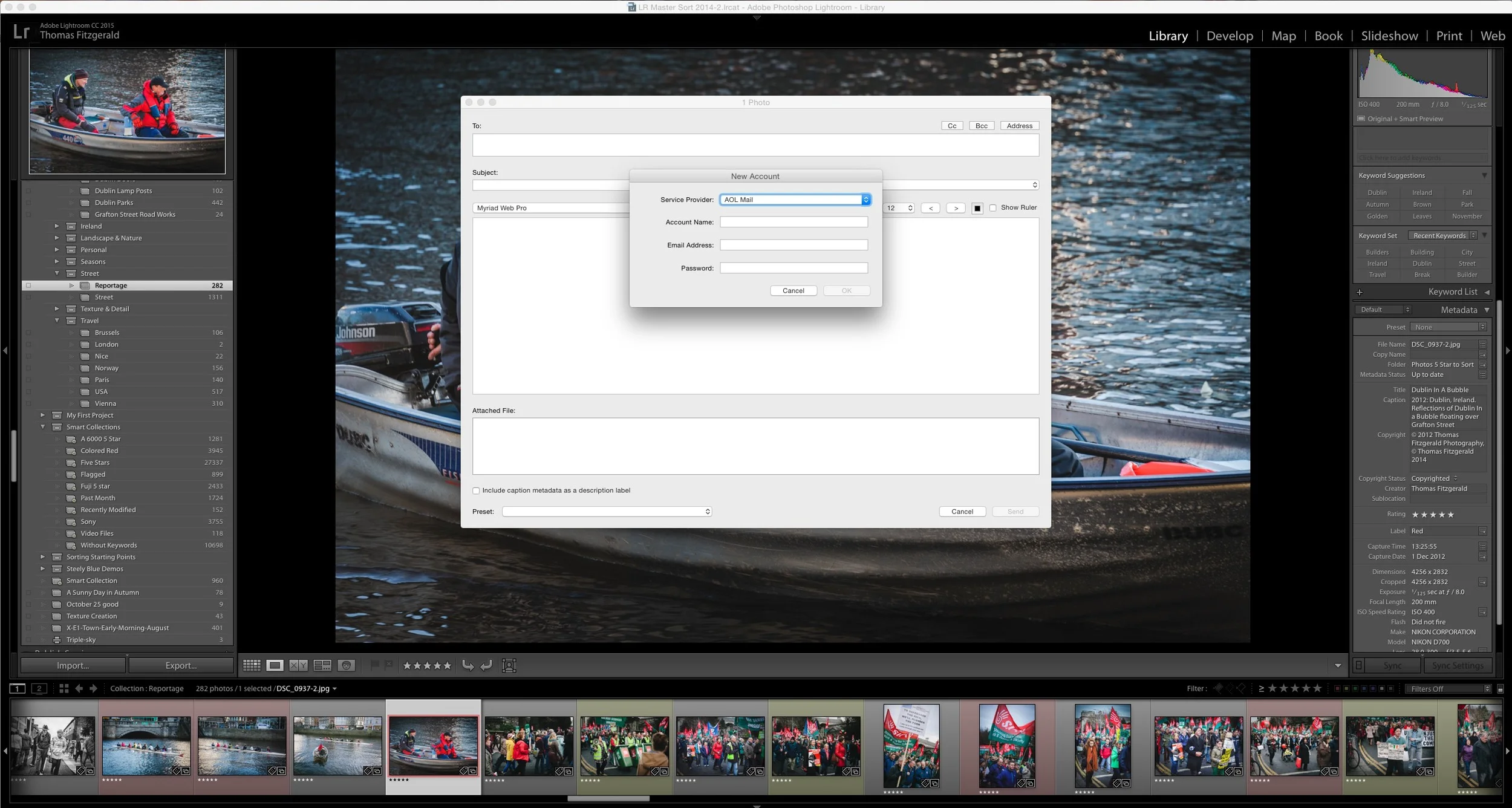
Lightroom's New Email Behaviour and how to get the old behaviour back
With the latest update to Lightroom CC, 2015.1 (I'm not sure if this has changed in Lightroom 6.1) Adobe has changed the way Lightroom handles emailing images. In the past when you choose the option to email some images by using the "Email Photo(s)..." option from the menu, Lightroom would open a dialog which let you see the images you were going to email, and allow you to enter addresses if you wanted to. It would then pass the photos on to your email client which would handle the actual emailing of the images. In the latest version Lightroom now seems to include its own email sending software, and now requires you to enter the details of your mail server, and compose and send the email directly inside of Lightroom.
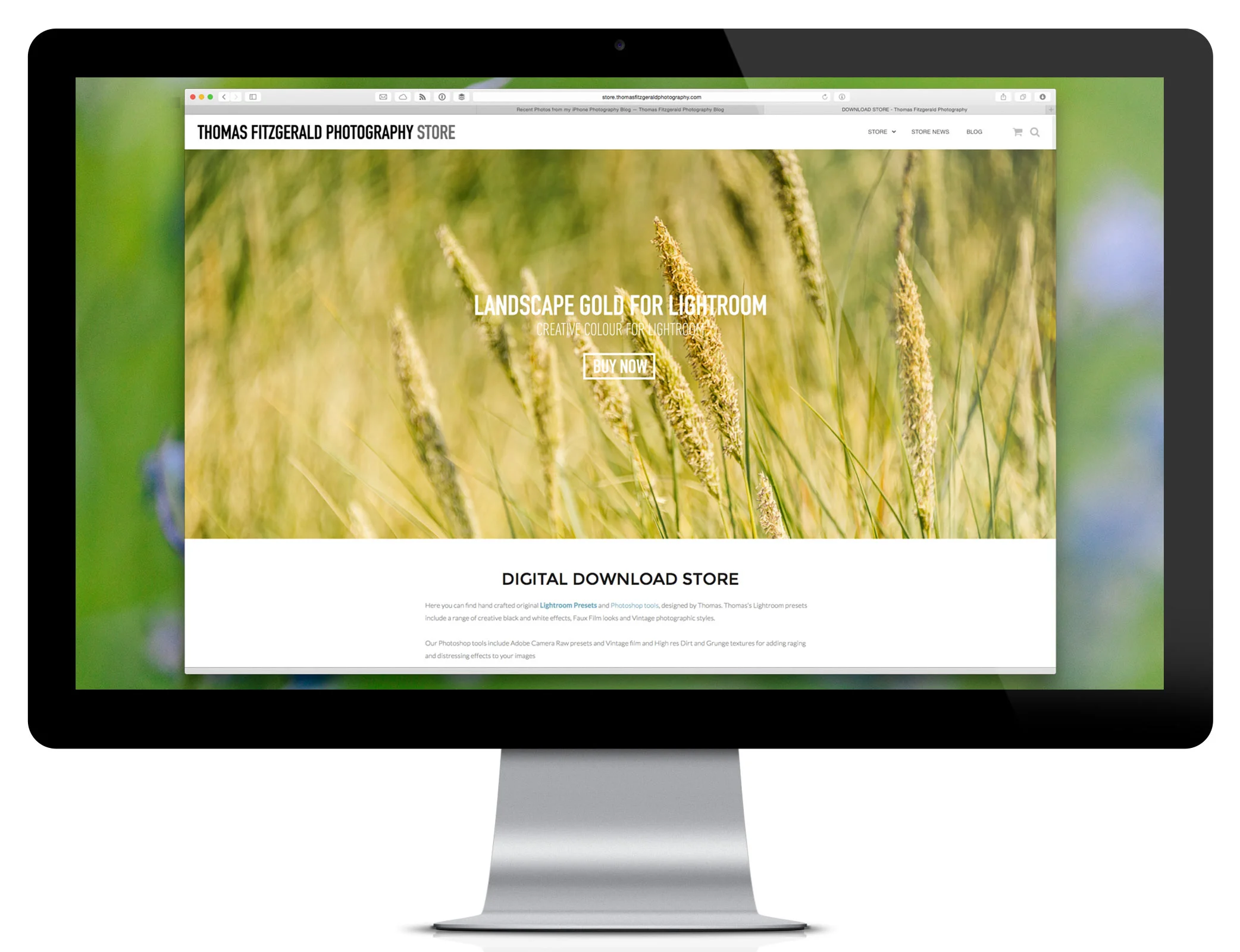
Download Store Re-Design & Preset Updates
Just a quick update on my Digital Download store. I’ve given it a fairly substantial re-design, including a new theme, and I’ve tidied up some of the organisation and menus, hopefully making it easier to find stuff. The download store contains my Lightroom presets, some presets for Photoshop too, as well as some textures for sale.
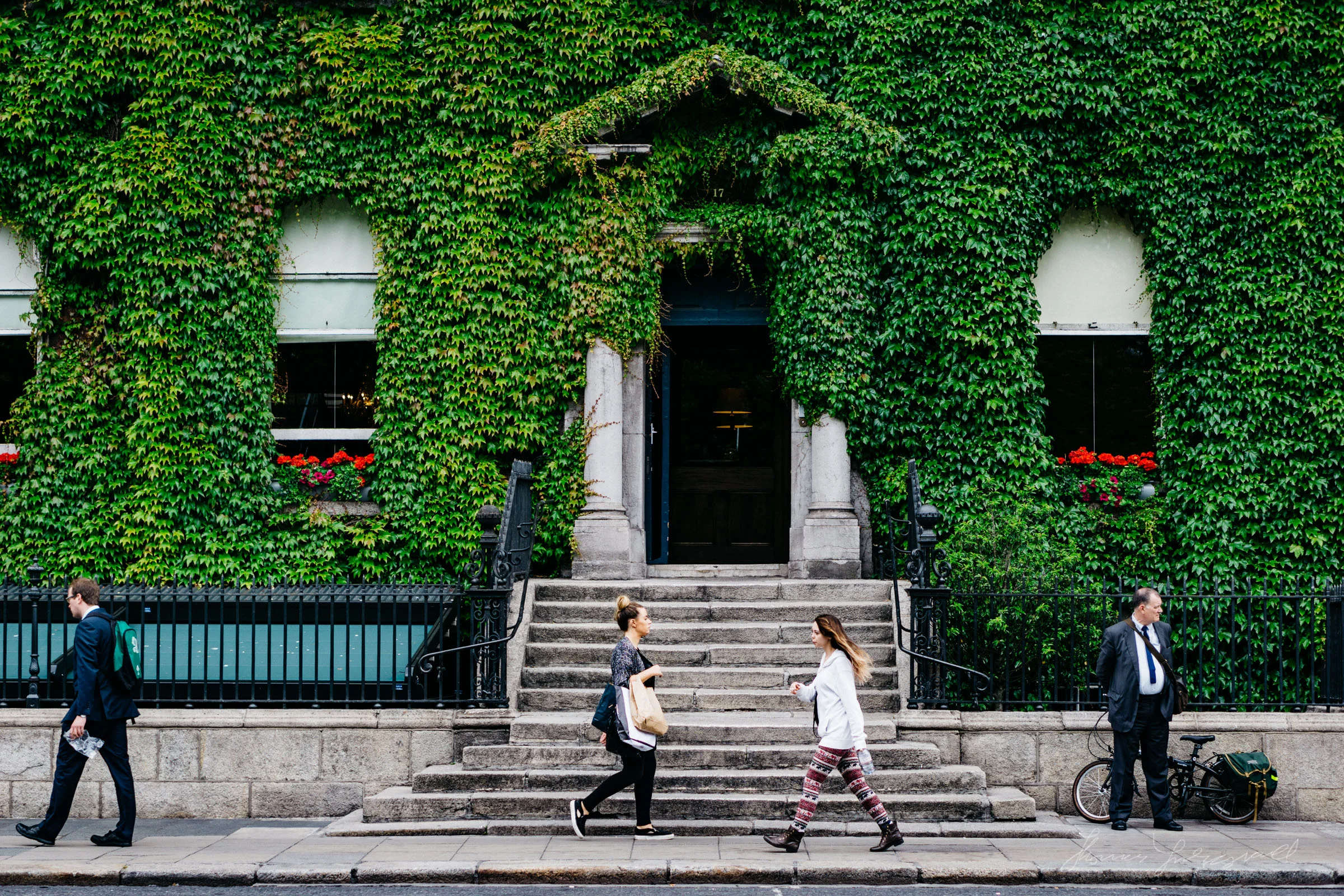
Recent Street Photography No. 3
It’s time for another instalment of my “Recent Street Photography” series. (Note to self: come up with a better name for this.) I haven’t actually been doing as much street shooting recently as I normally would, and as I went to gather some shots for this street photography post, I actually thought I wouldn’t have that many, but it turns out, I actually had plenty.
A Quick Look at Lightroom's New Dehaze Tool
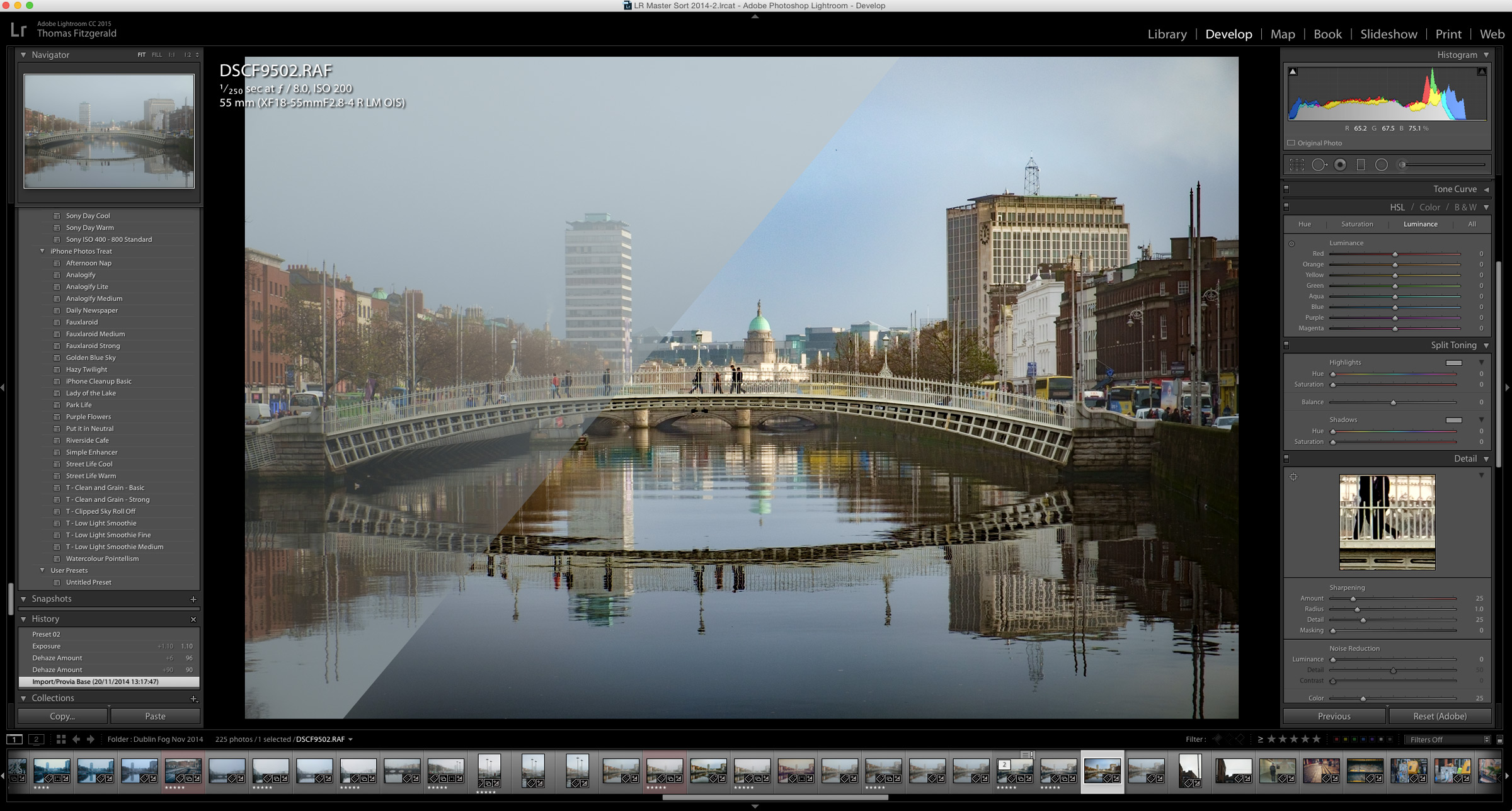
The signature feature of the recent Lightroom CC 2015.1 update was the addition of a new "Dehaze" tool. The purpose of this new function is pretty straight forward. It is designed to remove haze from your images. In operation it couldn't be simpler. A single slider has been added at the bottom of the effects panel called "Dehaze" and sliding this to the right causes Lightroom to do its magic.
Mexican Sailing Ship in Dublin Port Last Week
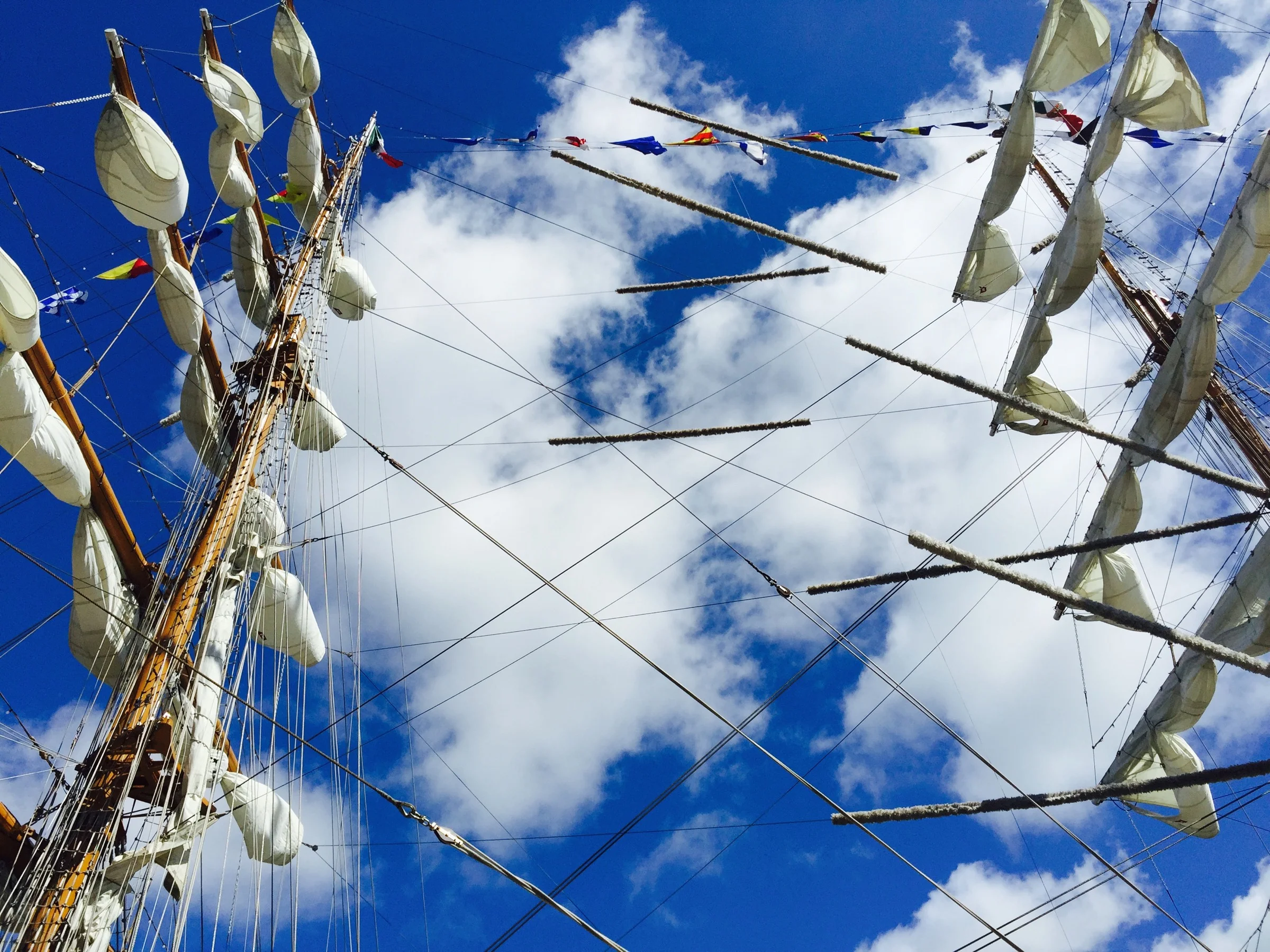
There was a beautiful Mexican sailing ship docked in Dublin last week, and I paid a quick visit as I was in the area. I only had my film camera and my iPhone with me, so while I did take some shots on film, they are yet to be developed. I did get some nice shots on my iPhone too, and once again, I' pretty impressed at how good the camera is on the iPhone 6+.
Video: Canal Bank Walk - Another Sony A6000 with XAVCs Test
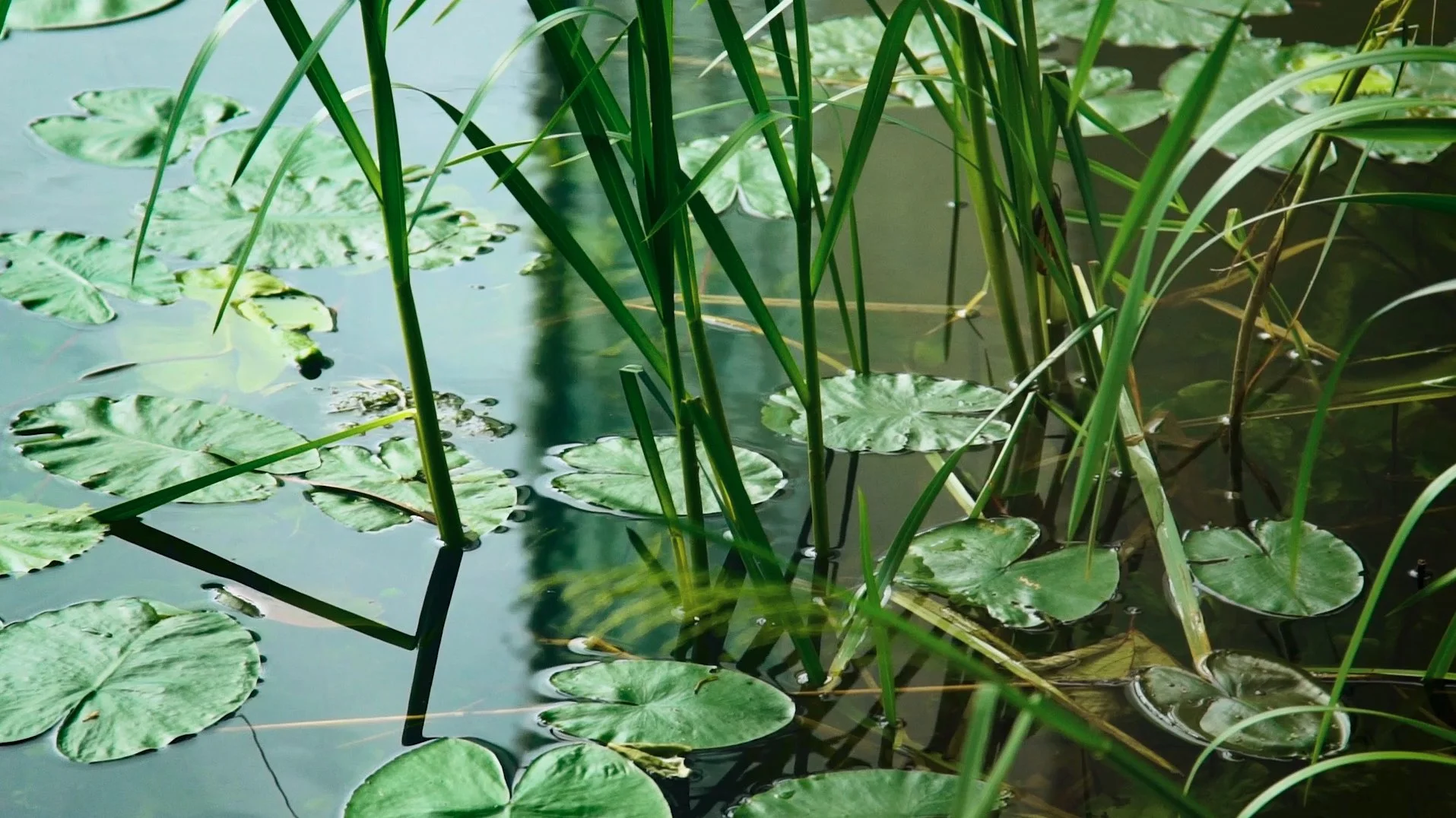
After my first rather unprofessional test of the A6000 with the new XAVC codec last week, I set out to create a better video on Friday. This time I used my good Nikon 24-120 lens and a tripod. Unfortunately I still had a few issues, but they were entirely my own fault. Still, I think it's a nice result, and I was lucky as some interesting things happened while I was filming.
Comments System Updated
I’ve changed the comments system on the blog from the default Squarespace one to Disqus. There are a few reasons for doing this, both for my convenience and for the readers.
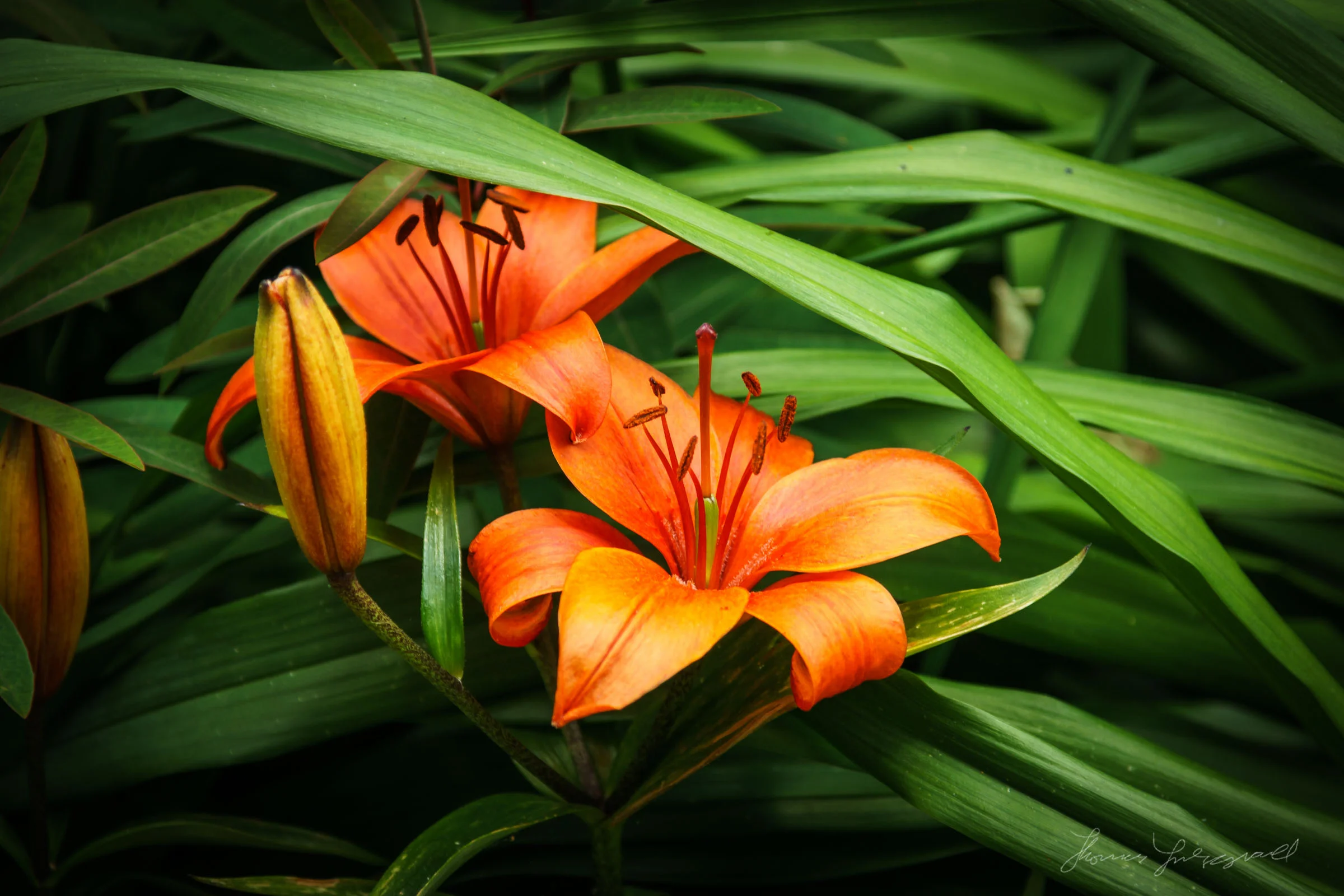
Summer Flowers - Sony A6000 with Nikon 24-120
When I wrote recently about trying out Nikon lenses on the Sony A6000, I noted at what a difference it made compared to Sony lenses that I own. Well, as I have quite a bit of Nikon glass, I tried shooting again with one of my best Nikon lenses, the 24–120 f/4. The 24–120 is a great lens. Not only is it quite sharp, but it has great colour and light transmission, and images from it always look gorgeous. There are some really nice and unusual flowers in the local park here in Dublin, so I decided to try out the combination to see what kind of results I would get.