

Photo Editing, Tutorials, Photography News, and More
This blog covers a range of topics from Lightroom, Photoshop, Capture One, Fujifilm, Canon, Nikon, iPhone Photography, and more. If you want to see more of my actual photography work, visit my Portfolio and Photo Journal blog.

DXO Pure Raw 2.1 released. Native Apple Silicon and Support for new Cameras
DXO labs have just released an update for DXO Pure Raw 2. Version 2.1 is now fully native on Apple silicon, and leverages Apple’s M1 and M2 processors. This release also adds support for the latest Canon Eos R series of cameras, and adds some improvements to the batch processing workflow.

Some Technical Details Behind my Latest Photo Essay
I’ve just published a new photo essay over on my Photo Stories blog. I had visited a nearby urban farm back in May and taken lots of photos, and I was captivated by the colour and texture that images of nature. You should check out the blog post here before you carry on. As I try to keep my Photo Stories blog relatively gear and “technical nerdy stuff” free, I wanted to talk about the technicalities of the images here.

The Amazing Colours and Textures of Nature
When it comes to photography, I have a lot of differing tastes. I don’t just mean photographic genres, bur rather images that appeal to me. I like good composition and storytelling as much as the next person, but I also have an affiliation for colour and texture. And sometimes, Nature provides us with an abundance of both of these.

Lightroom trick - How to get an Overall Adjustments Amount Slider
This is a little trick I stumbled across the other day - almost by accident. I was working on editing a photo in Lightroom, and I had made quite a few edits, but I just couldn’t get it where I wanted it. I said to myself: “I wish there was a way I could just dial all the adjustments back a little”. Then it occurred to me - there actually is a way to do that. It requires a few steps and a little roundabout thinking, but it essentially gives you a way to adjust the overall amount of your adjustments with a single slider.

New Capture One Book from Alexander Svet - "Capture One Hidden Features"
Alexander Svet from the popular Capture One focussed site “Alex on Raw” has released a new book on Capture One. Titled “Capture One Hidden Features”, the book contains “200+ Pro Hints To Enhance Your Capture One Workflow”. Alex was kind enough to send me a copy to review, and also provide my readers with a 10% discount.
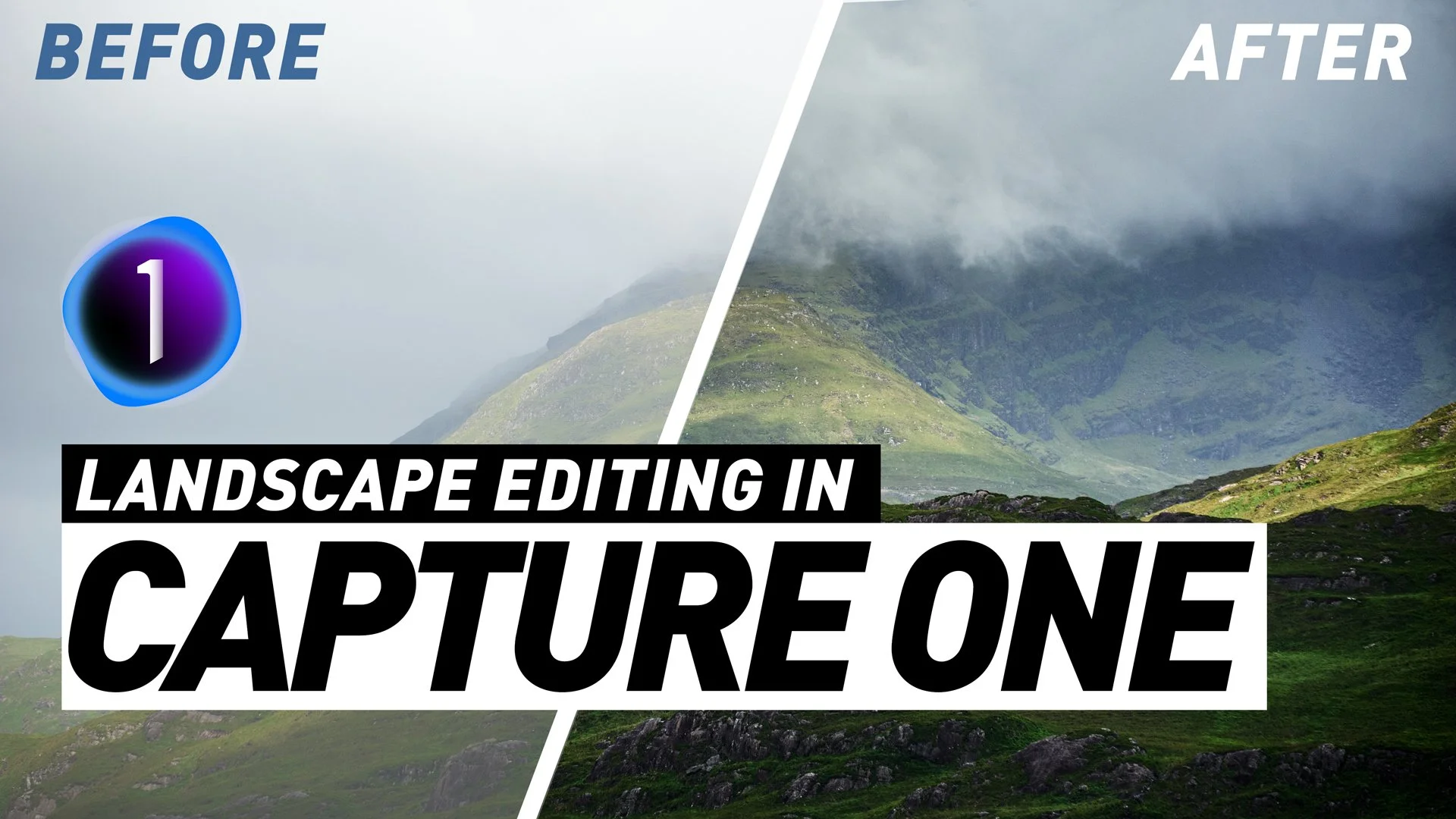
Landscape Editing in Capture One - Six Photos From Start to Finish
I this video we edit a series of Landscapes in Capture One, starting with some very simple edits and working up to more complex images. I show you both the tools to use, and also share some of my philosophy on editing landscapes.

Reverting to the old tool Tab Layout in Capture One 22 15.3
When Capture One released the latest version (15.3) one of the key “features” was a re-designed layout of the tools and tool tabs. This seems to have been done for consistency with the iPad version of Capture One, but some people may still prefer the old layout. Luckily, you can revert to the old style arrangement of the tools, although there are still some changes. In this post, I’ll show you how to do this.

Connemara
When you watch a travel show or even a YouTube video from a far off place, it’s easy to get envy for the exotic locations and fantastic scenery. It’s also easy to overlook some of the magnificent sights in your own back yard. And here in Ireland, we have a truly magnificent back yard. Ever since the pandemic hit, we’ve been travelling abroad less, and are slowly exploring more of our own country. A little while ago, we travelled through the mountains and valleys of the beautiful Connemara countryside, and I was blown away by what we saw there.

DXO Releases Film Pack 6.3
DXO Labs has just announced the release of Film Pack 6.3. This update brings new camera support, is now native on Apple M1 and has some user interface improvements.

Managing Fuji Files in Lightroom Desktop/Cloud/Whatever you call it (i.e. the non-classic version of Lightroom)
Someone recently asked a question on my Facebook group that, I thought, was actually such a good question that I should write a whole blog post, or perhaps even a series of blog posts about. For a long time, I’ve covered just about every aspect of working with Fuji files in Lightroom Classic, but I’ve never really covered some of the techniques for the non-classic version of Lightroom. While most things are broadly similar, many operations are also slightly different or in slightly different spots, so may be confusing to beginners. So in this post, I’m going to cover some of the fundamentals: how to change the film simulation mode, how to set the film simulation mode to what you shot in-camera on import, and how to use the “enhance” function to get better quality images.

The Problem with Many Photo Editing Tutorials
Recently, I was trying to record a tutorial on editing landscape photography. In the end, I didn’t publish it because I felt that the edits I had done weren’t dramatic enough for people to watch. In fact, I even had that criticism about some of my editing tutorials before, that the edits I was making weren’t significant enough. This led me to realise the paradox of photo editing tutorials, especially on YouTube or other socially driven platforms. Unless you’re dramatically changing the image or doing extensive edits, people will find it “boring” and not watch or complain. But the reality is, in most cases, restraint will lead to better images.

Capture One for iPad Now Available
After several months of being in beta, Capture One for iPad is now available. The App, which you can get now from the App Store, offers a subset of Capture One for desktop’s functionality, so it is limited. However, it does use the full capture One Raw engine, so images processed on an iPad will be as good as those processed on a desktop.

Cool Feature of the Nik Software Suite – Copy and Paste Nik Settings directly in Lightroom
With the recent release of the Nik 5 plug-in collection], I have been using the software a bit more lately, and one of the cool things in the suite, is something that you may not be aware of. I don’t think this is actually a new feature in version 5, as I believe this was in 4 too, but there is some pretty impressive Lightroom integration with the suite. Specifically, you can copy and apply settings for the Nik plug-ins to other images directly in Lightroom.

Levels in Lightroom? How and when to use levels rather than Contrast
So, way back when Lightroom first came out, many moons ago, one of the complaints from long time Photoshop users was that you couldn’t do a basic Levels adjustment in the software. Well, you actually can, and that is with the whites and blacks sliders. Adjusting the black and white sliders can be useful for a lot of things, but there’s one particular case that I think needs special mention. When working with low contrast scenes, it can be useful to adjust the contrast with a Levels adjustment rather than the contrast slider. Let me explain why.

Nik Collection 5 released
DXO Labs today announced the release of Nik Collection 5. The suite of Plug-ins contains major upgrades to ColorEfex and AnalogEfex which include a new user interface as well as anew grain tool and the companies clear view technology. The suite also now comes with DXO Photolab 5 Essential, bringing Raw editing and DXO’s renowned optics correction to the suite.