
Photo Editing, Tutorials, Photography News, and More
This blog covers a range of topics from Lightroom, Photoshop, Capture One, Fujifilm, Canon, Nikon, iPhone Photography, and more. If you want to see more of my actual photography work, visit my Portfolio and Photo Journal blog.

T-Pan for Capture One: Black and White Style Pack now available
I’m happy to announce that my latest Style Pack for Capture One is now available to buy from my digital download store. T-Pan for Capture One is a set of Black and White styles inspired by black and white film. The look is aiming to re-create the experience of shooting with a professional grade black and white film stock, and creates a rich film like monochrome image.

Two Ways to Automatically Send Images from Lightroom (or Capture One) into Apple Photos
If you’re on a Mac and you want to send your finished images from Lightroom (or Capture One) to Apple Photos, to sync to your devices for example, then you can do it manually by exporting from one application and importing into the other. This can be a bit tedious, but there are also some ways you can automate the process. This involves exporting to a folder in the finder from Lightroom or capture One, and having that automatically import into Photos.
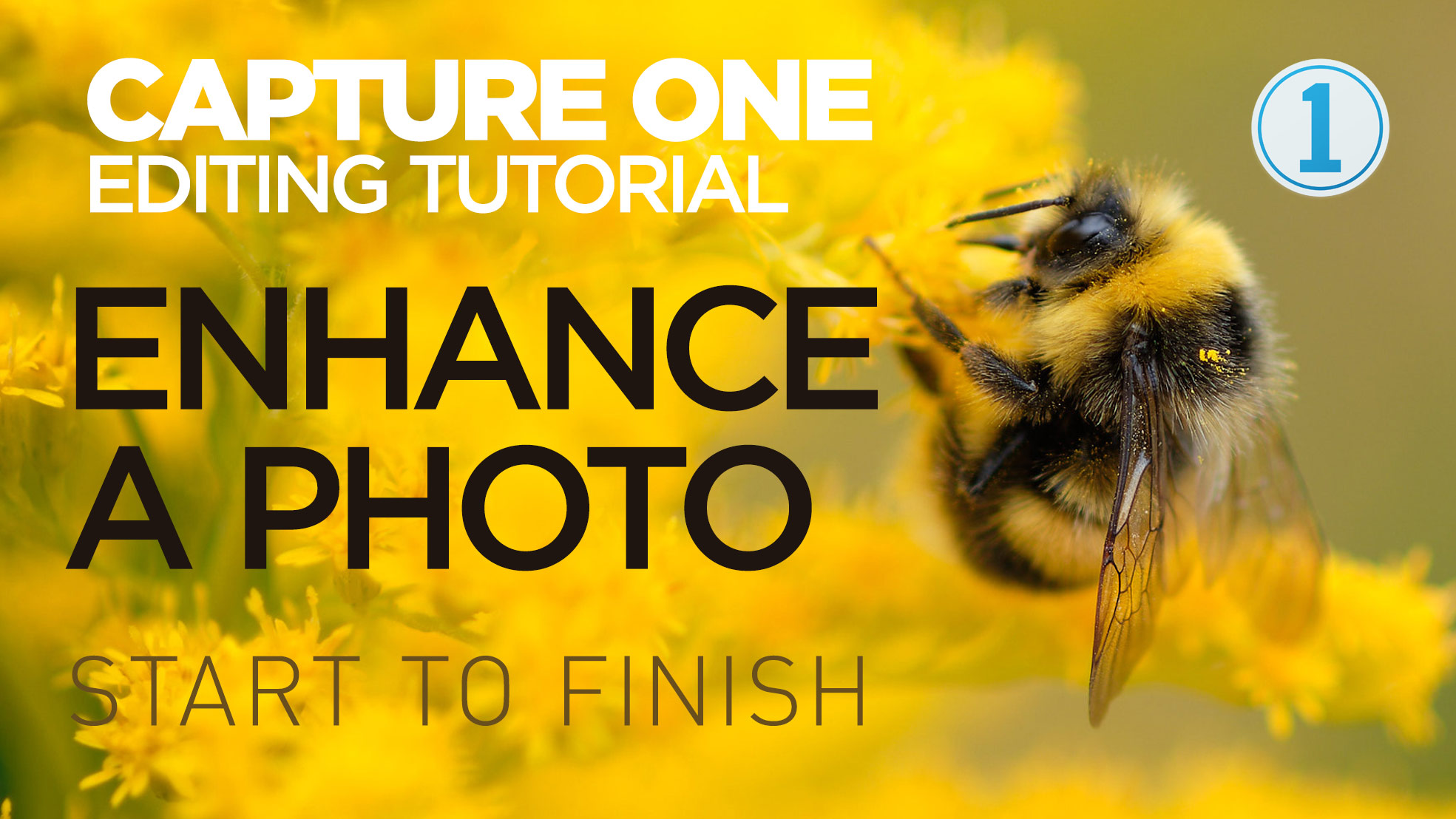
New Video: Enhancing a Photo in Capture One from Start to Finish
In this video tutorial I show you my editing process on an image in Capture One. While the photo is fairly good to start off, I wanted to enhance it further including tweaking the colour and doing some selective editing.
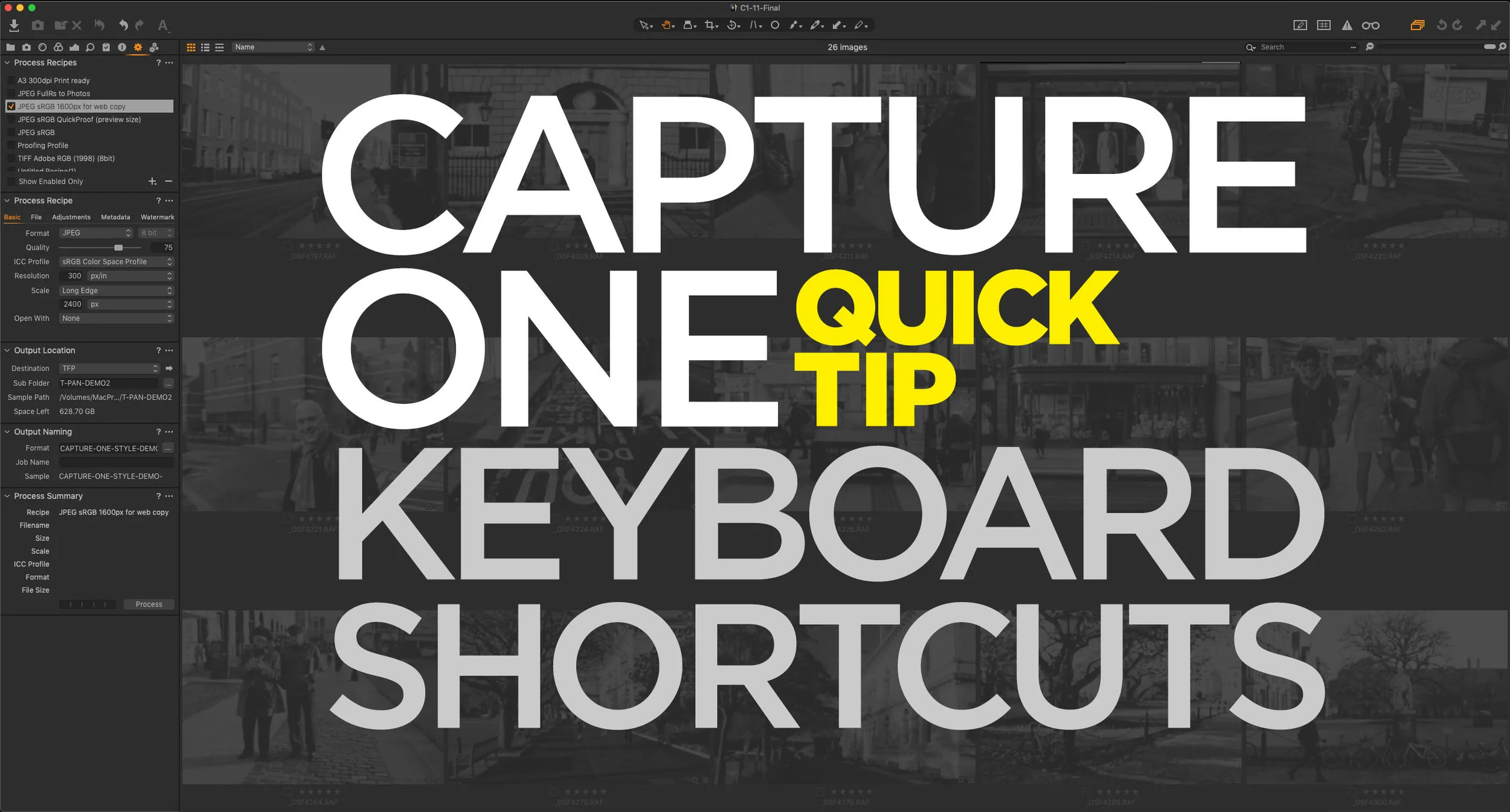
Capture One Quick Tip: Simulate Lightroom’s “Grid” Mode Keyboard Shortcut
This is a really specific and kind of nerdy tip, but I’ve found that this helps me speed up my workflow in Capture One considerably. If you’re used to Lightroom, you may be used to switching between the grid and develop modules using the “G” and “D” keys. I do this all the time, when I’m working on a project, and I want to jump to different Images. I find it easier than scrolling up and down the film strip at the bottom of the develop module. To do this in Capture One, you show and hide the viewer. There is a keyboard shortcut for this already, but it’s hard to remember and physically awkward to press. Luckily it’s easy to change.
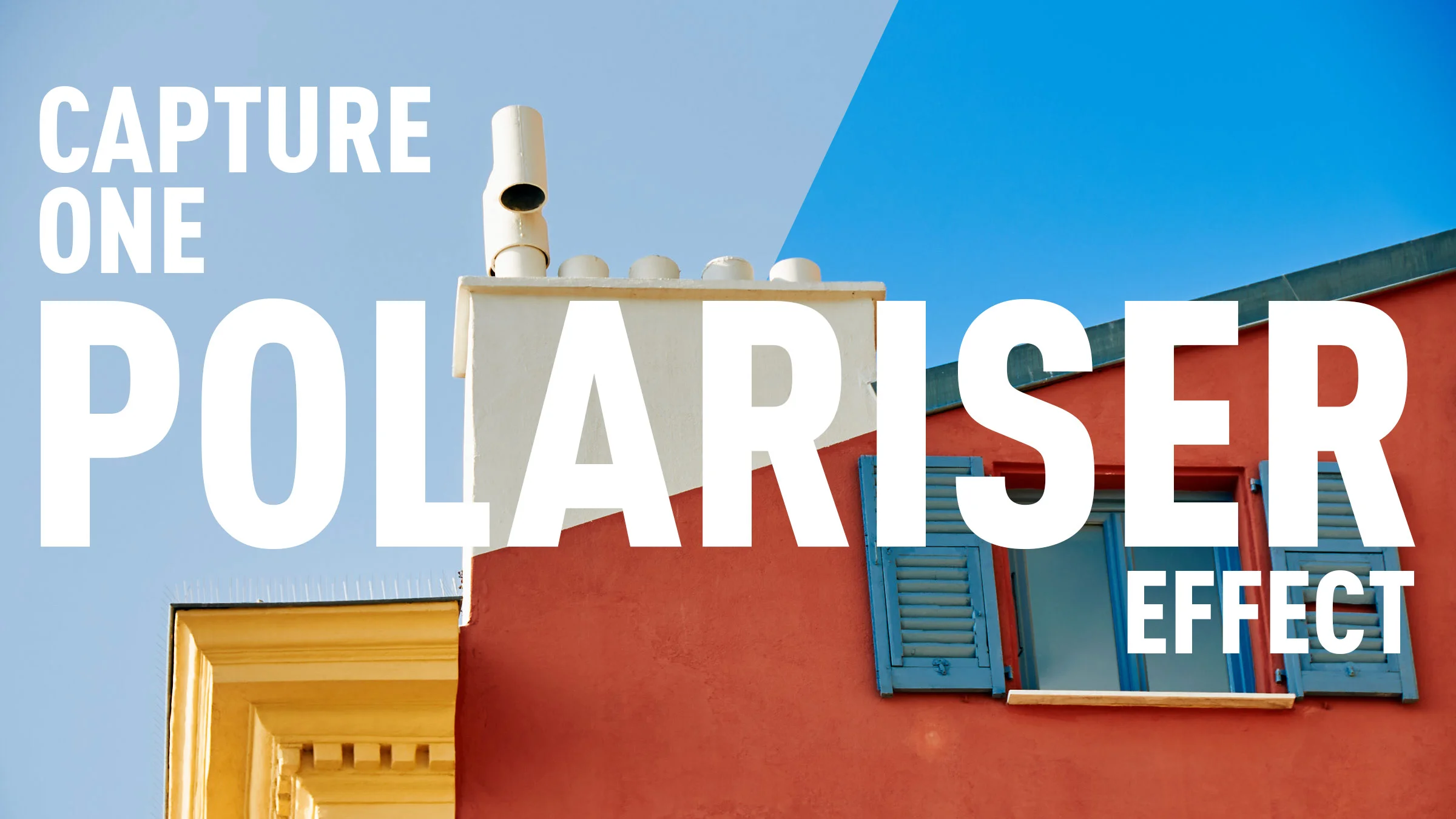
How to create a Polariser effect in Capture One
Using a polariser to enhance the blues in your image was probably one of the first filters that I ever used when learning photography. You can also match this effect in software, although you can’t easily replicate a polariser’s other feature which is to cut down on reflections. In Capture One, the obvious way to replicate a polariser is to use the colour editor tool, however, it’s not as straight forward as it seems. In this short video I show you how to create a polariser effect and save it for reuse.

Coming Soon: T-Pan for Capture One
I’m working on the long process of converting some of my most popular Lightroom presets over to Capture One, and with that in mind, I’ll soon be launching my next set of Style Packs: T-Neg for Capture One. This is based on the Lightroom pack of the same name, and it’s probably one of my two most popular sets. T-Pan is based on black and white film, and was created by using scanned film as a reference.
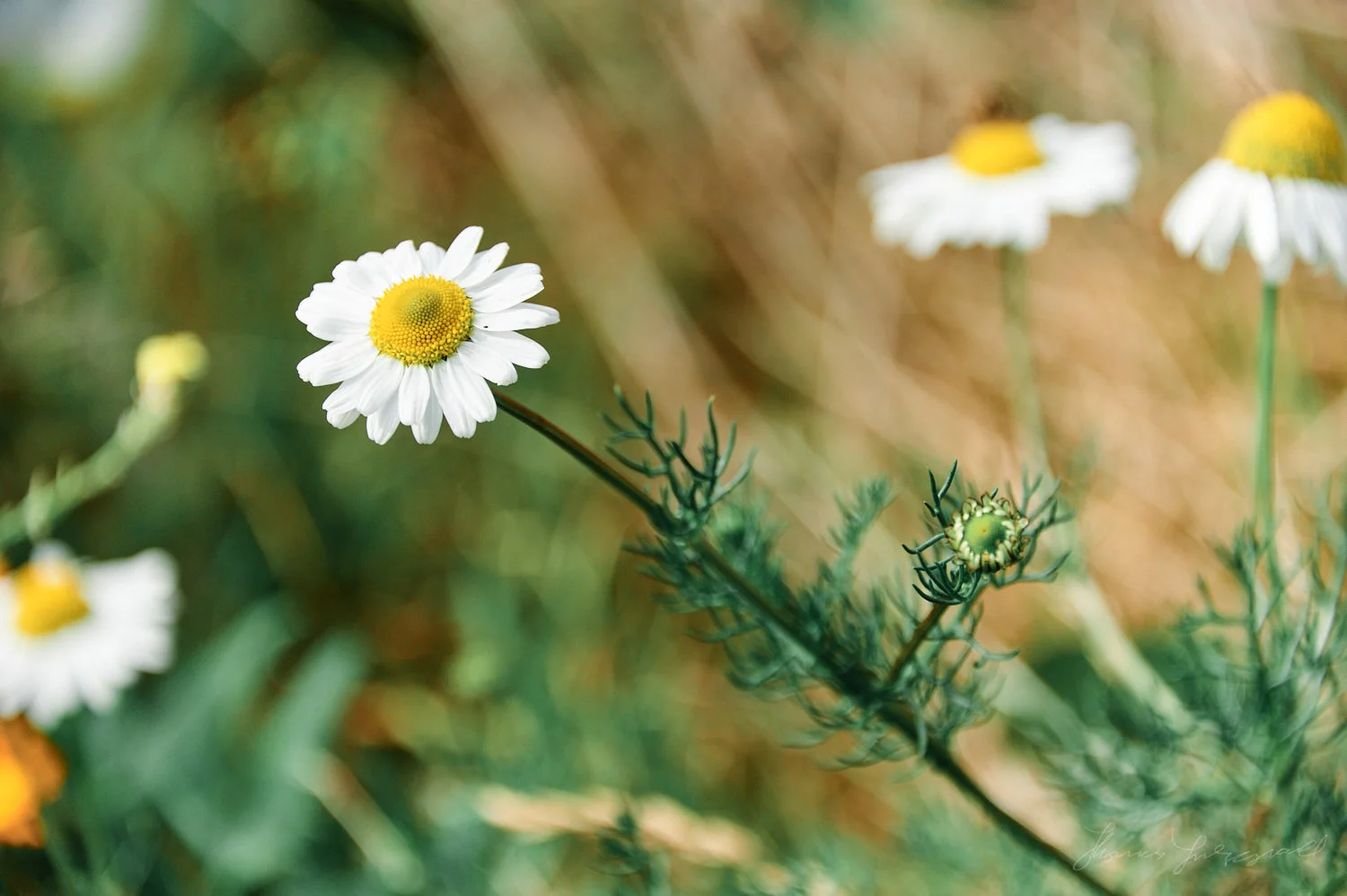
Mastin Labs Fujicolour Original for Capture One: A Quick First Look
I’m a little late with this but following on from their first Capture One set, Mastin Labs has released another film emulation style pack. This set, called “Fujicolour Original” covers Fujifilm negative stocks, and is similar to their previous Kodak set, and the company’s Lightroom presets of the same name. They sent me a set to try out, and so here is my quick first impressions review.

Capture One In Depth: Importing
In this new series, I’m going to go through the basics of Capture One in depth, both for new users and anyone who wants to learn more. When the series is complete, I will release a compendium as an eBook Guide. To get started, I’m going to take a look at how to import images into Capture One, and how to navigate the Capture One import dialog.
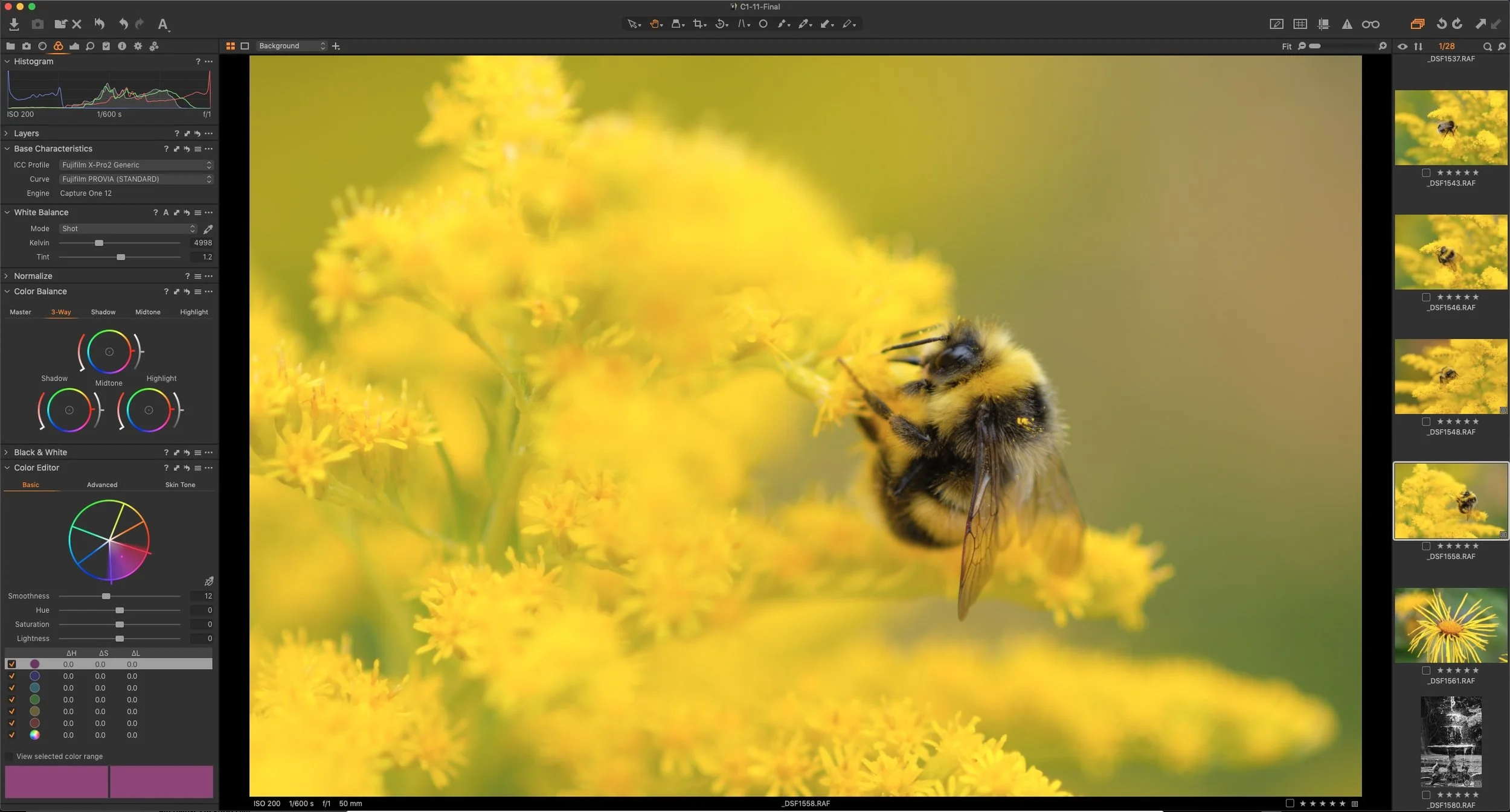
Last Few Days of Capture One Sale - 50% off Fuji and Sony Versions
The special offer Phase One has been running all summer on the Fuji and Sony versions of Capture One, is due to expire in a few days on August 31st. There’s still time to get the Fuji and Sony versions of Capture One Pro for 50% off until then.
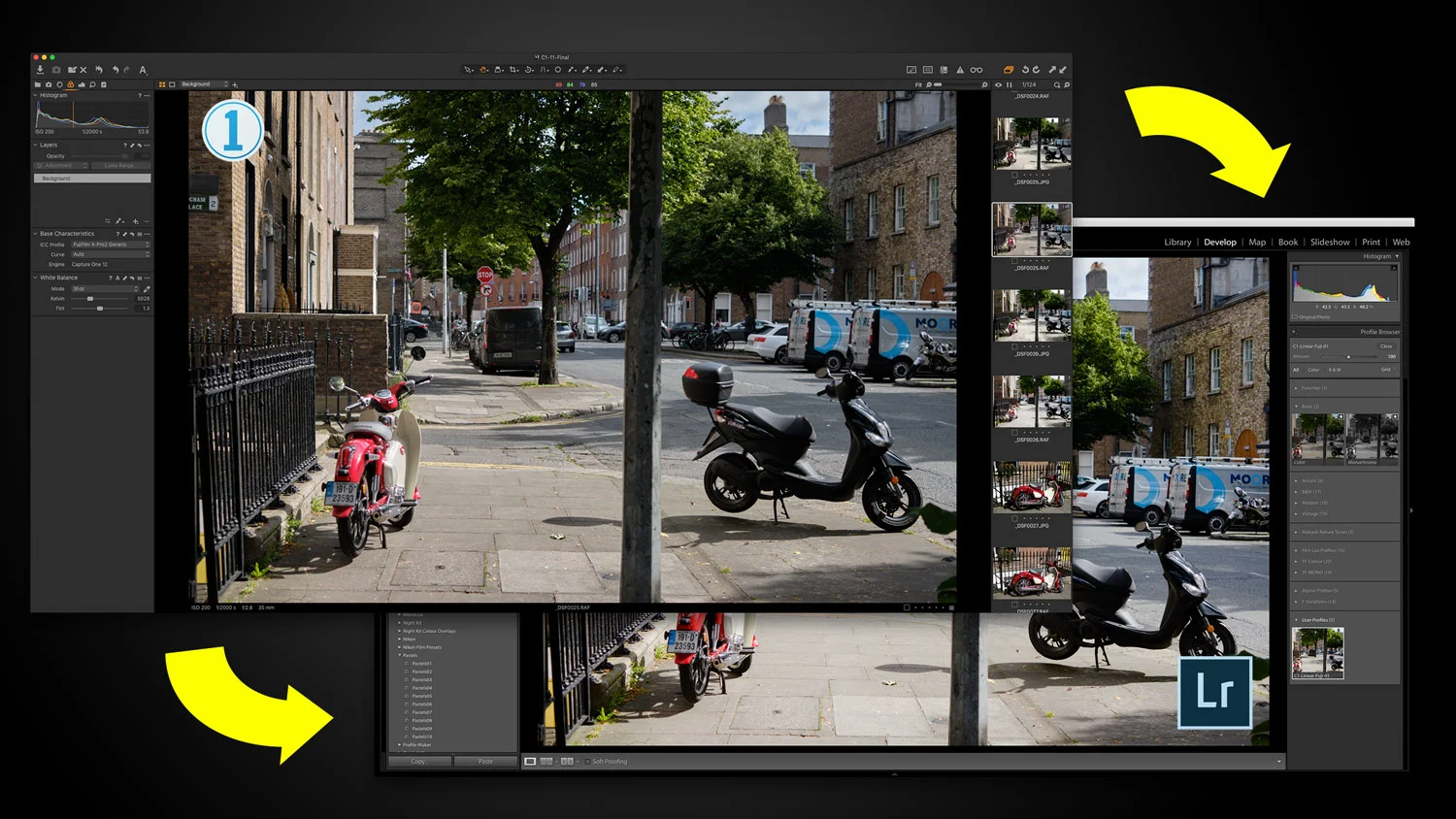
A Capture One (Express) to Lightroom Technique For Fuji Shooters (How to Use Capture One Express like X-Transformer - sort of)
I’ve often gotten questions from readers as to whether there is any way to use Capture One Express in a similar fashion to Iridient X-Transformer, in order to produce a file that you can then import into Lightroom for further editing. While there is no direct way to do this in the exact same way it is with Iridient X-Transformer, getting these questions did get the cogs in my brain working! I wondered if there was a way one could use Capture One’s flat profile to achieve something similar. So, after spending some time experimenting, I’ve come up with a possible solution. Read on to find out more…

Phase One launches Capture One Student Programme. Save 65% on Capture One if you’re a Qualifying Student
Today Phase One announced the launch of a new campaign to give students a chance to get Capture One pro for a significant discount. Students will be able to save 65% on annual or monthly subscriptions to Capture One Pro.

Use Layers to Apply Noise Reduction to the Shadows in Capture One
No matter how good your camera is, or how good your technique is, there are times when you will want to reduce the noise in an image. In many cases the noise reduction in your chosen raw processing software will be enough, but using noise reduction is often a trade off between maintaining detail and suppressing noise in an image.

Why I Recommend Capture One for Fuji Shooters
For photographers shooting with Fuji cameras, getting the best from your camera’s RAW files can sometimes seem like a challenge, especially if you’ve been mostly using Lightroom. Because of the way Lightroom converts Fuji RAW files, there can often be smearing of fine detail, leading to a water colour effect, as well as issues with strange “worm” like artifacting in areas of solid colour. While not everyone is bothered by these issues, for many, it is a reason to consider other methods of converting RAW files.
For me, the best current option is Capture One and this is why…
(This is an edited excerpt from my new Capture One Fuji Guide)

Two ways to Darken Shadows in Capture One
If you’ve switched from Lightroom to Capture One, one of the things that you may have noticed is different, is the way that Shadows and Highlights work. In Lightroom, you can drag the sliders either way for a positive or negative adjustment. In Capture One, they only go one way. Does this mean there is no way to negatively adjust shadows? No, there is actually a few different ways. Read on for how to do it …

Capture One Terminology Basics for Lightroom Switchers
One of the things I most often hear from people switching from Lightroom to Capture One, is that they find the interface confusing or that there is a steep learning curve. The interface in Capture One is different to Lightroom, of that there is no doubt, but once you get the hang of it you will realise it’s actually not massively different. In this post, I’m going to discuss some of the Capture One terminology and where relevant, how it compares to its Lightroom counterparts.