
Photo Editing, Tutorials, Photography News, and More
This blog covers a range of topics from Lightroom, Photoshop, Capture One, Fujifilm, Canon, Nikon, iPhone Photography, and more. If you want to see more of my actual photography work, visit my Portfolio and Photo Journal blog.
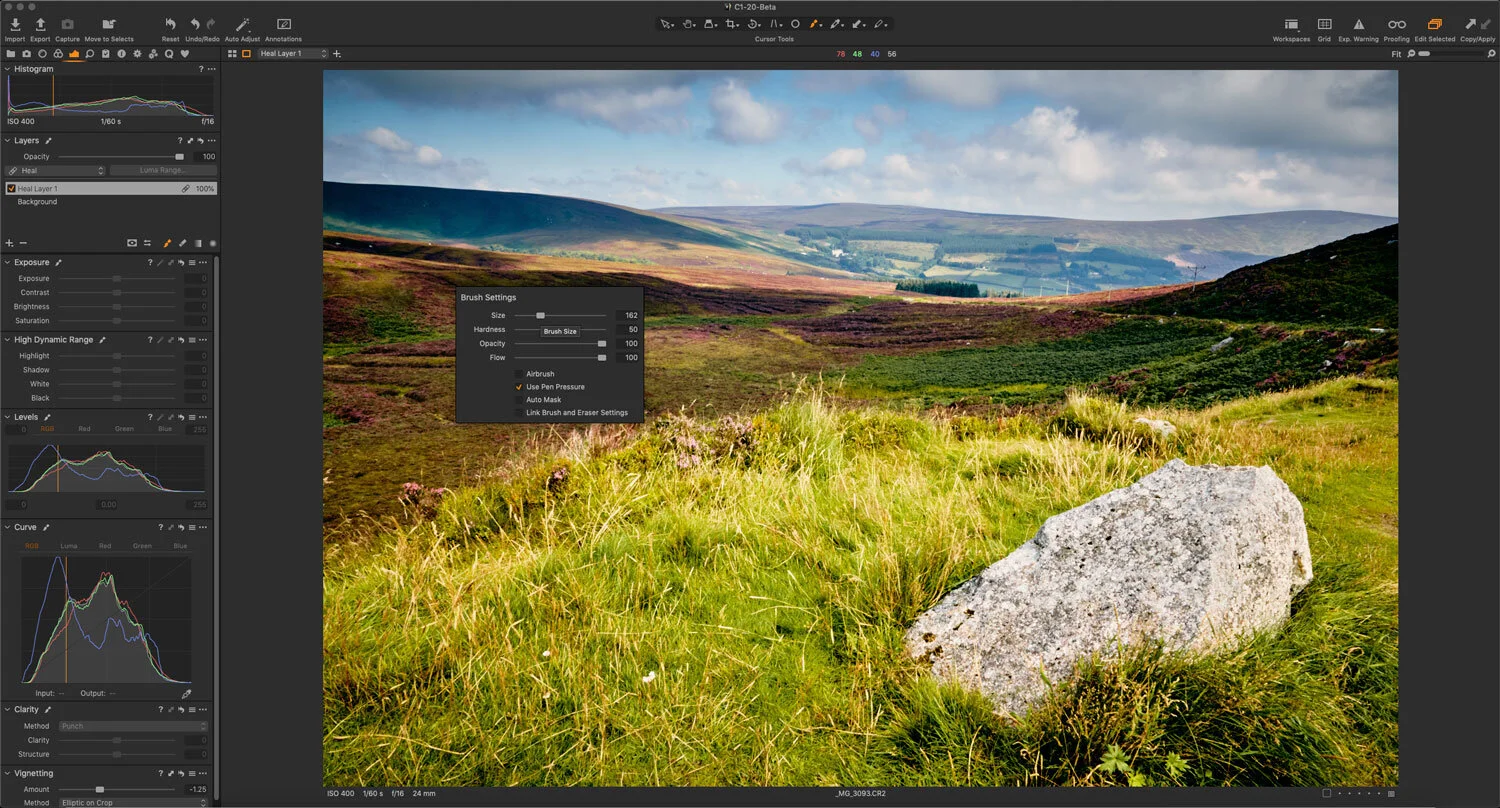
A Quick Tip to speed up Object Removal (Cloning and Healing) in Capture One
One of the areas that causes people some consternation and confusion when using Capture One is the task of removing objects. In particular, some users have issues with the way clone and heal layers work. I’ve seen a lot of complaints about the way you go about cloning and healing in Capture One, and how cumbersome a workflow it is. However, there’s one really simple tip that will speed up your workflow.

Capture One Basics - Exposure Tools & Controls
A quick tutorial on the basics of using the exposure controls in Capture One. I look at using the exposure, shadows, highlights, blacks and whites, and levels and curves control in Capture One on a real-world image. I took a “normal” image and walked through the process of “correcting” the photo, using various tools in the “Exposure” tab in Capture One.

Capture One is not Lightroom (If you struggle with Capture One, understanding how it’s different may help)
Whenever I read people struggling to get to grips with Capture One, one of the most common sources of frustration is generally from people trying to use Capture One like it is Lightroom, and expecting the same results. I can not emphasise this enough, but Capture One is not Lightroom. It’s a different application, and it behaves differently in a great many ways.

How to get Classic Negative and Bleached Bypass on Unsupported Fuji Cameras (with Capture One)
When Fuji launched the X-Pro3 they added a new film simulation to the camera: Classic Negative. Some had hoped that this might also be added to the X-T3 and X-T30 cameras via a firmware update, but it never happened (at least, not yet). Well, there actually is a way to get Classic negative if you own any of the 26mp generation cameras - specifically the X-T3 and X-T30. Well, sort of. If you shoot RAW and use Capture One, it will actually let you select Classic Negative as one of the options. But, what about users of older cameras, and what about the even newer Eterna Bleached Bypass that comes with the X-T4? Well, read on for more…

Eos RP - Capture One vs Lightroom Follow Up (And Custom Lightroom Profile)
A little while ago I wrote a post about the Canon EOS RP and how the RAW files were looking in Lightroom compared to Capture One. I had noted that RAW images from the camera looked pretty flat in Lightroom and that for some bizarre reason, Adobe had not supplied camera matching profiles for the camera (or a number of recent Canon models) and if you opened the same image in Capture One they had much more impact before even doing any editing. At the time I was working with RAW files I downloaded from DP Review, and so couldn’t share my results. Since then a reader has kindly sent me some raw files that I can use, and so now I can show you what I mean.

Working With Capture One and Affinity Photo
One of the questions that I get asked a lot is about using Affinity Photo with Capture One. For those who want to cut the Adobe chord, Affinity Photo is the most popular alternative to Photoshop, and it makes a good companion to Capture One. Even if you still use Lightroom and Photoshop, many still like Affinity Photo for its modern user interface and speed. Round tripping between the applications is fairly straight forward, but there are still a few things to be aware of, which I will cover in this post.

Save 25% on Capture One Pro Sony or Fujifilm
Phase One has started a new spring promotion for Capture One, and you can now get 25% off any new licence of either the Fujifilm or Sony versions of Capture One. This applies to both subscriptions and perpetual licences.
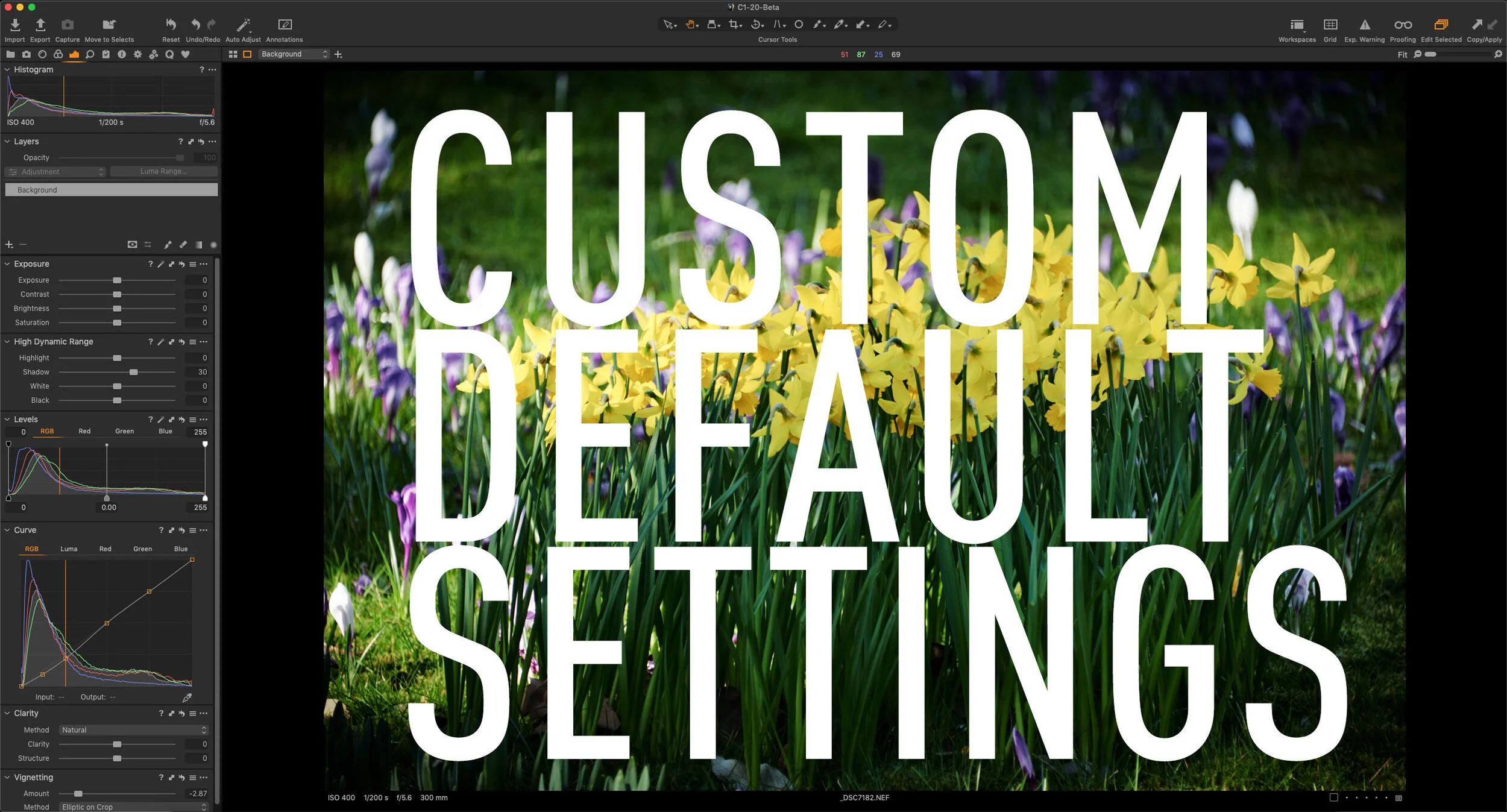
Changing the Default Tool Settings in Capture One
If you find that you’re constantly changing the same settings for every image in Capture One, then one way of remembering common settings in Capture One is to set new defaults. For most tool settings in Capture One, you can save defaults. These will be the settings that are then applied every time a new image is imported from the same make and model of camera. This can be very useful for things like sharpening and noise reduction, which you may want to change from the factory defaults. Rather than applying these changes every time, you can set new defaults.
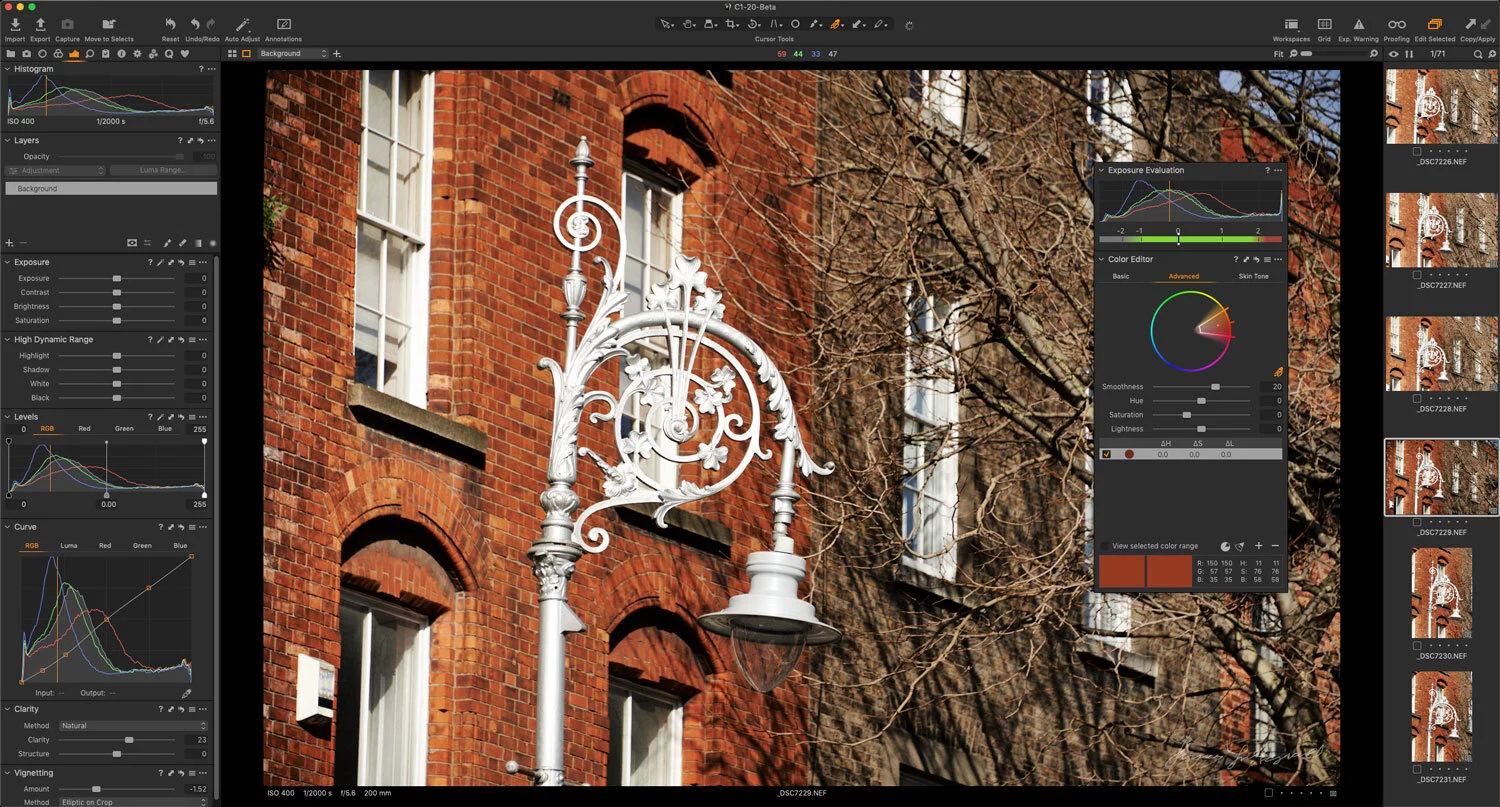
Capture One adds support for the Fuji X-T4 and more with new update
Phase One has just released a new update for Capture One, which includes support for several new cameras, along with bug fixes and more. Of particular note is that Capture One now supports the new Fuji X-T4, which isn’t even widely available yet. Capture One and Fujifilm were keen to showcase this as evidence of the fruit of their partnership.

Video: Editing a Landscape Photo in Capture One - Start to Finish
In this video I take you through my process of editing a landscape photo in Capture One, showing you the tools that I use and my thought process. The photo is one I took a while ago using my old Canon Eos 5 and it was a long exposure shot.

Quick Photo Software News Update : Capture One Styles News
Just a quick update with some photo software related news. Specifically, there are some new styles out from Mastin Labs, and Capture One is having a deal on some of their styles in a limited edition bundle.
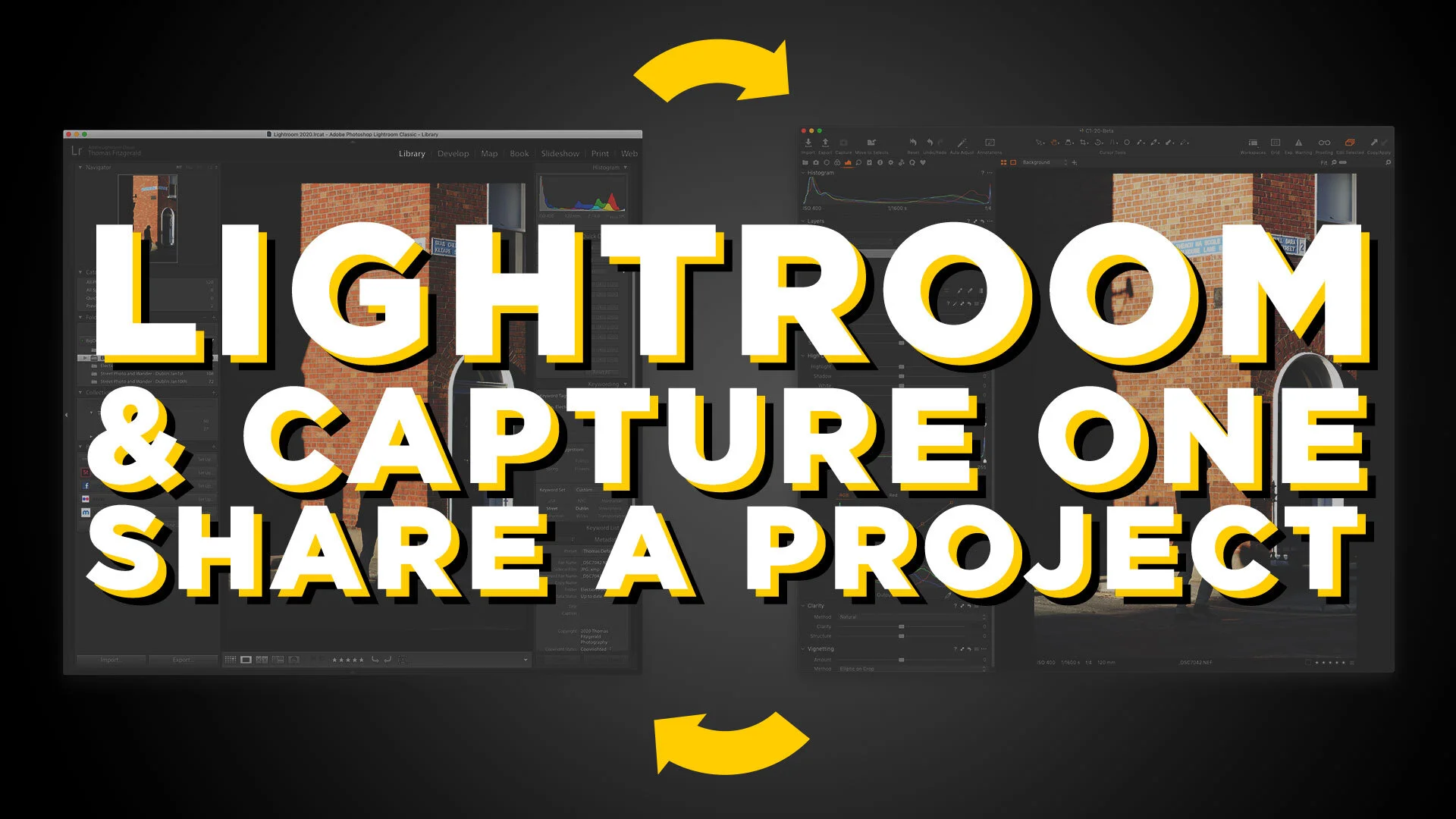
Video: How to share projects between Lightroom and Capture One
One of my Patreons (is that a word?) wanted to know if there was a workflow to rate and sort your photos in Lightroom and do your editing in Capture One. So I made a video to show you my workflow for doing this.

Photomatix HDR Plug-in for Capture One in Beta
One of the features not available in Capture One that people often ask about is the ability to Merge HDR images. While there are third party options for merging images into an HDR file, such as Aurora HDR and Photomatix, none of these integrates particularly well with Capture One. Until now, that is. HDR Soft has released a beta version of Photomatix which has a Capture One plug-in, allowing you to merge images from Capture One, and it will re-import the finished file back once you've created your HDR.

Video: Customising the Capture One Interface
One of the really useful features of Capture One is that you can completely customise the interface. This ranges from simple things like changing the toolbar, and re-ordering tools, to creating your own tool tabs and workspaces. In this video, we look at the many ways you can customise the Capture One interface, and create a custom tool tab to make it easier for someone switching from Lightroom.

Holiday Specials from Luminar, Capture One and Me!
With Christmas and the holiday season only day away, both Skylum and Phase One have some special deals on in time for the holidays. Skylum is offering 10% off the price of Luminar, and Phase One are offering a special bundle price on their style packs. All this month, I’ve been having a sale on my Style Packs too.