

Photo Editing, Tutorials, Photography News, and More
This blog covers a range of topics from Lightroom, Photoshop, Capture One, Fujifilm, Canon, Nikon, iPhone Photography, and more. If you want to see more of my actual photography work, visit my Portfolio and Photo Journal blog.
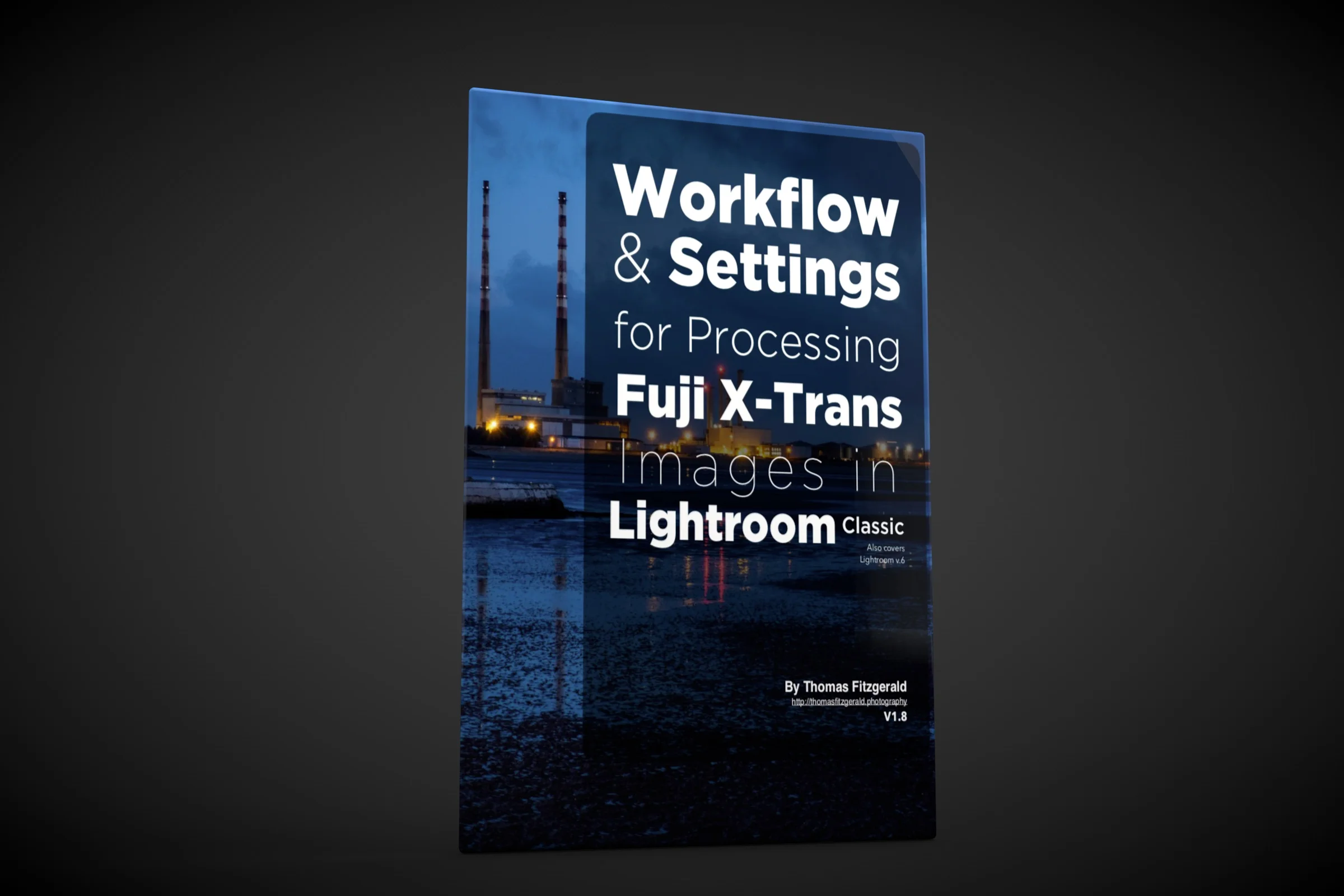
My Fuji Lightroom Guide Updated
I have just released a minor upgrade to my Fuji Lightroom Guide. The book entitled “Workflow and Settings For Processing Fuji X-Trans images in Lightroom” has been updated to take into account some of the more recent changes to Lightroom, including some of the different terminology and so on. It also adds mention of newer 26mp X-Trans cameras.

iPhone XR Camera + Lightroom Mobile
For the longest time I’ve been using an iPhone 6 plus. It has served me well. In fact one of the first photos I took with that phone was actually featured in Apple’s first “Shot on iPhone” campaign when it originally started, and I’ve been using it ever since. I never got around to upgrading for various reasons, but lately I felt that it was maybe time to stop trying to use the ageing device.

Adobe Finally Improves Fuji X-Trans RAW conversion in Lightroom with "Enhance Details".
Ever since Fuji released its first X-Trans camera, and Adobe added support, many of us who have shot Fuji over the years have been unhappy with how Lightroom handles Fuji files. There are issues with the way it handles fine details, certain repeating textures and so called “worm artifacts”. People have been hoping that Adobe would eventually fix the problem, and turned to other solutions, such as Iridient X-Transformer. Others have switched away from Lightroom together to something like Capture One. Today, Adobe has released a new version of Lightroom which finally addresses the X-Trans issue. Well, sort of, as it’s probably not the solution that many were expecting.

An important Note About Preset Visibility in Lightroom 8.1
For the past few versions of Lightroom, Adobe has continued to refine the way Presets work in the develop module. In 8.1, there is yet another change, which may affect the way some of my Presets show up or work in Lightroom. Don’t worry though, most presets still work fine.

How To Set Your Own Develop Module Defaults in Lightroom
In this video I look at how to change the default settings for a particular camera in Lightroom, so new files will import with your chosen settings instead of Adobe’s defaults. This is useful if you want to set a different colour profile, lens corrections etc to be applied to every file when you import them.

Lightroom Classic 8 Released along with lots of other Adobe updates
Today Adobe is holding it’s “Max” conference, and the company officially announced a whole bunch of updates to the various creative cloud apps. I won’t go into everything here, but the ones that interest me the most, are the updates to Lightroom and Photoshop. I’m also pretty interested in the new Premiere Rush.
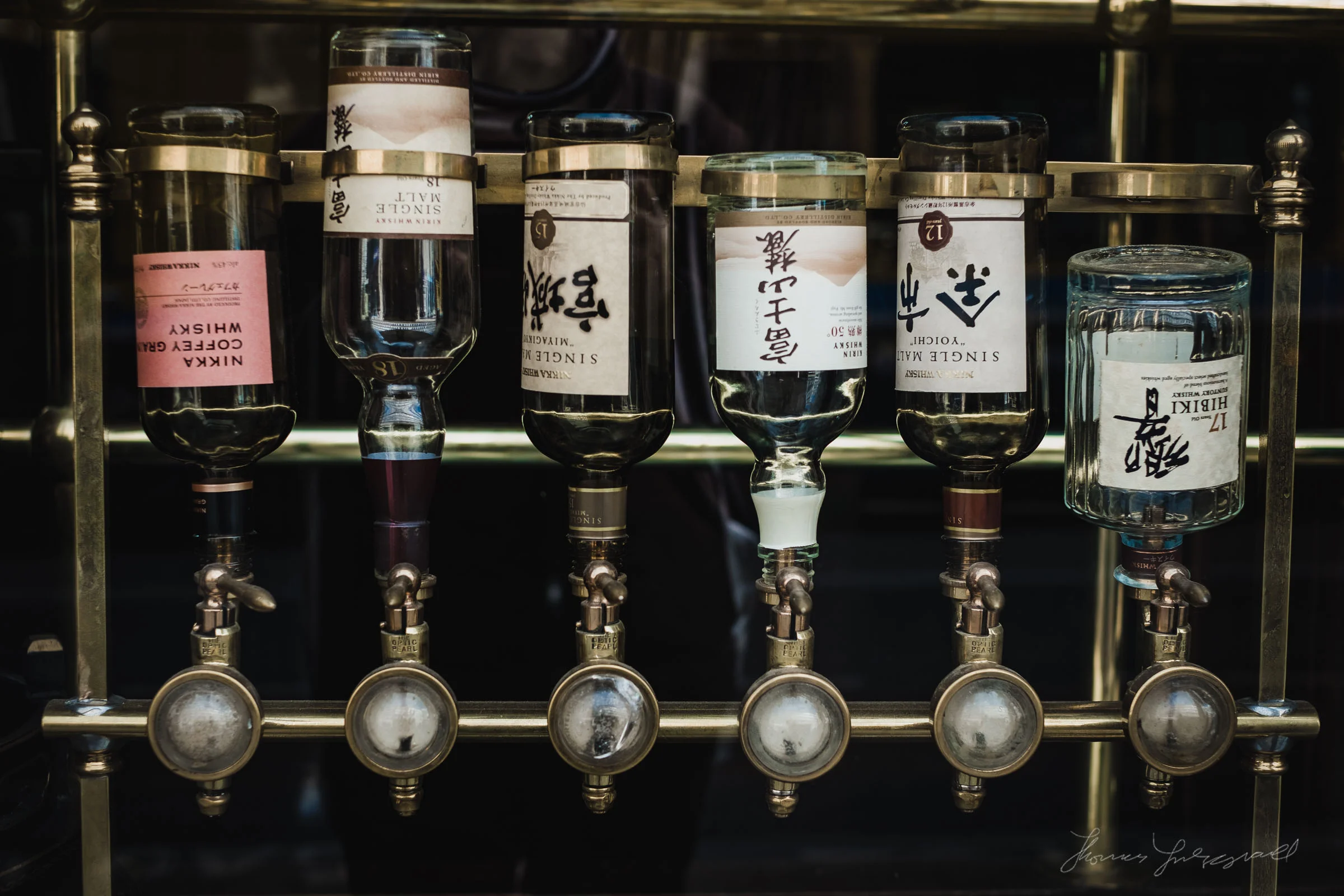
Some more examples of StreetLux in action
Last week I launched my latest set of presets for Lightroom, called StreetLux. The idea of StreetLux was to create a set of presets that worked to mimic the high contrast film look that is popular with some street photography enthusiasts. I had posted a few samples when I launched the set, but I wanted to get some more, so I went out specifically to shoot some.

New Versions of Lightroom Released (August 2018 Updates)
Adobe has released another round of updates to Lightroom across its various versions, and also to Camera RAW for Photoshop. Lightroom Classic features new book module updates, as well as some bug fixes, and the usual camera support.

How to use presets on Lightroom Mobile
Adobe recently introduced a new feature for the mobile version of Lightroom CC that people had been requesting for a long time, and that is the ability to use presets. What’s more, they also added preset syncing between the desktop and mobile versions of Lightroom CC. You can now use all of your Lightroom presets, and profiles on your mobile device, and the process is fairly simple. You will however need to use Lightroom CC on the desktop. You will also need a creative cloud subscription.

Introducing StreetLUX for Lightroom & Photoshop
Today, I’m happy to announce the launch of my latest set of Lightroom Presets: StreetLUX. I got the idea for StreetLUX when I was processing my most recent set of photos from my Street Photo Diary series, and I was originally using my Monolith Presets. I wanted a high contrast look, but I wanted to create something a little more “film like” so I went back to the drawing board and came up with a new set. But I didn’t stop there and I also created a set of colour presets too, which were inspired by the “chrome” style of films from the past.

My New Creative Profiles Pack for Lightroom and Photoshop
I’m happy to announce that my newest product is now available. It is a set of creative profiles for use with Lightroom (version 7.3 or later) and Photoshop Camera RAW. “Creative Profile Pack One” is a set of 45 creative profiles for Lightroom and Photoshop.

Lightroom Quick Tip: When not to use camera profiles
It’s been my long-standing practice to use a “camera matching” profile in Lightroom whenever possible. Camera matching profiles are colour profiles that come with Lightroom, that attempt to make the colours of your raw file match the colours of your camera’s Jpeg output as closely as possible.

Working with Fuji X-Trans Files on Lightroom Mobile
While there was nothing preventing you working with Fuji files on Lightroom Mobile before, now that the latest version supports presets and preset syncing, the workflow has gotten a lot easier. If you follow any of my techniques for sharpening and managing Fuji files, you can now apply many of these to Lightroom mobile as well. There are of course limitations still, but its come a long way in just one version.
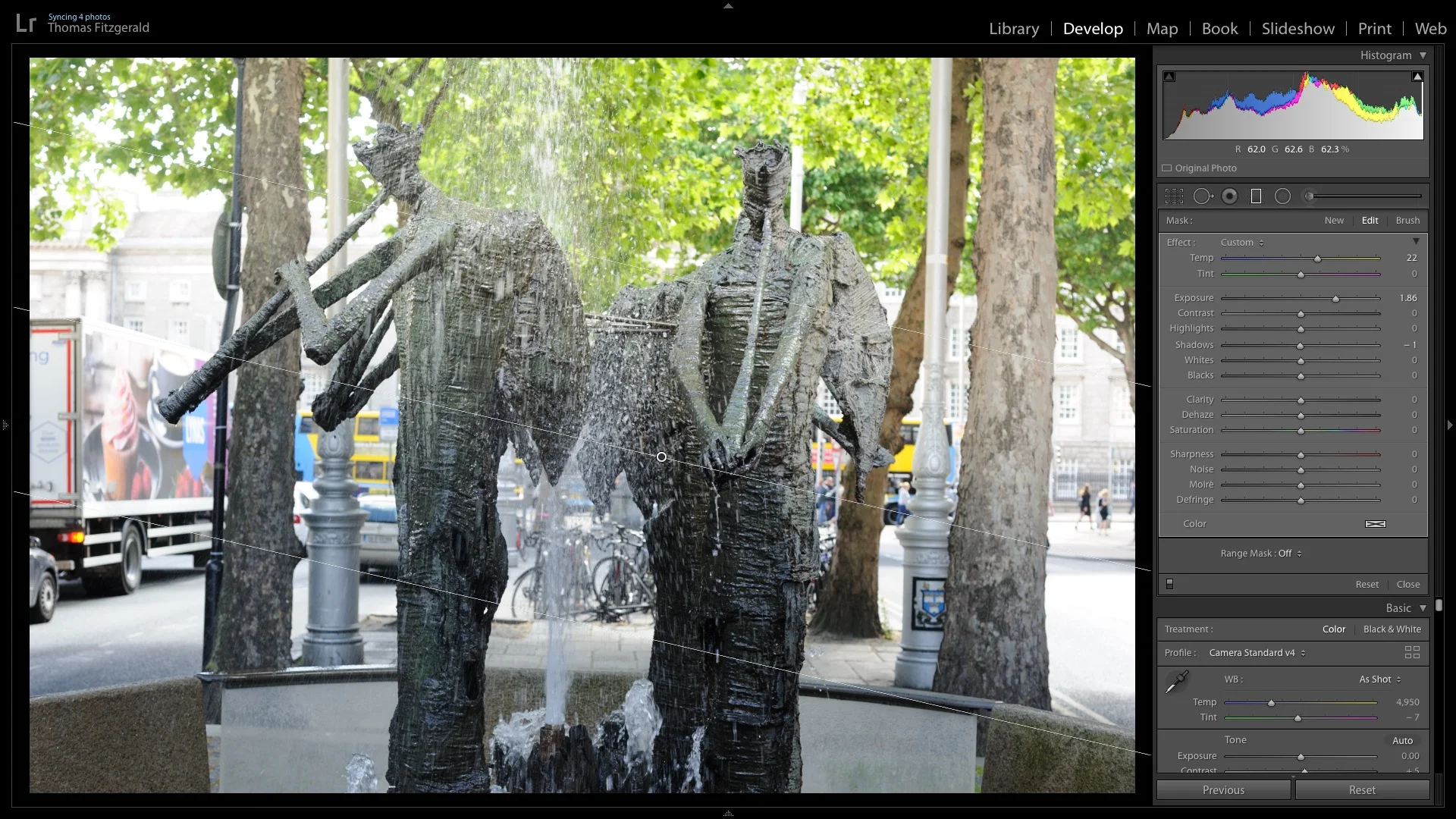
Lightroom Preset Gradient Bug
When Adobe upgraded the preset system in Lightroom 7.3, they introduced a bug into the way the software handles gradient selective adjustments in presets. Previously, if you used a grad as part of a preset, it would maintain the correct position regardless of the image orientation. However, after 7.3, grads now rotate if you apply a preset containing a grad depending on whether the image is portrait or landscape.

Lightroom June 2018 Updates Released. Includes Preset Syncing for CC
Adobe today released a set of updates for the various versions of Lightroom. This includes Lightroom Classic, Lightroom CC and the various mobile versions. One of the key features in the CC version of Lightroom is something that people have been requesting for a long time, and that is the ability to sync presets across devices running Lightroom CC.