

Photo Editing, Tutorials, Photography News, and More
This Blog is where I share my passion for photo editing, photography technology and sharing my techniques with the world. I cover a range of topics from Lightroom, Photoshop, Capture One, Fujifilm, Canon, Nikon, iPhone Photography, and more. If you want to see more of my actual photography work, visit my Portfolio and Photo Journal blog.

Image Editing using AI in Luminar 4
In this video, I take a look at editing an image in the newly released Luminar 4 and show you how to edit your image with just a couple of sliders using the AI tools in the software. I also look at some of the other new features and the changed interface in Luminar 4.

Luminar 4 Review
It’s weird writing a review of something that a lot of people have been talking about for quite some time now. Luminar 4 was pre-announced a while ago now, and the company has been drip feeding information about it to the public. Lots of people including myself have already shared details on some of the new features, the new interface and so on, so what’s left to review? Well, I wanted to wait until the software was actually released to put all the disparate threads together and talk about the application as a whole. So with that in mind, here are my impressions of Luminar 4, its new feature and what it is like to use.

Luminar 4 Now Available
It seems like it was ages ago when Luminar 4 was first announced, but the software is now finally available. The new version of Luminar includes a new interface, and new AI-driven tools and is now available to order, and download from the Skylum Website. I will have a full review of the software later today but for now here are the details of the release.

Video: Enhancing a Cityscape in Luminar 4 Beta
In this video I give you a sneak peak at what it’s like to use Luminar 4 to enhance a cityscape image. Using a photo of the New York City skyline, I show you what it’s like using the new AI Sky replacement filter, and a quick look at the new interface.

Skylum announces another new feature of Luminar 4: AI Structure
Yesterday, Skylum announced the next new feature of Luminar 4 in their somewhat odd slow roll out of software features. The tool, called AI structure, uses artificial intelligence to add structure to an image in an intelligent way.

Luminar News
There’s been a few bits of Luminar news coming out recently, and I wanted to try and get it into one single post. There is an update to Luminar 3 and there’s also been some confusion regarding what’s happening with Luminar 4, Luminar Flex and so on. I’ll do my best to answer some of these as best I can with the information that I have.

Video: The best way to use Luminar Flex with Lightroom
I wrote a post a while ago about what I felt was the best way to use Luminar Flex with Lightroom. In that post I explained that I use a bit of a roundabout method, by sending the image to Photoshop first. By doing this and using smart objects, you can keep your edits non destructive, so that you can go back and change your image without having to start over. Here is a video version of this tutorial.

Skylum Previews Luminar 4’s AI Sky Replacement Filter
Skylum software announced the first preview of the upcoming version 4 of Luminar. Specifically they announced the inclusion of a brand new “AI Sky Replacement” filter which will automatically replace skies, including automatically masking out foreground elements and matching colours.

Luminar Flex 1.1 Released
Skylum has just released an update to Luminar Flex, the plug-in version of Luminar. The update brings the second generation of Accent AI filter to Luminar flex as well as a couple of other updates. Here’s what’s new:

The best way to use Luminar Flex with Lightroom
If you are using Luminar flex as a plug-in for Lightroom, then there are lots of different ways to activate it. However, personally I use a bit of a roundabout method, by sending the image to Photoshop first. In this post I’ll explain why, and what the steps are that you should use if you want to work this way too.

How to replicate Lightroom’s “Texture” in Luminar
The most recent recent release of Lightroom added a new slider called “Texture”. This function works like a version of clarity, only on a smaller radius and on more “medium” details. A lot of people have liked this new functionality, but for those with older versions of Lightroom, or who have ditched it all together, you can actually do the same thing in Luminar.

Luminar 3.1 vs Luminar Flex
With the recent launch of Luminar Flex and the update of Luminar to 3.1, I’ve been seeing a lot of comments and I've been getting feedback from readers who are confused about the different versions. I have to admit, I was a bit confused myself at first, but I’ve since managed to get a better handle as to the main differences between the two. With that In mind, I will attempt to clear up some of the (yours and mine!) confusion.

Luminar 3.1 Review
Today, Skylum Software releases the first major update to Luminar 3. The release brings a couple of new features along with lots of other fixes and tweaks. The two headline features of the new version are Accent AI 2.0 and Raw + Jpeg management. I’ve been trying the beta for a few days and here’s what I found.
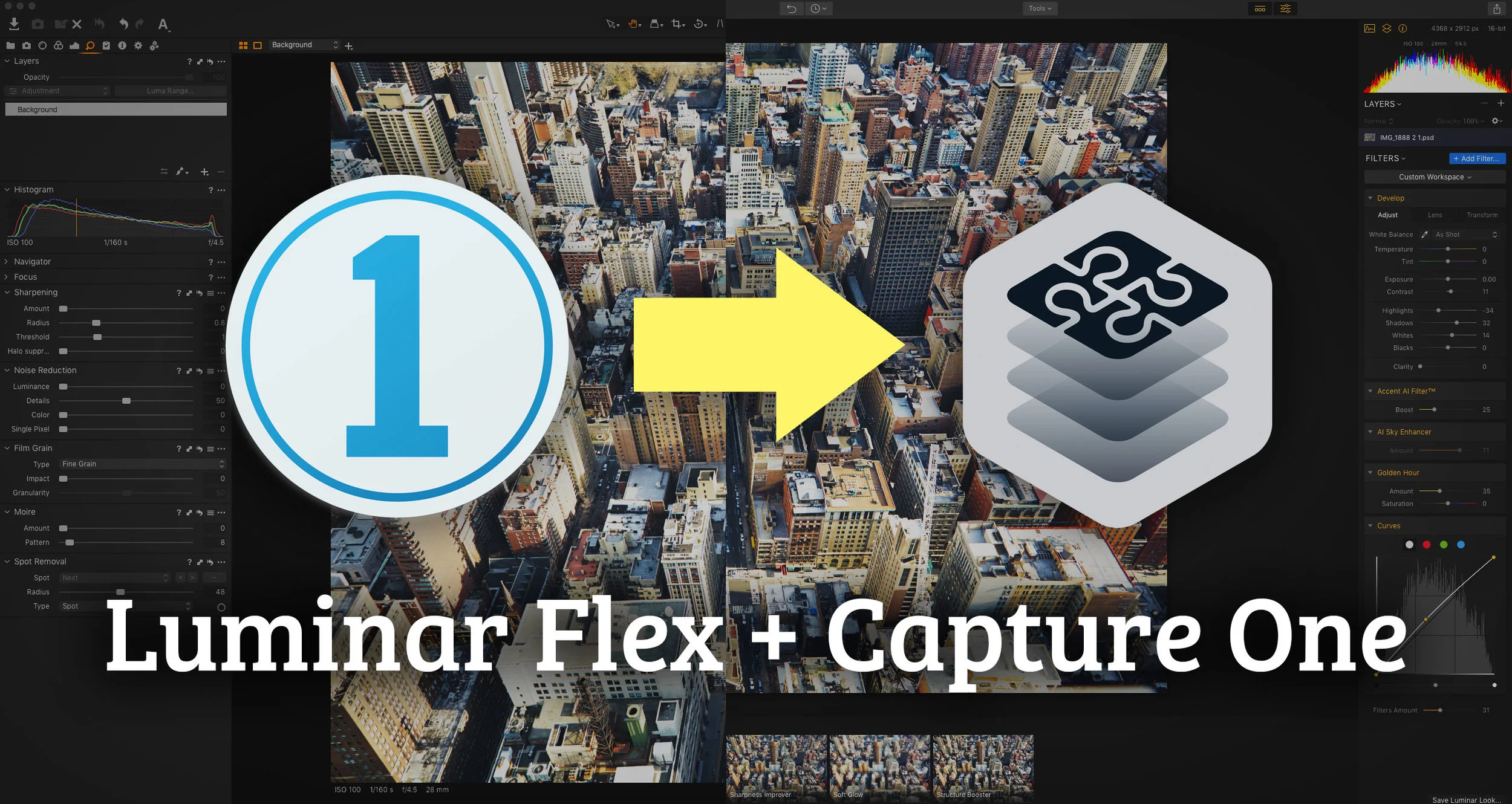
Video: How to use Luminar Flex in Capture One
While it’s not directly supported, its relatively easy to get Luminar Flex to work in Capture One. There are two main ways to do it and in this video I show you both methods and the pros and cons of each.

Luminar Flex Announced
Skylum has just announced Luminar Flex. This is basically a plug-in only version of Luminar. It seems as if they are planning to fork Luminar into two different products. Luminar Flex, which will be the plug-in version and then Luminar 3 which is the complete standalone software.

Luminar 3.02 Released.
Skylum has released Luminar 3.02 which features a fairly long list of bug fixes and improvements. I haven’t had a chance to fully test this personally yet, but below is the list of what’s been fixed, added or changed. If you already have Luminar, you can upgrade by choosing “Check for Updates” in the Luminar 3 menu on the mac or the Help menu on a PC.

Luminar 3 Review
It’s been over a year since the developers of Luminar teased that the upcoming asset management side of the software would come as a free upgrade to Luminar. Since then, people have eagerly waited for it, but for the longest time, it seemed like the rollout was getting further and further away. Finally, the first iteration of Luminar with this new “library” add-on is here. Unfortunately, it’s not quite what I think people were expecting. It’s a step in the right direction, but the software still has a long way to go.

Luminar 3 With Libraries: A First Look
I’ve been a fan of Luminar ever since it first came out. The reason is that I like it so much is because it is a powerful piece of software and it doesn’t try to be like anything else. It’s not trying to be a Lightroom clone. It has a lot of unique features, and I find editing with it to be a fun and artistic way of working. But it’s always had a few limitations, and the biggest of which has been the fact that it has been a single image at a time editor. That’s about to change.