
Photo Editing, Tutorials, Photography News, and More
This Blog is where I share my passion for photo editing, photography technology and sharing my techniques with the world. I cover a range of topics from Lightroom, Photoshop, Capture One, Fujifilm, Canon, Nikon, iPhone Photography, and more. If you want to see more of my actual photography work, visit my Portfolio and Photo Journal blog.

Video: Customising the Capture One Interface
One of the really useful features of Capture One is that you can completely customise the interface. This ranges from simple things like changing the toolbar, and re-ordering tools, to creating your own tool tabs and workspaces. In this video, we look at the many ways you can customise the Capture One interface, and create a custom tool tab to make it easier for someone switching from Lightroom.

Video: Photographing Autumn in Dublin City
In this video I went for a wander with my camera around Dublin City to show that you don’t need to go to the countryside to photograph the wonders of Autumn. If you live in a city there’s plenty of Autumn colours and scenes all around you. If you liked my “Street Photo Diary” series, this is basically the same formulae only without the street photography!

Video: How to use the Colour Balance tool in Capture One
The colour balance tool is one of my favourite features of Capture One, and one I get asked about regularly. In this video I show you how to use the colour balance tool (also known as the three way colour corrector) to colour correct a photo.

Video: How to import into Lightroom directly from a Memory Card on iPAD OS
One of the new features of iPadOS that was announced was the ability to import images directly into apps from attached storage, without having to go through the camera roll. Unfortunately not many apps have been updated to take advantage of this yet, including Lightroom. However, there is a pretty simple work around and in this video I show you what to do.
New Video: Enhancing a Photo in Capture One from Start to Finish
In this video tutorial I show you my editing process on an image in Capture One. While the photo is fairly good to start off, I wanted to enhance it further including tweaking the colour and doing some selective editing.
Street Photo Diary: Film Edition
In the latest edition of “Street Photo Diary” I decided to try shooting street photography on film. I dusted off my somewhat temperamental Yashica FX-D and headed into Dublin City to get some shots.

Should you buy a Sony A6000 in 2019 for Street Photography? Street Photo Diary
In the latest episode of Street Photo Diary, I’m once again shooting with my favourite street photo camera, the Sony A6000. I ask if its still worth buying one in 2019 and head out to shoot on the first proper day of Summer here in Ireland.

Video: How to simulate Lightroom’s “texture” effect in Capture One
Ever since Adobe introduced the new “Texture” slider in Lightroom, and Capture One, I was curious to see if I could do something similar in Capture One. After a little experimentation, I was able to create a similar effect. In this video I show you how!

Reduce Shadow Noise in Lightroom
Sometimes you can come across an image where the shadows are quite noisy, but there are still details in the mid tones or highlights that you don’t want to soften by applying too much overall noise reduction. You can actually just apply noise reduction to the shadows of an image in Lightroom by using a luminance mask. In this video I show you how to do this.

Video: Shooting Street Photography with the Original Fuji X100
In the latest episode of Street Photo diary, I take the original X100 out for a spin to shoot some street photography around Dublin City

Street Photo Diary Season 2: Dublin with the Sony A6000
It’s time for a brand new season of my “Street Photo Diary” series. Following on from the photo essay I posted earlier, I set out to shoot some street photos with a Sony A6000 on a beautiful spring day in Dublin City. I also talked about the settings that I use and the importance of capturing "mundane" subjects when shooting Street Photography.
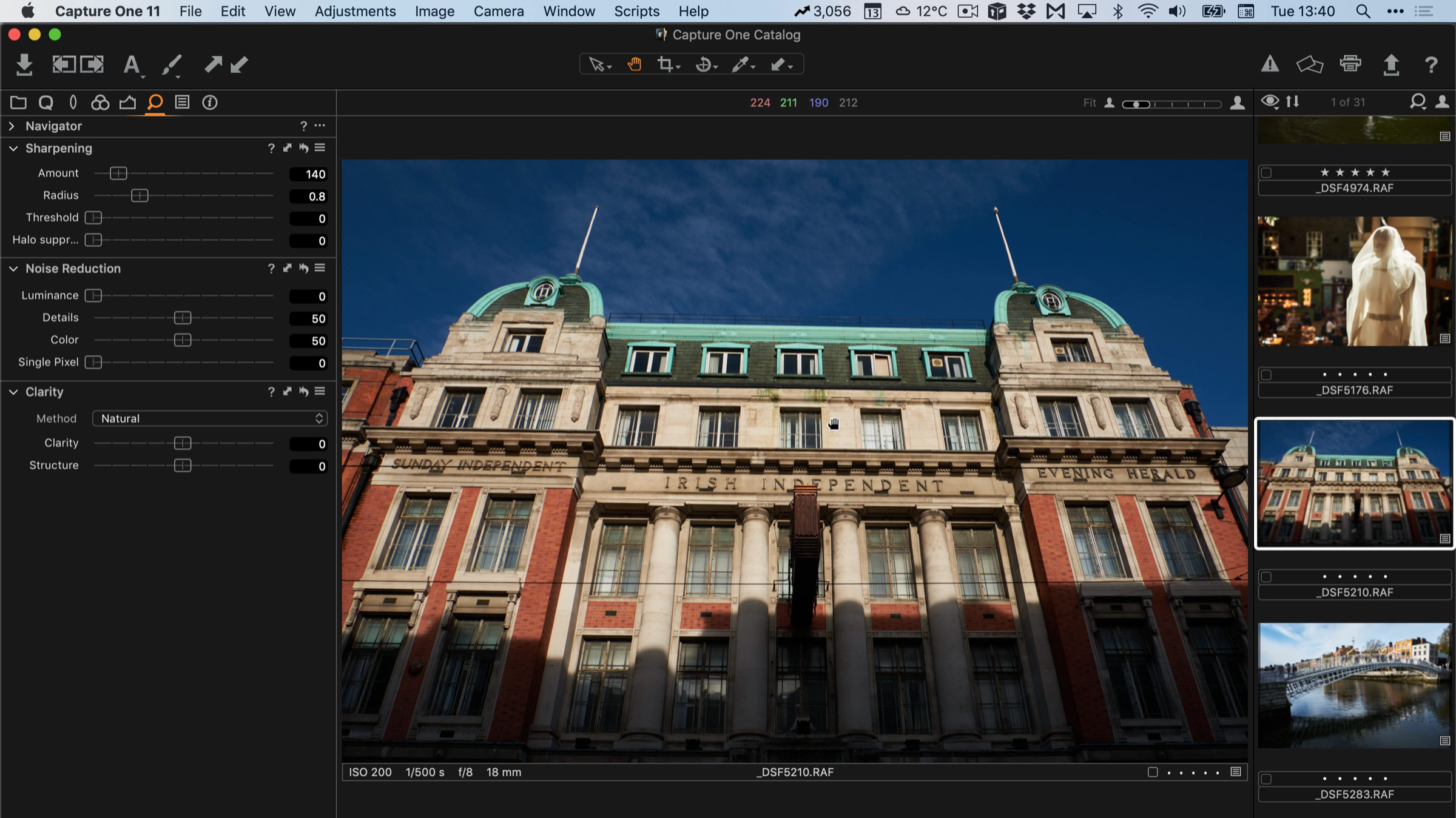
A Simplified Approach to Sharpening in Fuji Files in Capture One
I’ve written a lot about sharpening Fuji files in various pieces of software, and in fact, I have a whole guide for Capture One with details and corresponding presets. However, for some, this may be still a little too complicated, so I wanted to give you just the absolute basics. This is particularly suitable for those who may be using Capture One Express but the advice works for both express and pro versions. I fact, this advice will really work with any file.
Three Thousand and Counting. Growing my YouTube channel
After a few months of slowly ramping up the effort I put into it, my YouTube channel seems to be starting to gain some traction, especially with my Street Photo Diary series. I’ve just published the tenth episode on YouTube, and my channel has just crossed the 3000 mark. These two albeit minor milestones have caused me to reflect and look back on how I got to this point, and where I want to go next.

Video: Street Photo Diary Episode 10: X-Pro 2 and Winter Light
As a companion to the recently published Issue 36 of Street Photo Diary, I also shot another episode of the companion video series of the same name. It’s hard to believe that I’ve done ten of these now, and when I look back, they’ve really come a long way since my first attempts. In this episode I go searching for the winter light in Dublin city with my Fuji X-Pro 2 as my main camera.

Capture One Express Fujifilm Q&A
A little while ago I posted a video overview of the new “express” version of Capture One. That video generated a lot of interest, and I also got a lot of questions about the software. With that in mind I created a follow up video where I answered the most common questions.

New Video - Street Photo Diary: The Original Canon 5D Back in Action
Having repaired the detached mirror on my original Canon 5D I headed out onto the streets of Dublin city to do some street photography and test out the newly repaired camera.
Video - Capture One Express For Fujifilm: Getting Started and How to Use it
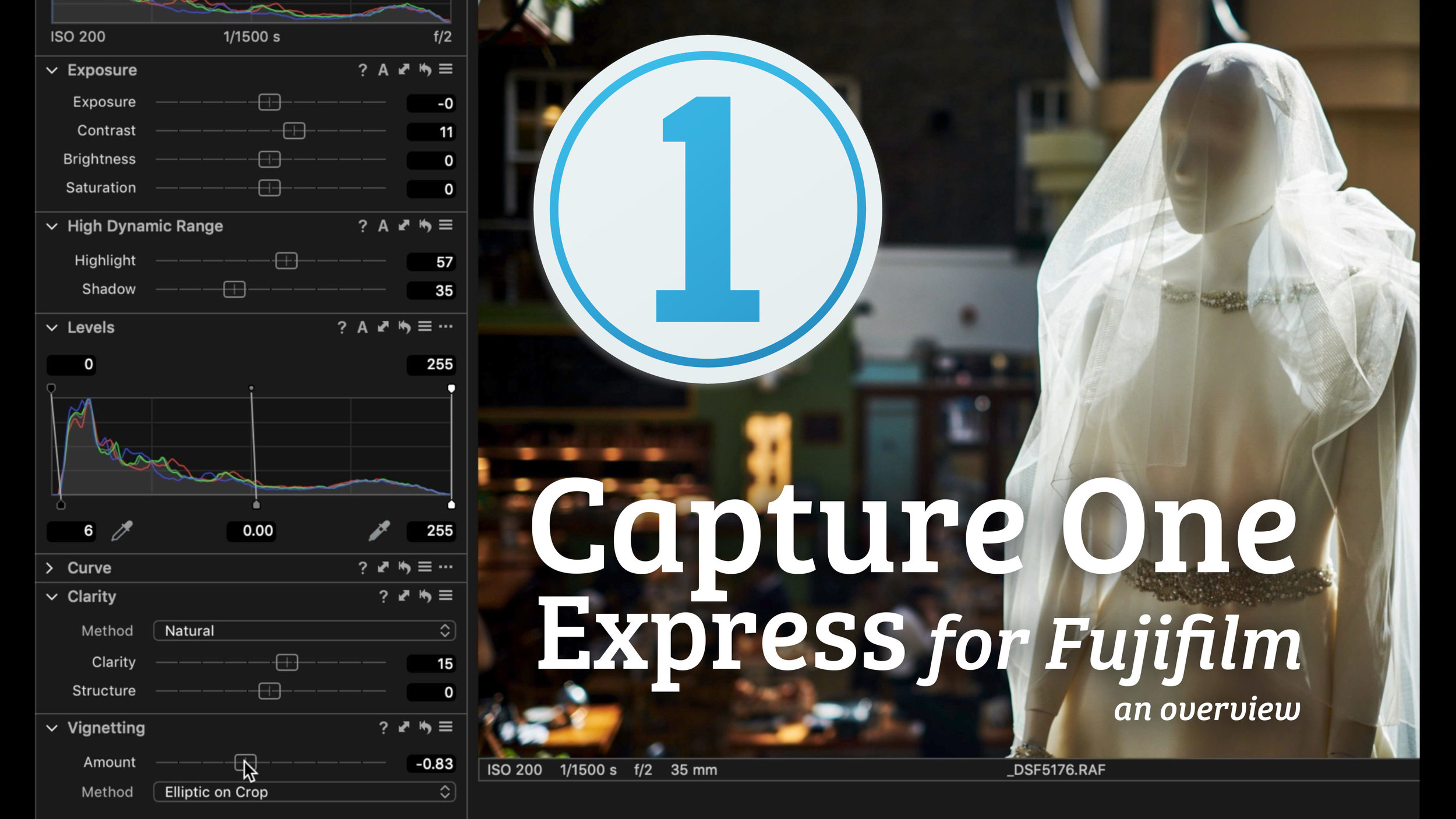
With the launch of the new free version of Capture One for Fuji shooters, I figured a lot of people would be trying the software for the first time. The software can be a little confusing at first however, especially if you’re coming from Lightroom, and some of the features may be a little hidden or not work the way you think. With that in mind I created a video to give you an overview of how to use the software.

Video: Luminar Raw Image Editing Tutorial
I’ve been trying to catalogue a drive full of Raw files going back several years (more on that in a future post), and during the process, I got sidetracked and started playing with some of the older images. I came across one shot that I had taken in Washington DC a few years ago, which I really liked at the time, but now I realise that I had over-edited it originally. I wanted to have another go at it, and so I thought It would be interesting to try it in Luminar, and it would make a good tutorial.