
Photo Editing, Tutorials, Photography News, and More
This blog covers a range of topics from Lightroom, Photoshop, Capture One, Fujifilm, Canon, Nikon, iPhone Photography, and more. If you want to see more of my actual photography work, visit my Portfolio and Photo Journal blog.

Sony, Customer Service and Professionalism
Late last week there was something of a blog storm over a video photographer Matt Granger posted about his experiences with Sony’s customer service. If you haven’t seen it already check it out. Basically he had a terrible time getting customer service for his professional Sony cameras. After he posted the video, many of those in the photographic community who also use Sony products chimed in with their own similar stories of Sony’s poor customer service. While I haven’t had to deal with Sony’s customer service here on for any of their Photography products, I too have heard the stories, and have had to deal with the company for other issues.
Capture One 9.1 released
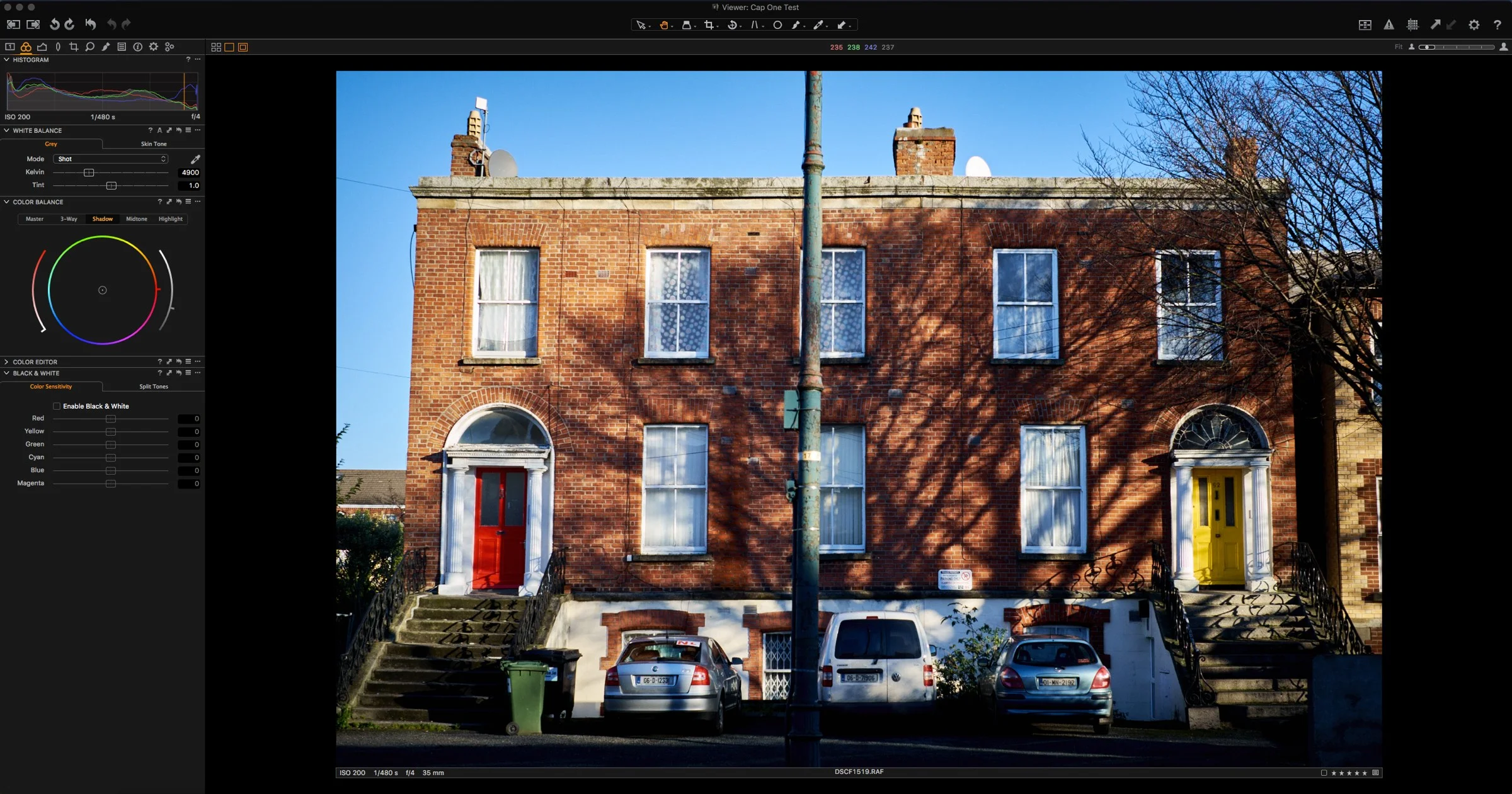
Phase one has just release Capture One 9.1. The new release includes a number of new features as well as support for some new cameras. Notably absent though is support for the Fuji XPro2. According to the release notes here's what's new:

Happy St. Patrick's Day
Today is St. Patricks Day, our national holiday here in Ireland. If there’s one day that’s synonymous with Ireland around the world it’s St. Patricks Day. So in celebration of St. Patricks Day and the greens of Ireland, I’ve put together a selection of “Green” images over on my Streets ofDublin website for your enjoyment, as well as a little essay on what green means to me!

Lightroom CC2015.5 and Lightroom 6.5 Now Available
Adobe has just released the latest version of Lightroom. Version 2015.1 for CC users, or 6.5 for standalone users brings bug fixes and new camera support. Unfortunately there is still no mention of the improved Fuji X-Trans rendering promised by Adobe last June.
QuickLUX 2 for Lightroom Now Available
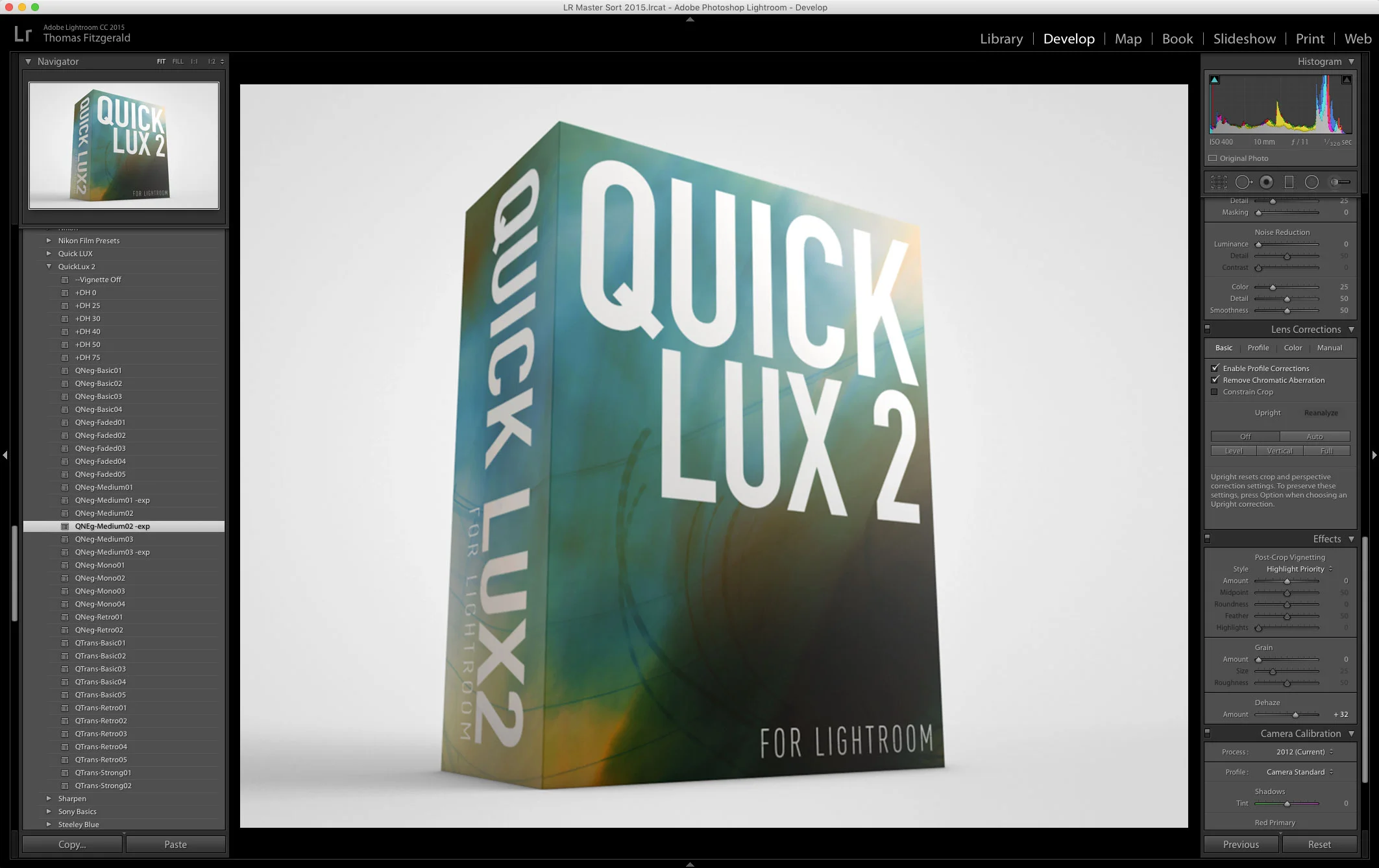
I’m happy to announce that my next set of Lightroom Presets, QuickLUX 2 is now available. QuickLUX 2 is a sequel to the popular QuickLUX set of presets that started out on Aperture, and became one of my first, and most popular Lightroom sets.

Upcoming E-Book Projects
In keeping with my earlier post today, I wanted to share some of the other projects I'm working on. Specifically in terms of the e-book guides I've published recently. I currently have two guides out for Processing X-Trans files in Lightroom and Capture One respectively. I'm currently working on a third guide as well as some updates.

A Sneak Peek at QuickLux 2
I’ve been busy working on my March set of Lightroom Presets, and they’re nearly ready. I’m really happy with how these are turning out, so I wanted to share some of the testing with you. Basically, the next set will be a sequel to QuickLux. Unimaginatively called QuickLux 2, it will, like the first set of QuickLux presets, include some of my personal artists interpretation of negative, and transparency films.

Three Ways to Set Black Levels in Capture One
If you're using Capture one and you're used to using other applications such as Lightroom, you may have noticed that there is one control missing in Capture One's set of adjustments. That control is "Black Levels" . However, while there is no direct "Black Level" control in Capture one, there are actually several ways you can adjust the black levels in the software. Here are three methods that I currently use.

A Quick Look at Polarr Photo editor for Mac OS X
I came across an interesting photo editing app in the Mac app store the other day. I’d seen it come up in the suggestions a few times and I’d even bookmarked it to come back to and have a look at later. I finally got around to trying it the other day, and I’m really impressed by the application. It’s called Polarr Photo editor, and it’s just $19.99. It’s available for Windows too, but in this short first look, I’m only talking about the mac version (as that’s all I’ve used)
Street Photo Diary No. 13
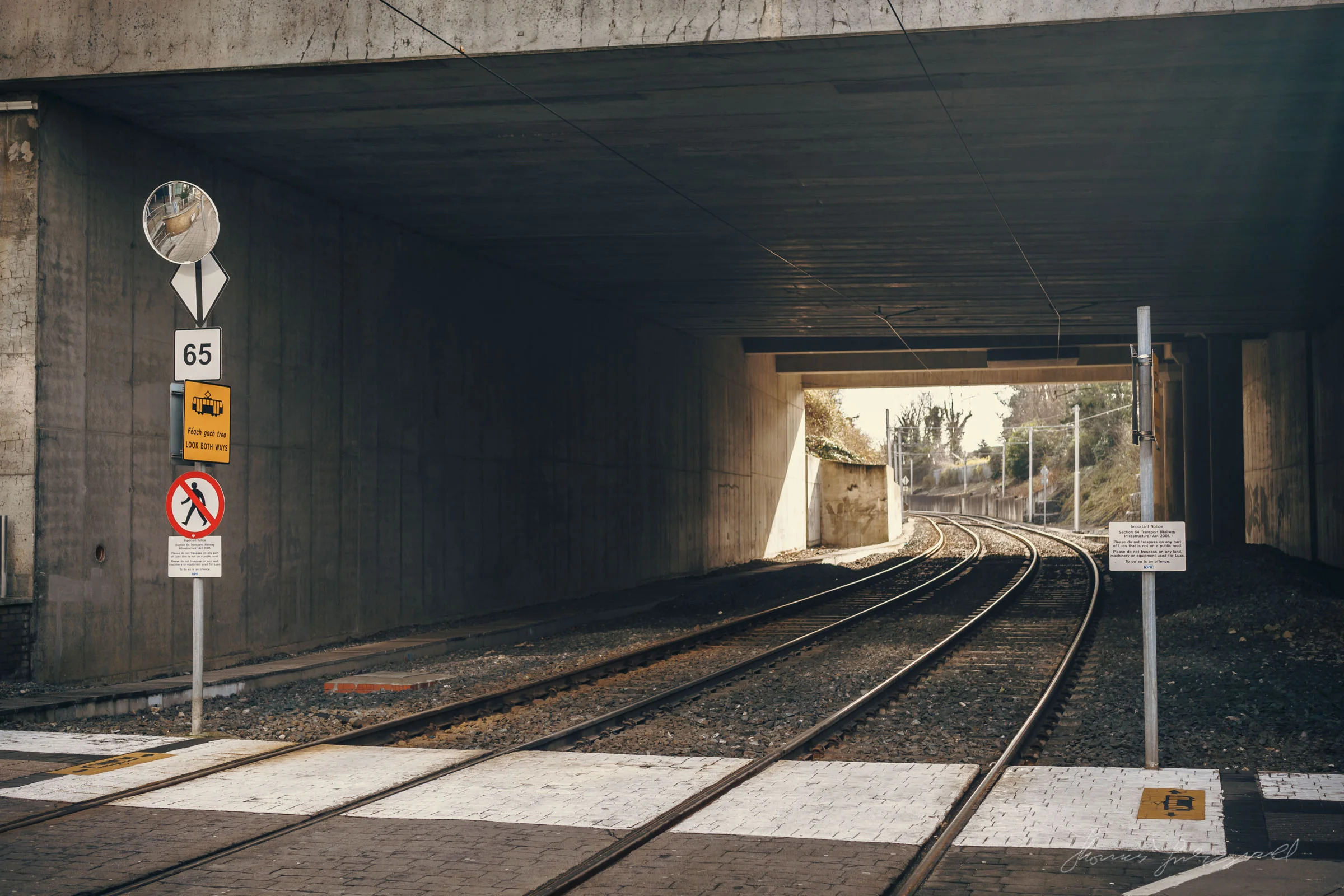
I wrote in my last two street photography diary posts about how I was finding it difficult to keep inspired lately. In my continued effort to overcome it, I've tried to shake up my routine. Previously I'd talked about going to different places, but this time my goal was to try and take different shots. I set out to try and get more abstract images, and I think it's kind of paid off.
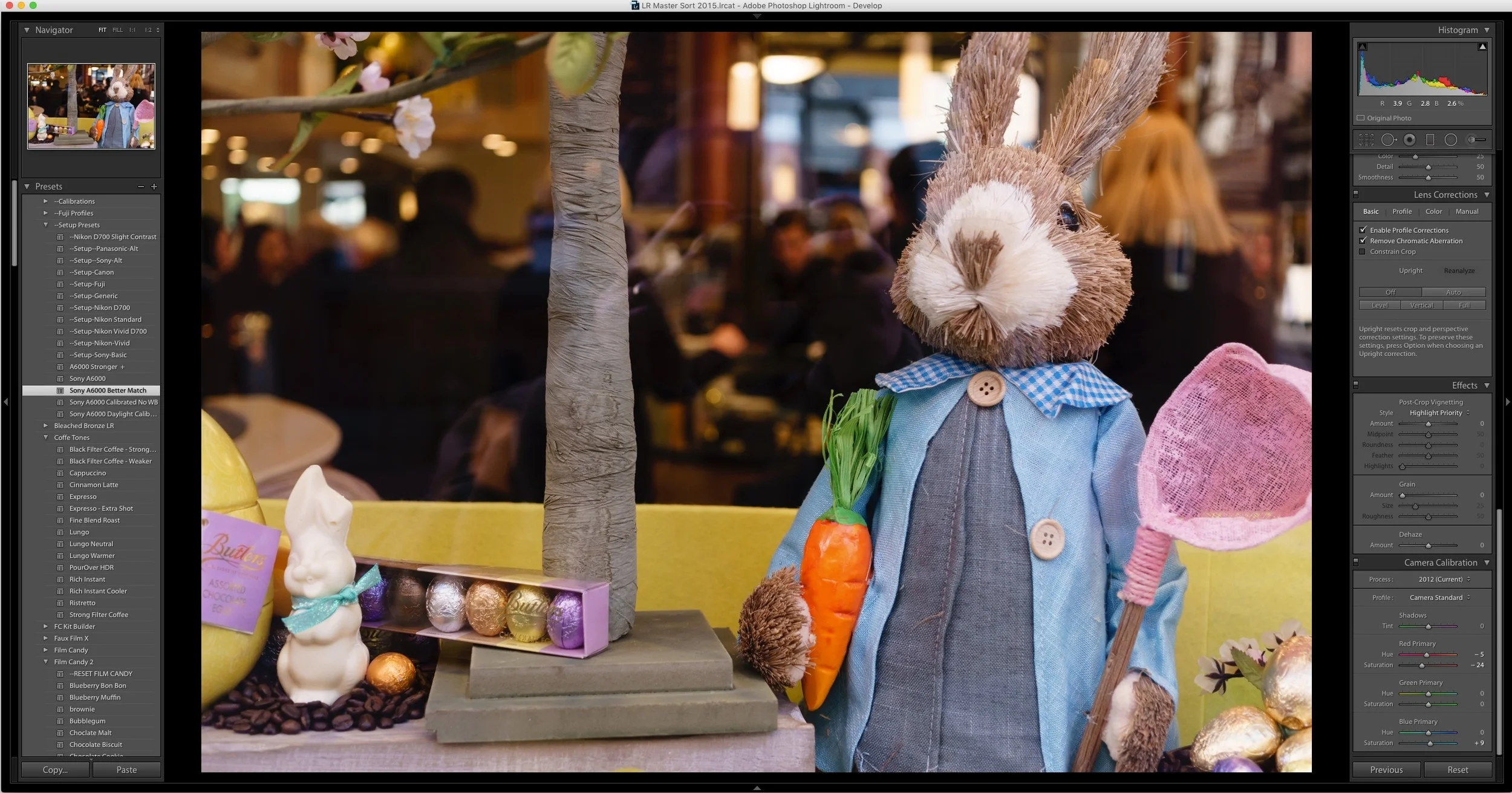
An Improved Import and Calibration Preset for Sony A6000 Images in Lightroom
A while ago I wrote a blog post about my issues with A6000 images in Lightroom not being calibrated particularly well. I included some calibration settings in the form of a pair of Lightroom presets. Since then, I’ve been doing some more work on trying to get a starting point that I’m happy with. With that in mind, here is my latest version of my Sony A6000 calibration preset that I’m ow using on my A6000 images in Lightroom.
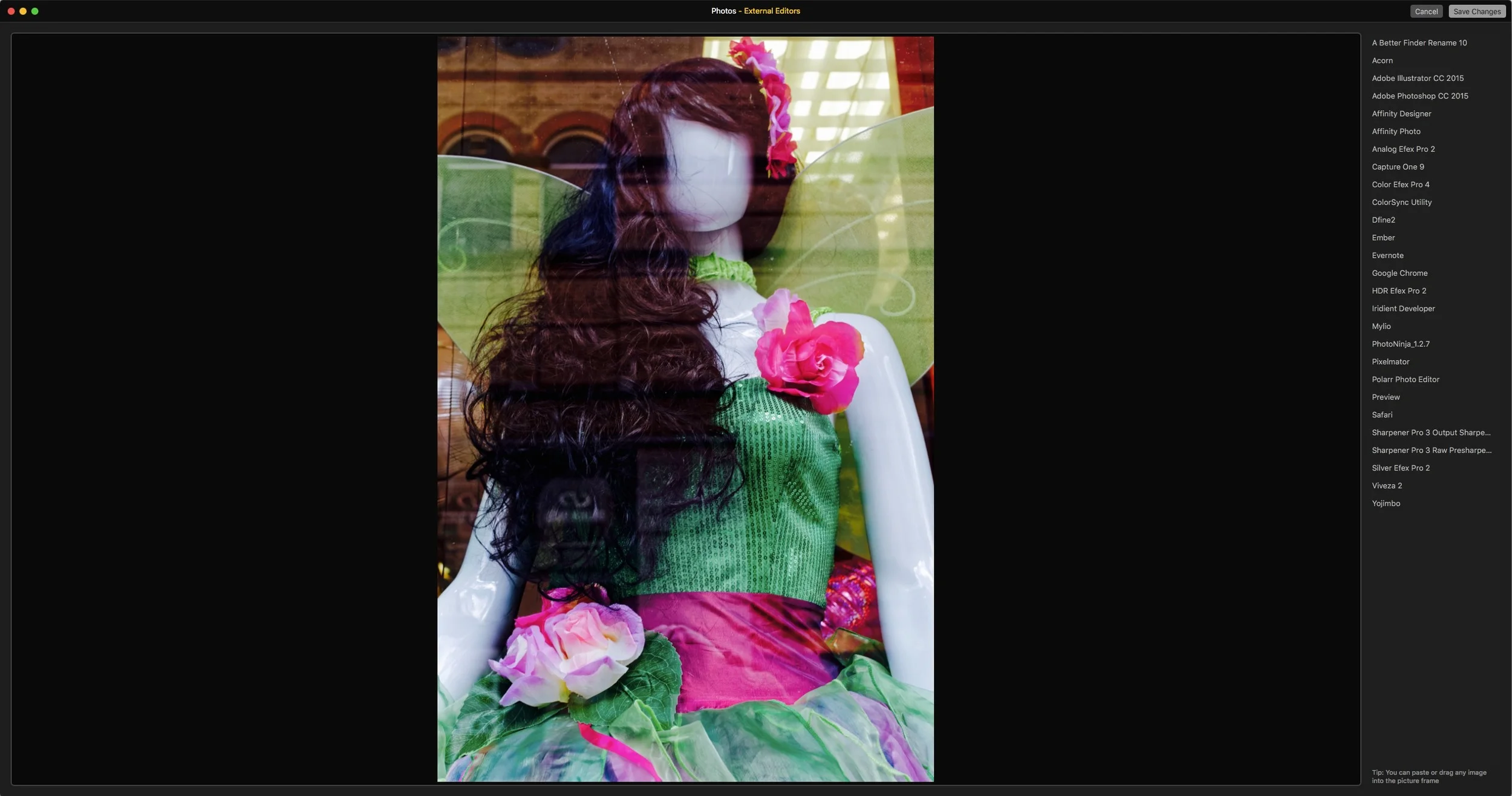
External Editors for Photos
I was browsing the Mac App Store last night looking for Apps which have photos extensions (which is not an easy task) and I came across a very interesting app which immediately got me very excited. The app, which is a basically just a photos edit extension is called “External Editors for Photos” and it does exactly what it says in the title. It addresses one of the biggest shortcomings of Apple’s Photos by giving it the ability to use any image editing application as an external editor.
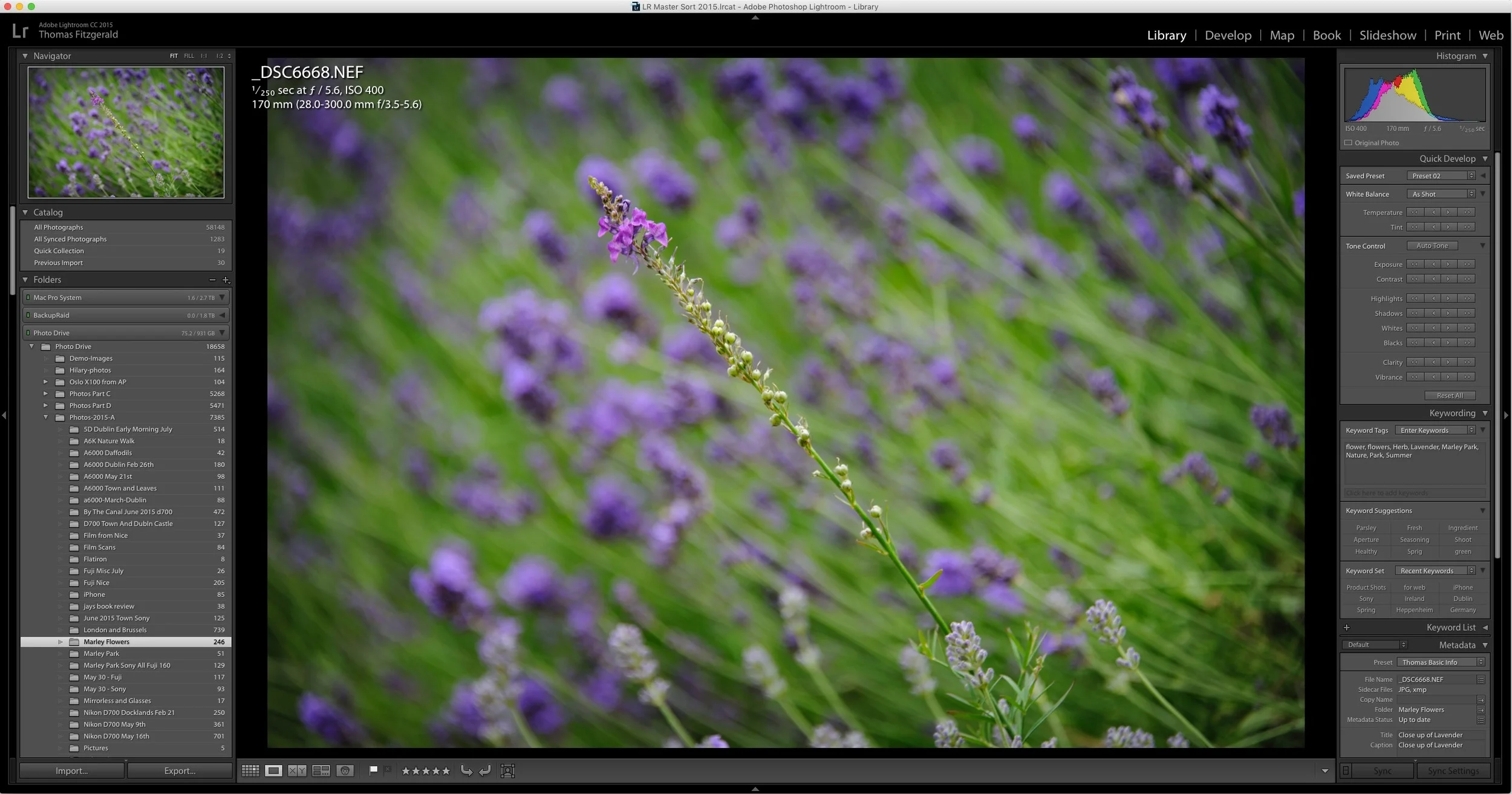
How to Improve Performance in Lightroom CC / 6 and Possibly Stop Crashes
I've been having some issues with Lightroom's performance on my mac for a while now. Coupled with some recent crashing, my frustration levels were beginning to rise. However, after a little research and some trial and error, I've managed to stop the crashing, and speed the application up a bit. While these techniques may well be familiar to you, I'm writing about them anyway should someone be having a similar problem and not be aware of what to do.
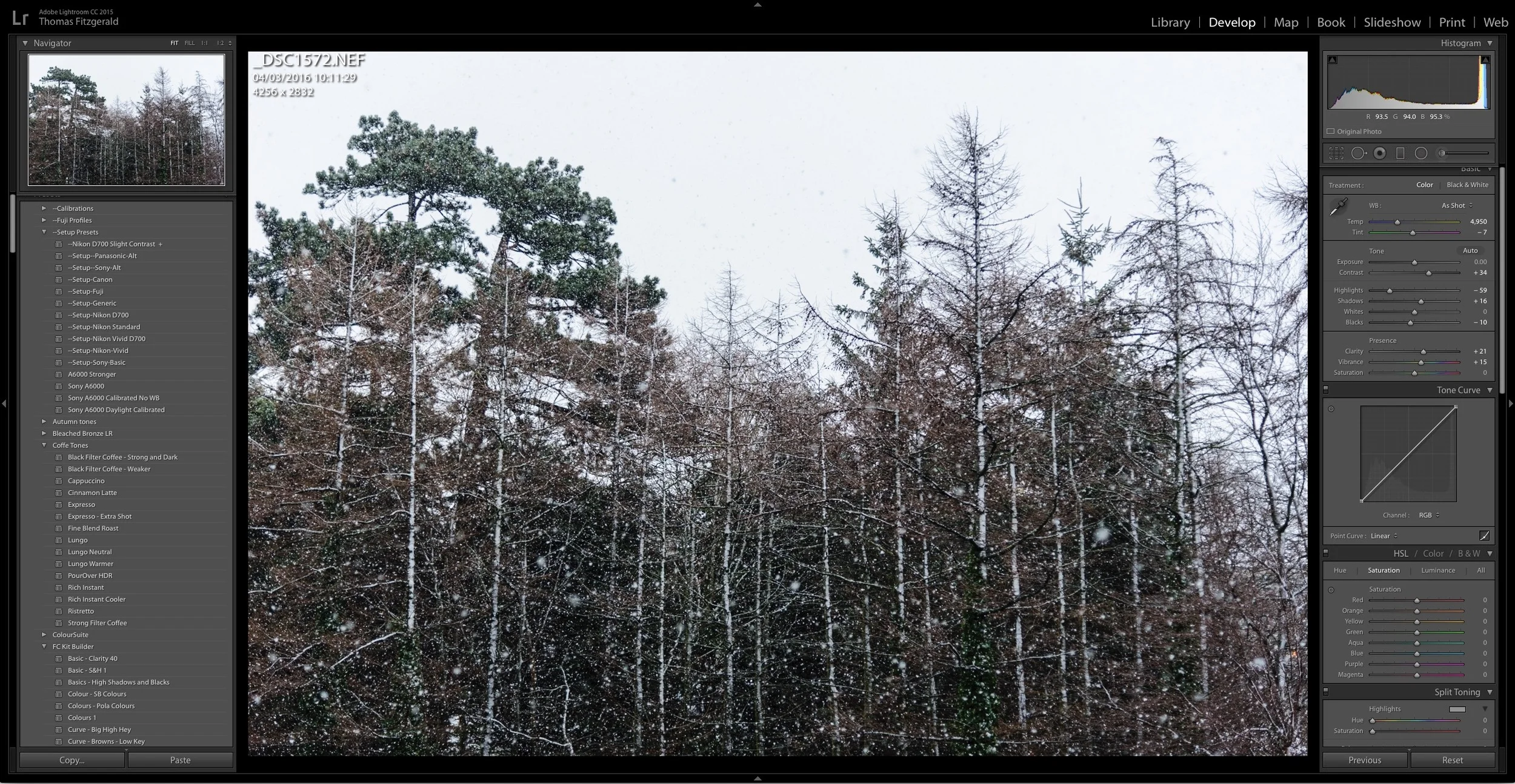
About My Setup Presets and How to Use Them
If you've purchased any of my presets packs, you've found that most of them come with a set of "Setup Presets" and may have been wondering just what exactly they are and how to use them. While there are instructions in the read me files included with most of the presets, some users are still finding them a bit confusing, so here is a more detailed description and short explanation on how to use the setup presets.
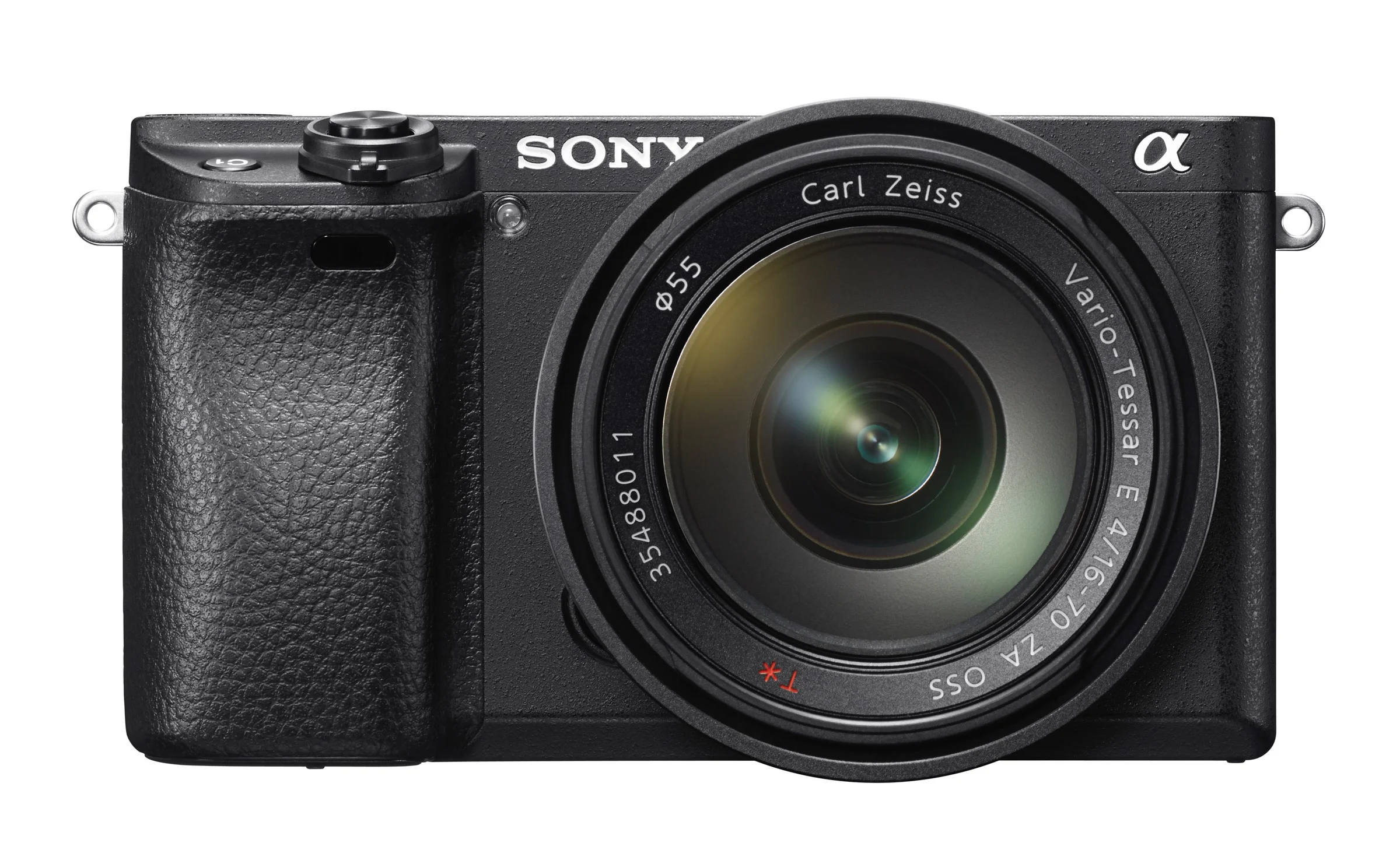
Sony A6300 Video Footage Looks Impressive
I know I'm getting a bit carried away with posts on the upcoming Sony A6300, but I'm really excited about the potential of this camera. In particular, I'm really looking forward to the video features of the new Sony. On paper it sounds impressive, but now there's some real world testing and footage out there too, and it doesn't disappoint.