
Photo Editing, Tutorials, Photography News, and More
This blog covers a range of topics from Lightroom, Photoshop, Capture One, Fujifilm, Canon, Nikon, iPhone Photography, and more. If you want to see more of my actual photography work, visit my Portfolio and Photo Journal blog.

Free Capture One Styles and Presets eBook
Last week I posted a lengthy blog post about styles and presets in Capture One. To make it a bit easier for you to follow, and so that you can have it as a handy reference guide, I’ve turned it into a free eBook, and it’s available now for free on my digital download store.

Capture One 20 Pre-Order: Buy Capture One 12 now and Get a Free Upgrade to Capture One 20
Phase One just sent me a notification to say that the company is now starting their pre-orders for the next version of Capture One. Specifically, if you buy the current version of Capture One you will get a free upgrade to the next version, curiously named “Capture One 20”.

Video: Photographing Autumn in Dublin City
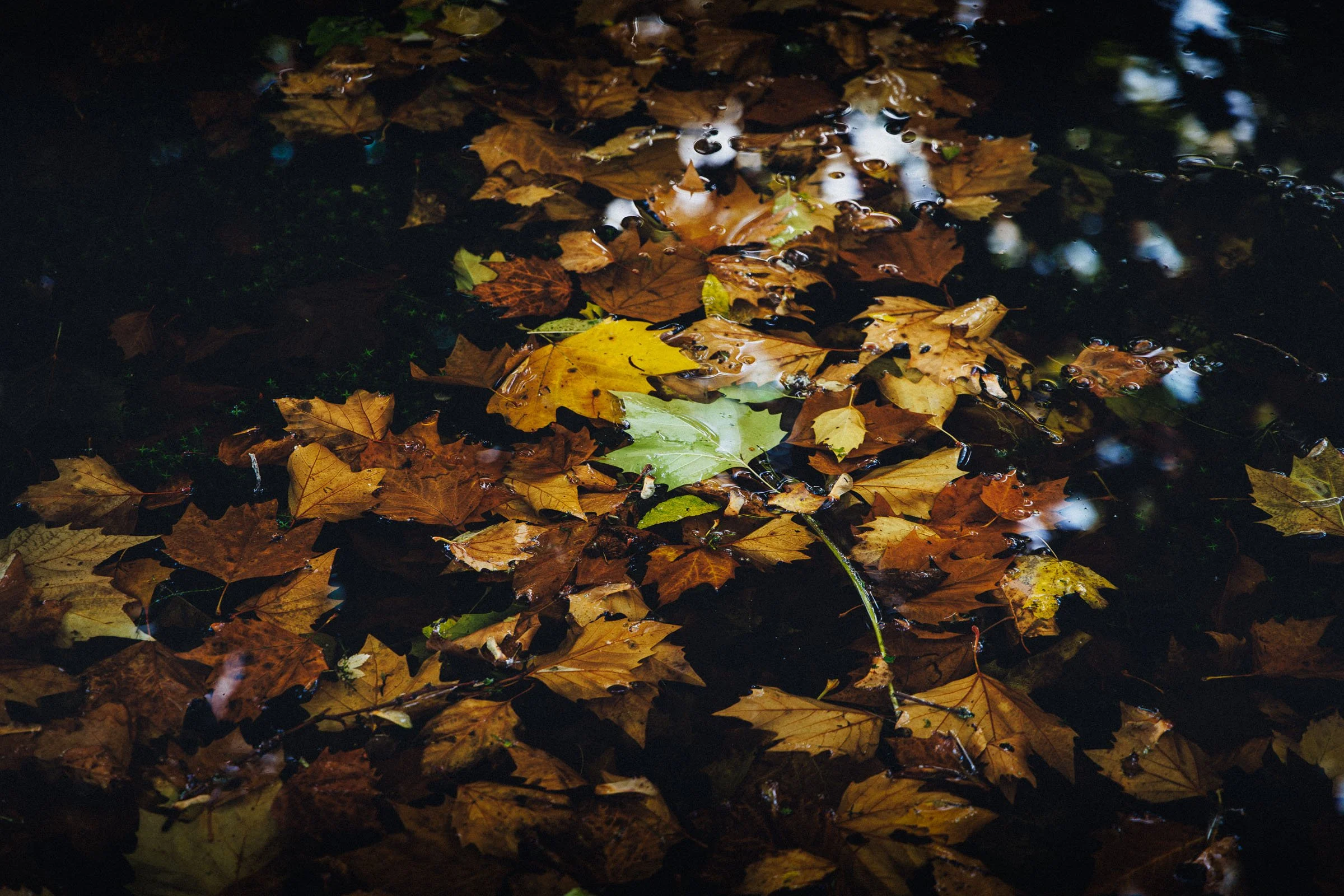
In this video I went for a wander with my camera around Dublin City to show that you don’t need to go to the countryside to photograph the wonders of Autumn. If you live in a city there’s plenty of Autumn colours and scenes all around you. If you liked my “Street Photo Diary” series, this is basically the same formulae only without the street photography!

A Complete Guide to Styles and Presets in Capture One
At its simplest, Styles and Presets in Capture One may just seem like a variation of what would be Develop Module presets in Lightroom, but they offer a number of distinct advantages. Getting to know how to create, manage and work with styles and presets can be a significant workflow enhancement in Capture One, and so what follows is an extensive guide to one of the software’s key features.

Possible Lightroom Classic Preview Bug and How to Fix It
This is a super quick tip for Lightroom classic users. Over the past while, something has been bothering me about Lightroom. When working on images, especially in the develop module, I noticed that the display seemed soft, and if you looked closely you could see some scaling artefacts. This hadn’t always been the way, and I couldn’t figure out if it was a recent version that brought it back, but it had been driving me mad. It turns out the solution was really simple.

Luminar 4 to be released on November 18th. Final Preorders available now.
Skylum software has announced the release date for Luminar 4 and it will be available on November 18th. You can pre-order now and pre-orders include a bonus one-year plan to SmugMug (worth US$180) and costs US$79 for a new purchase and US$69 for an upgrade. When released on November 18, the price will jump to US$89 new and US$69 for an upgrade.

Video: How to use the Colour Balance tool in Capture One
The colour balance tool is one of my favourite features of Capture One, and one I get asked about regularly. In this video I show you how to use the colour balance tool (also known as the three way colour corrector) to colour correct a photo.

Video: Enhancing a Cityscape in Luminar 4 Beta
In this video I give you a sneak peak at what it’s like to use Luminar 4 to enhance a cityscape image. Using a photo of the New York City skyline, I show you what it’s like using the new AI Sky replacement filter, and a quick look at the new interface.

My Capture One Style Packs Updated to Simplify Installation
I’ve released a minor update to two of my Capture One style packs in order to simplify the installation process. Previously they needed to be manually installed which was a bit of a chore, but now they can be installed simply by double clicking on a file.

Video: How to import into Lightroom directly from a Memory Card on iPAD OS
One of the new features of iPadOS that was announced was the ability to import images directly into apps from attached storage, without having to go through the camera roll. Unfortunately not many apps have been updated to take advantage of this yet, including Lightroom. However, there is a pretty simple work around and in this video I show you what to do.

Canon to add 24p to Recently Released Cameras via Firmware
A little while ago I wrote a post on how I couldn’t understand Canon’s decision to remove 24p from their newest cameras. 24p is considered a standard around the world, and many of Canon’s cameras became so popular for video precisely because they allowed users to shoot in 24p, so it was inexplicable to me that the company had chosen to remove such a key feature. I wasn’t the only one, and there was a wide and loud backlash from users. Well, Canon listened, and has announced that it would be adding 24p to several recently released cameras via firmware.

I Chimp and I’m Proud
I have a secret. I little secret that I’ve kept for so long. I’m so ashamed and the guilt is tearing me apart. I just have to come clean… Actually, none of that is really true. It’s not really a secret and I’m neither ashamed nor do I feel guilty. You see, when I’m taking photos, I check the shots on my camera’s screen. There, I said it! I’m one of those people. I’m a chimper. And I couldn’t care less.

The Difference between SilverLux and T-Pan - My two black and white Style Packs for Capture One
With the launch of T-Pan for Capture One this week, I now have two style packs available for the software. The other being SilverLUX. I had a couple of questions from customers and readers over the past few days as to the difference between T-Pan and SilverLUX, and so, here is a quick breakdown of the differences between the two Style Packs.

T-Pan for Capture One: Black and White Style Pack now available
I’m happy to announce that my latest Style Pack for Capture One is now available to buy from my digital download store. T-Pan for Capture One is a set of Black and White styles inspired by black and white film. The look is aiming to re-create the experience of shooting with a professional grade black and white film stock, and creates a rich film like monochrome image.

Two Ways to Automatically Send Images from Lightroom (or Capture One) into Apple Photos
If you’re on a Mac and you want to send your finished images from Lightroom (or Capture One) to Apple Photos, to sync to your devices for example, then you can do it manually by exporting from one application and importing into the other. This can be a bit tedious, but there are also some ways you can automate the process. This involves exporting to a folder in the finder from Lightroom or capture One, and having that automatically import into Photos.