

Photo Editing, Tutorials, Photography News, and More
This blog covers a range of topics from Lightroom, Photoshop, Capture One, Fujifilm, Canon, Nikon, iPhone Photography, and more. If you want to see more of my actual photography work, visit my Portfolio and Photo Journal blog.
Featured Posts
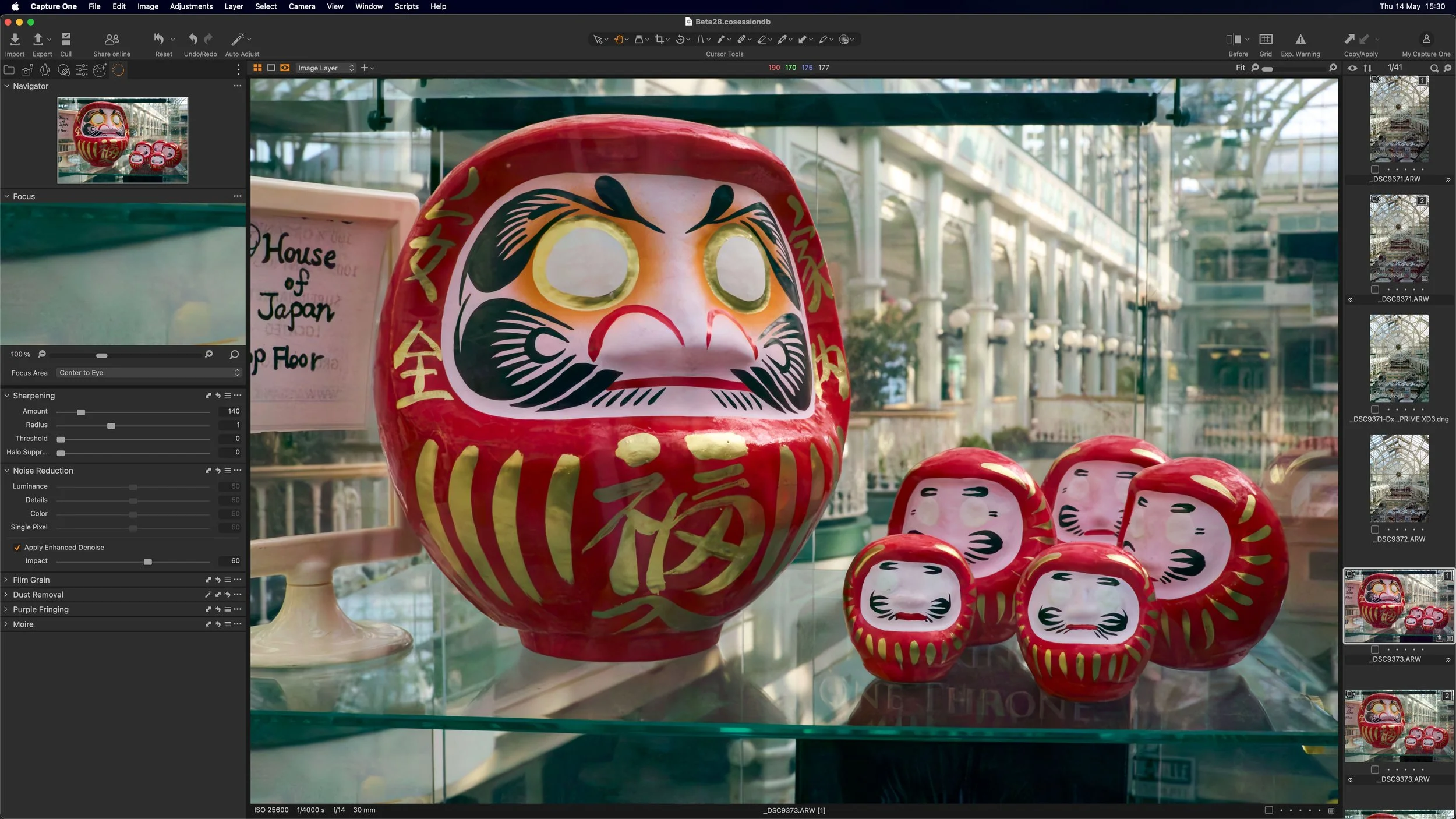

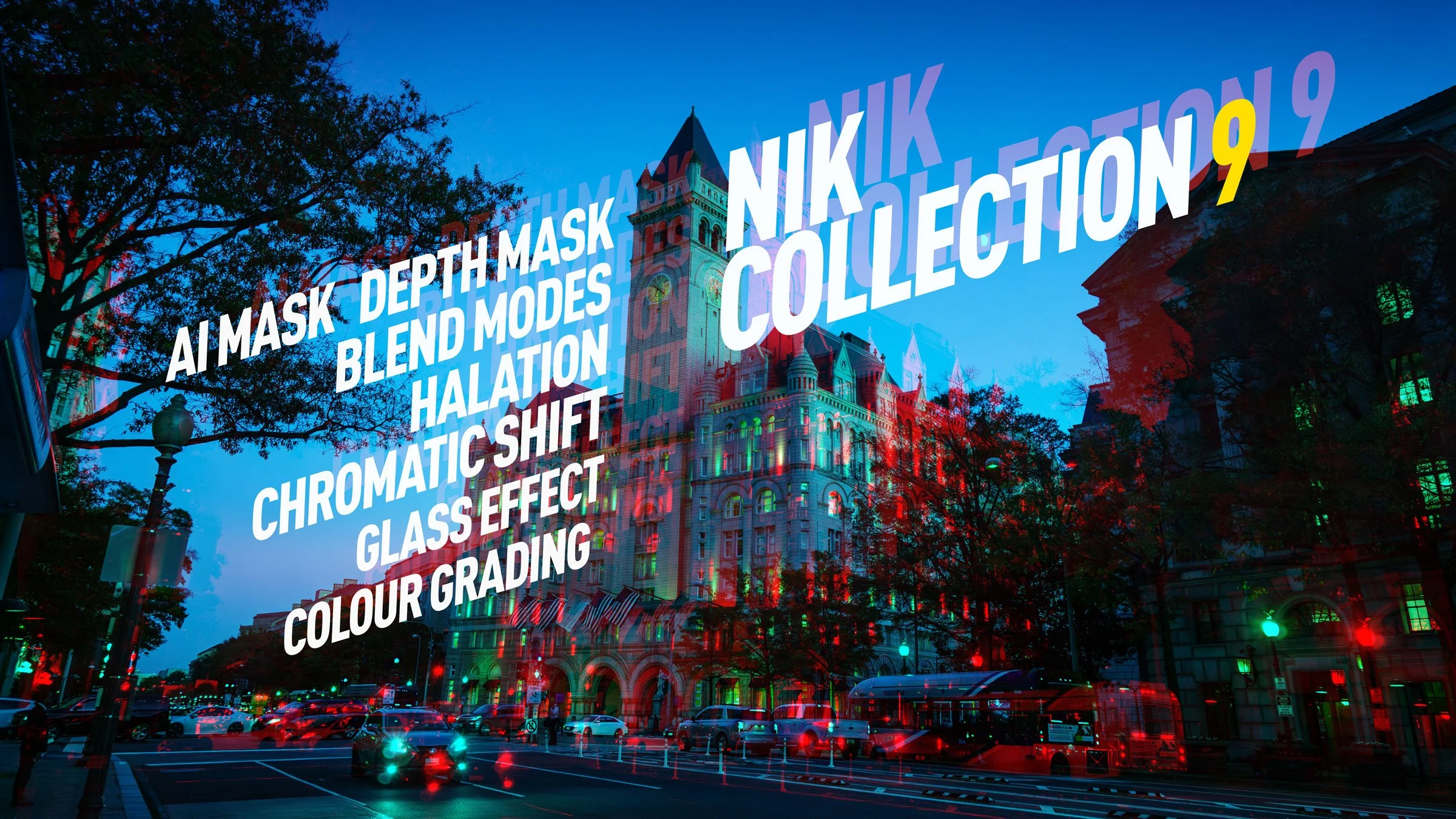



DXO Nik Collection 3 Just Released
DXO has just released a major update for its Nik collection of software tools. The new version which is available now contains numerous upgrades, as well as an all new tool: Perspective EFX.
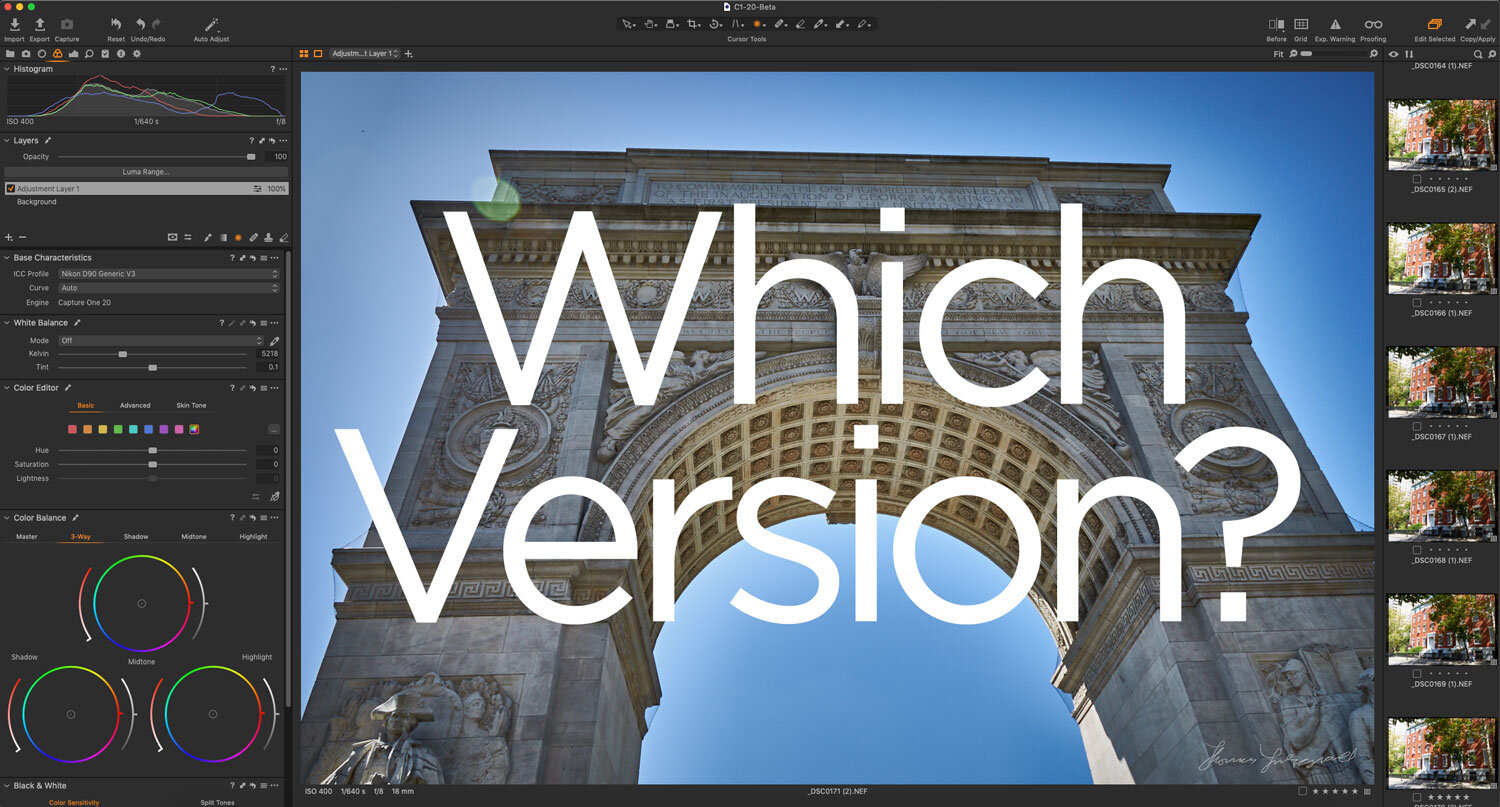
Which version of Capture One Should You Get?
If you’re looking at getting Capture One, you may be confused by all of the different versions. There is Capture One Pro, Capture One Express, Capture One, Fuji, Sony and so on. On top of that, there are subscription options and perpetual licences. I get a lot of questions about some of these versions, and so, in this post, I will attempt to break down the differences and offer advice on which version you should get.

Virtual Exhibition - Tales of Summers Past
Another virtual exhibit. This time of summer photos, taken over the past ten years, between May and September. Summer is one of my least favourite times to take photos. It’s not that I don’t like taking photos in Summer, it’s just that I prefer Autumn and Spring. But looking back I still have lots of photos of summer, and there’s still lots to enjoy. I love the colours of flowers and the green of the full trees.

T-Pan and T-Neg Sample Packs now Available
Just a quick note. I have updated my T-Pan and T-Neg product pages on my store to include a downloadable sample pack of the styles. Because it can be hard for people to judge whether the styles are for you or not, I wanted people to be able to try them out in a little way for each pack, and so the samples each contain one “film” for each of the styles (and the associated variations). You will find the sample packs in the description sections of the product pages.

Video: Capture One Quick Edit: US Capitol Building - Fixing a Dull Photo
This is the first video of a new series called “Quick Edits”. In this video, follow along as I edit a photo of the US Capitol Building in Capture One Pro. I wanted to try doing super short screencasts of editing just one photo. I know people often don’t have that much time to watch a longer video and so I wanted to keep them to 5 minutes or less. I often find that I learn the most just by watching what others do, and so that’s what this is.
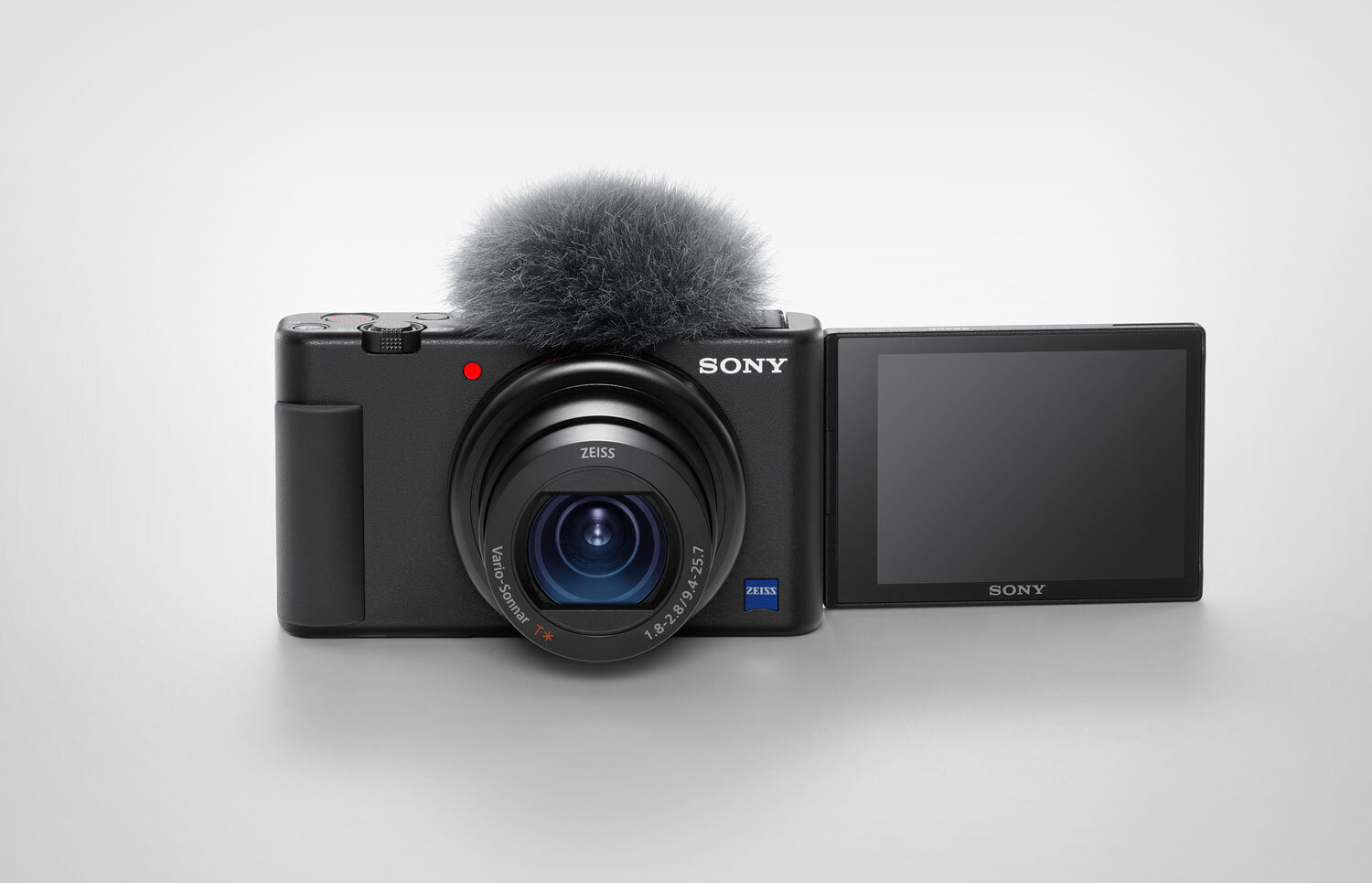
Thoughts on the Sony ZV-1
As an amateur vlogger, like many others who are interested in this field, I have wanted camera makers to create a camera for this space for quite some time. While many have added features that will improve the experience when Vlogging, as far as I can tell, Sony is the first company to release a camera specifically designed for Vloggers. Announced yesterday, the ZV-1 looks like a pretty perfect camera for my Vlogging needs.

How to Export using Process Recipes in Capture One
I’ve talked before about importing images into Capture One, and now I want to cover the basics of exporting with Process Recipes. There are two different ways to export your images from Capture One. You can export using the “Export” command, or alternatively, you can “Process” your image with a Process Recipe.

Lightroom Creative Profiles and Why they’re not more Common
I got an interesting question from a Patreon supporter the other day, and I thought it was important enough that I should write about it. The person wanted to know why people use presets more in Lightroom compared to Creative Profiles, and why Lightroom’s Creative Profiles aren’t more common. While I don’t have any definitive answers to this, I do have some theories, so read on. I’ll also outline how to use profiles and how to create them.

Lockdown Snapshots: Wildflower Walkway
It’s been about two months now since the lockdown began here in Ireland. It feels like two years. We’ve slowly gotten used to the new routine, and while frustrating, it’s become par for the course. Everyday, I get up and try and go for a walk to get some exercise, but the government guidelines until recently were to stay within 2km. This has made it seem like the world has collapsed to a much smaller place than it previously was. I guess this is what it was like in olden times when people rarely strayed past their villages.

A Few More Notes About Capture One for Nikon: Capture One Express for Nikon and New Profiles
With all of the announcements from Capture One yesterday, I missed a couple of points about Capture One for Nikon. In addition to the new Nikon pro version, there is also now a version of Capture One Express for Nikon. They have also added new colour profiles for selected Nikon Cameras.

Video: Capture One 20 Version 13.1 New Features Walk Through
In this video I take a look at the new features of Capture One Pro 20, version 13.1, including the new before and after tool, the new Cloning and Healing Tools, as well as details about the new Capture One Nikon version and a new Lightroom Importer.
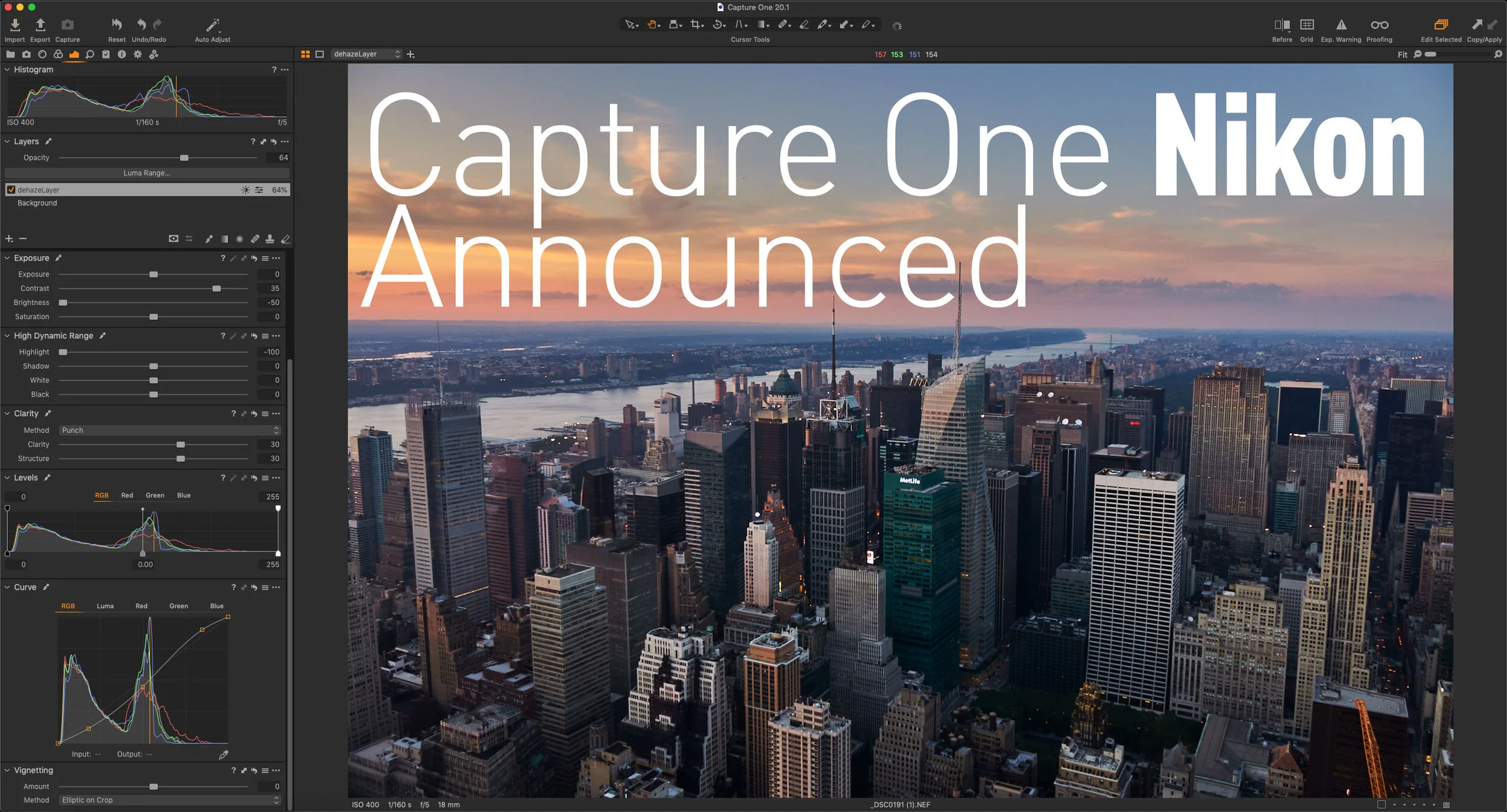
Capture One Nikon Announced - Available Now!
Capture One has just announced a new version of the software specifically for Nikon users. Just like the versions available for Sony and Fujifilm users, the new Capture One Pro Nikon version will have all the features of the full version, but will be at a reduced price, and will only open Nikon RAW files. This release will also bring tailored profiles for selected Nikon cameras to Capture One.
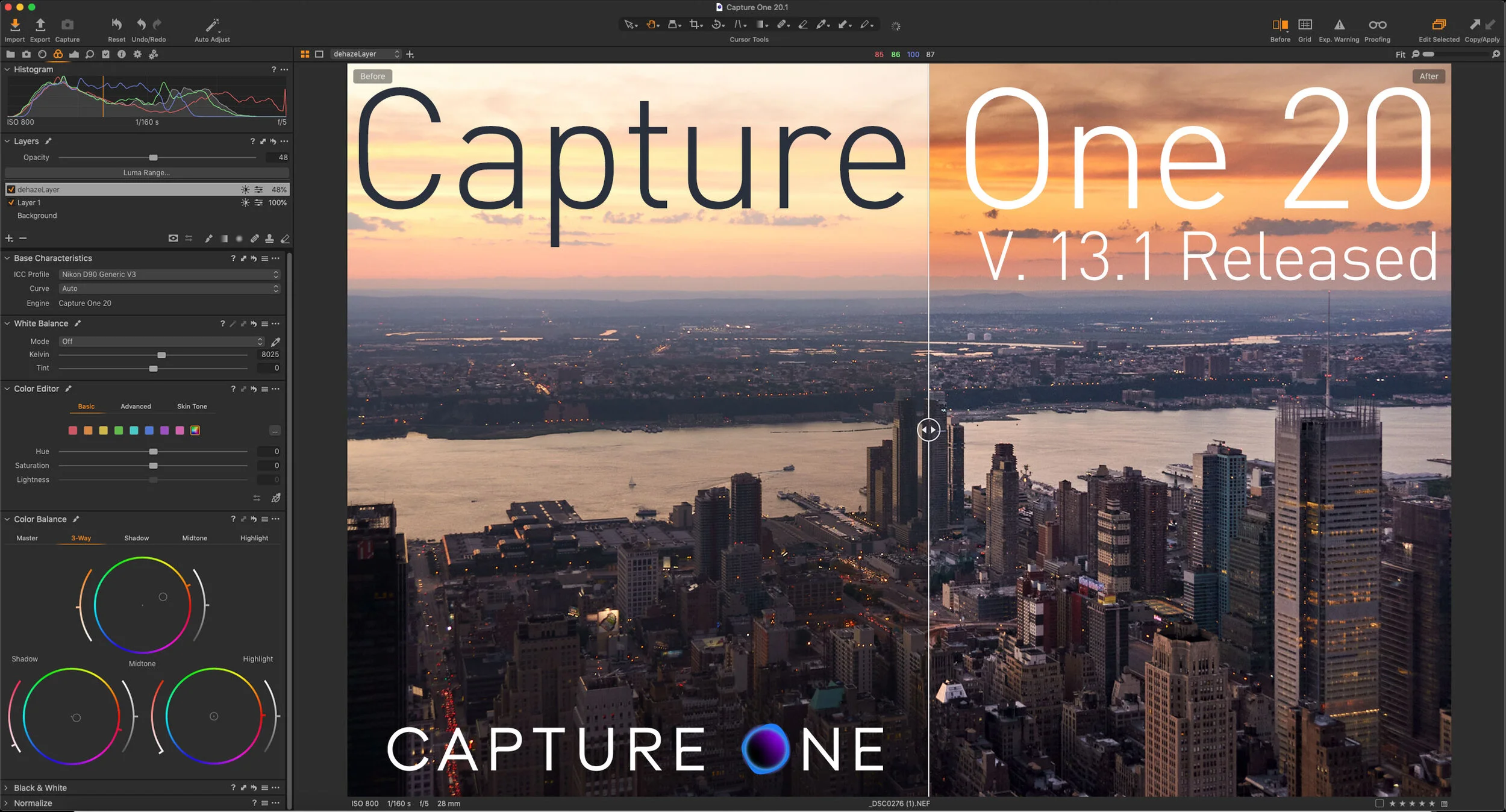
Capture One 20 Version 13.1 Released
Capture One has just released the latest version of Capture One Pro. The new release of Capture One Pro 20, version 13.1, actually has a few significant new features, including a completely rebuilt clone and heal tool, and a new before and After Tool. The company also announced a new Nikon version of Capture One as well as a new branding for the company and for the software.

Some Resources To Learn Capture One
If there’s one issue I hear over and over again about Capture One is that its hard to learn. I actually don’t think that its a difficult application to use, but a big part of the problem is the difficulty people have in finding proper learning material. So, in this post, I’m going to do my best to point you in the right direction. I will also keep updating this as I find more valuable resources.

All The Features added to Lightroom Since the Last Stand Alone Version (Version 6)
Lightroom’s move from a perpetual license model to a subscription was undoubtedly the most controversial development in the history of the software. Because of this, there are still a substantial number of people using Lightroom version 6. While many of these using 6 do so out of ideological objections to paying a subscription, some may not realise just how far Lightroom has come since the last version.