

Photo Editing, Tutorials, Photography News, and More
This blog covers a range of topics from Lightroom, Photoshop, Capture One, Fujifilm, Canon, Nikon, iPhone Photography, and more. If you want to see more of my actual photography work, visit my Portfolio and Photo Journal blog.
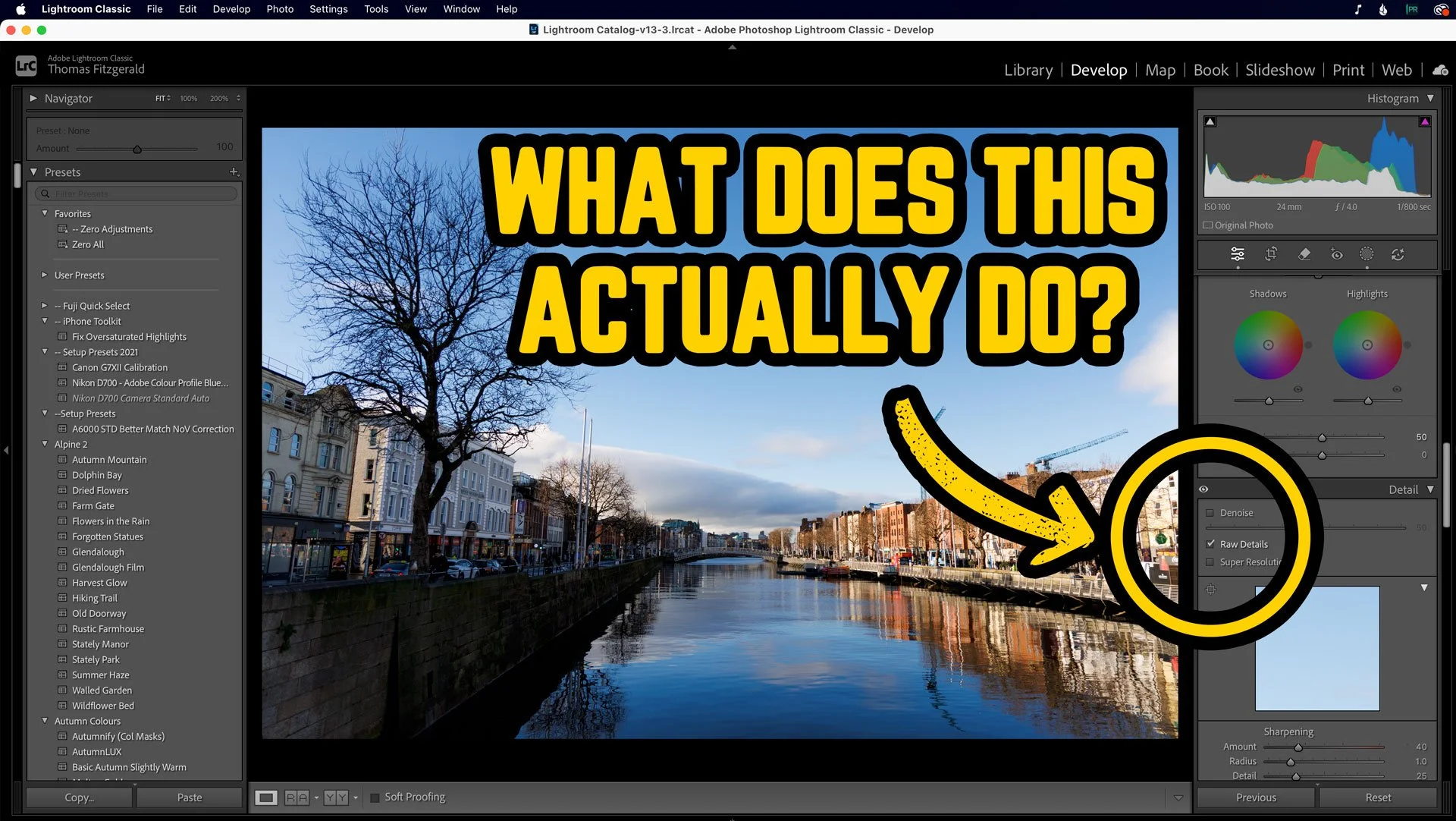
What’s the point of RAW Details in Lightroom? Here’s a perfect example.
Over the past few years, Adobe has been adding to the AI processing functionality of Lightroom, with Denoise and Super Resolution. But the OG of these, the one which was the original “Enhance Details” was what is now known as RAW Details. Most people probably only ever use this now in conjunction with the other two, and you may be wondering what is even the point of RAW details on its own. Well, I was recently going through a few photos I shot the other day, and I saw something that demonstrated perfectly how Raw Details can actually work. Allow me to explain….
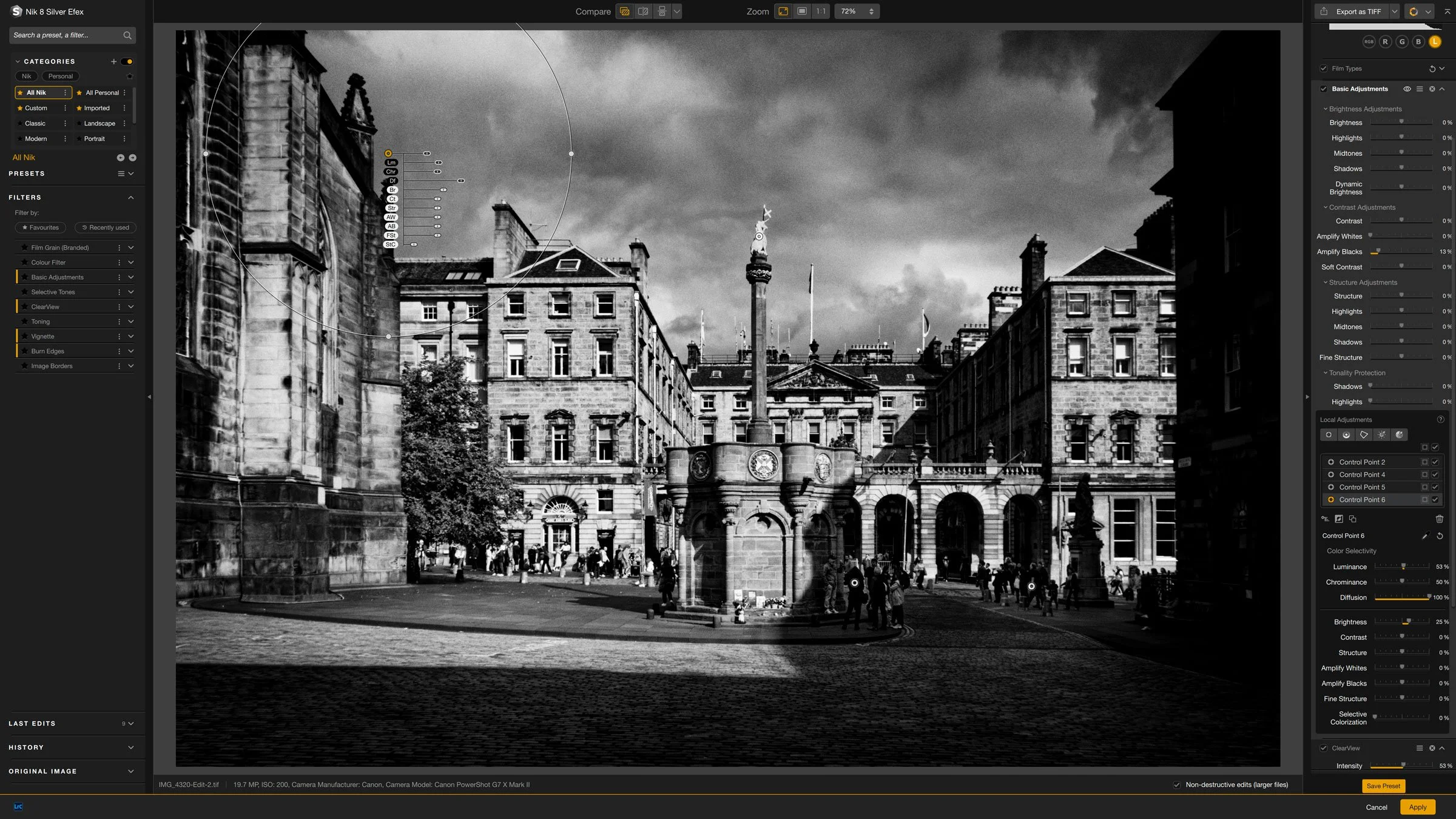
Some Quick Tips for Nik Silver Efex 8
Nik Silver Efex is one of the longest running Lightroom and Photoshop plug-ins out there, and I think it was one of the first plug-ins I ever bought. This was years ago before the suite was owned by DXO and even before they were owned by Google before that. In recent versions, some aspects of the software have changed quite a bit. As I haven’t covered it in quite a while, I thought I would share a few random tips for using the latest version.
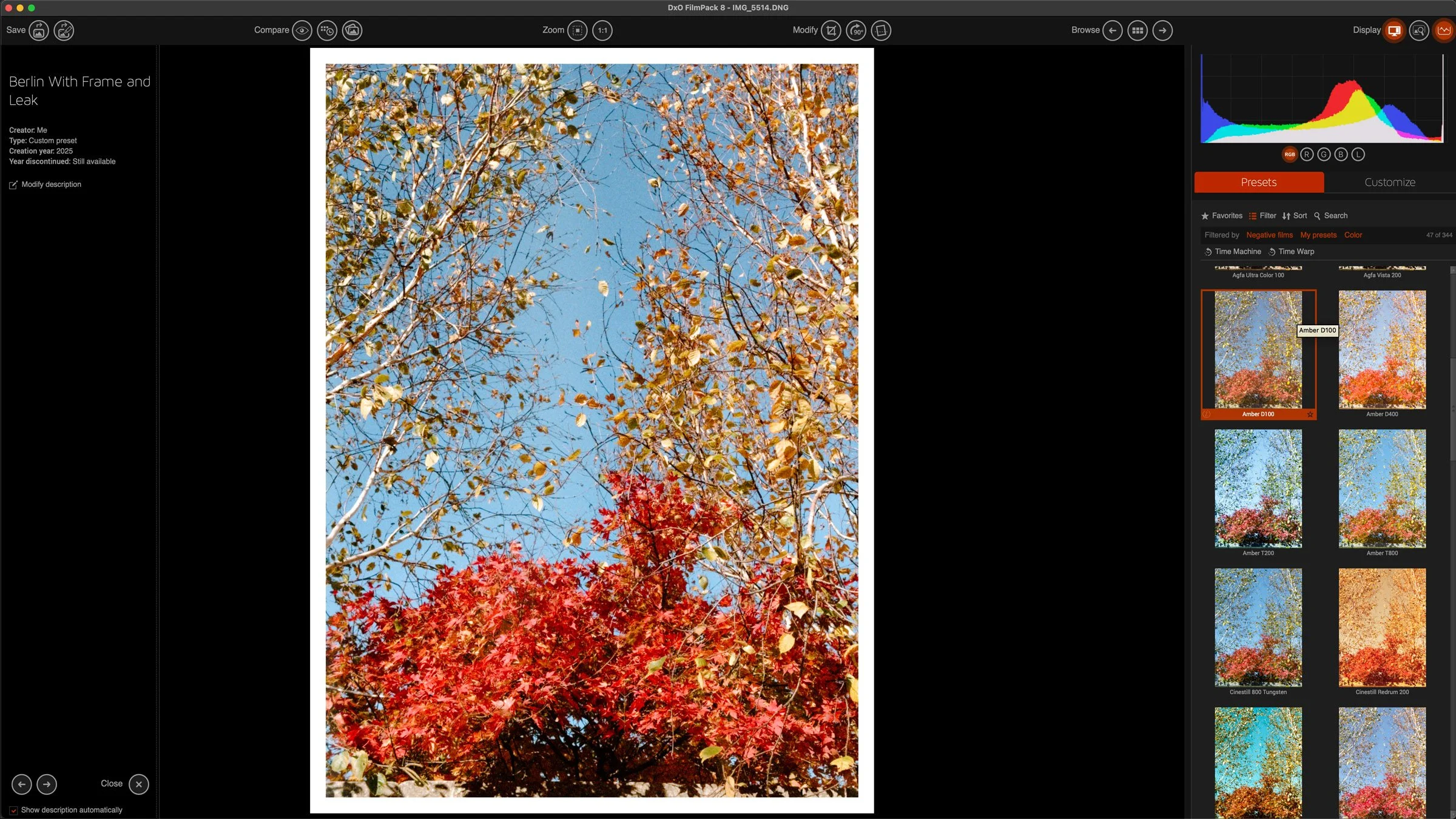
Processing iPhone ProRAW files in DXO Film Pack for a Compact Film Camera Look
I saw a video a while ago from someone who was talking about using a cheap plastic compact film camera as an everyday carry to record just general snapshots. While most of us use our phones for that, it is undoubtedly nice to have a more film like aesthetic. Unfortunately, both the cost of buying film and the cost of developing film has skyrocketed recently. So while this is a nice idea, it’s not really practical. I’ve spent the last while exploring alternatives, and trying various ways of getting his look without it being a huge effort. Recently I’ve been trying DXO film pack, because in the just announced version 8, you can now open Apple PRO Raw files, and this actually makes a big difference.

A feature of Lightroom 14.5 I almost missed ! You can now Copy and Paste only the adjustments you have changed in an image
When Adobe recently released Lightroom 14.5, there’s one tiny feature I almost missed. Well, I did miss it until today when I discovered it by accident. It’s one of those things that’s so small you might not even notice it - I didn’t - but it can make a big difference and it’s something I think people have been wanting for a long time. You can now copy and paste only the parameters that have changed in an image.
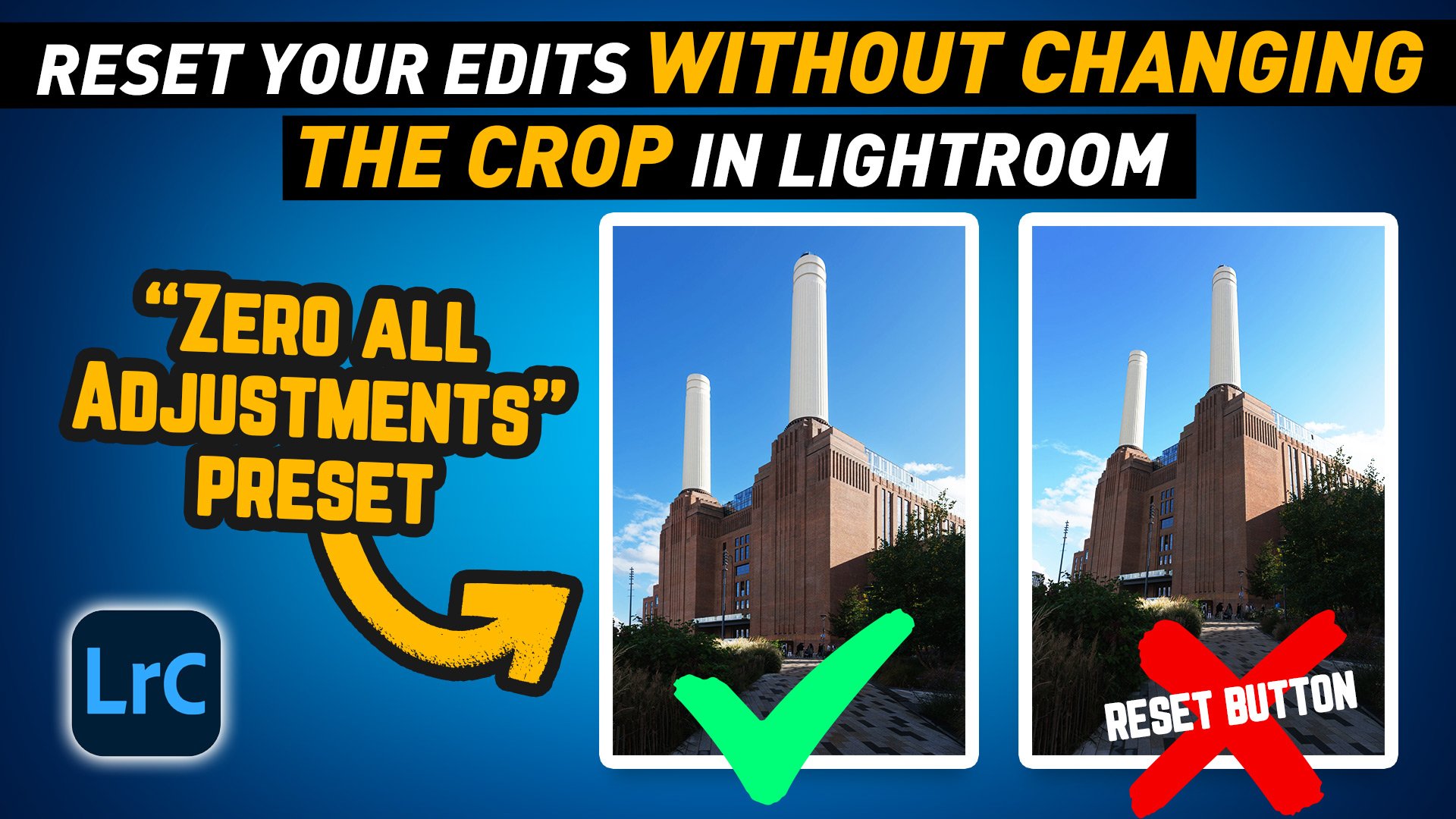
Lightroom Pro Tip: Quickly Reset Adjustments Without Losing Your Crop with a Zero All Preset
In this video I show you a handy workflow tip to make it easier to reset your adjustments in Lightroom without reseting your Crop or Geometry edits.

Making Something From Nothing: Fixing a Dull Photo & Why I use Different Tools
I finally managed to get out of our local virus induce containment this past weekend. We went for a walk by the sea, and while I brought my camera with me, I hadn’t really intended to take photos, so when I did, it was more of an off the cuff snapshot, than an intentional photo shoot. At first glance, the photos I took were pretty “throw away”, but after some playing around I managed to create a pretty good (in my opinion) image from something that started off as a dull and boring shot.

How to Sync Full Res Images instead of Smart Previews from Lightroom Classic
When Adobe first introduced the syncing feature in Lightroom, which let you sync to its cloud services, it only synced smart previews, and at the time this wasn’t a big deal, as there was limits to what you could do on the mobile applications. Now, many versions later and Lightroom has become a whole eco system, and the mobile versions are much more powerful. We now also have the desktop version of the mobile applications, so it is odd that Lightroom Classic is still stuck syncing only smart previews. But what if you want full res versions that you can edit on another device but still synced to your classic library? Well, there is a workaround.

Video: How to import into Lightroom directly from a Memory Card on iPAD OS
One of the new features of iPadOS that was announced was the ability to import images directly into apps from attached storage, without having to go through the camera roll. Unfortunately not many apps have been updated to take advantage of this yet, including Lightroom. However, there is a pretty simple work around and in this video I show you what to do.
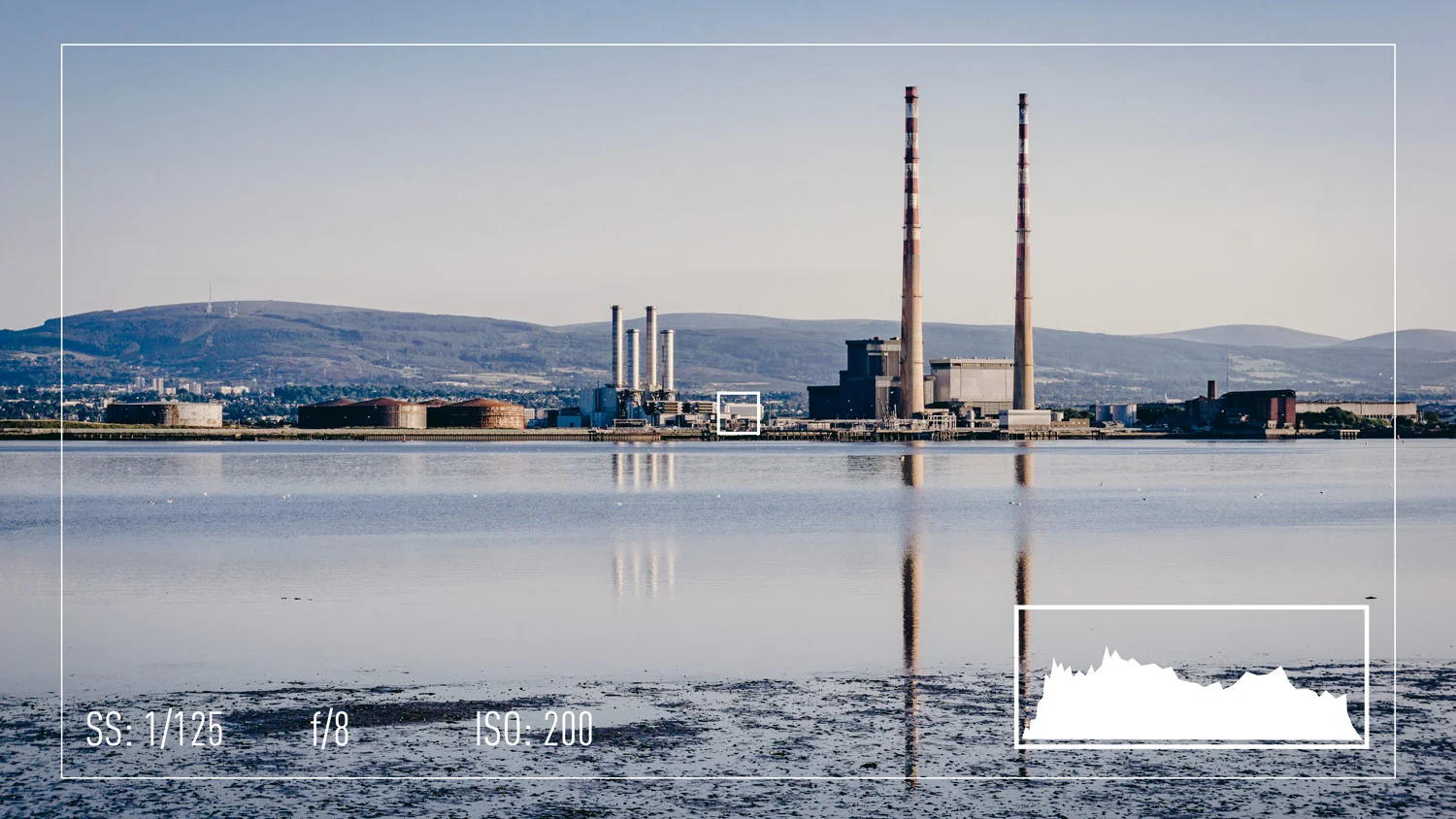
Why You Should Use a Histogram with an EVF on a Mirrorless Camera
I’ve seen a few posts lately complaining about new mirrorless cameras not exposing properly compared to what the user is seeing in the EVF. It seems that in a few instances, people are judging exposure purely by what they’re seeing in the viewfinder. Even if you are also using the included light meter, you may still see a different result when looking at images later on your computer. I call this the EVF effect, and if you’re shooting mirrorless, it’s something you need to be aware of.

A Super Quick Photoshop Camera RAW Hidden Feature Tip
If you ever need to open a RAW file in Photoshop using Camera RAW I recently saw a demo featuring a feature that is sort of hidden, but is really useful. This is possibly a little bit technical, but the tip basically allows you to open a RAW file as a smart object without explicitly choosing the option to open as a smart object.

The Importance of White balance
White Balance is one of those controls that I think a lot of photographers don’t think about or don’t make use of enough. Many just leave it on automatic and don’t worry about it. Yet a poorly chosen white balance can probably affect your photos as much as an improper exposure, and when many people complain about certain cameras having “bad colour” in many cases this can be attributed to the white balance.