
Photo Editing, Tutorials, Photography News, and More
This blog covers a range of topics from Lightroom, Photoshop, Capture One, Fujifilm, Canon, Nikon, iPhone Photography, and more. If you want to see more of my actual photography work, visit my Portfolio and Photo Journal blog.
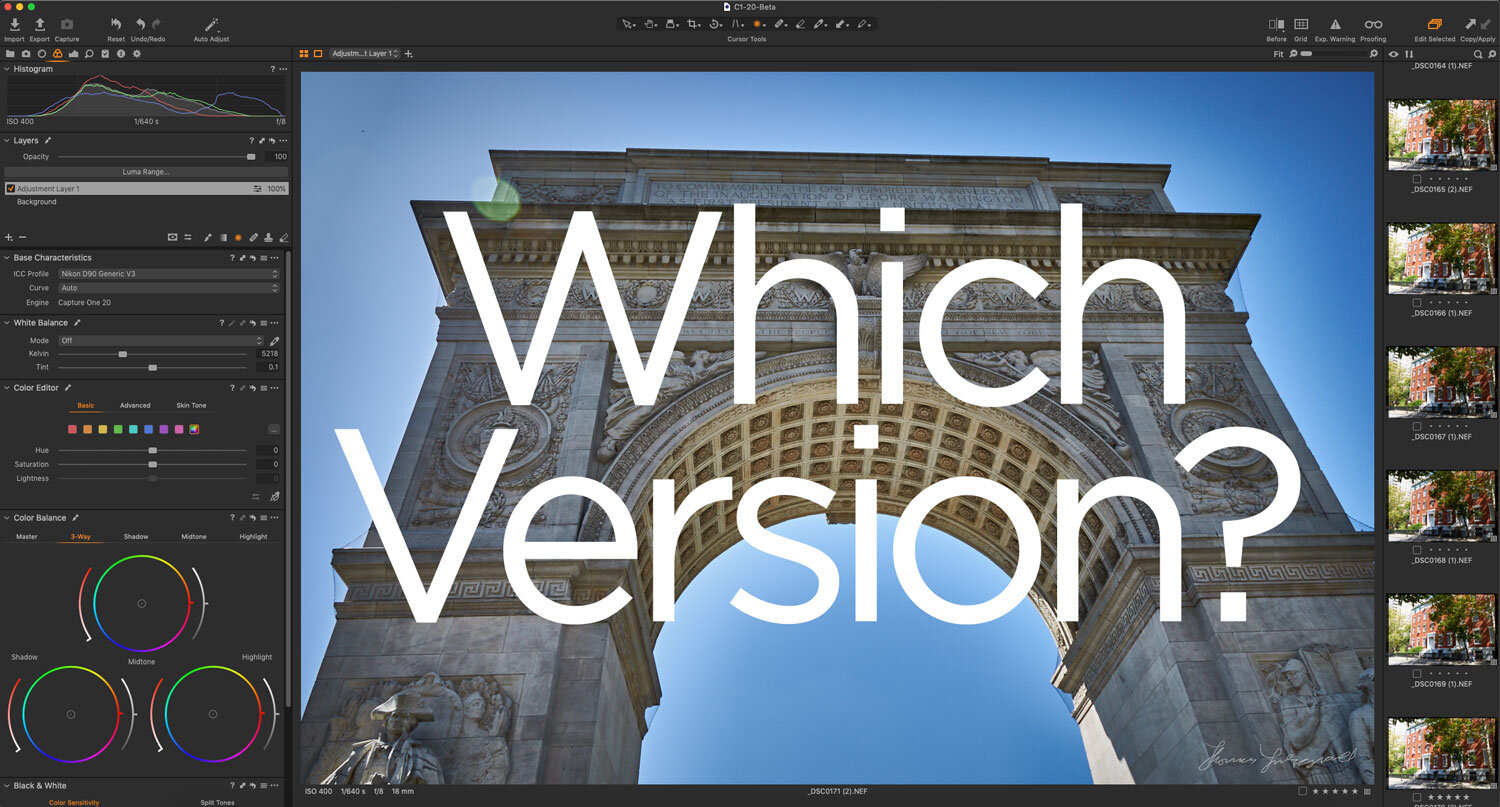
Which version of Capture One Should You Get?
If you’re looking at getting Capture One, you may be confused by all of the different versions. There is Capture One Pro, Capture One Express, Capture One, Fuji, Sony and so on. On top of that, there are subscription options and perpetual licences. I get a lot of questions about some of these versions, and so, in this post, I will attempt to break down the differences and offer advice on which version you should get.

T-Pan and T-Neg Sample Packs now Available
Just a quick note. I have updated my T-Pan and T-Neg product pages on my store to include a downloadable sample pack of the styles. Because it can be hard for people to judge whether the styles are for you or not, I wanted people to be able to try them out in a little way for each pack, and so the samples each contain one “film” for each of the styles (and the associated variations). You will find the sample packs in the description sections of the product pages.

Video: Capture One Quick Edit: US Capitol Building - Fixing a Dull Photo
This is the first video of a new series called “Quick Edits”. In this video, follow along as I edit a photo of the US Capitol Building in Capture One Pro. I wanted to try doing super short screencasts of editing just one photo. I know people often don’t have that much time to watch a longer video and so I wanted to keep them to 5 minutes or less. I often find that I learn the most just by watching what others do, and so that’s what this is.

How to Export using Process Recipes in Capture One
I’ve talked before about importing images into Capture One, and now I want to cover the basics of exporting with Process Recipes. There are two different ways to export your images from Capture One. You can export using the “Export” command, or alternatively, you can “Process” your image with a Process Recipe.

A Few More Notes About Capture One for Nikon: Capture One Express for Nikon and New Profiles
With all of the announcements from Capture One yesterday, I missed a couple of points about Capture One for Nikon. In addition to the new Nikon pro version, there is also now a version of Capture One Express for Nikon. They have also added new colour profiles for selected Nikon Cameras.

Video: Capture One 20 Version 13.1 New Features Walk Through
In this video I take a look at the new features of Capture One Pro 20, version 13.1, including the new before and after tool, the new Cloning and Healing Tools, as well as details about the new Capture One Nikon version and a new Lightroom Importer.
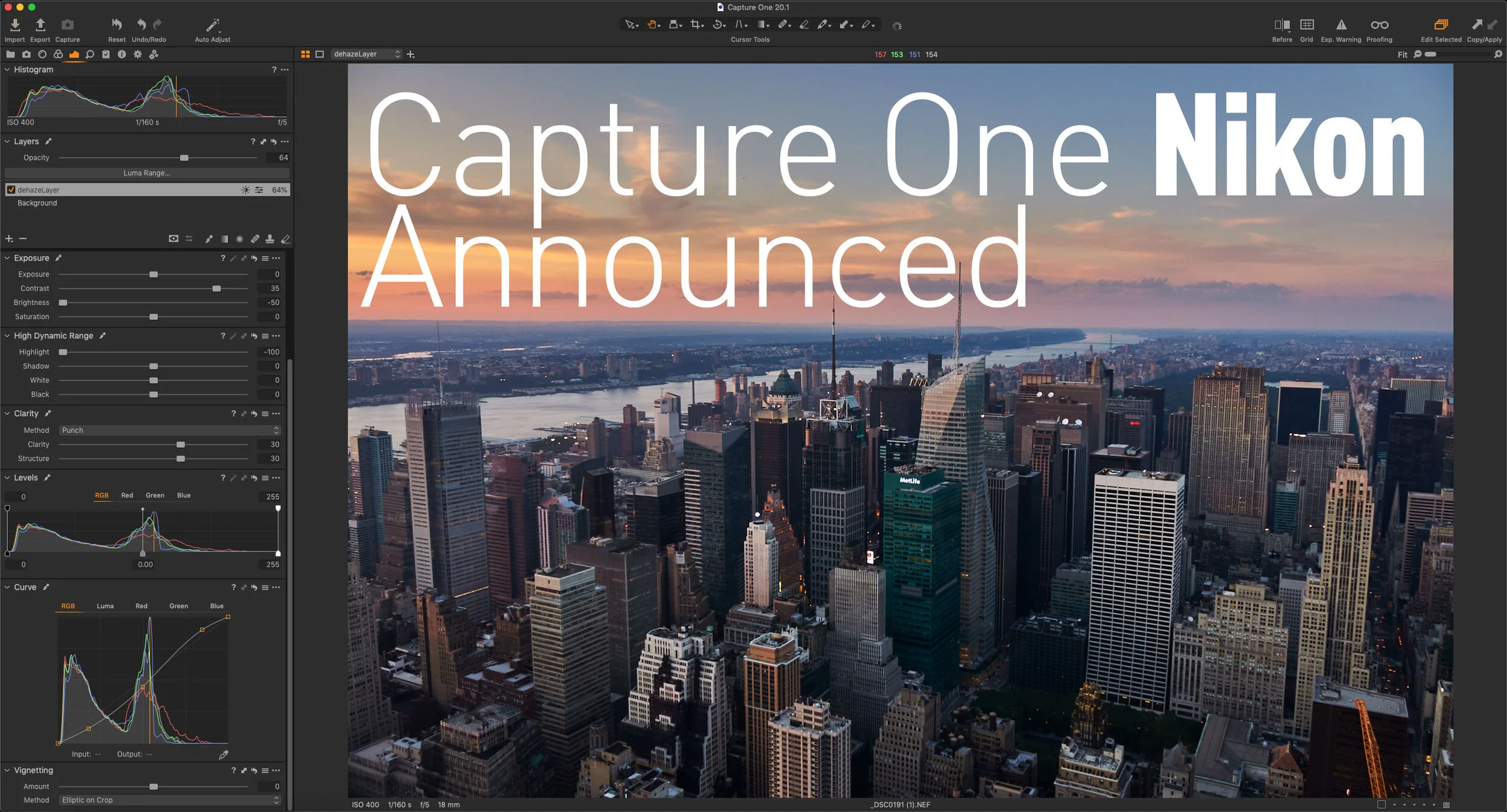
Capture One Nikon Announced - Available Now!
Capture One has just announced a new version of the software specifically for Nikon users. Just like the versions available for Sony and Fujifilm users, the new Capture One Pro Nikon version will have all the features of the full version, but will be at a reduced price, and will only open Nikon RAW files. This release will also bring tailored profiles for selected Nikon cameras to Capture One.
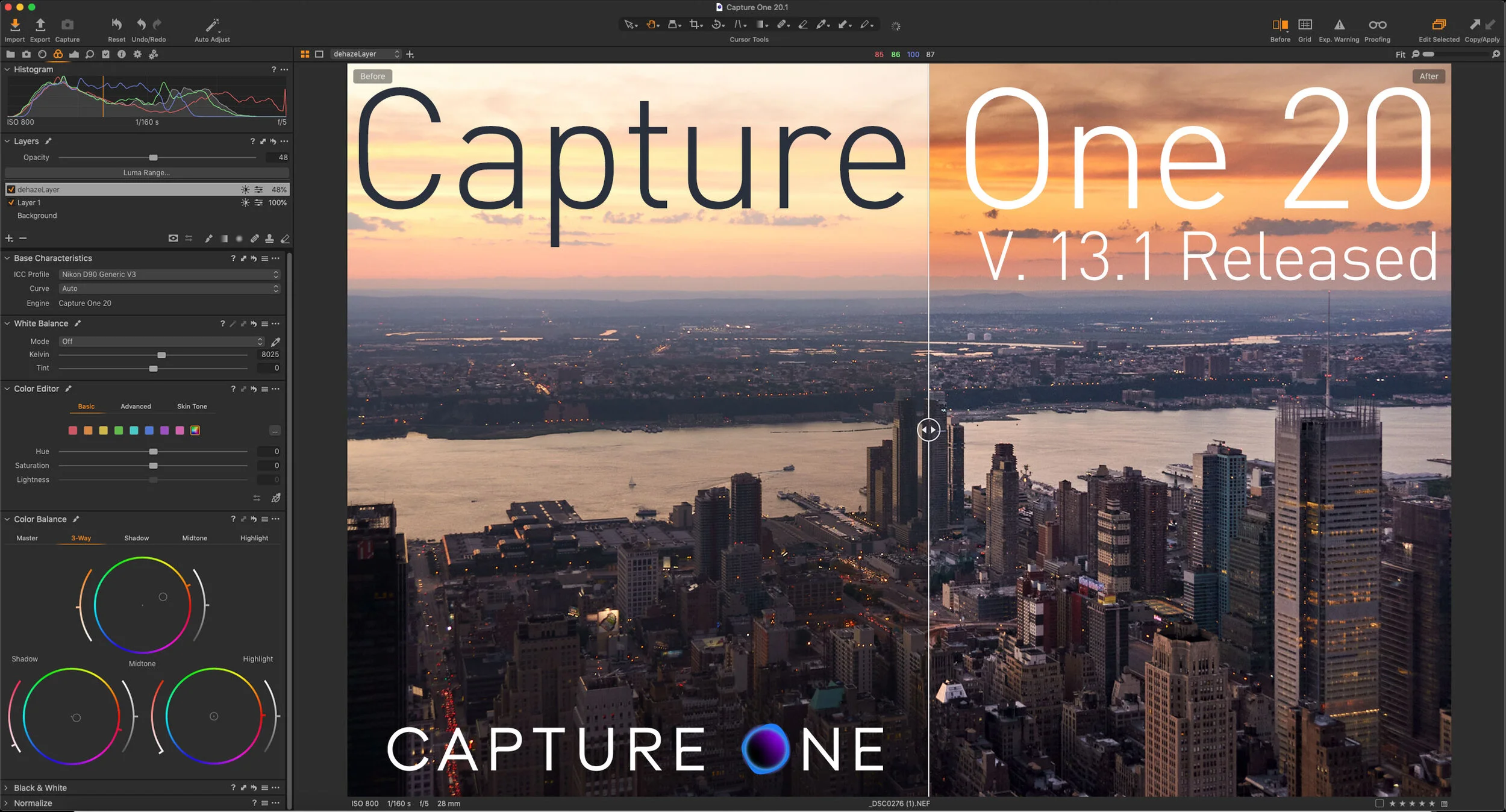
Capture One 20 Version 13.1 Released
Capture One has just released the latest version of Capture One Pro. The new release of Capture One Pro 20, version 13.1, actually has a few significant new features, including a completely rebuilt clone and heal tool, and a new before and After Tool. The company also announced a new Nikon version of Capture One as well as a new branding for the company and for the software.

Some Resources To Learn Capture One
If there’s one issue I hear over and over again about Capture One is that its hard to learn. I actually don’t think that its a difficult application to use, but a big part of the problem is the difficulty people have in finding proper learning material. So, in this post, I’m going to do my best to point you in the right direction. I will also keep updating this as I find more valuable resources.

Capture One SmugMug Offer
Capture One is currently offering a free year worth of SmugMug with new purchases of Capture One Pro. More details after the jump.

Tips on Tricky Sky Replacements with Luminar & Photoshop
Luminar’s best-known party trick is its AI Sky Replacement, whether you love it or hate it, but it occasionally doesn’t work properly. I was recently playing around with an image from my archive, and I came across such a situation. Here’s the method I used to get around the problem.

Video: Stitching Panoramas with Capture One and Affinity Photo
I’ve had quite a few requests lately for tips on how to use Affinity Photo with Capture One for merging panoramas, and so I created a quick tutorial to show you my workflow for merging Panoramas using these two applications.

Capture One Offers a Sneak Peek at the Next Version: New Clone and Heal Tools
Capture One held a Livestream today in which they showcased some of what you can expect in the next update of the software. You can find the stream embedded after the jump.
Capture One Quick Tip - Controlling a Vignette with Layers and Luma Range
In this super short Capture One quick tip, I show you how to place a vignette behind an object in a scene using layers and the luma range tool.

Two Quick Capture One Tips for Fuji Shooters
Here are two quick tips for those working with Fuji Files and Capture One. The first is based on a question I got from a customer, regarding working with Jpeg files in Capture One. The second is about a quirk of the lens correction module and how to address it.