

Photo Editing, Tutorials, Photography News, and More
This blog covers a range of topics from Lightroom, Photoshop, Capture One, Fujifilm, Canon, Nikon, iPhone Photography, and more. If you want to see more of my actual photography work, visit my Portfolio and Photo Journal blog.

Reverting to the old tool Tab Layout in Capture One 22 15.3
When Capture One released the latest version (15.3) one of the key “features” was a re-designed layout of the tools and tool tabs. This seems to have been done for consistency with the iPad version of Capture One, but some people may still prefer the old layout. Luckily, you can revert to the old style arrangement of the tools, although there are still some changes. In this post, I’ll show you how to do this.

Capture One for iPad Now Available
After several months of being in beta, Capture One for iPad is now available. The App, which you can get now from the App Store, offers a subset of Capture One for desktop’s functionality, so it is limited. However, it does use the full capture One Raw engine, so images processed on an iPad will be as good as those processed on a desktop.

Capture One 22 Version 15.3 Released
Seems to be the day for updates! Not long after Adobe went live with the latest round of updates for the Lightroom and Photoshop ecosystem, Capture One has released the latest update for Capture One. Bringing the version number to 15.3 the latest update to Capture One 22 features several new features, a refined interface, and improved tethering.

Capture One for iPad Release Date Announced, Due June 28th
Capture One has announced the release date for the iPad version of the Capture One software. The iPad app will be out on the 28th of June and will be available on the iPadOS App Store on that date. The iPad version of the software will require a subscription of $4.99 a month.

Capture One Addresses Service Outage
Last week Capture One suffered a service outage that affected users of the companies software. The issue was caused by Capture One’s payment provider, Fast Spring, and it caused the software to temporarily stop working for some users. Needless to say, people affected by this weren’t happy. Luckily, Capture One seems to have realised the seriousness of this, and yesterday they addressed it in a Tweet on the companies official Twitter Account.

Capture One Quick Tip - Don’t forget about Presets
Most people think of Styles when thinking about saving process recipes in Capture One. Styles let you save a wide range of settings into a file that can easily be recalled, and work great as both a time saver and for creating looks that you can apply to a photo. However, you shouldn’t forget about Capture One’s other recipe saving tool: presets.
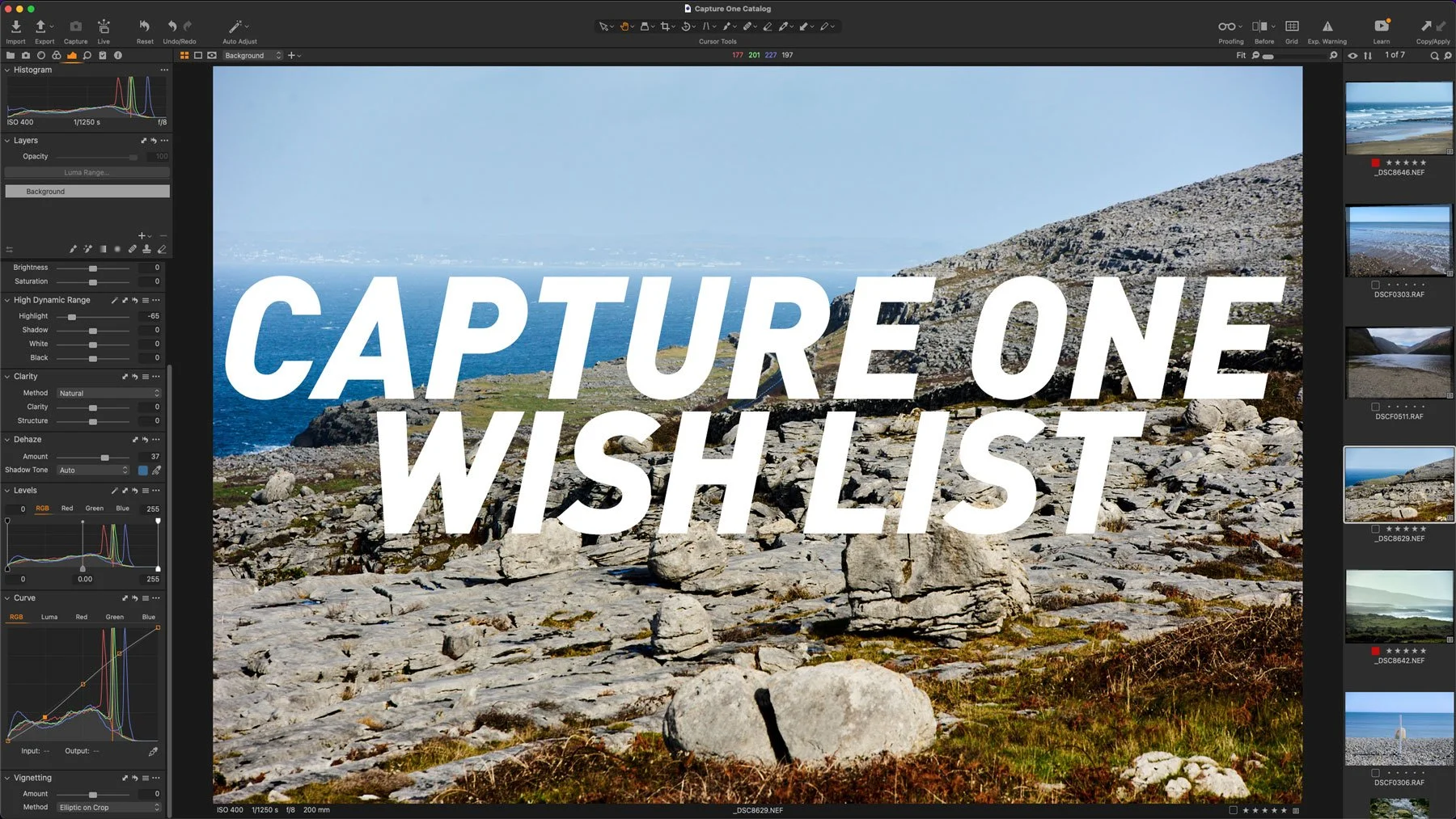
Capture One Wish List – 5 Things I wish Capture One would do to improve the Software
I’ve been using Capture One for quite some time now (since version 6 I think) and in that time it’s come a long way. With recent versions, they’ve been adding a lot of features that people have requested for a long time, but there are still areas where I think the software could be improved. Moreover, some recent decisions by the company are somewhat perplexing, and there are areas there that could be improved too. So, in no particular order, here are the five things I would love to see improved in Capture One

Capture One 15.2 Released. Adds new Auto Perspective Tool & Other features
Capture One has just released a new version of the software with some new features, bug fixes and improvements. This release brings Capture One to 15.2. The big new feature is an AI-based auto-perspective-correction tool, similar to Lightroom’s “Upright” feature. Also included, is an improved auto-straighten tool.

Video: Capture One Beginners - The Many Ways to Rotate an Image in Capture One
One of the things about Capture One that is both a good and a bad thing about the software, is that there are often many ways to do the same task. While some people like myself, like this about the application, new users often find this frustrating. One good example of this is rotating images. There are so many different ways to rotate images in Capture One and in this video I go through 9 different methods. (Well, I show 8, but I mention a 9th)

Capture One Shows off iPad Version - My Thoughts on the App
Yesterday, Capture One showed off the iPad version of Capture One for the first time. In a livestream on their YouTube channel, David Grover, showcased the interface of the new software. Here are some thoughts on what we saw.

Capture One outlines its future vision
Capture One (the company) has added a new post on its website about its vision for the future of its software (also Capture One). The company has outlined its path to creating a whole ecosystem for professional photographers. This starts with Capture One Pro on the desktop, and the recently released Capture One Live, and encompasses future plans which include Capture One on the iPad and eventually iPhone.
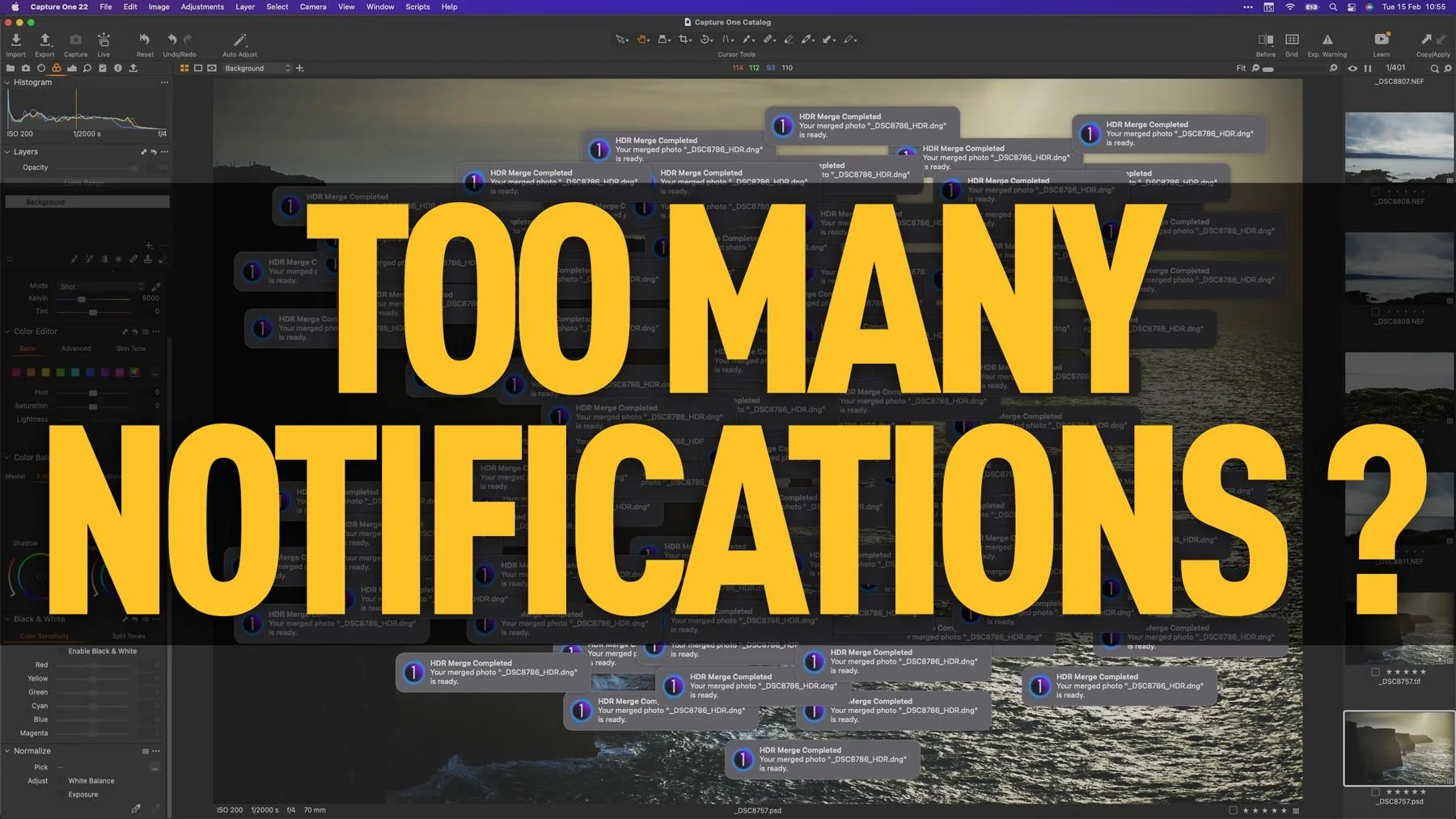
Capture One 22 Quick Tip - Change the Notification Settings
One of the new features introduced in Capture One 22 is the new notification system on the Mac. The software now uses the system wide notification system to let you know when various tasks are completed, such as merging panoramas, or even just exporting images. While this is useful, it can also get annoying, especially if you’re doing a lot of things in succession. Luckily it’s easy enough to control these notifications or turn them off completely.

Capture One 22 15.1 Released - Featuring Capture One Live
Capture One has released the latest version of its flagship photo editing application of the same name, and the first point release of Capture One 22. Capture One 22 15.1 features some bug fixes, improvements to HDR merging and Capture One Live, the companies new online collaboration tool.
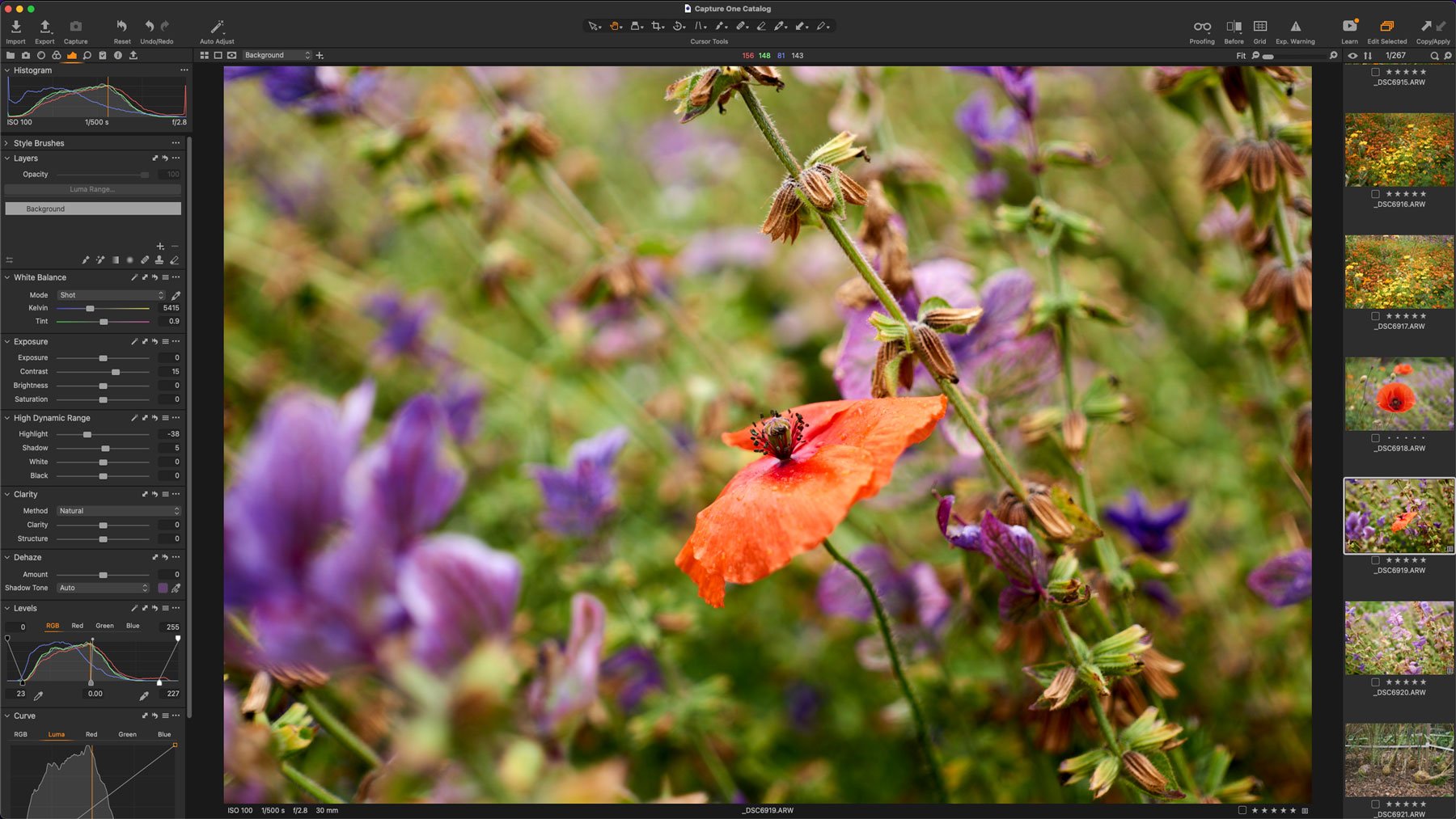
Capture One Discontinues Manufacturer versions of Software
Capture One today announced that they were discontinuing the individual manufacturer versions of the software. This means that the Sony, Nikon and Fujifilm versions of the application are going away. In fact they’re no longer available as of yesterday.
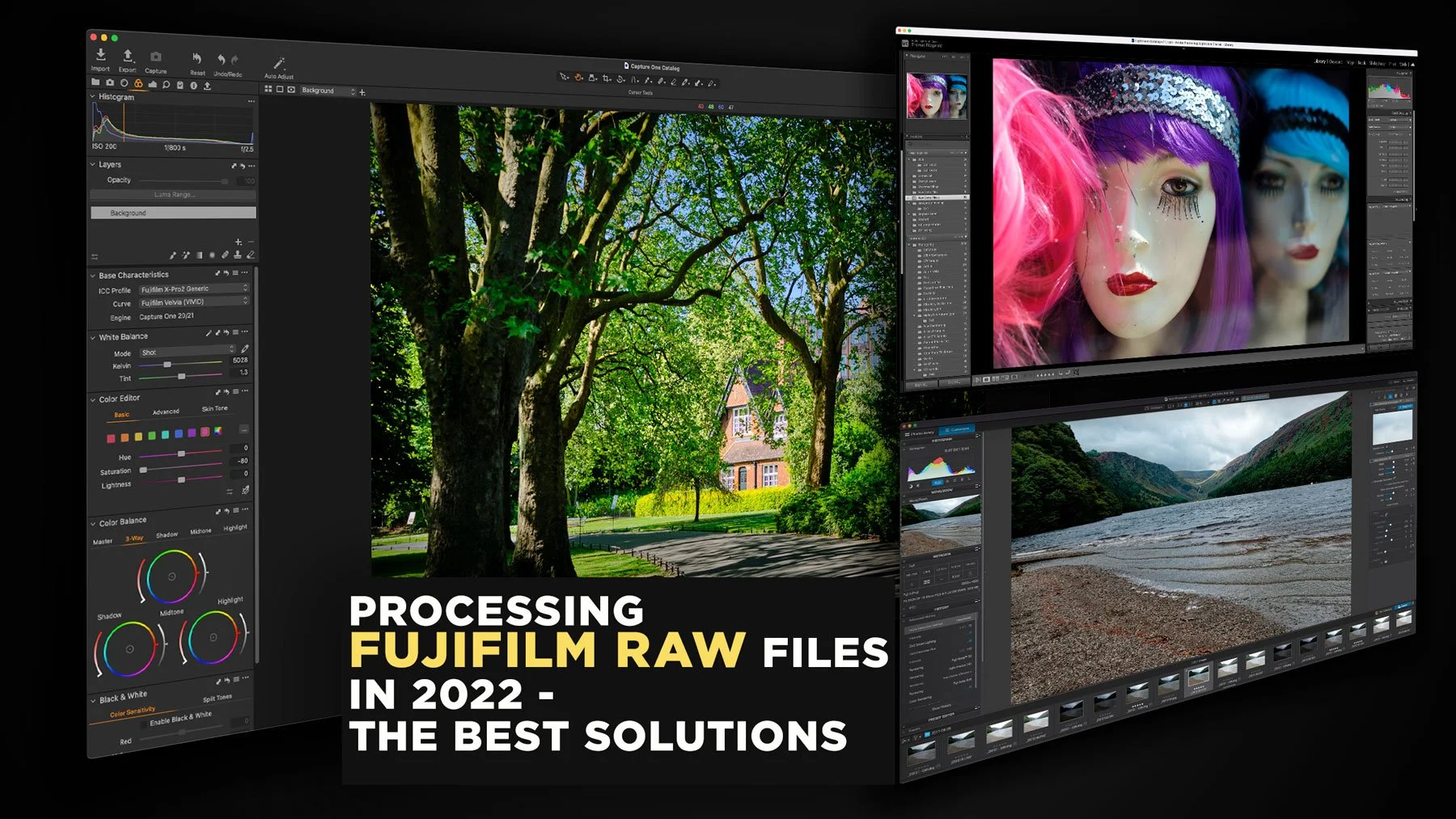
Processing Fujifilm Raw Files in 2022 - The Best Solutions
The topic of how best to process Fuji raw files has been a long-running topic on this website. I’ve covered it extensively in the past, including a previous version of this article. However, over the past two years since the last time I updated this, there have been a few changes to the landscape, and so it’s time to write an updated version. So, what are the best options for Fujifilm raw processing in 2022? (In my opinion)