

Photo Editing, Tutorials, Photography News, and More
This blog covers a range of topics from Lightroom, Photoshop, Capture One, Fujifilm, Canon, Nikon, iPhone Photography, and more. If you want to see more of my actual photography work, visit my Portfolio and Photo Journal blog.
Featured Posts




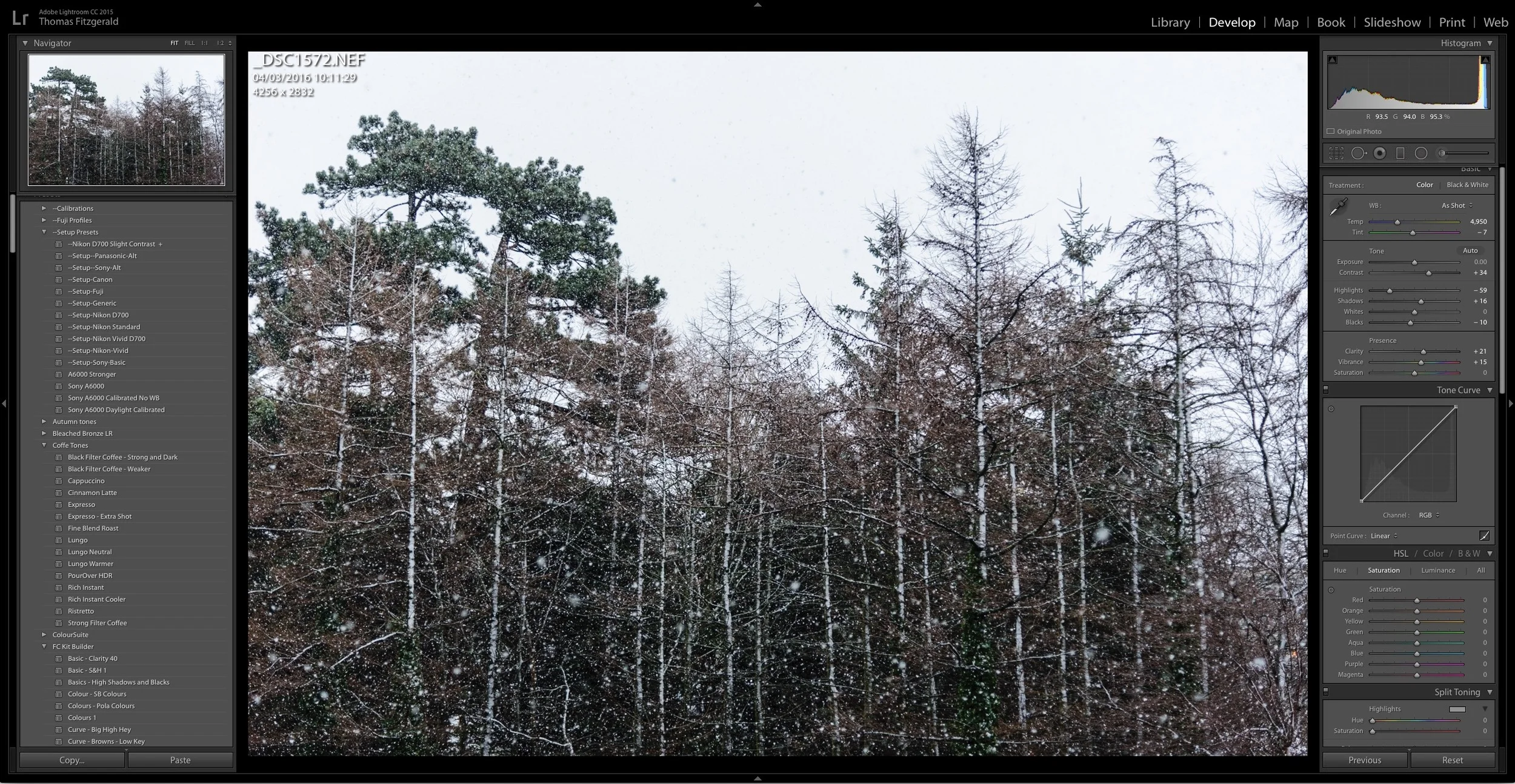
About My Setup Presets and How to Use Them
If you've purchased any of my presets packs, you've found that most of them come with a set of "Setup Presets" and may have been wondering just what exactly they are and how to use them. While there are instructions in the read me files included with most of the presets, some users are still finding them a bit confusing, so here is a more detailed description and short explanation on how to use the setup presets.
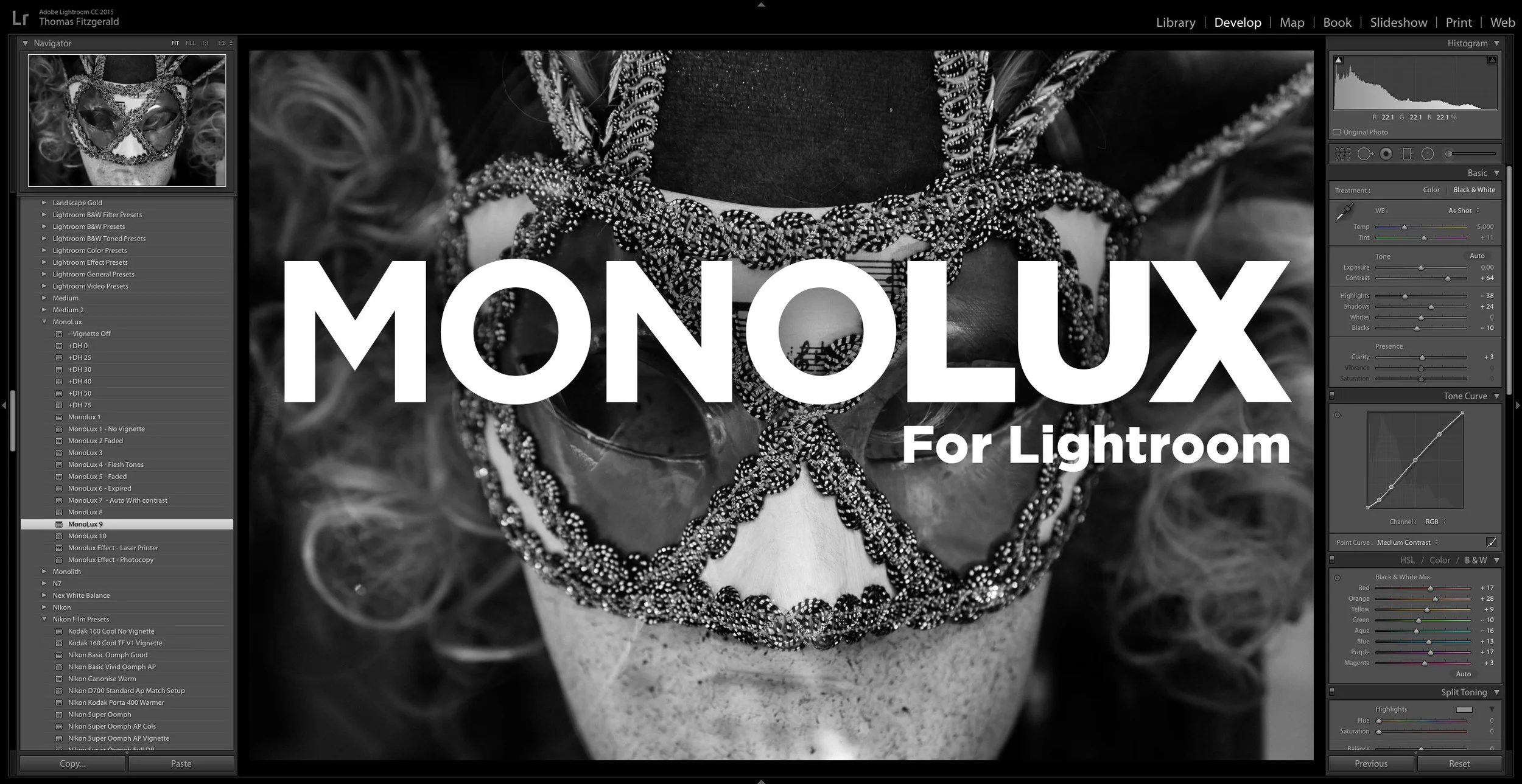
Introducing MonoLux for Lightroom
I had stated when I launched Coffee Tones for Lightroom last month, that it was my intent to launch a new set of Lightroom presets every month this year. Well, it was getting close, but it looks like I made it with a few days to spare! I’m happy to announce today, that my newest set, MonoLux for Lightroom is now available.
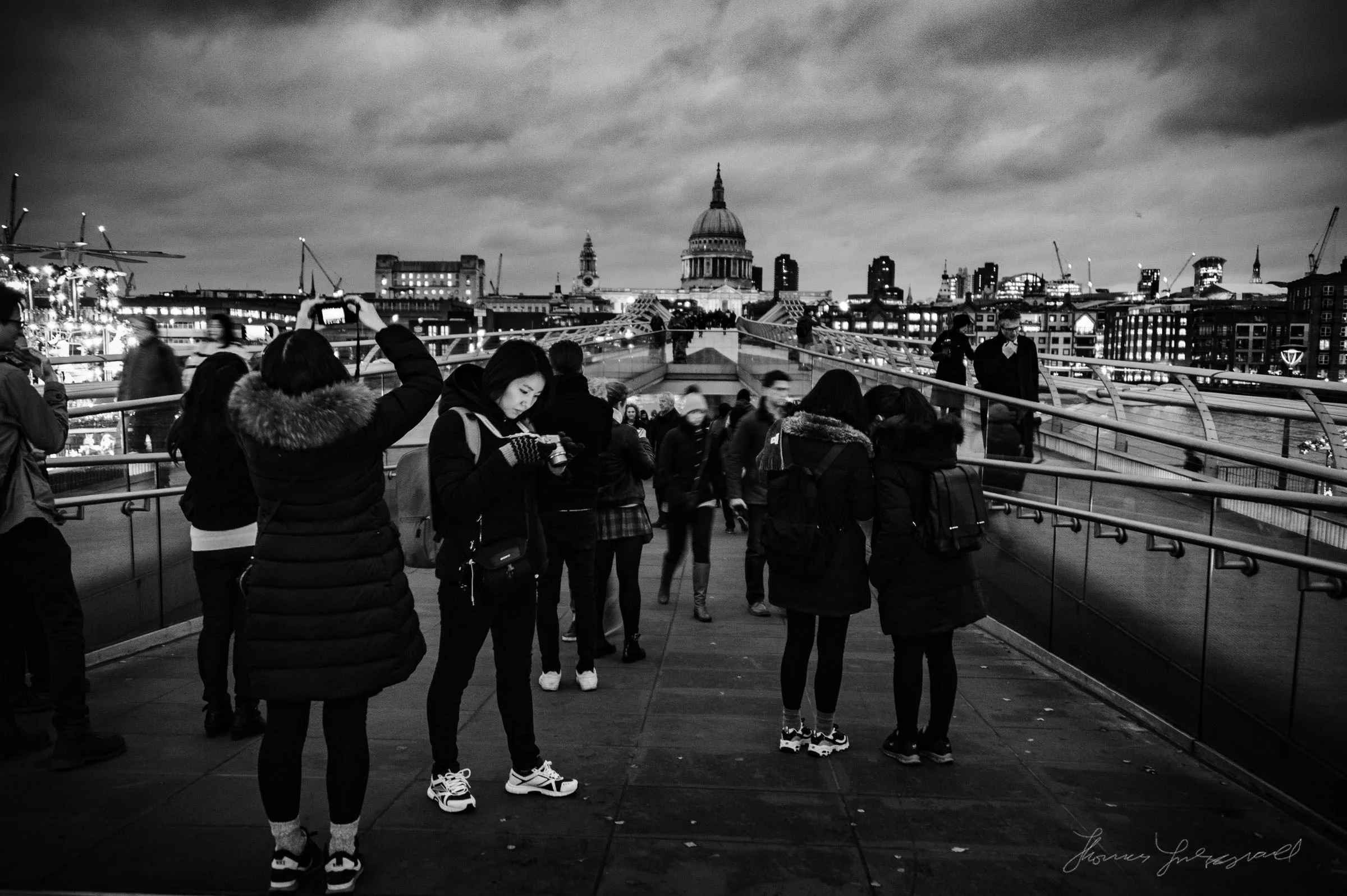
A Sneak Peek at MonoLux for Lightroom
A sneak peek at my upcoming set of monochrome Lightroom Presets, MonoLux. MonoLux will be one of my new smaller packs, like Coffee Tones. I have a number of different looks and variations in the pack including some faded looks (which you can see examples of below), and also some special effects (Just for fun).
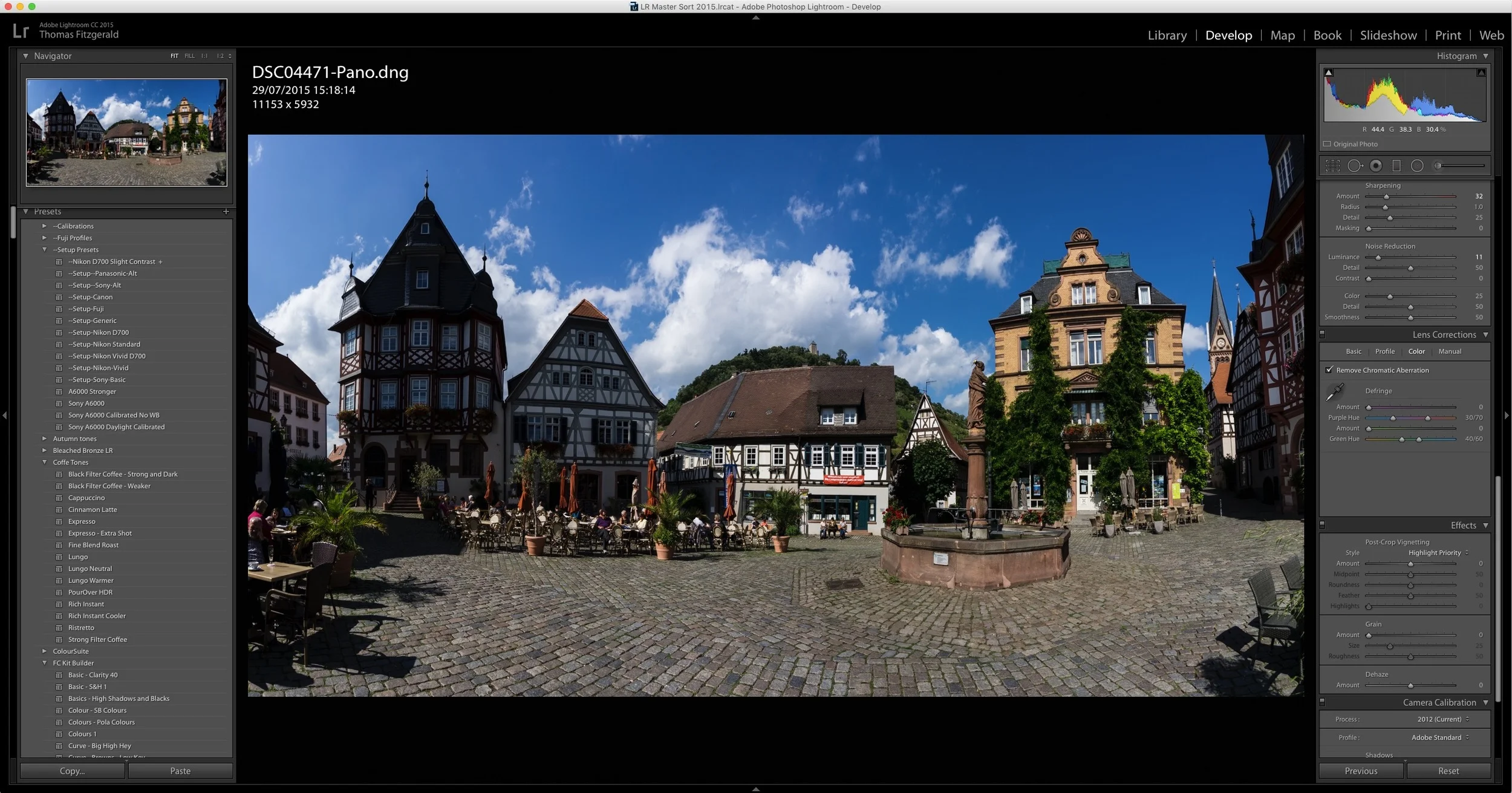
A Quick Look at Boundary Wrap in Lightroom CC 2015.4
One of the key features announced when Lightroom CC 2015.4 was released, was the new boundary wrap function in the merge panorama feature. Boundary wrap solves one of the problems with cylindrical panoramas, where the edges are normally distorted and need to be cropped out. It also addresses some of the distortion in cylindrical panoramas.
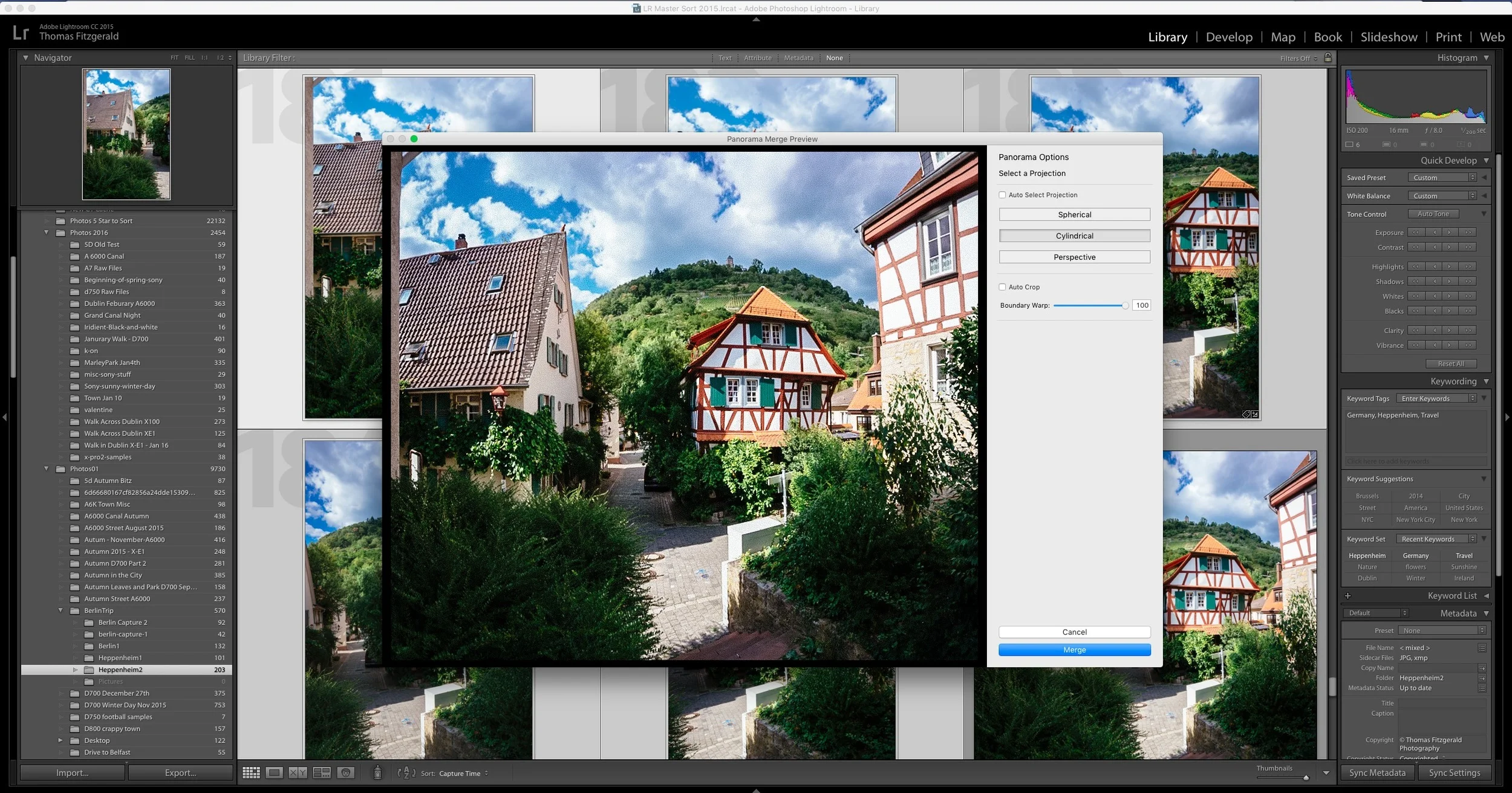
A Slightly Unconventional use of Lightroom's Merge Panorama Function
I shoot a good few panoramas now and then, and since Lightroom has added the merge function directly into the software, it's gotten a lot easier. So much so, that I don't even really think about it any more when shooting them. While traditional panoramas are fine, there's another incidence where the function comes in handy, and that's when you want to shoot wider than you otherwise could with the lens you have with you.
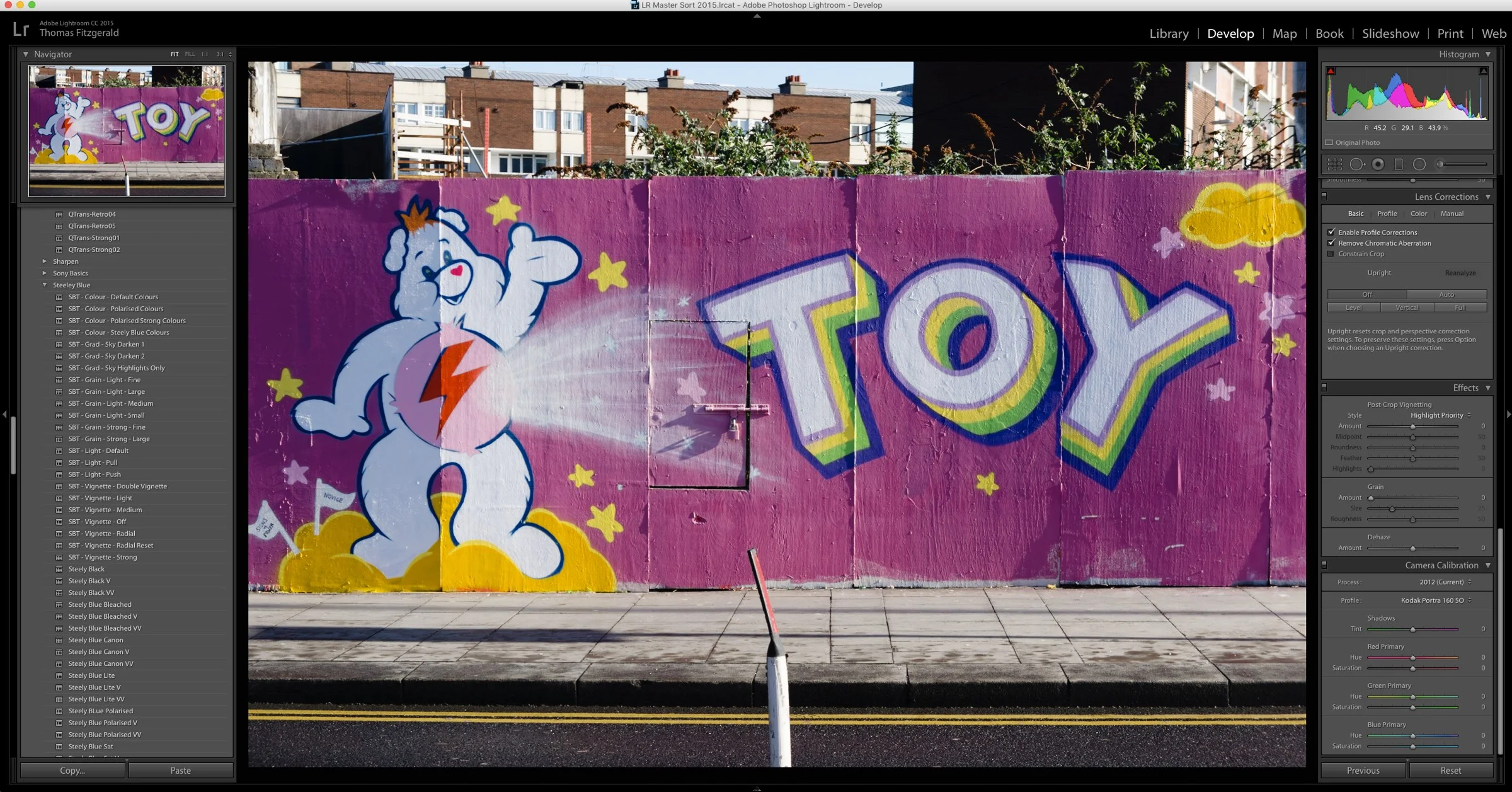
Using VSCO Film Colour Profiles on their Own
Here's a quick tip for Lightroom users out there who may have the VSCO film presets installed. Say for example, you're working on an image, or set of images, but you don't want to use the full VSCO presets on them. You might not want them to look too "processed" for example. If you don't want to use the full VSCO presets, but still want a different look, then you should try using one of the VSCO calibration profiles without using the full presets.
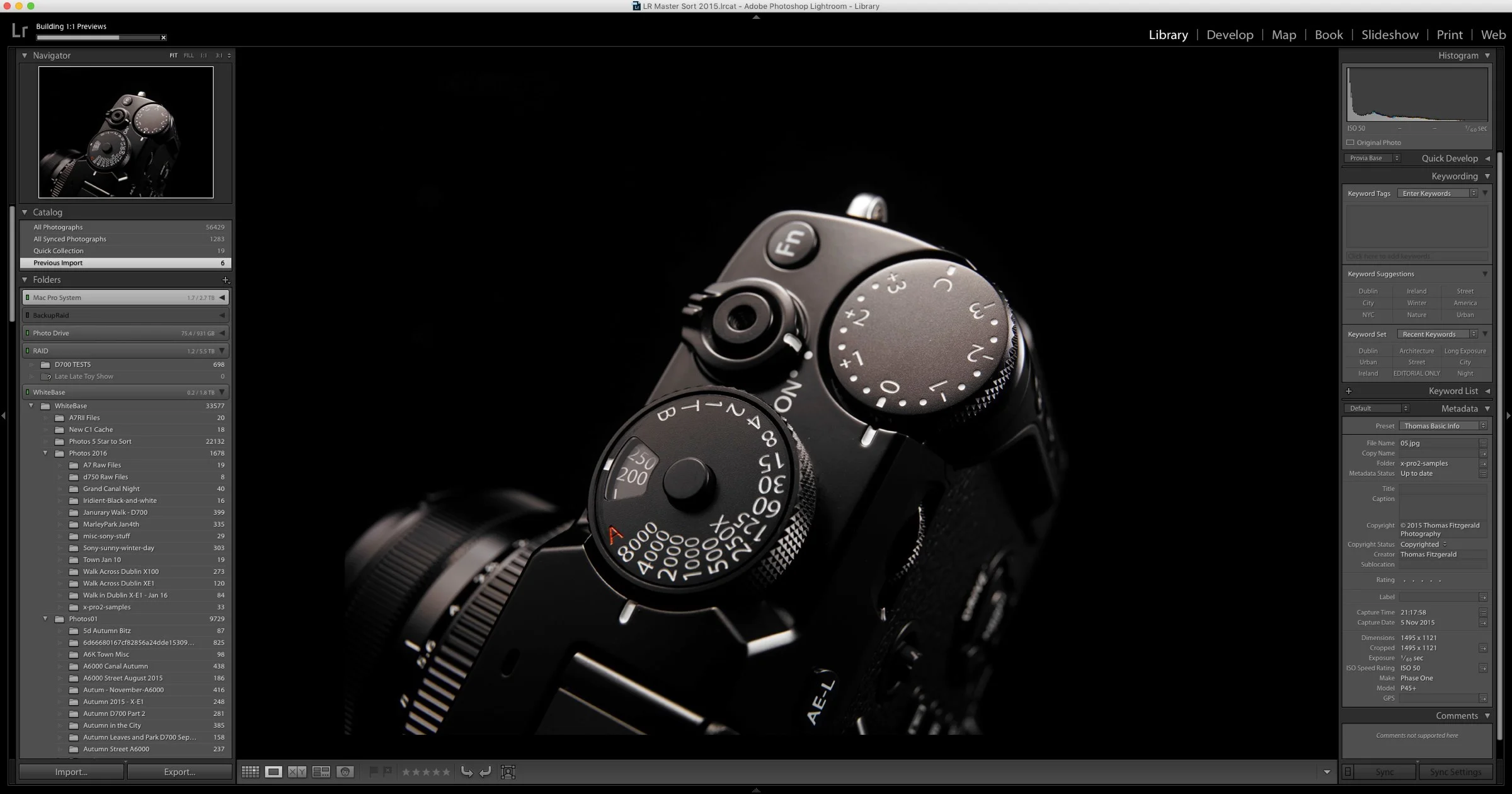
Where to Get Fuji X-Pro 2 Raw Files
The recent Lightroom and Camera raw updates added support for the newly announced, but yet to be released, X-Pro 2. I was curious to see how the raw files looked given the history of Lightroom and X-Trans files, but as the camera isn’t out yet, I can’t exactly rent one. After doing a bit of searching however, I did come across a couple of sites with sample raw files you can download.
Lightroom CC 2015.4 / 6.4 Released
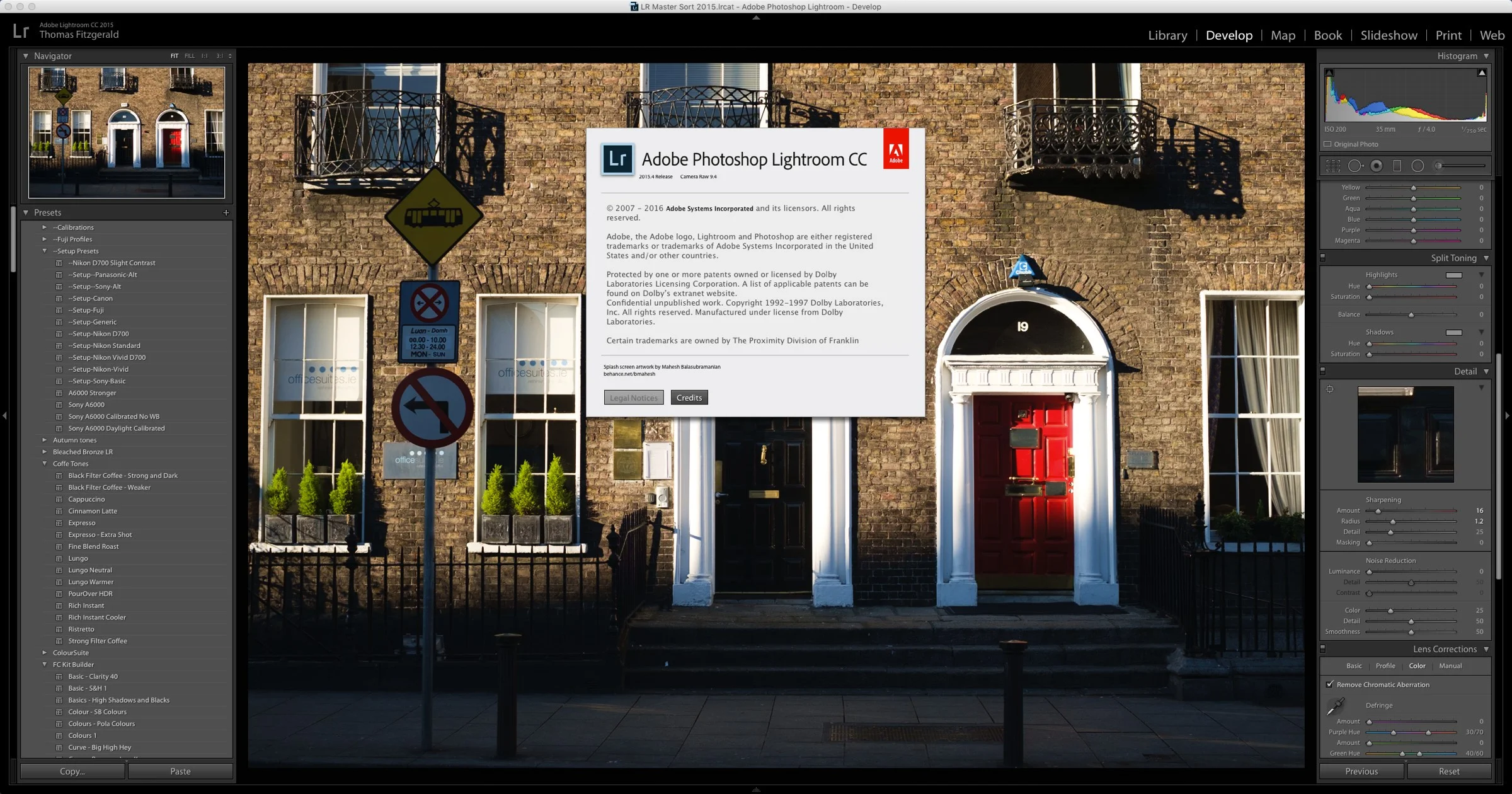
Adobe has just announced the latest upgrade for Lightroom. As well as bug fixes and new lens support, the CC version adds a new feature too. Called Boundary wrap, the new feature enhances the panorama feature in Lightroom. Unfortunately for those with the non subscription version, this new feature is only available for CC users.

An interesting look to Black and White Images from Fuji X-Trans cameras with Iridient Developer and Lightroom
I haven't really covered Iridient developer much since version 3 was released ( a good while ago now), which I must apologise for, as there's actually some cool features in the updated version. I actually don't use it as much as I used to any more, which is why I haven't really written much about it, but there is one really good feature that I've been meaning to post about, and so here it goes. If you're using X-Trans files with Iridient Developer 3, there's a special demosaicing mode for black and white images, which maximises the quality of monochrome images from the camera, and it has a really nice look to it.
Some More Examples of Coffee Tones for Lightroom in Action
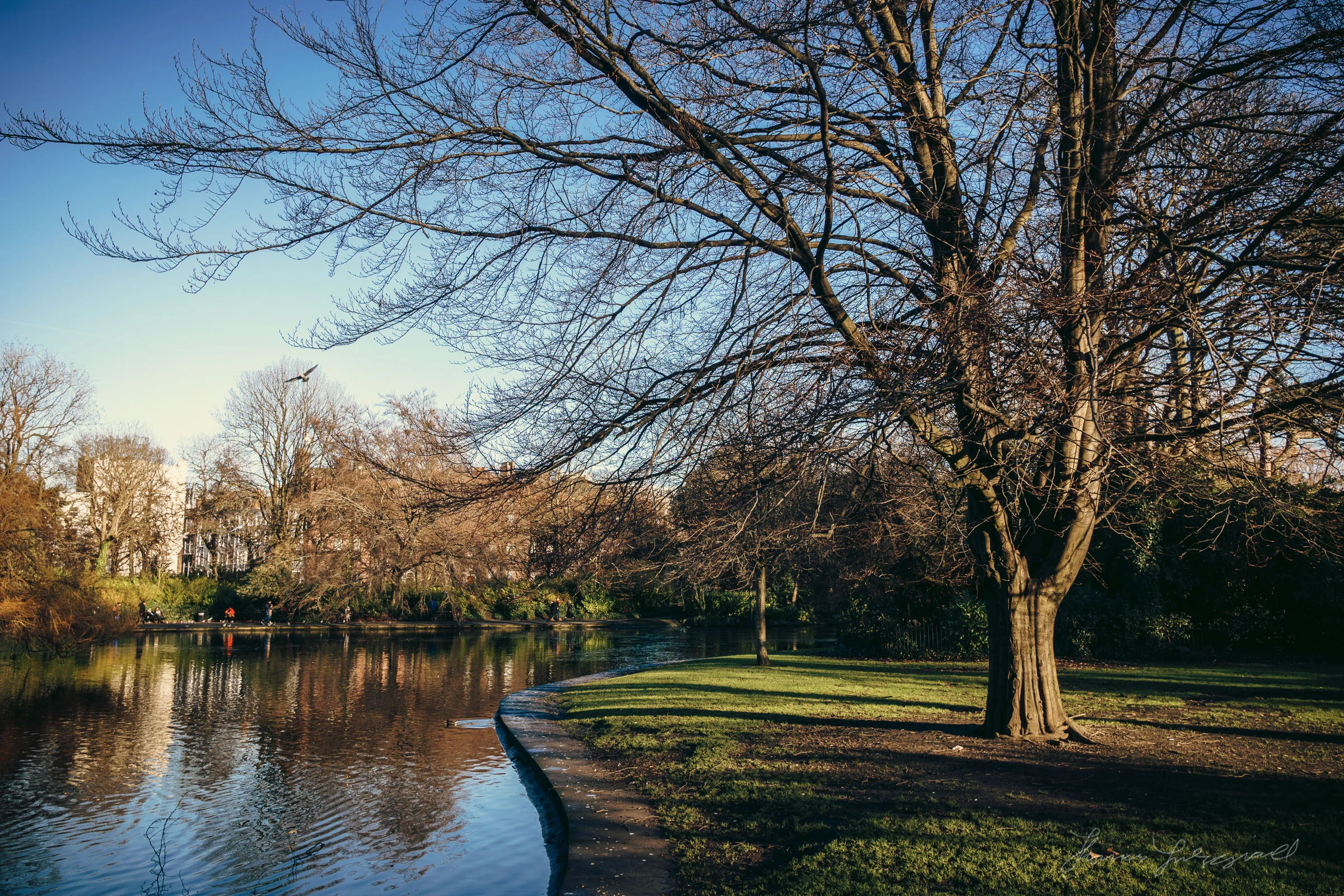
Last week I released my latest set of Lightroom Presets, “Coffee Tones”. The presets are a set of film like coffee coloured filters for use in Lightroom. I wanted to share some more examples that I’ve used the presets on, including some shots that I took this weekend. I also wanted to thank everyone who sent kind comments on the new set.
Introducing Coffee Tones for Lightroom
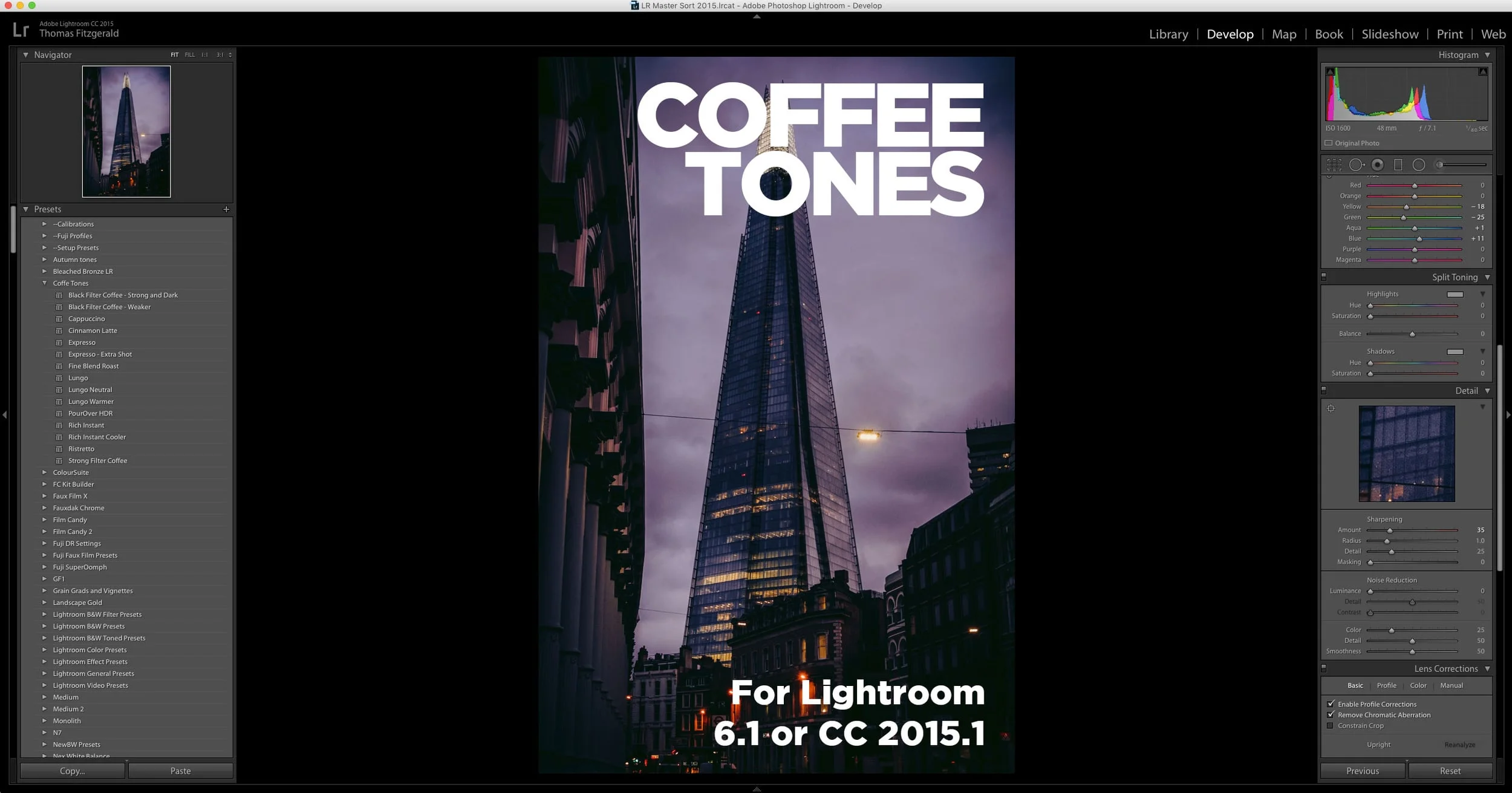
I’m happy to announce that my first new set of Lightroom Presets for 2016 is now available. Called “Coffee Tones” the set is, as the name suggests, inspired by the look of coffee. It has a number of looks in both colour and black and white. All have some variation of warm earthy coffee coloured tones.
January Lightroom Preset Sale: 50% Off
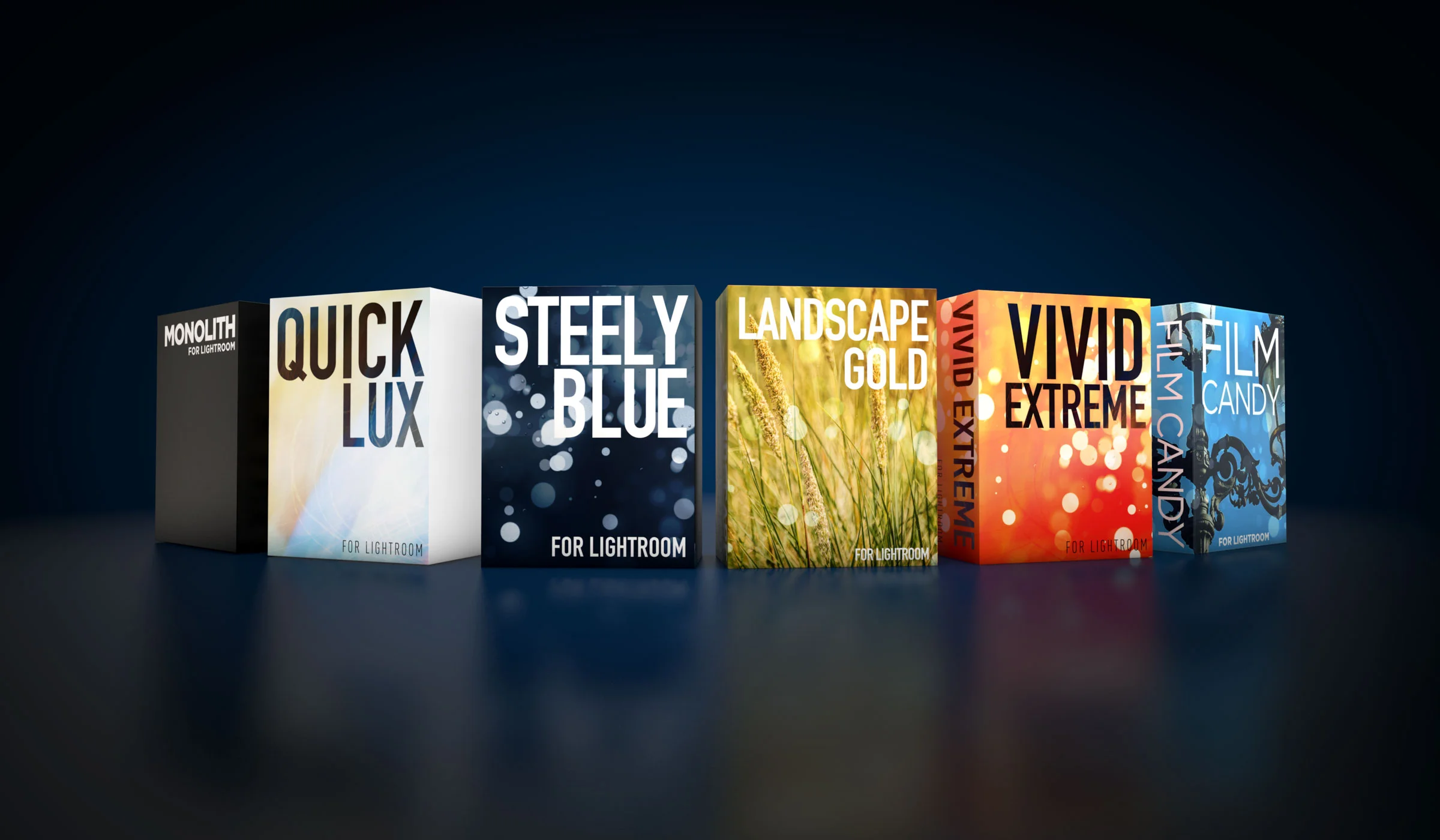
To celebrate the beginning of the new year, I’m having a special one week sale on all my Lightroom presets. For the next week you can get any or all of my Lightroom presets for half price, including the preset bundle. This is normally €65 but for the next week it’s only €32.
You don’t need a code either, All the prices have been cut directly on the store. The sale will end on January 10th.
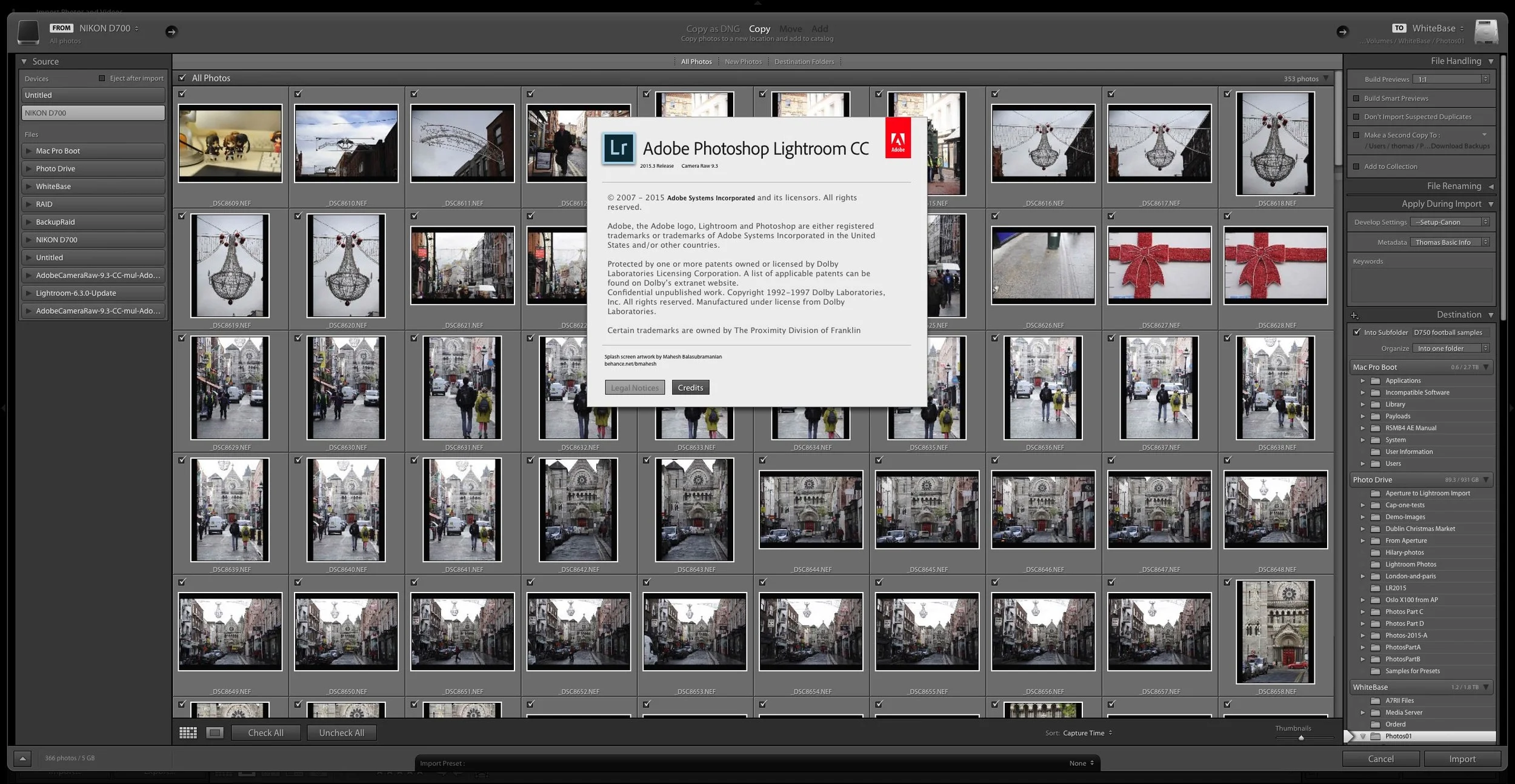
Lightroom CC 2015.3 / 6.3 released
Adobe has released the latest version of Lightroom, which restores the old import dialog and has lots of bug fixes as well as support for some new cameras and lenses. Camera Raw 9.3 has also been released with the corresponding camera and lens support
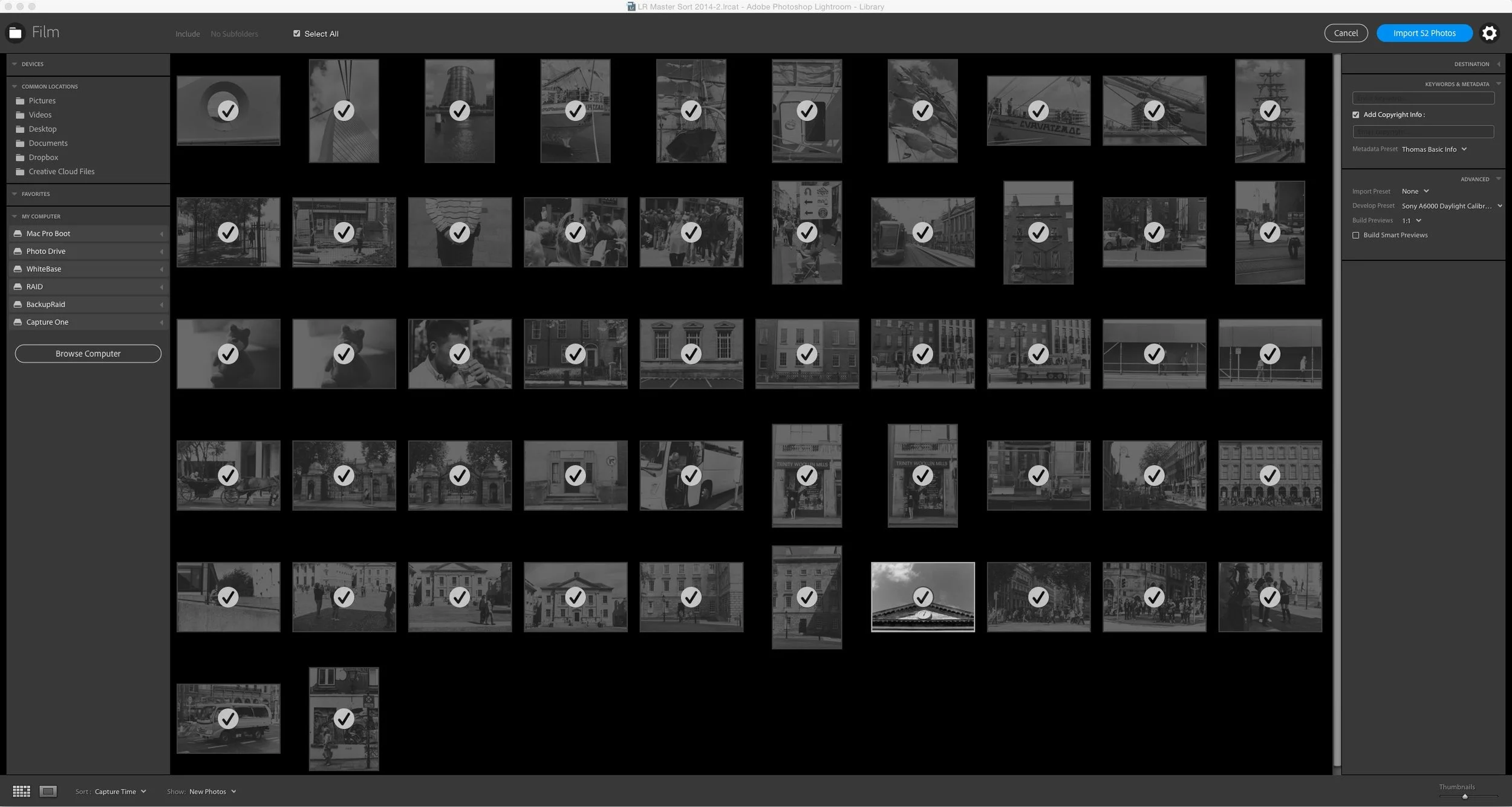
About that import dialog
Ever since Adobe announced the last update for Lightroom, ( Well, the one that came before the rushed out fix) there has been a lot of debate about that new import dialog. People are not happy. I have avoided trying to weigh in on the issue because I haven't really had the time or the energy, but the discussion has raised some interesting points, so I feel that I should add my two cents. Actually, a lot of what I think on the issue has already been said by some others
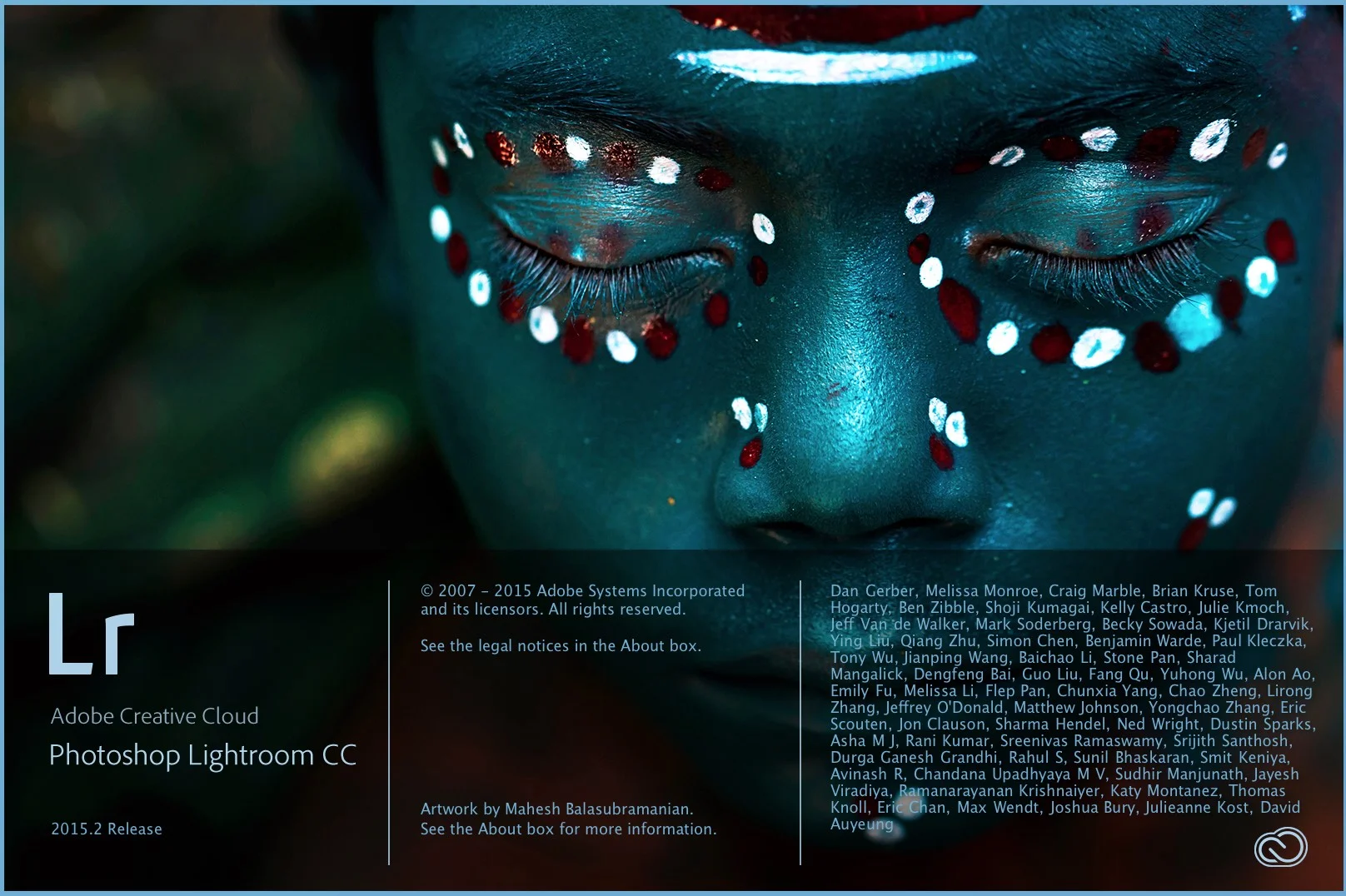
Adobe releases Lightroom Desktop and Mobile Upgrades
Adobe announced upgrades to both the desktop and mobile versions of Lightroom today. On the desktop, the main features are a revamped import window, and the ability to use the de-haze functionality in local adjustments (such as the brush or gradient). The iOS version of Lightroom mobile receives some significant updates, the biggest of which is that it is now free. You can now use it without a creative cloud subscription, but you loose the ability to sync with Adobe cloud.