
Photo Editing, Tutorials, Photography News, and More
This Blog is where I share my passion for photo editing, photography technology and sharing my techniques with the world. I cover a range of topics from Lightroom, Photoshop, Capture One, Fujifilm, Canon, Nikon, iPhone Photography, and more. If you want to see more of my actual photography work, visit my Portfolio and Photo Journal blog.

Adobe Shows off New Masking Features coming to Lightroom and Camera Raw
Adobe recently released a sneak peek at a fairly significant new feature coming to the Lightroom family and Camera Raw. The masking feature replaces the old gradient and brush tools for making elective edits, and includes the ability to have multiple masks combined in different ways. The masking feature also to use AI to select, with a single click, the sky or key subject. It’s pretty impressive and looks to be one of the biggest feature upgrades to Lightroom in a long time.

Going Green - How I got the deep greens on a rainy day photoshoot
I recently posted a set of photos on my Photo Journal blog about a recent trip to a local urban farm and stately home here in Dublin. Over on my Patreon feed, one of my supporters commented that I always seemed to get really nice greens on this kinds of images, so I thought I would share a few tricks as to how I go about shooting these kinds of photos.

Video: Evolution of a Photo (Using Lightroom, Photoshop and Luminar)
On my recent photo essay from Hook lighthouse in Ireland, I was editing the images, and wanted something a little special for the cover photo. I had tried lots of different things, and in the end, the image I used went through several steps to get it to where it was for the final use of it. In this video I talk you through the steps I took from the starting raw photo to the finished image.

Capture One vs Lightroom from someone who uses both (Updated for 2021)
I first wrote this article last year, and since then it has become my most popular post on this blog. However, since last year, both applications have continued to develop, and both have had several new features added and both have changed the way they perform, so I felt that it was important to update this article. While the bulk of this will still be the same, there are a few things that have changed that are worth pointing out.
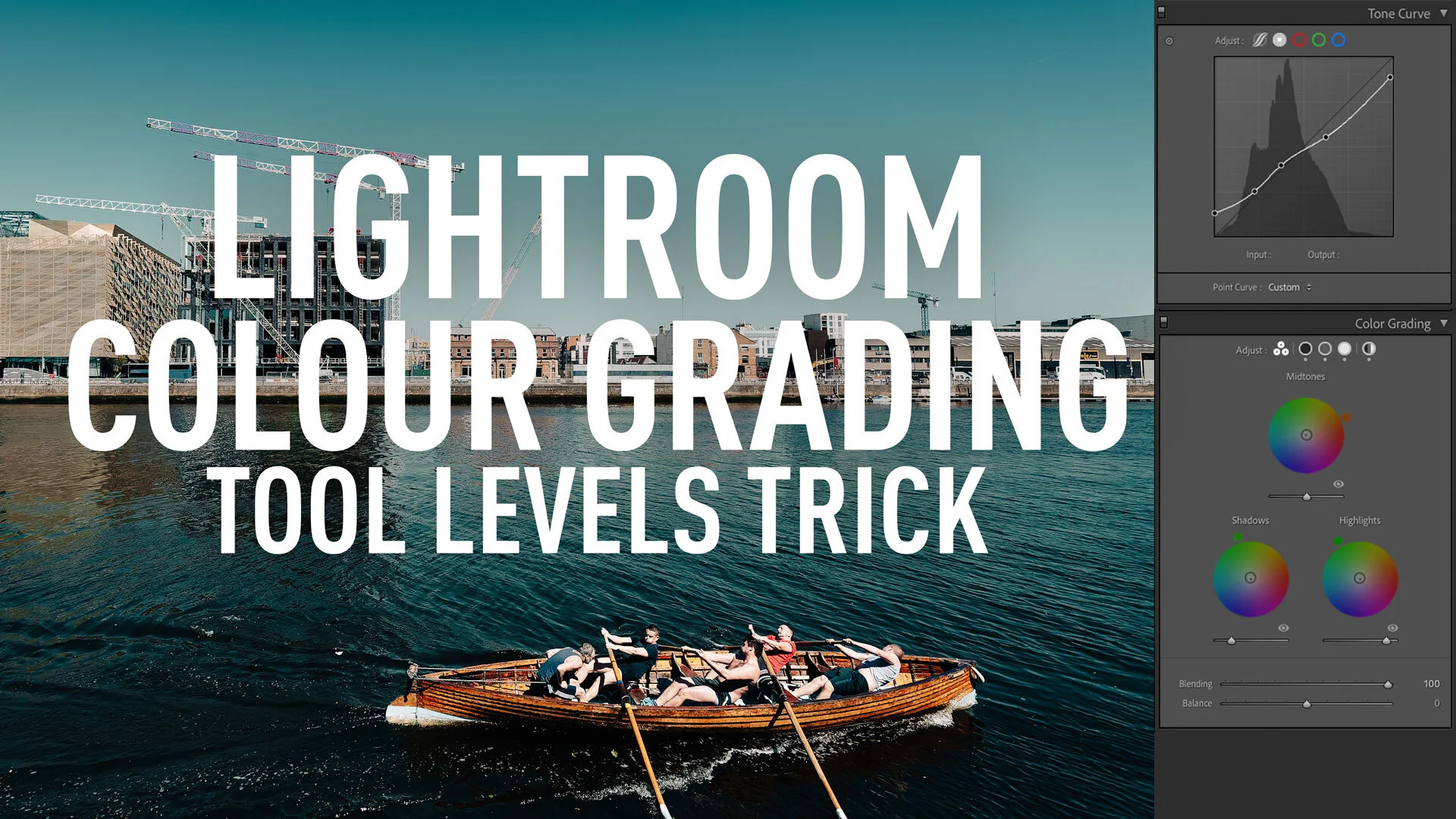
A Super Nerdy Lightroom Colour Grading Tool Trick to Solve a limitation of the Curve Tool !
This is one of those tips, that I actually exclaimed out loud when I realised it, but I’ve struggled ever since to figure out how to write about it. The reason is that it’s kind of a very specific nerdy thing, and while I was very excited when I discovered it, trying to figure out a way to explain why you should be excited too, has eluded me. The thing is, for years I’ve had a very specific problem in Lightroom, and there’s been no way around it, until recently. So what is this problem? Read on for more.

Landscape Photo Editing Tutorial - Using Lightroom and Photoshop to add drama to a dull photo
It’s been a while since I’ve had a photograph that I’ve been really pleased with, what with the Pandemic and lockdown limiting photo taking opportunities. I had actually created this photo and posted it to Instagram, when some people asked me if I could do a tutorial explaining how I had edited the photo. So, I went back and recreated the edit and in this video I walk you through my process from start to finish.
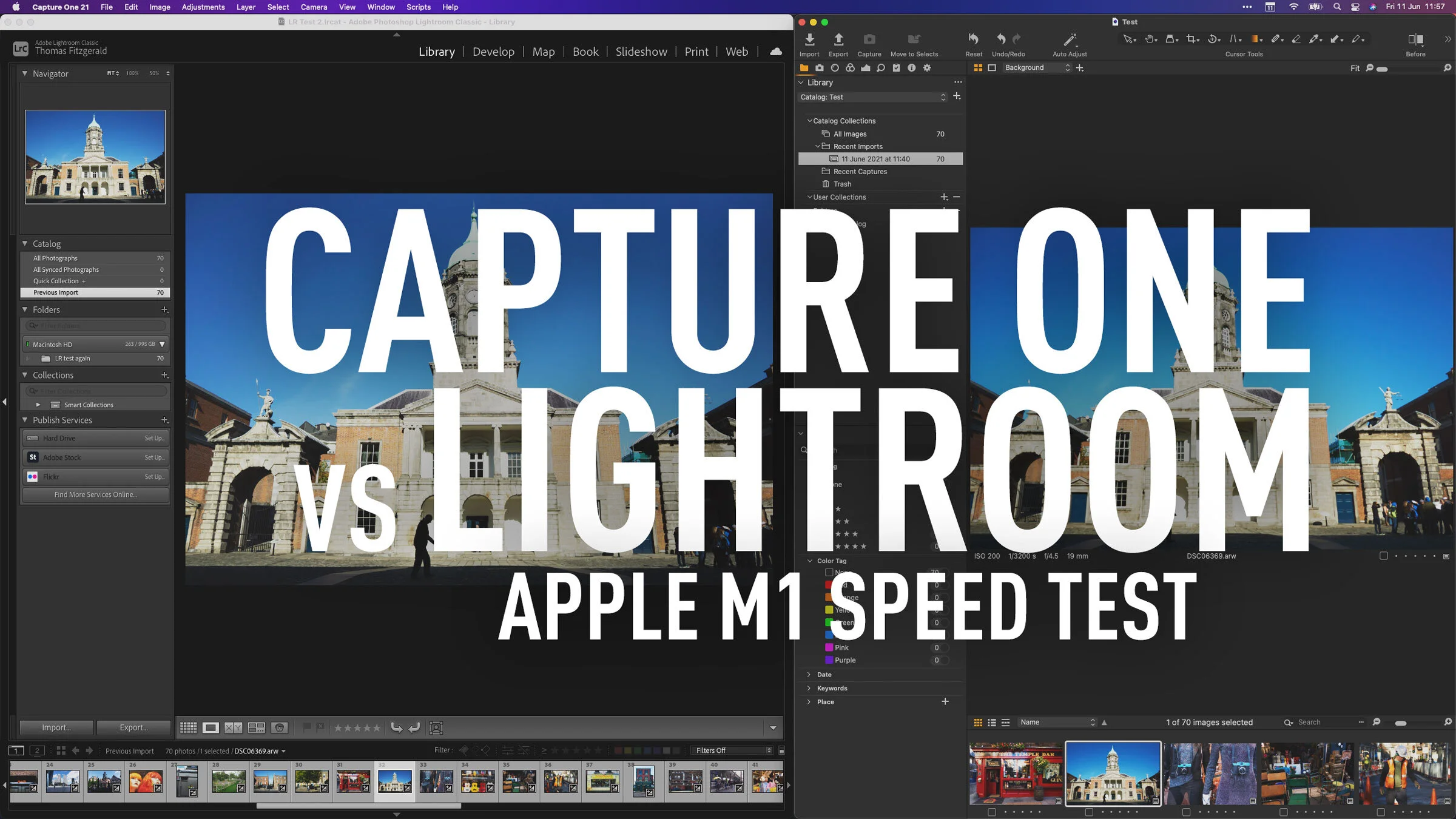
Capture One vs Lightroom Apple M1 - Import and Export Speed Test
Recently both Capture One and Lightroom have been released as Apple Silicon native versions. I have covered both of these in videos on my YouTube channel recently. For Capture One I showed you how the interface responds with the new version, and for Lightroom, I did a test comparing import and export speeds for the M1 native version compared to the older version running under rosetta. Since I had the benchmarks for this, I figured why not run the same test for Capture One.

Lightroom Classic 10.3 Released. Apple Silicon Native and Super Resolution
Today, as part of the June photography updates, Adobe launches the latest version of Lightroom Classic. Version 10.3 brings native support for Apple silicon, as well as adding the “Super Resolution” feature from the most recent release of Photoshop.

Rethinking My Fujifilm Lightroom Recommendations
It’s been a while since I updated my recommendations for Lightroom processing of Fuji files. Since then, Lightroom has been changing quite a bit, and so, while I had planned it before but never got around to it, I’m now in the pre-production stages of re-writing my Fuji Lightroom guide. One of the big things I’m changing is how I recommend people process their Fuji files for the best results.
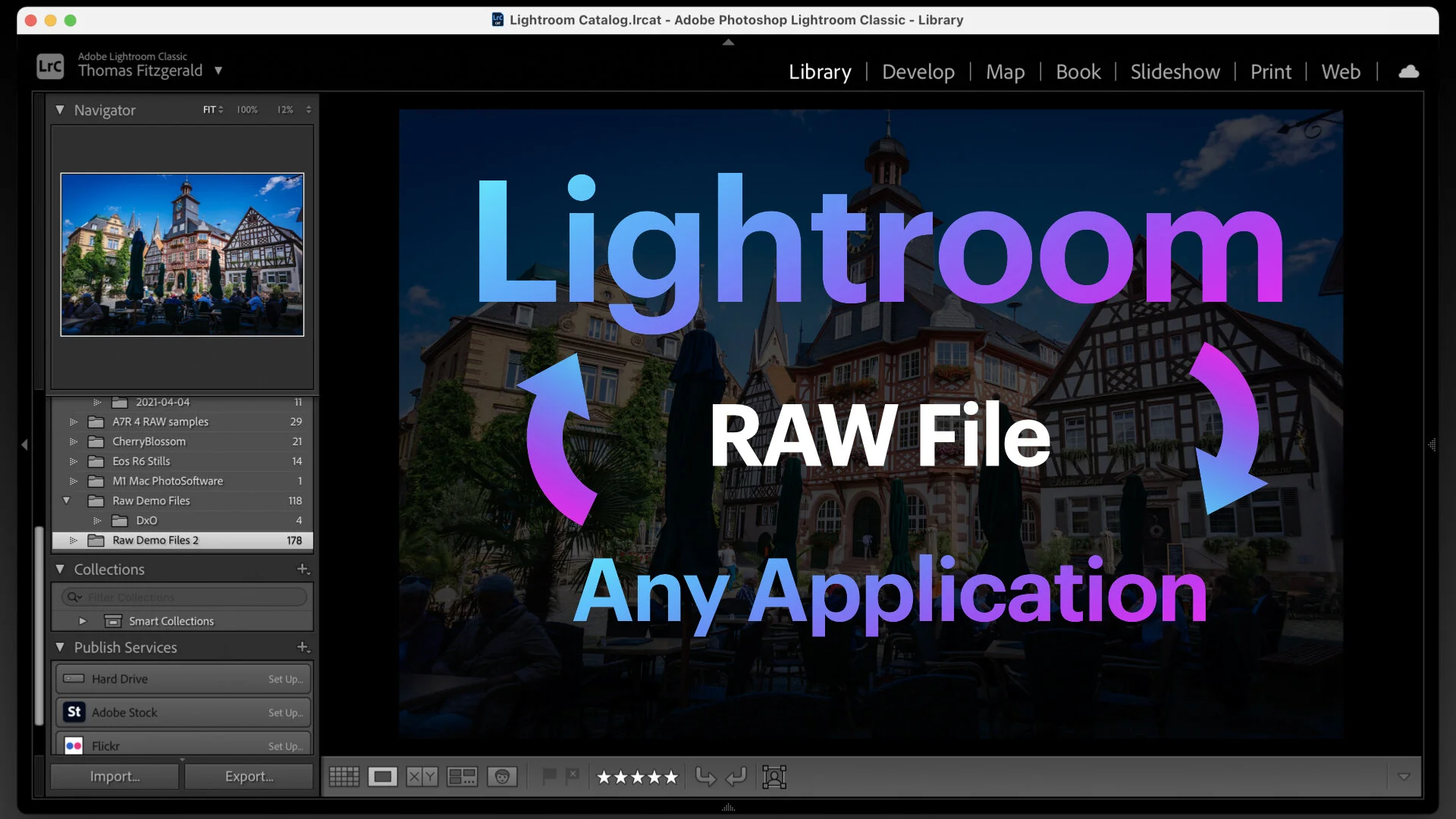
How to roundtrip a Raw file from Lightroom to any application
This is kind of a nerdy tip, but it’s actually a really useful thing to understand. Here’s the premise - you’re using Lightroom as your main way of organising your photos, but you want to use some other application to edit your raw file for whatever reason, and bring the result back into Lightroom. If you use the edit with function in Lightroom, you will only send a Tiff or PSD file rather than a RAW file, so unless the application to which you want to send it has a plug in, there isn’t an easy workflow. Or is there?

M1 MacBook Pro for Photography - First Impressions on Using an Apple Silicon Mac for Photographers
I’ve been working of a pretty old computer for some time now. My main workstation was an ageing 2012 Mac Pro, which despite its age was working perfectly for why I needed. Or at least I thought it was. I decided to take the plunge and embrace the future with an M1 MacBook Pro. It’s been an eye-opening experience.

Photo Software News for March
Here’s a quick round up of some of the recent happenings in the world of photography software. Capture One announced that Sony A1 Lossless compressed RAW support will be coming soon to Capture One, DXO software is having a sale on NIK plugins, and Photoshop and Lightroom received some recent updates.

Lightroom Classic 10 Released: New Colour Grading Tool & Other Features
Adobe today announced the latest versions of its Lightroom family of applications. There are a couple of key new features, the biggest one of which is the new colour grading tool. In the post below, I’m just discussing Lightroom Classic, but many of these features are across the whole ecosystem.

Lightroom and Photoshop to get Colour Grading
A recent technology demonstration from Adobe showed off a new feature coming to Camera RAW and Lightroom: Colour Grading. The applications will get a three-way colour corrector similar to video editing applications, and a feature that has been present for some time in Capture One.

Skylum Announces Luminar AI
Skylum has just announced a new application called Luminar AI. This is a separate application from the current version of Luminar, and according to the available information, they are aiming it to “reinvent” photo editing by using artificial intelligence.
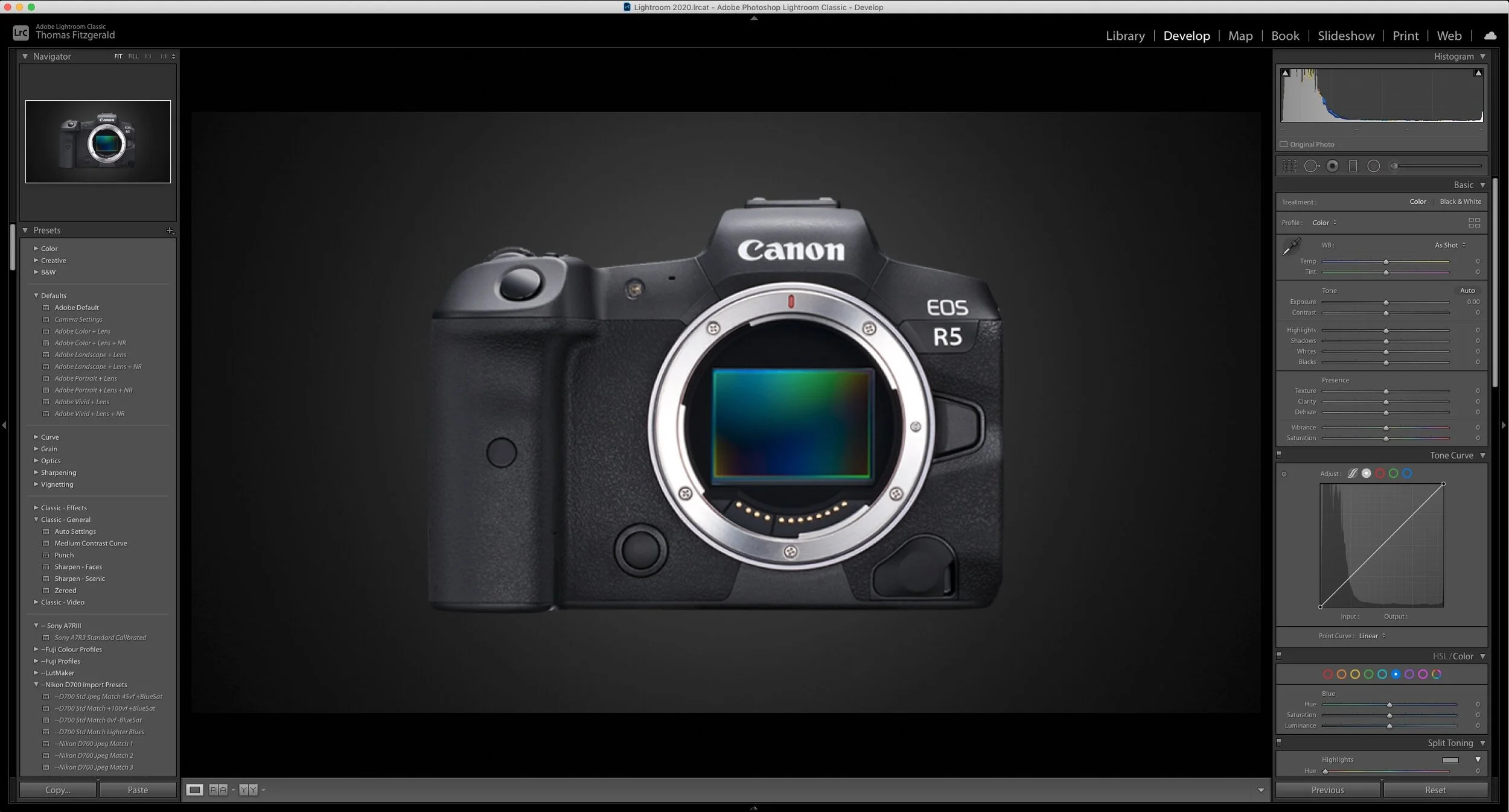
What is going on with Adobe and Canon? (And concern about the quality of Adobe’s profiling)
There’s something going on with Adobe and Canon regarding Lightroom and Camera RAW that I am a bit confused about. So, basically, over the past little while, Adobe has stopped supporting camera matching profiles for Canon cameras. There have now been around 10 models that Adobe hasn’t released camera matching profiles for. I did some research on this, and apparently, a post (now deleted) on an Adobe forum over a year ago (from an Adobe rep), claimed that they were having issues with the CR3 format, but frankly, I don’t buy this, especially as over a year has passed.

Editing Sony A6000 Street Photography in Lightroom - Live Editing Session
This video is a complete and mostly unedited recording of my whole editing process of editing a street photography shoot in Lightroom. I go through the whole process from culling shots in the Library module to editing the photos in the develop module. It’s also kind of like a video podcast, in that I talk (ramble) through my process.

Making Something From Nothing: Fixing a Dull Photo & Why I use Different Tools
I finally managed to get out of our local virus induce containment this past weekend. We went for a walk by the sea, and while I brought my camera with me, I hadn’t really intended to take photos, so when I did, it was more of an off the cuff snapshot, than an intentional photo shoot. At first glance, the photos I took were pretty “throw away”, but after some playing around I managed to create a pretty good (in my opinion) image from something that started off as a dull and boring shot.