

Photo Editing, Tutorials, Photography News, and More
This blog covers a range of topics from Lightroom, Photoshop, Capture One, Fujifilm, Canon, Nikon, iPhone Photography, and more. If you want to see more of my actual photography work, visit my Portfolio and Photo Journal blog.
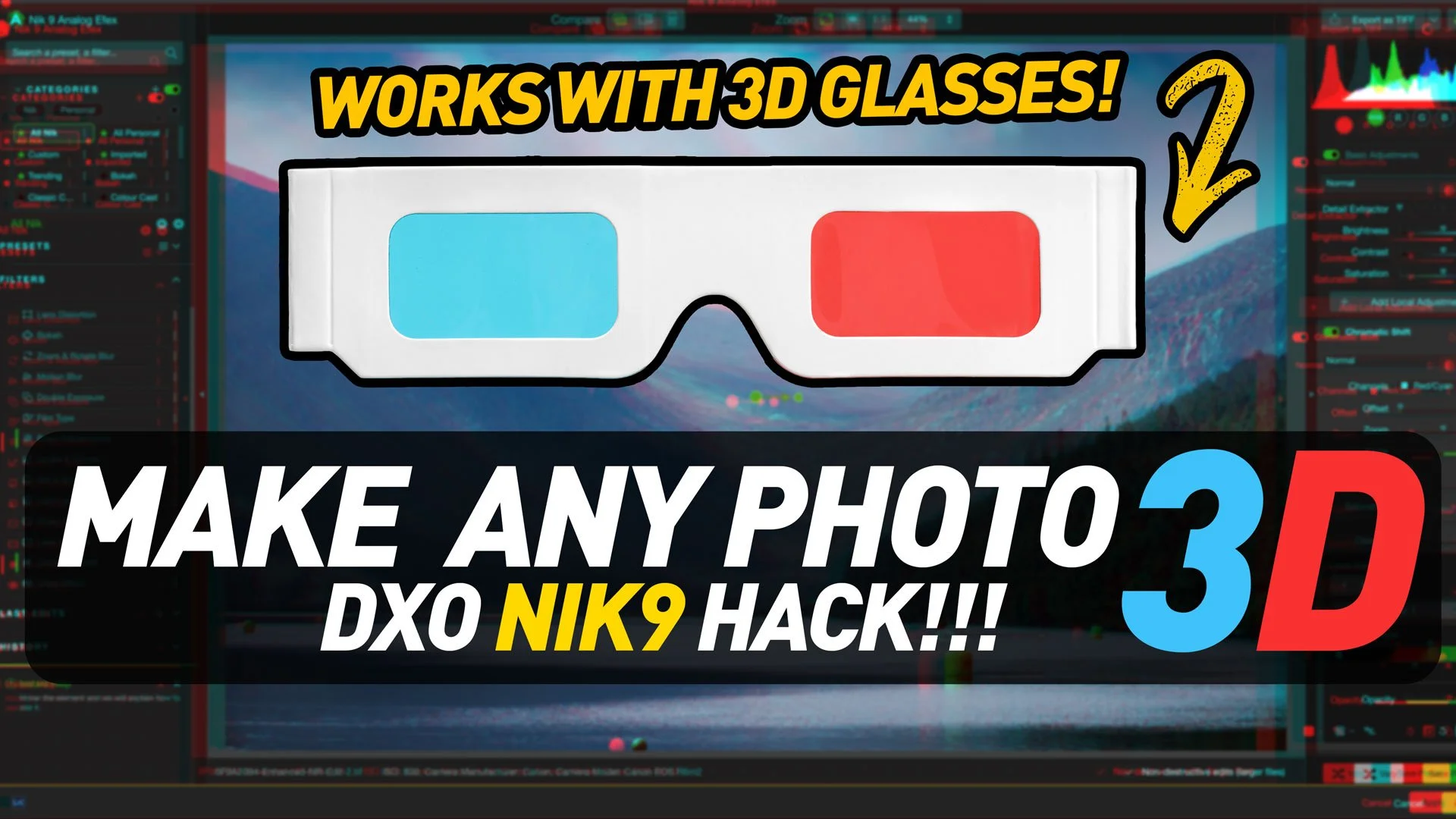
Video: Turn any photo into a proper 3d image you can view with 3d glasses, with a little "hack" in DXO Nik 9 Analog Efex
I was playing around in Lightroom and Photoshop the other day, and I was trying to do something totally different, but in the process of experimenting, a brainwave hit me. I was thinking about the new Chromatic Shift effect in the recent Nik 9 release, and wondered what it would be like through 3d glasses. Then it occurred to me, what would happen if I combined it with the depth map? So I went on to Amazon, ordered some 3d glasses, and when they arrived 2 days later, I set out to try this technique out. It actually worked - sort of. And so, of course, I made a video!
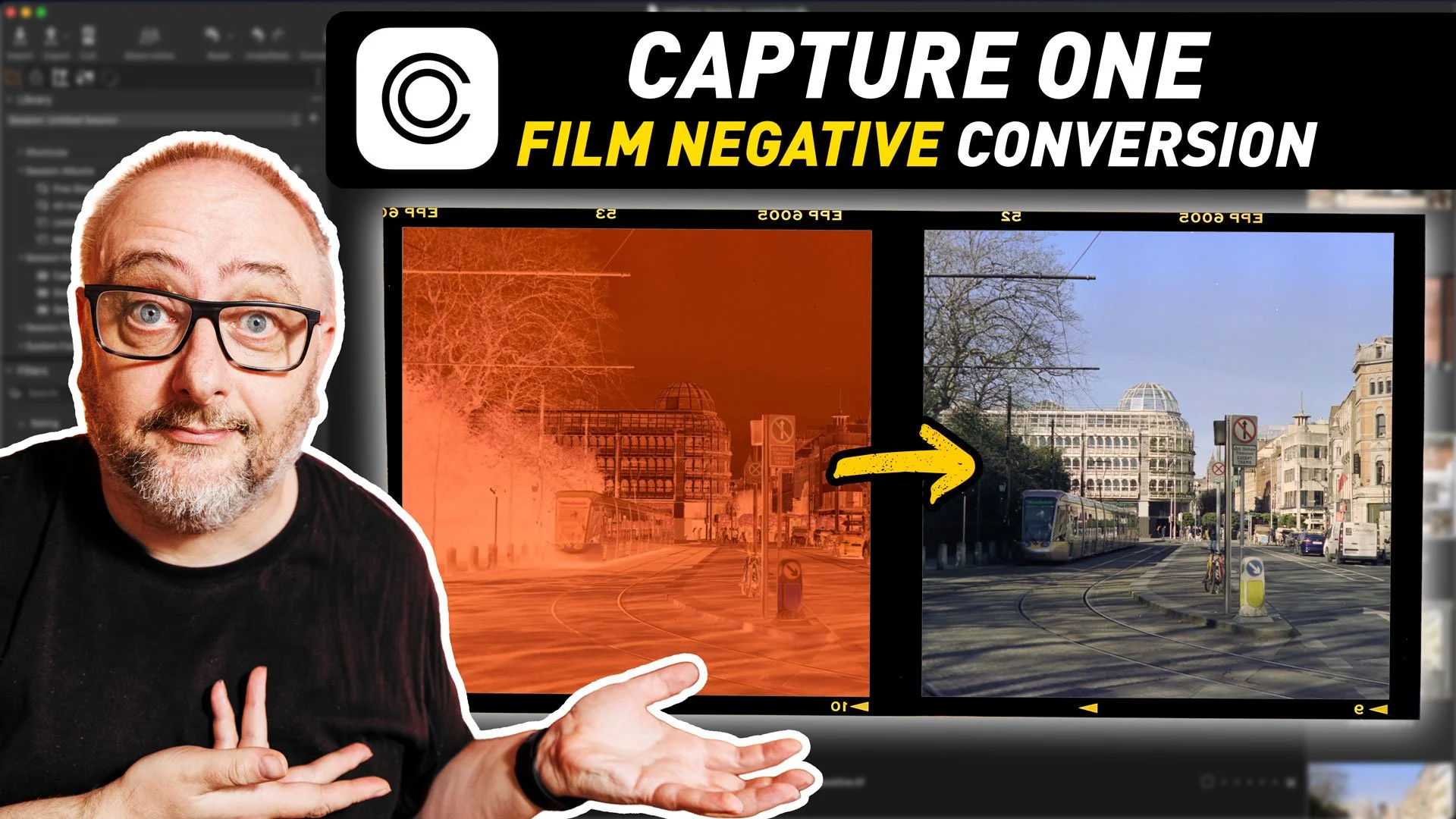
Capture One’s New Film Negative Conversion - A First Look
The most recent version of Capture One added a rather interesting new toolset: the ability to work with film negatives. The software now includes the ability to work directly with scanned negatives and handles the conversion process directly in Capture One. This is specifically designed for camera scanning, and is similar to “Negative Lab Pro” for Lightroom, although there are some differences.
New Video: 5 Overlooked Lightroom Tips You should Know
Following on from last week’s Lightroom video, where I showed you a feature of the software that not many people know about, I’ve done another collection of lesser known tips and tricks. This time, I’ve collected 5 tips that people may know some of, but may not fully know.
An Update on my YouTube Channel and why I’m not very good at YouTube!
It’s been quite a while since I last posted to YouTube and I wanted to update everyone and start anew in 2026. So, in this video I give a quick update as to the channel, look at how bad I am at YouTube (and why) and look at plans for the channel going forward. I also take a Quick Look at my new vlogging camera and share some personal photography news!

New Video: London Photo & Video Vlog: A Walk Along the Thames with the Canon R6II
Back at the end of April I was in London for a few days, so as always I took the opportunity to get a few photos and some video while I was there. I didn’t really go very far from our hotel in Southwark, pretty much staying to the south bank, but even here there is plenty to see just walking up and down the Thames. So Join me for a walk along the Thames in London taking in bridges, river traffic, and life by the water, capturing both video and stills with the Canon R6 Mark II.

How To Import Presets Directly into Lightroom iPad and Mobile | Lightroom Quick Tip
In this super quick Lightroom tip, I’ll show you how to import Lightroom presets directly into Lightroom on your iPad, without the need to install them on the desktop version first!

New Video: Photographing Lake Geneva & Zurich | Amazing Sunrise Flight to Switzerland
We recently took a trip to Switzerland and visited both Lake Zurich and Lake Geneva where I braved the cold and low clouds to try and get some photos. It started with an incredible sunrise flight out of Dublin, and I managed to get some photos and video of Lake Geneva and Lake Zurich during breaks in the otherwise cloudy, foggy and incredibly cold weather. We ended the trip with an incredible flight out of Geneva over the Swiss alps before arriving back in Dublin.
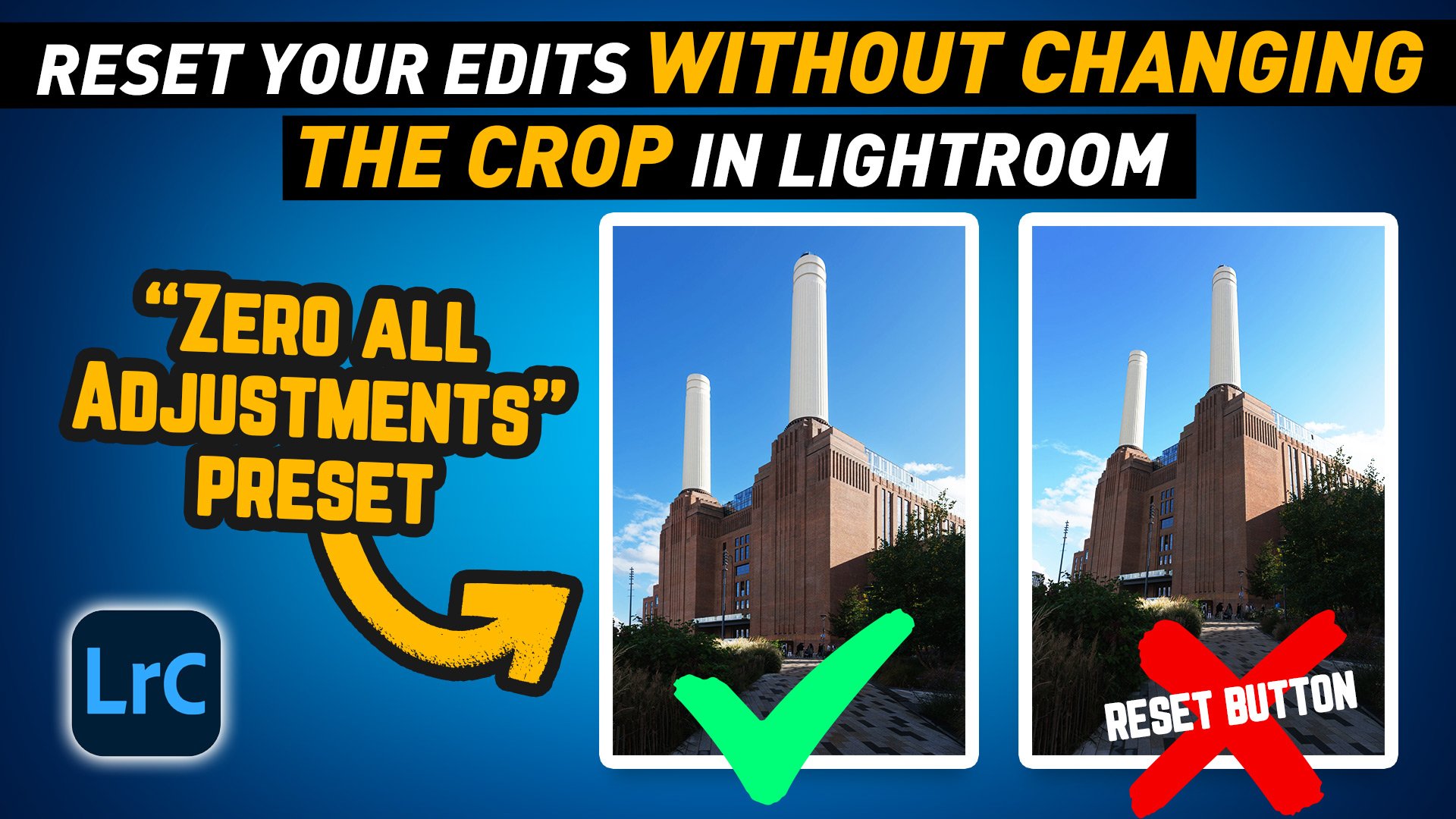
Lightroom Pro Tip: Quickly Reset Adjustments Without Losing Your Crop with a Zero All Preset
In this video I show you a handy workflow tip to make it easier to reset your adjustments in Lightroom without reseting your Crop or Geometry edits.

New Video: Road Trip to Photograph the World’s oldest working Lighthouse at Sunset.
In early January we took a road trip to capture sunrise and sunset in the southeast of Ireland, starting with the world's oldest working Lighthouse: Hook Lighthouse, Co. Wexford, followed by a spectacular sunrise over the estuary of the river Slaney. Finally, we visited a Co. Wexford Beach made famous for being used in the movie “Saving Private Ryan”.

New Video: How to add a Vignette BEHIND a subject in Lightroom | Create a Smart Vignette preset | Lightroom Quick Tip
In my latest YouTube tutorial, I demonstrate how to use the mask tool to create a custom vignette effect behind your subject, adding subtle drama to the background while preserving the subject's integrity. The video also shows you how to create a time-saving smart preset for future edits.

New Video: Better Perspective Correction In Lightroom | Lightroom Quick tip
In this video, I’ll show you a quick trick to fix perspective distortion in Lightroom that the Auto function in the upright tool can’t handle. Sometimes, especially when you have objects near the edge of the screen, especially if they’re circular, even with the upright tool, you can still get a bit of a distortion. But with this trick, you’ll be able to get rid of it!

New Video: A Photowalk through one of Ireland’s Magical Forests
In my latest video, I take you along on a relaxing photo walk through one of my favourite places in Ireland—Glendalough. This stunning glacial valley in the Wicklow Mountains has long been a go-to spot for me, but this trip turned out to be extra special. From misty trails to surprising wildlife encounters, it was the perfect setting for some nature photography and a calming escape into the Irish wilderness.
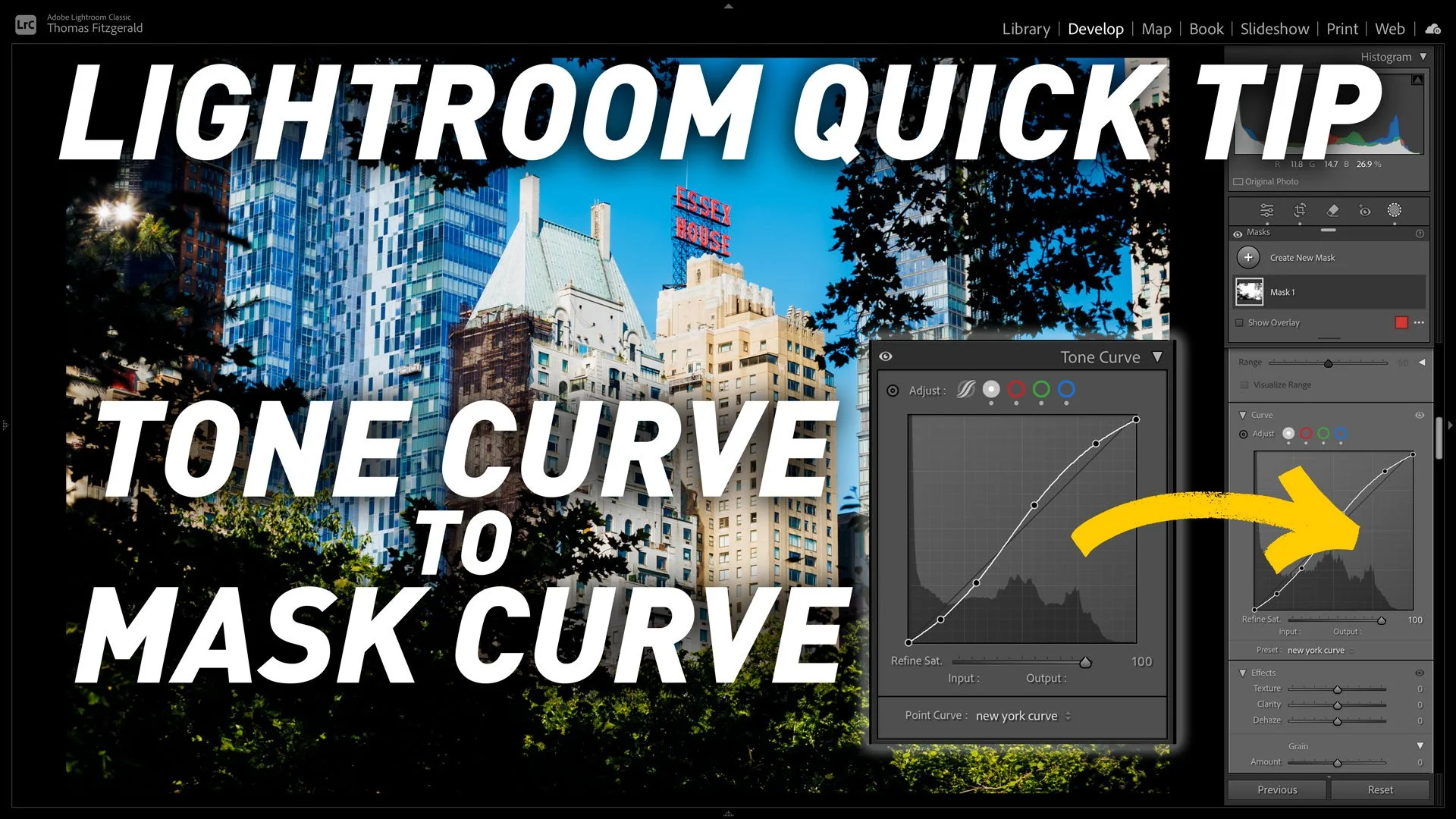
Lightroom Quick tip: How to copy Lightroom’s Tone Curve to a Mask's Curve
This is kind of a nerdy tip, but if, for whatever reason, you need to copy the settings from the main tone curve in Lightroom to the tone curve on a mask, you may be wondering how to do this, as it’s not immediately obvious. Well, there are actually two ways, and in this post (and video) I show you how to do it.

Video: Edit your photos using Only Masks in Lightroom
Ever since Adobe added the new masking architecture in Lightroom a few years ago, it’s totally changed the way I work with the software. I find myself using masks way more than I used to and it’s led to me approaching my edits in a whole different way. To try and take that to the limit, I set out to see if I could edit a photo entirely by just using the masks tool, and not touching the standard editing controls.

Brighton Beach - Canon R6 Mark II Cinematic Test Footage and Stills
I recently upgraded my photography and video gear with the Canon R6 Mark II. On a trip to Brighton, UK, I tested the camera for the first time. I captured both test footage and stills, creating a short film of a moody morning on Brighton Beach. Additionally, I took a series of still photos throughout the trip, including some beautiful sunset shots.