
Photo Editing, Tutorials, Photography News, and More
This Blog is where I share my passion for photo editing, photography technology and sharing my techniques with the world. I cover a range of topics from Lightroom, Photoshop, Capture One, Fujifilm, Canon, Nikon, iPhone Photography, and more. If you want to see more of my actual photography work, visit my Portfolio and Photo Journal blog.
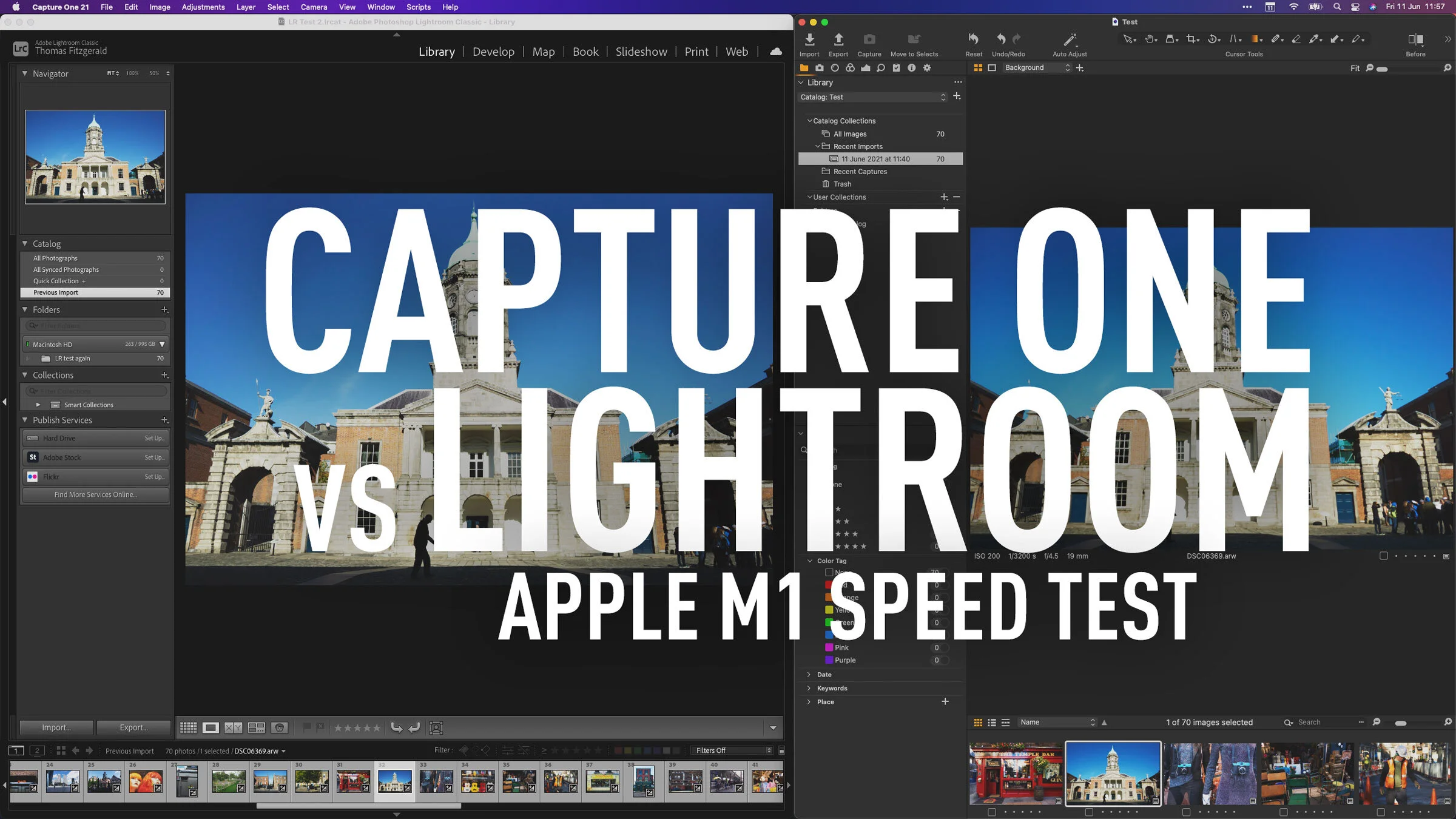
Capture One vs Lightroom Apple M1 - Import and Export Speed Test
Recently both Capture One and Lightroom have been released as Apple Silicon native versions. I have covered both of these in videos on my YouTube channel recently. For Capture One I showed you how the interface responds with the new version, and for Lightroom, I did a test comparing import and export speeds for the M1 native version compared to the older version running under rosetta. Since I had the benchmarks for this, I figured why not run the same test for Capture One.

Capture One coming to iPad
Hot on the heels of the recently released version of Capture One for Apple Silicon Macs, the company announced last week that an iPad version is in the works.

Capture One M1 Native Version Released - What it’s like on an M1 Mac (video)
Capture One today released the latest version of the software, and it now runs natively on Apple Silicon. The new version has also re-written the acceleration code to use Metal instead of Open CL. The result should be greater stability and less acceleration issues on all Macs, both intel and Apple Silicon. In order to give you an idea of what the software runs like on an M1 Mac, I recorded a little video.

Video: Fix Tricky Colour Fringing (Chromatic Aberration) in Capture One
In this video I show you how to deal with chromatic aberration in Capture One when the default method won’t work.

Nordic Styles for Capture One - First Impressions Review
A few weeks ago Capture One launched a new style pack for the software of the same name, called “Nordic Styles”. Available in two packs, each with two styles in two variations, the stated aim of the styles is to “channel nordic light and beauty” and to “achieve elegant colour grading inspired by Scandinavian editorials.” I had a chance to try out both style packs, and in this post, is my first impressions.

Capture One for M1 Macs Coming in May
Capture one announced on their facebook page that native support for M1 Macs will be coming in May. I wrote a little while ago about my experience with the software running under rosetta on the new Macs, and while it ran fine, there was some lagginess when editing. So the update will be welcome to those running a Mac with Apple silicon

Capture One offering Beyond and Nordic Style Pack Bundle
Just a quick note for those who might be interested. Capture One is offering a bundle of its new Nordic Styles and its Beyond Style pack for €99 (compared to €138 to buy separately). If this is something you’re interested in, you can find out more on the Capture One website.

How to use Super Resolution with Capture One
I’ve had a few readers ask me about using Adobe’s “Super Resolution” with Capture One. I had thought that this would be a relatively straight forward process, but unfortunately it seems to be a bit more involved that I first assumed. I had speculated that you could just open a DNG file created with Super Resolution in Capture One, but for whatever reason this doesn’t seem to work properly (more on this below). So, while you can’t use the DNG files directly, you can still use a Tiff or PSD. The workflow is a little more convoluted than perhaps it needs to be, but in this post, I’ll outline my suggested way of working with Super Resolution and Capture One.

Free Capture One Style Brushes
Ever since Capture One released the 14.1 update, I’ve been playing around with the new style brushes feature, and I’m really linking it. As part fo my experimentation, I’ve been creating a few style brushes of my own, and so, I’m making these experimental brushes available for you tor download and try.

Capture One Launches Two New Style Packs
Capture one has launched two new style packs for the photo editing software. The new style packs are “Nordic” themed, and consist of two different style packs, each with two styles and three contrast variations for each style.

M1 MacBook Pro for Photography - First Impressions on Using an Apple Silicon Mac for Photographers
I’ve been working of a pretty old computer for some time now. My main workstation was an ageing 2012 Mac Pro, which despite its age was working perfectly for why I needed. Or at least I thought it was. I decided to take the plunge and embrace the future with an M1 MacBook Pro. It’s been an eye-opening experience.

Photo Software News for March
Here’s a quick round up of some of the recent happenings in the world of photography software. Capture One announced that Sony A1 Lossless compressed RAW support will be coming soon to Capture One, DXO software is having a sale on NIK plugins, and Photoshop and Lightroom received some recent updates.
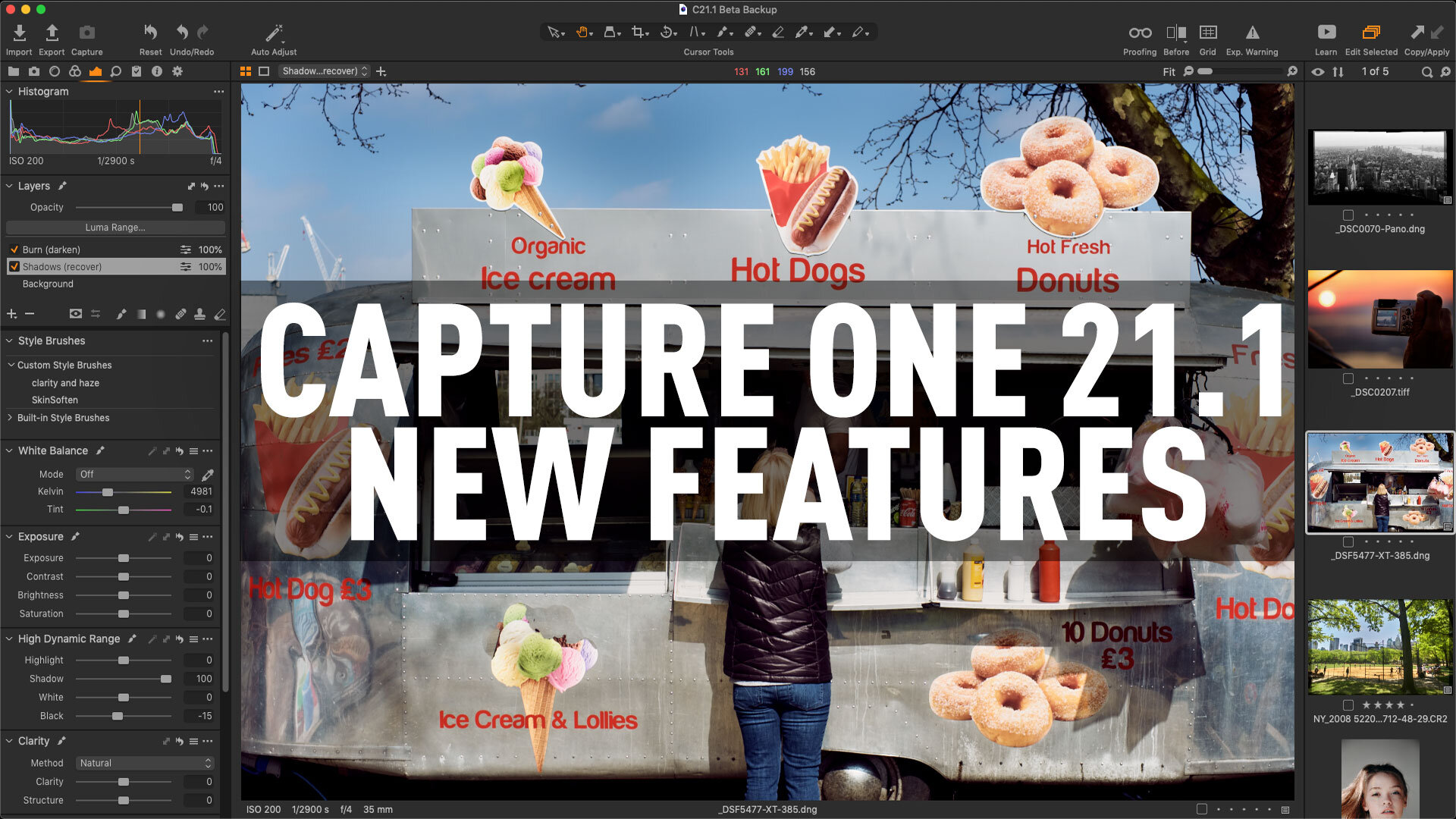
Capture One 21 (14.1) Update Released: New Features including Large View in the Import Window and Style Brushes.
Capture One has released a spring update to its namesake photo editing application. Bringing the software to version 21.1 (or 14.1 to use the actual software version number), this new release adds two new features as well as the usual round of bug fixes and new camera and lens support.

How to restore a Capture One Catalogue from a Backup and Recovering a Corrupt Catalogue
If you ever have a problem with your Capture One catalogue then you may be forced to recover from a backup. This happened to me today, and I had to recover (my own fault) and so I thought that it might be worthwhile sharing this experience for those who may be wondering. The process is relatively easy, and in this post I’ll talk you through the procedure.

Capture One Express 21 and Where to Find the Nikon version of C1 Express
Just a quick update on Capture One Express. When Capture One Pro was updated to version 21, I saw a few people saying that Capture One Express was discontinued. This is not the case. There was also speculation that it wasn’t updated to version 21 but this too isn’t true. I got in contact with Capture One to clarify the current state of the application, and so here are the details.

How to create Monotone, Duotone and Sepia Tone images in Capture One
One of the topics I see coming up frequently on various forums and from my own readers is how to do skin softening in Capture One. In this video, I show you some techniques for achieving a natural-looking skin smoothing technique, and I also talk about some masking tricks and how to control the effect using layer options.

Video: How to do skin smoothing in Capture One without using plug-ins
One of the topics I see coming up frequently on various forums and from my own readers is how to do skin softening in Capture One. In this video, I show you some techniques for achieving a natural-looking skin smoothing technique, and I also talk about some masking tricks and how to control the effect using layer options.

Capture One 21 Dehaze Troubleshooting Tips
When Capture One 21 was released with the long-awaited Dehaze tool, I was a little disappointed with the results. However, having worked with it for a while now, I’ve come up with a few tips and suggestions for getting around the shortcomings of the feature. I still hope they improve it in future versions, but for now, here are some workarounds.