
Photo Editing, Tutorials, Photography News, and More
This blog covers a range of topics from Lightroom, Photoshop, Capture One, Fujifilm, Canon, Nikon, iPhone Photography, and more. If you want to see more of my actual photography work, visit my Portfolio and Photo Journal blog.

Send to Photos from Lightroom Via Automator
I’ve been covering different ways to get Lightroom and photos to work together on the blog for a little while. In one of my previous posts I showed a way to sort of sync between the two applications. A simpler method is to create an export preset to send images straight to Photos from Lightroom. There are two ways to do this and I’ll discuss them both in the following post.

Quick Lightroom Tip: Regenerate Previews after you've finished with a project
Here's a very quick Lightroom tip for you. One of the frustrating things about the way Lightroom's preview system works is that it only generates previews when you tell it to, usually upon import. As soon as you make any changes to an image, the preview for that image is lost. In order to make sure you can keep browsing through your library speedily, it's important to periodically re-build previews.
Speed Up Lightroom By Managing Your Develop Module Presets
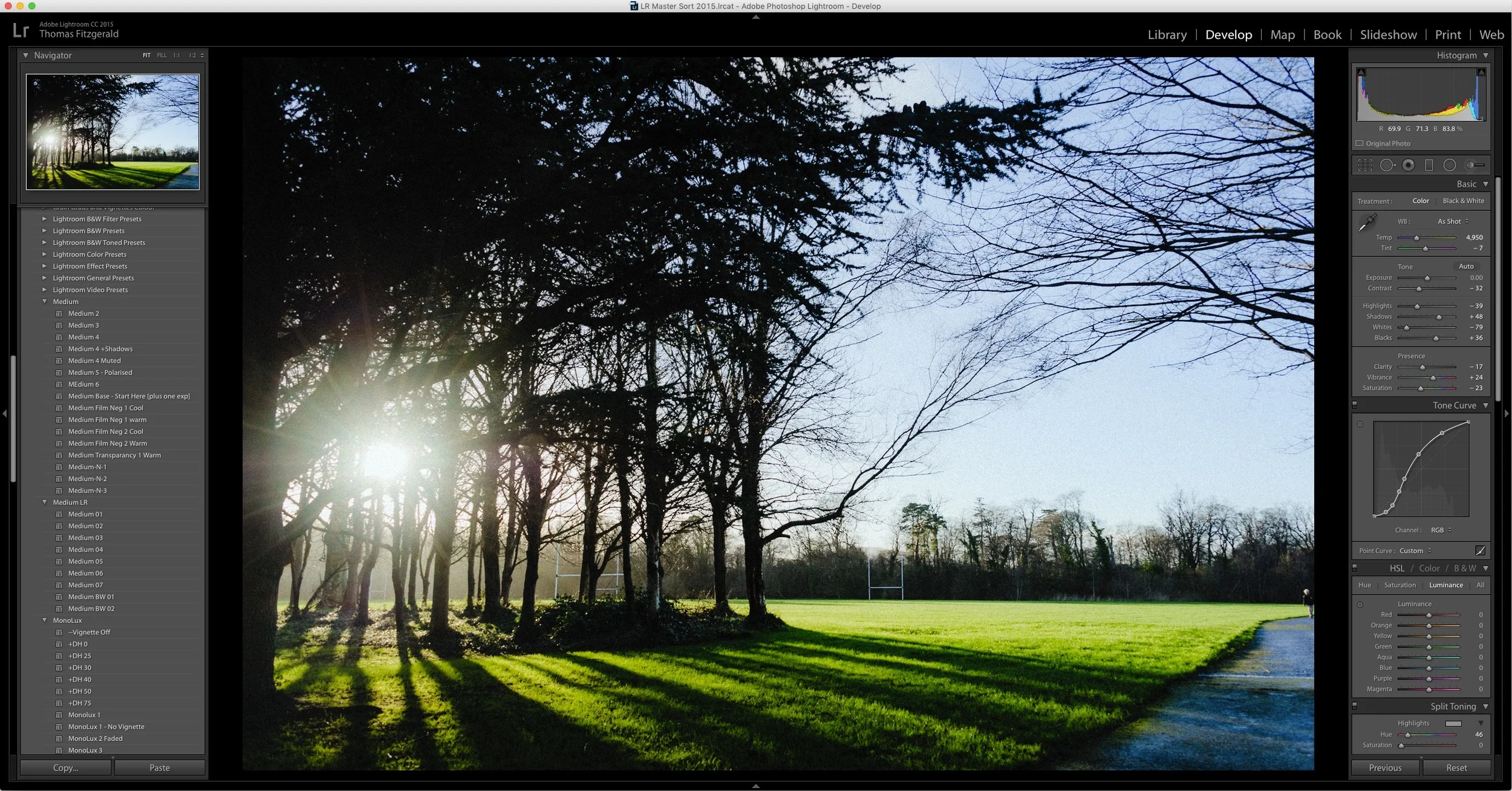
I've written a few posts lately about ways to speed up Lightroom, and there's one more that may seem counterintuitive at first. If you have a lot of develop module presets installed, it can slow down Lightroom. It doesn't just slow down Lightroom in the Develop Module either, it slows it down the whole application. Even if you're just in the Library. I had written about this before, and I had thought that this "bug" was fixed ages ago. On an official forum, an Adobe rep said that this was to be fixed in Lightroom 6, but it still seems to be an issue.
How I make Lightroom Presets
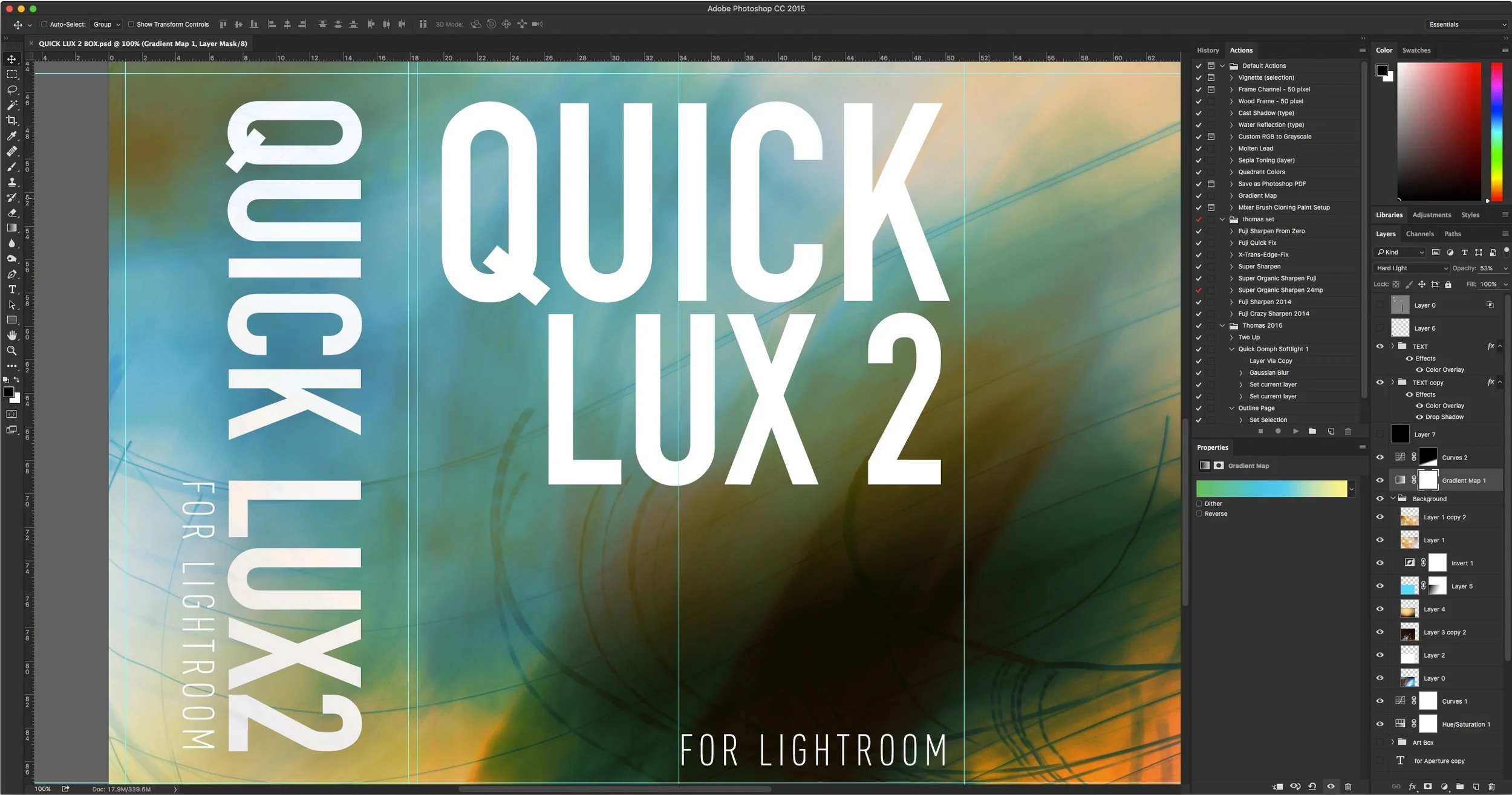
Having released quite a few premium Lightroom presets over the last few years, I thought I'd take some time to give you an insight into my process for creating them. It's not as straightforward as it might seem. When I stopped to think about it the other day, I realised that it's actually quite an interesting process, so I decided to write it all down. So what follows is a rough guide to the way I create presets for Lightroom, and the various steps involved.
New Fuji Colour Profile Presets for Lightroom
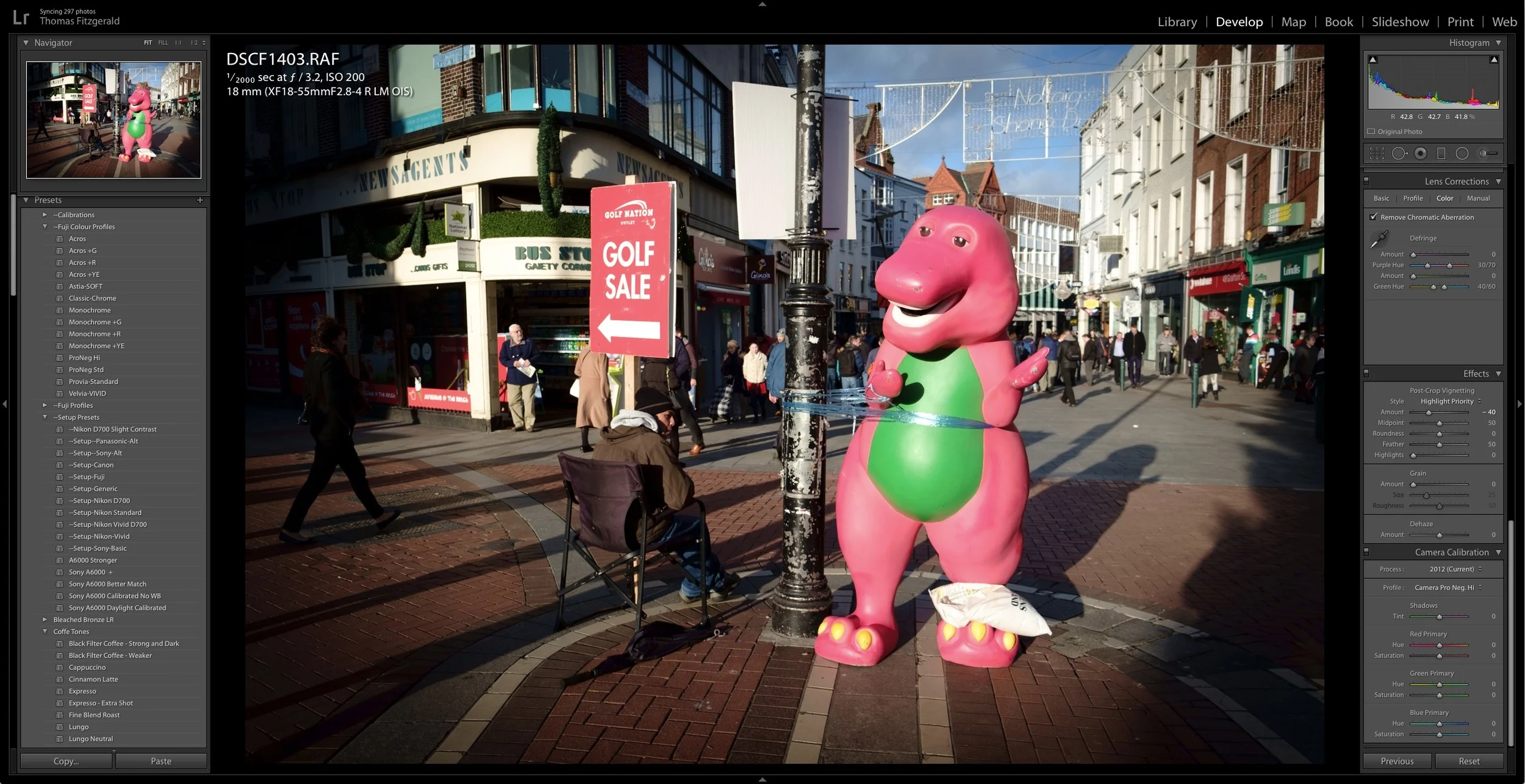
A while ago I made a set of presets for Fuji users which are based on the Fuji film simulation colour profiles as provided by Adobe. these presets are basically just a quick way to set the colour profile by selecting a preset rather than having to go to the camera calibration panel and select the profile there. They also have the advantage of allowing you to set the profiles on import, or allowing you to quickly apply a profile to multiple images at once.

Lightroom CC2015.5 and Lightroom 6.5 Now Available
Adobe has just released the latest version of Lightroom. Version 2015.1 for CC users, or 6.5 for standalone users brings bug fixes and new camera support. Unfortunately there is still no mention of the improved Fuji X-Trans rendering promised by Adobe last June.
QuickLUX 2 for Lightroom Now Available
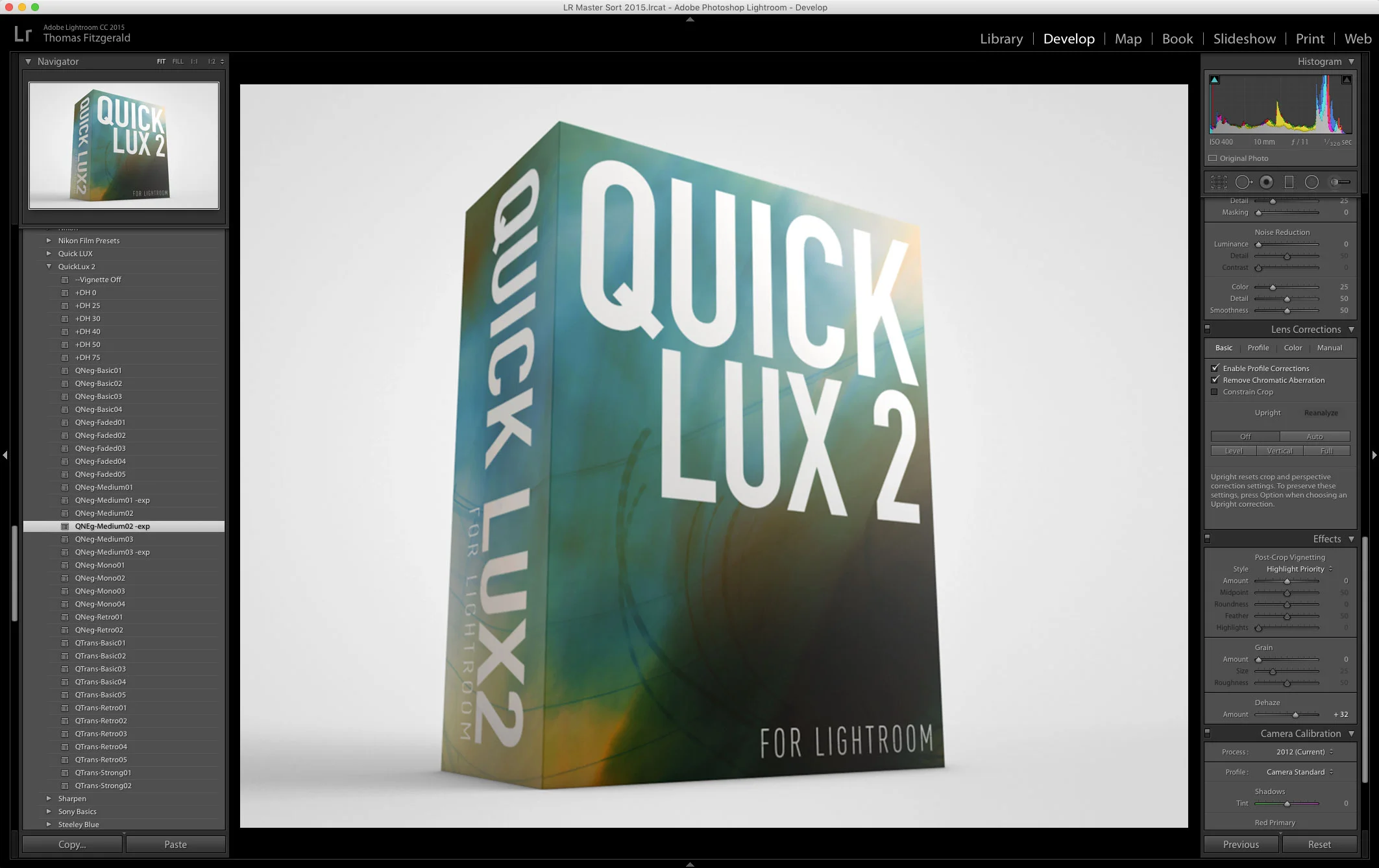
I’m happy to announce that my next set of Lightroom Presets, QuickLUX 2 is now available. QuickLUX 2 is a sequel to the popular QuickLUX set of presets that started out on Aperture, and became one of my first, and most popular Lightroom sets.

A Sneak Peek at QuickLux 2
I’ve been busy working on my March set of Lightroom Presets, and they’re nearly ready. I’m really happy with how these are turning out, so I wanted to share some of the testing with you. Basically, the next set will be a sequel to QuickLux. Unimaginatively called QuickLux 2, it will, like the first set of QuickLux presets, include some of my personal artists interpretation of negative, and transparency films.
An Improved Import and Calibration Preset for Sony A6000 Images in Lightroom
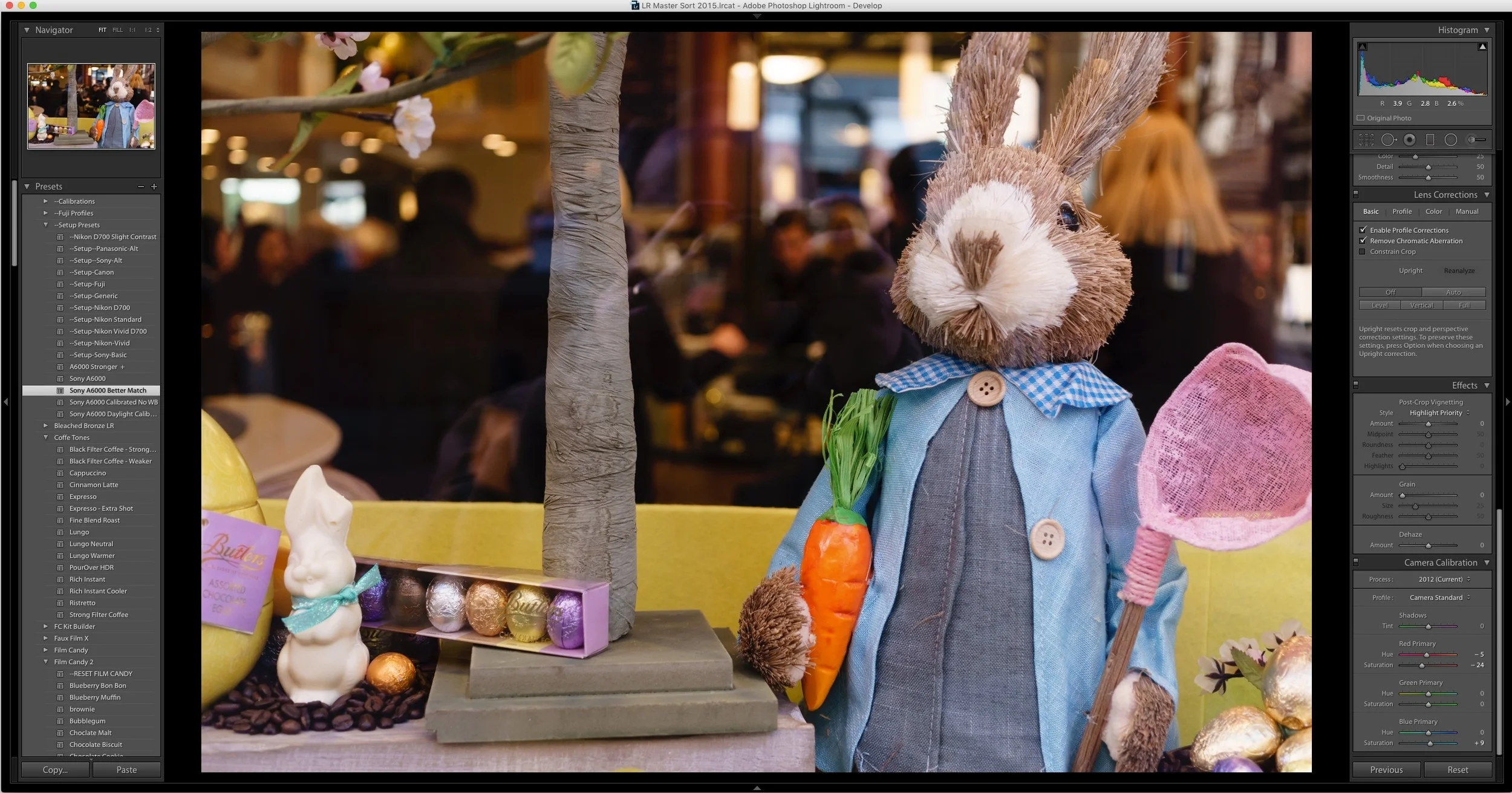
A while ago I wrote a blog post about my issues with A6000 images in Lightroom not being calibrated particularly well. I included some calibration settings in the form of a pair of Lightroom presets. Since then, I’ve been doing some more work on trying to get a starting point that I’m happy with. With that in mind, here is my latest version of my Sony A6000 calibration preset that I’m ow using on my A6000 images in Lightroom.
How to Improve Performance in Lightroom CC / 6 and Possibly Stop Crashes
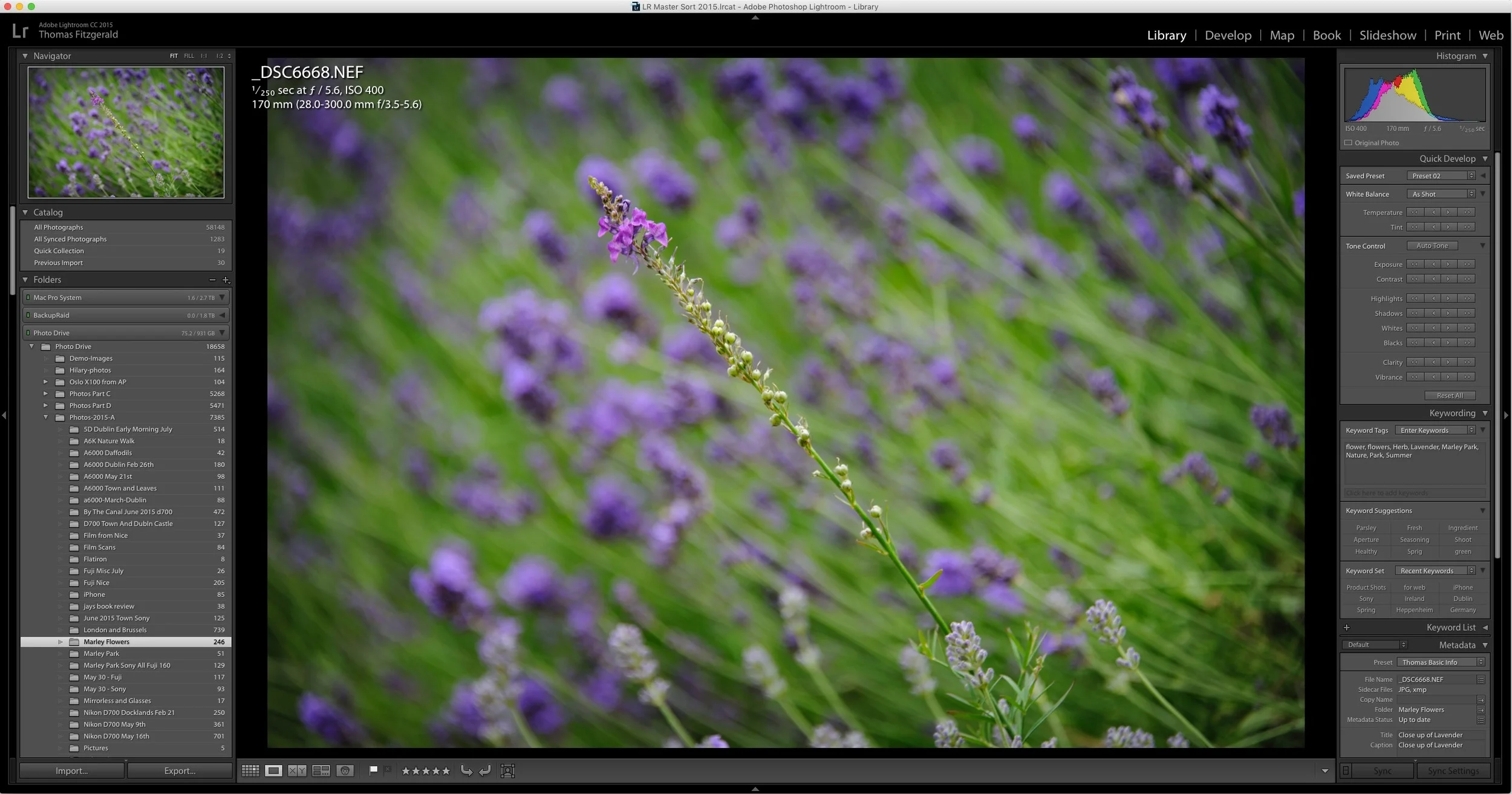
I've been having some issues with Lightroom's performance on my mac for a while now. Coupled with some recent crashing, my frustration levels were beginning to rise. However, after a little research and some trial and error, I've managed to stop the crashing, and speed the application up a bit. While these techniques may well be familiar to you, I'm writing about them anyway should someone be having a similar problem and not be aware of what to do.
About My Setup Presets and How to Use Them
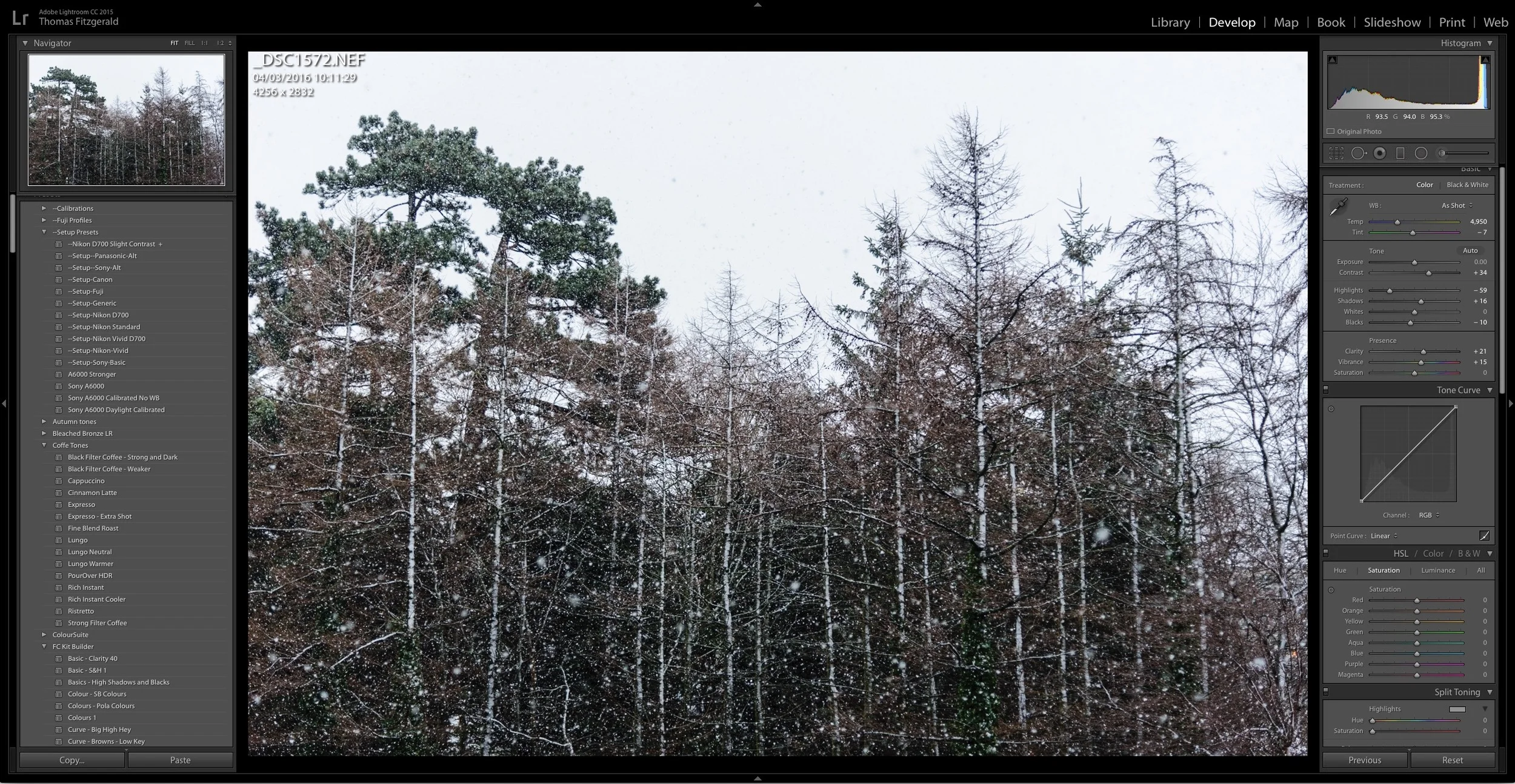
If you've purchased any of my presets packs, you've found that most of them come with a set of "Setup Presets" and may have been wondering just what exactly they are and how to use them. While there are instructions in the read me files included with most of the presets, some users are still finding them a bit confusing, so here is a more detailed description and short explanation on how to use the setup presets.
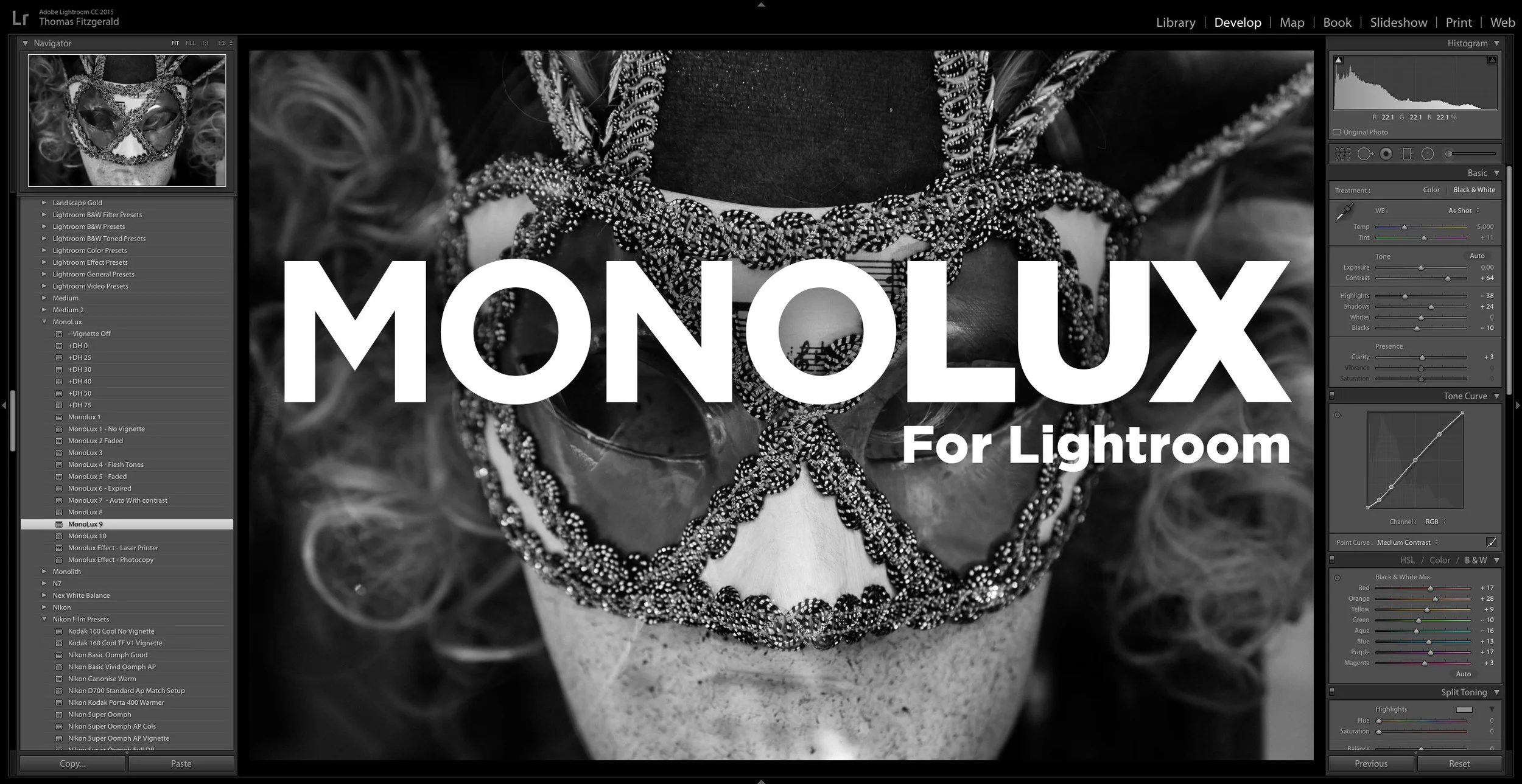
Introducing MonoLux for Lightroom
I had stated when I launched Coffee Tones for Lightroom last month, that it was my intent to launch a new set of Lightroom presets every month this year. Well, it was getting close, but it looks like I made it with a few days to spare! I’m happy to announce today, that my newest set, MonoLux for Lightroom is now available.
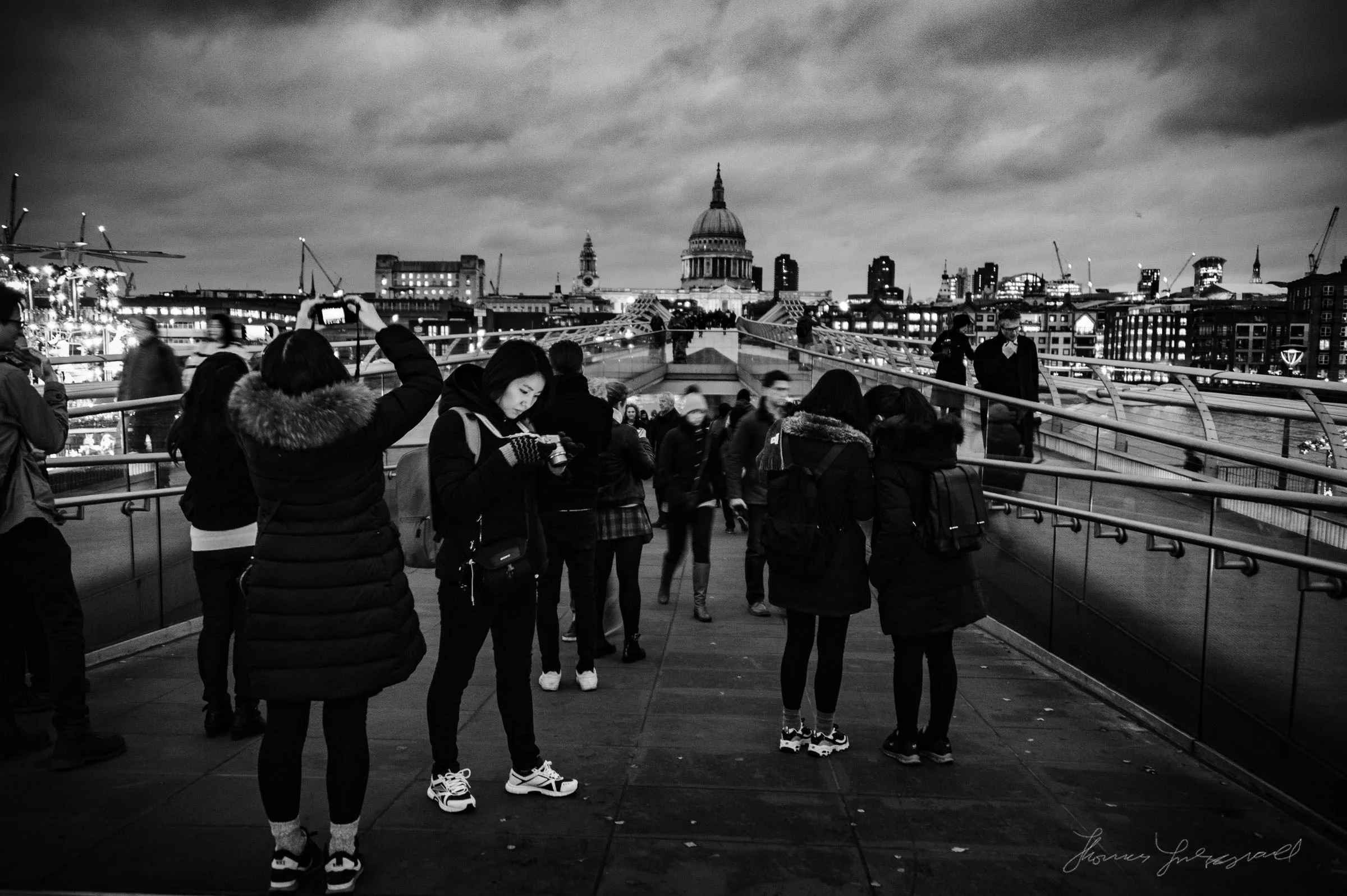
A Sneak Peek at MonoLux for Lightroom
A sneak peek at my upcoming set of monochrome Lightroom Presets, MonoLux. MonoLux will be one of my new smaller packs, like Coffee Tones. I have a number of different looks and variations in the pack including some faded looks (which you can see examples of below), and also some special effects (Just for fun).
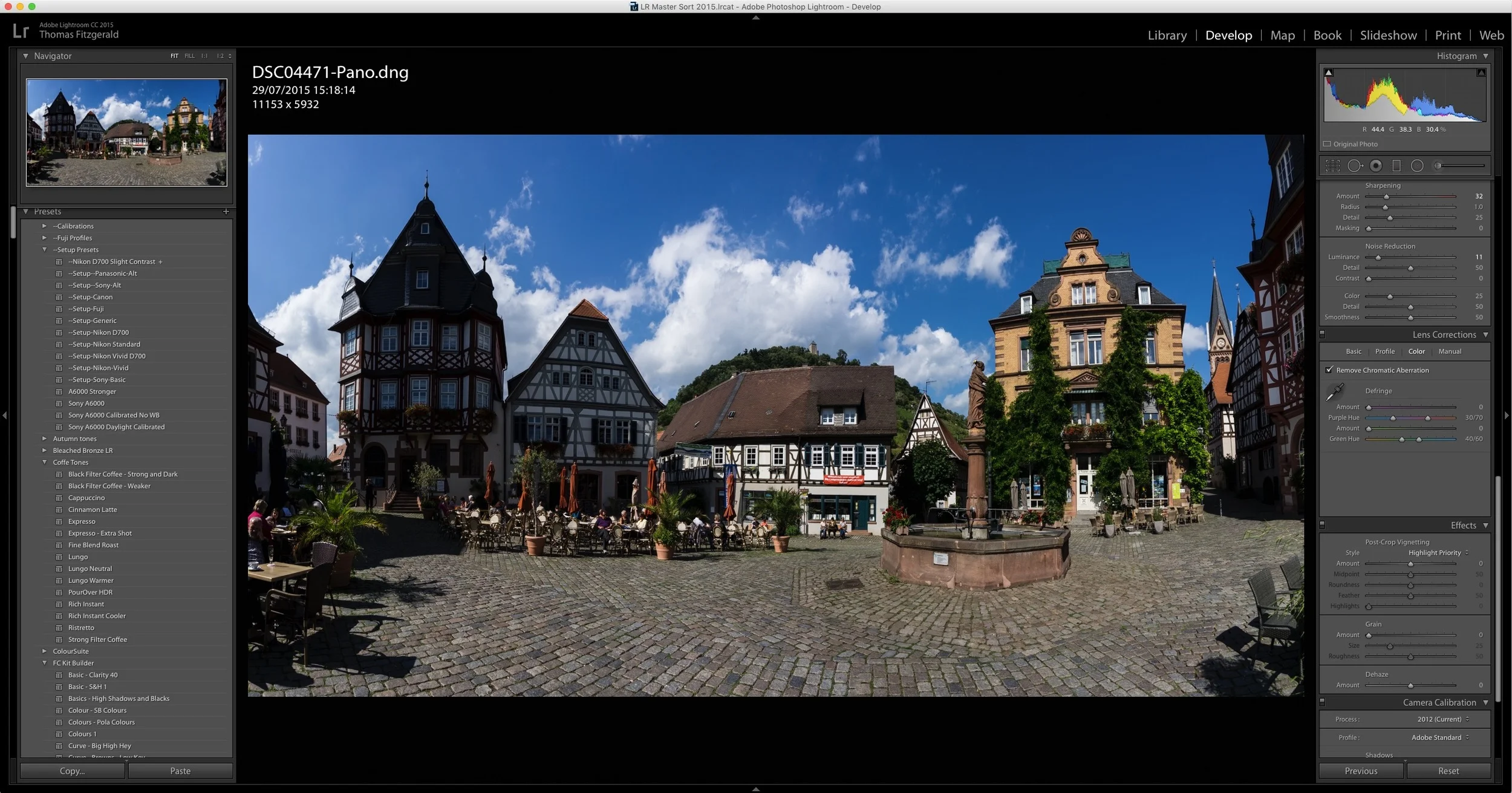
A Quick Look at Boundary Wrap in Lightroom CC 2015.4
One of the key features announced when Lightroom CC 2015.4 was released, was the new boundary wrap function in the merge panorama feature. Boundary wrap solves one of the problems with cylindrical panoramas, where the edges are normally distorted and need to be cropped out. It also addresses some of the distortion in cylindrical panoramas.
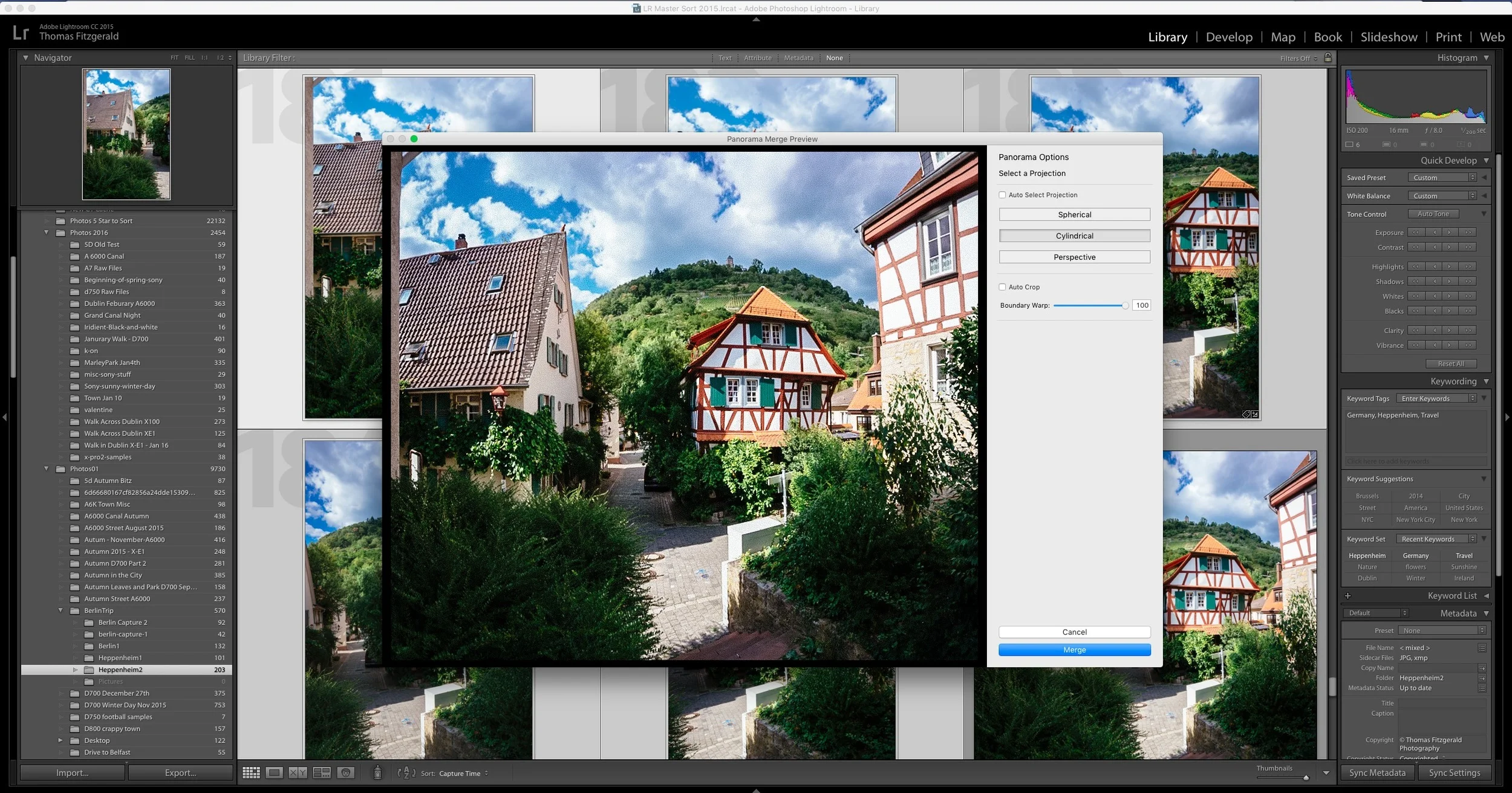
A Slightly Unconventional use of Lightroom's Merge Panorama Function
I shoot a good few panoramas now and then, and since Lightroom has added the merge function directly into the software, it's gotten a lot easier. So much so, that I don't even really think about it any more when shooting them. While traditional panoramas are fine, there's another incidence where the function comes in handy, and that's when you want to shoot wider than you otherwise could with the lens you have with you.