

Photo Editing, Tutorials, Photography News, and More
This blog covers a range of topics from Lightroom, Photoshop, Capture One, Fujifilm, Canon, Nikon, iPhone Photography, and more. If you want to see more of my actual photography work, visit my Portfolio and Photo Journal blog.
Featured Posts




My X-Transformer Guide Updated
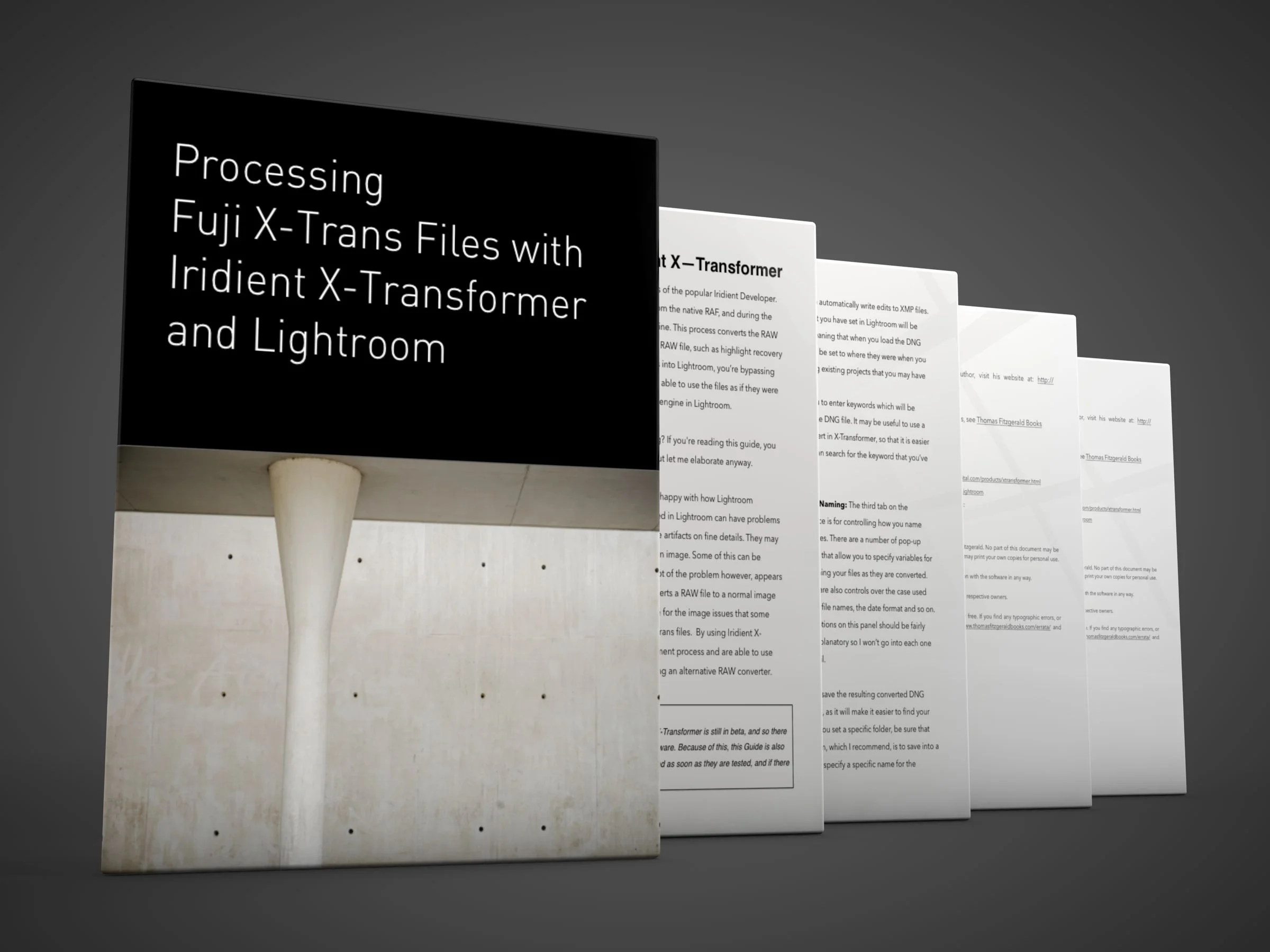
I have updated my Iridient X-Transformer Guide with new information to cover the latest release. The new update of the guide (v1.2) covers beta 4 of X-Transformer, and includes details on using the new plug-in as well as the new options for preserving the film simulation modes as colour profiles.

Two Free Presets for Luminar
I’ve been playing around with Luminar a lot lately, and in particular I’ve been using it as an extension to Apple’s photos to quickly process Jpeg Images from my Fuji X-Pro 2. I’ll have more details on this in a future post, but for now, I wanted to share some of the looks I was getting.

Iridient X-Transformer Beta 4 Released
Iridient Digital has released a new version of X-Transformer. The update, which was released last night has a number of improvements and new features, the most significant of which is a new plug-in for Lightroom which will make it easier to send files to the application. It also now has the ability to automatically embed which film simulation you used into the DNG as a corresponding colour profile.

Macphun Luminar Windows Open Beta now available
Luminar, which I’ve reported on and talked about a good bit on this site, is now available as a beta for Windows. The public beta is open to everyone and all you have to do is sign up to try it out.

A Closer Look at Affinity Photo 1.5 for Fuji Raw Processing
While I’ve talked about Affinity photo before at various times, and I’ve briefly covered the application for processing Fuji Raw files, I realised that I haven’t really looked at it in depth. In fact, a reader recently emailed me about it, and it was only then that I realised that I hadn’t explored the application’s RAW processing in detail.

Video: Watch me create a HDR Image using Capture One, Aurora HDR and Luminar
In this video I take a bracketed exposure that I shot on a Fuji X-Pro 2 and starting with Capture One, I look at the process of creating a HDR using Aurora HDR. I then do some additional editing in Luminar, before bringing the final image back into Capture One.
Macphun Luminar Neptune Launches
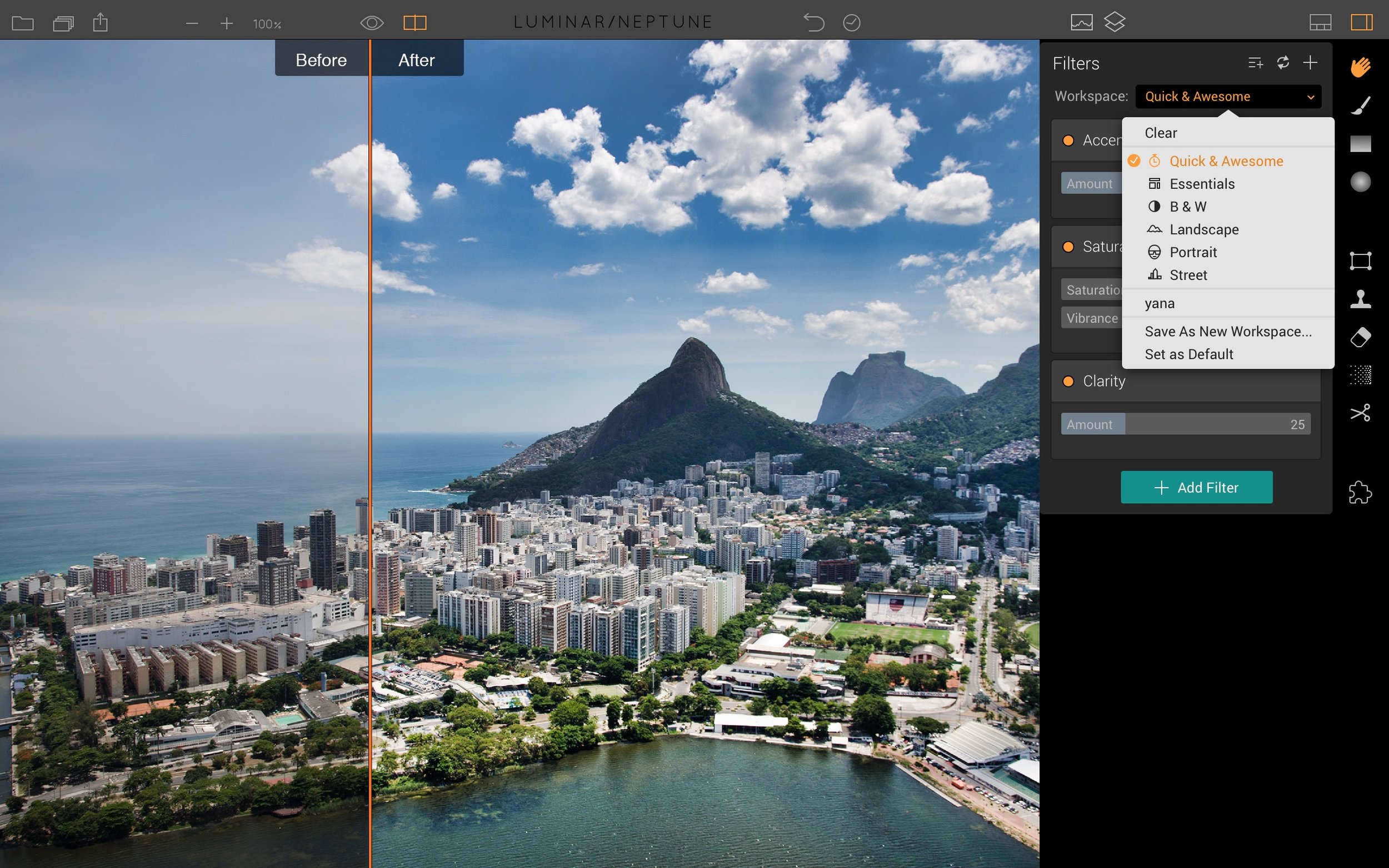
Macphun have just released a new and updated version of Luminar. The update features some big new features, as well as a lot of little improvements. I’ve had a chance to use the beta version for a few days, and there are some interesting new features in the application.

On1 Raw Updated to 2017.5
Yesterday, On1 released a major update to their On1 Raw software, that they are marketing as a Lightroom alternative. The new release adds some much-needed features and changes a few things in the software. It is a fairly major update, and I did a little testing after it was announced. Here are some initial findings.

Luminar as a Nik Software Alternative
Last week Google announced that it would no longer update the Nik software suite that it acquired some time ago. The Nik collection has long been a staple of many photographers over the years and it offered some excellent tools for both creating black and white images with Silver Efex Pro, and also for enhancing colour images with Colour Efex. I have been using the software since it was owned by an independent company, and I even paid the full price for it back in the day. While I’m sad to see it go, I hadn’t been using it for a while anyway, as my main go-to plug in now is MacPhun’s Luminar.
My Presets for Aurora HDR now available
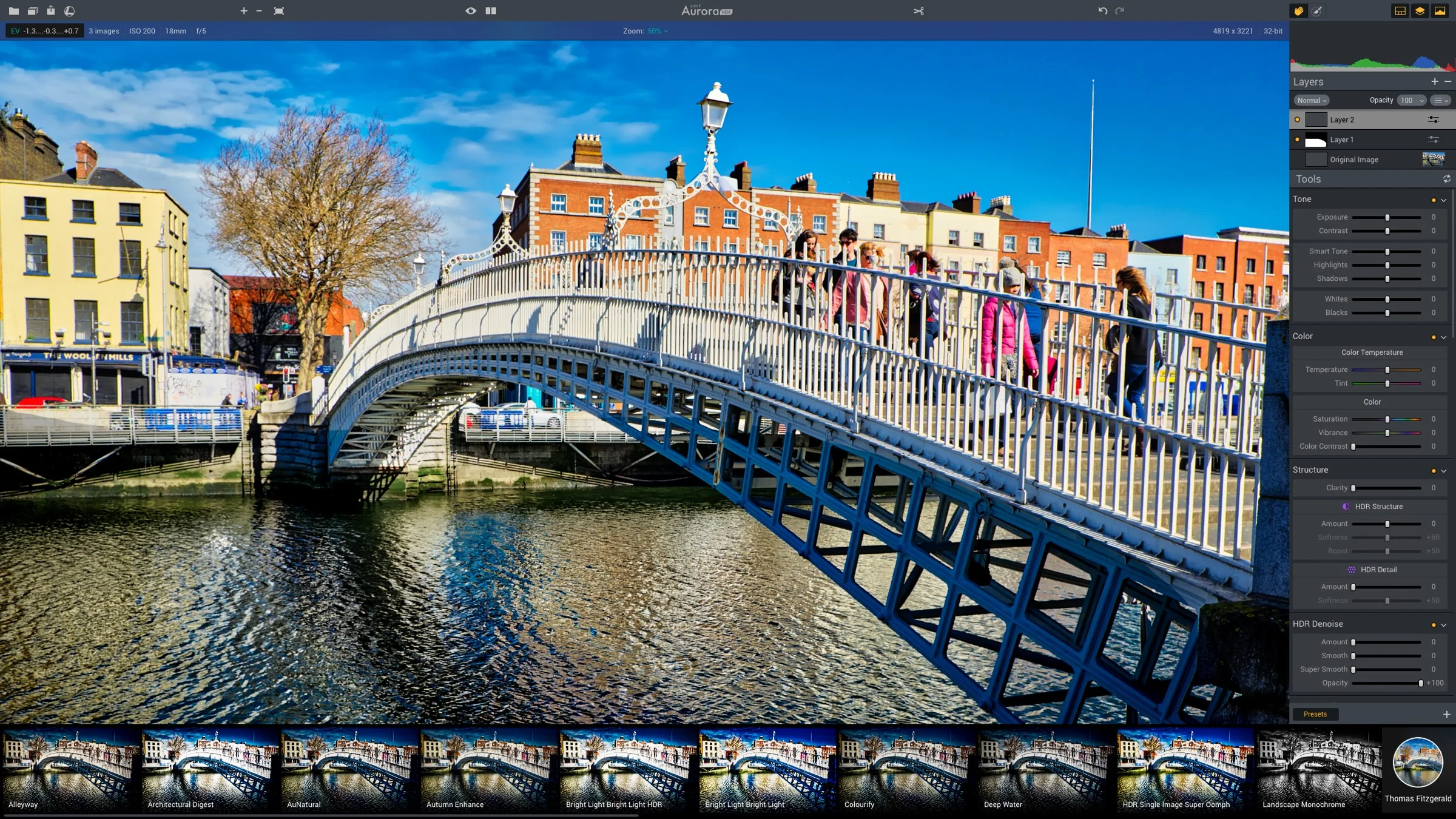
I’ve been working with the excellent AuroraHDR from MacPhun for some time now, and slowly I’ve been building a collection of presets to use with the software. I’m delighted to say that they’re now available. The pack includes a collection of 22 presets. The included looks are designed to cover a wide variety of styles, and include more traditional, artistic style looks as well as more natural looking styles. The pack also contains some presets designed to work with single image HDR files, and also some black and white HDR looks.

My New X-Transformer Guide is now available
I’ve been promising this for a little while now, and I’m happy to announce that my guide for Iridient X-Transformer is now available. It took me a bit longer to get it finalised that I had thought because I kept doing different tests and tweaking the results and I also kept tweaking the text till I was happy. Called “Processing Fuji X-Trans Files with Iridient X-Transformer and Lightroom”, This guide is designed to help you understand and get the best results from using Iridient’s X-Transformer Software in Conjunction with Lightroom to process Fuji X-Trans raw files.

Capture One Pro 10.1
Yesterday Phase One released a new update to their Capture One Software. Despite being just a point release, it is actually a pretty significant update. It contains a number of very important feature changes. If you’re a Fuji X-Trans shooter, the software also includes some big changes to X-Trans support too. I’ve actually been using the beta version of 10.1 and I’m excited now that it is finally released and I can talk about it. There are three major changes that I want to talk about in this post.

How I Use Photoshelter To Organise my Photo Library
A while ago I talked about switching from PhotoShelter to PhotoDeck for image sales as the former didn’t properly support EU vat. However, since then I’ve gone back to using Photoshelter. I’m not using it for sales though. I’m using it to manage my ever growing library of images. It may seem like an odd choice, and while it’s not perfect, It’s actually working out reasonably well.

A First Look at Picktorial 3.0 for Fuji Shooters
It seems like only a short time ago that your choices for RAW conversion software, especially for Fuji shooters was somewhat limited. Now there seems to be a new release every month, and it’s great that there is a wealth of choice out there now. The latest piece of software to come across my desk is a new version of Picktorial. This new major update to version 3.0 brings full support for Fuji files, and it’s not using the Apple engine, but the company’s own. I’ve been using a beta for a little while and I’m intrigued, especially with the Fuji conversion.
Updated Iridient X-Transformer Settings
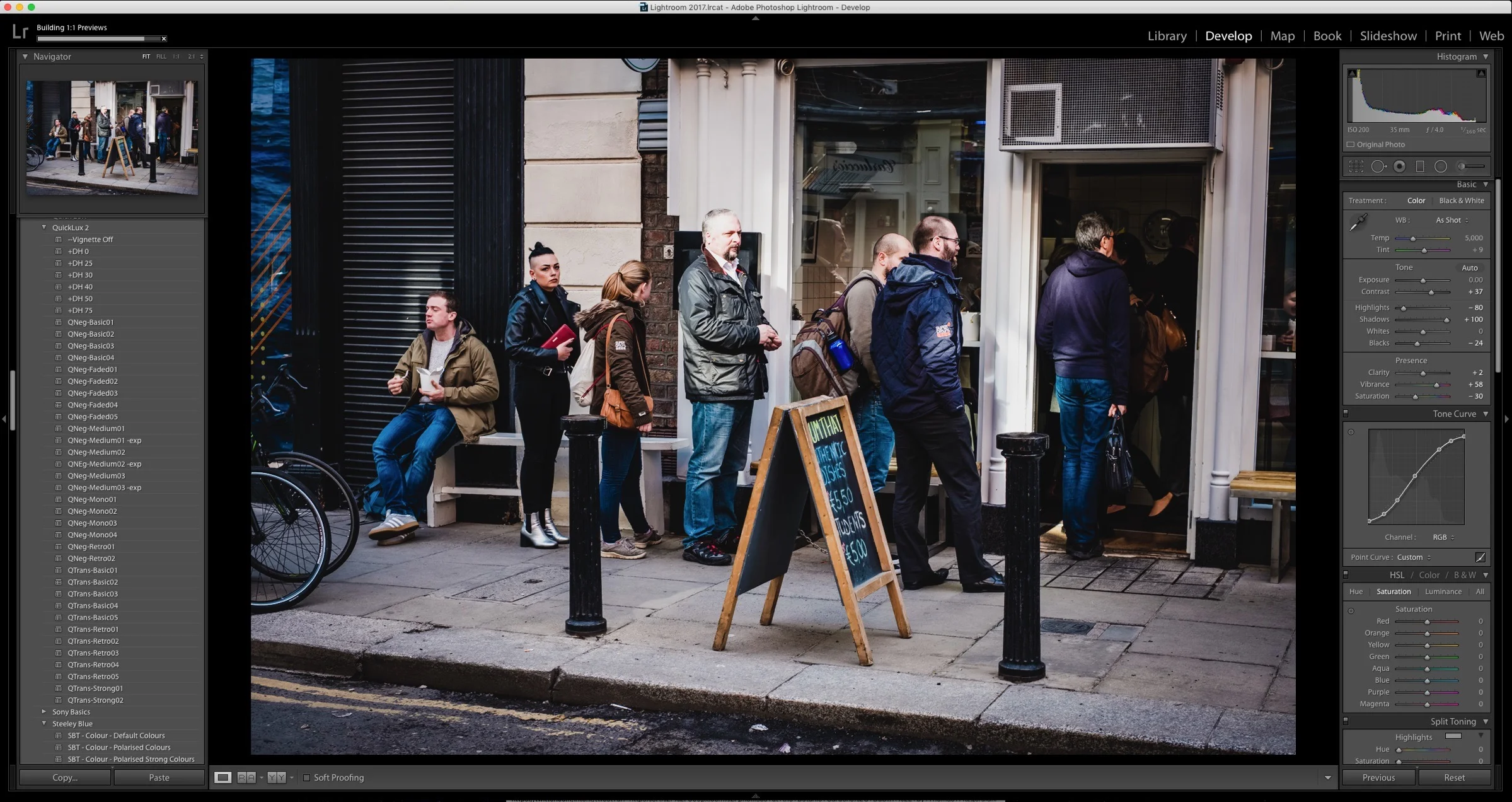
I’ve written a few times now about using Iridient’s X-Transfomer to pre-process Fuji X-Trans files for use in Lightroom. As I have previously mentioned, there are lots of different combinations of settings that you can use, all of which will give you differing results. In my previous post, I thought that I had found the best combination, which was to apply a low level of sharpening in both X-Transformer and Lightroom, but since then, after more experimenting, I’ve come up with a different way of using it.

Another Look at Luminar for Fuji Raw Processing
A little while ago I reviewed Luminar from Macphun. At the time I pointed out some issues with the processing RAW files in the software, and Fuji files in particular. Since I wrote that the company has released a new version which addresses some of the issues, and so I thought I would take another quick look at it.

Tips for Using Iridient X-Transformer with Fuji X-Trans Files
Now that Iridient X-Transformer has been out on the Mac for a little while I’ve had a chance to play around with it for a bit. After lots of testing and trying various combinations, I’ve come up with what I believe is the best approach to take if you prefer natural looking images. In this post, I’ll outline the settings that I’m now using and some other tips for using the software. As always, I based these on my preferences, and so, you may prefer a different approach. However, if you’re looking for somewhere to start, then have a look, try the recommendations, and judge for yourself.

Mac Fuji Shooters: Iridient X-Transformer available now!
A while ago I wrote about Iridient’s new product, X-Transformer. It was only available for Windows at the time. I don’t have access to a Windows computer, but I did try it under parallels at the time, and I was impressed with the results. However, because it was just too clunky to work with under emulation, I didn’t do too much with it, as a mac version was promised.