
Photo Editing, Tutorials, Photography News, and More
This blog covers a range of topics from Lightroom, Photoshop, Capture One, Fujifilm, Canon, Nikon, iPhone Photography, and more. If you want to see more of my actual photography work, visit my Portfolio and Photo Journal blog.

Apple Raw Compatibility Update 6.19 Adds support for Fuji X70, Fuji X-E2S & Sony A6300
It seems to have been a long time since Apple has released a Raw compatibility update for OS X and I was beginning to get a bit worried, but just as I was about to start investigating the issue, a new update has just popped up in the Software Update panel of OS X.

Why use one RAW Converter Over Another? (An excerpt from my upcoming Fuji X-Trans Guide for Iridient Developer)
I am in the process of writing my third Fuji X-Trans guide. This one will be a compressive guide to working with Iridient Developer. It's actually turning out to be the biggest one of these guides yet, and I go into a good bit of detail on how to use the software, and cover workflows for working with Iridient Developer and Lightroom. However, as I've been writing this, I keep thinking about some of the questions that I often get asked by email about using one converter over another.

Things to photograph when you're stuck at home: Toy Photography
Having been pretty much home bound for the past two weeks thanks to a nasty chest infection, I’ve been going slightly crazy from cabin fever! I’ve been having the urge to photography something….anything at this point, and this got me thinking about things to photograph when you’re stuck at home, and in particular something I had been dabbling in recently: toy photography.

A Fun Week (Not)
I want to apologise for the lack of updates this week. I've not had a very fun week. What started out as someone coughing on me in a line at the bank, turned into a cold, which I then thought was becoming the flu, ended up as a bad chest infection that had me taken to hospital by ambulance the other night with a fever and a ridiculously high heart rate. Special thanks to my Apple watch for the heads up on that one.

Using Photoshop Plugins in Affinity Photo
Here’s another quick tip about Affinity Photo. When I first wrote about Affinity Photo, one f the questions I got from many people was: “Can you use Photoshop Plugins with it?” The answer, you may be pleased to know is a yes. I’ve tried the Nik suite (which is now free) and they all work perfectly well in Affinity Photo. There is one difference that I’ve noticed, and it’s important to be aware of it if you’re planning on using plug-ins in the software.

Capture One adds Partial Fuji X-Pro 2 Support
Phase one have just released a new update for Capture One Pro 9. Version 9.1.1 adds partial support for the Fuji X-Pro 2. As with many of the other converters out there, it only currently supports uncompressed raw files.

Overcast: More Examples of QuickLux 2 in Action
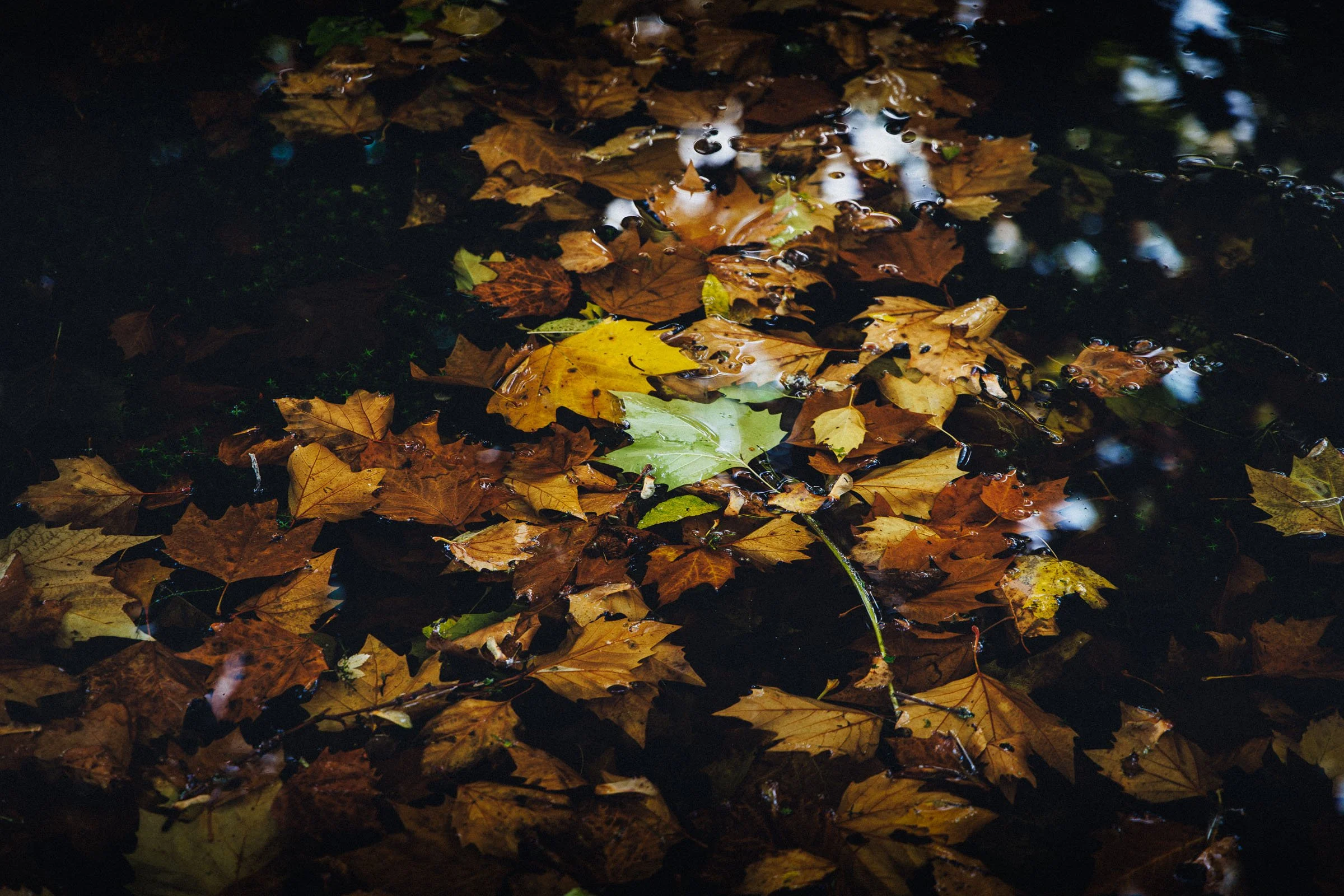
Over on my Photo Journal I posted some images I took recently while out in the local parks here after a rain storm. I had taken these with my old Canon 5d Mark 1 and I processed them using the QuckNeg presets in my QuickLux 2 pack. This kind of deep green, overcast look is exactly what I was trying to create when I was developing these looks.

How to use Affinity Photo as an External editor for Lightroom
I briefly covered Affinity Photo in a previous post, and it is an excellent Photoshop alternative. I've been using it more and more lately, and that includes using it in conjunction with Lightroom as an external editor. This is pretty easy to set up but there are a few limitations unfortunately. However, there are significant advantages to using the software in lieu of Photoshop. In this post I'll show you how to set up Affinity Photo to work as an external editor, and I'll discuss some of the limitations and advantages of using Affinity Photo with Lightroom.

Fun With Monitor Calibration
I've been using a defunct Pantone Huey Pro to calibrate my display, for pretty much as long as I can remember. While the device hasn't been officially supported for a while, it had continued to function until recently. Since El Capitan came out, the software hasn't been working properly, and my display has been slowly drifting. On top of that, somewhere along the way, the gamma got screwed up, which I didn't realise. So the upshot of this is that my screen was too bright, and so I was outputting my images too dark.

Mylio Adds X-Pro 2 Raw Support
Just a quick update on X-Pro 2 raw support. Another application has added support fro X-Pro 2 raw files. This time it's Mylio. If you haven't seen Mylio before, it's quite an interesting application, that has great promise. It is a photo management application, which also features some raw conversion, but it's main feature is its ability to sync across multiple platforms, including iOS.

Sequence: Food Fight
Here's a little distraction for a rainy Friday. I was taking some photos in the Stephen's Green park in the centre of Dublin yesterday, and as I was lining up a different shot, I noticed some commotion in the lake behind me. There was a guy there feeding the seagulls, and they were getting quite frenetic. So I shot off a sequence on high speed with my D700.

Send to Photos from Lightroom Via Automator
I’ve been covering different ways to get Lightroom and photos to work together on the blog for a little while. In one of my previous posts I showed a way to sort of sync between the two applications. A simpler method is to create an export preset to send images straight to Photos from Lightroom. There are two ways to do this and I’ll discuss them both in the following post.

Handmade Camera Strap from Etsy
I recently decided to get a new camera strap for my old film camera. By new, I really mean: "one in the first place" as it has been without a strap for some time since I "borrowed" the one that came with it for something else. I wanted something that fitted the retro nature of the camera, and I also wanted something fairly minimal. So I decided to try and have a look on Etsy, and what I found was a lovely piece of hand made craftsmanship.

Quick Lightroom Tip: Regenerate Previews after you've finished with a project
Here's a very quick Lightroom tip for you. One of the frustrating things about the way Lightroom's preview system works is that it only generates previews when you tell it to, usually upon import. As soon as you make any changes to an image, the preview for that image is lost. In order to make sure you can keep browsing through your library speedily, it's important to periodically re-build previews.

Street Photography Diary: Issue 14
I never know how to start these Street Photo diary posts. Should I come up with some philosophical observation on the society that I'm documenting? Should I talk about the gear that I used? Should I wax lyrical about the importance of this or that photographic ideology? I just don't know. At the end of the day, much of the images that I take for these street photo diary series are shots I took for me, because I like some aspect of the scene, or I see a story unfolding that looks like it could be interesting.