
Just a quick update on X-Pro 2 raw support. Another application has added support fro X-Pro 2 raw files. This time it's Mylio. If you haven't seen Mylio before, it's quite an interesting application, that has great promise. It is a photo management application, which also features some raw conversion, but it's main feature is its ability to sync across multiple platforms, including iOS. You can sync via the cloud or it will sync directly. I've been using it for a while to manage my finished files, but more on that in a future post.
There are some raw conversion capabilities in Mylio. In the past I haven't really used this aspect of the software as it's been missing some key features that I use regularly, in particular lens correction. Having said that, it seems to do good job with X-Pro 2 files, based on my very limited testing with the samples currently available.
There are a couple of limitations though. First of all, the adjustments you can make in Mylio are quite limited. There's no control over noise reduction and there's no lens correction of any kind. It's not an ideal piece of software to use as your primary raw converter. Like all the other applications out there that support X-Pro 2 raw files, it doesn't currently support compressed raw. Lightroom so far is the only software that supports compressed raw from the X-Pro 2, so if you have recently got one, or are planning to get one, I would suggest avoiding shooting compressed raw for a while if you want to have the option of using different converters.
The list of applications that support the X-Pro 2 continues to grow, but there are still some major notable exceptions. Neither Apple nor Phase One (Capture One) have yet added support for the X-Pro 2. I'm not sure what's going on with Apple as they haven't released a Raw update in a while, and there are a number of recently released cameras that have yet to be supported.
I will continue to keep an eye out for applications that add support and report it whenever they do! In the mean time, if you haven seen them already, please check out my X-Trans processing guide booklets. I have guides for Lightroom and Capture One, and I have another one coming soon covering Iridient Developer.



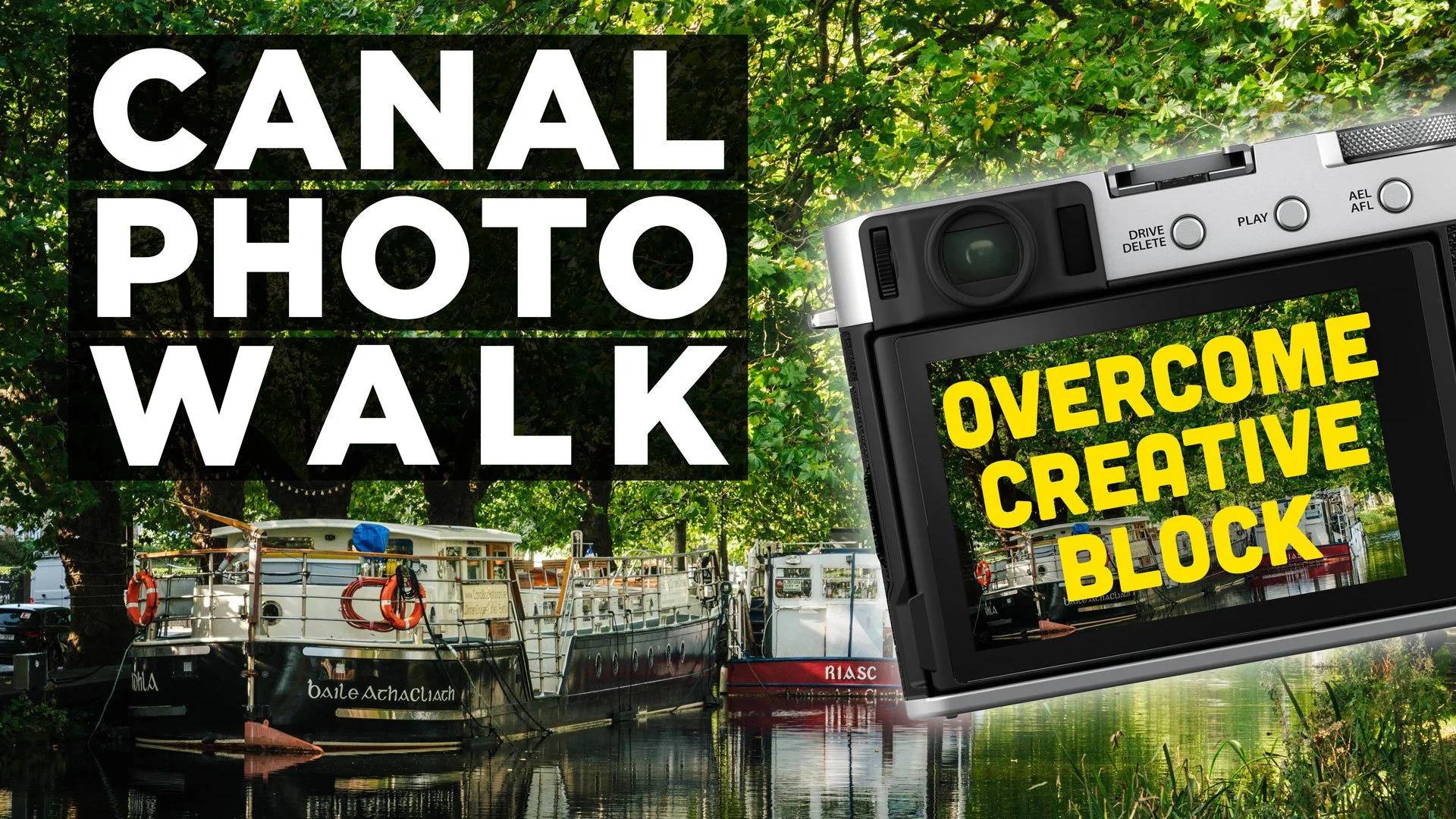

I’ve had my Fujifilm X-E4 for a long time now, and for the most part it’s a great little camera. I’ve used it as my main “lightweight” travel and walk-around camera for years now. Any time I want to bring a camera with me and I don’t want to lug my Canon R6II, I throw the Fujifilm in the bag. I had originally bought it to replace my ageing Sony a6000 for street photography, but that never really panned out. Mainly because I didn’t do street photography as much any more, but also, an annoying bug in the camera made it difficult to use with my style of street photography. But I finally found a solution.