

Photo Editing, Tutorials, Photography News, and More
This blog covers a range of topics from Lightroom, Photoshop, Capture One, Fujifilm, Canon, Nikon, iPhone Photography, and more. If you want to see more of my actual photography work, visit my Portfolio and Photo Journal blog.
Featured Posts
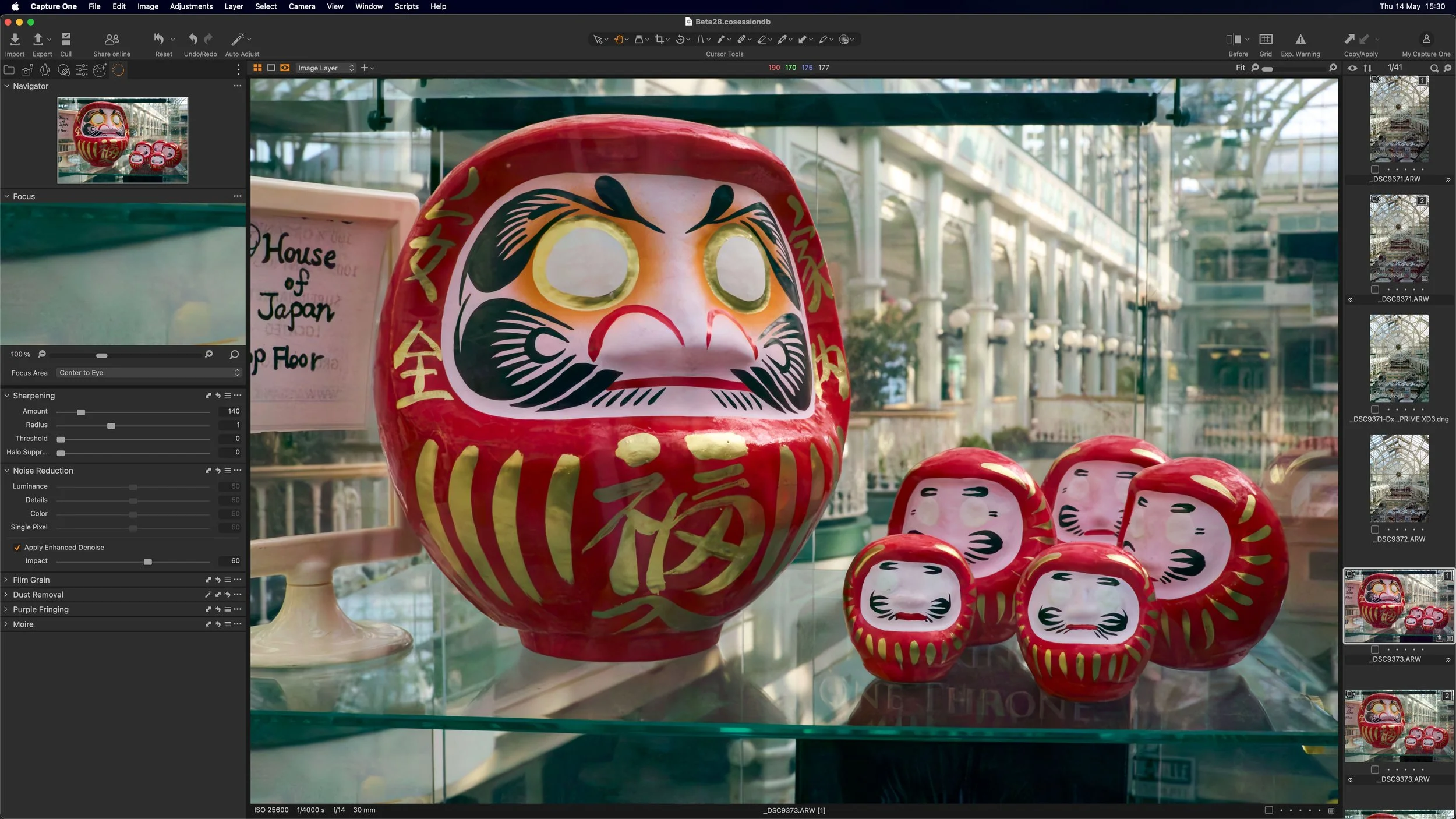




Video: Fix Tricky Colour Fringing (Chromatic Aberration) in Capture One
In this video I show you how to deal with chromatic aberration in Capture One when the default method won’t work.

Save 30% on DXO Software (Except Nik Collection)
Just a quick heads up - DXO labs has just announced a sale on most of their software. They’re offering 30% off all of their applications, including DXO Photolab, Film Pack , Viewpoint and the recently announced Pure Raw.

Nordic Styles for Capture One - First Impressions Review
A few weeks ago Capture One launched a new style pack for the software of the same name, called “Nordic Styles”. Available in two packs, each with two styles in two variations, the stated aim of the styles is to “channel nordic light and beauty” and to “achieve elegant colour grading inspired by Scandinavian editorials.” I had a chance to try out both style packs, and in this post, is my first impressions.

Rethinking My Fujifilm Lightroom Recommendations
It’s been a while since I updated my recommendations for Lightroom processing of Fuji files. Since then, Lightroom has been changing quite a bit, and so, while I had planned it before but never got around to it, I’m now in the pre-production stages of re-writing my Fuji Lightroom guide. One of the big things I’m changing is how I recommend people process their Fuji files for the best results.

Capture One for M1 Macs Coming in May
Capture one announced on their facebook page that native support for M1 Macs will be coming in May. I wrote a little while ago about my experience with the software running under rosetta on the new Macs, and while it ran fine, there was some lagginess when editing. So the update will be welcome to those running a Mac with Apple silicon

Capture One offering Beyond and Nordic Style Pack Bundle
Just a quick note for those who might be interested. Capture One is offering a bundle of its new Nordic Styles and its Beyond Style pack for €99 (compared to €138 to buy separately). If this is something you’re interested in, you can find out more on the Capture One website.

How to use Super Resolution with Capture One
I’ve had a few readers ask me about using Adobe’s “Super Resolution” with Capture One. I had thought that this would be a relatively straight forward process, but unfortunately it seems to be a bit more involved that I first assumed. I had speculated that you could just open a DNG file created with Super Resolution in Capture One, but for whatever reason this doesn’t seem to work properly (more on this below). So, while you can’t use the DNG files directly, you can still use a Tiff or PSD. The workflow is a little more convoluted than perhaps it needs to be, but in this post, I’ll outline my suggested way of working with Super Resolution and Capture One.

DXO “Pure Raw” Released - A New Raw Pre-Processor from DXO Labs that works with Lightroom - A First Look Review
DXO labs today announced the release of a brand new Application called “Pure Raw”. So what is “Pure Raw”? It is a RAW pre-processing application that uses the DXO engine to convert your raw files into DNGs using DXO’s demosiacing and lens correction technology, and more importantly their highly regarded Deep Prime AI based noise reduction. This results in a file that can still be edited much like a RAW file, keeping the ability to change white balance, recover highlights and so on, while taking advantage of DXOs imaging technology.
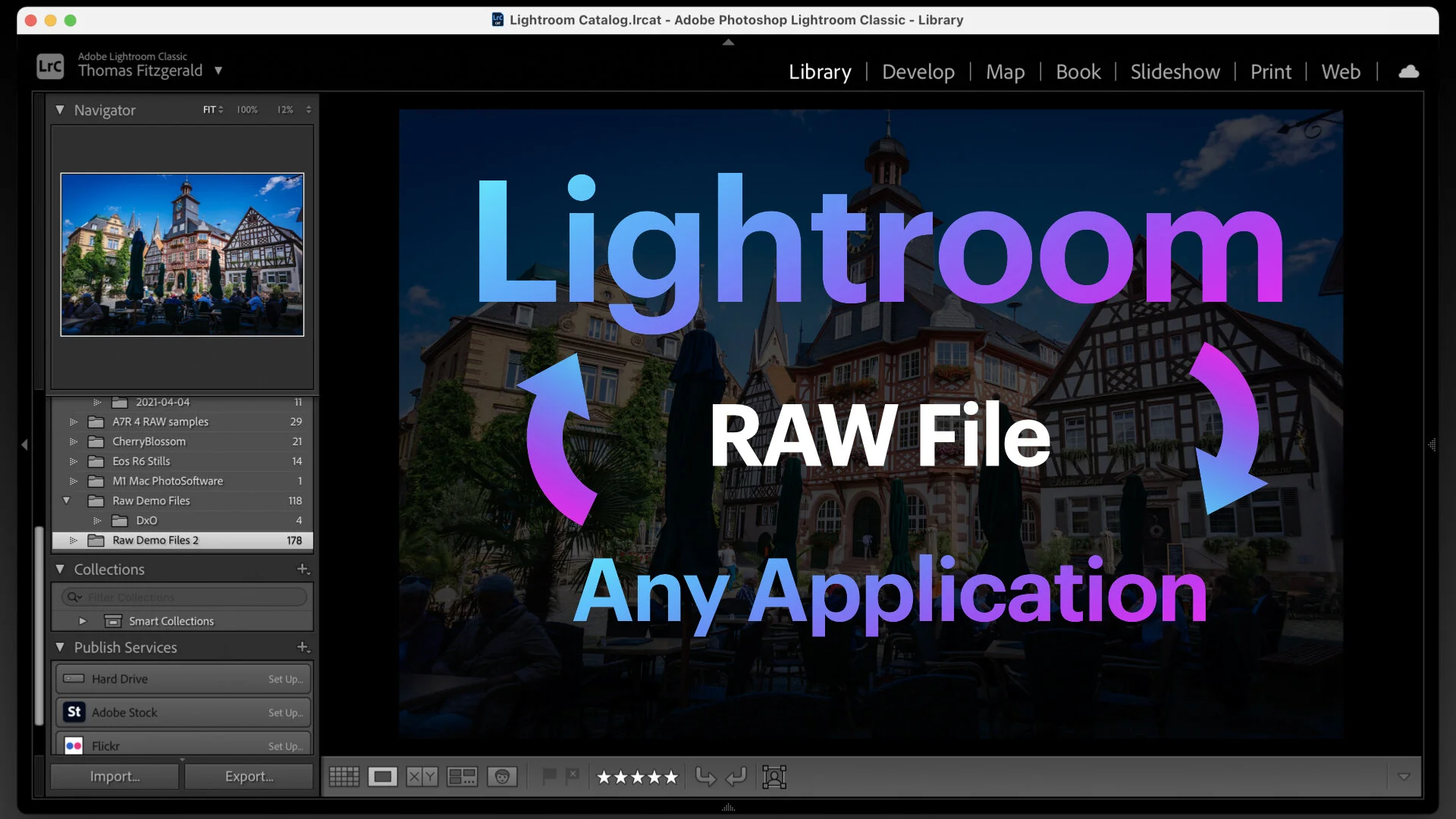
How to roundtrip a Raw file from Lightroom to any application
This is kind of a nerdy tip, but it’s actually a really useful thing to understand. Here’s the premise - you’re using Lightroom as your main way of organising your photos, but you want to use some other application to edit your raw file for whatever reason, and bring the result back into Lightroom. If you use the edit with function in Lightroom, you will only send a Tiff or PSD file rather than a RAW file, so unless the application to which you want to send it has a plug in, there isn’t an easy workflow. Or is there?
Adobe’s new “Super Resolution” in Camera RAW- What it is, what it is not, and tips for use
Ever since the most recent update (at the time of writing) to Photoshop included the new “super resolution” feature in Camera Raw there has been a lot of discussion, and an equal amount of misinformation about this feature. In case you missed it, “Super Resolution” is Adobe’s new method of upscaling a file using artificial intelligence to give a superior result to previous methods. There have been some wild claims about this online, including some claims that it doubles the resolution of your camera, and that you no longer need to buy a high megapixel system, as this is just as good. In this article, we will take a look at “Super Resolution”, discuss its actual usage case, and talk about some tips on how to use it.

Free Capture One Style Brushes
Ever since Capture One released the 14.1 update, I’ve been playing around with the new style brushes feature, and I’m really linking it. As part fo my experimentation, I’ve been creating a few style brushes of my own, and so, I’m making these experimental brushes available for you tor download and try.

Capture One Launches Two New Style Packs
Capture one has launched two new style packs for the photo editing software. The new style packs are “Nordic” themed, and consist of two different style packs, each with two styles and three contrast variations for each style.

M1 MacBook Pro for Photography - First Impressions on Using an Apple Silicon Mac for Photographers
I’ve been working of a pretty old computer for some time now. My main workstation was an ageing 2012 Mac Pro, which despite its age was working perfectly for why I needed. Or at least I thought it was. I decided to take the plunge and embrace the future with an M1 MacBook Pro. It’s been an eye-opening experience.

Photo Software News for March
Here’s a quick round up of some of the recent happenings in the world of photography software. Capture One announced that Sony A1 Lossless compressed RAW support will be coming soon to Capture One, DXO software is having a sale on NIK plugins, and Photoshop and Lightroom received some recent updates.

Luminar AI Update 2 Released - Features Sky AI 2.0 - Now with sky reflections
Skylum has just released the second update to Luminar AI, and this one contains quite a few changes, including one big new feature. The headline change is the addition of Sky AI 2. This had been shown during the pre-release period of Luminar AI, but never made it to the first release. It’s now here with update 2 and it’s quite impressive, but that’s not all that is included in this update.