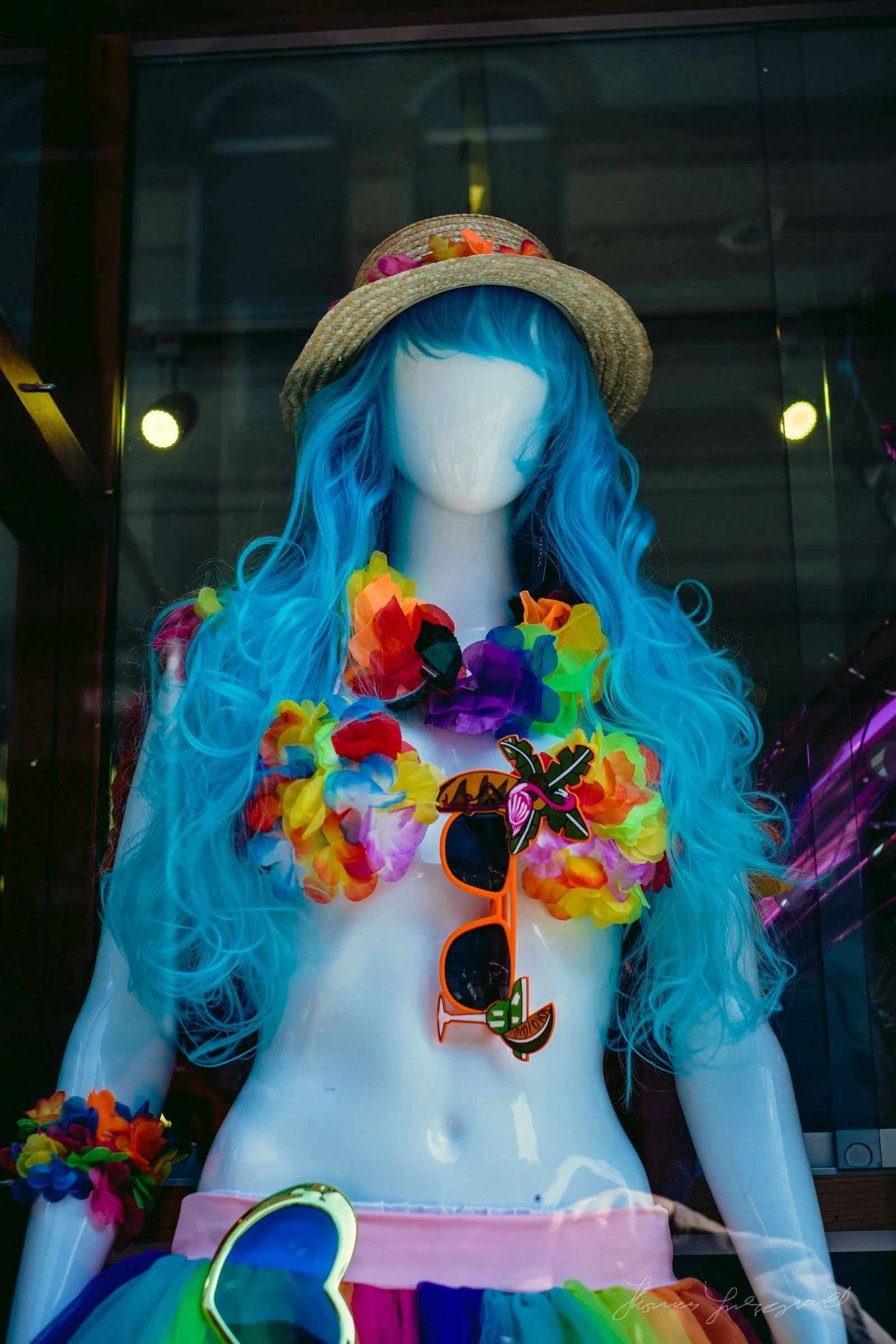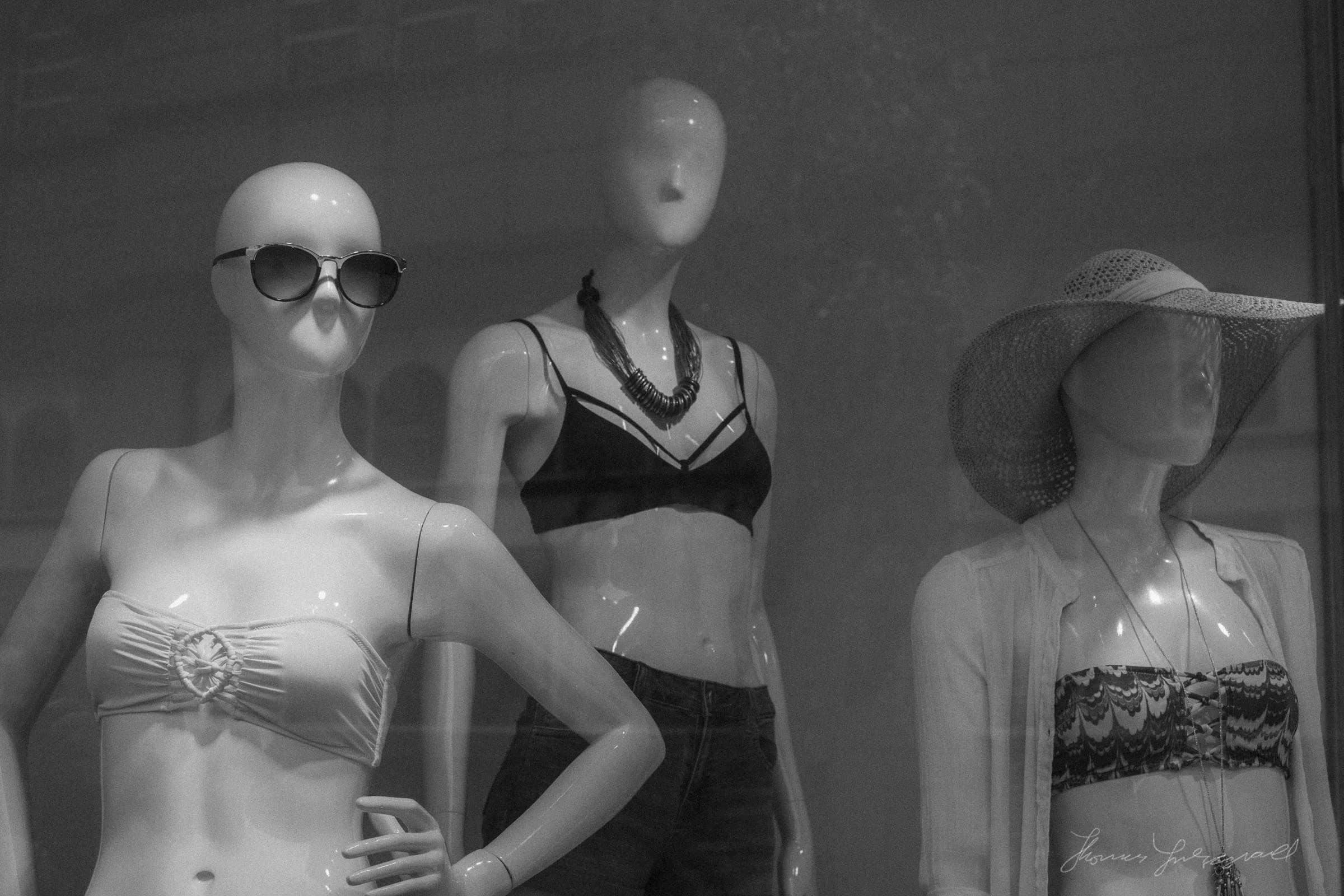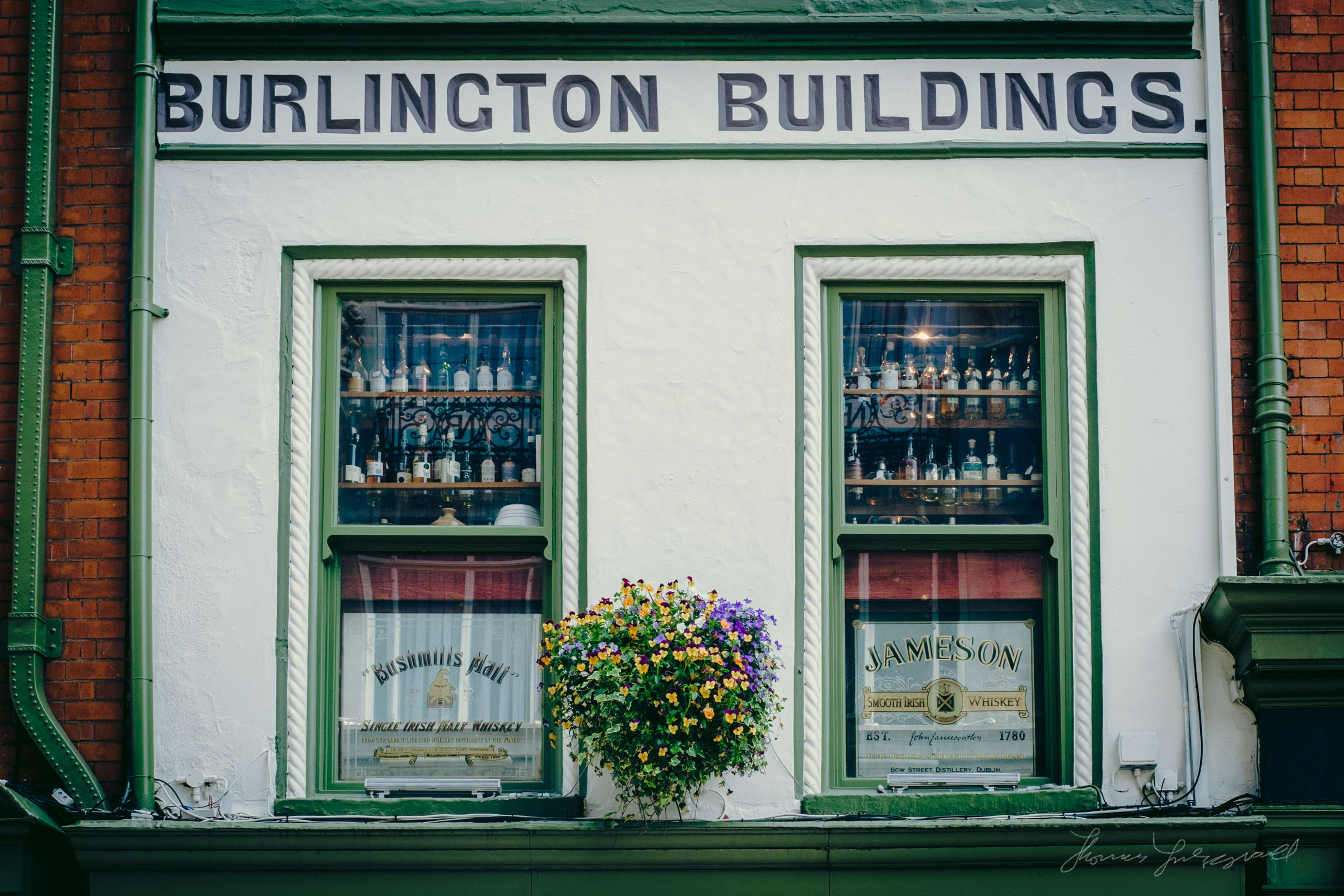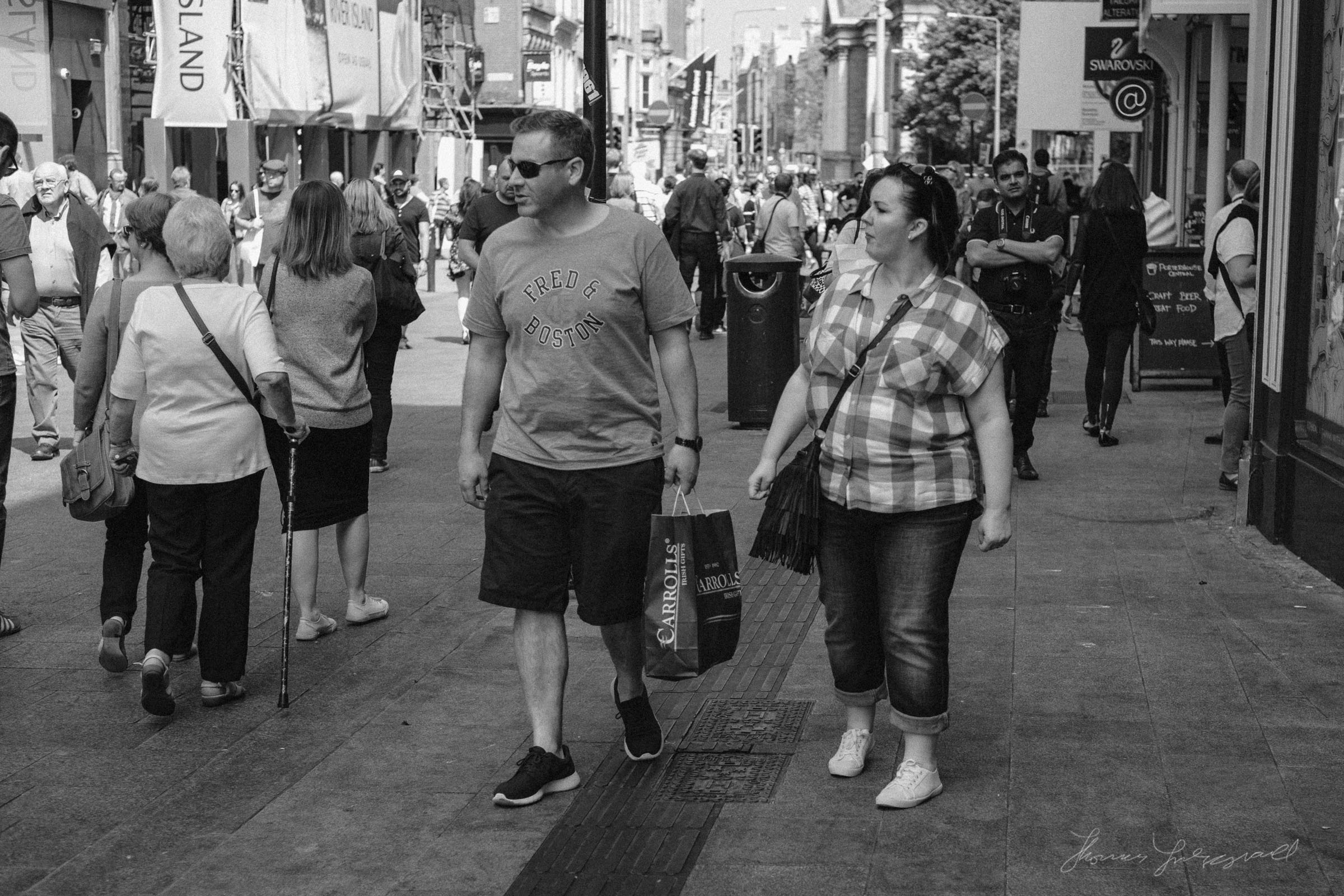
It’s been a while since I last released a set of Lightroom presets, despite my plan to release one set a month this year. I’ve actually been working on a new set for a while now though, and I’m excited about the results. Called “Film Lux” it’s a continuation of my “Lux” series,and this time it’s about some more realistic film styles.
I had been scanning lots of film lately, and I found that looking at the results very closely gave me some ideas for some new ways to go about creating Film Looks in Lightroom. Unlike my Film Candy series which was quite stylised, these will be more like actual film, but there still an “Artistic Impression” rather than straight up emulation.
The set all contain 8 Slide Film interpretations, 8 Black and White negative looks, and 8 negative film variations. I’m just putting the finishing touches on them now, and I hope to be able to release them in the next few days. In the mean time, here’s a video I made showing off the different looks, along with a few more sample images below.
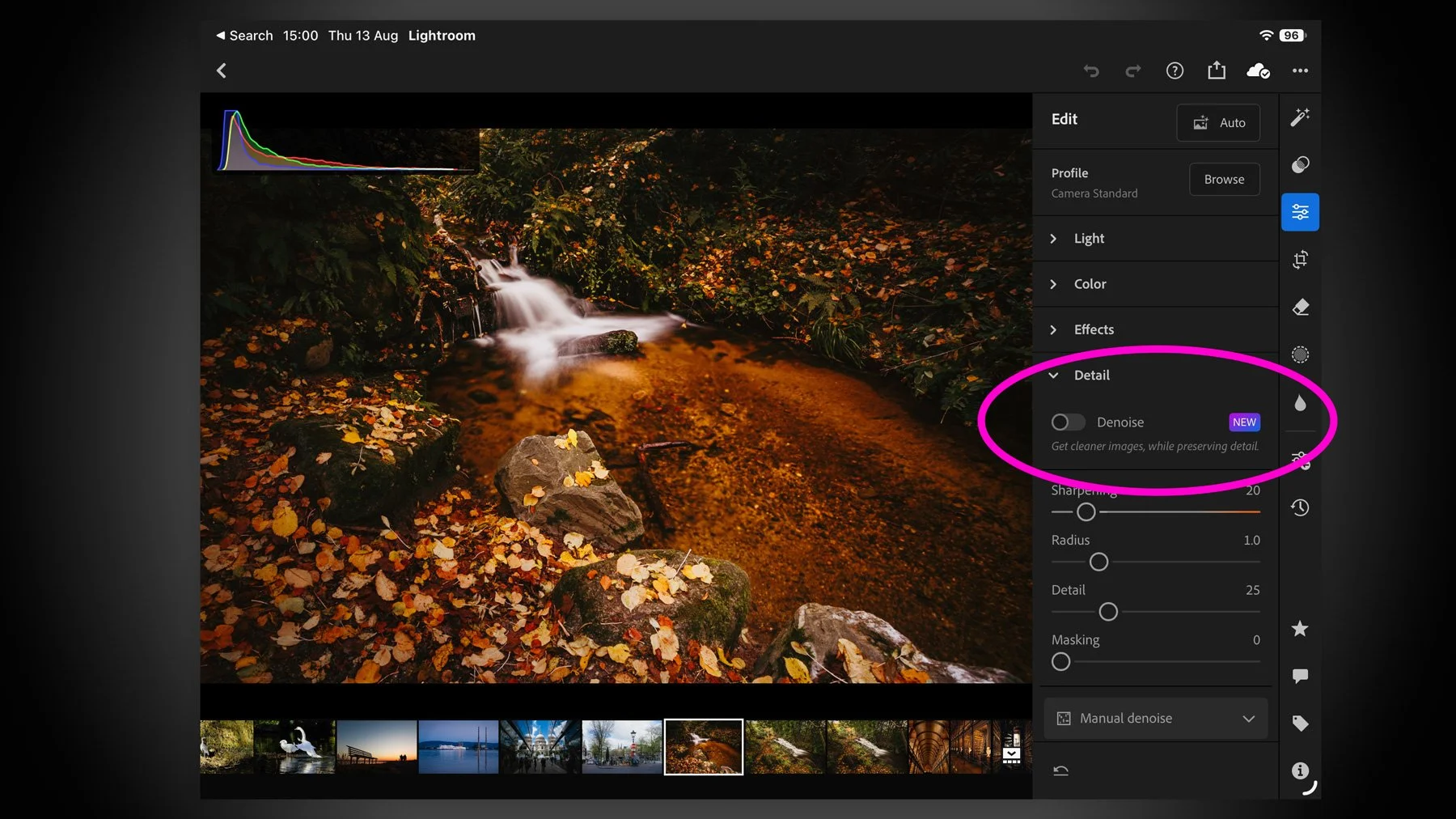
I missed this when the recent round of Adobe Photography updates dropped for August 2026, but they added a much-requested and long-missing feature for Lightroom on the iPad. There’s not much point in me teasing it, as it’s in the title, but yes, Lightroom on iPad finally gets Denoise. And it actually works pretty well.
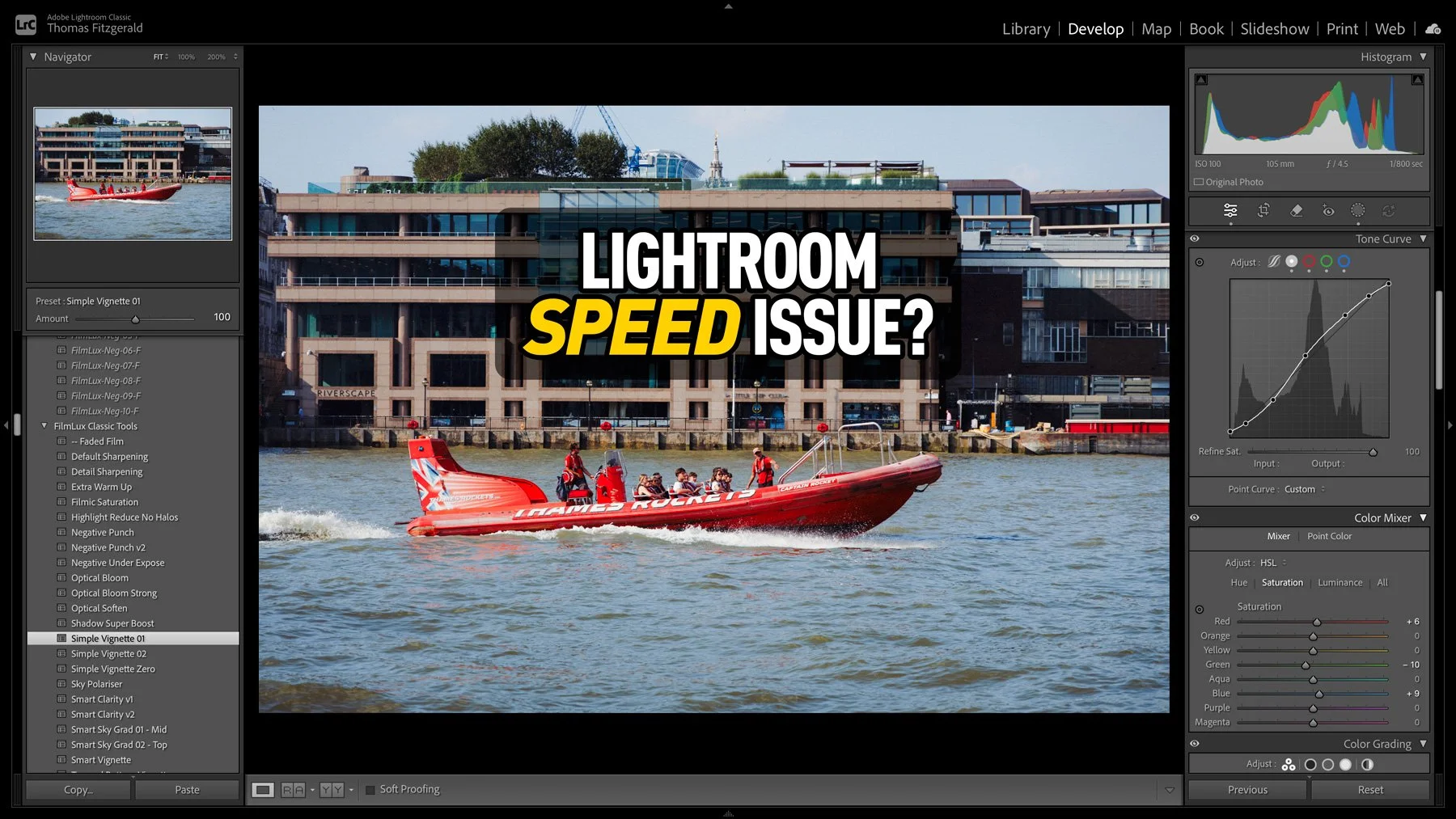
I had taken some photos over the weekend, and I was processing them in Lightroom when I noticed that the software was acting unusually. When I applied a preset, the preview worked perfectly, but it took a few seconds to actually apply. At first I thought that maybe this was an issue with the new version of Lightroom, so I quit and restarted. It was then that I noticed another weird issue: the software was still trying to write the metadata to disk. So I thought that maybe my disk was running out of space. I checked, and there was still lots of room. Curiouser and curiouser I thought. While it turned out not to be a disk space issue, I was actually close to the source of the problem, thinking it was disk-related.
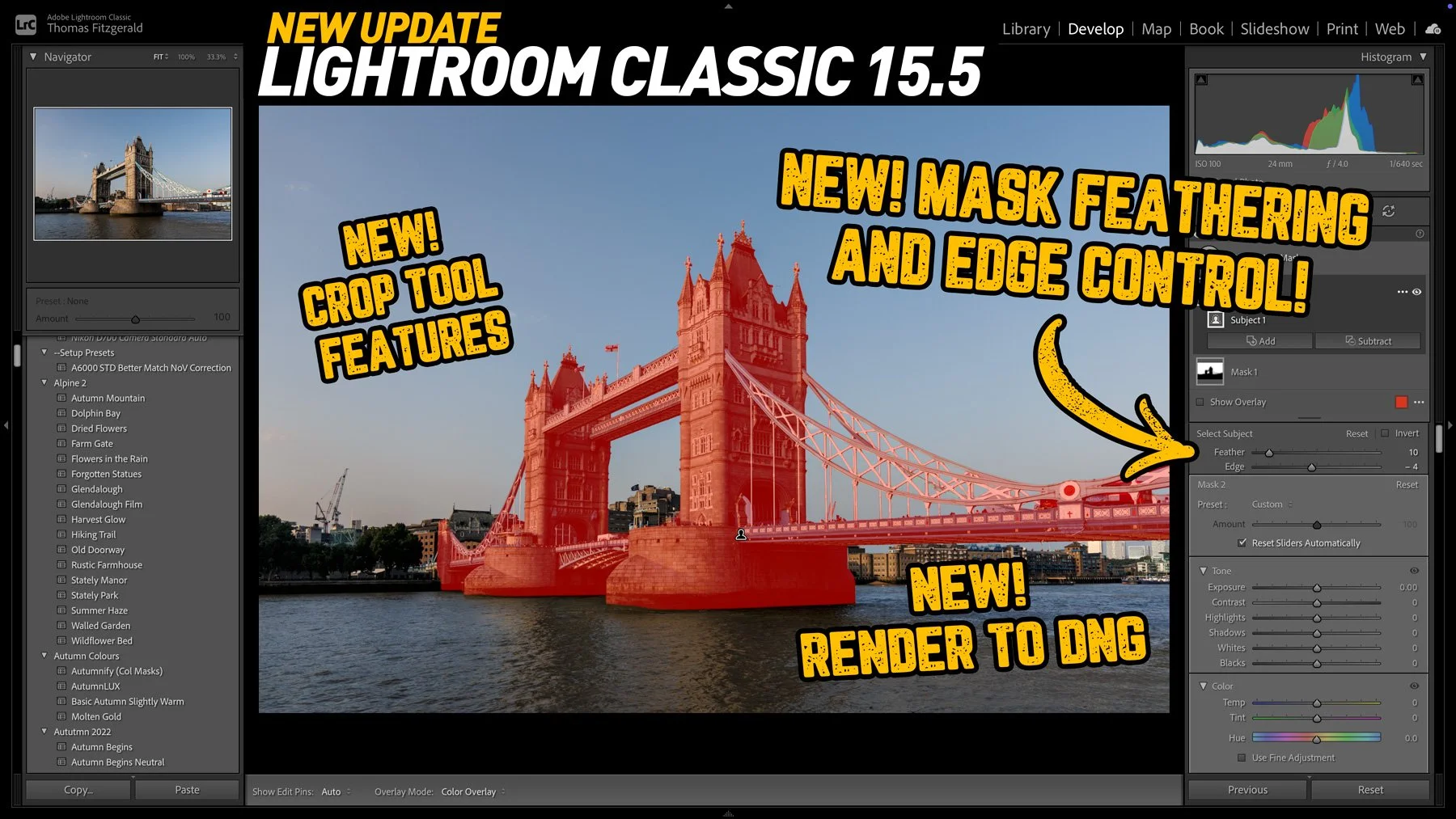
Adobe has released the latest round of Lightroom and Camera RAW updates, and in this article we’re going to concentrate on Lightroom Classic. Aside from the usual under-the-hood tweaks and bug fixes, Lightroom Classic 15.5 adds three new key features, one of which I’ve been asking for for a long time!
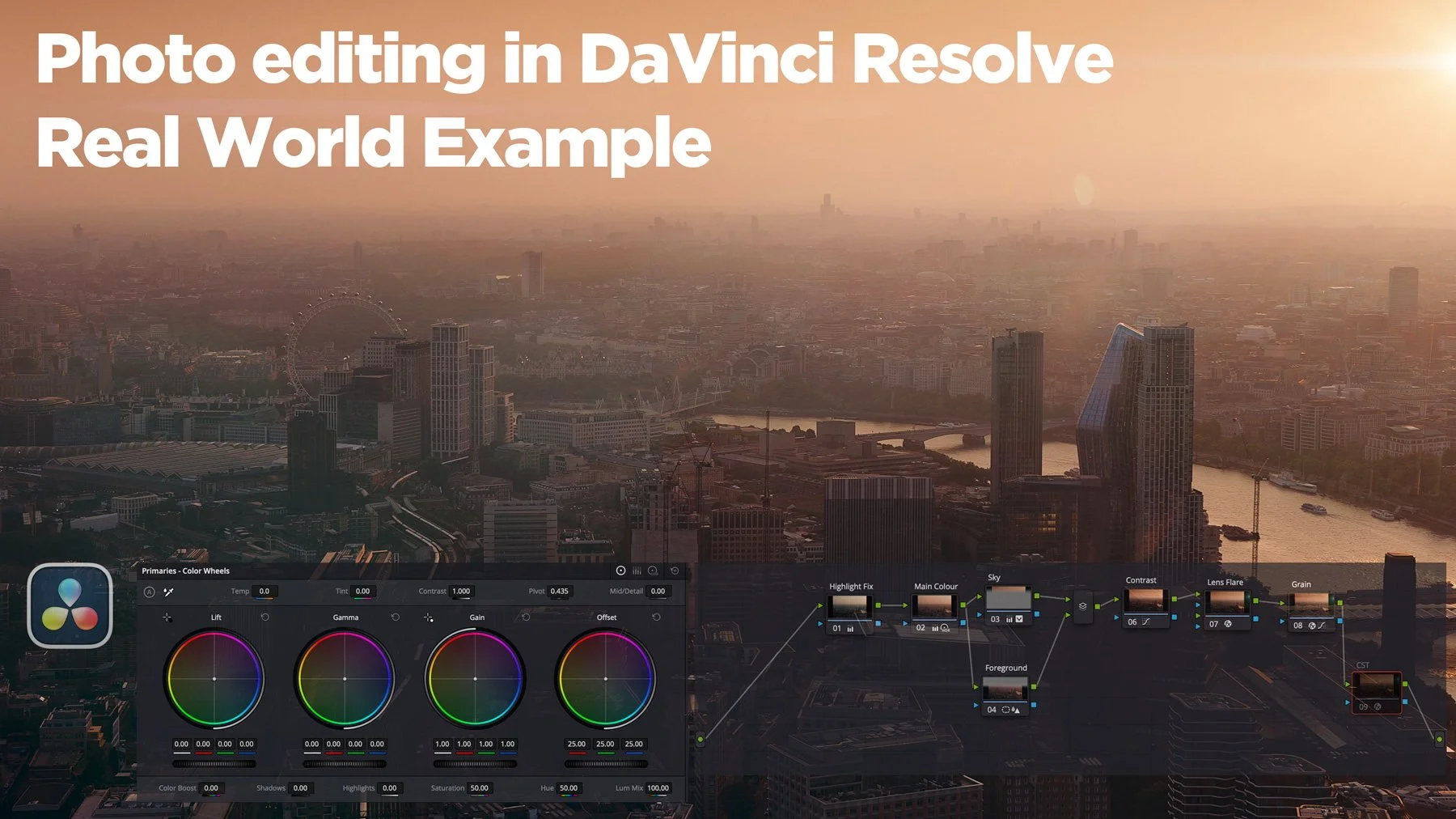
On a recent trip to London, I took quite a few photos and some video at the top of the Shard, one of London’s most famous buildings. I have already posted a few of these, and there are a lot more to come. However, in this post, I wanted to talk about the challenges I faced editing a subset of the images I took and how I addressed them. I ended up using both Lightroom and DaVinci Resolve’s new photo editing mode for these. The latter is something I particularly want to talk about, as it has some interesting abilities, as well as some quirks that those not familiar with the software should be aware of.
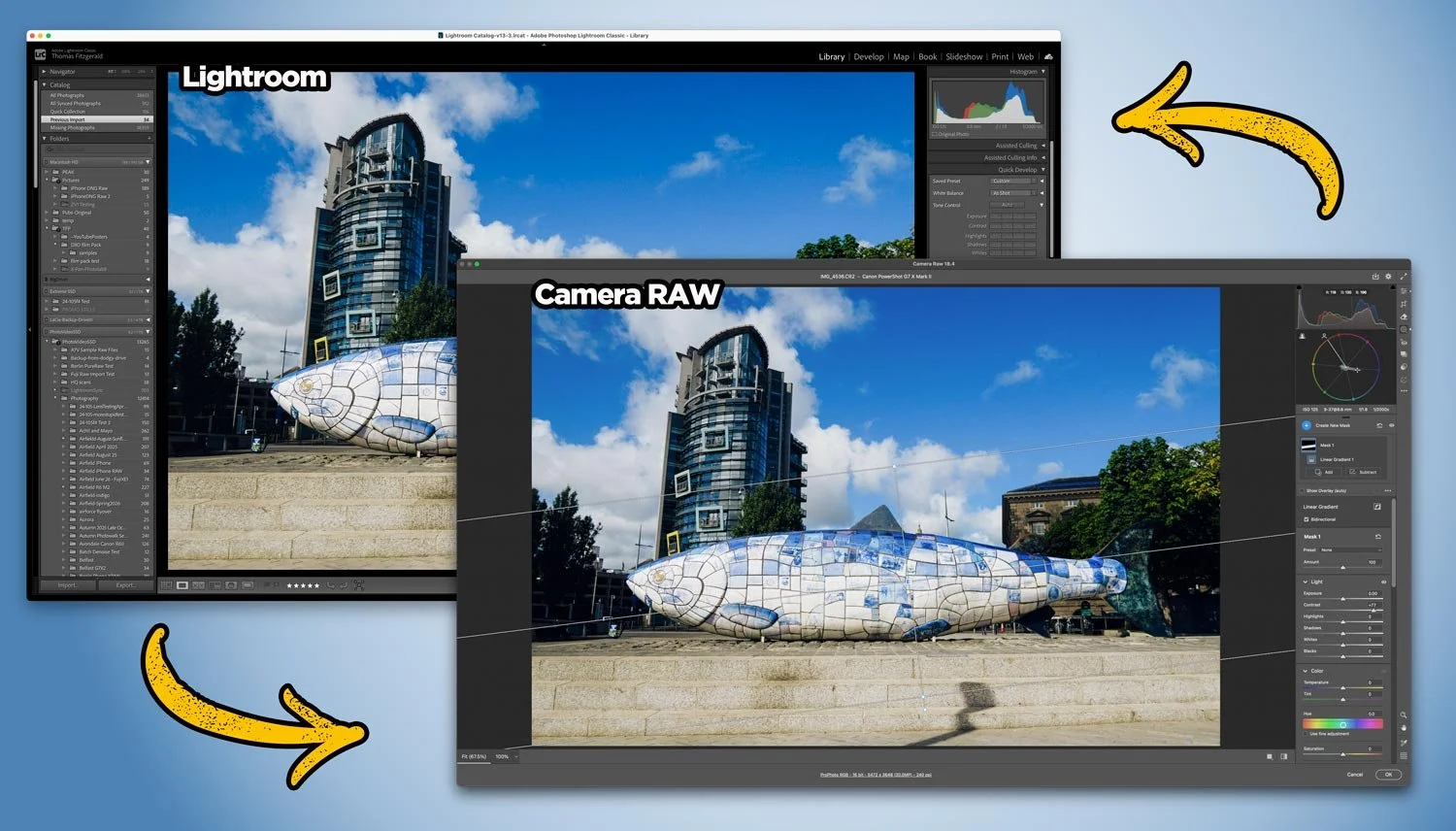
With Adobe recently adding lots of new features to Camera RAW that so far aren’t in Lightroom, users of Lightroom may be wondering how to get access to some of those new tools. Well, it’s actually very straightforward, and you can use Camera RAW from Lightroom entirely non-destructively. You just need to follow the simple workflow below.
The news that Adobe has agreed to acquire Topaz Labs has hit the creative community with a collective “what the f….”. For anyone who relies on tools like Gigapixel, Photo AI, and Video AI, I’m sure this news is a bit of a worrying development, especially if you’re one of those creators who had exited the Adobe ecosystem (”you fool … there is no escape!”).
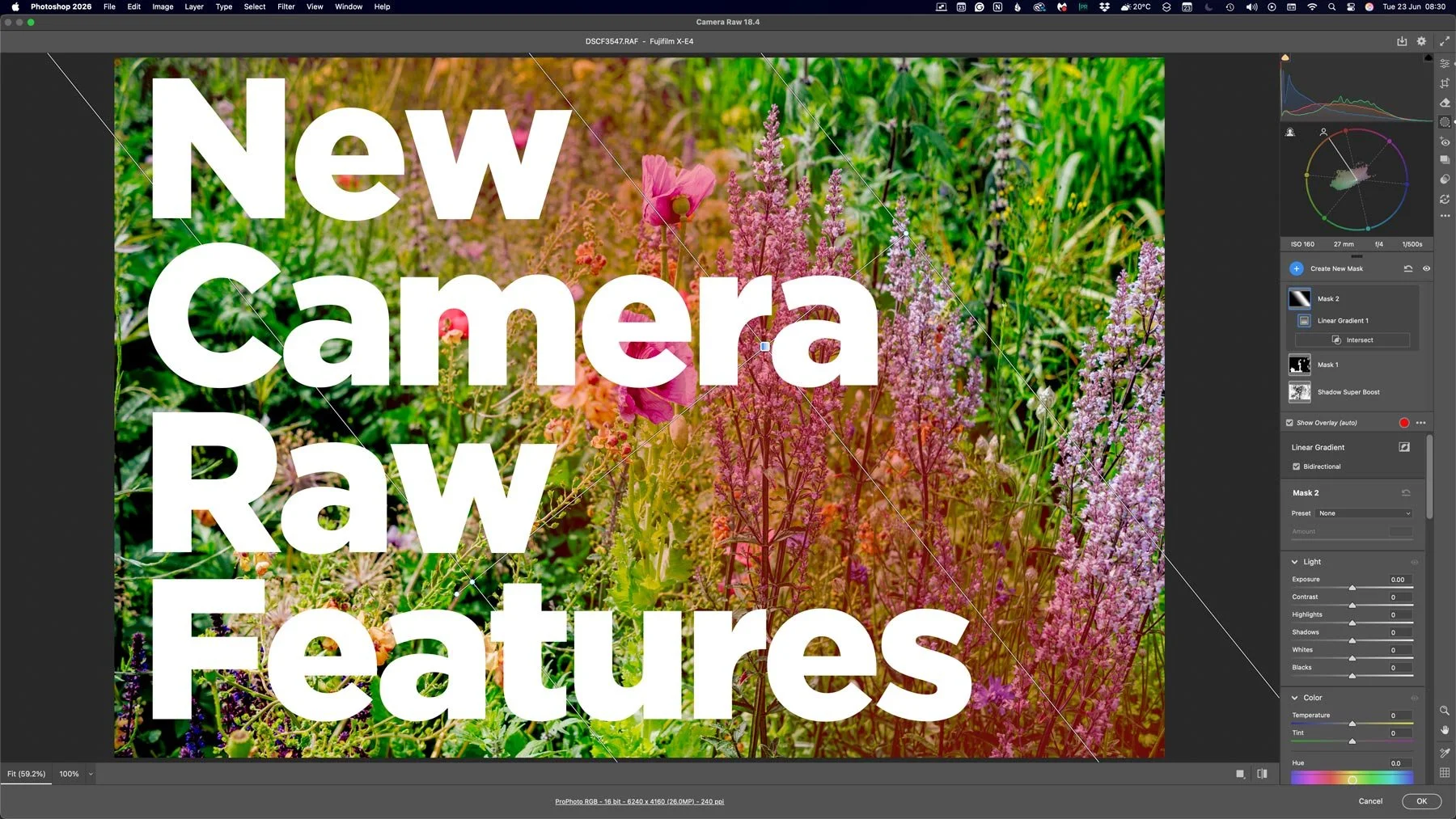
With the last few Photoshop releases, Adobe has kept adding new features to Camera RAW. Usually, these would be added to Lightroom either at the same time or with the following release, but so recently, this hasn’t been the case. And these haven’t been minor features either, we’re talking some big, long-sought-after tools, including the colour corrector in masks, and the ability to adjust the edges and feathering of AI masks. Are we seeing a different strategy emerging from Adobe regarding its photography applications?
This edition (the first! of a new series - I hope) of “photo software news update” looks at Lightroom’s new Prompt to Edit feature, improved Reflection Removal, and the release of ON1 NoNoise AI 2027. There are also practical workflow improvements for Camera Raw and Photoshop users, plus native Affinity integration in DxO PhotoLab 10.1. Here is what has changed, which features are still in early access or beta, and what these updates could mean for your photography workflow.