

Photo Editing, Tutorials, Photography News, and More
This blog covers a range of topics from Lightroom, Photoshop, Capture One, Fujifilm, Canon, Nikon, iPhone Photography, and more. If you want to see more of my actual photography work, visit my Portfolio and Photo Journal blog.

A few Notes and Tips on Merging Panoramas in Capture One 22
Now that Capture One 22 has been out for a little while, and I’ve had time to play around with the upgrade, I’ve collected a few random observations, and tips when it comes to the panorama merging function.
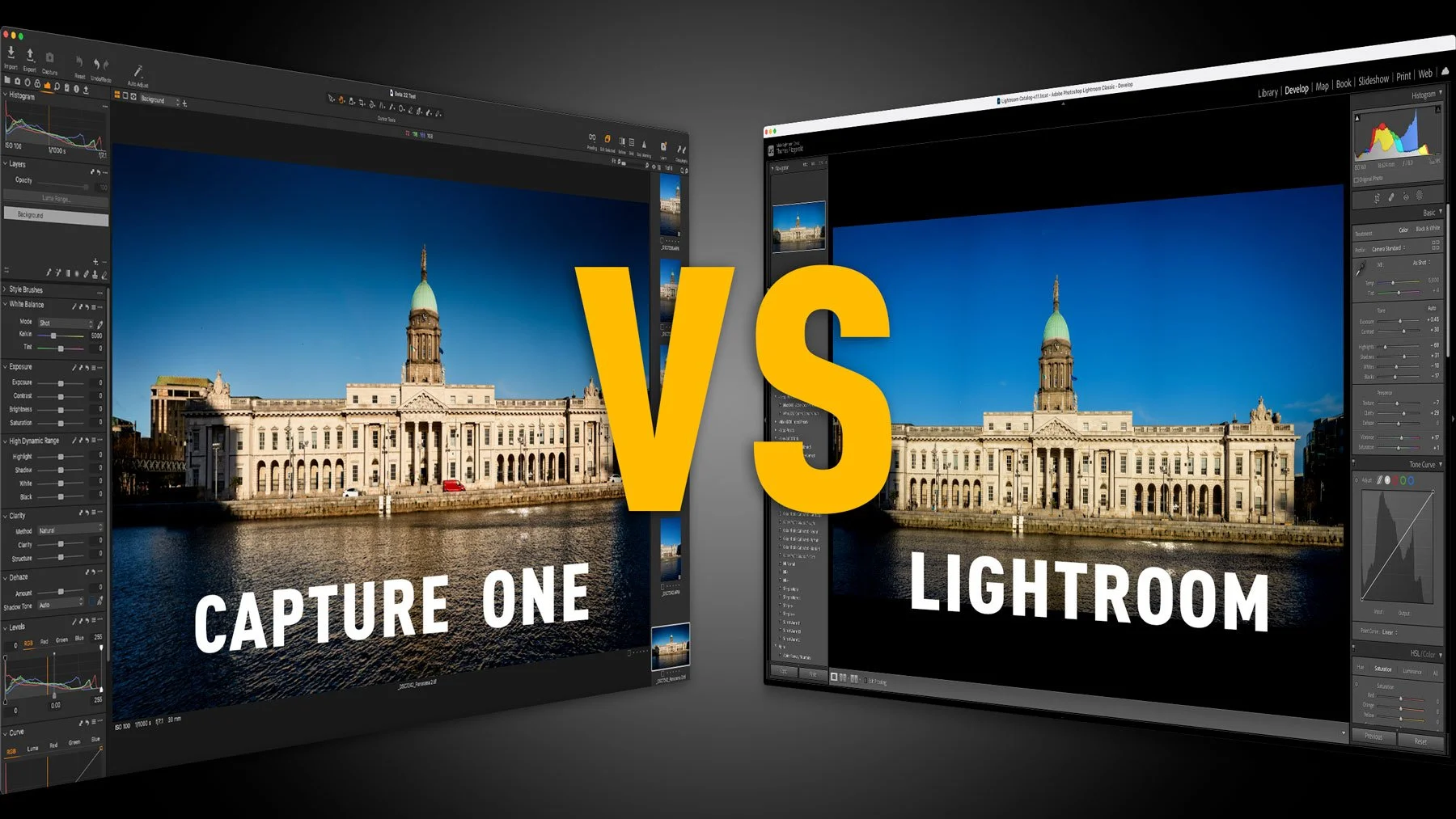
Capture One 22 vs Lightroom Classic 11 – How do the latest versions affect your choice of photo editing application?
One of my most popular Capture One posts on this website is the post entitled “Capture One vs Lightroom from someone who uses both”. I last updated this earlier this year, but since then, a lot has changed. With the release of Lightroom 11 which brings the new masking architecture, and Capture One 22 which adds Panorama stitching and HDR merging. This changes the dynamics of my previous arguments for each, and so I wanted to offer an addendum.

Capture One 22 Review
I think it’s safe to say that Capture One 22 is one of the companies most hyped releases of recent times. They have publicly touted the main features in advance and two of those features – “Panorama Stitching” and “HDR Merging” have probably been the two most requested features for Capture One for a long time. They are the two big features that Capture One lacks compared to Lightroom. So now that the software is released, are these features any good, and what else is new in Capture One 22?

Capture One 22 will be released on December 9th
Capture One has just announced that the next version of its photo processing software of the same name, will be released next week on December the 9th.

Capture One Variants: An Overview for Beginners and Lightroom Switchers
In Capture One, Variants are the equivalent of what Lightroom refers to as “virtual copies”. However, if you’ve come from Lightroom, you may notice that there are some key differences. In this post, we’ll look at some of the basics of using variants in Capture One.

Capture One for Lightroom Users: Don’t forget about these two tools! (Brightness and Levels)
One of the things that I love about Capture One is the fact that there are often many ways to complete the same task. Sometimes multiple tools can achieve similar results, but they go about it in slightly different ways. If you’re coming from Lightroom, at first, my may stick with the typical Lightroom tools. However, there are two adjustments that are frequently overlooked by Lightroom switchers because they’re not in Lightroom. These tools can be really useful occasionally, and they are the Levels tool and the Brightness slider.

PSA: Capture One 21 Officially Supported on macOS Monterey
Just a quick update. I’ve seen a few questions from Capture One users, as to whether or not Capture One works on Monterey. Well, we’ve finally gotten an official answer from the company, and the current version, 14.4.1 is officially supported on Monterey.
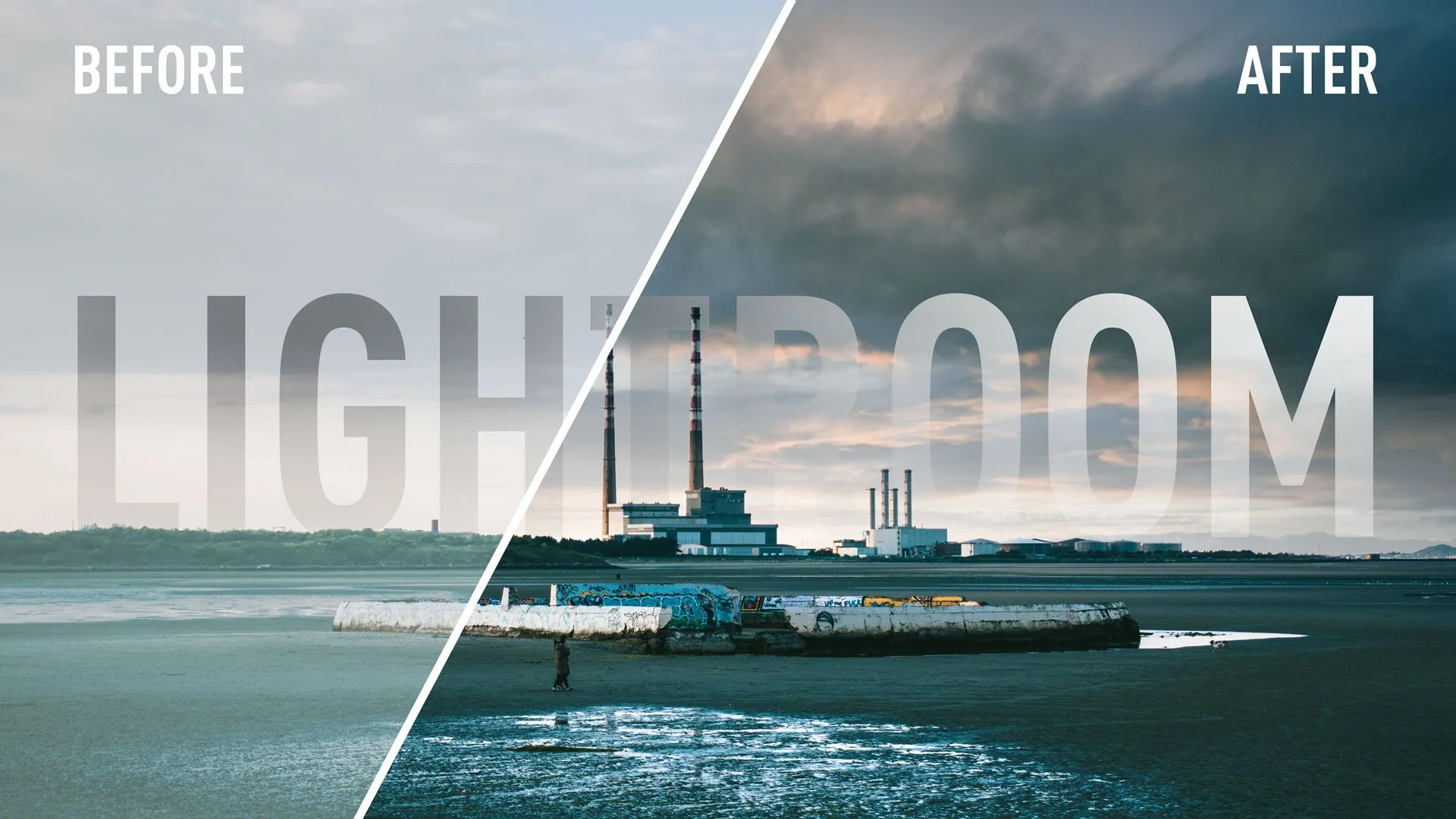
Watch Some of my Live Editing Videos (Previously Patreon exclusive)
I recently decided to close my Patreon channel after several years of running the page. had produced some exclusive videos for Patreon, that because of my failure to grow my channel there, never really got seen by an audience, so I’m going to share some of them here now.

Capture One 22 Upgrade Pre-Order Offer - 20% off
Capture One have launched a new promotion on Pre-Orders of Capture One 22. The new version will be out in December and brings the much awaited Panorama stitching and HDR merging. Capture One are now offering discounted upgrades to those on 21 and earlier.

Video: How To Relight a Photo in Capture One using Layers
In this video I show you how to change the direction and focus of lighting in a scene in Capture One using layers.
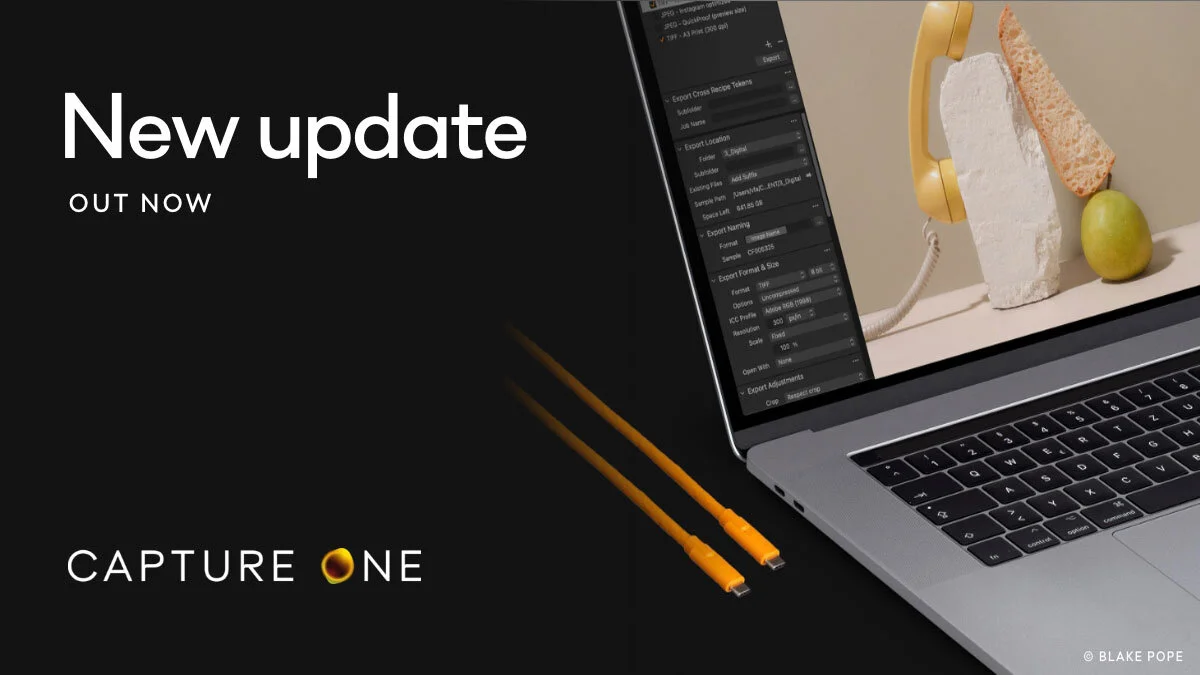
Capture One 21 14.4 Update brings back Export Tool Tab
Capture One has just announced the latest upgrade to Capture One 21. Version 14.4 is available now, and the biggest feature is that it brings back support for the Export tool tab.

A Cool Capture One Feature You May Not Be Aware Of - Working With Offline Images
As I’ve recently started using my Laptop as my full time computer for everyday tasks, I recently came to appreciate a feature of Capture One, that not many people may be aware of. I knew about this feature, and I’ve briefly mentioned it before, but it’s only in the past few months that I came to really appreciate it. If you’re working on a catalogue, and your originals are stored on an external drive, you can disconnect that drive and continue to work off the previews.

PSA: Capture One Offer - Buy Capture One 21 now, get Capture One 22 free in December
Starting today, until October 4th, Capture One is offering anyone who buys or upgrades to Capture One 21 a free upgrade to Capture One 22 in December. They have already announced that HDR and Panorama merging will be coming in Capture One 22 when it’s released in December, so if you’ve been on the fence about upgrading, now might be the time.

Panorama and HDR Merging coming to Capture One in December
Capture One today announced via their newsletter that two of the most requested features are coming in the next major release due in December. These are of course: Panorama and HDR merging.
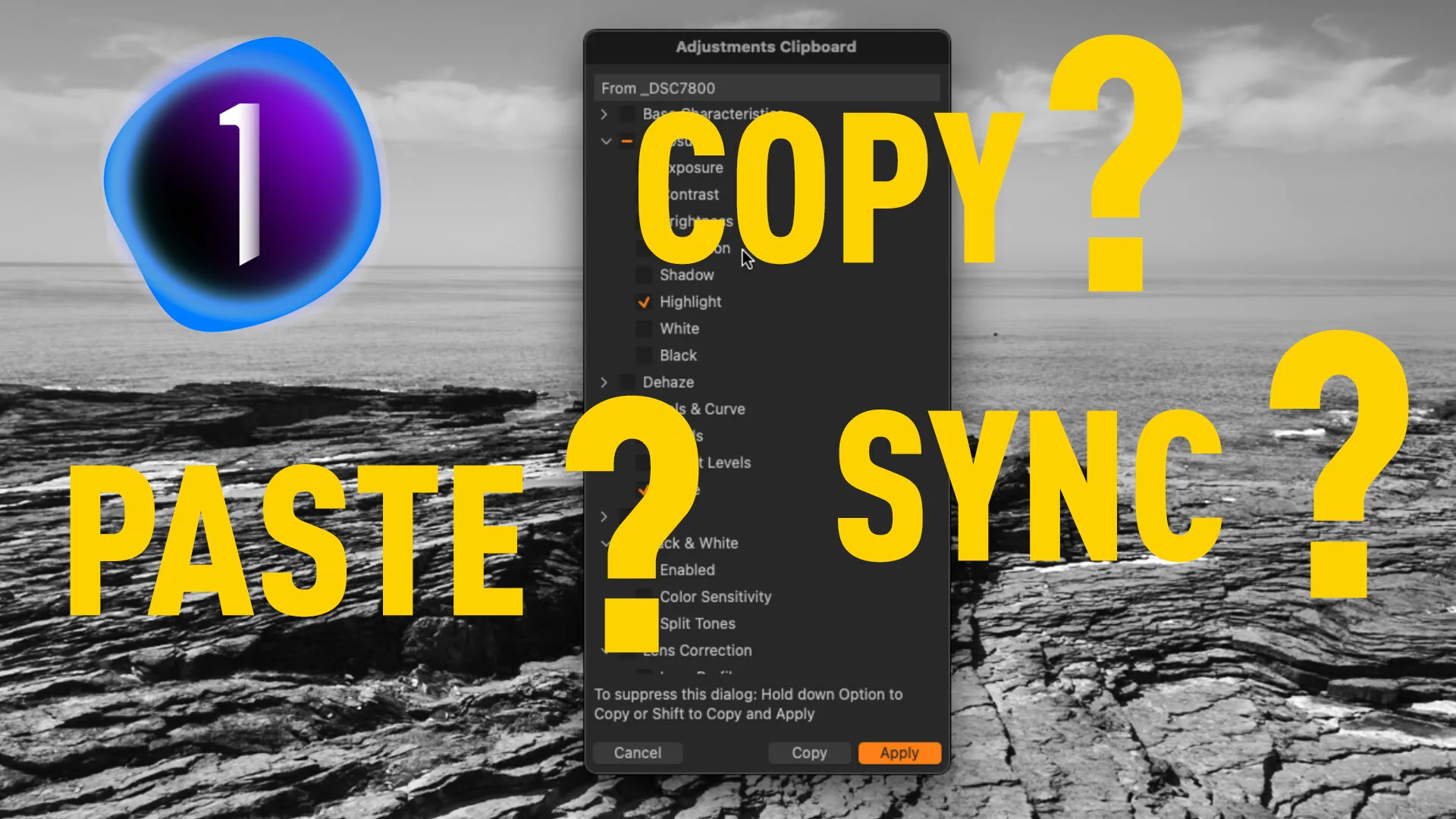
How to Sync Settings in Capture One (How to use the Copy and Apply Adjustments Tool)
In a recent blog post I covered the icons on the top of each of Capture One’s tool panels, and part of that was how you can sync settings from an individual adjustment panel. Based on the responses I got, it occurred to me that the way you sync settings in Capture One is a little confusing, especially for Lightroom switchers, and so I decided to make a video to explain it.