

Photo Editing, Tutorials, Photography News, and More
This blog covers a range of topics from Lightroom, Photoshop, Capture One, Fujifilm, Canon, Nikon, iPhone Photography, and more. If you want to see more of my actual photography work, visit my Portfolio and Photo Journal blog.
Featured Posts




Some Free Faux Film Lightroom Presets for Fuji X Users
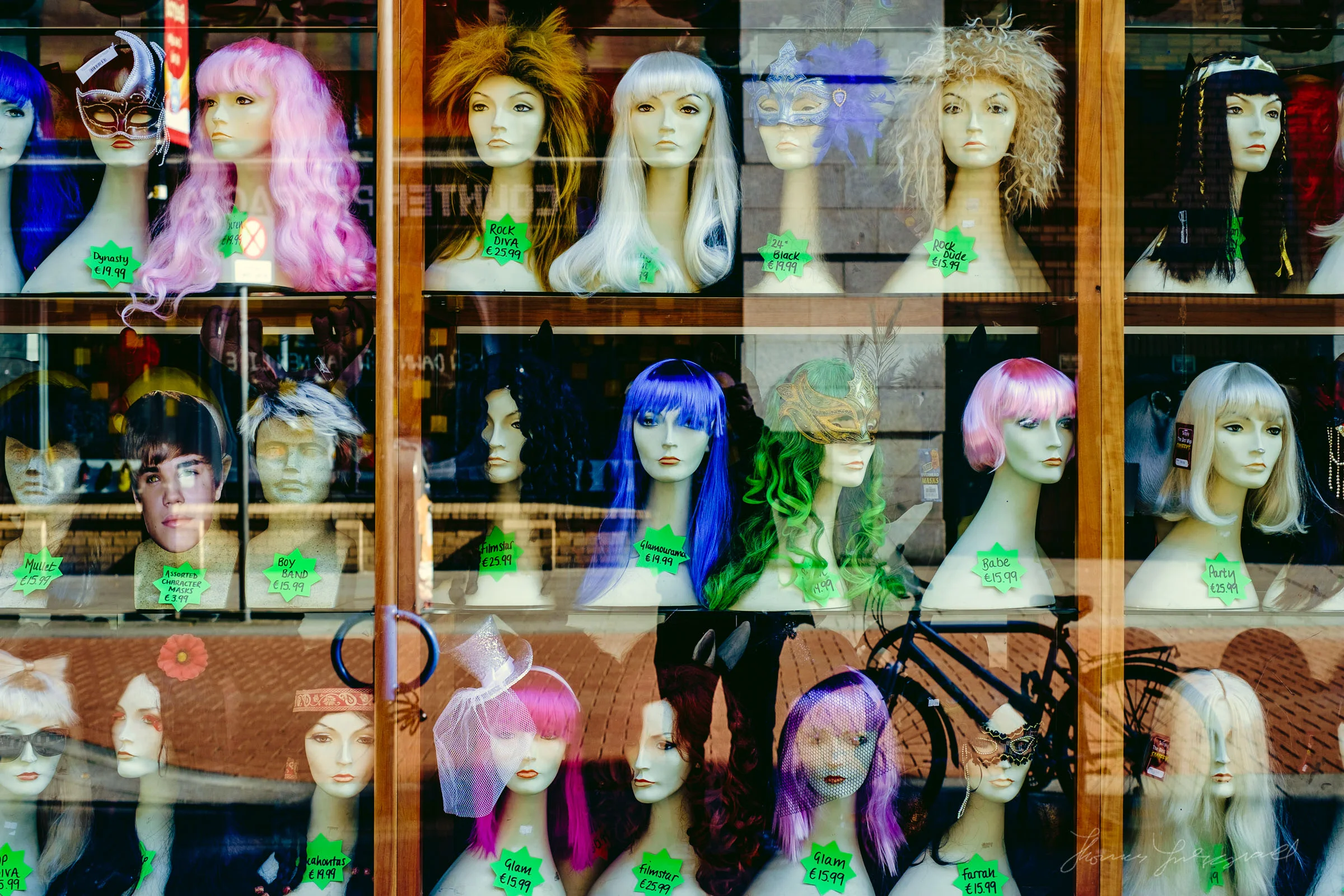
I’ve been working on some new premium Lightroom presets, which should be available soon, but while I was experimenting I got sidetracked and ended up creating some Faux Film presets for Fuji X users. I was trying some different techniques and I have saved various “ingredients” which I use to then create whole looks. While playing around with some of these I decided to try combining some of what I was working on, with the fuji picture profiles that come with lightroom. I liked he results so I decided to keep going. The result was a set of film like presets that I think you might like.
Adobe Improves X-Trans Processing in Lightroom CC Update: Promises More to Come
One of the interesting tidbits, buried in the list of bug fixes for the Lightroom CC update that was released yesterday was a mention of improvements to Fuji X-Trans processing in Lightroom. Any long term follower of this blog, knows that Lightroom’s poor quality X-Trans rendering has long been a bug bear of mine, and I’ve sought ways to minimise it and ways to avoid it altogether. In the announcement yesterday, Adobe has dealt with the first problem, that of the colour blur, and the company has stated that they are working with Fuji to improve edge rendering and detail on X-Trans files.

Oslo with the X100, VSCO Cam
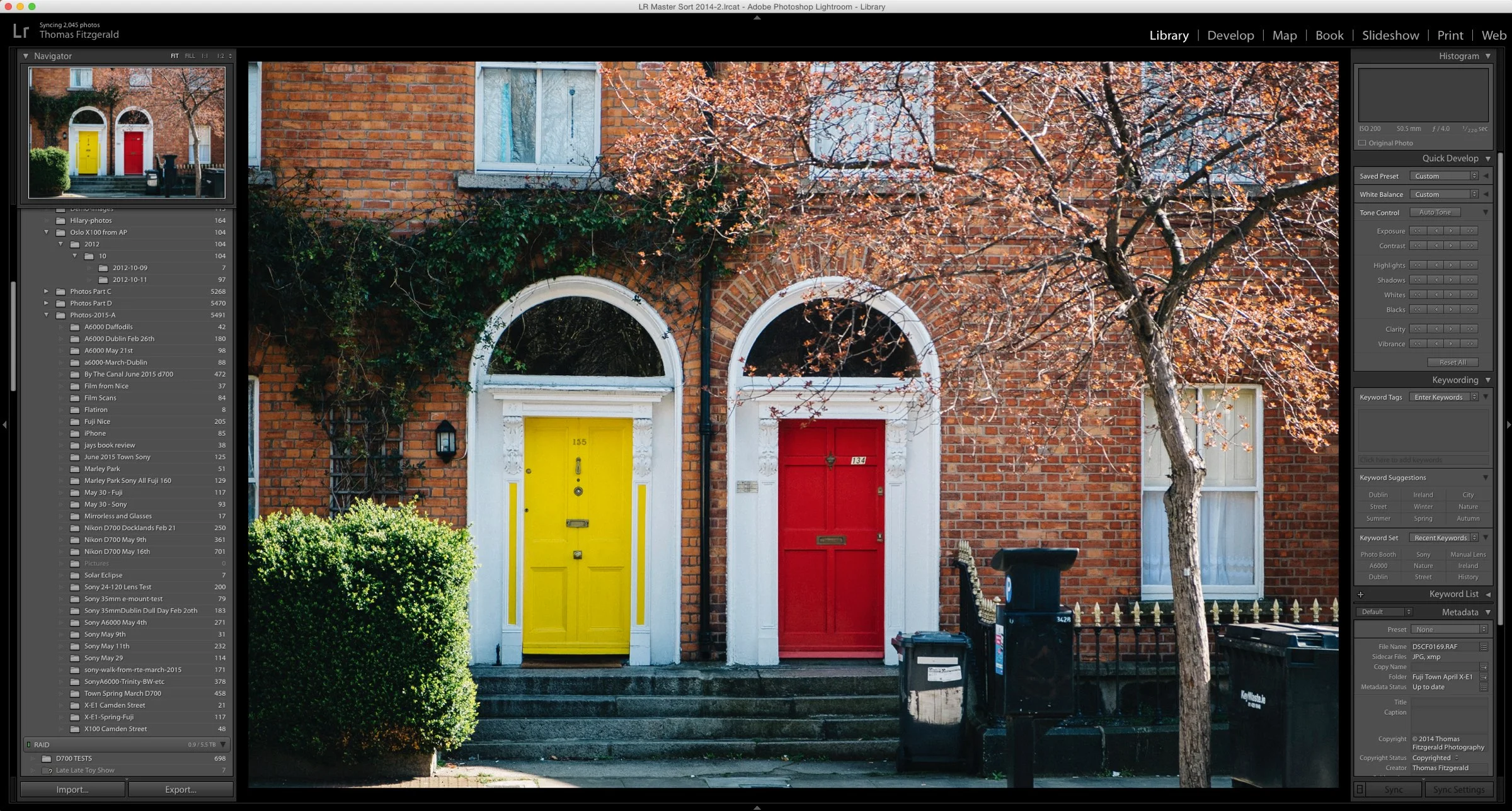
I've recently been going through some of my older images, and re-processing some photos that I'd never been particularly happy with. One such set was some of the images I took when I was in Oslo a few years ago with the X100. I was using the little Fuji as a back-up camera at the time, and I've never really done anything with the files properly. I had done some rough processing in Aperture, but I hadn't given them the love they deserved, so I decided to import the project into Lightroom and re-process a few of them.

Adventures in Nice, with the Fuji X-E1
I posted some of my images from the recent trip that I took to Nice, in the south of France last week. As I wrote, most of the time I just used my iPhone to take photos, mainly because we were there to relax and take it easy. I did have my little fuji with me too though, and I did get to take some shots with that too.
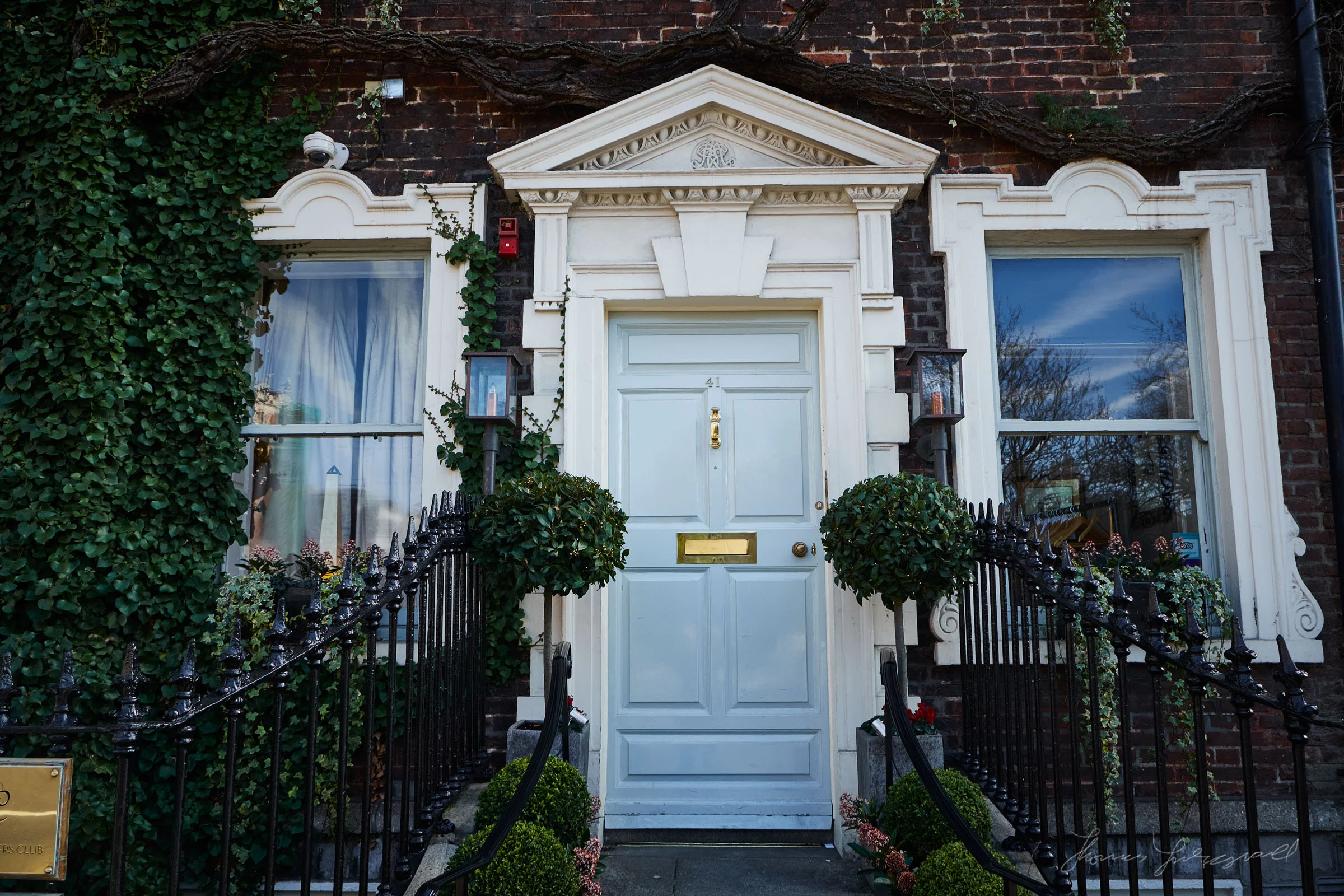
Fujifilm Film Simulation Presets for Iridient Developer
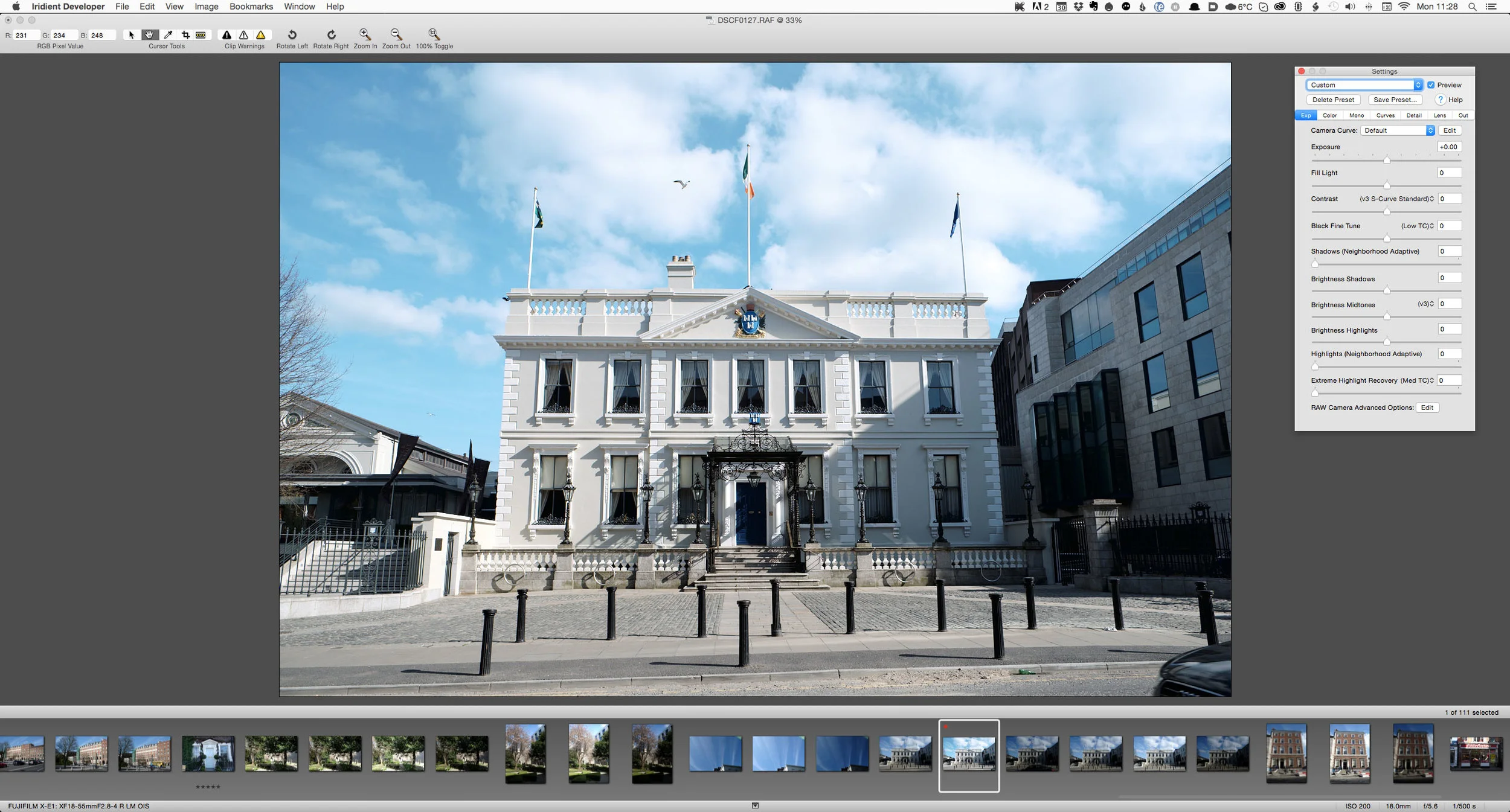
If you're an Iridient Developer user and a Fuji X-Trans shooter (X-Pro 1, X-E1, X-E2, X100s, X100t etc) the developer of the software has posted film simulation presets to match the ones that are available in camera. They've actually been available for a little while, but they've just posted some updated versions.
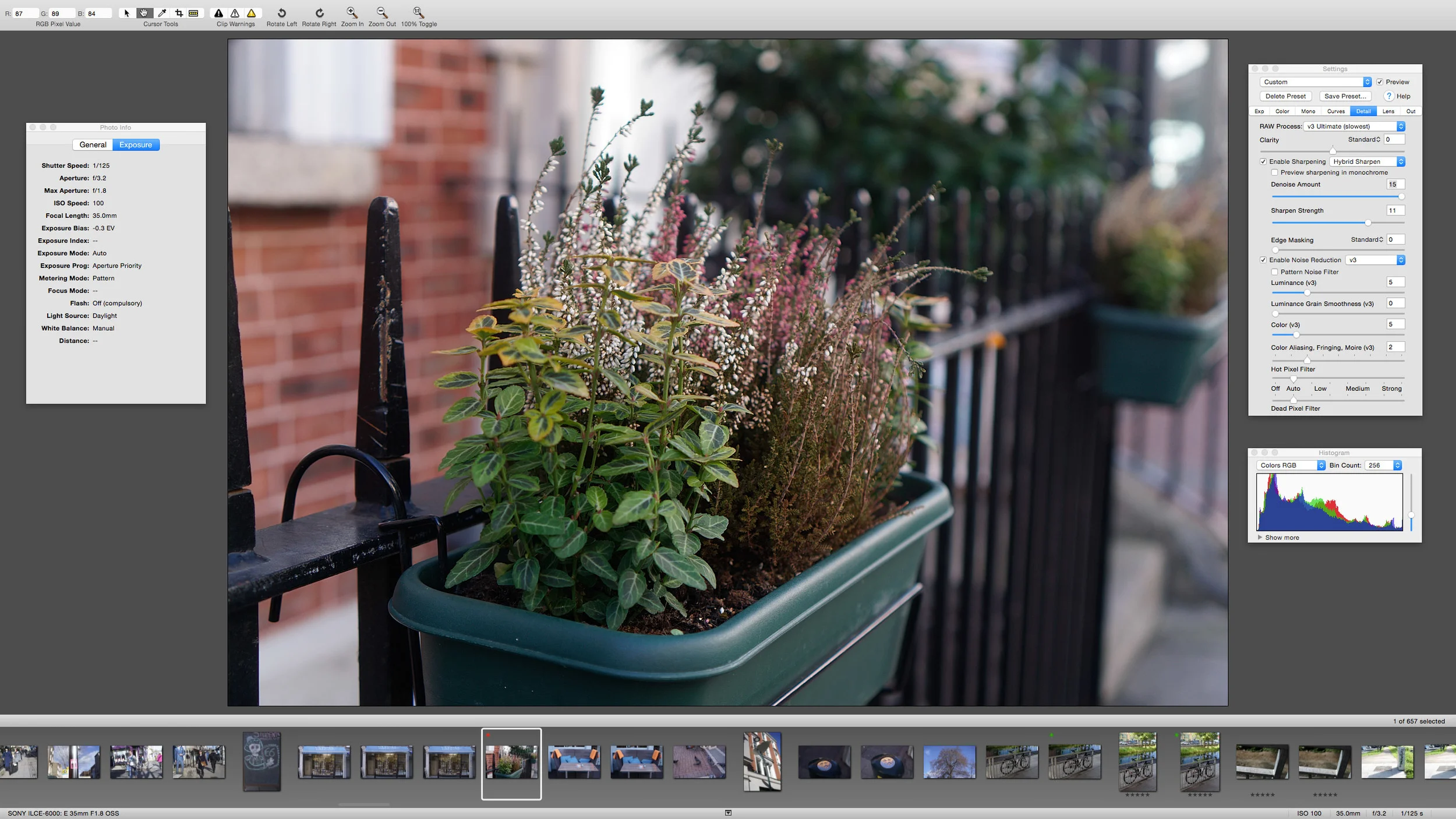
I'm really enjoying the combination of Fuji X-Trans + Capture One
I’ve been using Capture One to process my X-Trans files more and more lately. I had posted some initial findings before about this, and since then, Capture One has pretty much become my standard application for processing files from my X-E1. I’m really happy with how the software performs, and it does a really good job with Fuji’s files. Not only does it produce nice and sharp artifact free images, but the colour is really great too, even without having to do anything.
Iridient Developer 3 Released
Iridient digital has released a major upgrade to it’s Raw Processing software Iridient Developer. I’ve covered this software numerous times on the blog, in particular in relation to it’s ability to decode Fuji X-Trans files. Version 3 is a significant upgrade over version 2 and has a lot of new features in it. The update has addressed most of the (few) criticisms that I’ve had of the software in the past, and it now has a lot of functionality for processing images.
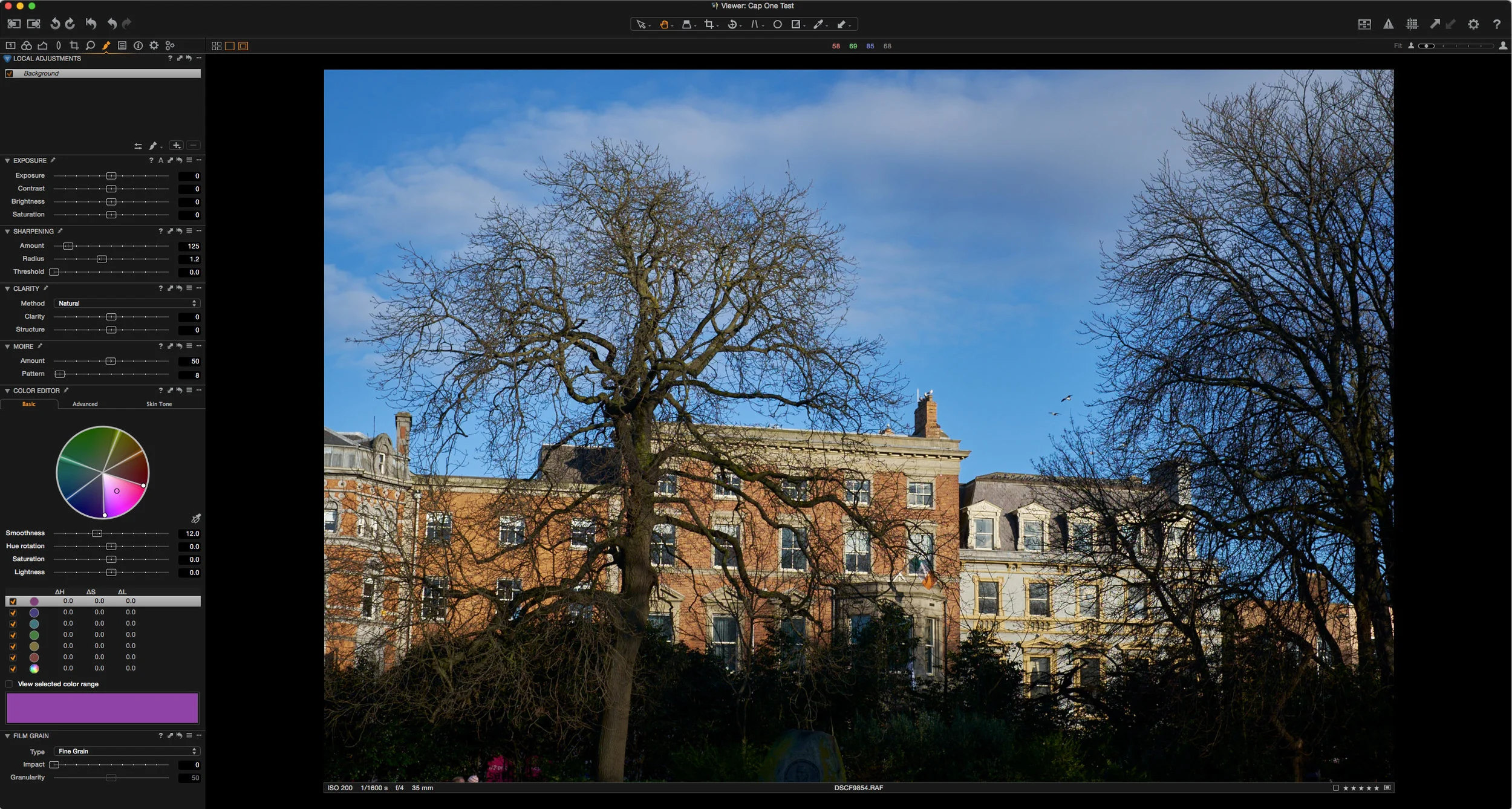
A Look at using Capture One Pro for X-Trans Files
I’ve written a lot on this blog about using different RAW converters (other than Lightroom) to get the best from Fuji X-Trans files. In the past I’ve discussed using Photo Ninja, Iridient Developer, and Aperture but there is one big piece of software that I haven’t really covered in depth and that’s Capture One. The main reason was that I didn’t really have the time to properly use the software to judge it fairly. The few times I had tried it, I wasn’t satisfied with the results, but I’ve gotten comments from many readers who swear by it so, over the past few months I’ve been spending time with the software whenever I had a chance to see how I could get the best results from it.
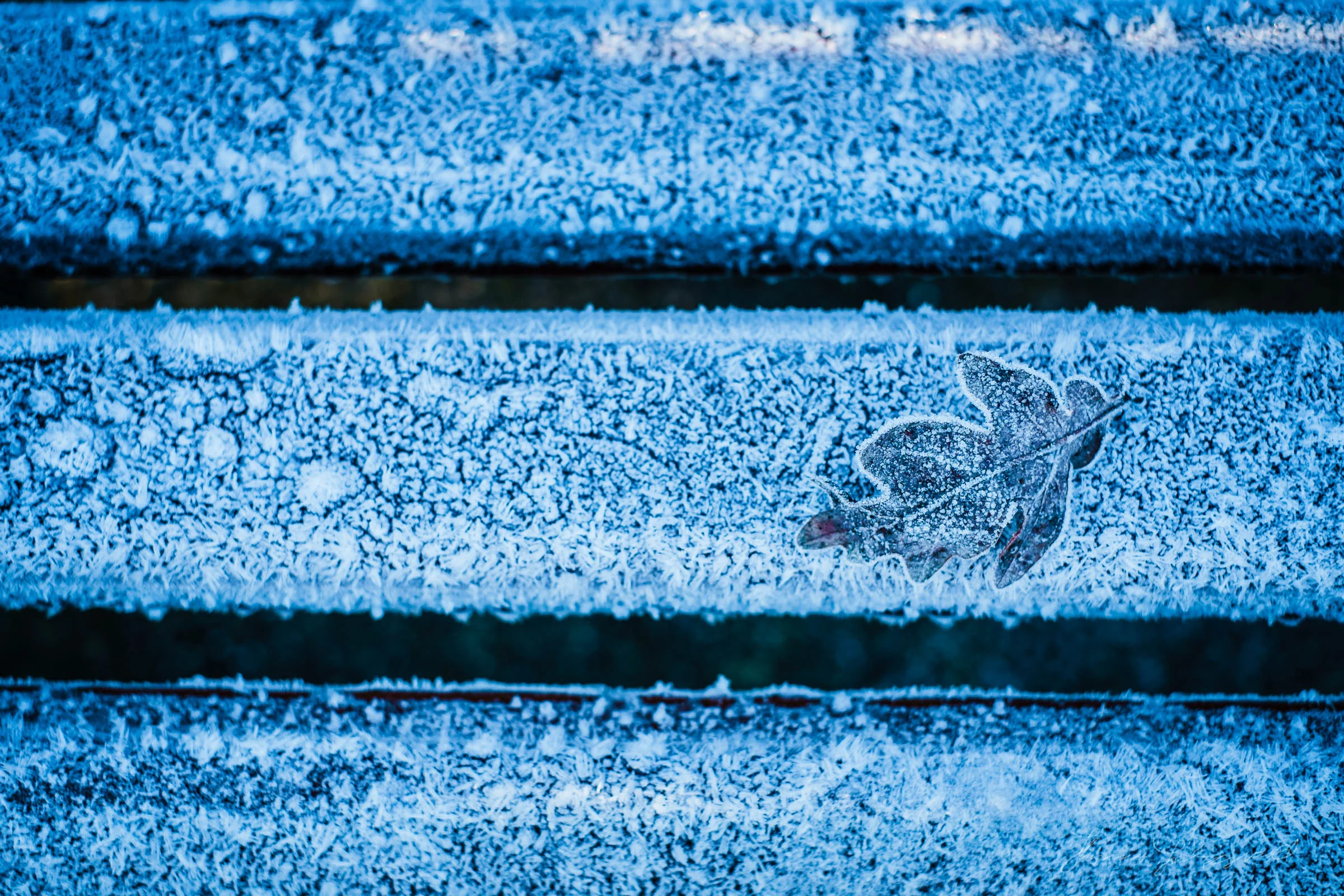
First Frost with the Fuji X-E1
After a very mild winter so far here in Dublin, we had the first severe frost of the year yesterday. I awoke to a beautiful covering of white across the ground. The fields surrounding where I live were glistening with their white crystal coverings, and the rooftops were as white as if it had snowed. I had been planning to head out to do some photography anyway, so the winter scene was a bonus.
London's Russell Square with the Fuji X-E1
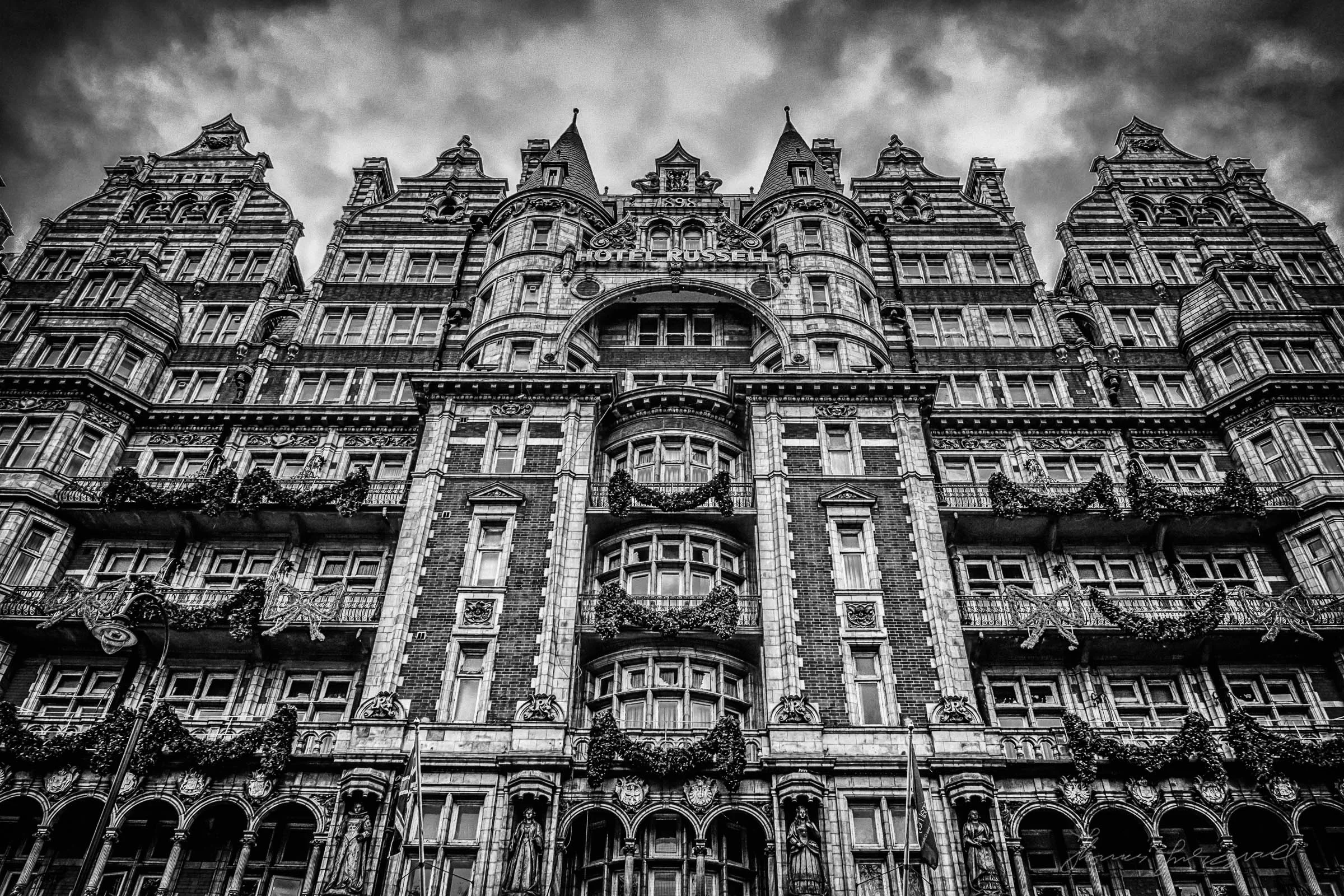
I spent a few days in London a few weeks ago, and I spent most of the time in the lovely Russell Square area. I did't get much time for photography, but I did get to take some shots around the square with my Trusty Fuji X-E1. The weather was pretty miserable and gloomy, but that just made for some more moody images. These were processed with Lightroom using my Monolith for Lightroom Presets

Dublin Fog with the Fuji X-E1
There was an unusually foggy day here in Dublin about two weeks ago. Not just a little foggy, but pea soup kind of fog. I had been heading into the city anyway, so I brought my trusty little Fuji with me to get some pictures of the murk.
Using Photo Ninja as a Plug-in with Lightroom
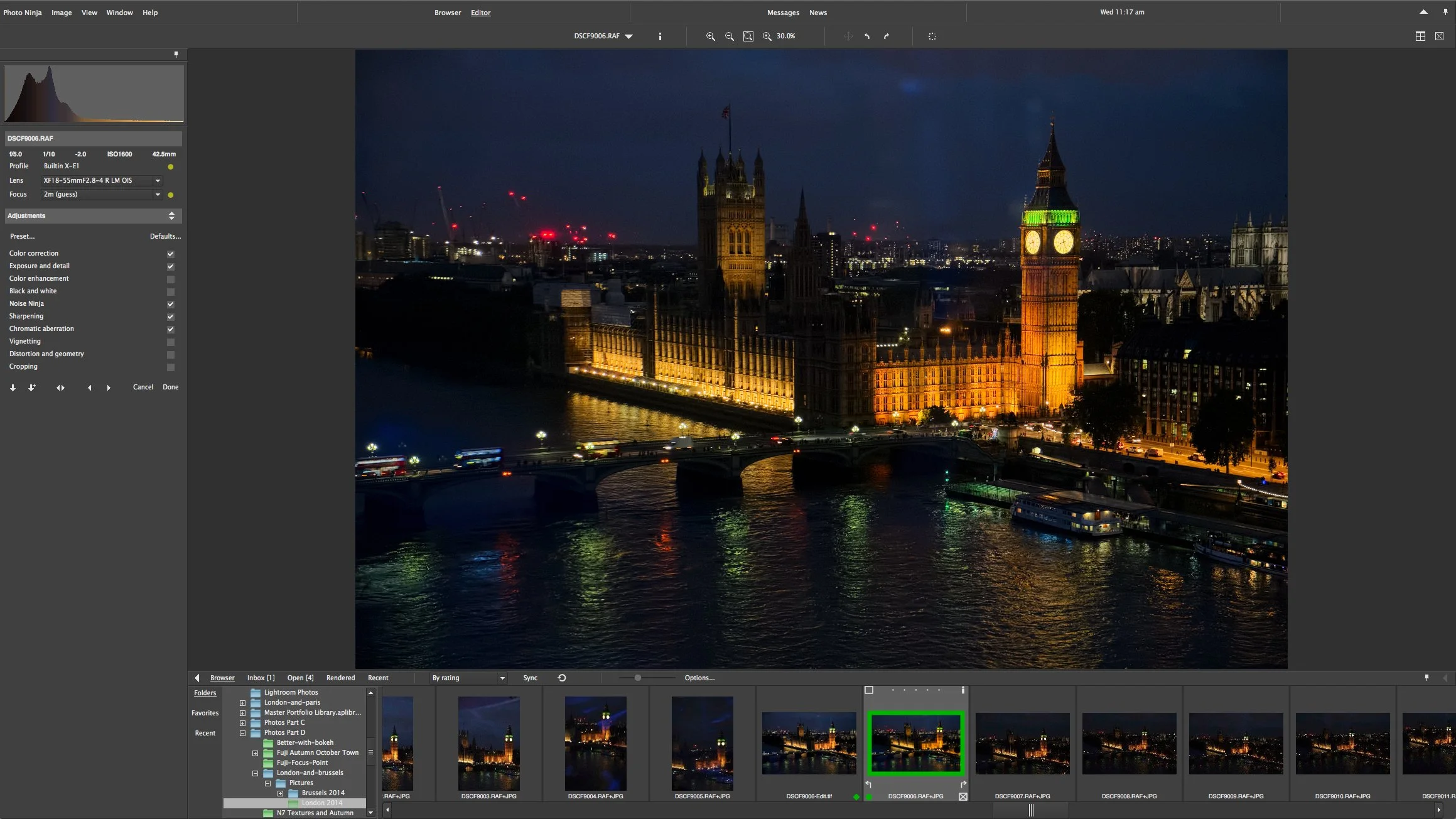
Lately I've been writing a lot about using Photo Ninja in conjunction with Lightroom for processing files from Fuji's X-Trans sensors. I've been promising to write about the workflow for using Photo Ninja with Lightroom for some time, so here it is, finally!
Delicate Nature with Fuji X-E1
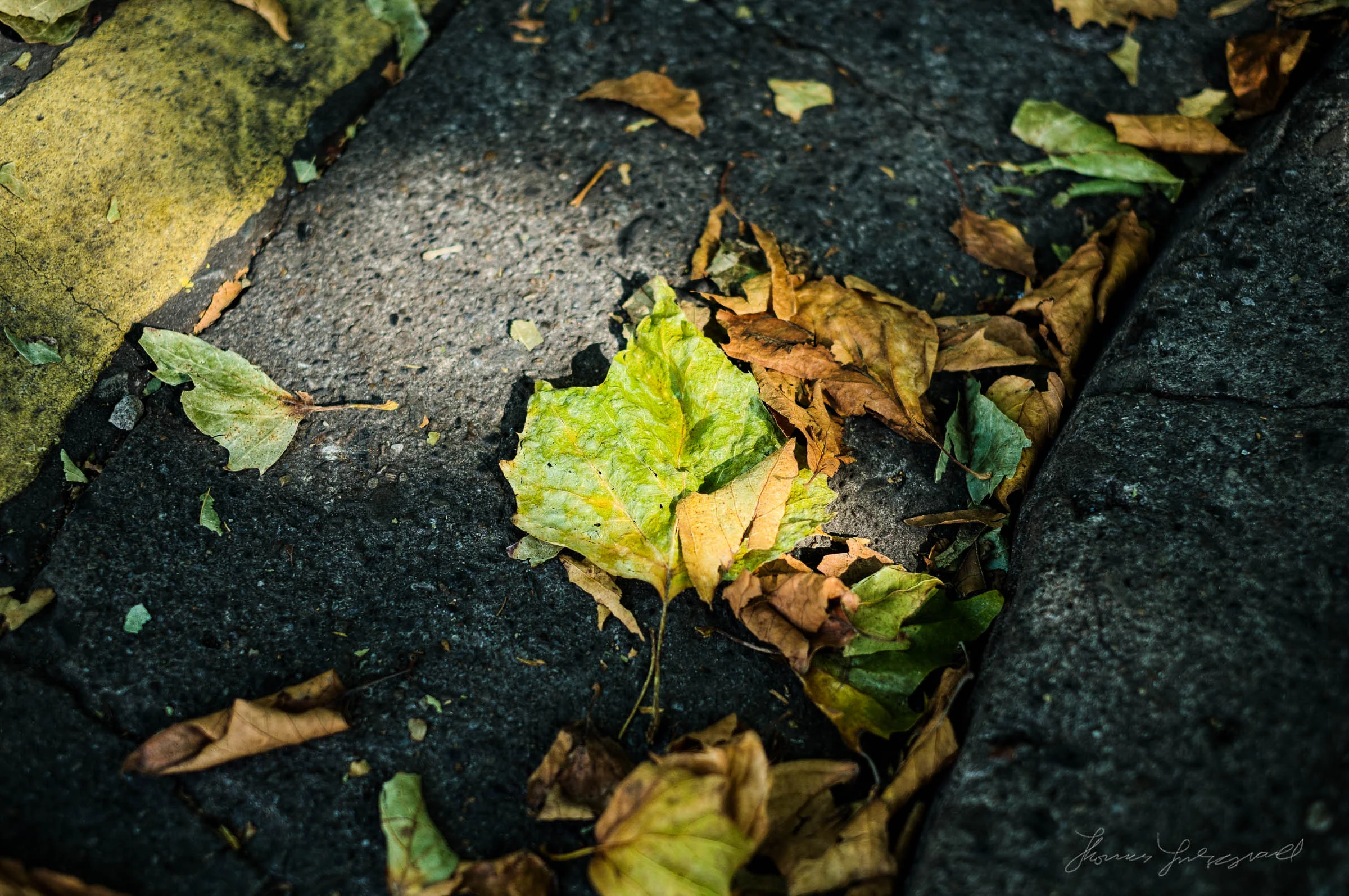
Despite my reputation as more of a street photographer, I actually love taking pictures of nature too. I have a huge collection of Nature images in my archive, which I'm slowly getting around to organising and getting online. Even when I don't intend taking images, I usually have my camera with me and even simple little things can make nice photos.
Quick Fuji Focus Point Selection Tip
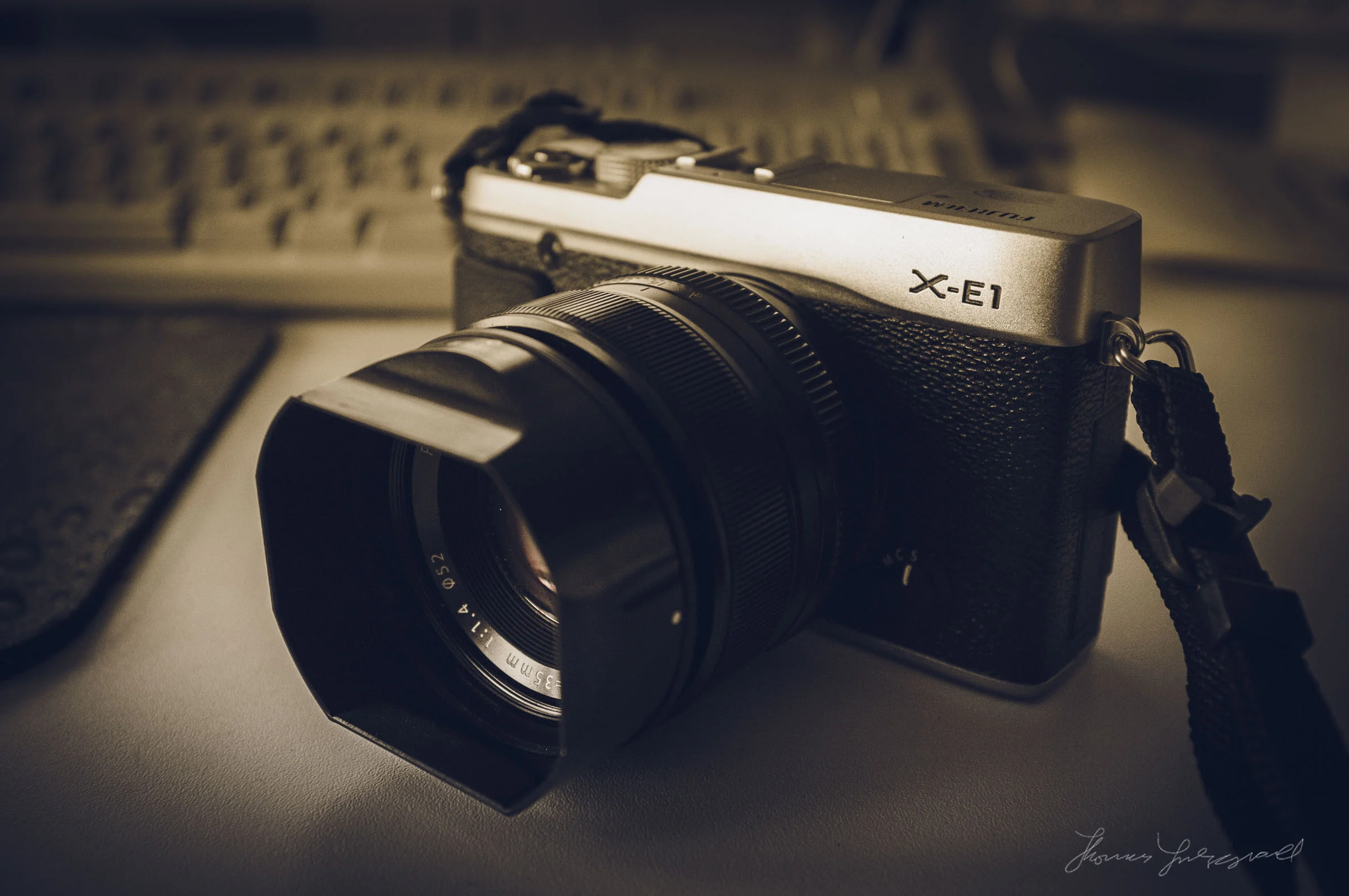
Here's a really quick tip for fellow Fuji X-Series shooters. Changing the focus points on a fuji camera can be a bit fiddly. You have to press the AF button on the back of the camera to activate focus point selection mode, and then use the d-pad on the back to select the focus point that you want to use. The problem with this method is that you really need two hands to do it, and I often find that I have to take my eye away from the viewfinder (although, yes you can still do it with your eye up with practice). There is however, another way!

Choosing a raw processor for Fuji X-Trans Files
I've covered post processing of Fuji X-Trans files fairly extensively over the last two years on this blog. In particular I've discussed how, if you're a Lightroom user, using a third party raw converter can give you much better results than just using Lightroom or Camera Raw when working with X-Trans files. I've used and written about Photo Ninja and Iridient Developer the most, but since Phase One have released Capture One Pro 8, I've been giving that a good work out too (and I'll have a report on that in a week or two)