

Photo Editing, Tutorials, Photography News, and More
This blog covers a range of topics from Lightroom, Photoshop, Capture One, Fujifilm, Canon, Nikon, iPhone Photography, and more. If you want to see more of my actual photography work, visit my Portfolio and Photo Journal blog.
Featured Posts
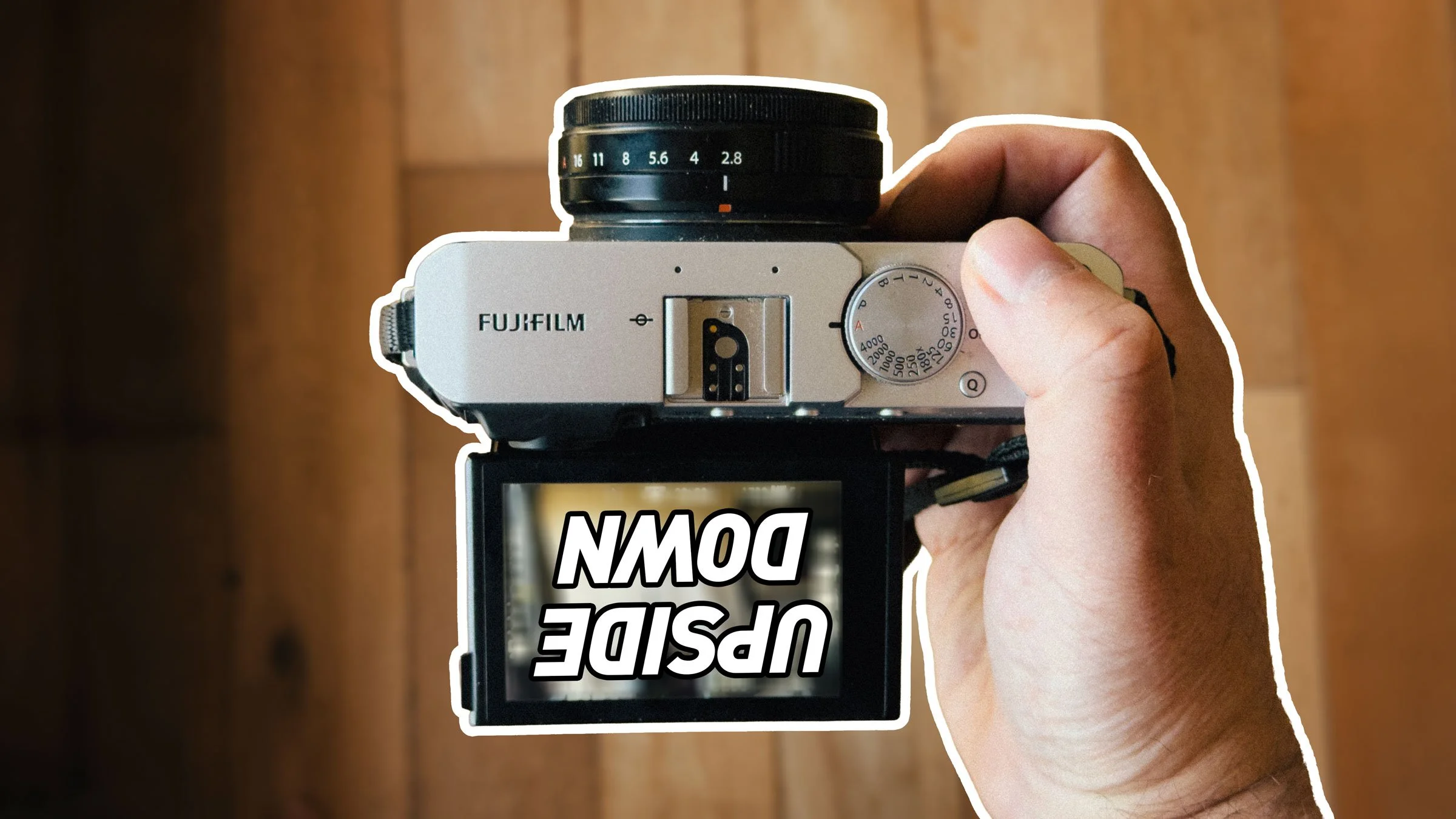




Video: Street Photo Diary, Episode 2
They say the best way to learn is by making mistakes. Well, if that’s true, then I learned a lot making this video. I was in two minds whether to even share it or not, but in the end I was convinced to put it up, regardless. The video itself isn’t too bad, but I made some mistakes when shooting that I’m kind of embarrassed about. So here’s what happened…

How to Improve your Camera’s Colours in Lightroom
When Lightroom first came out, one of the biggest complaints that people had, was that the colours would change when importing RAW files. This led to the inclusion of colour profiles, designed to mimic a camera’s various picture modes, and this seems to address the problem. However, as time has gone by and Lightroom has supported more and more cameras, the quality and accuracy of the included colour profiles have started to vary significantly. If you find that, even with selecting a colour profile that matches what you shot in camera, the colours are still quite a bit off, then this trick may help you resolve the problem.

Video: Working with Multiple Applications to enhance an Image
One of the bad habits that I’ve found myself doing a lot over the past few years, is being a bit lazy when it comes to post production. Even though I use a lot of different applications, I still find that I have gotten into this mental head space of always trying to do everything in the one application. This wasn’t always the case though. I used to work across multiple applications, usually starting in Lightroom, and then using Photoshop and maybe some plug-ins.

Introducing Film Candy LUTS
I’m happy to introduce my first new digital product of 2018, and something that I’ve been working on for quite some time. Today I’m launching a new set of LUTs based on my “Film Candy” series of Lightroom presets. This set of 75 LUTs contains looks from both Film candy 1 and 2 and have been designed to be used in popular video applications as well as stills software such as Luminar 2018 and Photoshop.

New Vlogging Camera: Canon G7X Mark II
As mentioned in several previous posts, I’ve been planning to do some more vlogging and videos, and I’ve wanted to get a small and unobtrusive camera for that purpose. I’ve been trying out several options, and so I used a christmas gift voucher haul to splash out on a new one. I settled on the Canon G7X Mark II. It’s a small, 1inch sensor compact camera, that does good video, and it has a flip over screen for self monitoring.

Some more Fuji X-Pro 2 4K Tests
Since my initial testing of the X-Pro2 in 4K the other day, I’ve had a chance to do a little bit more shooting, and to do a comparison of the various film simulation modes. I’ve put together a compilation of clips of the same scene, using the various film simulation modes, and these are all ungraded and straight from the camera.
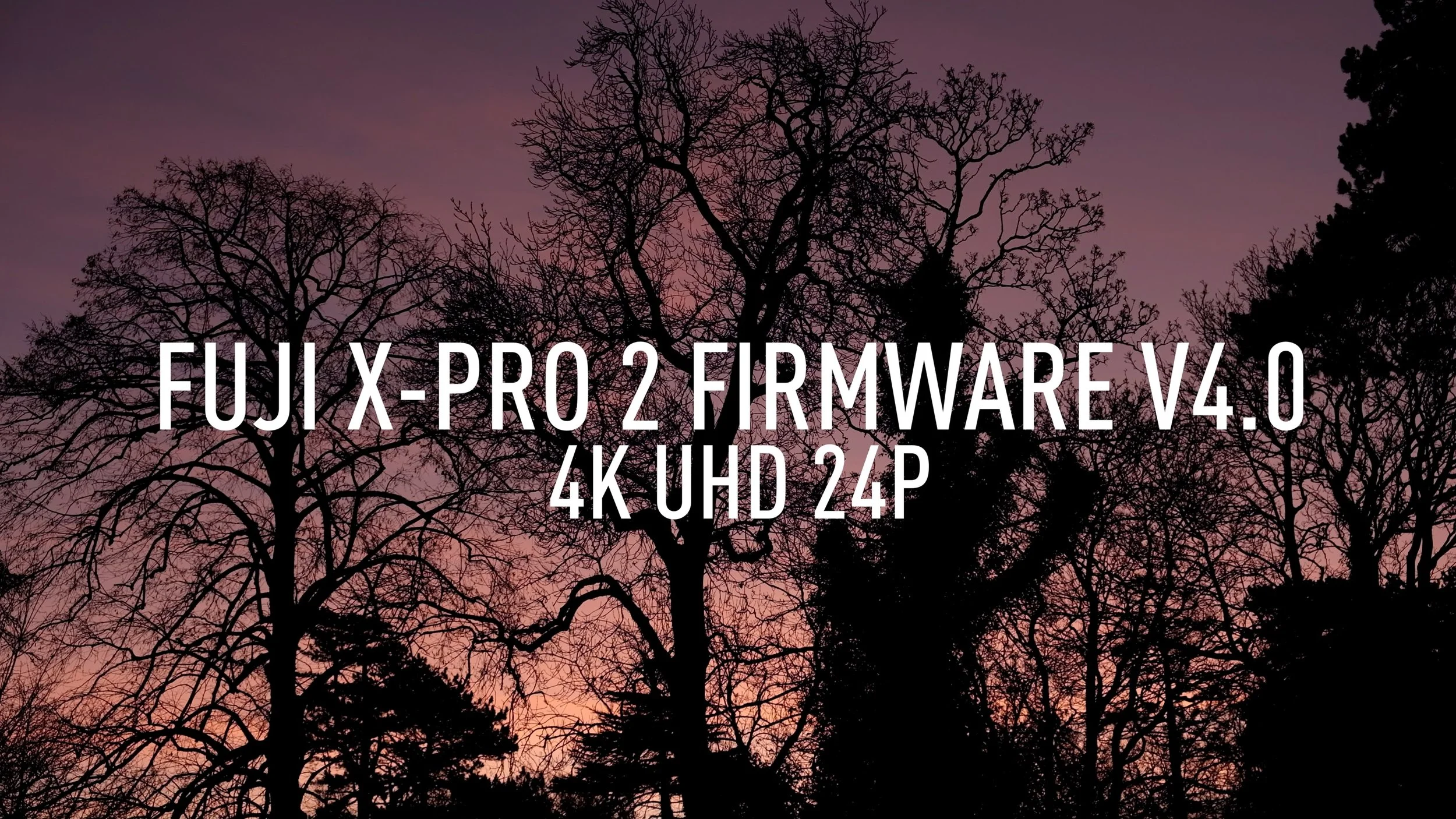
Firmware 4.0 - Fuji X-Pro 2 4K Test Footage
With the release of firmware 4.0, the Fuji X-Pro 2 now supports 4K video. I did some quick testing, recording some footage in some local parks. There is a mix of hand held and tripod. All was shot using ProNeg Standard as the film profile. There was some very light colour correction done in Final Cut Pro as well as a custom profile to give the footage a slight grade, but this was kept to a minimum. I didn’t stabilise or adjust the geometry of any footage, so as not to affect the detail.

Video - Street Photo Diary: Episode 1
For a while now, I’ve been running a series of posts here on this blog called “Street Photo Diary”. I’ve also been practicing and testing various setups to allow me to produce “Vlog” style videos. After much testing and messing up, I have finally come up with a reasonable setup and idea, and that is to make a video version of my “Street Photo Diary” series. And so, a new monthly (for now) video series is born, also called “Street Photo Diary” !

Video: Shooting a photo walk with a Fuji X-Pro2
I was having an impromptu photowalk the other day and I decided to record my progress with a GoPro mounted to the camera’s hot-shoe. This is the result! I started out with the intent of doing some street photography, but I ended up walking around a local park, because the Autumn colours were so nice, and the light was just right too.

Video: Editing Fuji Jpeg Files in Apple Photos
I’ve been talking about working with Fuji Jpeg files a lot recently, and I wanted to show one way in which I regularly work with them, and that is to use Apple’s Photos application. So, in this video, I take a look at how I go about editing Fuji Jpeg files in Apple’s Photos Application on the mac.

Video: Capture One Quick Tip - Purple Fringing Control
In this short quick tip for Capture One, I look at how to use the purple fringing control to get rid of chromatic aberration that’s not addressed by the normal aberration correction tool.

Video: Editing a Fuji Raw file in Luminar via X-Transformer
I’ve mentioned before about how much of a fan I am of Macphun’s Luminar, but that I prefer using as a plug-in rather than with raw files. However, there is one exception to that, and that is when I use it with DNGs created by Iridient X-Transformer. In that case the results are actually really great, so I made a little video to demonstrate.

Video: How to create the Agfa Vista Look with VSCO Film
I have recently been admiring some photographers on Instagram who are shooting on film and using Agfa Vista. I couldn’t get any of this film locally, so instead, I wanted to see how close I could re-create the look digitally using my X-Pro 2 as the source. In this video, I look at how I used Lightroom and VSCO Film to create the “Agfa Vista” film look.

Video: How I process Scanned Film in Lightroom
In this video, a follow up to my previous one on shooting street photography on film, I look at how I process the film after scanning in Lightroom.

Video: Shooting Street Photography on Film
I recently headed out to shoot some street photography on film, for my Street Photo Diary project, and I decided that it might make an interesting video. So, before I got started, I mounted my trusty GoPro on my cameras hot shoe, set it recording, and headed out onto the streets of Dublin to get some shots.

Video: Watch me create a HDR Image using Capture One, Aurora HDR and Luminar
In this video I take a bracketed exposure that I shot on a Fuji X-Pro 2 and starting with Capture One, I look at the process of creating a HDR using Aurora HDR. I then do some additional editing in Luminar, before bringing the final image back into Capture One.

Video: Recreating a Panorama in Lightroom and Photoshop
Recently I was going through some old blog posts, and I came across a Panorama image that I really liked. Unfortunately, I had lost the original high res versions, and all I had left was the low res one that was posted to the website. However, I managed to find the original Raw files that I used to create the image, and so in this video I show you how I re-created the Panorama in Lightroom and Photoshop

Trying out a Nikon D800 - Part 1: Video
I recently had the opportunity to borrow a friend’s Nikon D800. While the D800 is an older camera now at this stage, I was keen to try it out, as I love my D700 and I wanted to see how it performed. I had borrowed it before, but not for as long. The lat time I had it I had shot a very short sequence of video, and I was impressed. This time I wanted to shoot a bit more video and see how good it was, more for curiosity than anything.