
Photo Editing, Tutorials, Photography News, and More
This blog covers a range of topics from Lightroom, Photoshop, Capture One, Fujifilm, Canon, Nikon, iPhone Photography, and more. If you want to see more of my actual photography work, visit my Portfolio and Photo Journal blog.
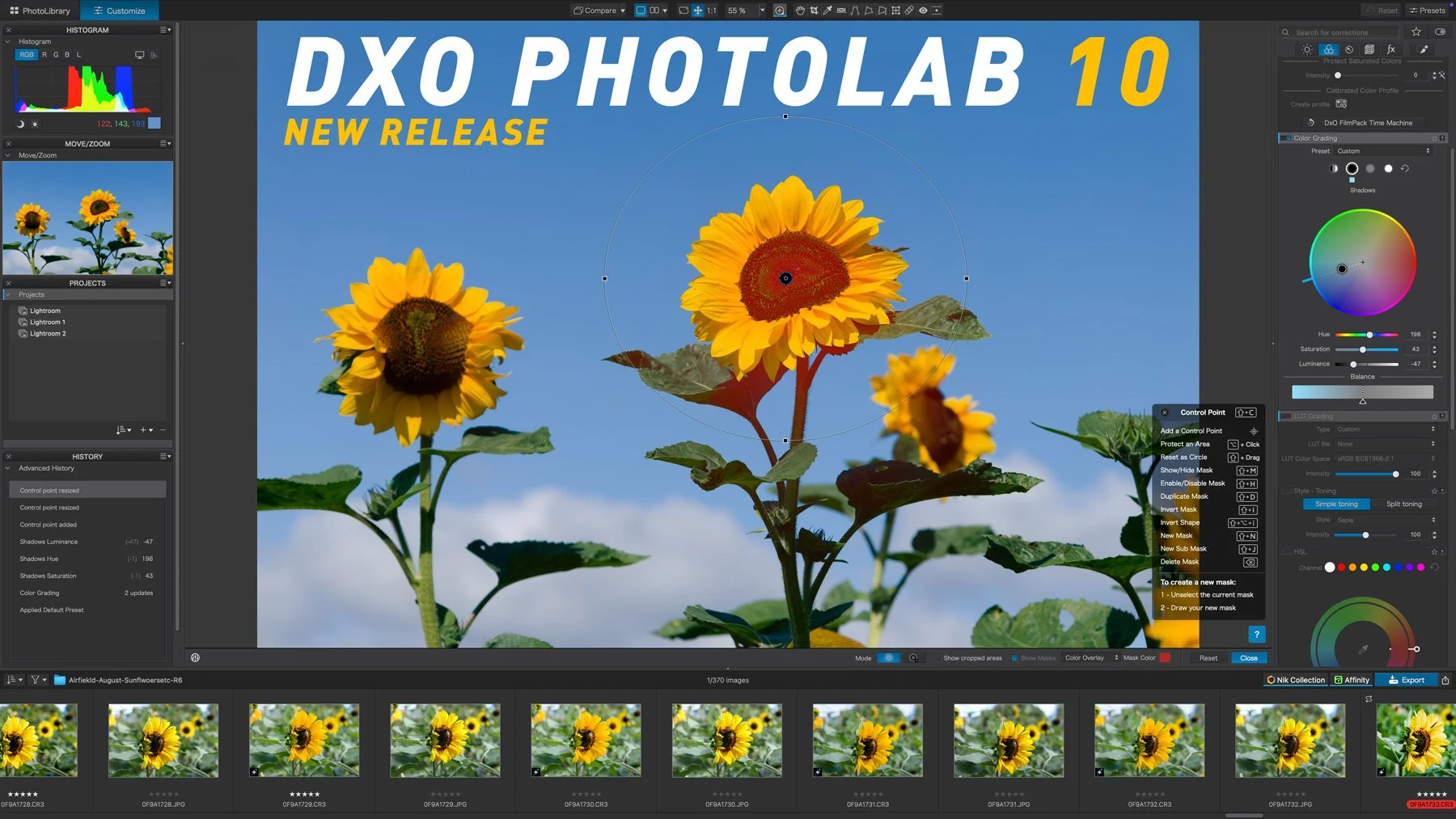
DxO PhotoLab 10 released: adds depth-aware masking, colour grading and expanded AI tools
DxO PhotoLab 10 has been released, and it introduces a range of new tools for RAW photo editing, including AI-powered Depth Masks for distance-based adjustments, a new Colour Grading tool, expanded AI masking and face segmentation, and improved U Point controls. The update also adds automatic sensor dust removal, direct pixel-level editing in Affinity, and several workflow improvements for managing and editing photo libraries.

DXO Father’s Day Promotion
DXO is running a special Father’s Day promotion, and my readers can get 20% off with the code THOMAS_FD26. That’s pretty much it, really! The offer runs until June 28th, and it’s only valid for new customers, I’m afraid.

Video: Turn any photo into a proper 3d image you can view with 3d glasses, with a little "hack" in DXO Nik 9 Analog Efex
I was playing around in Lightroom and Photoshop the other day, and I was trying to do something totally different, but in the process of experimenting, a brainwave hit me. I was thinking about the new Chromatic Shift effect in the recent Nik 9 release, and wondered what it would be like through 3d glasses. Then it occurred to me, what would happen if I combined it with the depth map? So I went on to Amazon, ordered some 3d glasses, and when they arrived 2 days later, I set out to try this technique out. It actually worked - sort of. And so, of course, I made a video!
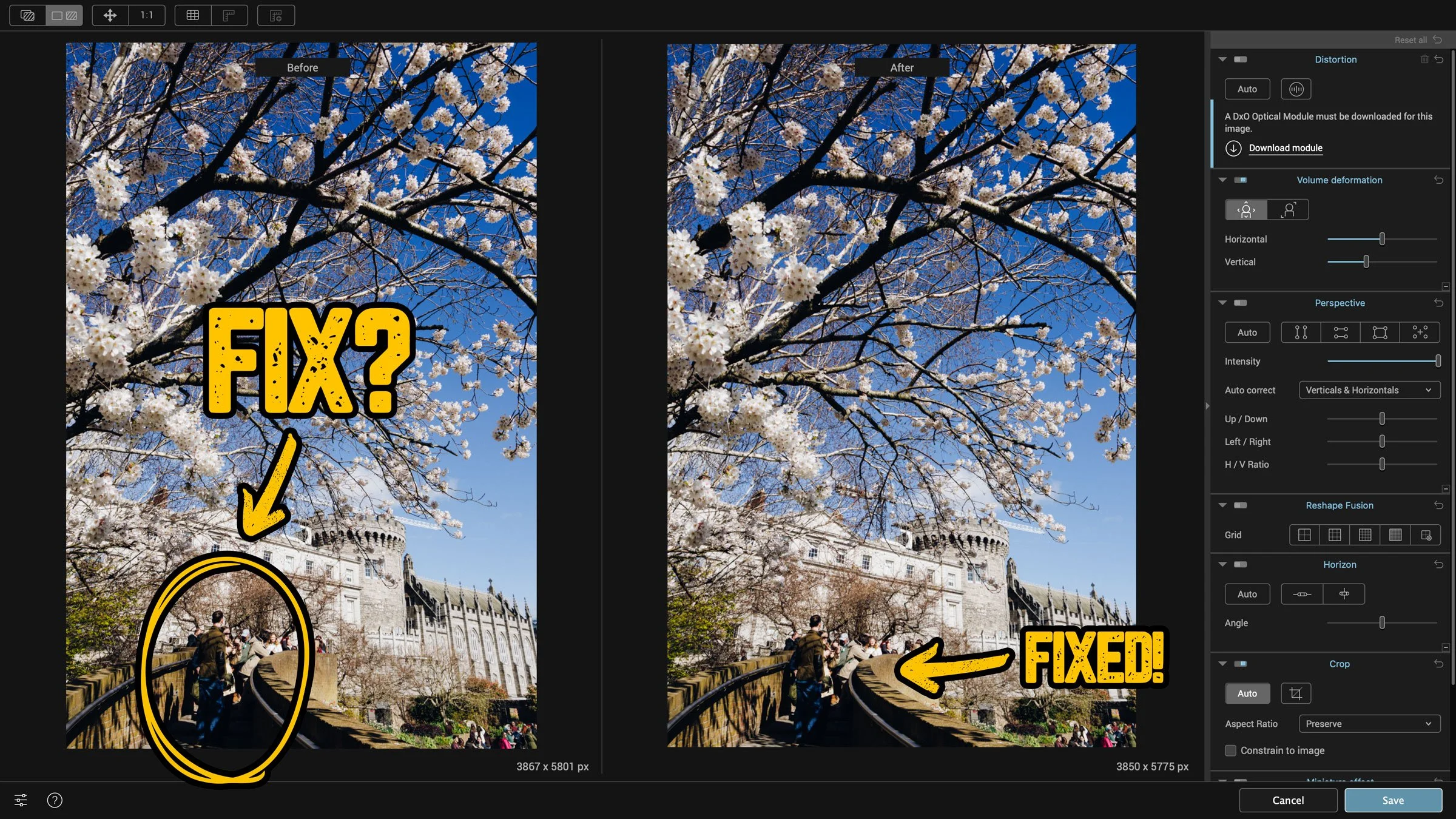
How to fix “Stretchy People” when shooting with a wide angle lens
This is one of those things that you might only ever come across once in the blue moon, but when you do, it’s useful to know how to fix it. If you’re shooting with a wide-angle lens, something like a 24mm or wider, and you have people at the edge of the frame, they can be distorted. This is especially true when shooting in portrait orientation and looking up. Like I said, this is a very specific situation, and it’s only by chance that I knew how to fix this.
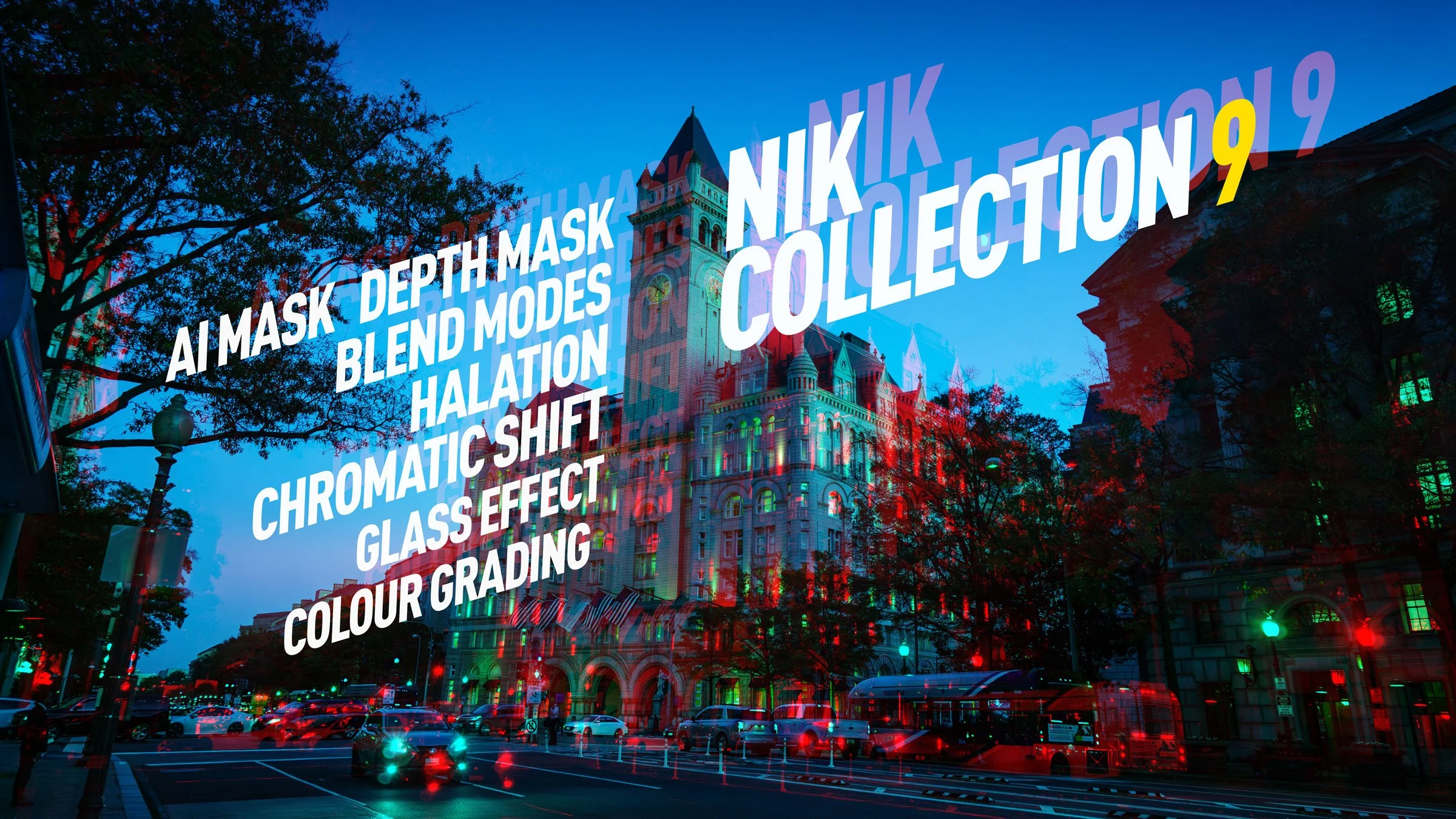
DXO Releases Nik Collection 9. A first look review of the new suite.
DXO has just released the latest version of their venerable photography plug-in suite. Nik Collection 9 adds a whole host of new features, including some across-the-suite changes and some new filters within the individual applications. There are some very useful new changes, including AI and depth masking, as well as blend modes in some of the applications. I had access to the beta version for a few days, and here is my first look at the new suite. There is actually quite a lot going on in this, so I’ll do my best to cover everything, but I may have missed a few things.
DXO Updates PhotoLab to Version 9.6
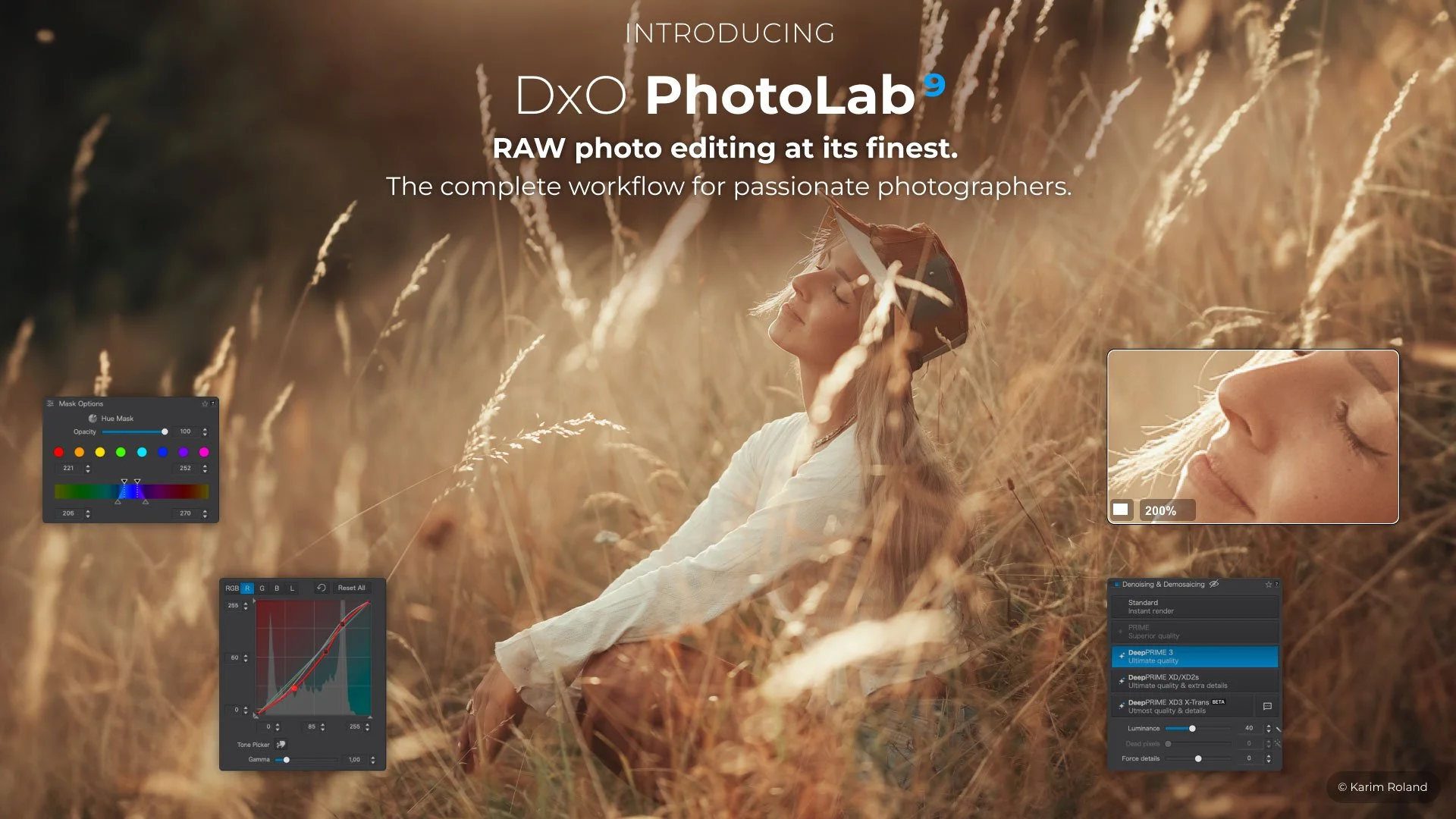
Hot on the heels of the recent PureRAW version 6 release, DXO has also updated PhotoLab to version 9.6. This update includes the DeepPrime improvements that were seen with PureRAW and also a new feature for working with masks.
DXO launches Pure Raw 6 with a long sought after feature. A first look at the new release.
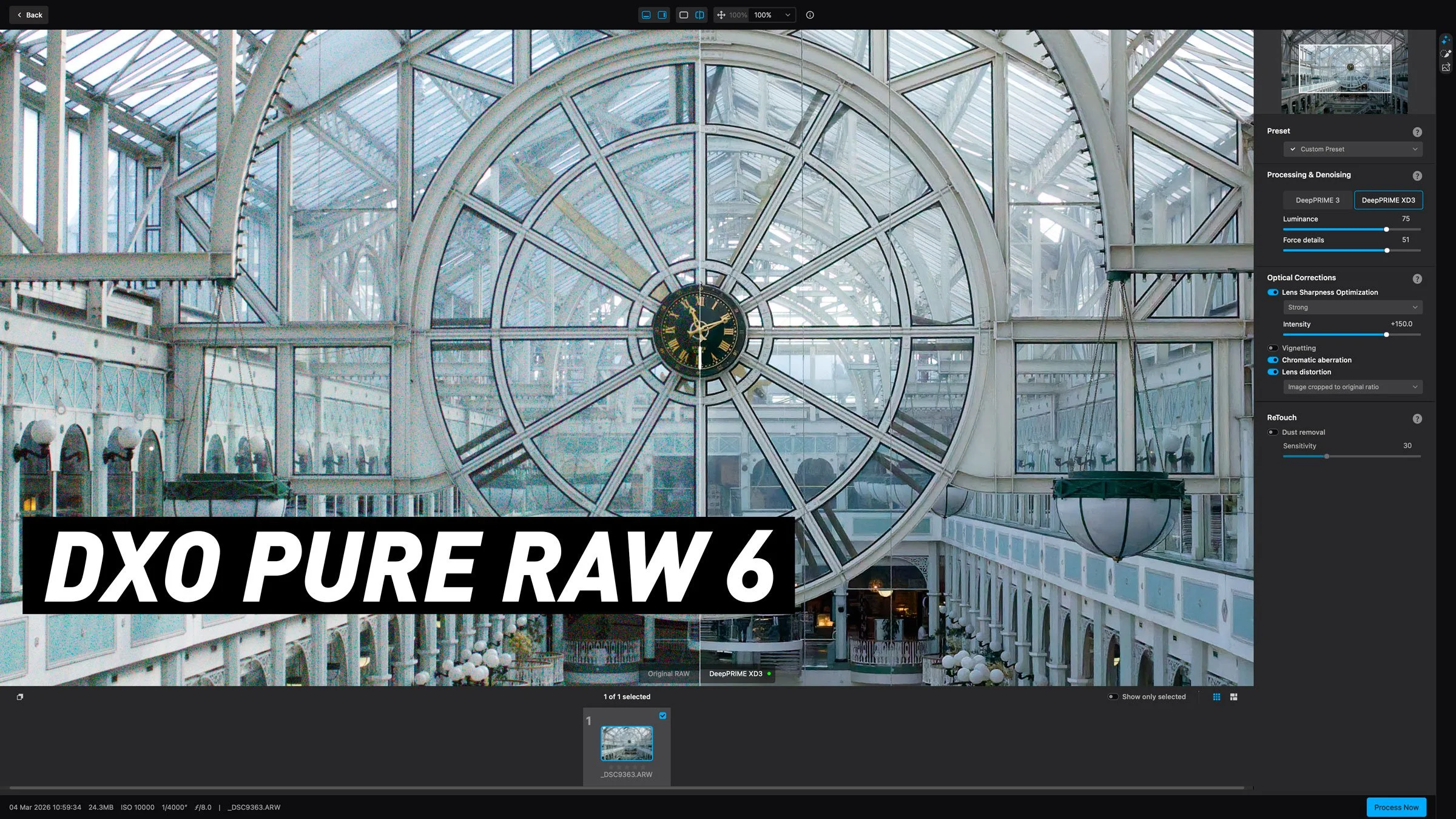
DXO have launched the latest upgrade to their RAW pre-processing software, DXO Pure RAW 6. If you’re unfamiliar with the application, it basically lets you convert Raw files to DNG using DXO’s technology, including the companies excellent noise reduction software, Deep Prime. It does so in a way that maintains edit-ability and so you can use it to work with software such as Lightroom or Capture One, but bypass their raw conversion engine to use DXO’s instead. The latest version adds a new version of DeepPrime for Beyer sensors, adds a feature people have been wanting since version one, and another new tool that was quite unexpected but works surprisingly well. Read on for the details…
DXO adds full Affinity compatibility to the Nik Collection
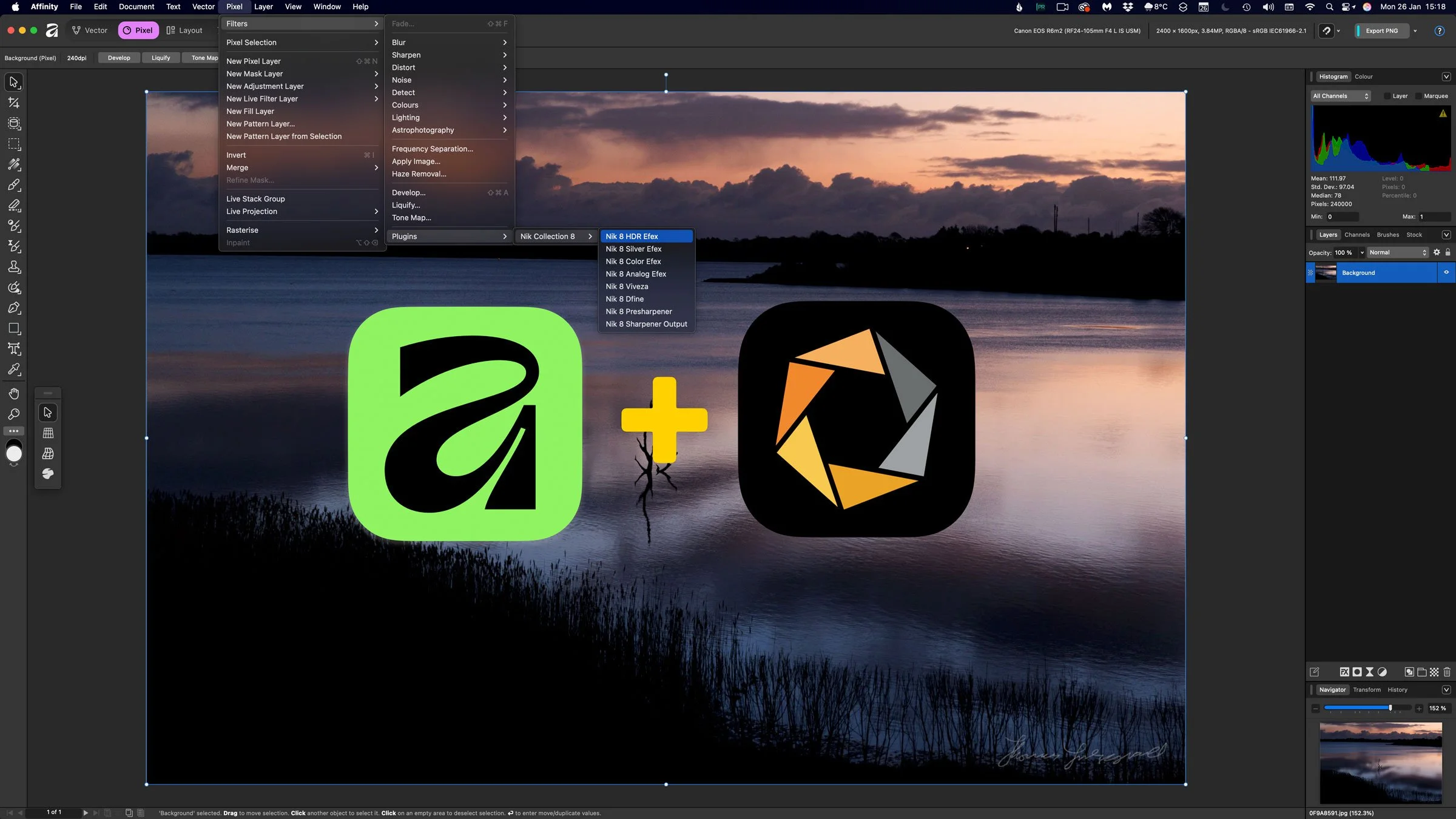
Just a quick PSA as you may have missed this - but DxO has added full compatibility between Nik Collection 8 and the latest version of Affinity, allowing Affinity users to integrate Nik’s editing tools directly into their existing workflow. This update enables photographers and creators to use the Nik plugins inside Affinity without relying on additional host applications.
Some Quick Tips for Nik Silver Efex 8
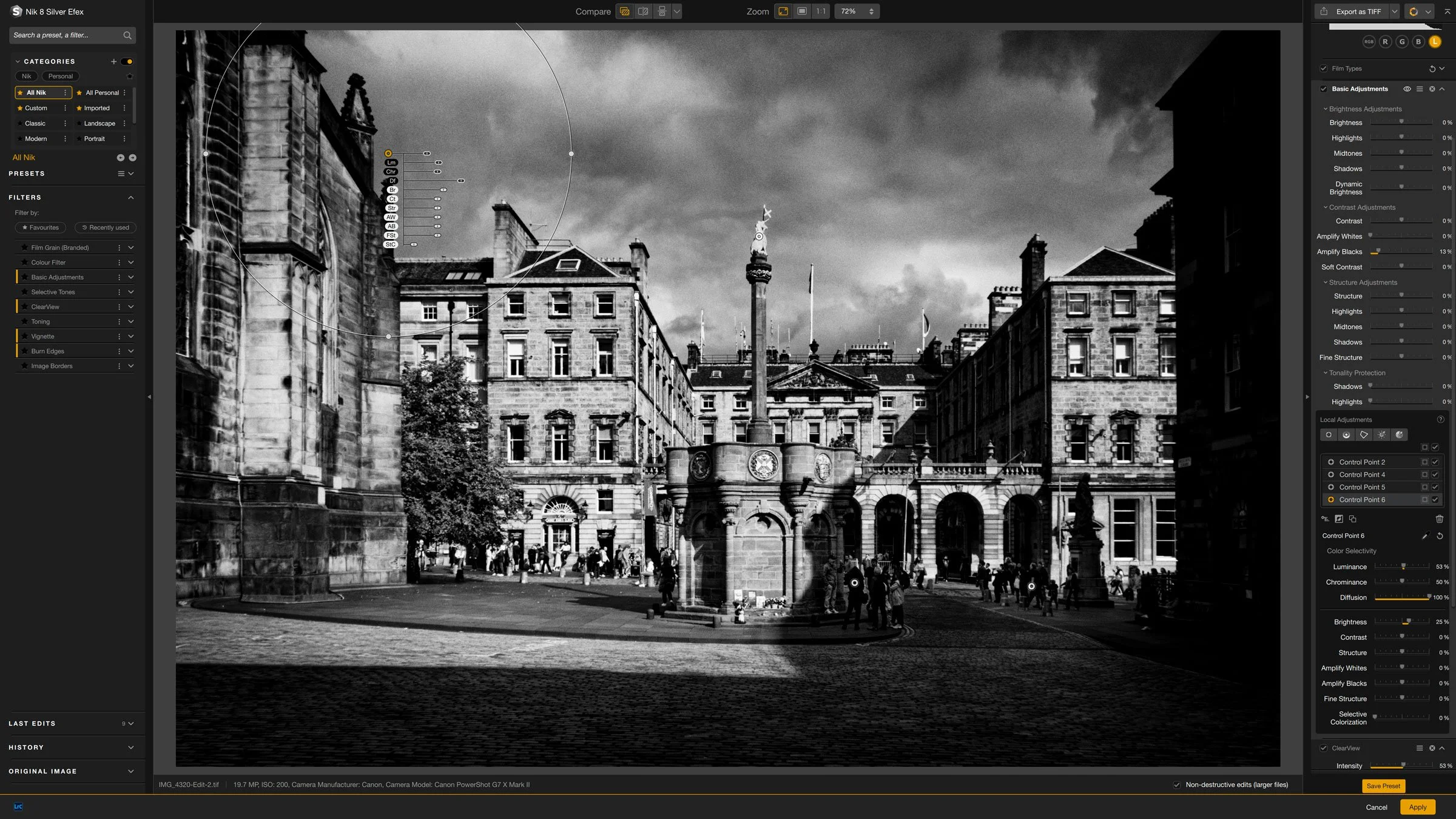
Nik Silver Efex is one of the longest running Lightroom and Photoshop plug-ins out there, and I think it was one of the first plug-ins I ever bought. This was years ago before the suite was owned by DXO and even before they were owned by Google before that. In recent versions, some aspects of the software have changed quite a bit. As I haven’t covered it in quite a while, I thought I would share a few random tips for using the latest version.

DXO Holiday Offers for 2025
DxO has launched its Holiday Season promotion for 2025, and it runs until January 6, 2026. If you have been contemplating adding some of DxO’s software tools to your workflow, you can now get a 20% discount if you buy more than one application, and you can also get free support for a time.

DxO Black Friday 2025: Savings Across PhotoLab, PureRAW, Nik Collection and More
DxO has announced its Black Friday offers for 2025, running from November 18 to December 2. The discounts cover the full range of their photo editing tools including PhotoLab, PureRAW, FilmPack, ViewPoint and the Nik Collection.
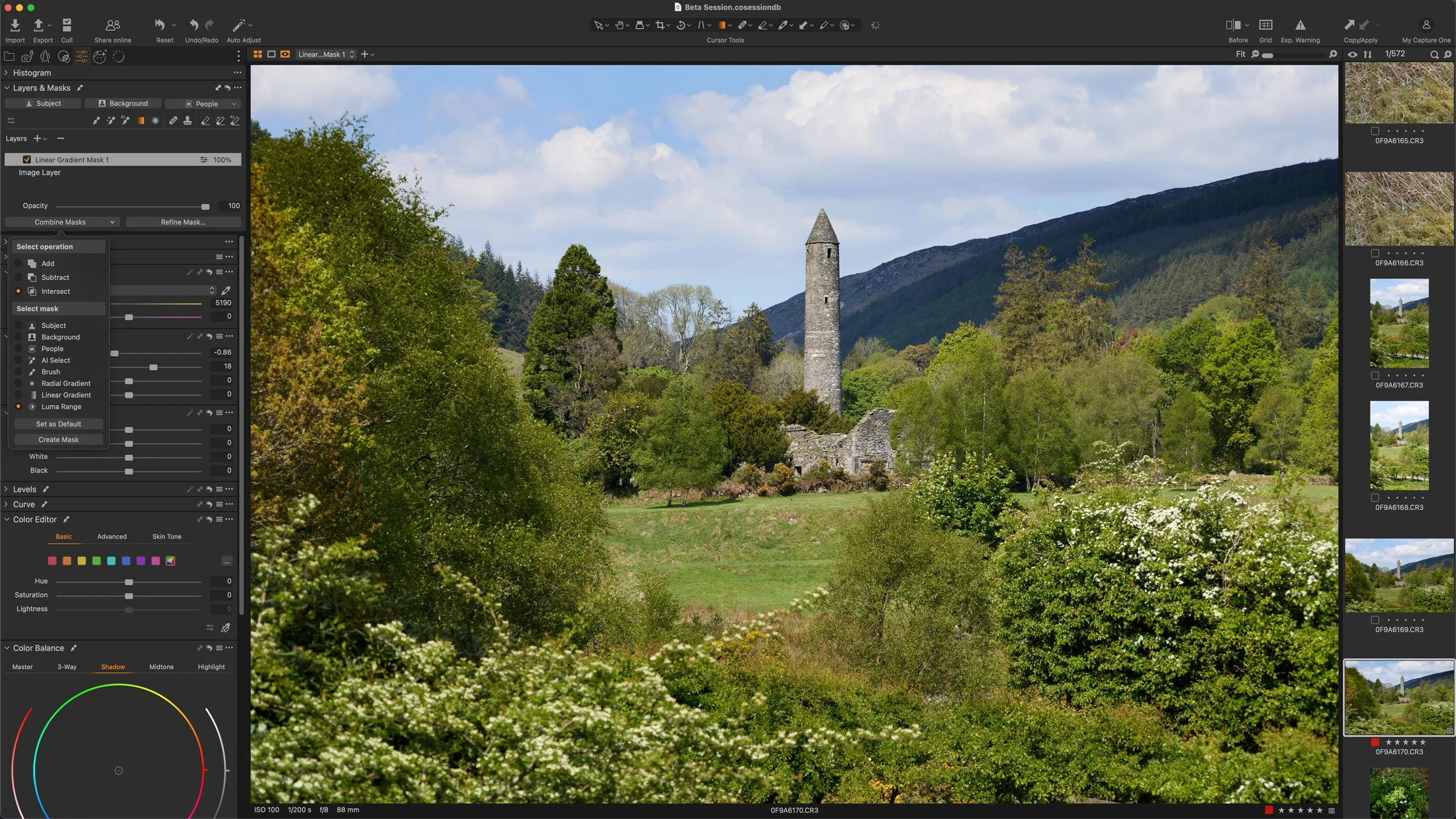
So Many Software Updates: Capture One, Pure RAW, Iridient and More!
There’s been so many software updates for photography software over the last week that I almost can’t keep up. It was never really my intention to have this be a news site, but I’ve somehow ended up reporting on these things a lot. Anyway, I’m trying to get away from that because there are plenty of other places to get the news from, but as there are all applications that I use, or have interest in, I’ll do a quick overview of some of the things worth checking out.
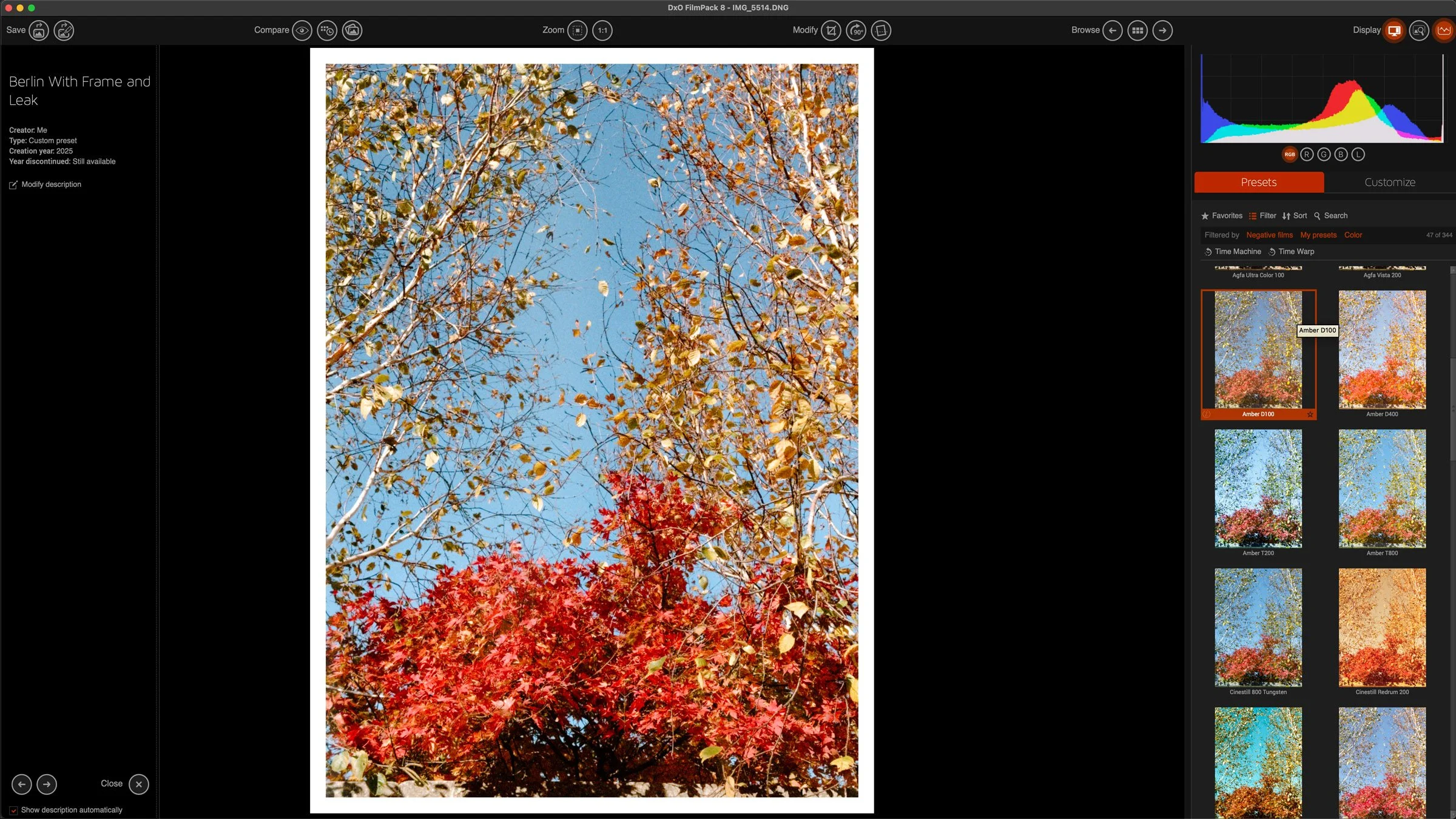
Processing iPhone ProRAW files in DXO Film Pack for a Compact Film Camera Look
I saw a video a while ago from someone who was talking about using a cheap plastic compact film camera as an everyday carry to record just general snapshots. While most of us use our phones for that, it is undoubtedly nice to have a more film like aesthetic. Unfortunately, both the cost of buying film and the cost of developing film has skyrocketed recently. So while this is a nice idea, it’s not really practical. I’ve spent the last while exploring alternatives, and trying various ways of getting his look without it being a huge effort. Recently I’ve been trying DXO film pack, because in the just announced version 8, you can now open Apple PRO Raw files, and this actually makes a big difference.

DxO Announces FilmPack 8 with New Features and Photoshop Integration
DxO has announced the release of FilmPack 8, the latest version of its film emulation software for macOS and Windows. The update brings a range of new tools designed to expand creative options and improve workflow, including a new Time Warp mode, direct integration with Adobe Photoshop, and additional film renderings. It also adds features for working with scanned negatives, updates to FilmPack’s historical Time Machine archive, and higher resolution versions of its creative effects.

DXO PureRAW 5.3 Released - X-Trans Support now out of Beta
As well as DXO Photo Lab 9, DXO also released an update for PureRAW today that Fujifilm users will be happy with. The latest version brings X-Trans support out of beta, and more importantly, it now supports all fujifilm cameras.