All in Video

Lightroom trick - How to get an Overall Adjustments Amount Slider

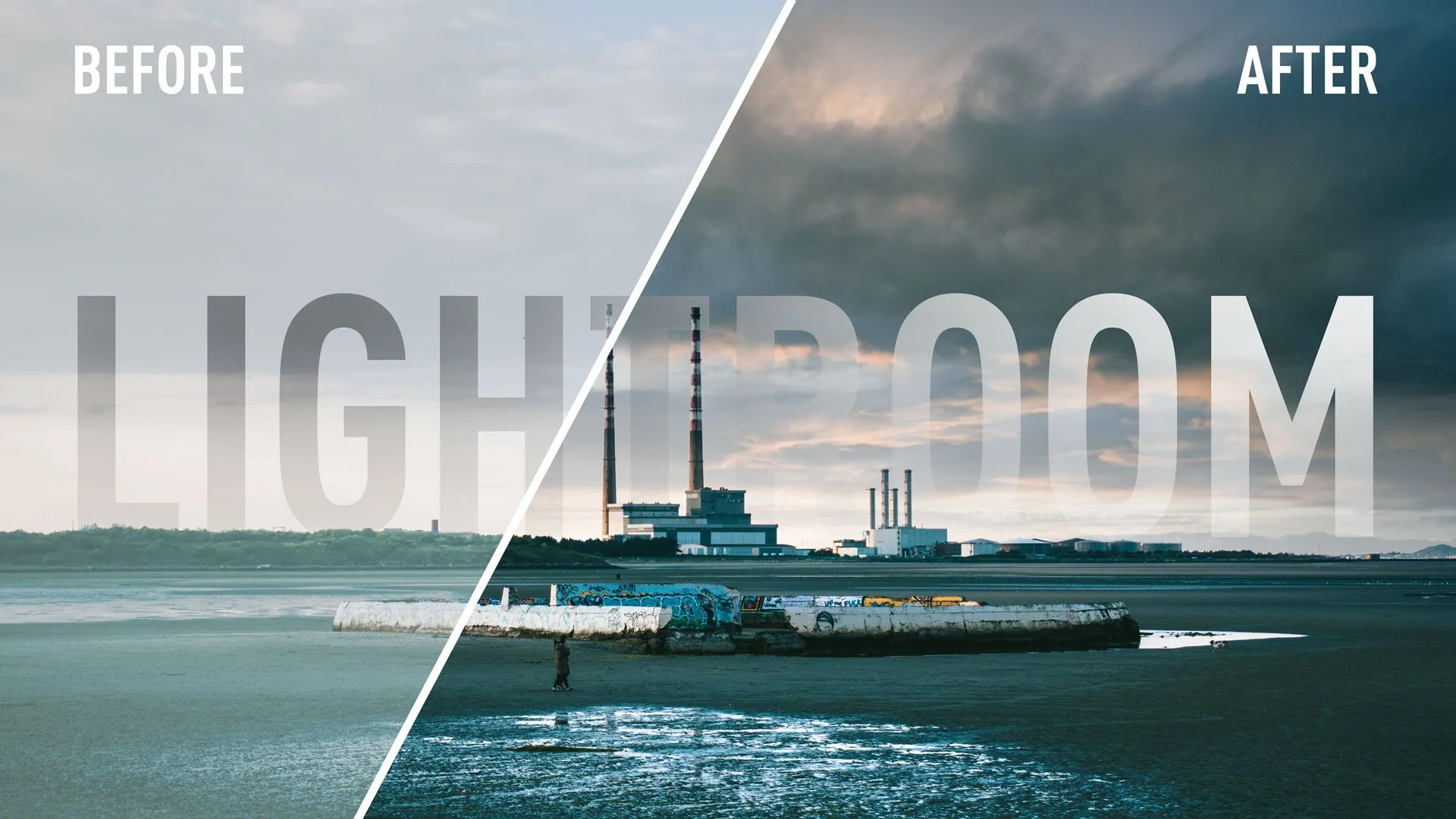
This is a little trick I stumbled across the other day - almost by accident. I was working on editing a photo in Lightroom, and I had made quite a few edits, but I just couldn’t get it where I wanted it. I said to myself: “I wish there was a way I could just dial all the adjustments back a little”. Then it occurred to me - there actually is a way to do that. It requires a few steps and a little roundabout thinking, but it essentially gives you a way to adjust the overall amount of your adjustments with a single slider.

Video: How to add White Borders to Instagram Photos in Lightroom

Some people prefer posting their photos to instagram using a frame, with white borders surrounding the image, n order to preserve the original aspect ratio. People are quite divided as to whether or not this is a good thing to do or not, but if you want to do it, there are lots of ways to go about it. If you use Lightroom, there’s actually a pretty easy way to get the white border effect inside of Lightroom, without having to use plug-ins or go to Photoshop.

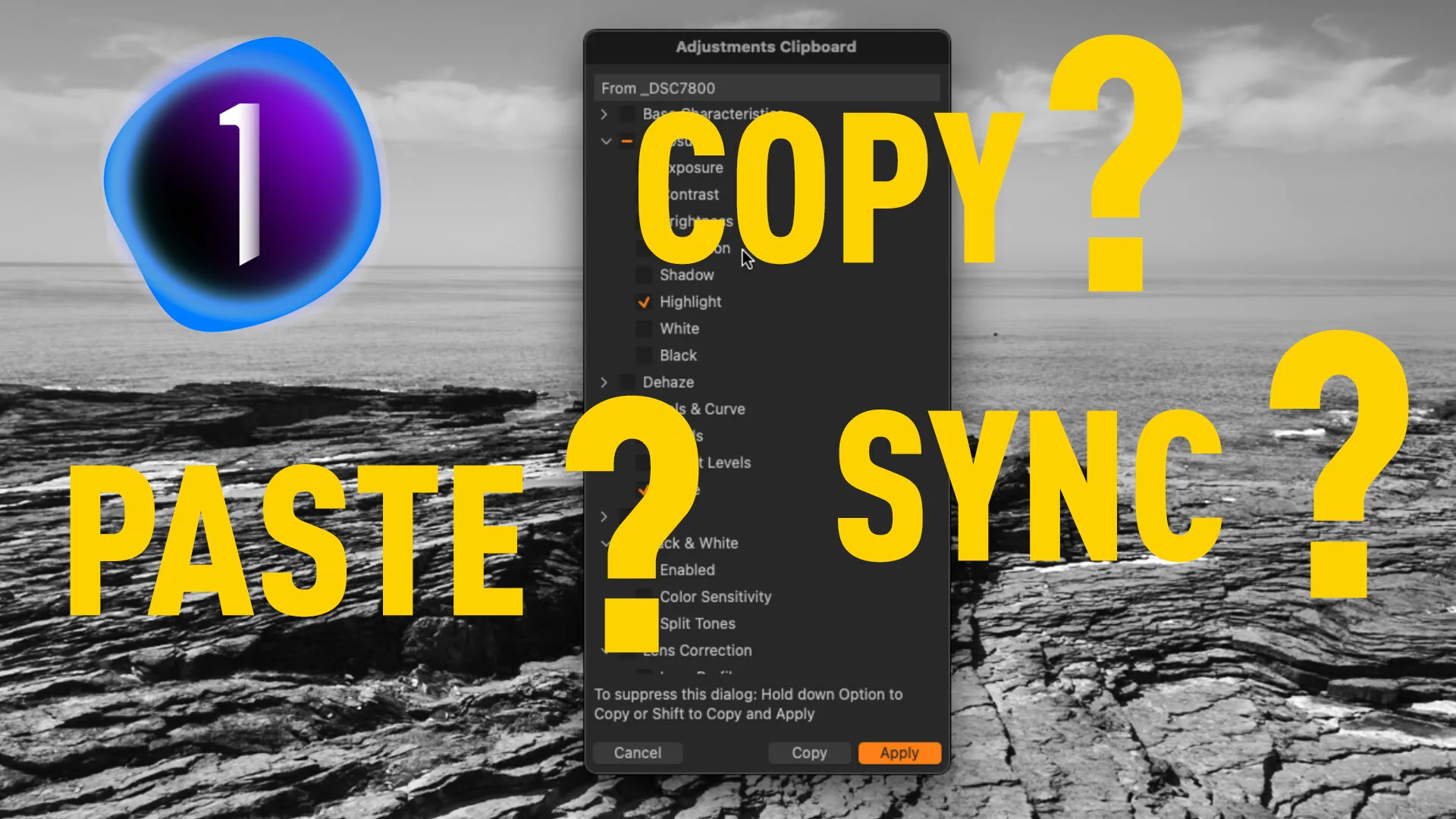
How to Sync Settings in Capture One (How to use the Copy and Apply Adjustments Tool)

In a recent blog post I covered the icons on the top of each of Capture One’s tool panels, and part of that was how you can sync settings from an individual adjustment panel. Based on the responses I got, it occurred to me that the way you sync settings in Capture One is a little confusing, especially for Lightroom switchers, and so I decided to make a video to explain it.

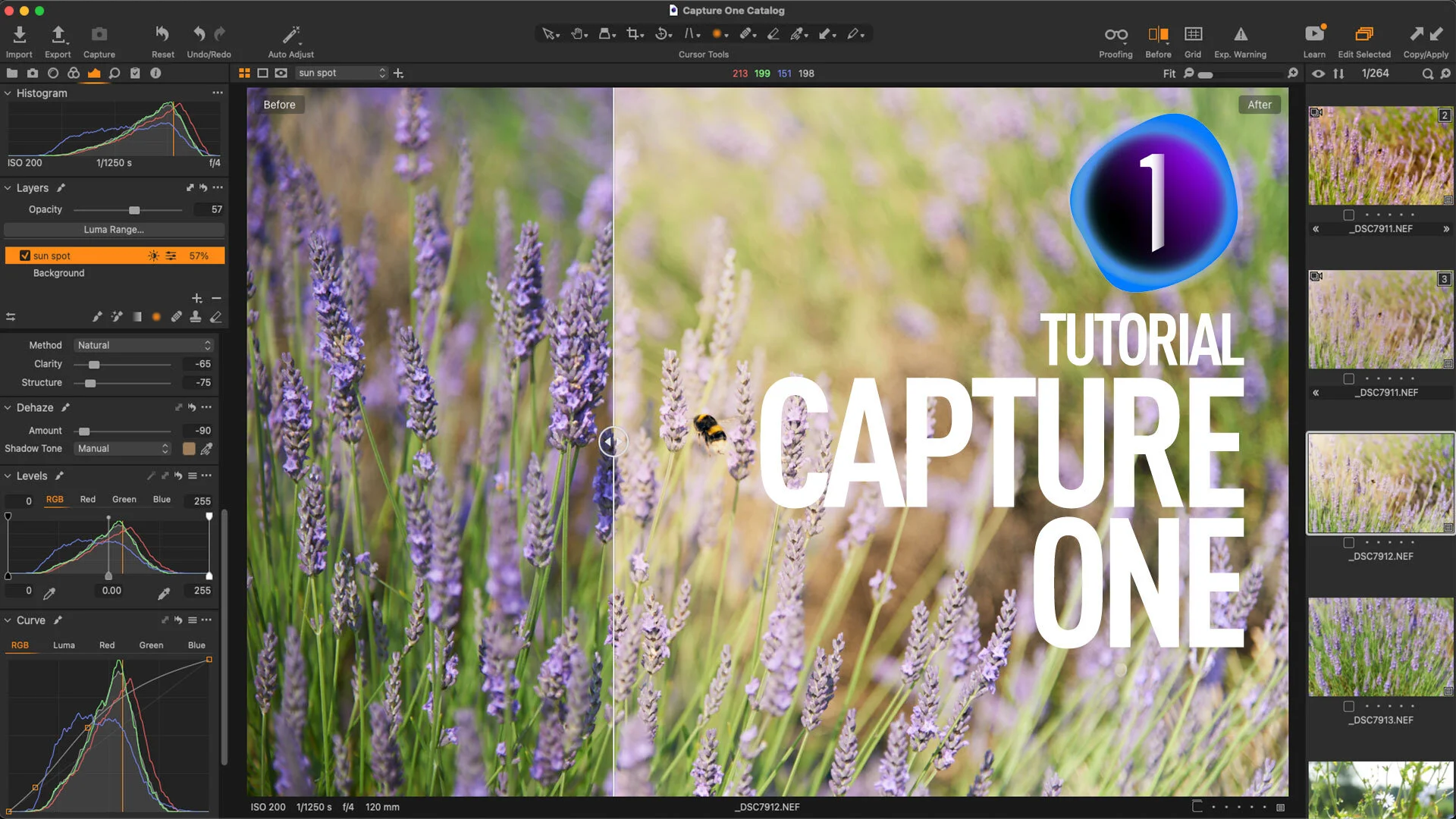
Video: Capture One Quick Edit: US Capitol Building - Fixing a Dull Photo

This is the first video of a new series called “Quick Edits”. In this video, follow along as I edit a photo of the US Capitol Building in Capture One Pro. I wanted to try doing super short screencasts of editing just one photo. I know people often don’t have that much time to watch a longer video and so I wanted to keep them to 5 minutes or less. I often find that I learn the most just by watching what others do, and so that’s what this is.

Working With Capture One and Affinity Photo

One of the questions that I get asked a lot is about using Affinity Photo with Capture One. For those who want to cut the Adobe chord, Affinity Photo is the most popular alternative to Photoshop, and it makes a good companion to Capture One. Even if you still use Lightroom and Photoshop, many still like Affinity Photo for its modern user interface and speed. Round tripping between the applications is fairly straight forward, but there are still a few things to be aware of, which I will cover in this post.

Video: Customising the Capture One Interface

One of the really useful features of Capture One is that you can completely customise the interface. This ranges from simple things like changing the toolbar, and re-ordering tools, to creating your own tool tabs and workspaces. In this video, we look at the many ways you can customise the Capture One interface, and create a custom tool tab to make it easier for someone switching from Lightroom.