
Posts about Fuji X-Trans Cameras
My collection of Posts, Articles and Resources about Shooting and Processing Photos shot on one of Fujifilm's X-Trans Cameras. Resources include Lightroom Presets, and tips for processing and editing files in various Raw converters, in order to get the best from the Fuji X-Trans Raw files.

Last week was a very interesting week for those who want to shoot video professionally. We saw the launch of 3 cinema cameras. Well, four if you count the new iPhones. At IBC in the Netherlands, Canon, Nikon and Fujifilm announced their new cinema cameras. For Canon, it was a new form factor and price point for their cinema lineup, and for Nikon and Fujifilm it was their first entry into this space.

I’ve been exploring the challenges of processing Fujifilm X-Trans files ever since the original X-Pro 1, sharing tips, sharpening methods, and even an eBook along the way. Historically, Lightroom struggled with these unique raw files, demanding extra workarounds. But with Adobe’s latest update, that’s finally changed. Processing Fujifilm files is now straightforward, and it mostly comes down to one simple checkbox.

A year and a half ago, I wrote a piece about the Fujifilm X100VI and how it was (at the time) the last of the rangefinder style cameras. When I wrote that piece, Fuji had discontinued the XE-4 and the X-Pro3, and there was no immediate sign of replacements. I had speculated that Fuji had ended these lines as the X-T Series and X100 lines were more popular. As an X-E4 owner, I was saddened but resigned to the fact. But luckily, I was wrong and today, Fujifilm announced the new X-E5.

Fujifilm has just released its long rumoured, and much teased “half” digital camera, and it has, to put it mildly, decided opinions. The camera, which looks like a tiny X100 series, is an homage to half frame film cameras of old, with a 1.0 type sensor mounted vertically and a vertical screen on the back. Fuji has also designed the software of the camera to mimic film as much as possible, even including a film mode. When activated, this mode doesn’t let you see what you’re capturing it until you reach the end of the roll and “develop” it in the companion camera app. It’s either a nice nod to nostalgia or a gimmick, depending on who you ask. But the one thing Fuji really, really wants you to know is that this camera is “Fun”.

Our old friends at Fuji Rumors haver caused quite a bit of a stir in the Fuji community with a recent rumour about a new camera that Fujifilm is working on. According to the rumour, the camera which probably won’t be released until 2025 will have a new sensor that is of a different size to one that Fujifilm has used before! As you can imagine this has caused rampant speculation on various social sites. The leading candidate for this “sensor size that Fujifilm hasn’t used before” is Full Frame. But if this came true it would upend years of Fuji insisting that Full Frame isn’t something they want to do.

Back in April my wife and I took a road trip to the northern most region in Ireland, the Inishowen peninsula in Co. Donegal. We were there for a few days and took the opportunity to photograph the northern most point on the island of Ireland, as well as some of the incredible beaches in the area.

I’ve been a Fujifilm shooter for quite some time now. The original X100 still sits on a shelf in my office, and I’ve had a total of 5 different Fujifilm cameras over the years. While the original X100 wasn’t my first Fuji camera, it was probably the one I used for the longest. Since then, there have been numerous iterations of this camera, each better than the previous one. I never really bothered upgrading the X100 because my other Fuji cameras pretty much did the same thing, but with the additional option of changing lenses. Now with its latest iteration, is it time to finally upgrade? And what does the X100VI release say about the rest of the Fuji Lineup?
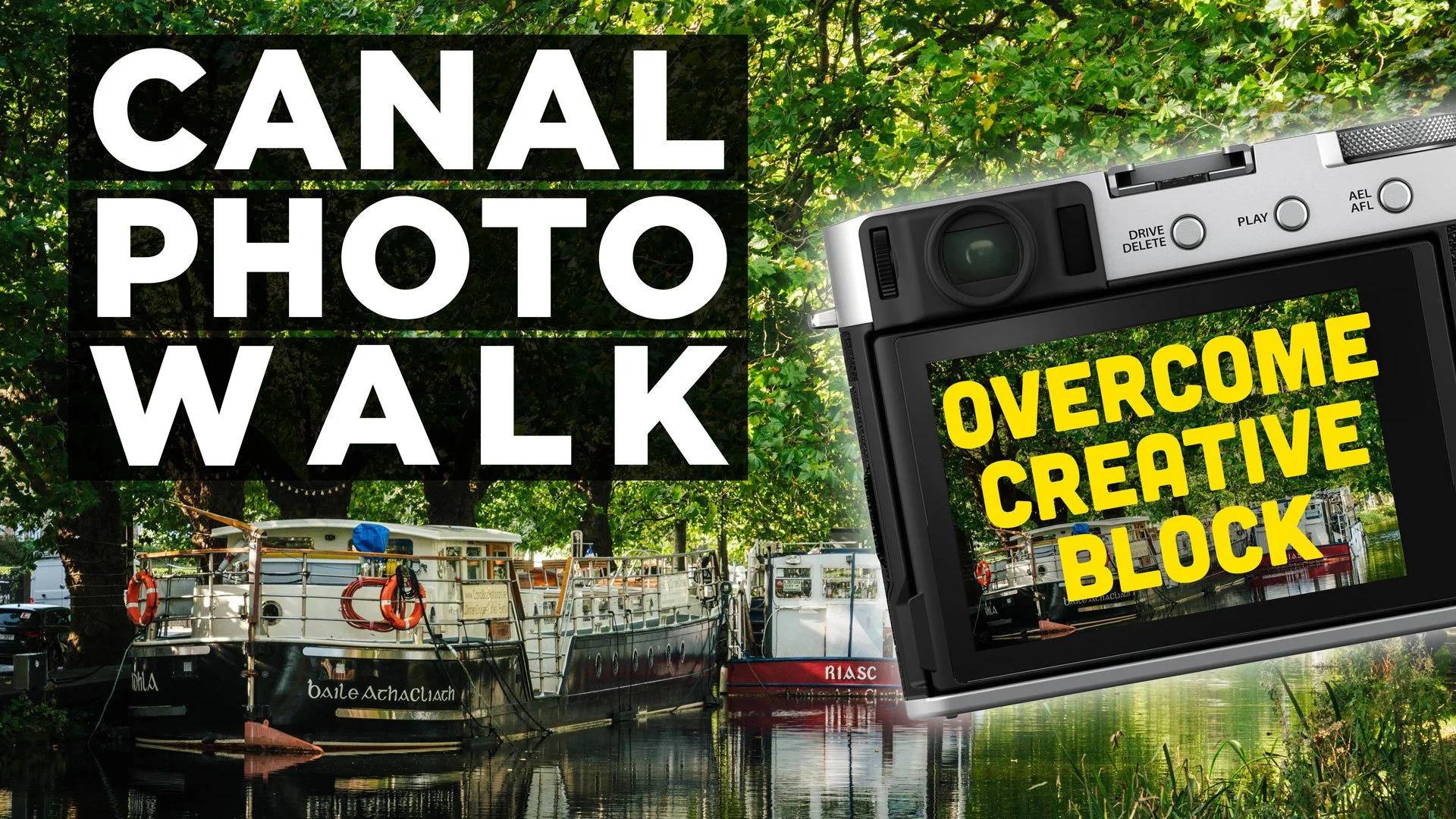
In this video, I go back to basics and set out to enjoy the creative process of taking photos in order to overcome a bad case of creator block and imposter syndrome. I went for a Photo Walk by the grand canal in Dublin with my Trusty Fujifilm X-E4 and talked about how you sometimes need to take photos just for yourself and enjoy the process as a form of meditation.

The Fujifilm Fujinon 16-80mm lens is one I’ve wanted for a long time, but it has been surprisingly difficult to get hold of here in Ireland. Ever since it came out, the standalone version has been back-ordered, and it was only really available here as part of a kit. I finally managed to get one second hand a couple of months ago, and I’ve been using it a lot since, including taking it on several trips. So, I wanted to do a non-technical review of this lens for those who might be interested.

The giants causeway is probably one of the most famous natural attractions on the island of Ireland. Located on the northern coast of Northern Ireland, the famous landmark is a series of volcanic rocks that formed into hexagonal columns. It’s somewhere I always wanted to see in person, with the formation being featured in geography text books when I was younger, not to mention practically every tourist board promotion for the region. Finally this past weekend, I got to see it in person.
My first reaction: “Is that it?”

Someone recently asked a question on my Facebook group that, I thought, was actually such a good question that I should write a whole blog post, or perhaps even a series of blog posts about. For a long time, I’ve covered just about every aspect of working with Fuji files in Lightroom Classic, but I’ve never really covered some of the techniques for the non-classic version of Lightroom. While most things are broadly similar, many operations are also slightly different or in slightly different spots, so may be confusing to beginners. So in this post, I’m going to cover some of the fundamentals: how to change the film simulation mode, how to set the film simulation mode to what you shot in-camera on import, and how to use the “enhance” function to get better quality images.

A little while ago I wrote my first impressions of the Fuji X-E4, but having been using the camera for a little while now, I wanted to follow up with some more observations. I often find that a problem with camera review is that they are written after only a short time with a camera, and often miss out on things that come to light later. So, that’s the purpose of this review. It’s not to slam the camera or say it’s the greatest thing ever. It’s to highlight some things, both good and bad, that I’ve discovered while using it, so that if you’re considering purchasing one, you can be fully informed.

The Enhance function in Lightroom has been around for a while now. It was originally called “Enhance Details” but changed its name to just “Enhance” when the super resolution feature was added. For Fuji shooters, Enhance offers a way to get improved demosiacing inside of Lightroom without having to use third-party software. Using it on Fuji RAF files can provide significantly better rendering of detail in Fuji files, but it does come with some downsides.

My most popular series of videos on YouTube by far was “street photo diary”. It’s a series that I loved creating, but it has been on hiatus since 2019 and the pandemic hit. Well, I’m delighted to say that I’ve finally created a new episode, and it’s up on YouTube now. In this video I take my new Fujifilm XE-4 on a photo walk around Dublin City to see how well the camera works for Street Photography, and to see how it will fare as a replacement for my ageing Sony A6000

This time last year, I posted a story on this blog called “Virtual Spring”. We were in the midst of lockdown and I couldn’t get out to get any photos of the changing seasons. While autumn has always been my favourite season to photography, spring is a close second. I love as the bleakness of winter gives way to new life, and it clears out the cupboards of one’s mind, as it were.

DXO quietly released the latest update to DXO Photo Lab sometime recently. I don’t know when exactly this was as there was no press release or anything and I wasn’t really paying that much attention to the software update notices, but it’s actually an important release for two reasons. It brings improvements to Fuji support and improves the way Fuji cameras are handled in an important way. It also makes us aware of a bug in the latest MacOS and offers a work around. Read on for more details
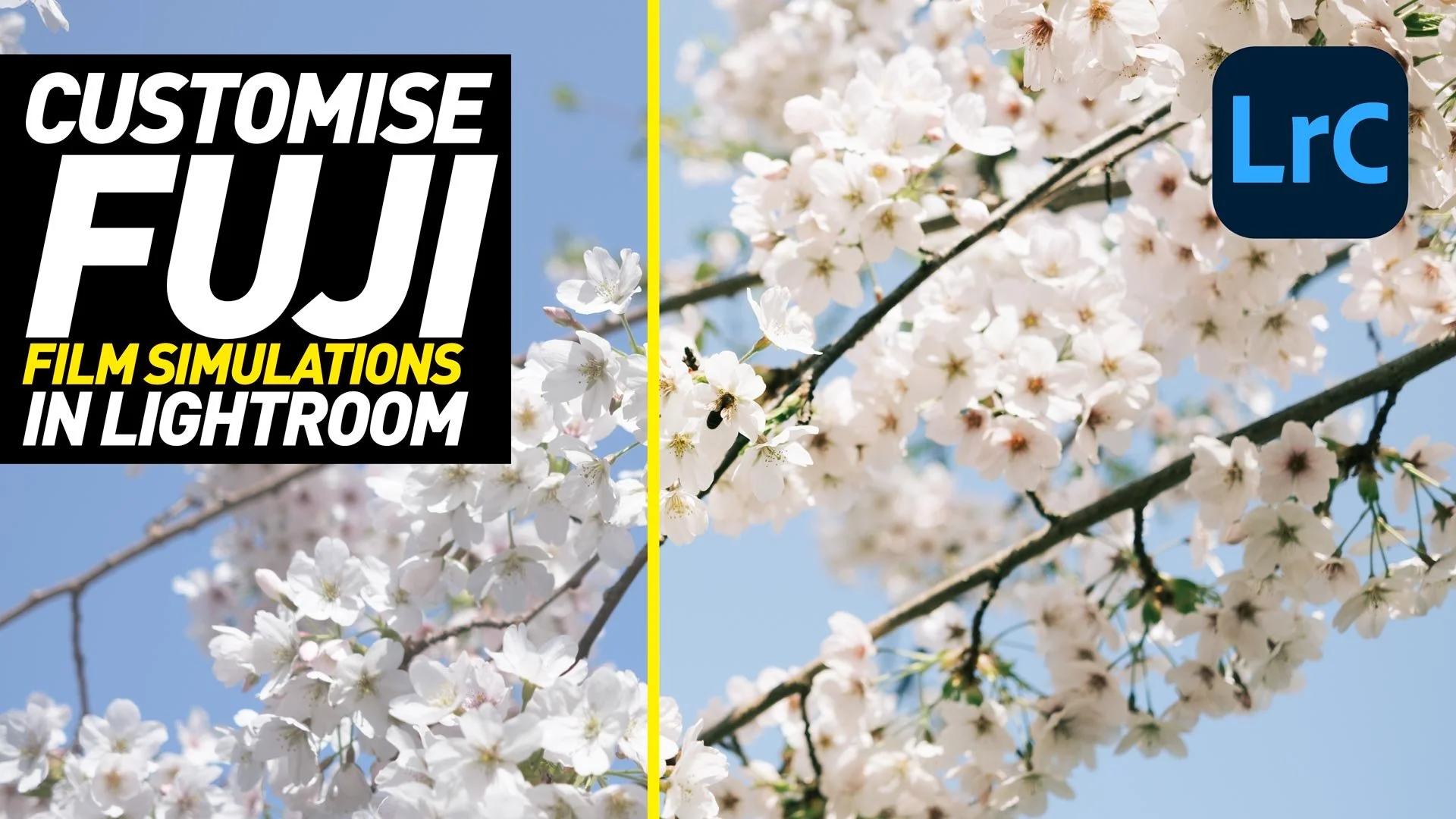
If you’re a Fuji shooter, you shoot RAW and use Lightroom Classic, then you probably regularly use the Fuji Film simulation colour profiles when processing your images. However, what if you want to customise those profiles? What if you’re not 100% happy with the colour balance for example, or you’d like to match some customisation options that you’ve set in-camera. Well, it’s actually easy enough to create your own custom versions of these colour profiles and in this video I’ll show you how!

We recently decided to head out to the mountains to photography a nice spring day in national park in Glendalough, Co. Wicklow, but when we got there a cloud had descended. Long with the still bare moss covered trees, our jaunt in the sun became a trip into a fantasy story in a mysterious forested land…

Ever since it came out last week, I’ve been getting lots of questions about Pure Raw 2. I had outlined a first look at the software last week, both here and on my YouTube Channel, and I’ve had lots of comments and queries on various aspects of the application. So, I thought I’d try and address some of the key things people had questions about in this post.
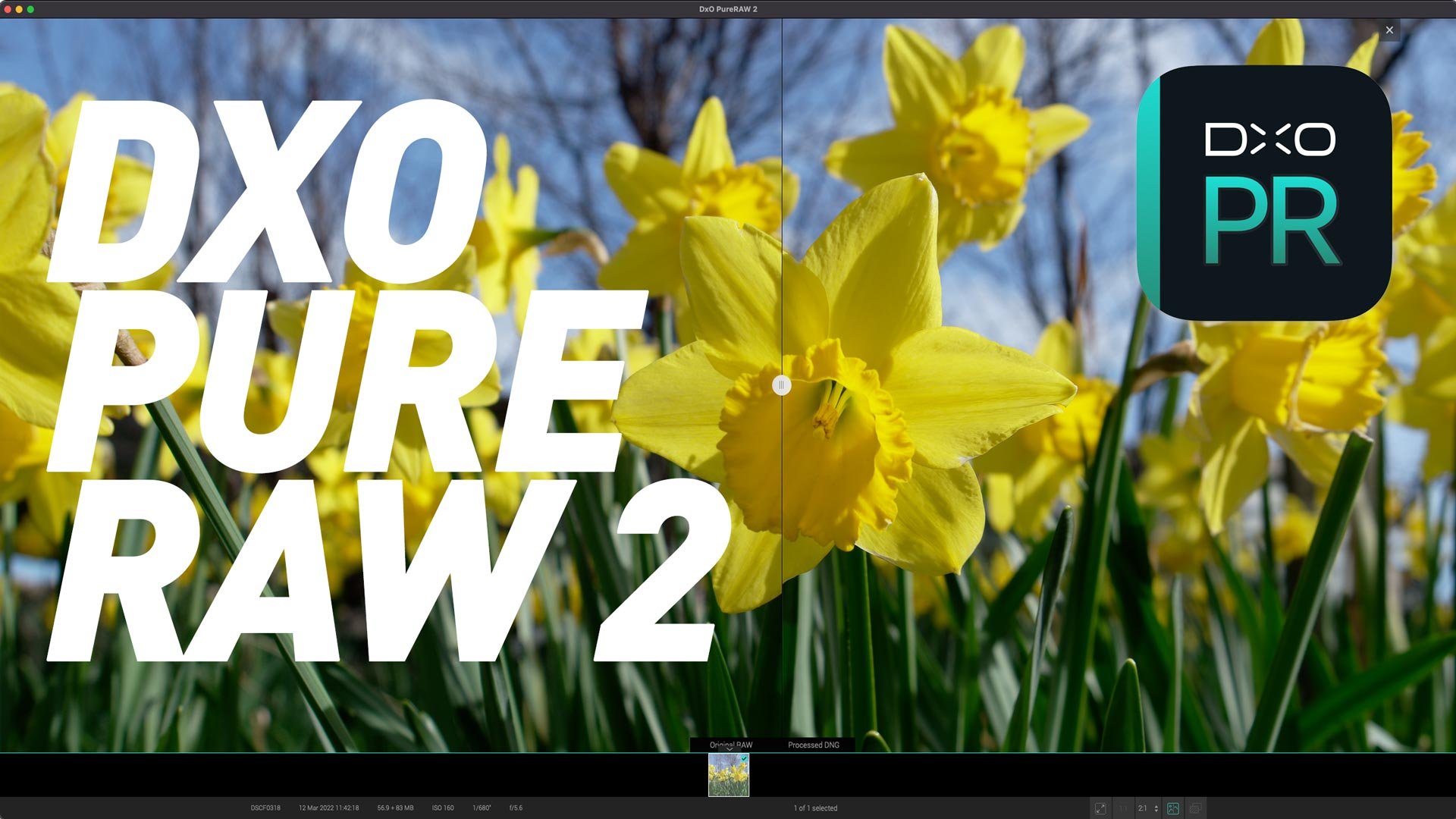
Today DXO Labs announced the release of the second version of DXO Purer Raw. In case you haven’t heard of Pure Raw before it’s DXO Labs’s Raw pre-processing software. It allows you to take advantage of the company’s excellent Ai-based noise reduction and demosiacing technologies, while still using your favourite editing application. The new release adds to major new features: Fuji X-Trans support and much improved workflow options.

A few years ago, I was pretty heavily invested in the whole world of Fujifilm cameras. However, since my X-Pro 2 broke a few years ago, I haven’t had the time or the finances to replace or repair it, and so I’ve fallen out of regularly covering Fujifilm topics.So recently, I decided I was going to get one of the latest Fuji cameras to re-immerse myself in the ecosystem. But then the conundrum came – which Fuji camera to get?

Yesterday (Feb 21st) Sigma officially announced that it would start releasing lenses for Fuji’s X-Mount. The initial lenses to be released would be a trio of f/1.4 primes that already exist for other mounts. These are a 16mm, 30mm and 56mm. While this has been rumoured for a while, it’s an interesting development, as these lenses are well regarded on other platforms.

If you’re a Fuji shooter who regularly uses different film simulation modes when shooting with your Fuji camera, then you may also want to regularly try different film simulations when working on your RAW files. Lightroom has profiles for all of the film simulations that come with various fuji cameras, but to get to them you have to go into the profile browser. While this is fine, you can actually make access to these a little easier, and there are two ways of doing this.
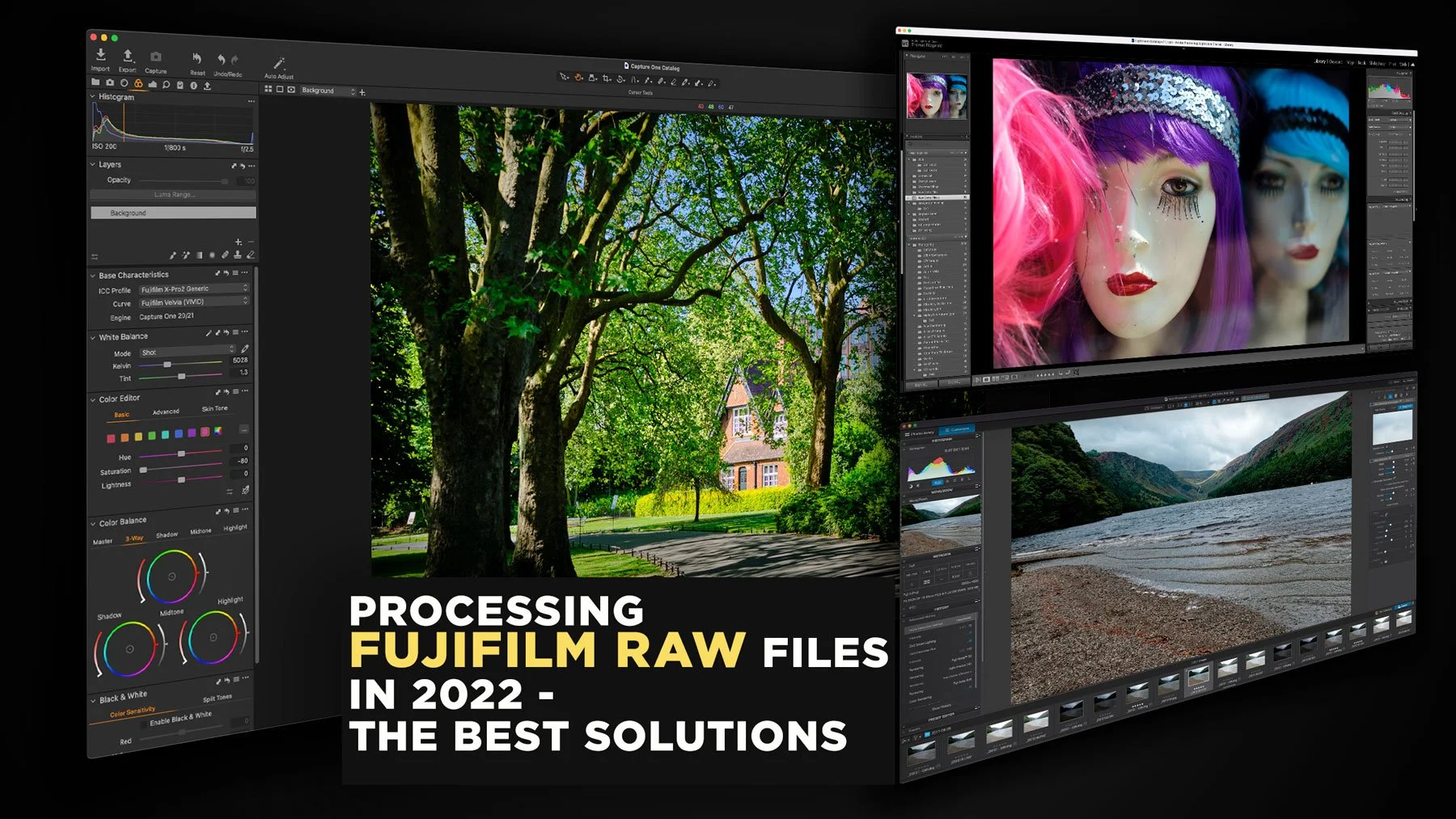
The topic of how best to process Fuji raw files has been a long-running topic on this website. I’ve covered it extensively in the past, including a previous version of this article. However, over the past two years since the last time I updated this, there have been a few changes to the landscape, and so it’s time to write an updated version. So, what are the best options for Fujifilm raw processing in 2022? (In my opinion)

It’s been quite a while since we got an update to Iridient X-Transformer, and I was beginning to get a bit worried about the future of the software. Some users had also written to me expressing their concern. Luckily my fears were unnecessary, and there is now a new version (Version 2.01) which brings support for all of the recent Fujifilm cameras as well as native Apple silicon compatibility.

DXO labs recently added Fujifilm support to PhotoLab 5, the companies Raw processing application. The support is currently in beta, but my initial testing shows that it gives promising results, that are among the best you can achieve. DXO’s Raw Pre-Processing application, Pure Raw, currently does not support Fuji files. However, if you want to use DXO’s technology with Lightroom, you can still use PhotoLab as a way to pre-bake your Fujifilm Raw files for use with Adobe applications.

When DXO Photo Lab 5 was released a few weeks ago, it came as a pleasant surprise to many that they had finally decided to support Fuji cameras. Fujifilm support is currently in beta, but the software is capable of producing some really good results. However, to get the best quality, you need to jump through a few hoops first. In this article, I’ll talk you through how to get the best results and some of the options you need to consider.

I wrote a little while ago about plans to update my Fuji guides at some point, and I’ve had a few people asking me about it. The situation is a little more complicated, so read on for details on what’s happening, or why there has been a delay.

It’s been a while since I updated my recommendations for Lightroom processing of Fuji files. Since then, Lightroom has been changing quite a bit, and so, while I had planned it before but never got around to it, I’m now in the pre-production stages of re-writing my Fuji Lightroom guide. One of the big things I’m changing is how I recommend people process their Fuji files for the best results.
Fuji X-Series Resources
I also have a number of Free and Paid For Fuji X-Series resources available:

I’ve had my Fujifilm X-E4 for a long time now, and for the most part it’s a great little camera. I’ve used it as my main “lightweight” travel and walk-around camera for years now. Any time I want to bring a camera with me and I don’t want to lug my Canon R6II, I throw the Fujifilm in the bag. I had originally bought it to replace my ageing Sony a6000 for street photography, but that never really panned out. Mainly because I didn’t do street photography as much any more, but also, an annoying bug in the camera made it difficult to use with my style of street photography. But I finally found a solution.