
Featured Posts
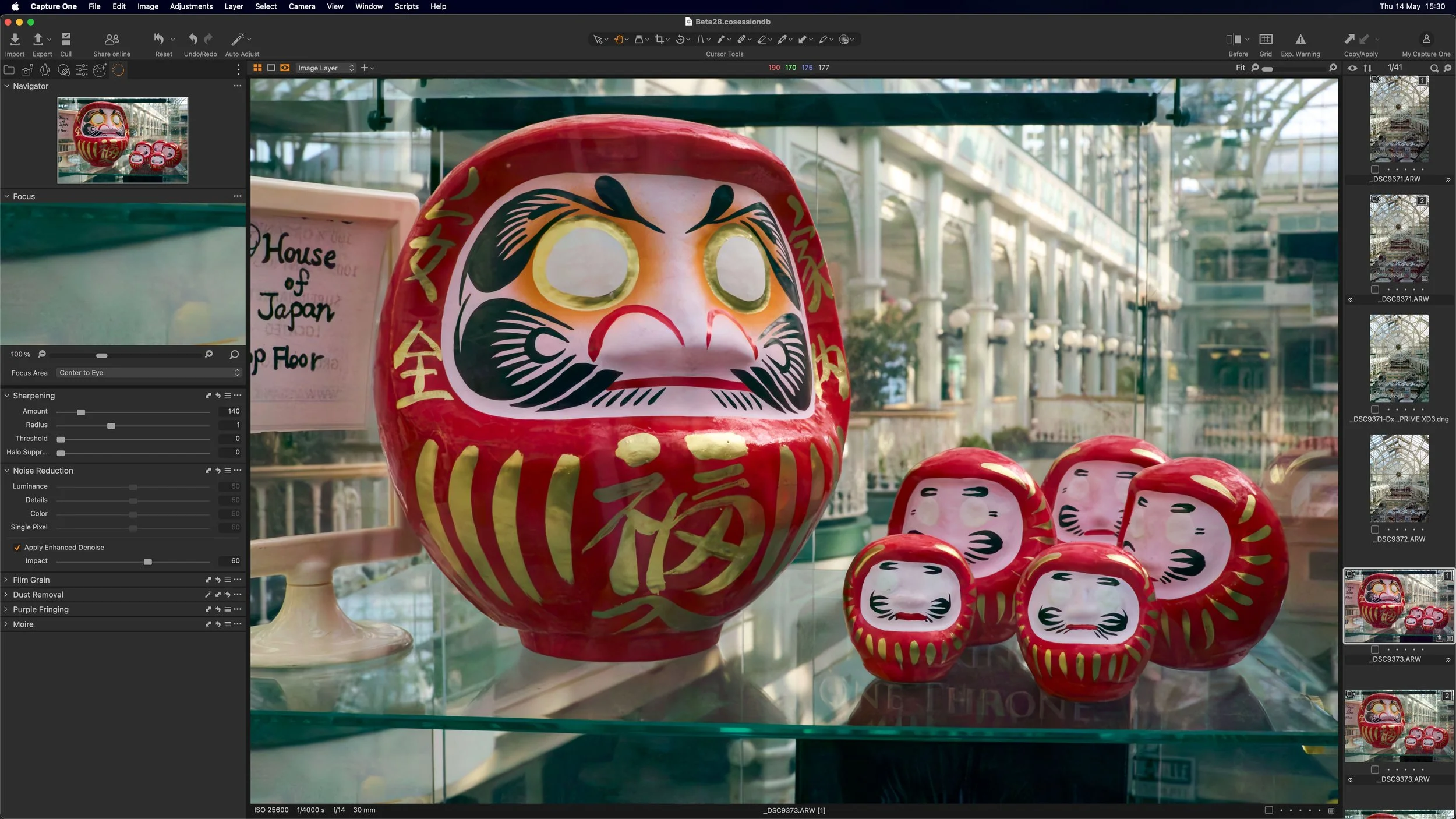
Capture One has released a new beta version of the software, that adds a much requested feature. The new release adds AI noise reduction to the photo editing application, and while currently only in Beta, it looks promising.
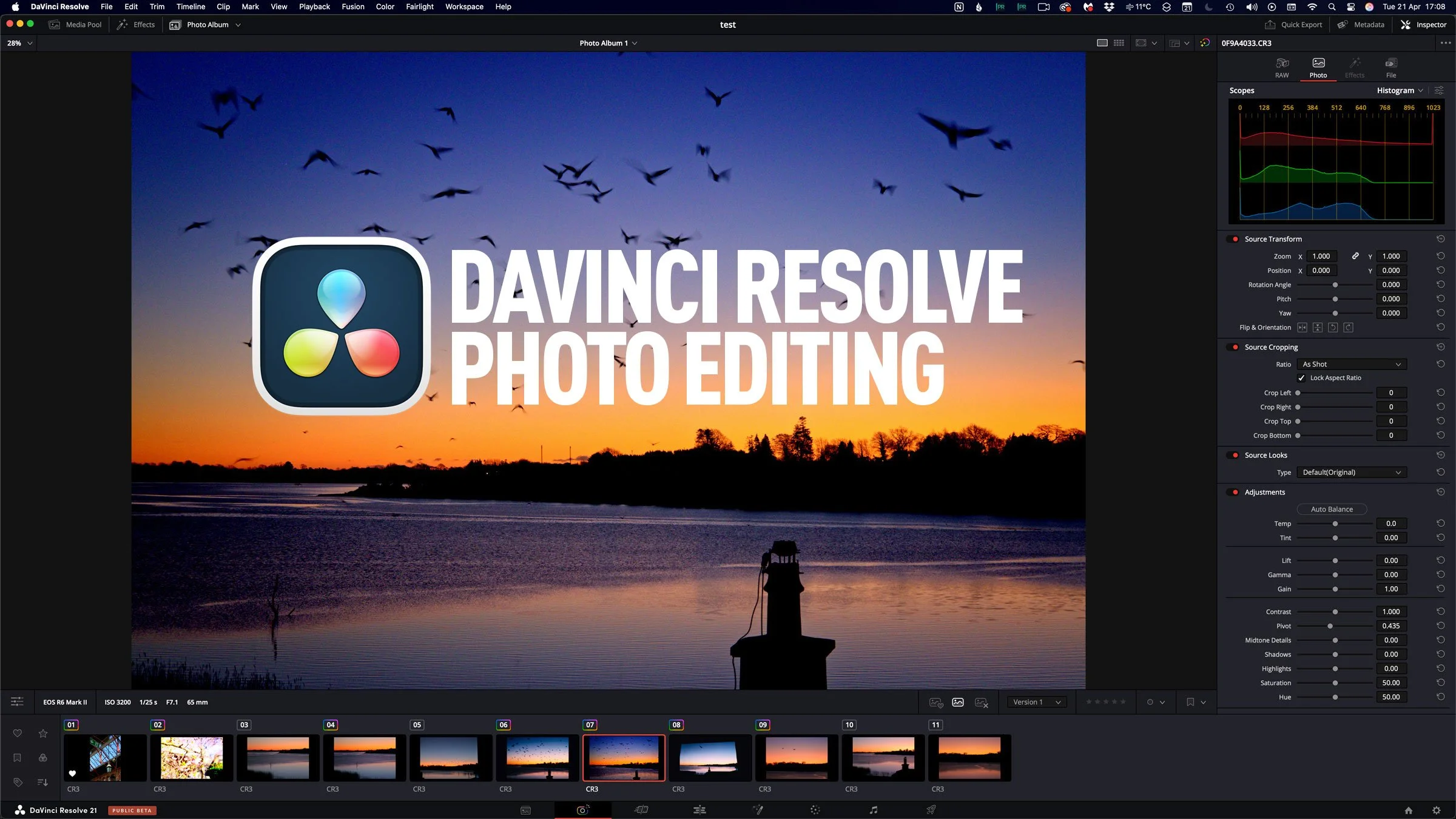
Last week, Blackmagic Design announced the release of the beta version of DaVinci Resolve 21. One of the new features of that release took everyone by surprise: the software would now support photo editing. Resolve 21 now has a photo page which lets you work with RAW and non-RAW photos, with RAW support from a variety of manufacturers. Not only that, but you can use the full (almost) colour and Fusion pages with your still photos for complex colour grading and image editing. It’s a pretty big deal, although there are still quite a few limitations in the current version.
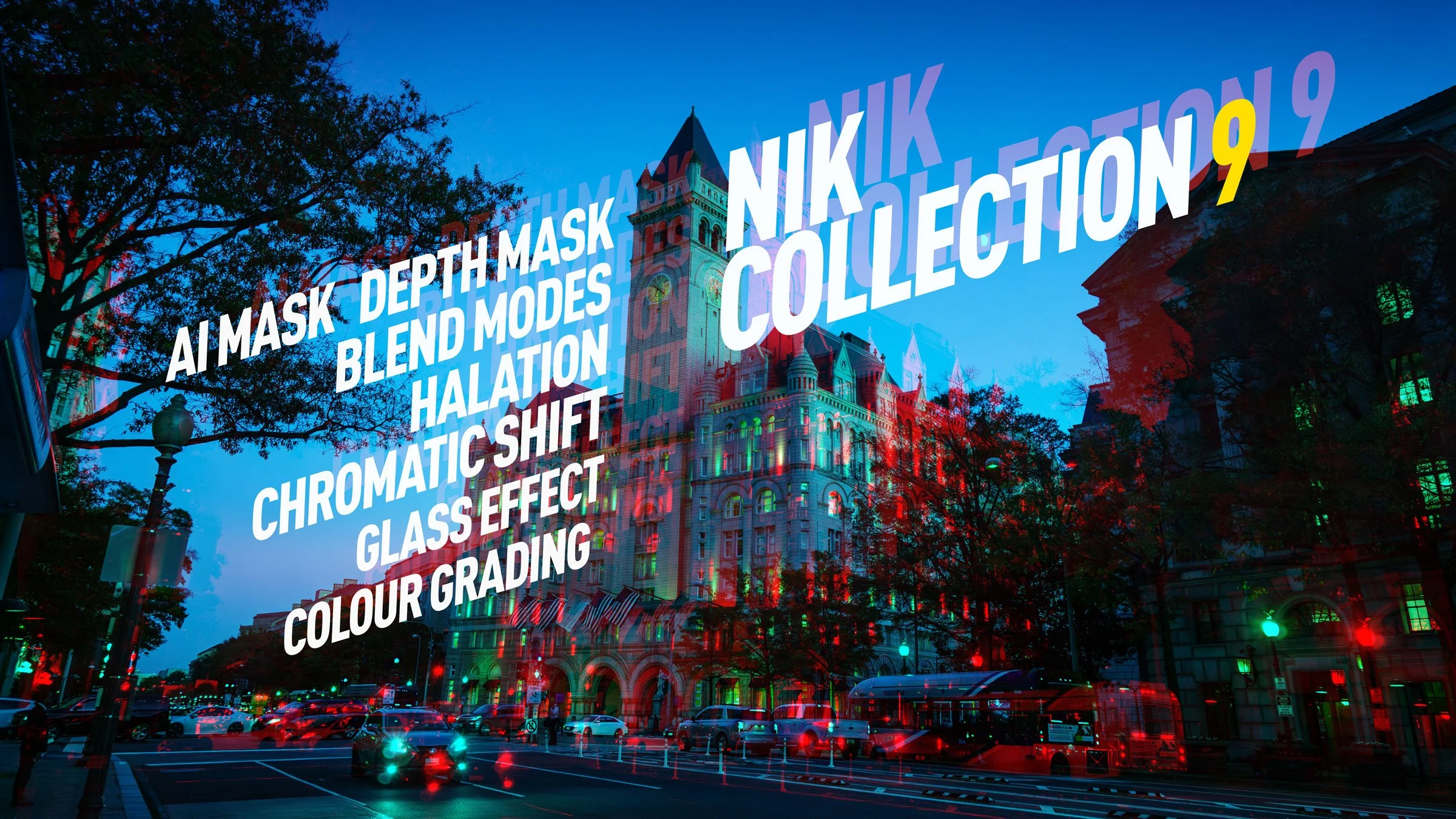
DXO has just released the latest version of their venerable photography plug-in suite. Nik Collection 9 adds a whole host of new features, including some across-the-suite changes and some new filters within the individual applications. There are some very useful new changes, including AI and depth masking, as well as blend modes in some of the applications. I had access to the beta version for a few days, and here is my first look at the new suite. There is actually quite a lot going on in this, so I’ll do my best to cover everything, but I may have missed a few things.
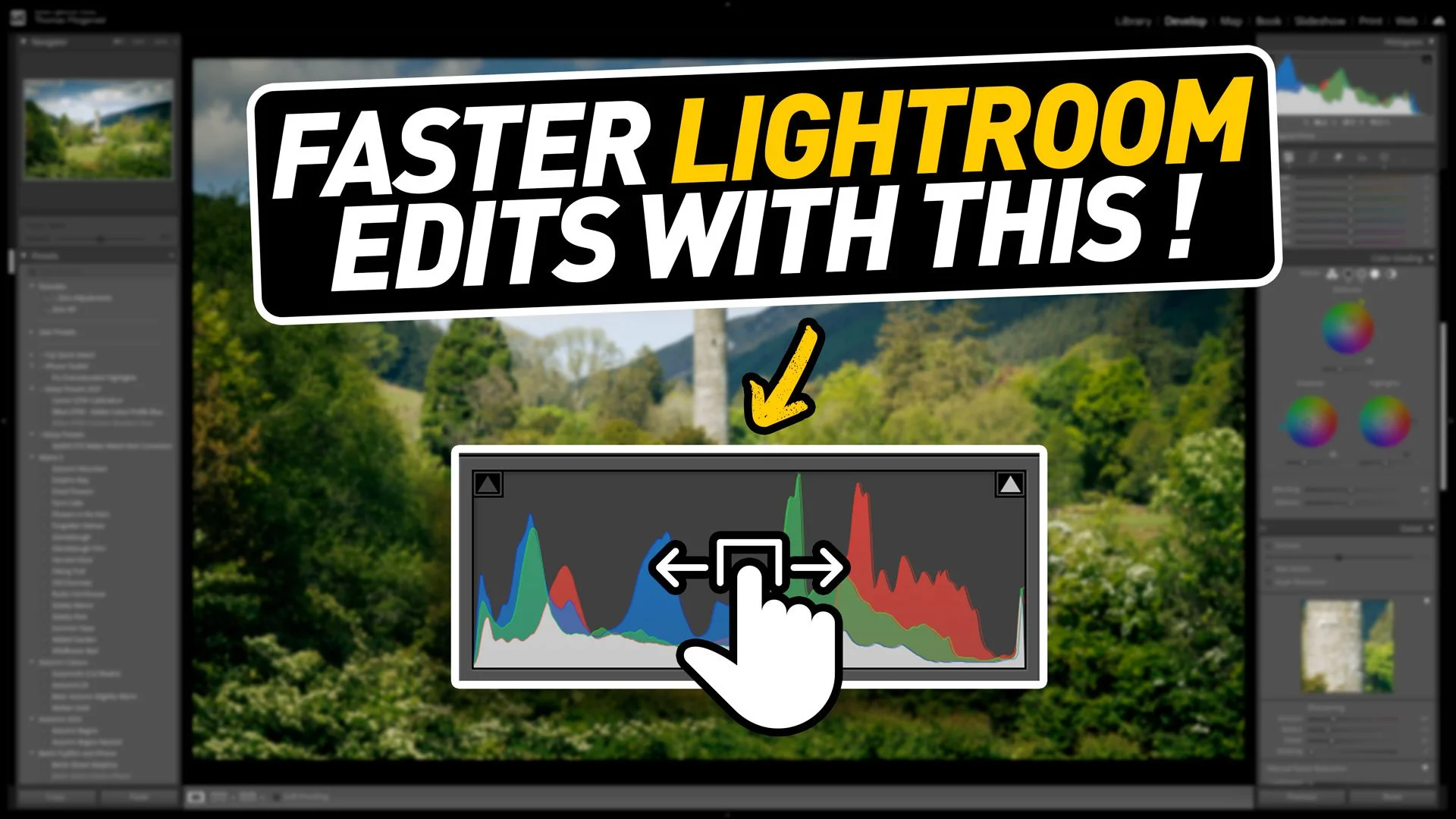
When you’ve been using software for a long time you often pick up tricks and techniques and they become habits and you forget how you heard about them in the first place. I was recently editing an image for a friend in Lightroom as they watched, and when I did the technique in this video, they were surprised as they had no idea you could do that. I then realised that perhaps there is quite a few people out there who don’t know that you can do this either. That technique is editing by dragging the histogram.

Back at the end of April I was in London for a few days, so as always I took the opportunity to get a few photos and some video while I was there. I didn’t really go very far from our hotel in Southwark, pretty much staying to the south bank, but even here there is plenty to see just walking up and down the Thames. So Join me for a walk along the Thames in London taking in bridges, river traffic, and life by the water, capturing both video and stills with the Canon R6 Mark II.

I recently set about testing my new(ish) Sony 16-70 mm lens out for street photography, and I decided to film it for another episode of Street Photo Diary. I was also trying out a new GoPro to film the POV shots. I had previously used an old GoPro Hero Session to do these, but the quality wasn’t great and the battery, which can’t be replaced, would only last about a half an hour (after a few years of use).

I first visited Cambridge a couple of years ago and I absolutely loved it. This was my third visit since then and my first visit post lockdowns. There is something really nice about the city. It’s small, like a big town, and it has a combination of history and grandeur as well as the peaceful parks and riverside. It also has great cafes and great food.

Some people prefer posting their photos to instagram using a frame, with white borders surrounding the image, n order to preserve the original aspect ratio. People are quite divided as to whether or not this is a good thing to do or not, but if you want to do it, there are lots of ways to go about it. If you use Lightroom, there’s actually a pretty easy way to get the white border effect inside of Lightroom, without having to use plug-ins or go to Photoshop.

Lightroom Classic used to have a terrible reputation for performance. Certainly, older versions of the software had some serious speed issues, but over the past few years, Adobe has worked to improve the responsiveness of the application. It’s now it’s a far cry from the way it used to be. However, If you have a modern computer, and you’re still experiencing a slowdown with Lightroom, there are a handful of common issues that could be causing it.
On a recent trip to London, I took quite a few photos and some video at the top of the Shard, one of London’s most famous buildings. I have already posted a few of these, and there are a lot more to come. However, in this post, I wanted to talk about the challenges I faced editing a subset of the images I took and how I addressed them. I ended up using both Lightroom and DaVinci Resolve’s new photo editing mode for these. The latter is something I particularly want to talk about, as it has some interesting abilities, as well as some quirks that those not familiar with the software should be aware of.