

Photo Editing, Tutorials, Photography News, and More
This blog covers a range of topics from Lightroom, Photoshop, Capture One, Fujifilm, Canon, Nikon, iPhone Photography, and more. If you want to see more of my actual photography work, visit my Portfolio and Photo Journal blog.
Featured Posts




Adobe Introduces Lightroom Classic 11
Adobe today released the newest version of Lightroom Classic. Lightroom Classic 11 is perhaps the biggest upgrade to the software in years, and as you have probably read already, it rebuilds what was previously the selective editing interface into a whole new masking architecture. The new Masking function is a pretty big deal and brings new features and capabilities to Lightroom that would have previously required you to use an external editor. There are some other updates too, including some under the hood optimisations that should improve the performance of the software.

Video: How To Relight a Photo in Capture One using Layers
In this video I show you how to change the direction and focus of lighting in a scene in Capture One using layers.

DXO Announces Film Pack 6
In addition to releasing a new version of DXO PhotoLab, the company has also released a new version of its film simulation software: Film Pack. This latest version introduces new films, cinematographic renderings, and Fujifilm in addition to support for X-Trans RAW files (Beta). It features a wide array of new effects as well as a new featured called Time Machine, which gives users a unique and interactive introduction to the history of film photography.
DXO Launches PhotoLab 5 with Beta Support for Fujifilm X-Trans
Today DXO labs launches the latest version of DXO PhotoLab and it contains several new and improved features. However the big one, and the one I never thought I would ever see, is that the software now supports FujiFilm X-Trans cameras. While this support is currently in beta, it finally brings the software to Fujifilm X-Series shooters.

Thoughts on the new Apple Silicon M1 Pro and M1 Max and New MacBook Pros
I had been looking forward to Monday’s Apple event for quite some time, even before the event was actually scheduled. When the M1 was originally announced, like many others, I was impressed, but my immediate thought was, I wonder what pro machines will be capable of. Well, yesterday, I got my answer. And it was worth the wait.
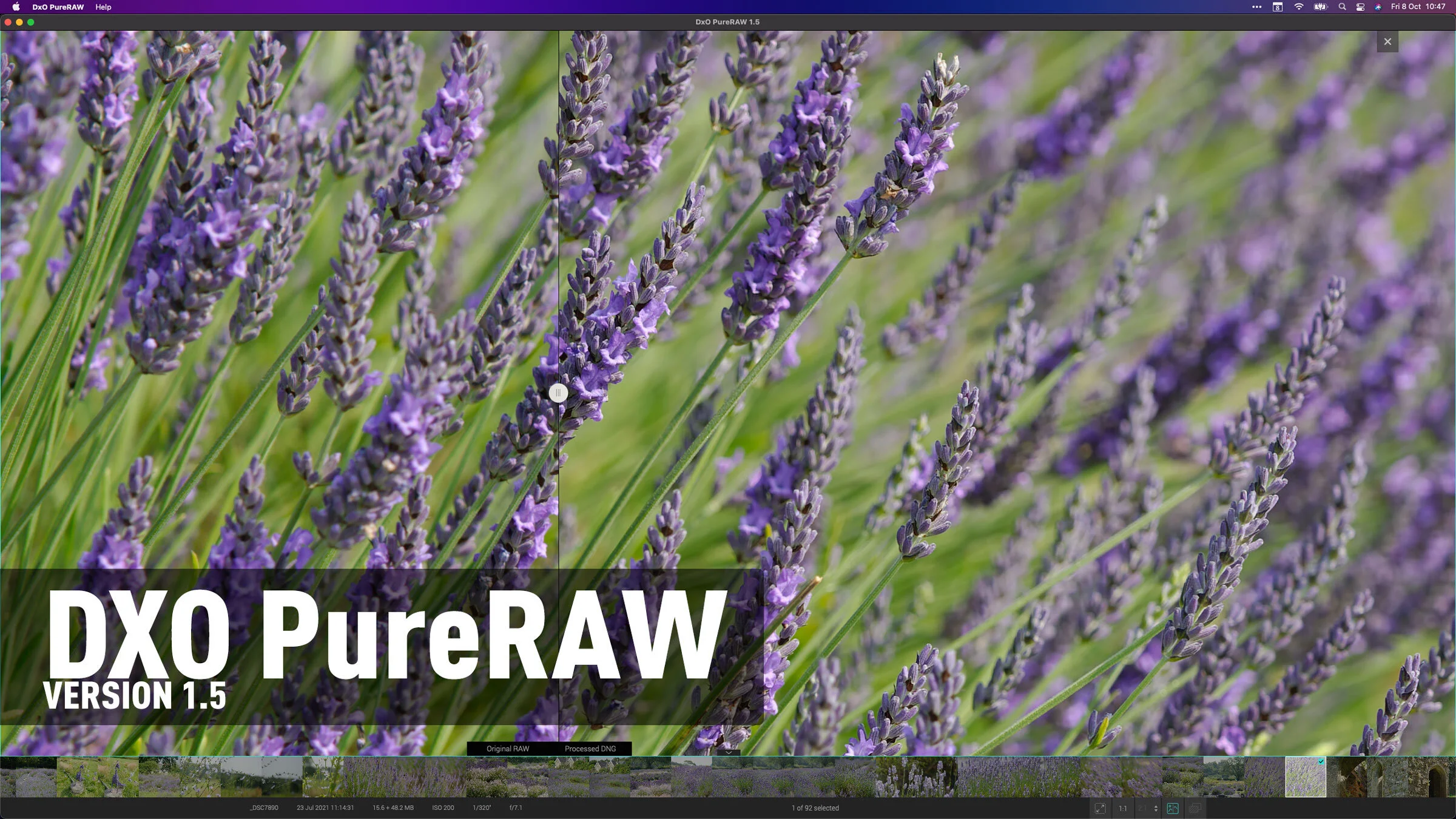
DxO PureRAW 1.5 Released - More Options, More Control, and More Cameras
DXO have just released an update to DXO PureRAW bringing the version number to 1.5 . This new release adds some more control over corrections, and support for more cameras and lenses.
Capture One 21 14.4 Update brings back Export Tool Tab
Capture One has just announced the latest upgrade to Capture One 21. Version 14.4 is available now, and the biggest feature is that it brings back support for the Export tool tab.

Nik Collection Update Fixes Capture One Workflow, Adds M1 Native Photoshop Support
Version 4.2 of the Nik Software suite has been released, and it fixes the bug that prevented the applications working with Capture One. This release also allows the suite to work with Photoshop running natively on an Apple Silicon Mac. Read on for more details.

Adobe Shows off New Masking Features coming to Lightroom and Camera Raw
Adobe recently released a sneak peek at a fairly significant new feature coming to the Lightroom family and Camera Raw. The masking feature replaces the old gradient and brush tools for making elective edits, and includes the ability to have multiple masks combined in different ways. The masking feature also to use AI to select, with a single click, the sky or key subject. It’s pretty impressive and looks to be one of the biggest feature upgrades to Lightroom in a long time.

A Cool Capture One Feature You May Not Be Aware Of - Working With Offline Images
As I’ve recently started using my Laptop as my full time computer for everyday tasks, I recently came to appreciate a feature of Capture One, that not many people may be aware of. I knew about this feature, and I’ve briefly mentioned it before, but it’s only in the past few months that I came to really appreciate it. If you’re working on a catalogue, and your originals are stored on an external drive, you can disconnect that drive and continue to work off the previews.
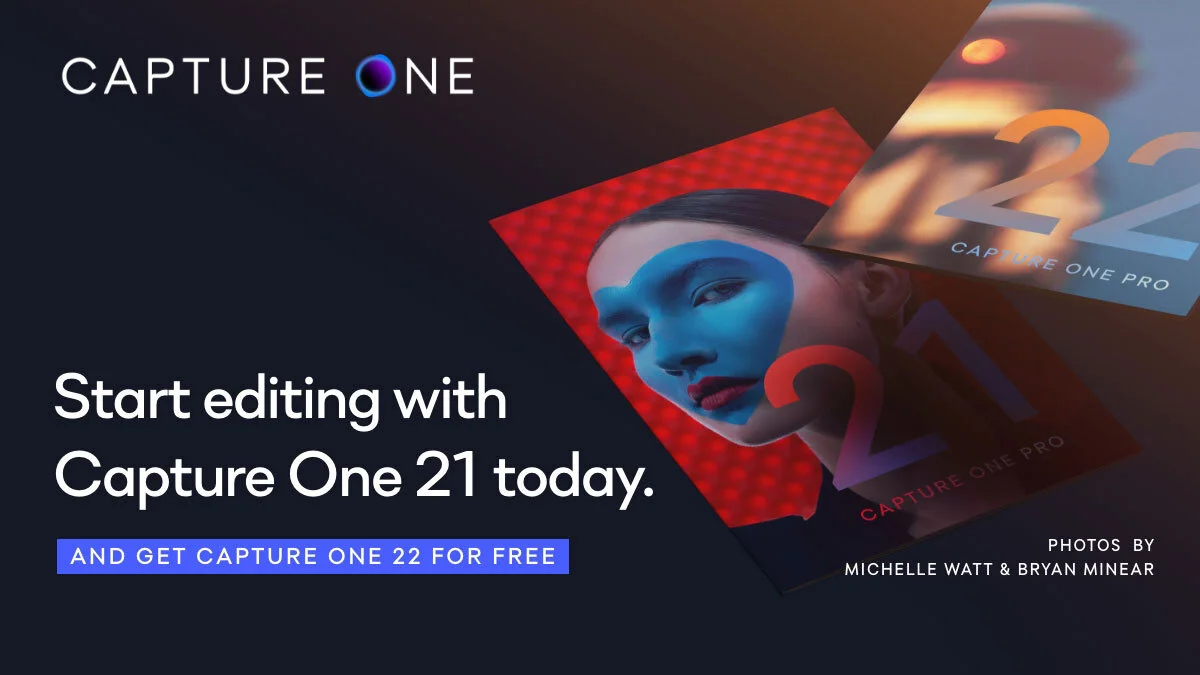
PSA: Capture One Offer - Buy Capture One 21 now, get Capture One 22 free in December
Starting today, until October 4th, Capture One is offering anyone who buys or upgrades to Capture One 21 a free upgrade to Capture One 22 in December. They have already announced that HDR and Panorama merging will be coming in Capture One 22 when it’s released in December, so if you’ve been on the fence about upgrading, now might be the time.

Going Green - How I got the deep greens on a rainy day photoshoot
I recently posted a set of photos on my Photo Journal blog about a recent trip to a local urban farm and stately home here in Dublin. Over on my Patreon feed, one of my supporters commented that I always seemed to get really nice greens on this kinds of images, so I thought I would share a few tricks as to how I go about shooting these kinds of photos.

A Quick Update
You’ve probably noticed that I haven’t posted regularly in a little while, so I wanted to give you a quick update. I’ve been busy with client work, so I haven’t had time to write or blog for the past few weeks. So here is a quick update on what’s going on and what’s planned.

Skylum announces Luminar Neo
Today Skylum announced a new product - Luminar Neo. They are billing this a new product and a new member of the Luminar family. It is a separate application from Luminar AI and Luminar AI will continue to be sold. So, what’s new, and what’s the difference?

Flowers in The Rain (An Irish Summer's Day In An Urban Farm)
Near to where I live is what is a rather remarkable place to find in a city. Called “Airfield”, it is a 38 acre site which features a 19th century estate, gardens and a fully working farm. Recently, on an overcast and rainy day, my wife and I paid a visit to the estate for a walk around the gardens, to get away from the outside world for a few hours and I ended up taking a ridiculous number of photos.