

Photo Editing, Tutorials, Photography News, and More
This blog covers a range of topics from Lightroom, Photoshop, Capture One, Fujifilm, Canon, Nikon, iPhone Photography, and more. If you want to see more of my actual photography work, visit my Portfolio and Photo Journal blog.

Lightroom 15.3 Adds Background AI Processing for Denoise and Super Resolution
Adobe’s latest Lightroom Classic update makes AI tools like Denoise and Super Resolution far less disruptive by moving their processing into the background, so they no longer take over the app, which is especially helpful when working through large batches. The update also includes a handful of performance improvements, better assisted culling detection, PSB sync support, and other smaller additions.

Apple Finally Kills the Mac Pro. A Farewell to an old friend and a look to the Future.
It’s long been rumoured, threatened, and fantasised about, but Apple has finally put the Mac Pro out to pasture. While many people will either be unmoved by this or actually think that this is a good thing, personally I am a little sad by the retirement. As someone who has used Mac Pros, and their predecessor, the Power Mac, for decades, it really does feel like the end of an era. And, while I still think Apple could have done much more with the high-end Mac, I also understand that its time had come. It’s still sad, though.
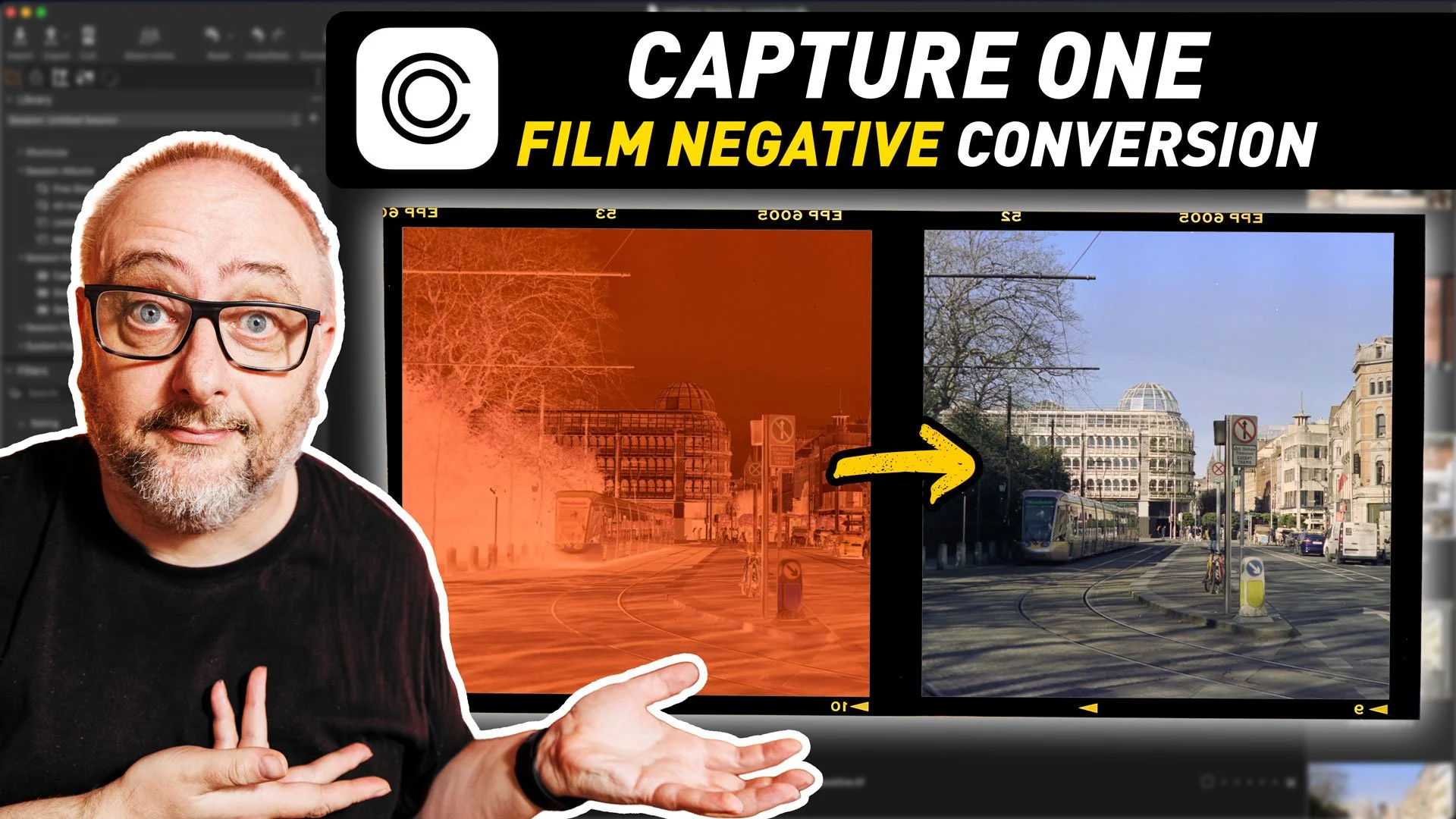
Capture One’s New Film Negative Conversion - A First Look
The most recent version of Capture One added a rather interesting new toolset: the ability to work with film negatives. The software now includes the ability to work directly with scanned negatives and handles the conversion process directly in Capture One. This is specifically designed for camera scanning, and is similar to “Negative Lab Pro” for Lightroom, although there are some differences.
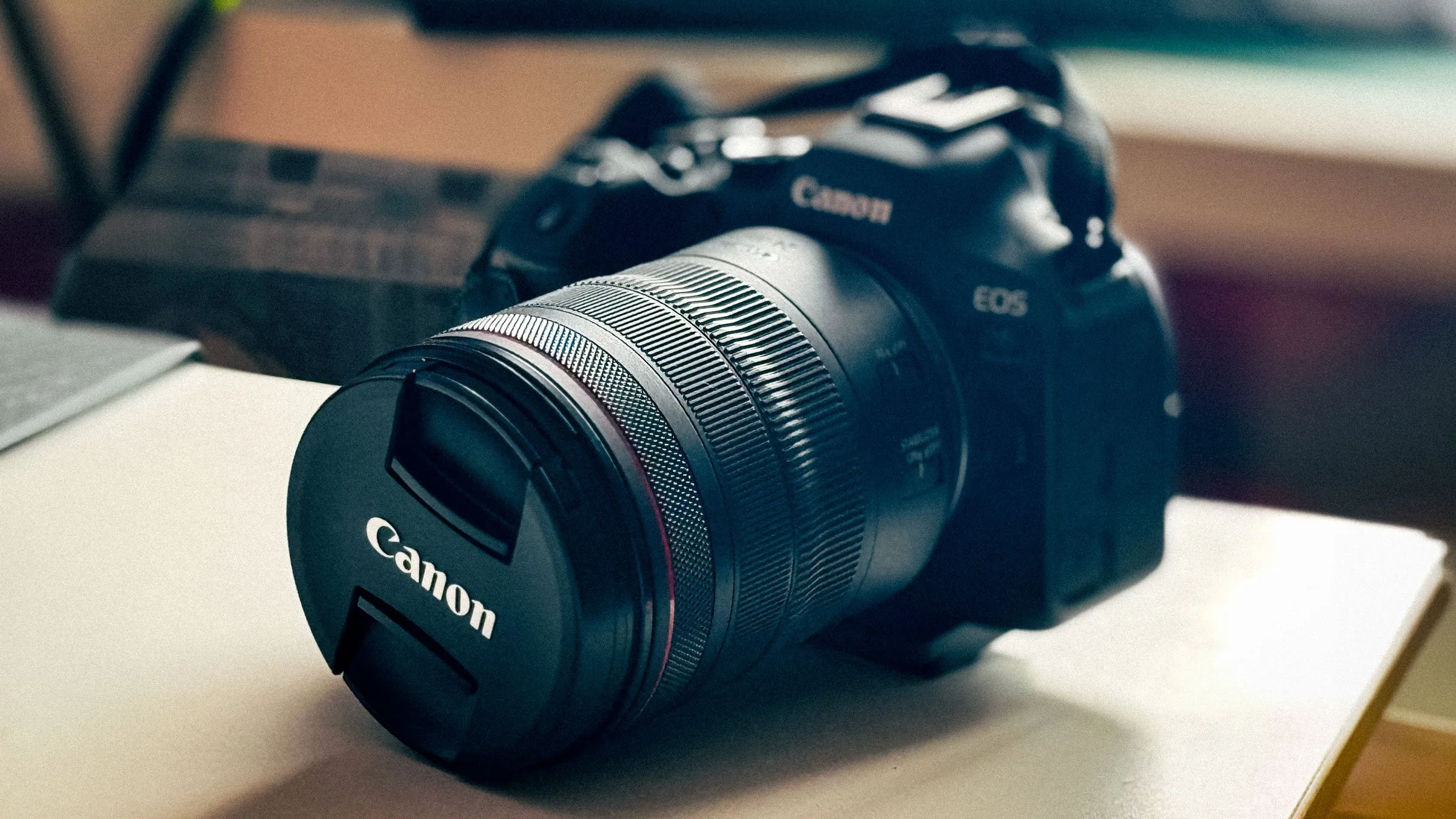
A Very Weird Lens Problem. My Canon 24-105 F/4 L Story
I wrote a blog post a long time ago about one of my biggest regrets, photographically speaking. This was the fact that I sold my Canon 5D Mark II and 24-105f4L lens. I always loved that lens, and I really regretted selling it. As I had moved on from Canon at the time, I never went and re-purchased it. But, for the past two years now, my main camera has been a Canon R6II and for the most part, I’ve been loving it. However, I had only been using the kit lens that came with it, the 24-105 F4-7.1. Which is a fine lens in its own right. But still, I longed for my old friend, or at least the updated version. Finally, a couple of months ago, in a sale, I was finally able to get the RF24-105 f/4 L. Unfortunately my reunion wasn’t as happy as I had hoped. In the end, I was quite disappointed, but there is a twist in the tale here.
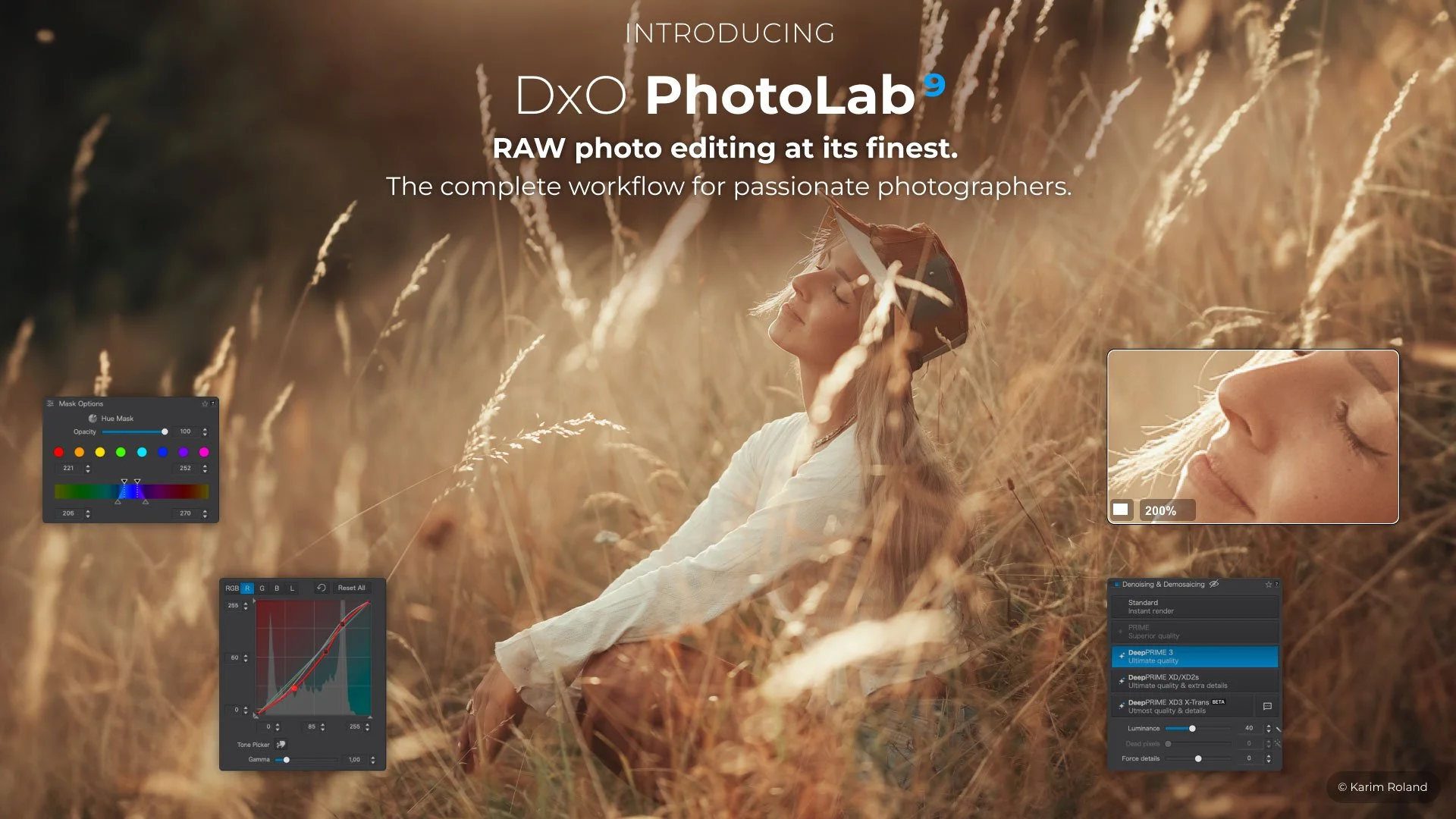
DXO Updates PhotoLab to Version 9.6
Hot on the heels of the recent PureRAW version 6 release, DXO has also updated PhotoLab to version 9.6. This update includes the DeepPrime improvements that were seen with PureRAW and also a new feature for working with masks.

Photoshop 27.5 Introduces an Incredible New AI Tool that Rotates 2D Images in 3D
The latest beta version of Photoshop 27.5 has introduced an impressive new tool that lets you rotate photos of 2D objects in 3D space using AI. You can literally take a photographed object and rotate it on any axis. It’s like something out of a SciFi movie! I made a video to demonstrate it in action…

Thoughts on the MacBook Neo - Why I think it will be a game changer for Apple
Even though it was long rumoured, Apple still took the world by surprise last week when it announced the MacBook Neo. Apple’s new entry-level MacBook shatters the price floor for an Apple laptop, marking a previously unheard-of entry point for a new Apple computer. The resounding reaction has been mostly surprise at the price and enthusiasm for what this could do for the Mac market. I would say it’s the most important Apple product since the move to Apple Silicon. In fact, it could be one of the most impactful Apple Products since the iPod.
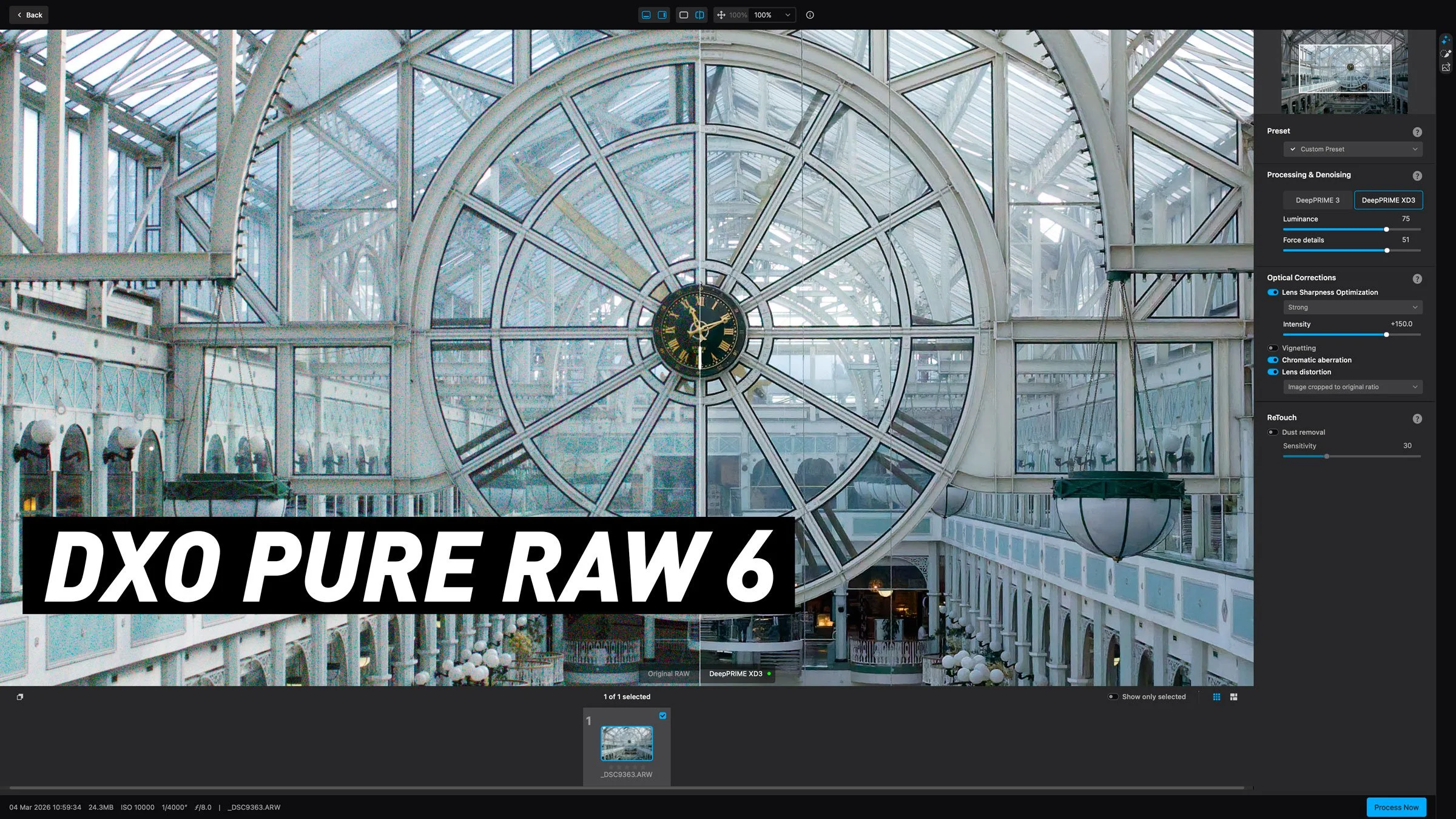
DXO launches Pure Raw 6 with a long sought after feature. A first look at the new release.
DXO have launched the latest upgrade to their RAW pre-processing software, DXO Pure RAW 6. If you’re unfamiliar with the application, it basically lets you convert Raw files to DNG using DXO’s technology, including the companies excellent noise reduction software, Deep Prime. It does so in a way that maintains edit-ability and so you can use it to work with software such as Lightroom or Capture One, but bypass their raw conversion engine to use DXO’s instead. The latest version adds a new version of DeepPrime for Beyer sensors, adds a feature people have been wanting since version one, and another new tool that was quite unexpected but works surprisingly well. Read on for the details…

How I fixed this photo with Lightroom and Photoshop | Step by Step Editing Tutorial
I was recently in Edinburgh, Scotland for a week, and while I was there I had been planning to spend quite a bit of time out taking photos around the city. Unfortunately, the weather had other plans. It was pretty much raining and cold the whole time. And when I say cold, I do mean cold. But more than that, it was really dark. Like, twilight dark the entire time. So eventually, I forced myself to get out and shoot, regardless of the result, and said result wasn’t great. However, when I got back to my computer, with a little editing I was able to get a pretty decent image of the castle. As there was such a difference between the result I got and where I started from, It thought It would make a good tutorial video, and so here you go!

Lightroom Classic 15.2 Released. Now lets you create video from your photos with AI (via Firefly)
Adobe has just released new versions of its photography software suite, including Lightroom Classic and Lightroom Desktop. While mostly an under-the-hood release, there are a few new features, including the ability to you send your images directly to Adobe Firefly to create video from your photos using AI. You can also edit your images in firefly using AI. Other new features include improved Assisted Culling and Topaz Gigapixel support directly in Lightroom Desktop.

New Video: 5 Overlooked Lightroom Tips You should Know
Following on from last week’s Lightroom video, where I showed you a feature of the software that not many people know about, I’ve done another collection of lesser known tips and tricks. This time, I’ve collected 5 tips that people may know some of, but may not fully know.

New Video: A Hidden(ish) Feature of Lightroom that will Seriously speed up Your Editing
When you’ve been using software for a long time you often pick up tricks and techniques and they become habits and you forget how you heard about them in the first place. I was recently editing an image for a friend in Lightroom as they watched, and when I did the technique in this video, they were surprised as they had no idea you could do that. I then realised that perhaps there is quite a few people out there who don’t know that you can do this either. That technique is editing by dragging the histogram.
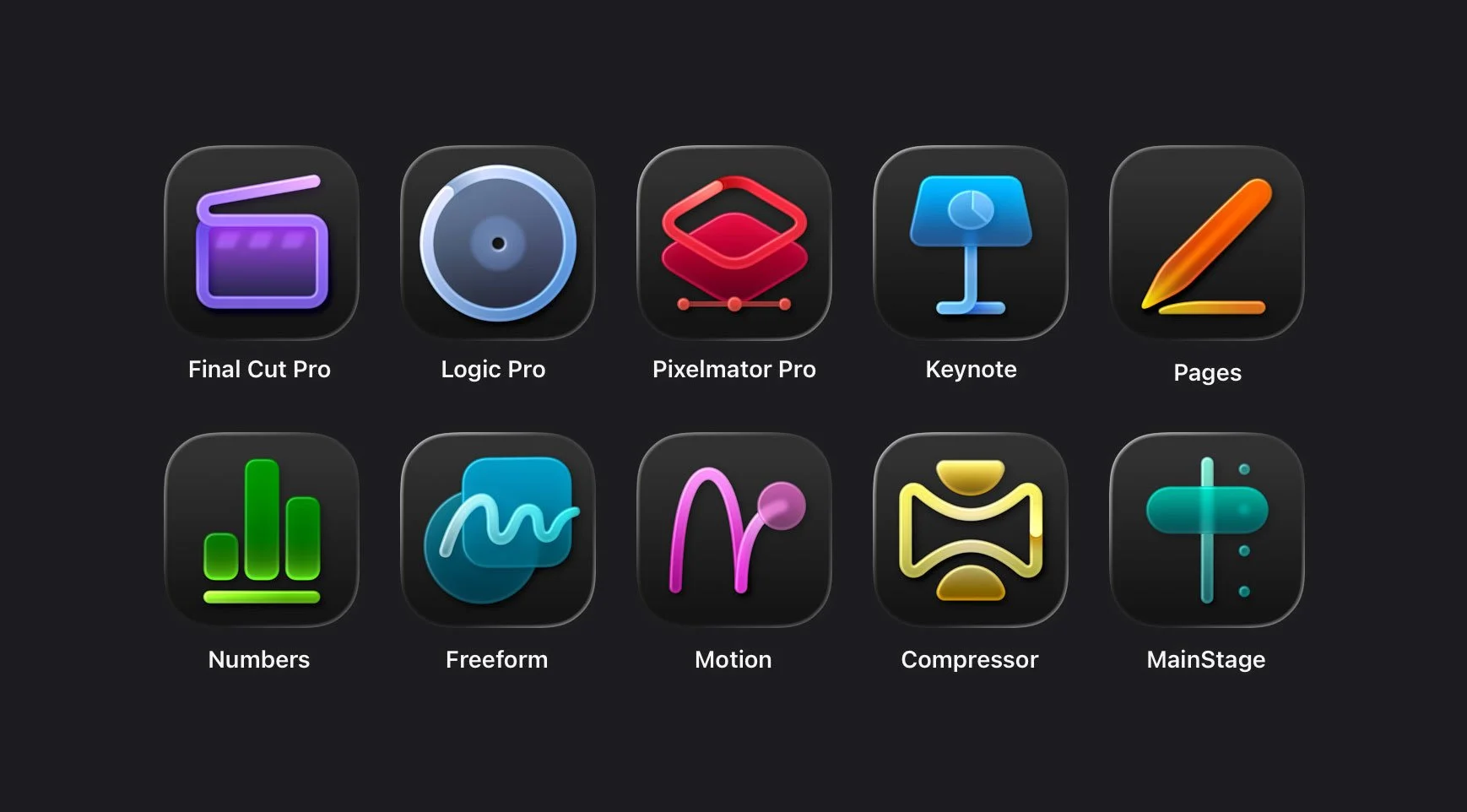
Apple Creator Studio Review: the Good, the Bad and the Weird.
A few weeks after the initial excitement of the announcement, Apple’s new “Creator Studio” bundle is finally available. Now that I’ve had a chance to take it for a test drive, I wanted to write about the experience. I’m not going to go into every detail on all the new features, but instead I wanted to take a look at the bigger picture here, and what this might mean going forward. Because, while this bundle does offer great value if you don’t have any of the apps already, there are a lot of questions and a few issues with the new bundle and how it was released.
(I’ve published this on my Medium blog as it’s not entirely about Photography.)

An Update on my YouTube Channel and why I’m not very good at YouTube!
It’s been quite a while since I last posted to YouTube and I wanted to update everyone and start anew in 2026. So, in this video I give a quick update as to the channel, look at how bad I am at YouTube (and why) and look at plans for the channel going forward. I also take a Quick Look at my new vlogging camera and share some personal photography news!
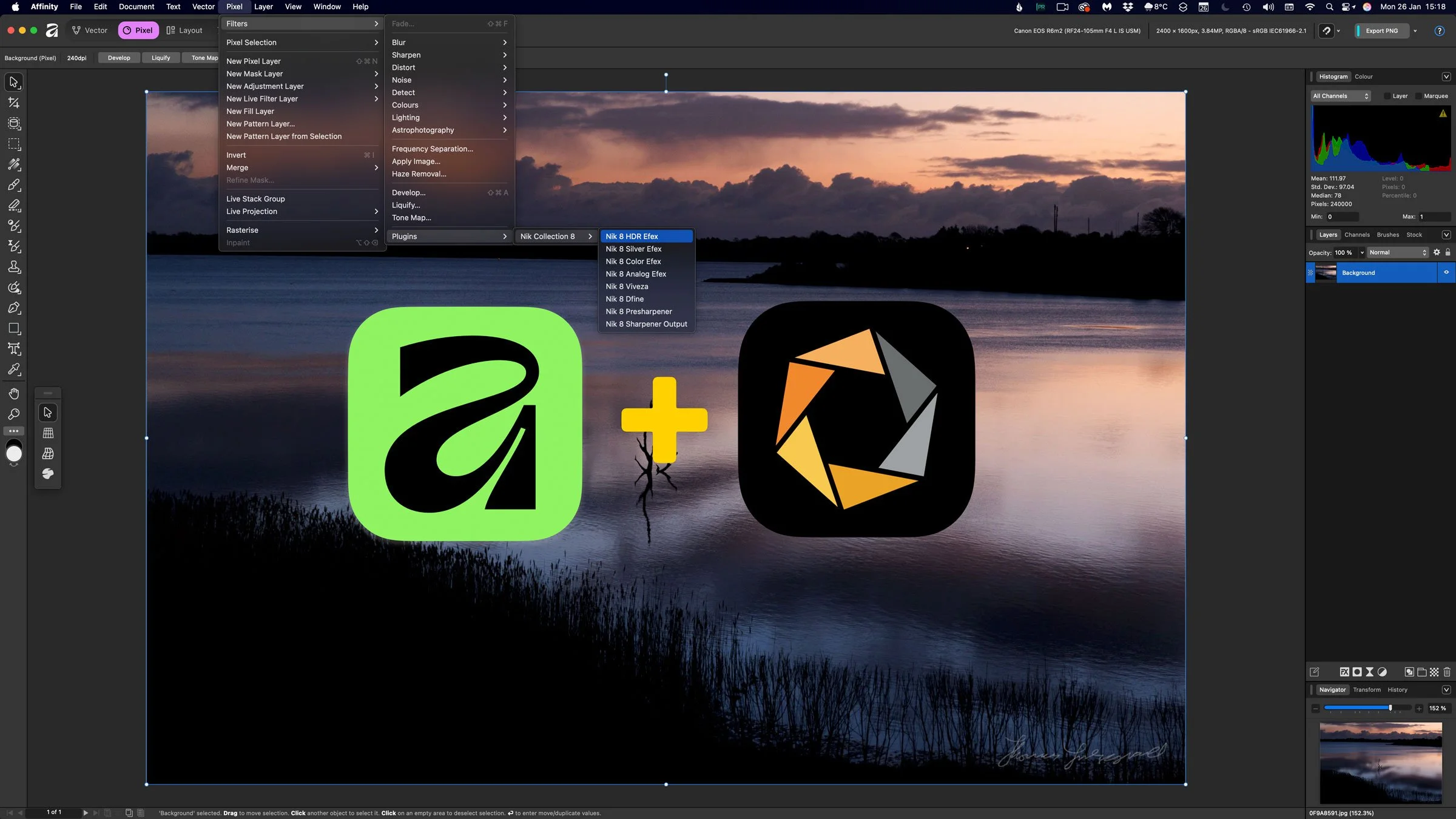
DXO adds full Affinity compatibility to the Nik Collection
Just a quick PSA as you may have missed this - but DxO has added full compatibility between Nik Collection 8 and the latest version of Affinity, allowing Affinity users to integrate Nik’s editing tools directly into their existing workflow. This update enables photographers and creators to use the Nik plugins inside Affinity without relying on additional host applications.