

Photo Editing, Tutorials, Photography News, and More
This blog covers a range of topics from Lightroom, Photoshop, Capture One, Fujifilm, Canon, Nikon, iPhone Photography, and more. If you want to see more of my actual photography work, visit my Portfolio and Photo Journal blog.
Featured Posts




My Capture One Settings for Sony Files
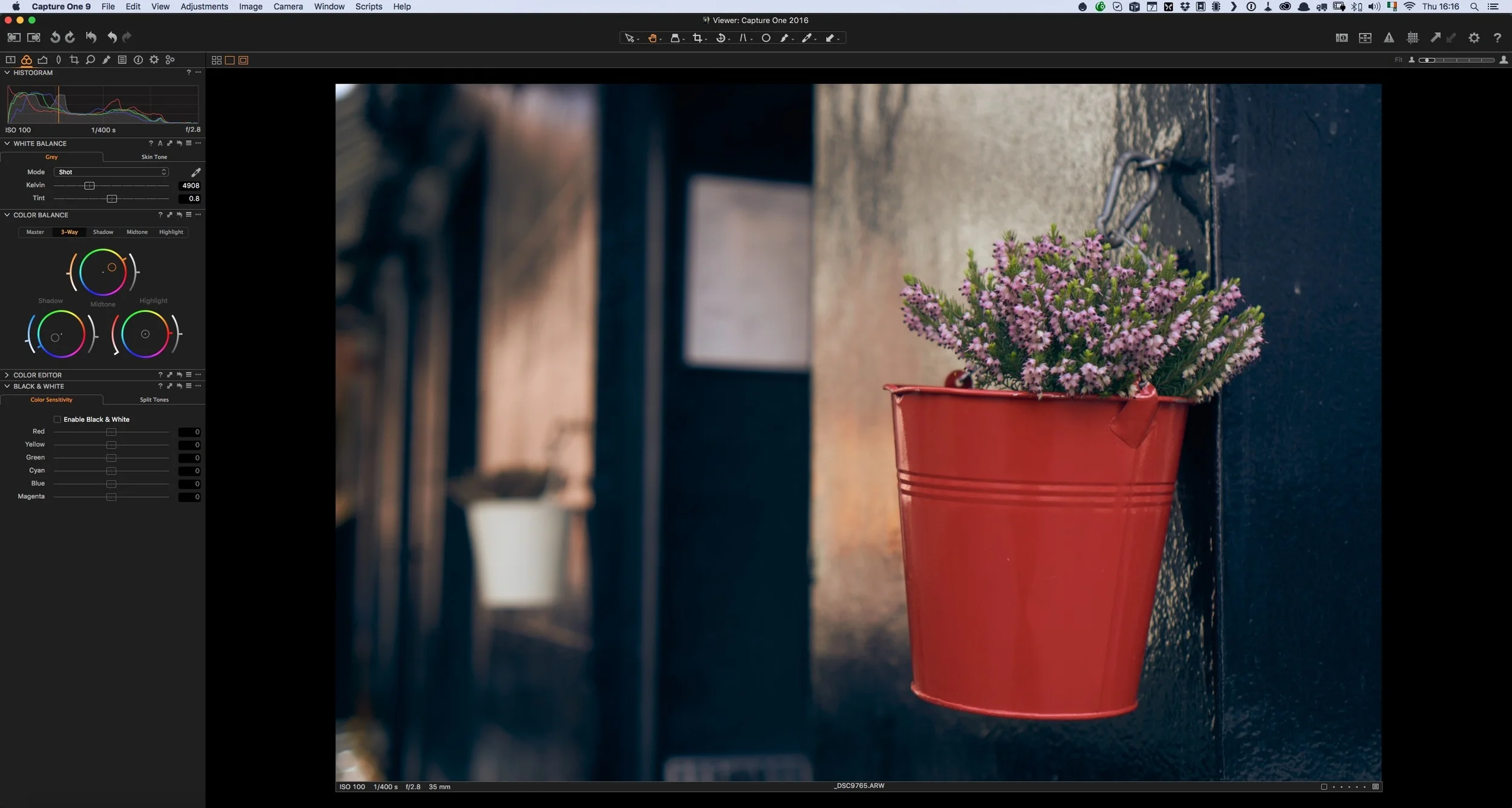
I’ve talked a lot about using Capture One Pro for processing Fuji Files here on this blog, but I also use it when working with other cameras too. In particular, I find that it does a really nice job when working with files from Sony cameras. In the past I’ve used it with both a Sony A7II (Which I had borrowed), and my own Sony A6000.
My Capture One X-Trans Guide Updated
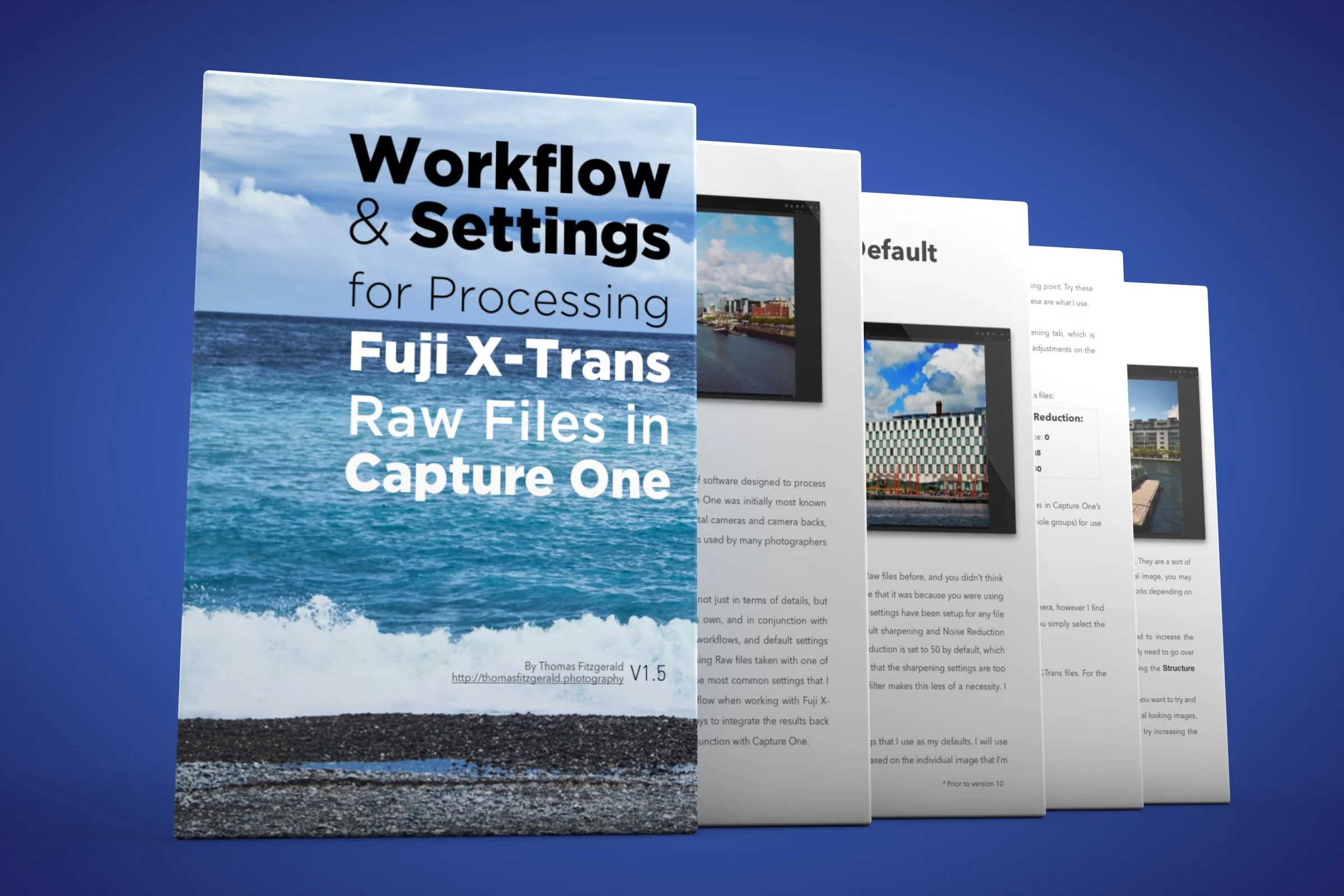
My guide for processing X-trans files in Capture One was actually the first of these series of guides that I produced. Since I’ve written it, the software has been updated several times, and Fuji has come out with newer cameras. I had previously added a supplement to the ebook to cover the X-Pro 2 because at the time support was still preliminary (it still is in a way). I’ve now updated the Capture One guide to include the previous supplement and I’ve also incorporated some tips for working with Capture One 10.

Experimental Capture One 10 Sharpening Settings for X-Trans
When Capture One 10 was announced just before Christmas, I was very excited by the initial results that I saw with X-Pro 2 files, but I’ve realised now that my enthusiasm may have been over-rated. Since that time, I’ve been trying to lock down some base settings to use as the basis for some recommendations for my guide and to be honest I’ve had difficulty coming up with results that work for everything. It’s been a process of discovery, and I've learned some interesting things along the way. I’ve come up with some experimental settings, and I wanted to put them out there for people to try.

Capture One Pro 10 - A First Look for Fuji X-Trans Users
Capture one has long been a rival to Lightroom, and I’ve been suggesting its use for Fuji X-Trans shooters for some time. However, Capture One Pro 9 seemed to be lacking in the quality of its conversions for X-Pro2 users and there were a number of issues holding it back. Today, Phase One launched a new version, Capture One Pro 10, and I’m happy to say that those issues are gone.

Preliminary Settings for Using X-Pro 2 Raw Files in Capture One
If you are an X-Pro 2 shooter and you’re using planing on using Capture One, then there are some important things to know. First of all, at the moment, Capture One only supports the X-Pro 2 in a preliminary fashion. There are a number of important features lacking in support at the time of writing this. In particular Capture One does not yet support X-Pro 2 compressed RAW files and it does not support any kind of lens correction on X-Pro 2 images.
Capture One adds Partial Fuji X-Pro 2 Support
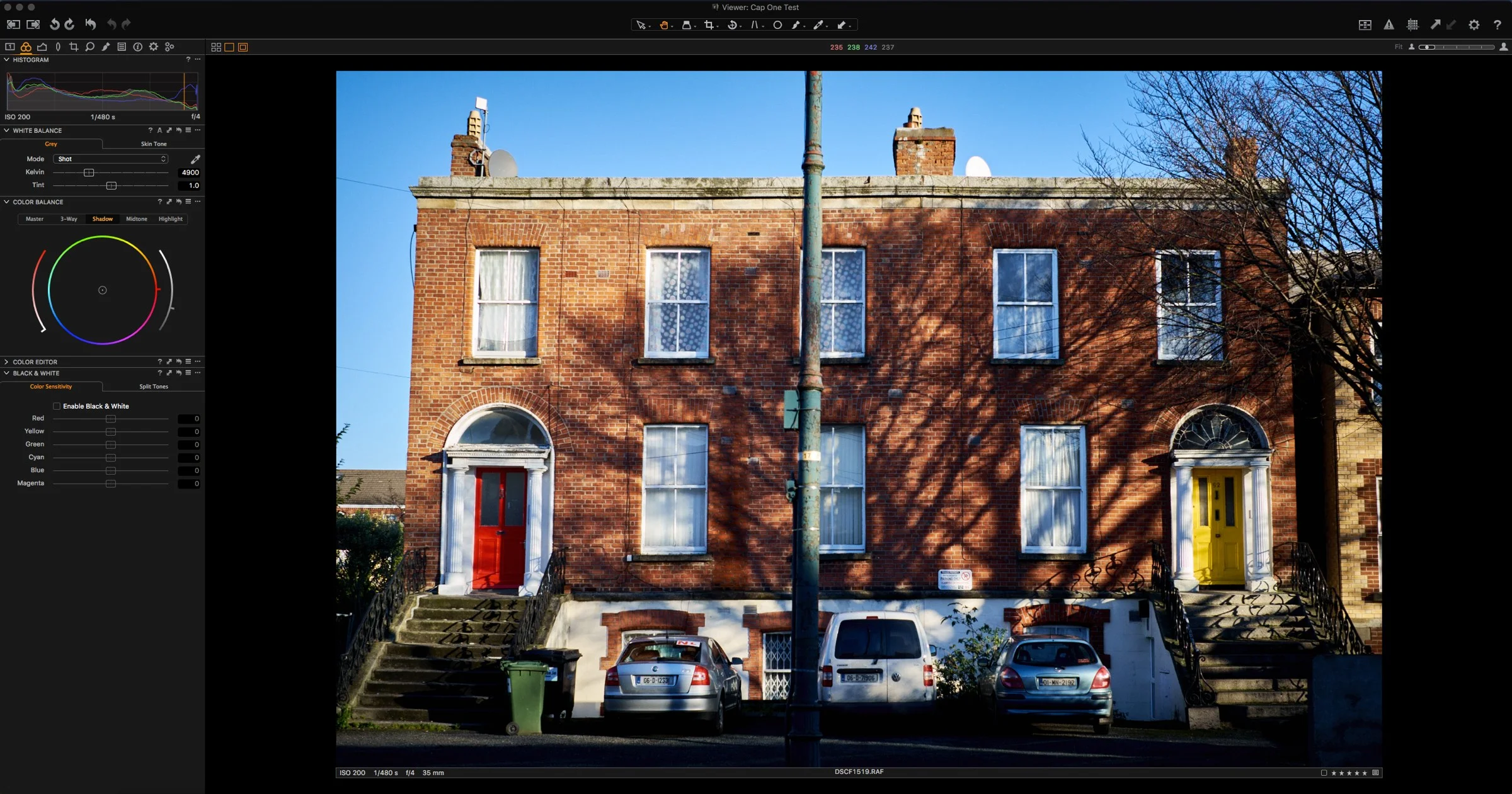
Phase one have just released a new update for Capture One Pro 9. Version 9.1.1 adds partial support for the Fuji X-Pro 2. As with many of the other converters out there, it only currently supports uncompressed raw files.
Capture One 9.1 released
Phase one has just release Capture One 9.1. The new release includes a number of new features as well as support for some new cameras. Notably absent though is support for the Fuji XPro2. According to the release notes here's what's new:

Three Ways to Set Black Levels in Capture One
If you're using Capture one and you're used to using other applications such as Lightroom, you may have noticed that there is one control missing in Capture One's set of adjustments. That control is "Black Levels" . However, while there is no direct "Black Level" control in Capture one, there are actually several ways you can adjust the black levels in the software. Here are three methods that I currently use.
Capture One Updated
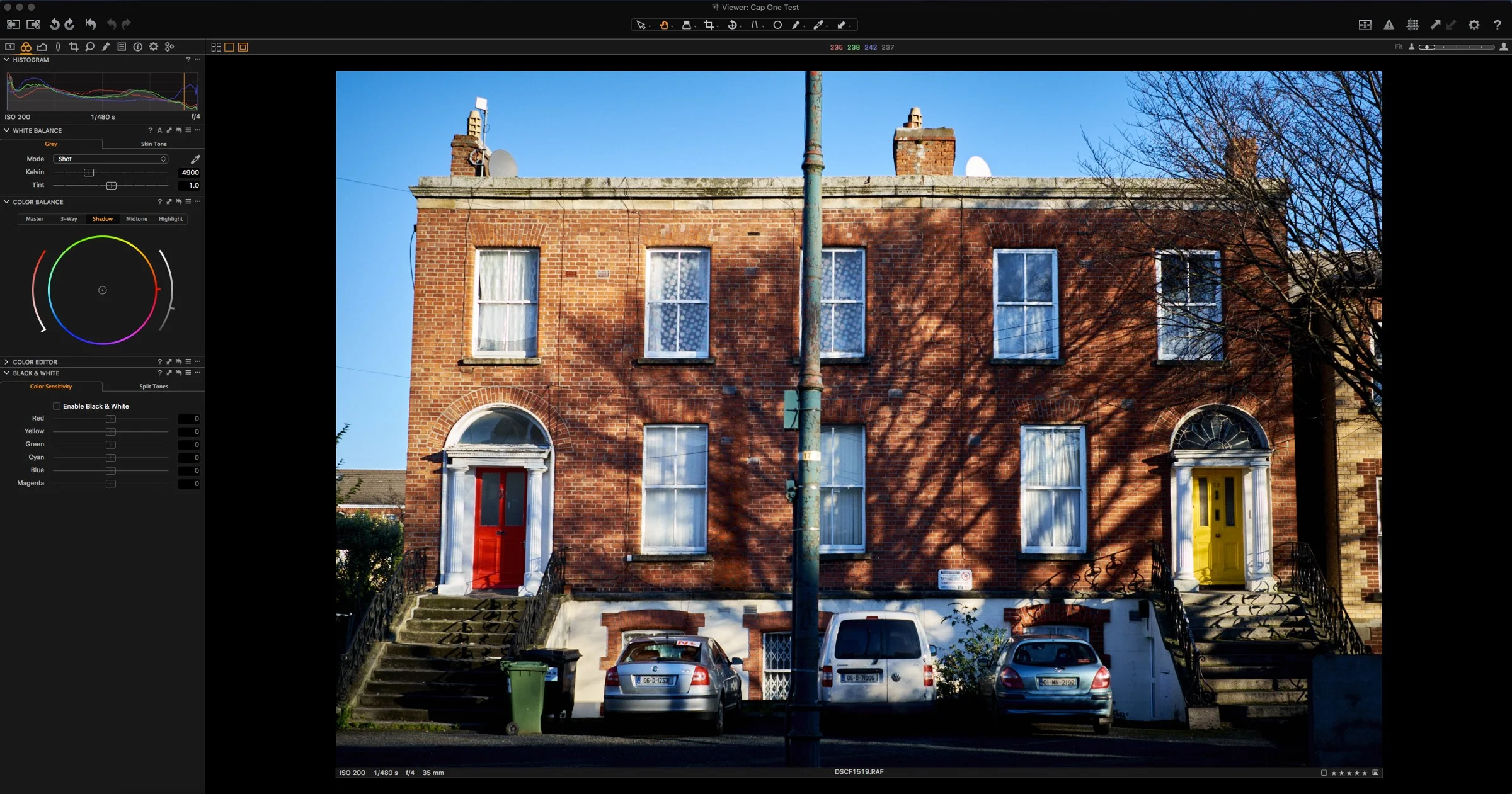
I opened Capture One this morning to find a new update in the update notification panel. If you’re a Capture One Pro 9 user, 9.0.3 is now available.
Capture One Pro 9 Released
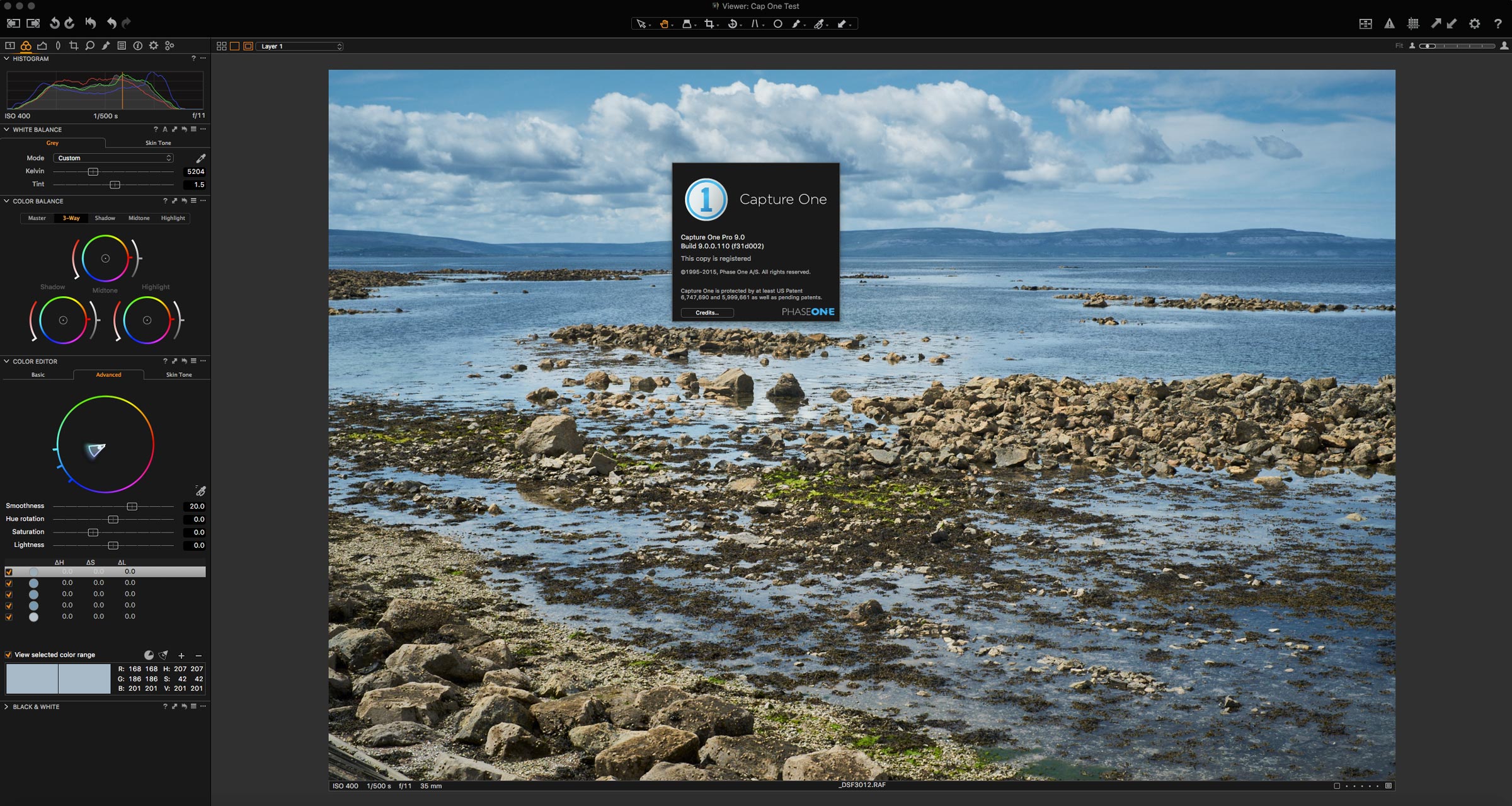
I had a nice little surprise waiting for me when I opened Capture One this morning. A dialog popped up letting me know that a major new version has been released, Capture Pro 9. It’s available now, for the upgrade price of €99 if you’re a Capture One 7 or 8 user. There are some big new features in this release, including a brand new processing engine. I’ve just upgraded my copy, and I’m going through it now. Once I’ve had a chance to play around I’ll have a more detailed report, but in the mean time, here are some of the key new features (from their website)
My Guide for Processing Fuji X-Trans files in Lightroom Now Available
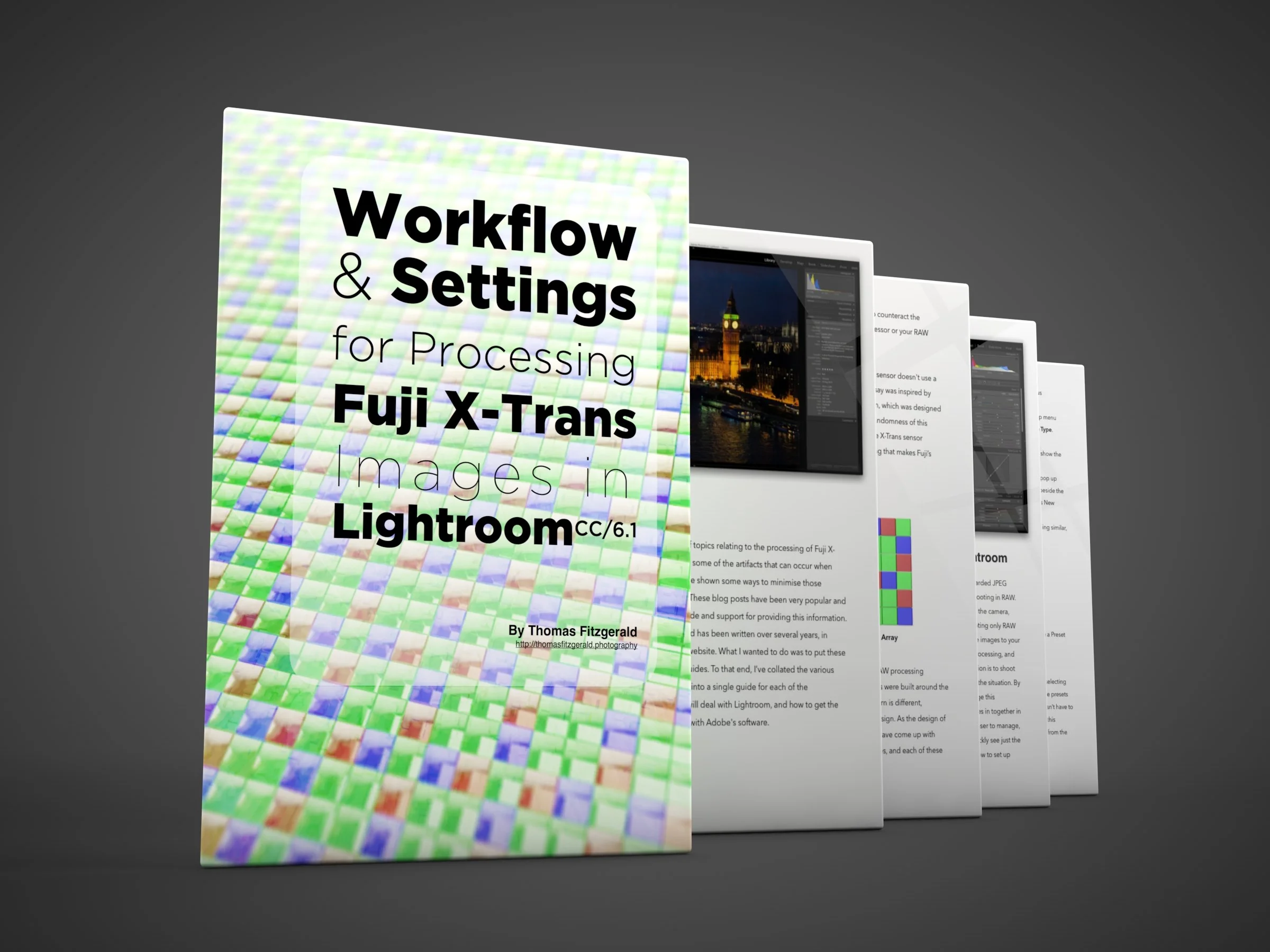
As many of my long time readers and followers will know, I’ve posted lots of articles and blog posts on this site over the years about processing Fuji X-Trans files. Over the last few years, I’ve covered lots of different aspects, and I have quite a bit of information on here. I’ve been working to collate all those separate blog posts into a single guide (well, a guide for each application) and I’ve previously posted my guide for working with Capture One. Since that time I’ve been hard at work on the guide for Lightroom, and I’m delighted to say that it’s finally finished and available on my store.
Capture One 8.3.4 Released - Fixes OS X El Capitan Issues
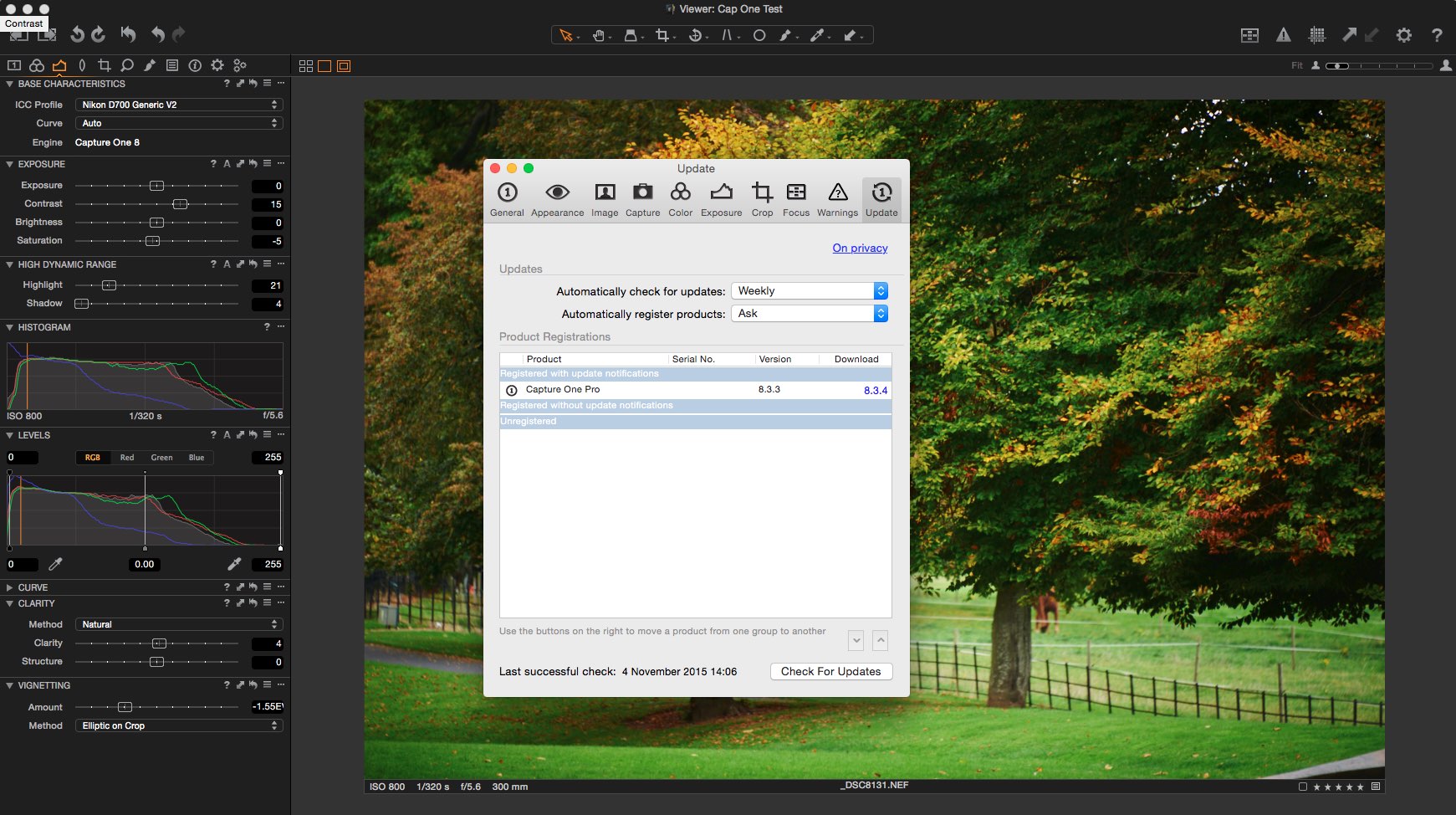
I didn't get to cover this at the time, but there were some issues with Capture One and El Capitan when it was released. Apparently the issue was to do with the Open CL support and it caused crashing. there was a work around which would temporarily disable Open CL support, but Phase One has now released an update which supposedly fixes the issue. If you had been holding off on updating to El Capitan because of this, then it's good to know that there is now an updated version which addresses the bug. You can get the updated version by using the "Check for Updates..." function in the Capture One menu.

My Workflow and Settings for Processing Fuji X-Trans Files in Capture One: Part 1
A while ago I had a post about how much I was enjoying the combination of Capture One and Fuji X-Trans files. I wrote about how I really like the way Capture One renders Fuji Raw files, in both terms of details, and colour. I didn’t go into much detail though about some of the settings that I use and how I manage my workflow when working with Capture One. I’ve been wanting to write up a sort of guide to my common settings, and also some workflow tips for each of the various applications that I use, and so, here is the first one.
Capture One 8.3 Released
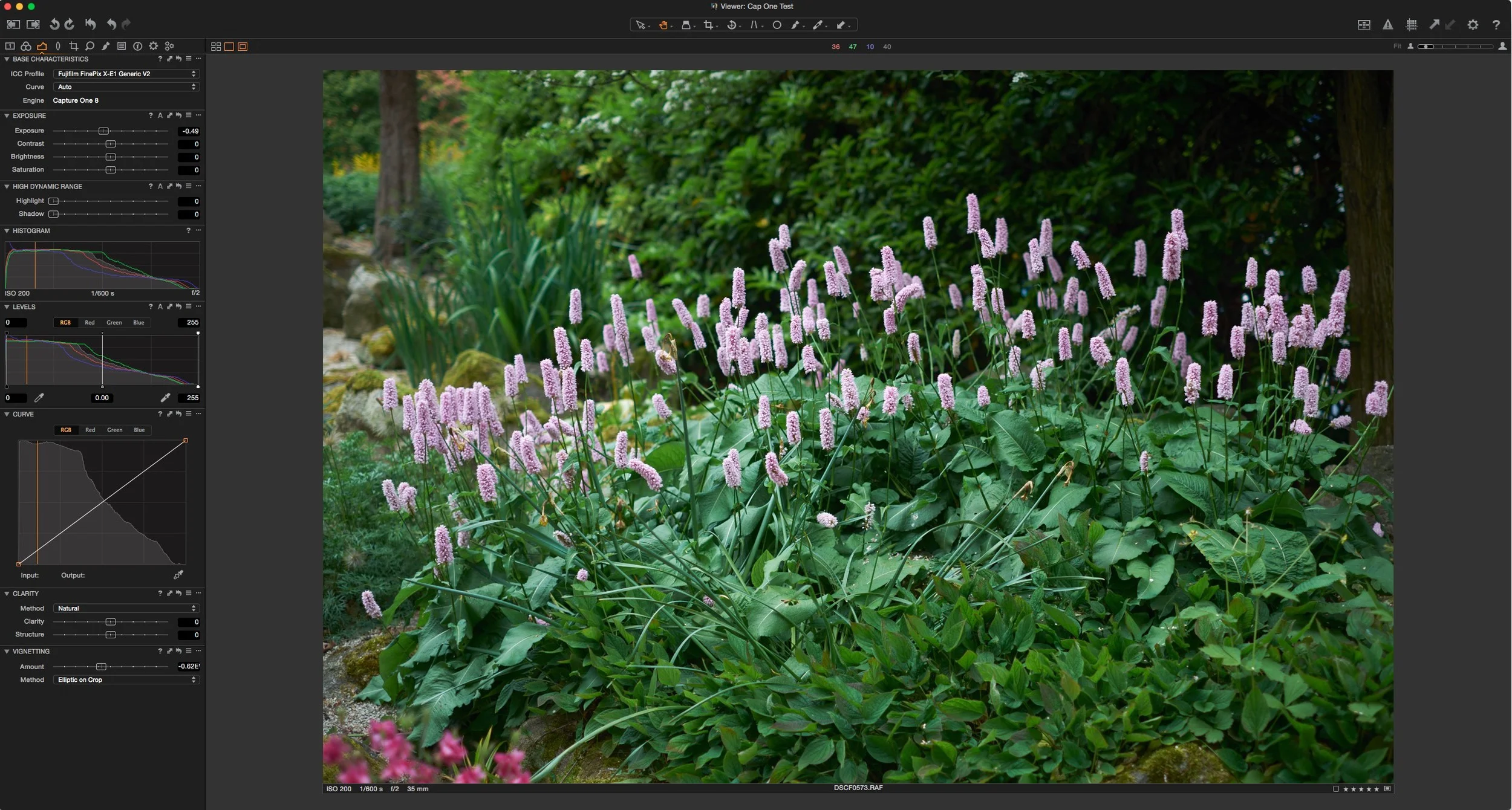
Wow, Phase one is really churning out the updates to Capture One. the latest version has just been released, and it adds a few new features to its already extensive list, as well as adding support for new cameras including the company’s own recently released Phase One XF medium format camera.
I'm really enjoying the combination of Fuji X-Trans + Capture One
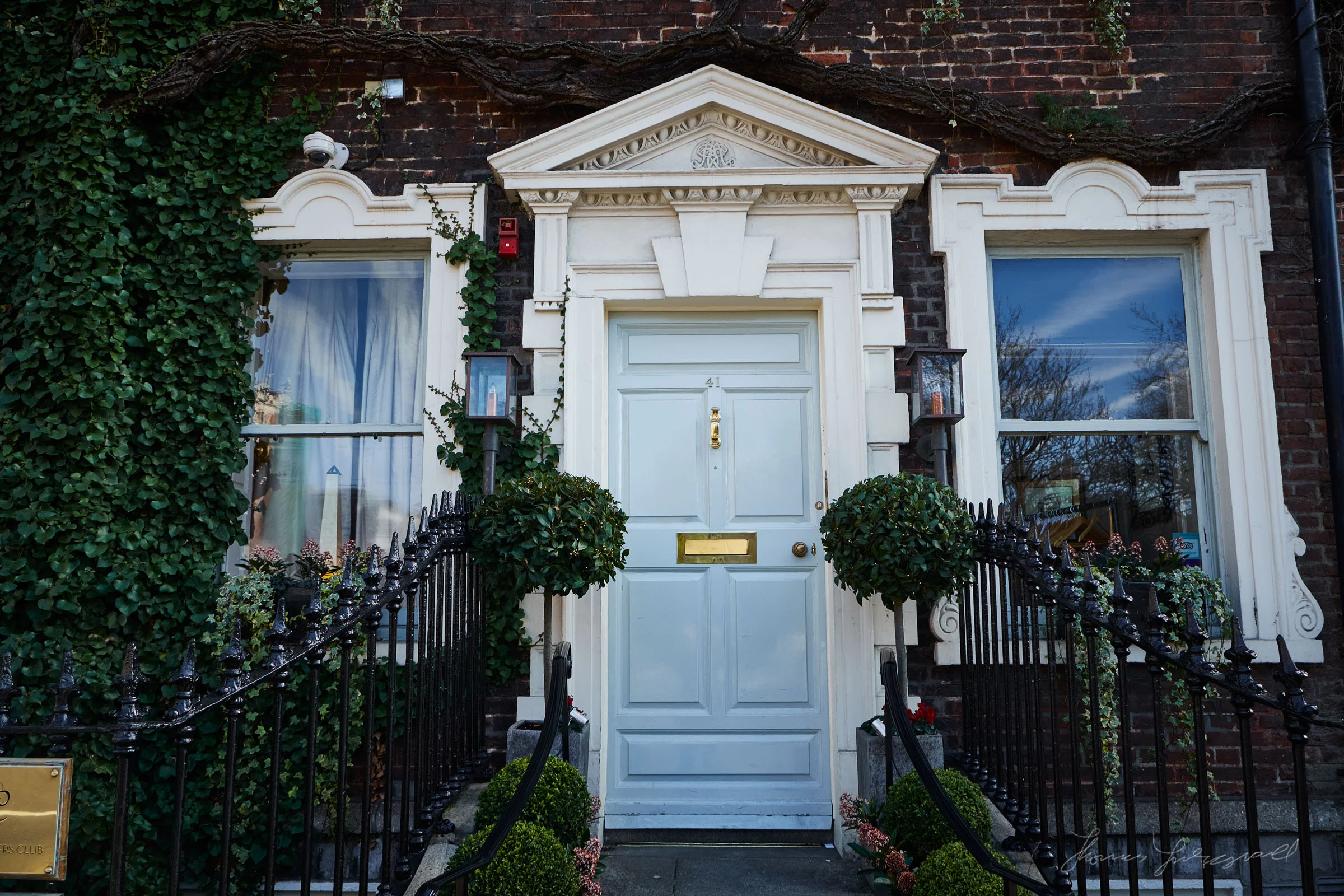
I’ve been using Capture One to process my X-Trans files more and more lately. I had posted some initial findings before about this, and since then, Capture One has pretty much become my standard application for processing files from my X-E1. I’m really happy with how the software performs, and it does a really good job with Fuji’s files. Not only does it produce nice and sharp artifact free images, but the colour is really great too, even without having to do anything.
A Look at using Capture One Pro for X-Trans Files
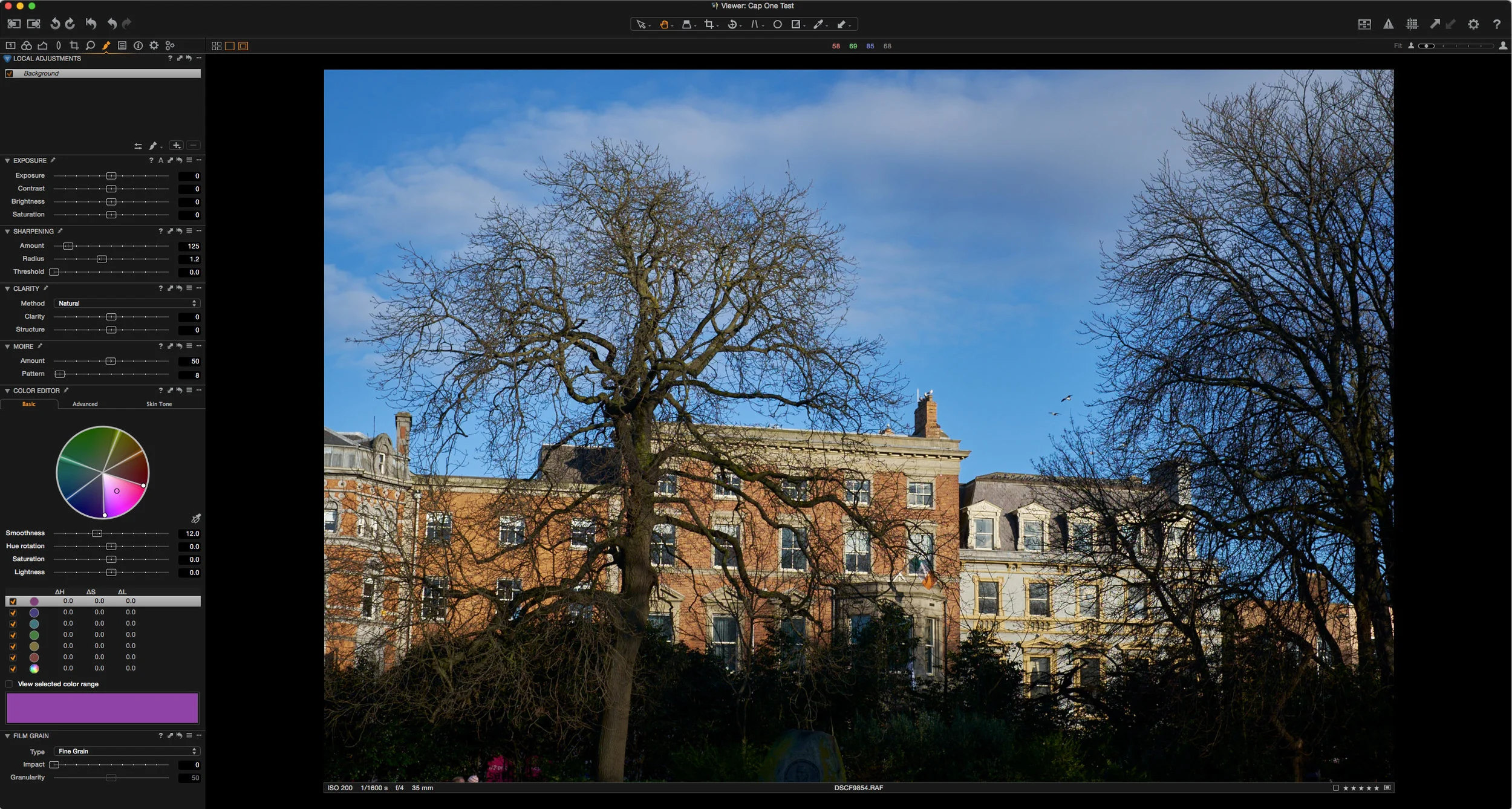
I’ve written a lot on this blog about using different RAW converters (other than Lightroom) to get the best from Fuji X-Trans files. In the past I’ve discussed using Photo Ninja, Iridient Developer, and Aperture but there is one big piece of software that I haven’t really covered in depth and that’s Capture One. The main reason was that I didn’t really have the time to properly use the software to judge it fairly. The few times I had tried it, I wasn’t satisfied with the results, but I’ve gotten comments from many readers who swear by it so, over the past few months I’ve been spending time with the software whenever I had a chance to see how I could get the best results from it.