

Photo Editing, Tutorials, Photography News, and More
This blog covers a range of topics from Lightroom, Photoshop, Capture One, Fujifilm, Canon, Nikon, iPhone Photography, and more. If you want to see more of my actual photography work, visit my Portfolio and Photo Journal blog.
Featured Posts
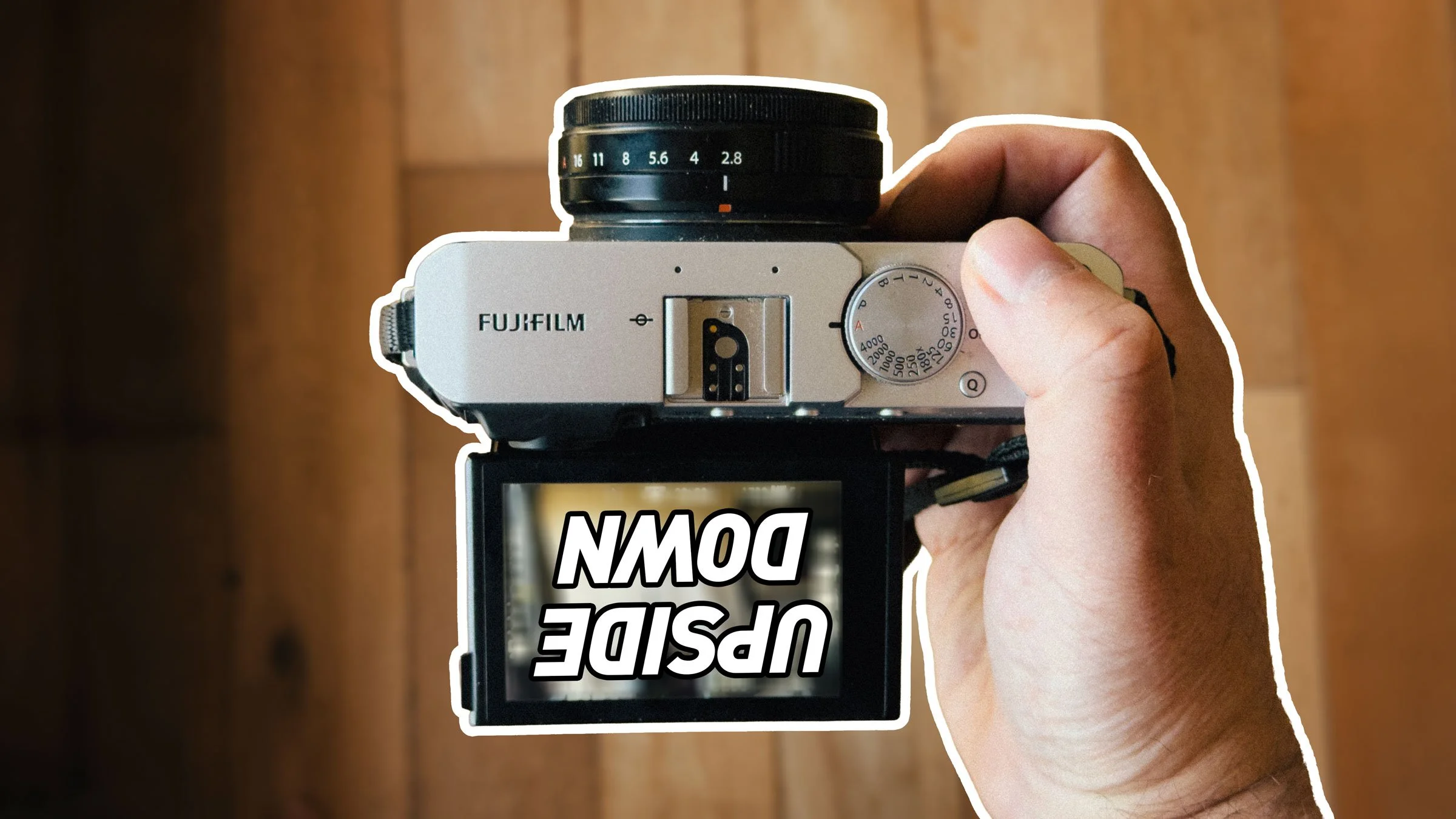




Luminar 2018 Q&A and a Bonus Video
There’s been a pretty big response to the coverage of the pre-release of Luminar 2018 from everyone, and I know people may still have questions about it. With that in mind, I’m going to do a Q&A video later this week, where I’ll answer as many questions as I can regarding the upcoming version, and if possible I’ll demonstrate the answers.

Video: Using LUTS in Luminar 2018 for Fuji Film Simulations
In my first look review of Luminar 2018 I mentioned that you could possibly use LUTs for matching Fuji Film simulation modes in Luminar 2018. I dd some research and found some free LUTs online, and having tried them out, it certainly seems like this will work.

A First Look at Luminar 2018
Today, Skylum, the company formerly known as MacPhun, announced the next version of its flagship application Luminar. Luminar 2018, which is now available for pre-order, is a significant upgrade over the current version, and I have been lucky enough to get to use a beta version over the last little while. To me, this isn’t an incremental update, but a dramatic upgrade, and it almost feels like an entirely new application.

Nik Software Gets a Reprieve
A while ago it was widely reported that google were discontinuing the Nik software collection.DXO has acquired the suite of tools from google. The new owner has stated that they will keep the suite free for now, but they also plan to continue development.
Calling for an open source camera profile database
With more and more new RAW conversion applications coming out from small and independent developers, many suffer from the same problem. Cameras aren’t profiled properly or poorly, and as a result when you open a RAW file in many of these applications the colours look a bit flat or different than you would expect. So I had an idea. Why doesn’t someone come up with a way to create an open format for profiling and an open source database.

PhotoBulk 2 Released
A while ago I wrote about a handy little utility that I use now and again for blogging called Photobulk. It’s a little application that allows you to quickly batch process images in order to resize and add watermarks. It’s useful if you’re blogging photographs that you’ve created in applications such as Apple Photos that doesn’t create watermarks. A new version has just been released which adds some new features and a new interface.

X-Transformer 1.0 Released
Iridient X-Transformer is finally out of beta and version 1.0 is now available to download from the company’s website. The updated version is mainly just bug fixes from beta 4 but it also includes support for the X-E3.
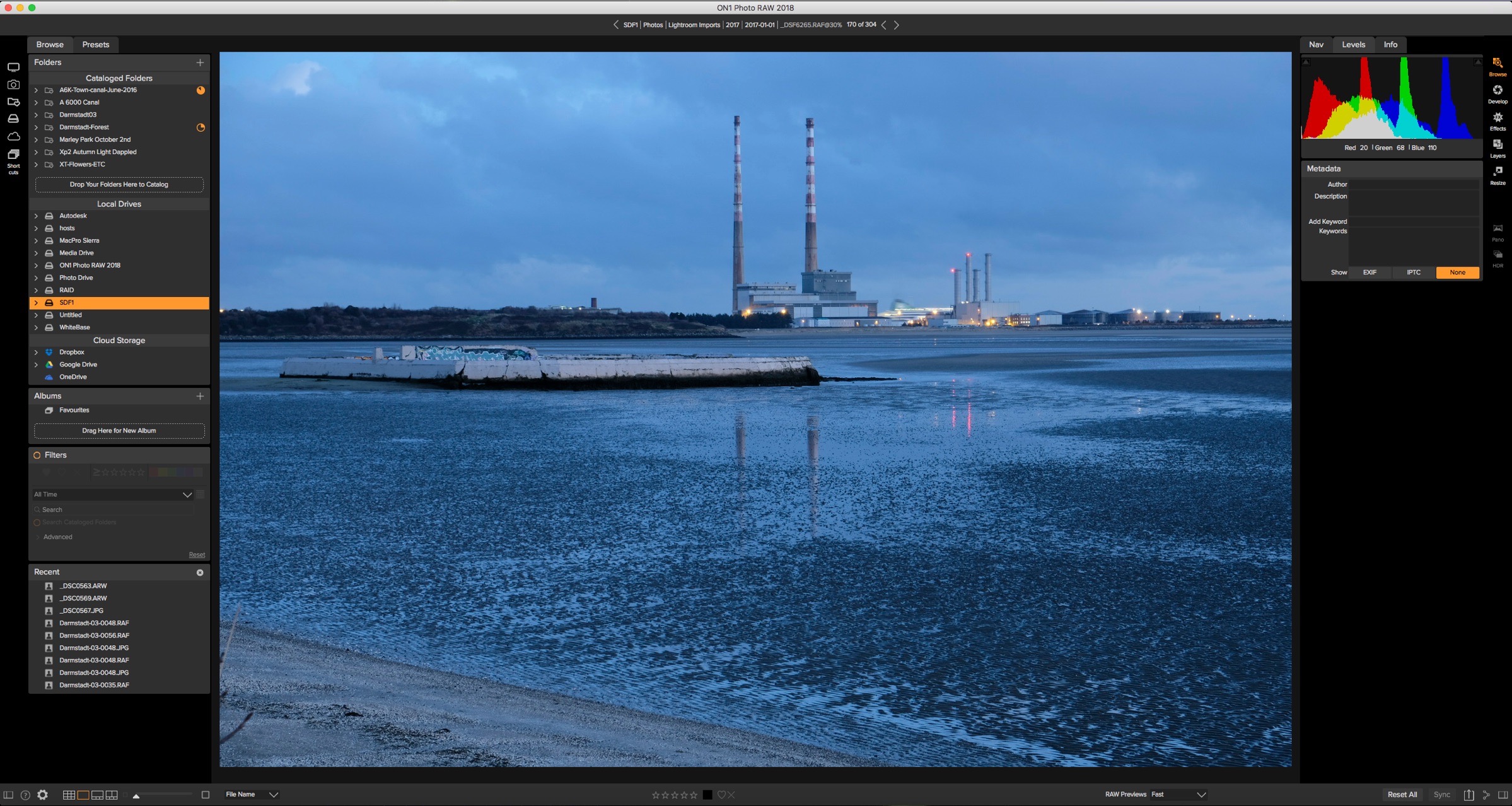
A First Look at On1 Raw 2018
The next version of the On1 Raw application, called On1 Photo Raw 2018 has just been released as a beta, and I thought I’d give it a spin. Longtime readers of my blog will know I haven’t exactly said kind things about the previous version, but I have an open mind, and I would really like to see an improvement. The new version offers a host of new features and improvements, but I was most curious to see if it addressed some of my biggest issues with the last version. Here’s what I found.

A Quick Look at Photos in High Sierra
Apple’s High Sierra operating system is now available, and with it comes some changes to Apple’s Phots application. Most of these were previously announced, so not much of this will probably be a surprise at this stage. However, as I’ve just upgraded my laptop, I thought I’d take it for a quick spin to see if anything stood out. I’ve only been using it for a few hours now, so I’ve probably missed a few things, but anyway, here it goes…

My Current Opinions on Available Raw conversion Software (For Fuji Shooters)
Because I have written a lot on various different software applications regarding raw conversion for Fuji shooters, I often get asked what I think is the best option. This is a difficult question, as they all have their pros and cons. In the past, I have done various breakdowns explaining what I see as the advantages and disadvantages of each. I’ve tried to avoid giving my own take, as I know people’s needs and opinions are different. However, I still get regularly asked, and just today I got another request for an opinion. So here it goes…

Aurora HDR 2018 Now Available to Preorder
The next version of AuroraHDR is now available to pre-order from MacPhun. Aurora2018 will be available for both Mac and PC and features a new interface among many other additions.

Pixelmator Pro
Pixelmator, which was one of the first new generation Photoshop competitors to come to the mac a few years ago (before Affinity Photo) have just announced a new version called “Pixelmator Pro” which is coming sometime this Autumn (Fall). The new version is a completely new application and it looks really interesting, for a number of reasons

Capture One’s Preview Problem and How to get Around it
I really like Capture One, but I do have one major issue with it which, has been driving me mad. It doesn’t render previews that fully represent what the final output will be like. What do I mean by this? If you are viewing an image set to fit the screen, certain things like sharpening are only approximated, and certain things like aberration correction and fringing aren’t rendered at all. In order to see these properly, you need to view the image at 1:1. There is a way around this, however, but more on that in a minute.

The Best way to use Luminar with Capture One
If you’ve been following this blog for a while now, you probably know that I’m a big fan of Macphun’s Luminar. It works great as a plug-in for Lightroom, but if you’re using Capture One it gets a bit more complicated. While you can use it as an external editor with Capture One, getting it to round-trip properly can be a bit tricky. There is however a simple solution to the problem and that is to use Photoshop as a intermediate.

Picktorial X-Pack First Look
The makers of Picktorial have just introduced a new add-on for the software specifically for Fuji X-Trans shooters. Called “X-Pack”, it brings a set of colour profiles to match the Film Simulation modes. It’s available now from the company’s store as a $15 add on. I’ve been lucky enough to get to test it and I’ve created a little video showing the profiles in action.

Aurora HDR 2018 Coming Soon. Windows Version to Be Released
Macphun has announced that the next version of Aurora HDR is soon to be released (in September) and it will feature some significant changes, including a new interface design, and more importantly, for the first time, a Windows version.
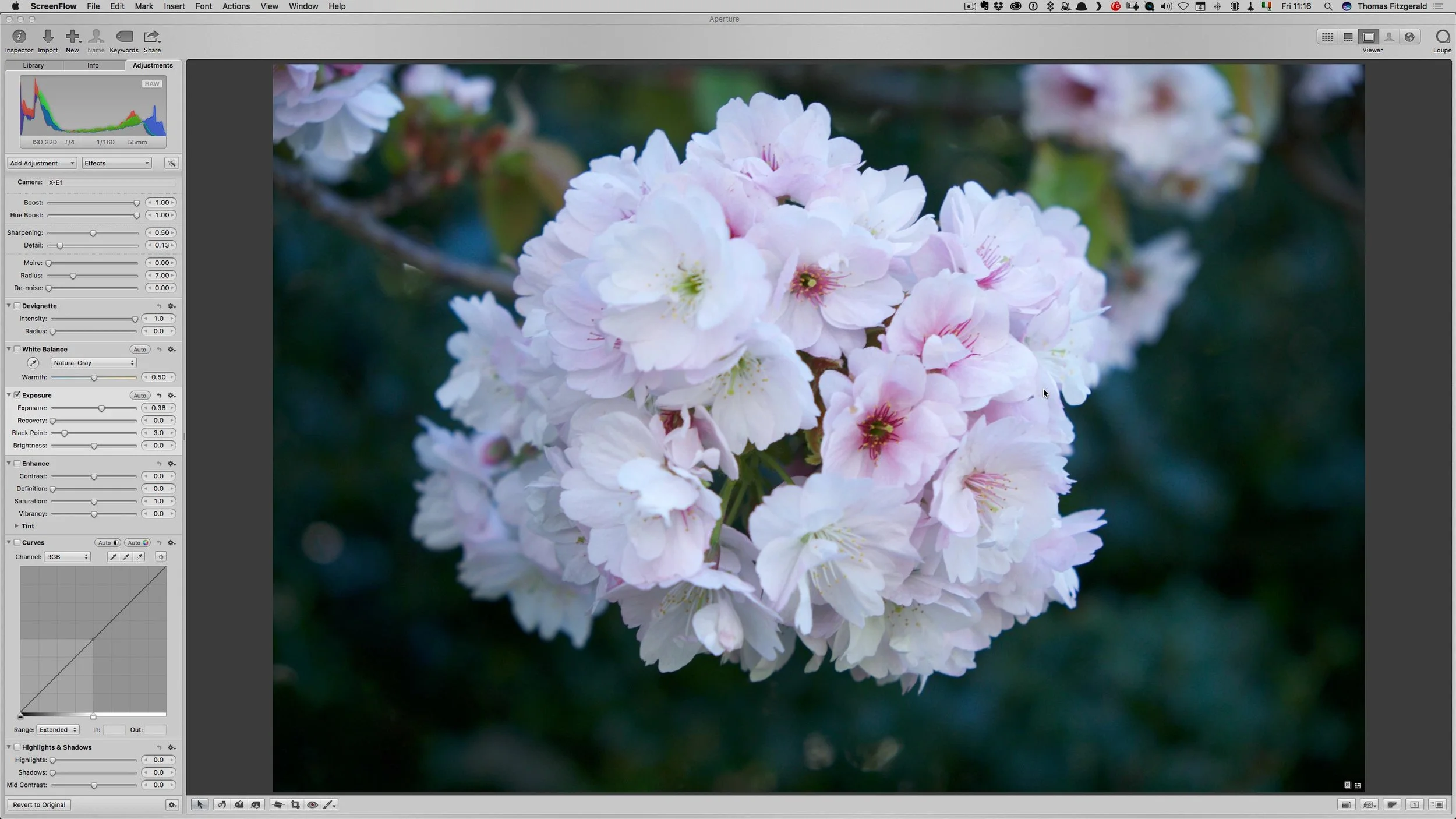
Video: 5 Things I miss about Aperture
Following on from my post the other day about using Aperture again, I created a little video showing the 5 features that I miss the most about using Apple’s discontinued software.

Revisiting Aperture and using Fuji X-Pro 2 Files in Aperture via X-Transformer
As an experiment, and part of an ongoing project, I decided to launch Aperture the other day. It was the first time I have used the application in a long time, and It was an interesting experience. Because it has been so long, and I wasn’t quite sure what to expect. The reasons that I wanted to try it out, was that I wanted to see how files from X-Transformer were working in various different applications other than Lightroom. The result was both eye opening and depressing at the same time.