

Photo Editing, Tutorials, Photography News, and More
This blog covers a range of topics from Lightroom, Photoshop, Capture One, Fujifilm, Canon, Nikon, iPhone Photography, and more. If you want to see more of my actual photography work, visit my Portfolio and Photo Journal blog.
Featured Posts
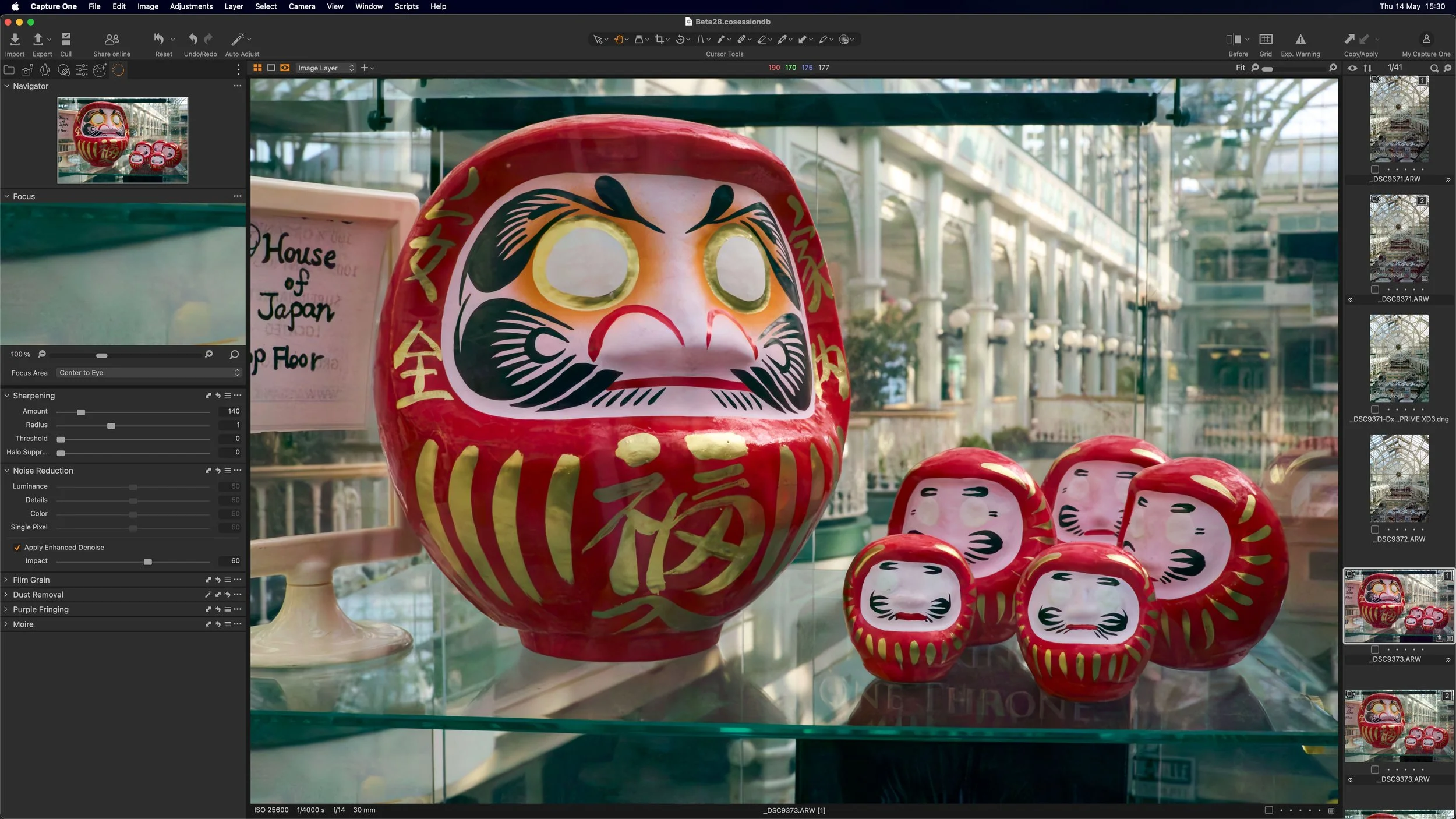




Video: Using Luminar as a preset in Aurora HDR
If you’re using Aurora HDR to create an HDR image, but want to do more work with it than you can manage in Aurora alone, then you can send the image to Luminar. Rather than saving it as a standard file and then manually opening it in Luminar, you can actually use Aurora HDR’s built-in plug-in system to send the image directly to Luminar.

Why I don’t want to cover On1 Raw 2018.1 (But I will talk about one aspect)
On1 have recently released a new version of their photo editing application, On1 raw, bringing the version number to 2018.1. I’ve covered this software in the past and I’ve been quite critical about it. So much so, that I really don’t want to keep being negative about it. The new version has loads of new features, and as I’ve covered lots of different RAW software in the past, I should really cover this too. But I don’t want to, And here’s why:

Lightroom 7.2 Initial Thoughts
Yesterday Adobe released the much-hyped “speed most” update to Lightroom. The new version, which had been previously released to a number of websites in beta also has a few new features in addition to the performance improvements. So is it any good?

Applying Lightroom’s Auto Settings to Multiple Images
I recently wrote about and made a video demonstrating Lightroom’s new AI-based automatic settings. If you haven’t seen it already, Lightroom now uses artificial intelligence when applying its automatic settings, and it’s much improved over the previous incarnation. However, after I had talked about that a reader sent me an interesting question: “How do you sync this auto option across multiple images?”. At first, I thought you would just use the synchronisation button at the bottom of the develop module, but it turns out, it’s not that straightforward. There are a few ways to do it, but they require a little work to find.

Video: Working with Multiple Applications to enhance an Image
One of the bad habits that I’ve found myself doing a lot over the past few years, is being a bit lazy when it comes to post production. Even though I use a lot of different applications, I still find that I have gotten into this mental head space of always trying to do everything in the one application. This wasn’t always the case though. I used to work across multiple applications, usually starting in Lightroom, and then using Photoshop and maybe some plug-ins.

Introducing Film Candy LUTS
I’m happy to introduce my first new digital product of 2018, and something that I’ve been working on for quite some time. Today I’m launching a new set of LUTs based on my “Film Candy” series of Lightroom presets. This set of 75 LUTs contains looks from both Film candy 1 and 2 and have been designed to be used in popular video applications as well as stills software such as Luminar 2018 and Photoshop.

Better Sony A7RIII Colours in Lightroom
If there’s one complaint I hear again and again about Sony cameras, is that the colours are not pleasant. This is the most common complaint that people have when trying the camera. I have certainly grappled with this myself in the past when first using Sony cameras. The thing is though, it’s not strictly true. There isn’t really anything inherently wrong with Sony’s cameras though. The problem often comes from either a poor white balance or the calibration. If you’re shooting RAW and using Lightroom, there’s another issue: Adobe’s calibration for Sony files in Lightroom is awful.

This is why I love Luminar
I wanted to match the look of an old photo that I already had, with a new image that I had just shot, but it was only a Jpeg. Starting in Apple Photos, and using Luminar as an extension I walk you through the editing process to make this otherwise dull image more dramatic.

The Current State of Lightroom Alternatives
There has been a lot of talk lately about Lightroom alternatives. Much of this has been amplified by disquiet over the recent decision of Adobe to go subscription only, although there have been grumblings about this for a while. A lot of people are looking for alternatives because of this, and many people are making claims that x software will replace Lightroom and so on. Unfortunately because of the internet echo chamber, many of these claims are either untrue, out only true for specific purposes.

Using Luminar 2018 for Fuji Files. A Basic Overview
As many of my readers shoot with Fuji cameras, and many of you have expressed an interest in using Luminar 2018 for processing Fuji files, I wanted to give an overview of what I think is the best way to work with Fuji files currently. This is just an overview, and doesn’t go into a huge amount of detail. I am planning do a proper guide for this, but for now, this is a basic outline of what you need to know.

Luminar 2018 Q&A and a Bonus Video
There’s been a pretty big response to the coverage of the pre-release of Luminar 2018 from everyone, and I know people may still have questions about it. With that in mind, I’m going to do a Q&A video later this week, where I’ll answer as many questions as I can regarding the upcoming version, and if possible I’ll demonstrate the answers.

Video: Using LUTS in Luminar 2018 for Fuji Film Simulations
In my first look review of Luminar 2018 I mentioned that you could possibly use LUTs for matching Fuji Film simulation modes in Luminar 2018. I dd some research and found some free LUTs online, and having tried them out, it certainly seems like this will work.

A First Look at Luminar 2018
Today, Skylum, the company formerly known as MacPhun, announced the next version of its flagship application Luminar. Luminar 2018, which is now available for pre-order, is a significant upgrade over the current version, and I have been lucky enough to get to use a beta version over the last little while. To me, this isn’t an incremental update, but a dramatic upgrade, and it almost feels like an entirely new application.

Nik Software Gets a Reprieve
A while ago it was widely reported that google were discontinuing the Nik software collection.DXO has acquired the suite of tools from google. The new owner has stated that they will keep the suite free for now, but they also plan to continue development.
Calling for an open source camera profile database
With more and more new RAW conversion applications coming out from small and independent developers, many suffer from the same problem. Cameras aren’t profiled properly or poorly, and as a result when you open a RAW file in many of these applications the colours look a bit flat or different than you would expect. So I had an idea. Why doesn’t someone come up with a way to create an open format for profiling and an open source database.